

Build a Landing Page with AI
Get a conversion-focused hero, feature breakdown, and lead capture components. This is real code you own, published with HTTPS on a free subdomain or a custom domain on a paid plan.
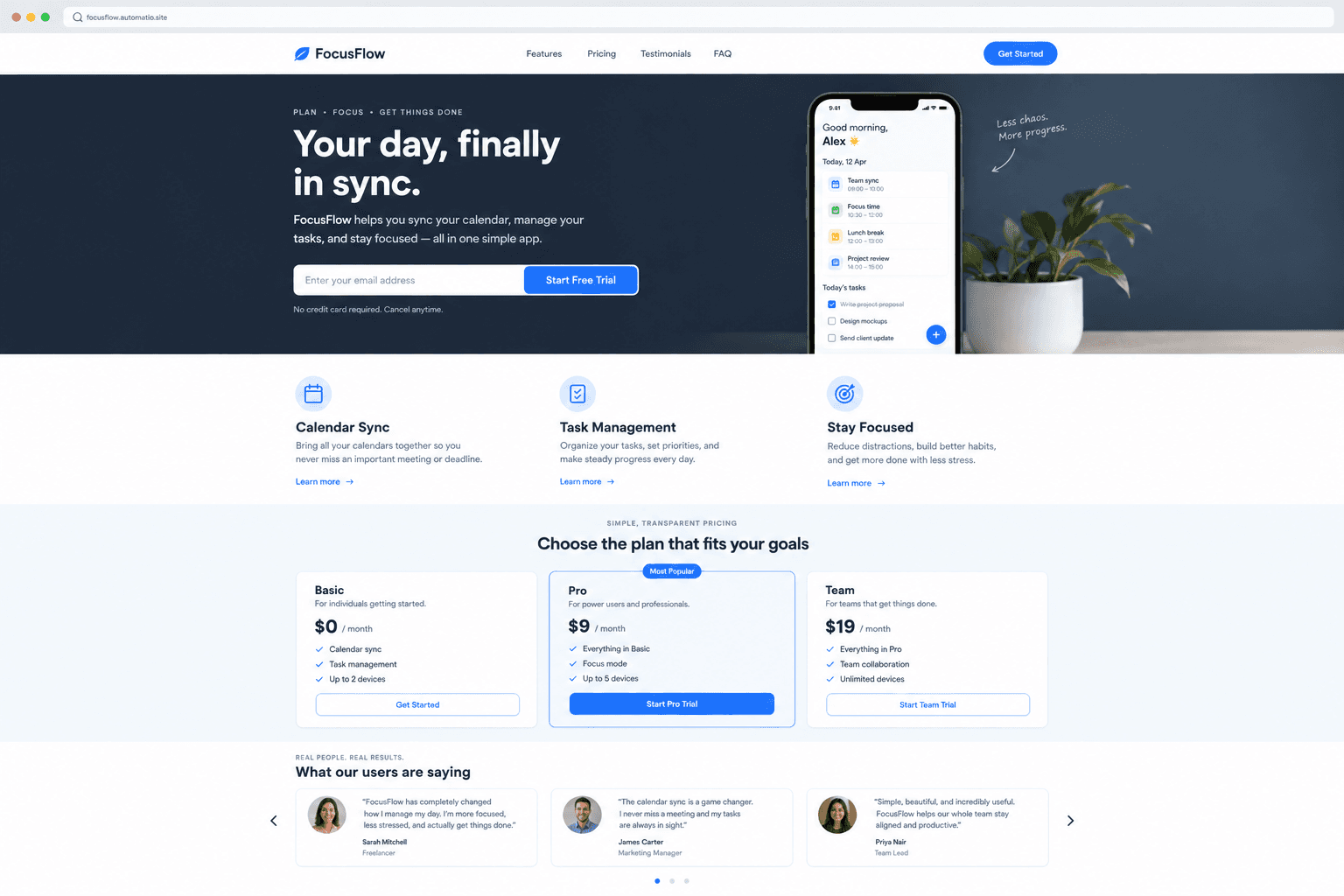
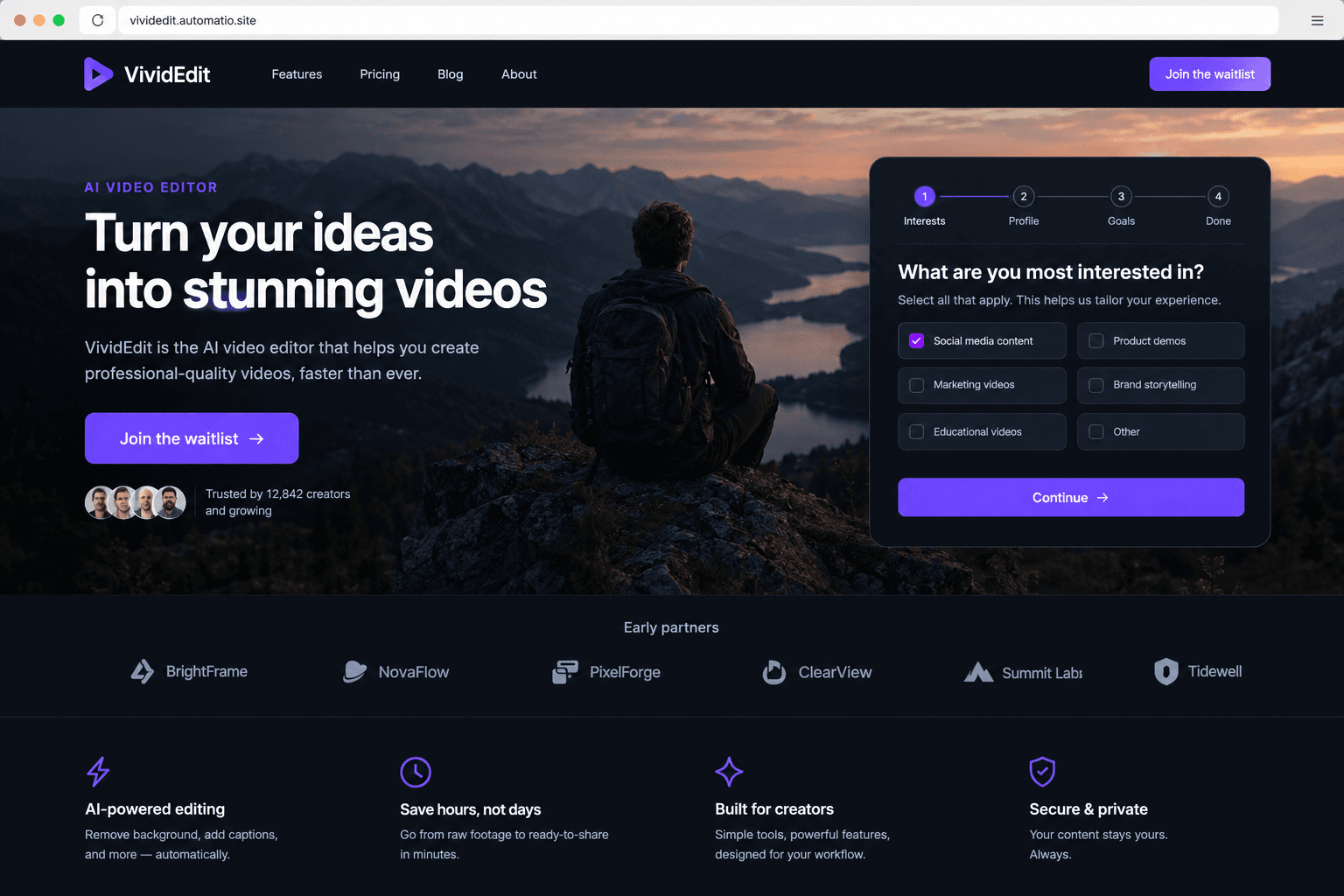
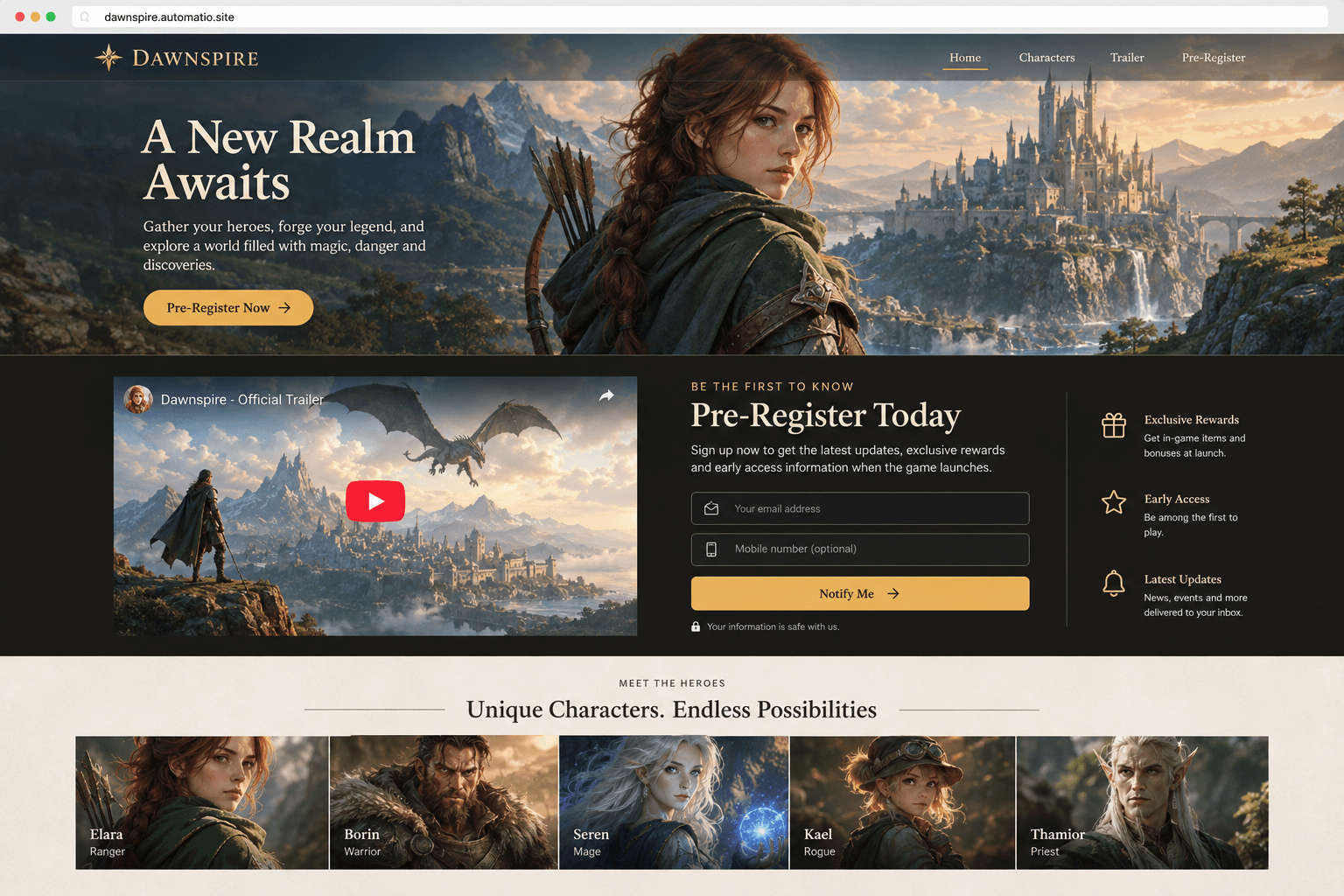
Starting prompt
AI renders of what each prompt could build. Your result will be different.
What's inside
The parts that earn their place — and what each one is actually for.
Conversion-driven hero
First impressions matter to visitors. This section carries your unique value proposition, a clear call to action, and social proof right above the fold.
- 1Dynamic headline hierarchy
- 2Primary and secondary CTAs
- 3Trust signal integration
- 4Outcome-focused subheadlines
What's inside
- Conversion-driven hero
First impressions matter to visitors. This section carries your unique value proposition, a clear call to action, and social proof right above the fold.
- Dynamic headline hierarchy
- Primary and secondary CTAs
- Trust signal integration
- Outcome-focused subheadlines
- Feature breakdown grid
Translate your technical specifications into the concrete benefits that your audience cares about. This responsive grid uses icons and descriptions to explain what makes your product different.
- Responsive icon layouts
- Benefit-led copywriting
- Custom SVG integration
- Mobile-optimized stacking
- Lead capture engine
Build signup, waitlist, or contact forms directly on the page. On a paid plan, these submissions are stored in a database or can be sent to your own endpoints for automation.
- Custom form field validation
- Database storage on a paid plan
- Multi-step lead flows
- Post-submission redirects
- Social proof components
Placing customer testimonials near your buttons can offer visitors external validation.
- Logo cloud for partner brands
- Customer testimonials
- Star rating displays
- Case study link integration
From idea to live site
Four steps, one chat. No setup, no boilerplate, no handoff.
Describe your vision
Tell the AI agent what your product does and who it is for. Name the specific sections you need, like a hero, a feature list, or a lead form.
Review the live preview
Watch the React code come together. You can see the preview update as the agent adds components and styles the layout.
Refine in chat
Ask for a different font, a darker background, or a more direct headline. The agent edits the code directly while you provide feedback.
Launch to the web
Publish your page to a free subdomain. You can connect a custom domain and store lead data in a database on a paid plan.
Template, agency, or AI?
The three honest ways to get it built, including where the others win.
| Aspect | Template builder | Agency or freelancer | Automatio |
|---|---|---|---|
| Code Ownership | HTML export | Full ownership provided | Real React source code you own |
| Customization | Platform options | Unlimited by developer | Conversationally edited in chat |
| Mobile Handling | Fixed desktop and mobile toggles | Manual per-breakpoint styling | Responsive Tailwind CSS code |
| Lead Storage | Basic forms included | Custom backend development | Database included on a paid plan |
| Change Velocity | Fast within visual editor | Depends on dev availability | Describe the change in chat |
Code Ownership
Customization
Mobile Handling
Lead Storage
Change Velocity
Who this is for
Real situations, and what changes once it exists.
a solo founder launching a beta
The product is ready but has no public presence to gather users.
You get a functional home for your app, and on a paid plan it can store early interest and email addresses.
- Review new signups on a paid plan
- Connect a custom domain on a paid plan
- Export waitlist data on a paid plan
a growth marketer running ads
Standard builders use fixed sections that may not adapt well to modern mobile screens.
Every page is built with clean React code that scales across screen sizes.
- Draft alternate headlines in chat
- Review stored leads on a paid plan
- Update promo headlines in chat
a developer building a side project
You need a professional web presence without spending hours on UI components.
Describe your features in chat and get a site built with real code.
- Change primary colors in chat
- Push the code to a GitHub repository
- Sync lead data to a database on a paid plan
What separates a good one from a bad one
The decisions that matter, and the mistakes that show up in bad examples.
Designing for the dream outcome
A landing page is a single-purpose salesperson. Unlike a homepage that encourages exploration, this page exists to get one specific person to take one specific action. Projects can struggle when they try to be everything: they include navigation links that let users escape, they use technical language that takes too long to process, and they bury the primary message. The focus must be on the outcome, not just the features. A visitor wants to know that your app helps them stop losing tasks and that their team will stop asking for status updates. A good layout identifies that dream outcome in the first headline and then uses the rest of the space to prove you can deliver it.
Solving the mobile conversion gap
Responsiveness matters for conversions. Many builders use fixed models where the desktop version looks fine, but the mobile version may not adapt well. A page that breaks on a narrow screen risks losing visitors. By building with React and Tailwind CSS, elements can stack and scale based on the user's device, helping keep your call to action clickable and your text legible.
Managing lead data effectively
On a paid plan, the page becomes a data-gathering engine. Storing signups, waitlist positions, or user preferences in a database allows you to act on the interest you've generated. Without this, you have a billboard; with it, you have a system that can be exported, moved to GitHub, or integrated with other automations. The decisions an owner makes about what to collect and how to follow up define whether the traffic results in growth or just hits on a counter.
Supercharge your workflow with AI Automation
Automatio combines the power of AI agents, web automation, and smart integrations to help you accomplish more in less time.
Get it right the first time
What to specify up front, and what can wait for version two.
Front-load the benefit
Nail your headline first. Specify a headline that speaks to the dream outcome of your user and skip the fine details until the hero section feels right.
Add social proof early
Trust signals like logos or star ratings should appear immediately. Put them near your primary button so visitors see validation when they decide to click.
Use a database for leads
If you need to save waitlist entries or user feedback, specify that you need a database. This is a paid-plan feature that allows your page to store visitor information.
Before you start
The questions people actually ask first.