
How to Scrape The Range UK | Product Data & Prices Scraper
Learn how to scrape The Range UK for product prices, stock levels, and descriptions. Extract valuable e-commerce data from therange.co.uk efficiently.
Anti-Bot Protection Detected
- Cloudflare
- Enterprise-grade WAF and bot management. Uses JavaScript challenges, CAPTCHAs, and behavioral analysis. Requires browser automation with stealth settings.
- OneTrust
- Rate Limiting
- Limits requests per IP/session over time. Can be bypassed with rotating proxies, request delays, and distributed scraping.
- IP Blocking
- Blocks known datacenter IPs and flagged addresses. Requires residential or mobile proxies to circumvent effectively.
About The Range
Learn what The Range offers and what valuable data can be extracted from it.
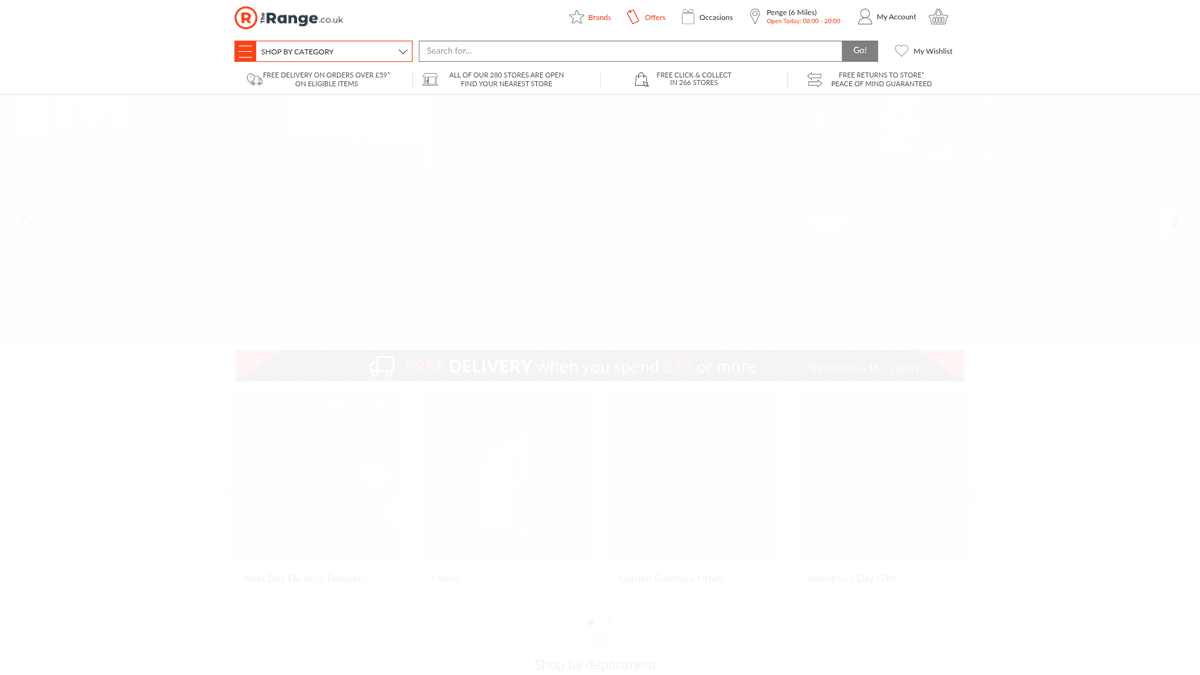
The Range is a leading British multi-channel retailer that specializes in home, garden, and leisure products. Founded in 1989, it has grown to operate over 200 stores across the UK and Ireland, positioning itself as a primary destination for affordable consumer goods. The website serves as a massive digital catalog featuring thousands of items across categories like furniture, DIY, electronics, art supplies, and textiles.
Extracting data from The Range is highly valuable for retailers and market analysts because it offers a comprehensive view of the UK's discount home and garden market. The site contains structured data including detailed product specifications, real-time pricing, stock availability, and verified customer reviews. This information is critical for competitive benchmarking and identifying retail trends in the British market.
Why Scrape The Range?
Discover the business value and use cases for extracting data from The Range.
Competitive Price Benchmarking
Monitor daily price fluctuations and 'Unbelievable Value' discounts to stay competitive in the UK home and garden retail market.
Marketplace Seller Research
Identify and track third-party distributors selling on the marketplace to find new supply chain opportunities and analyze competitor partnerships.
Inventory and Stock Monitoring
Track regional stock availability across UK store locations to analyze supply chain efficiency and product demand trends.
Trend and Demand Analysis
Gather data on furniture and home decor trends to predict consumer behavior and optimize your own inventory planning.
Catalog Data Enrichment
Extract high-density technical specifications and dimensions to populate internal databases or affiliate comparison websites with accurate data.
Sentiment and Review Analysis
Scrape verified customer feedback to understand product performance and common quality issues across different furniture brands.
Scraping Challenges
Technical challenges you may encounter when scraping The Range.
Aggressive Cloudflare Shielding
The site uses Cloudflare's Bot Management, which triggers interstitial challenges and blocks data center IP addresses almost instantly.
JavaScript-Heavy Rendering
Much of the product grid and filter data is rendered dynamically via React, making simple HTML parsers ineffective for full data extraction.
Structural Data Inconsistency
Data structures for items sold by Marketplace partners often differ from direct sales items, requiring flexible and adaptive parsing logic.
Stealth Browser Fingerprinting
The server looks for automated browser signatures, necessitating high-level stealth configurations to avoid being flagged during a crawl.
Scrape The Range with AI
No coding required. Extract data in minutes with AI-powered automation.
How It Works
Describe What You Need
Tell the AI what data you want to extract from The Range. Just type it in plain language — no coding or selectors needed.
AI Extracts the Data
Our artificial intelligence navigates The Range, handles dynamic content, and extracts exactly what you asked for.
Get Your Data
Receive clean, structured data ready to export as CSV, JSON, or send directly to your apps and workflows.
Why Use AI for Scraping
AI makes it easy to scrape The Range without writing any code. Our AI-powered platform uses artificial intelligence to understand what data you want — just describe it in plain language and the AI extracts it automatically.
How to scrape with AI:
- Describe What You Need: Tell the AI what data you want to extract from The Range. Just type it in plain language — no coding or selectors needed.
- AI Extracts the Data: Our artificial intelligence navigates The Range, handles dynamic content, and extracts exactly what you asked for.
- Get Your Data: Receive clean, structured data ready to export as CSV, JSON, or send directly to your apps and workflows.
Why use AI for scraping:
- Built-in Anti-Bot Protection: Automatio automatically rotates residential proxies and spoofs browser fingerprints to navigate through Cloudflare without manual intervention.
- Visual Selector Tool: Easily select complex product elements across the catalog without writing CSS or XPath selectors, saving hours of development time.
- Autonomous Scheduling: Schedule your extraction tasks to run at specific intervals, ensuring your pricing and stock databases are always up-to-date automatically.
- Dynamic AJAX Handling: Natively waits for and extracts data that only appears after JavaScript execution, capturing all product specifications and reviews reliably.
- Pagination Mastering: Effortlessly handle 'Load More' buttons or infinite scrolling to crawl through thousands of products across any category.
No-Code Web Scrapers for The Range
Point-and-click alternatives to AI-powered scraping
Several no-code tools like Browse.ai, Octoparse, Axiom, and ParseHub can help you scrape The Range. These tools use visual interfaces to select elements, but they come with trade-offs compared to AI-powered solutions.
Typical Workflow with No-Code Tools
Common Challenges
Learning curve
Understanding selectors and extraction logic takes time
Selectors break
Website changes can break your entire workflow
Dynamic content issues
JavaScript-heavy sites often require complex workarounds
CAPTCHA limitations
Most tools require manual intervention for CAPTCHAs
IP blocking
Aggressive scraping can get your IP banned
No-Code Web Scrapers for The Range
Several no-code tools like Browse.ai, Octoparse, Axiom, and ParseHub can help you scrape The Range. These tools use visual interfaces to select elements, but they come with trade-offs compared to AI-powered solutions.
Typical Workflow with No-Code Tools
- Install browser extension or sign up for the platform
- Navigate to the target website and open the tool
- Point-and-click to select data elements you want to extract
- Configure CSS selectors for each data field
- Set up pagination rules to scrape multiple pages
- Handle CAPTCHAs (often requires manual solving)
- Configure scheduling for automated runs
- Export data to CSV, JSON, or connect via API
Common Challenges
- Learning curve: Understanding selectors and extraction logic takes time
- Selectors break: Website changes can break your entire workflow
- Dynamic content issues: JavaScript-heavy sites often require complex workarounds
- CAPTCHA limitations: Most tools require manual intervention for CAPTCHAs
- IP blocking: Aggressive scraping can get your IP banned
Code Examples
import requests
from bs4 import BeautifulSoup

# Note: The Range uses Cloudflare; basic requests may be blocked without high-quality proxies.
url = 'https://www.therange.co.uk/search?q=storage'
headers = {
    'User-Agent': 'Mozilla/5.0 (Windows NT 10.0; Win64; x64) AppleWebKit/537.36 (KHTML, like Gecko) Chrome/119.0.0.0 Safari/537.36',
    'Accept-Language': 'en-GB,en;q=0.9'
}

try:
    response = requests.get(url, headers=headers)
    response.raise_for_status()
    soup = BeautifulSoup(response.text, 'html.parser')

    # Select product items based on current site selectors
    for product in soup.select('.product-tile'):
        name = product.select_one('.product-name').get_text(strip=True)
        price = product.select_one('.price').get_text(strip=True)
        print(f'Product: {name} | Price: {price}')
except Exception as e:
    print(f'Scraping failed: {e}')
When to Use
Best for static HTML pages where content is loaded server-side. The fastest and simplest approach when JavaScript rendering isn't required.
Advantages
- ●Fastest execution (no browser overhead)
- ●Lowest resource consumption
- ●Easy to parallelize with asyncio
- ●Great for APIs and static pages
Limitations
- ●Cannot execute JavaScript
- ●Fails on SPAs and dynamic content
- ●May struggle with complex anti-bot systems
How to Scrape The Range with Code
Python + Requests
import requests
from bs4 import BeautifulSoup
# Note: The Range uses Cloudflare; basic requests may be blocked without high-quality proxies.
url = 'https://www.therange.co.uk/search?q=storage'
headers = {
'User-Agent': 'Mozilla/5.0 (Windows NT 10.0; Win64; x64) AppleWebKit/537.36 (KHTML, like Gecko) Chrome/119.0.0.0 Safari/537.36',
'Accept-Language': 'en-GB,en;q=0.9'
}
try:
response = requests.get(url, headers=headers)
response.raise_for_status()
soup = BeautifulSoup(response.text, 'html.parser')
# Select product items based on current site selectors
for product in soup.select('.product-tile'):
name = product.select_one('.product-name').get_text(strip=True)
price = product.select_one('.price').get_text(strip=True)
print(f'Product: {name} | Price: {price}')
except Exception as e:
print(f'Scraping failed: {e}')Python + Playwright
from playwright.sync_api import sync_playwright

def scrape_the_range():
    with sync_playwright() as p:
        # Launching with stealth-like configurations is recommended
        browser = p.chromium.launch(headless=True)
        page = browser.new_page()

        # Navigate to a product category
        page.goto('https://www.therange.co.uk/furniture/', wait_until='networkidle')

        # Handle the OneTrust cookie banner
        if page.is_visible('#onetrust-accept-btn-handler'):
            page.click('#onetrust-accept-btn-handler')

        # Extract product details from the rendered page
        products = page.query_selector_all('.product-tile')
        for product in products:
            title = product.query_selector('.product-name').inner_text()
            price = product.query_selector('.price').inner_text()
            print({'title': title, 'price': price})

        browser.close()

if __name__ == '__main__':
scrape_the_range()Python + Scrapy
import scrapy

class RangeSpider(scrapy.Spider):
    name = 'range_spider'
    allowed_domains = ['therange.co.uk']
    start_urls = ['https://www.therange.co.uk/cooking-and-dining/']

    def parse(self, response):
        # Iterate through product tiles on the page
        for product in response.css('.product-tile'):
            yield {
                'name': product.css('.product-name::text').get().strip(),
                'price': product.css('.price::text').get().strip(),
                'sku': product.attrib.get('data-sku')
            }

        # Simple pagination logic
        next_page = response.css('a.next-page-link::attr(href)').get()
        if next_page:
yield response.follow(next_page, self.parse)Node.js + Puppeteer
const puppeteer = require('puppeteer-extra');
const StealthPlugin = require('puppeteer-extra-plugin-stealth');
puppeteer.use(StealthPlugin());

(async () => {
  const browser = await puppeteer.launch({ headless: true });
  const page = await browser.newPage();

  // Navigate to the gardening category
  await page.goto('https://www.therange.co.uk/garden/', { waitUntil: 'networkidle2' });

  const products = await page.evaluate(() => {
    return Array.from(document.querySelectorAll('.product-tile')).map(p => ({
      title: p.querySelector('.product-name')?.innerText.trim(),
      price: p.querySelector('.price')?.innerText.trim()
    }));
  });

  console.log(products);
  await browser.close();
})();What You Can Do With The Range Data
Explore practical applications and insights from The Range data.
Dynamic Pricing Benchmarks
Retailers can use the data to monitor The Range's competitive pricing and adjust their own catalogs automatically.
How to implement:
- 1Setup a daily scraper for top-selling categories.
- 2Extract the 'Current Price' and 'Original Price' fields.
- 3Compare the data against your own product inventory.
- 4Trigger price changes via your e-commerce platform's API.
Use Automatio to extract data from The Range and build these applications without writing code.
What You Can Do With The Range Data
- Dynamic Pricing Benchmarks
Retailers can use the data to monitor The Range's competitive pricing and adjust their own catalogs automatically.
- Setup a daily scraper for top-selling categories.
- Extract the 'Current Price' and 'Original Price' fields.
- Compare the data against your own product inventory.
- Trigger price changes via your e-commerce platform's API.
- Market Sentiment Tracking
Analyze customer reviews to understand which product attributes drive positive feedback in the furniture sector.
- Scrape product reviews, ratings, and associated dates.
- Use sentiment analysis to categorize feedback into positive and negative buckets.
- Identify specific materials or designs that receive the highest ratings.
- Provide insights to the procurement team for future inventory choices.
- Inventory Availability Mapping
Track stock levels and 'Best Seller' badges to predict which items are trending in the UK garden market.
- Scrape product pages and look for 'Out of Stock' or 'Low Stock' indicators.
- Record the frequency of 'Best Seller' badges across different brands.
- Cross-reference stock fluctuations with seasonal changes (e.g., spring garden demand).
- Generate reports on high-demand product gaps for your own business.
- Affiliate Site Automation
Automatically update a lifestyle blog or comparison site with accurate product specs and images.
- Extract high-resolution image URLs and product dimensions.
- Store the technical specifications (SKU, brand, weight) in a central database.
- Sync the database with your CMS (e.g., WordPress) using an automated task.
- Maintain accurate 'Buy Now' links and pricing for your users.
Supercharge your workflow with AI Automation
Automatio combines the power of AI agents, web automation, and smart integrations to help you accomplish more in less time.
What to get right first
Expert advice for successfully extracting data from The Range.
Leverage Residential UK Proxies
Always use UK-based residential IP addresses to mimic local shoppers and minimize the risk of being flagged by region-based security filters.
Focus on Product Detail Pages
Navigate to individual product pages to find the most valuable specs, such as material composition and dimensions, which are absent on category pages.
Monitor Internal APIs
Inspect network traffic to find internal JSON endpoints used for search results, which can provide cleaner data than parsing the raw HTML.
Extract the SKU for Tracking
Always capture the unique internal SKU to maintain a consistent history of price changes for the same item over long-term monitoring projects.
Handle Cookie Consent Properly
Automate the acceptance of the cookie banner as some site features and localized pricing are locked until the consent script is triggered.
Implement Random Human Behavior
Introduce irregular scrolling and clicking patterns to your automation flow to better simulate a real user and avoid triggering rate limiters.
Related Web Scraping
How to Scrape Tata 1mg | 1mg.com Medicine Data Scraper
How to Scrape Carwow: Extract Used Car Data and Prices
How to Scrape Kalodata: TikTok Shop Data Extraction Guide
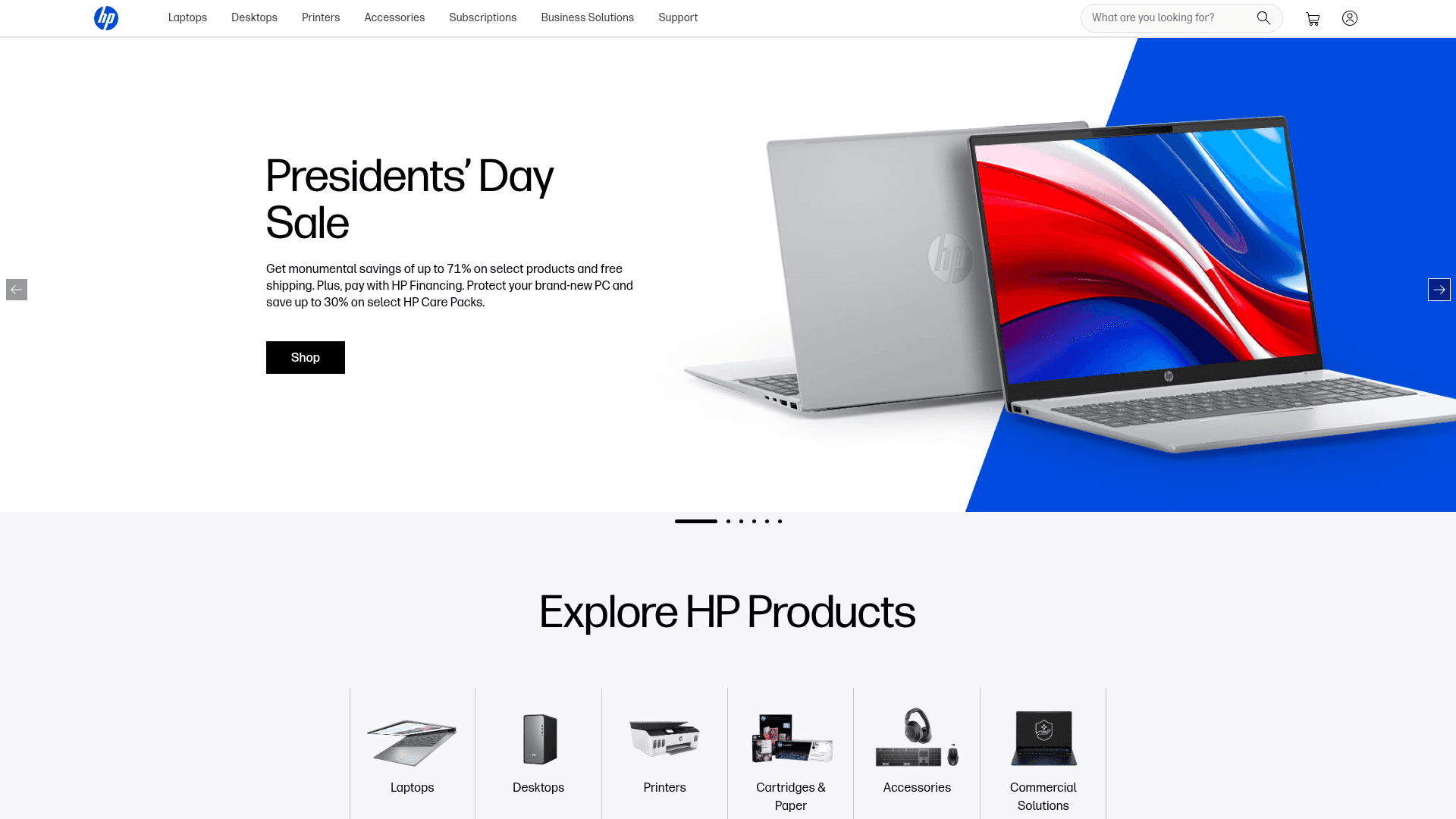
How to Scrape HP.com: A Technical Guide to Product & Price Data
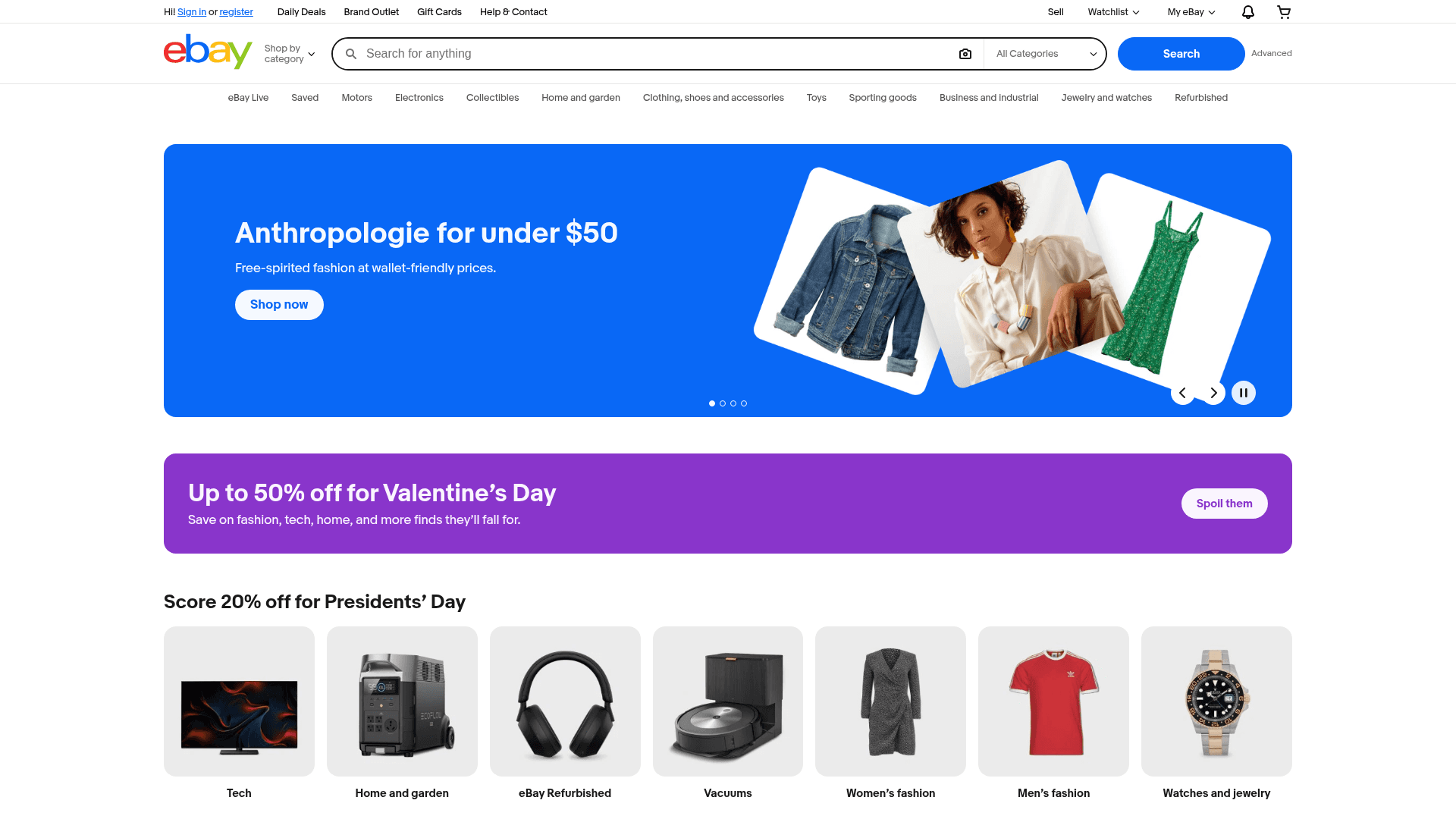
How to Scrape eBay | eBay Web Scraper Guide
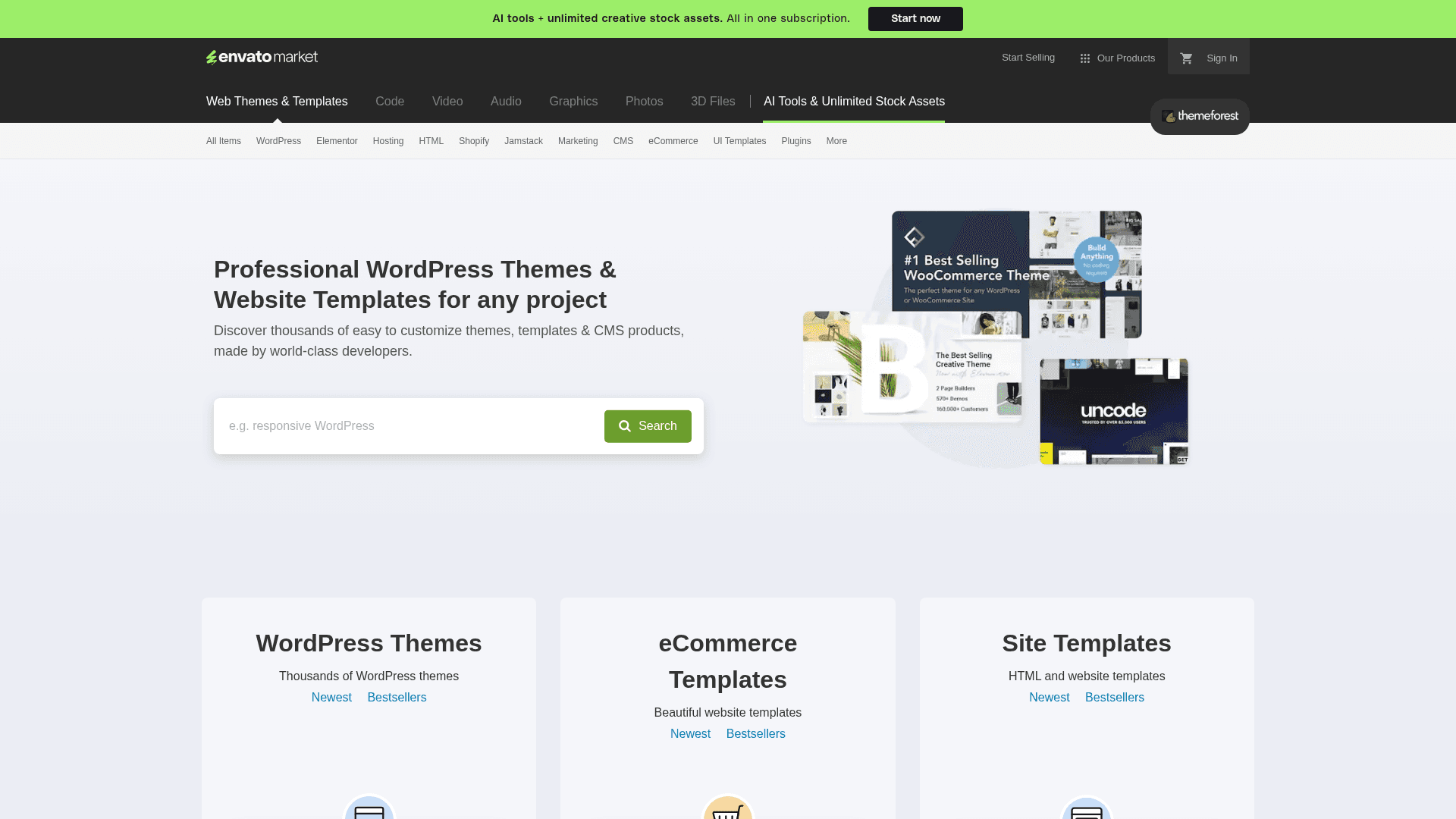
How to Scrape ThemeForest Web Data
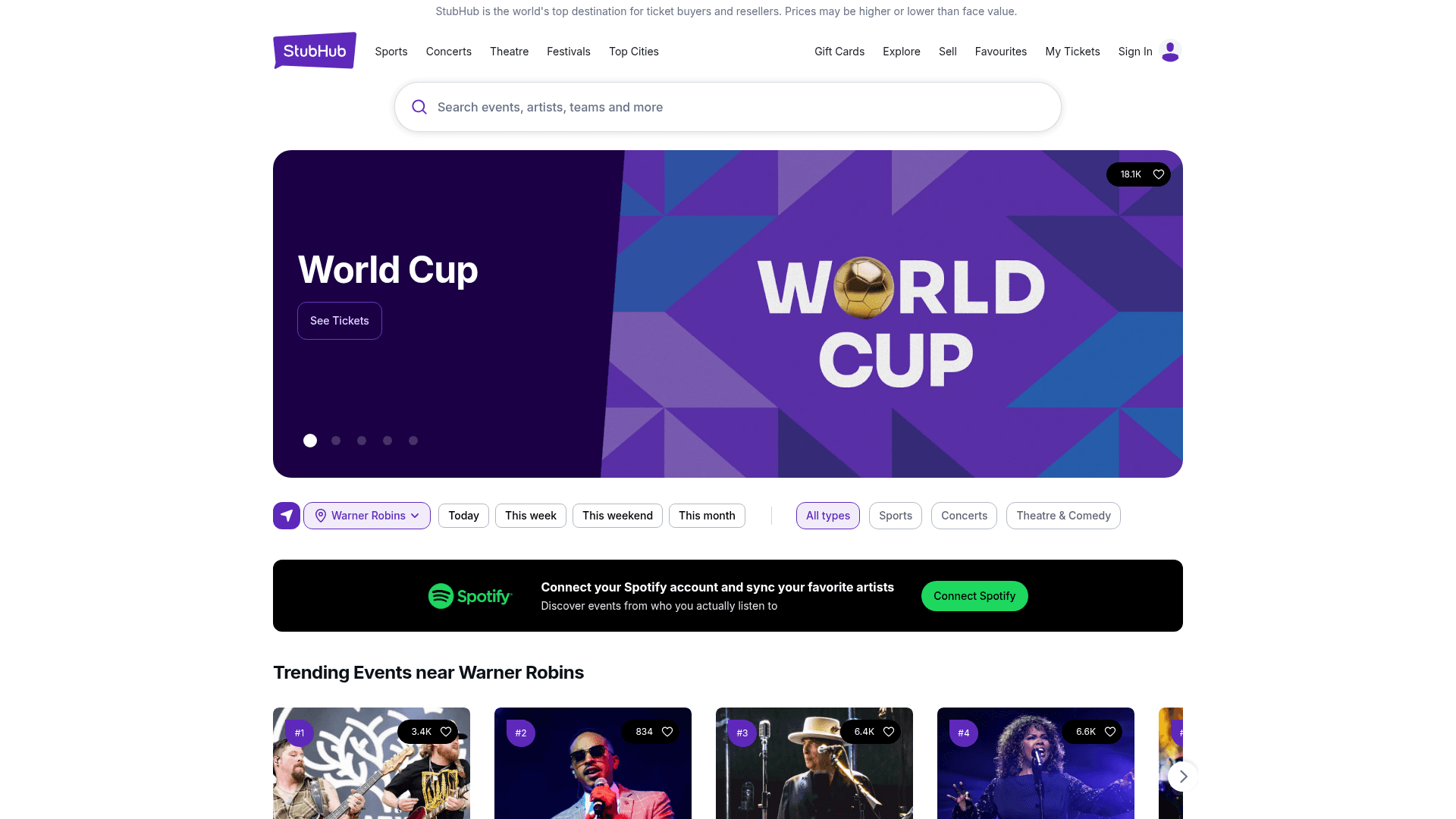
How to Scrape StubHub: The Ultimate Web Scraping Guide
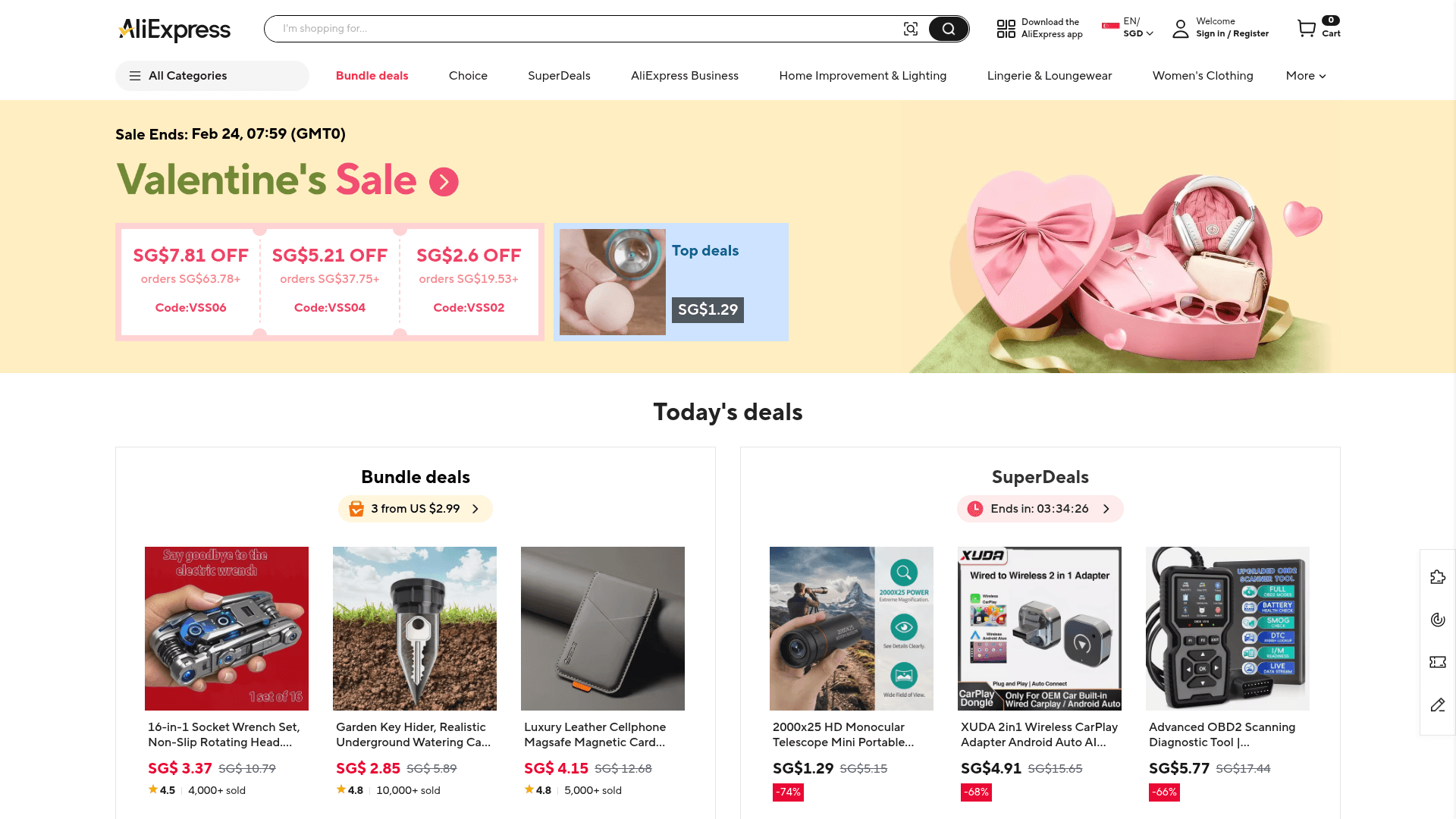
How to Scrape AliExpress: The Ultimate 2025 Data Extraction Guide
Frequently Asked Questions
Find answers to common questions about The Range