

Build a Browser Game with AI
You get a playable game with dedicated screens for levels, scores, and settings. It is real code you own, published with HTTPS on a free subdomain or your own domain on a paid plan.
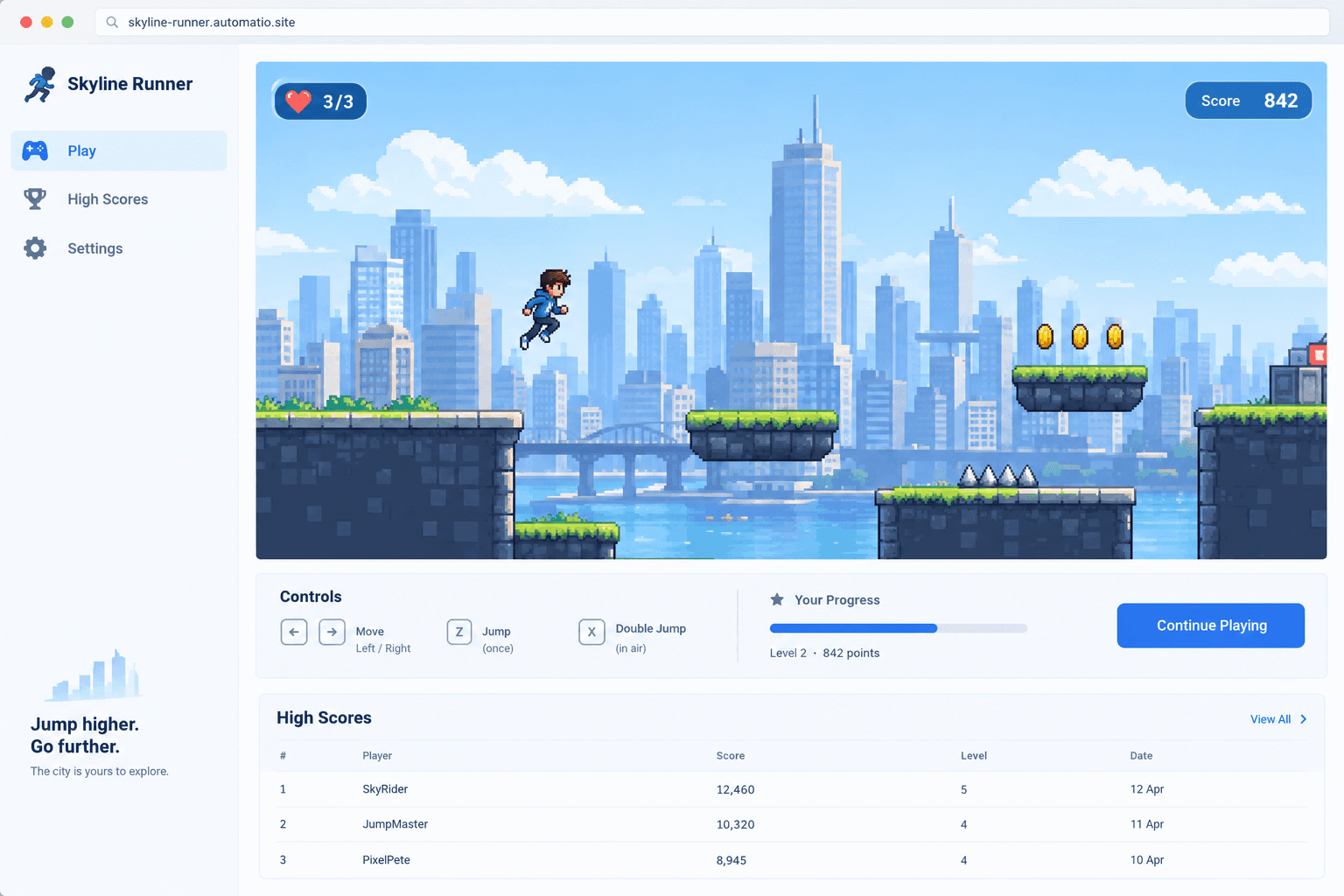
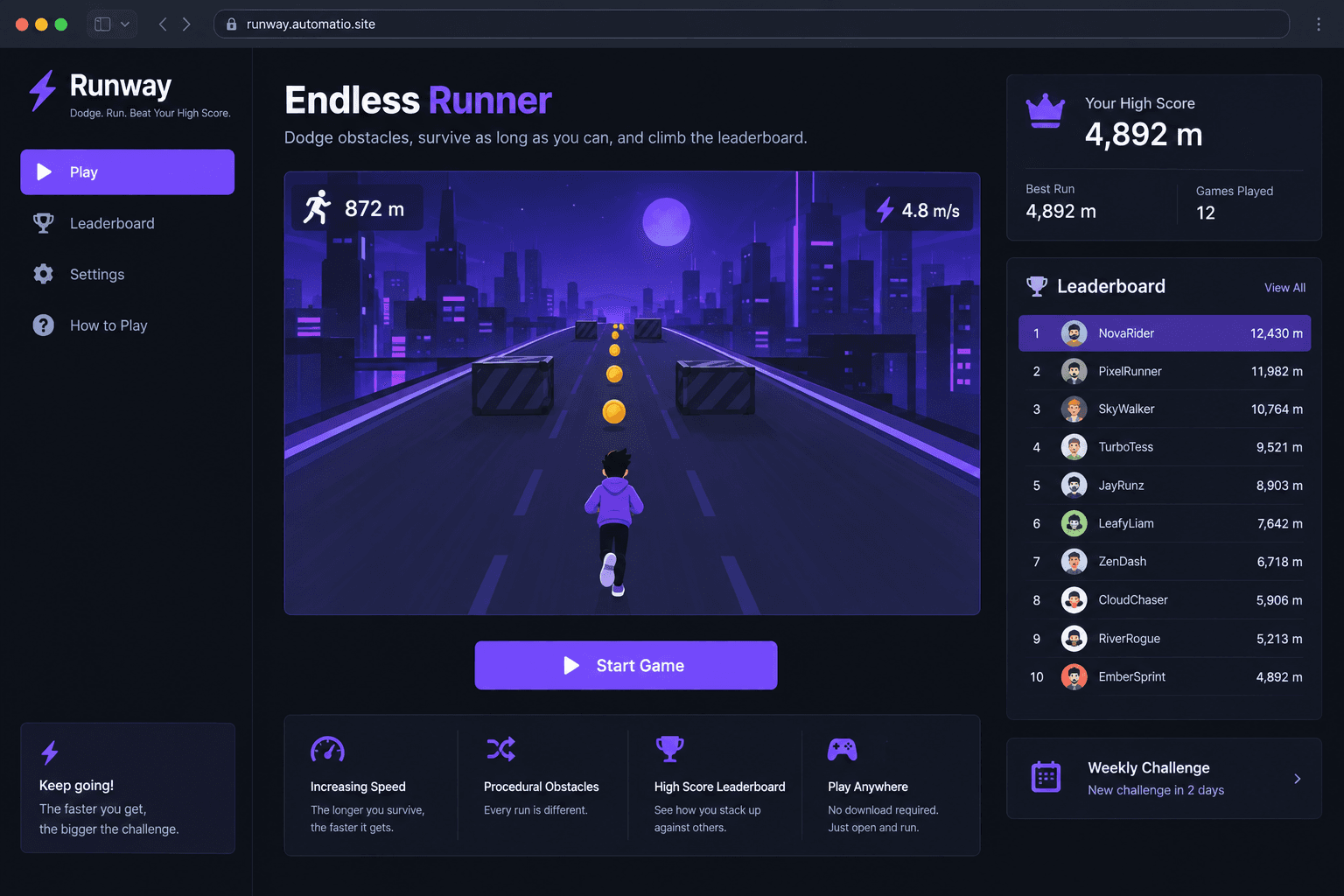
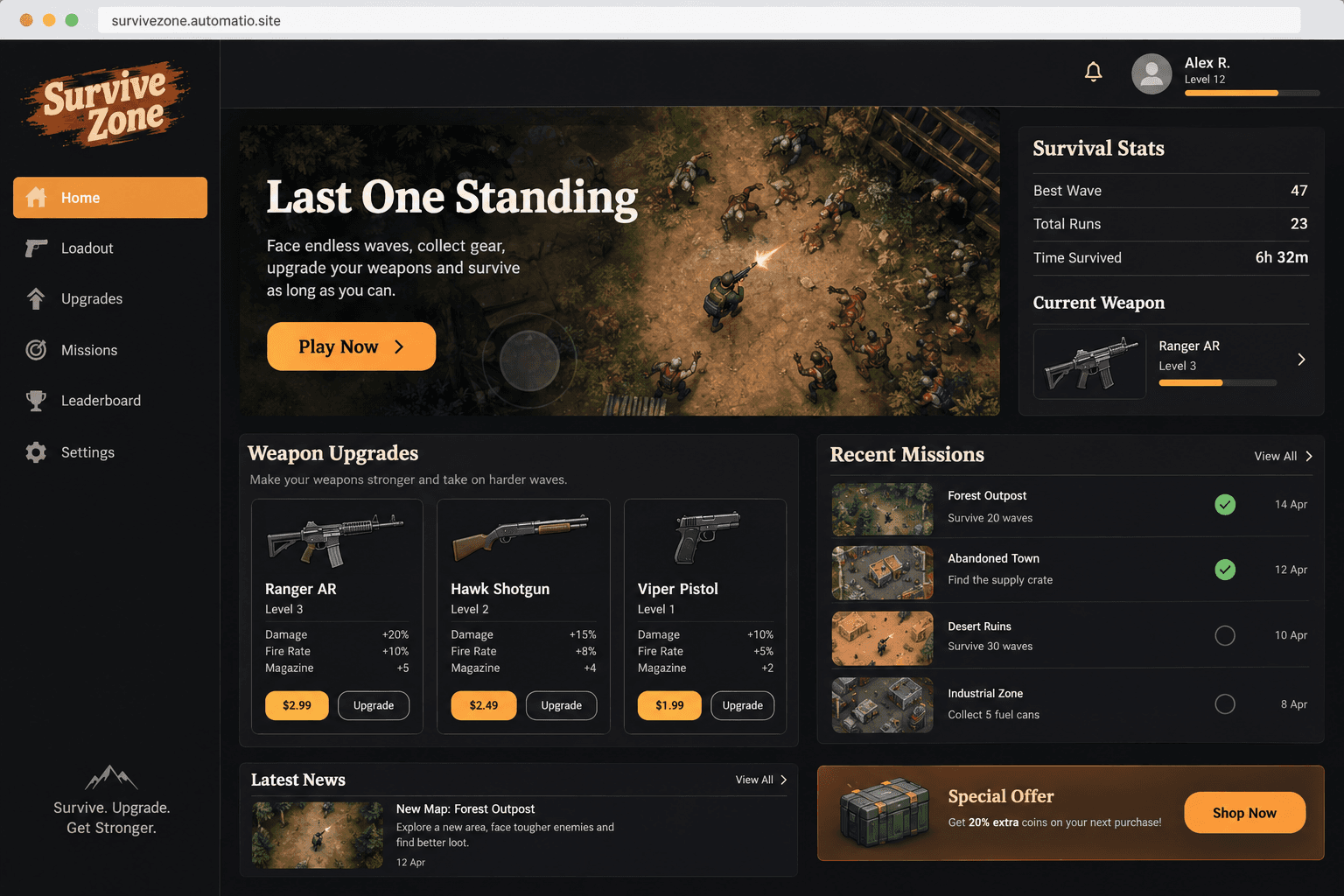
Starting prompt
AI renders of what each prompt could build. Your result will be different.
What's inside
The parts that earn their place — and what each one is actually for.
Physics and collision logic
The agent implements active collision detection and movement physics directly in the TypeScript code. This covers gravity, jump arcs, and bounce reactions without the overhead of a heavy external engine. Having these mechanics in the source code makes them predictable and easy to tune.
- 1Custom gravity and velocity constants
- 2Box and circle collision detection
- 3Procedural obstacle spawning
- 4Projectile and trajectory math
What's inside
- Physics and collision logic
The agent implements active collision detection and movement physics directly in the TypeScript code. This covers gravity, jump arcs, and bounce reactions without the overhead of a heavy external engine. Having these mechanics in the source code makes them predictable and easy to tune.
- Custom gravity and velocity constants
- Box and circle collision detection
- Procedural obstacle spawning
- Projectile and trajectory math
- Smart asset preloading
The site handles the loading of images, sprites, and audio files before the gameplay begins. This helps avoid flickering or missing assets in a browser. A solid preloader aims to avoid a jarring start when a player presses play.
- Sprite sheet caching
- Audio buffer management
- Visual loading progress bars
- File storage support on a paid plan
- Responsive game UI
The game includes dedicated interfaces for health bars, score overlays, and menus that scale across different screen sizes. You can specify HUD placement to ensure it does not block the action. It uses web components that respond to browser window changes automatically.
- Scaling canvas elements
- Dynamic score displays
- Pause and settings menus
- Cross-browser font rendering
- Mobile touch controls
The agent can add virtual joysticks or tap-zones so the game is playable on phone browsers. The code detects the device type and adjusts the control layout to match. This can help reach players on social platforms, where many people browse on mobile devices.
- Virtual analog sticks
- Customizable touch regions
- Multi-touch support for buttons
- Orientation lock prompts
From idea to live site
Four steps, one chat. No setup, no boilerplate, no handoff.
Describe your mechanics
Tell the agent what kind of game you want to build, naming the movement style, the goal, and the theme. Specify if it is a platformer, a shooter, or a puzzle.
Play the preview
The agent writes the React code while you watch the live preview. You can test the physics and controls in the same window to see how the game feels.
Refine the logic
Ask for changes like making the player faster or adding a different background. The agent edits the source code and the preview refreshes with your updates.
Go live
Publish the game to a free subdomain. On a paid plan, you can connect your own domain and enable a database to save player scores.
Template, agency, or AI?
The three honest ways to get it built, including where the others win.
| Aspect | Template builder | Agency or freelancer | Automatio |
|---|---|---|---|
| Logic setup | Visual events in GDevelop | Custom engineering | Conversational description |
| Code access | Exportable JavaScript | Handover at project end | Full source code you own |
| Iteration | Manual drag-and-drop edits | Back-and-forth review cycle | Ask for changes in chat |
| Player data | Construct cloud storage | Custom database setup | Included on a paid plan |
| Hosting | Built-in cloud or manual export | You manage the server | Free subdomain or your own on a paid plan |
Logic setup
Code access
Iteration
Player data
Hosting
Who this is for
Real situations, and what changes once it exists.
a solo maker with a mechanic idea
They have a specific vision but no time to learn a specialized engine like Unity.
They describe the movement in chat and watch a playable version come together.
- describe a jump mechanic
- test physics in the preview
- share the link with friends
an indie developer prototyping
They need to see if a gameplay loop is fun before committing to months of coding.
They use the agent to scaffold the logic and UI in one session.
- generate a level layout
- add a basic enemy AI
- export the code to GitHub
a marketer building a viral game
They want a branded mini-game to drive engagement for a product launch.
They build the game and host it on a custom domain on a paid plan.
- add custom brand assets
- check mobile responsiveness
- review player scores on a paid plan
What separates a good one from a bad one
The decisions that matter, and the mistakes that show up in bad examples.
Browser games have shifted from specialized plugins to high-performance experiences powered by standard web tools. The challenge for creators is no longer browser capability, but the complexity of writing the logic. A successful game thrives on accessibility; it runs directly in the tab where the player found it. This requires efficient asset management and performance. When you build with an agent, the result is a standard React application. This keeps the game built on standard web code, compared to projects exported from traditional engines, which often carry extra data.
Designing for movement and weight
The difference between a game that feels floaty and one that feels responsive is often just a few lines of math in the gravity and friction logic. In a traditional engine, you might search through nested menus to find these values. With an agent, you describe the sensation you want. You can ask the agent to make the movement snappy like an arcade classic or heavy like it is underwater, and it translates those descriptions into physics constants. This allows you to focus on the fun of the game loop rather than the syntax of a specific engine.
Responsive layouts for every device
The interface is often where browser games fall short of player expectations. Many examples ignore how a game looks on a vertical phone screen versus a wide monitor. Because your game is built on a modern web stack, it treats the game canvas as a responsive element. You can have a layout that puts the controls on the sides for a tablet but stacks them at the bottom for a phone. On a paid plan, you can store player scores and progress in a database, turning a single session into a persistent community experience.
Supercharge your workflow with AI Automation
Automatio combines the power of AI agents, web automation, and smart integrations to help you accomplish more in less time.
Get it right the first time
What to specify up front, and what can wait for version two.
Define physics early
Describe how you want the movement to feel in your first message. Getting the gravity and friction right at the start prevents the agent from needing to rewrite the core movement engine later.
Plan for mobile touch
If you want mobile players, tell the agent to include a virtual joystick or large buttons. Retrofitting mobile controls into a desktop design often requires a complete UI redesign.
Start with the core loop
Avoid asking for a shop and level selector in the first chat. Build the fun part first, like jumping or dodging, then add layers like scores or settings once the loop is solid.
Use external asset links
Let the agent use placeholders for sprites initially. Once the gameplay is fun, swap in your high-quality art or use file storage on a paid plan.
Related Build with AI

Before you start
The questions people actually ask first.