

Build a Custom Quiz Game with AI
You get a custom lobby, interactive question cards, and a results summary screen. This is real code you own, published with HTTPS on a free subdomain.
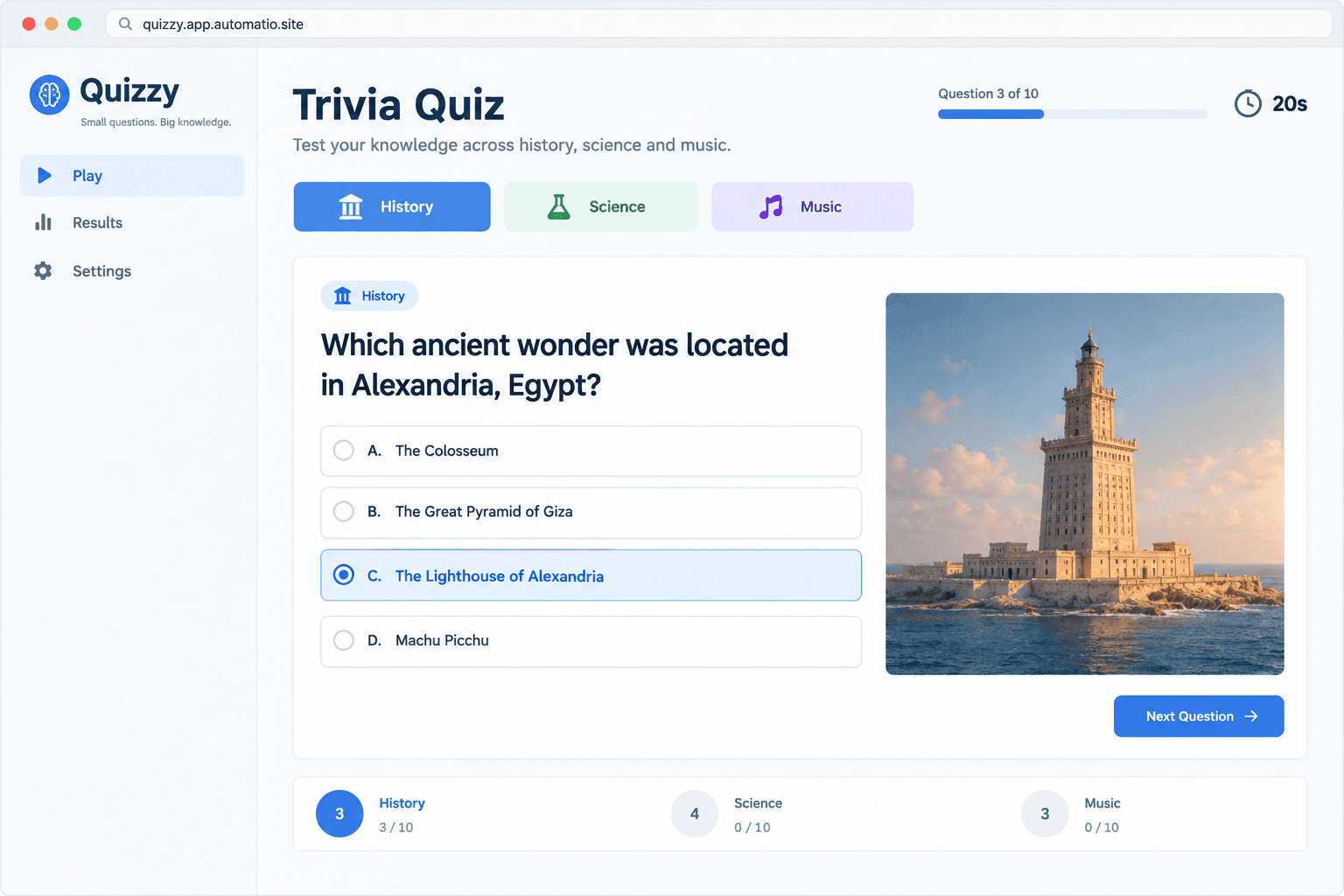
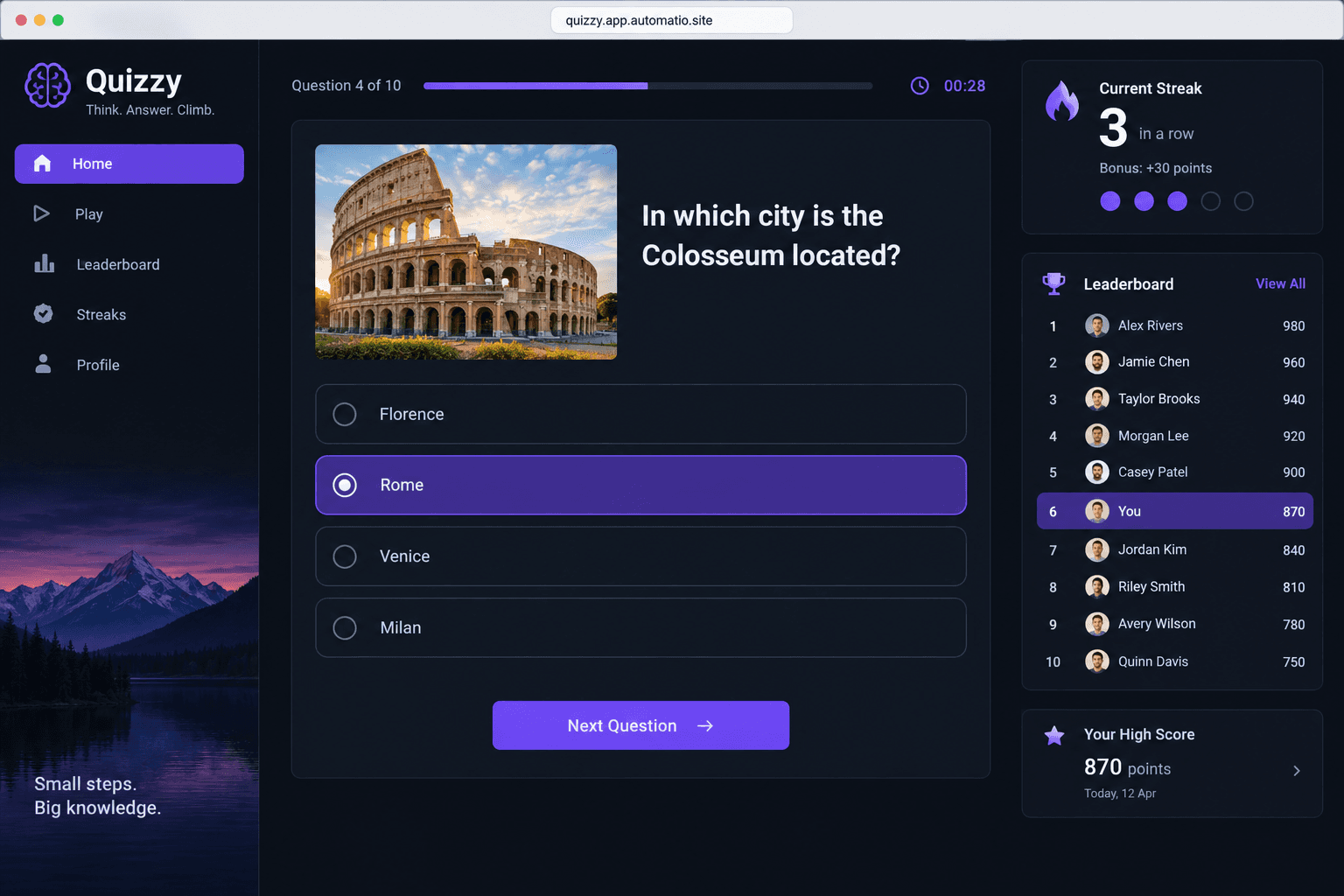
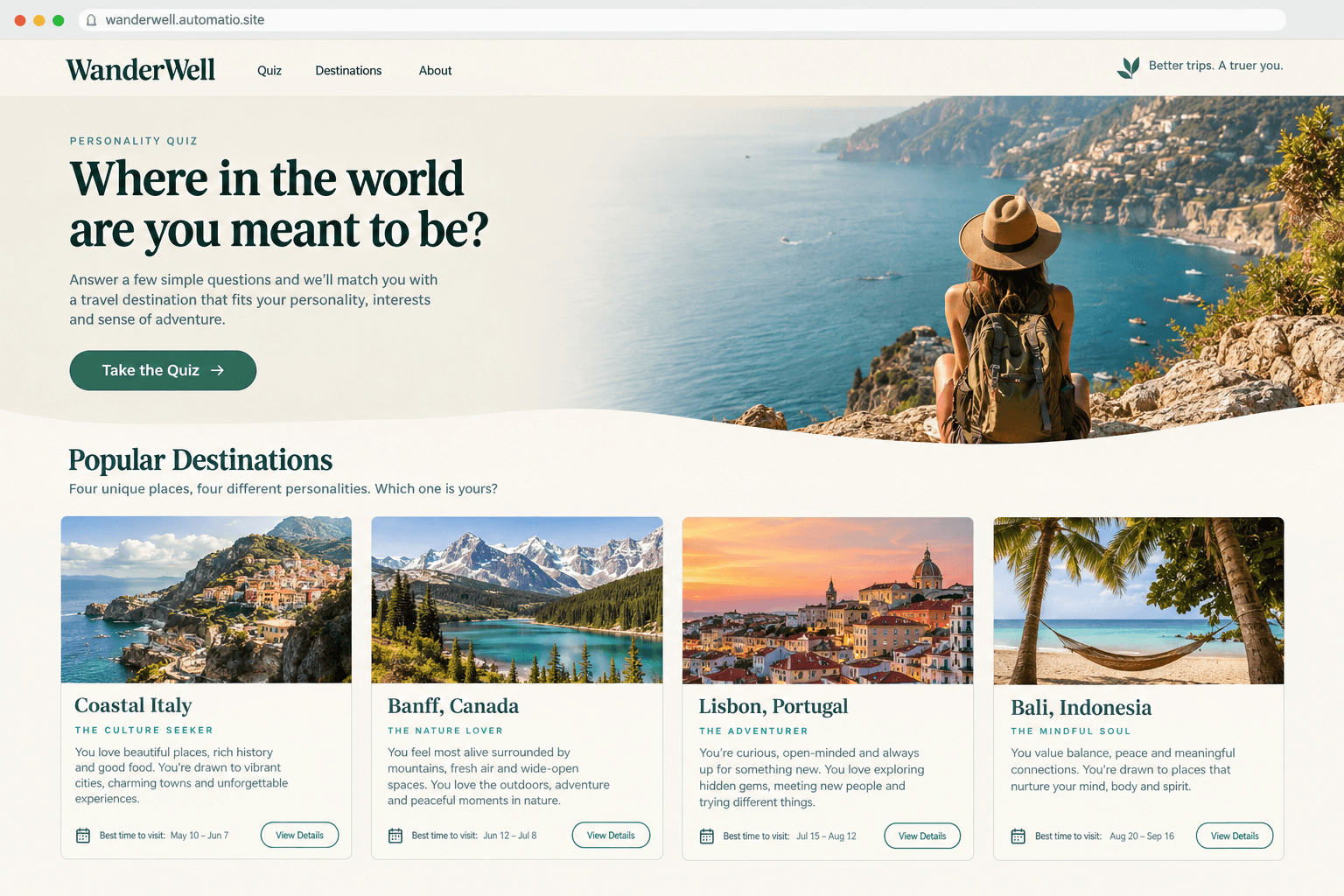
Starting prompt
AI renders of what each prompt could build. Your result will be different.
What's inside
The parts that earn their place — and what each one is actually for.
Interactive game state
Manage the transition between the lobby, active questions, and results without page reloads. The application tracks the current score, question index, and user selection in a central React state, ensuring the interface stays reactive as the player moves through the round.
- 1State management for active sessions
- 2Success and failure UI feedback
- 3Smooth question transition logic
- 4Dynamic question shuffling
- 5Mobile-friendly tap targets
What's inside
- Interactive game state
Manage the transition between the lobby, active questions, and results without page reloads. The application tracks the current score, question index, and user selection in a central React state, ensuring the interface stays reactive as the player moves through the round.
- State management for active sessions
- Success and failure UI feedback
- Smooth question transition logic
- Dynamic question shuffling
- Mobile-friendly tap targets
- Custom scoring engines
Go beyond simple correct/incorrect tallies with math that rewards player behavior. You can describe logic that awards more points for faster answers or creates weighted categories where specific questions are worth more based on their difficulty level.
- Time-decay point calculations
- Consecutive streak multipliers
- Weighted difficulty scoring
- Negative point penalties
- Live score updates
- Persistent leaderboards
On a paid plan, store player names and scores in a database to build a competitive environment. This allows you to show a global top-ten list or track a single player's progress over multiple visits to your site, giving users a reason to return and beat their previous high score.
- Global high score storage on a paid plan
- Filtered rankings by category on a paid plan
- Player profile association on a paid plan
- Historical performance tracking on a paid plan
- Score submission logic
- Rich media questions
Enhance your quiz by integrating images, videos, or audio clips directly into the question cards. The code handles the layout of multimedia assets to ensure they display correctly across desktop and mobile browsers, making the experience more engaging for trivia or identification games.
- Image-based question prompts
- Audio clip playback controls
- YouTube or video embeds
- Custom card aspect ratios
- Alt-text for accessibility
From idea to live site
Four steps, one chat. No setup, no boilerplate, no handoff.
Define your quiz structure
Explain the categories, question types, and scoring rules you want. Mention if you need a persistent leaderboard that uses a database on a paid plan.
Review the game loop
Watch as the agent writes the React components for the lobby, question cards, and timers. You can test the interaction logic in a live preview as it comes together.
Refine the experience
Ask for specific UI changes like adding animations for correct answers or changing the button layout. The agent edits the source code based on your feedback.
Go live to your audience
Publish the finished application to a free .site subdomain, or connect a custom domain on a paid plan to share it with your community.
Template, agency, or AI?
The three honest ways to get it built, including where the others win.
| Aspect | Template builder | Agency or freelancer | Automatio |
|---|---|---|---|
| Custom Logic | Scoring and paths set within the builder's options | Custom logic written from scratch | Bespoke React logic defined by chat |
| Ownership | Content is built and hosted inside the builder platform | You own the final deliverable | You own the full React source code |
| Data Storage | Responses stored on the builder's server | Custom server and database setup | Private database on a paid plan |
| Iterative Edits | Limited by the tool's settings menu | Revision cycles and billable hours | Conversational edits while you watch |
| Hosting | Included in monthly subscription | Managed by your technical team | Cloudflare global network included |
Custom Logic
Ownership
Data Storage
Iterative Edits
Hosting
Who this is for
Real situations, and what changes once it exists.
an online educator
Static reading materials fail to keep students engaged during remote learning.
You turn your lesson plan into a gamified challenge that students can access from any mobile browser.
- Update the weekly quiz question bank
- Review student score distributions on a paid plan
- Export correct answer reports for grading on a paid plan
a digital marketer
Standard lead capture forms can feel like work to fill out.
You build a value-first assessment that captures lead data on a paid plan only after providing the user with their score.
- Link the results page to your own mailing list sign-up page
- Try different result descriptions
- Verify submission counts on a paid plan
a community manager
Members visit the site once and have no reason to stay for a daily routine.
You run a daily trivia hub where members compete for the top spot on a database-backed leaderboard on a paid plan.
- Reset monthly leaderboard rankings on a paid plan
- Post special seasonal trivia rounds
- Adjust the difficulty timer for expert players
What separates a good one from a bad one
The decisions that matter, and the mistakes that show up in bad examples.
Creating a digital quiz is often a choice between form tools and custom development. A good experience relies on the rhythm of the game, where the transition between questions, the visual feedback of a timer, and the clarity of the final results all contribute to how long a player stays engaged. When building with code, you control the state management that drives these interactions, ensuring the app feels responsive and cohesive rather than a series of disconnected pages.
Creating a reward loop
A successful game often uses specific logic to keep the challenge interesting. This might involve shuffling answer choices so every attempt feels different, or implementing a scoring system that weights questions based on their complexity. By describing these rules in plain English, you can build a system that calculates multipliers for speed or awards badges for perfect streaks. These small mechanical details are what separate a professional assessment tool from a basic multiple-choice form.
Handling player data
If your project needs to remember who played it, a database on a paid plan becomes the central hub for your application. This enables competitive features like global leaderboards or saved user profiles where people can track their improvement over time. Owning the source code allows you to decide exactly how this data is used, whether you are filtering scores by department for an internal training tool or gating the final results behind an email capture for a marketing campaign.
Optimizing for the player
The agent can design the app with mobile tap targets in mind.
Supercharge your workflow with AI Automation
Automatio combines the power of AI agents, web automation, and smart integrations to help you accomplish more in less time.
Get it right the first time
What to specify up front, and what can wait for version two.
Specify feedback timing
Decide if the app should reveal the correct answer immediately or wait until the final summary screen to prevent players from memorizing answers mid-round.
Outline timer behaviors
Define if the timer is for the entire quiz or per-question, as this significantly changes the state management logic and UI design.
Map result branching
For personality tests, list all possible outcomes and the specific logic used to reach them so the agent can build the correct conditional routing.
Related Build with AI

Before you start
The questions people actually ask first.