
AI Small Business Website Builder
Get a professional homepage, service catalogs, and a contact form. You own the underlying React code, published with HTTPS on a free subdomain, or a custom domain on a paid plan.
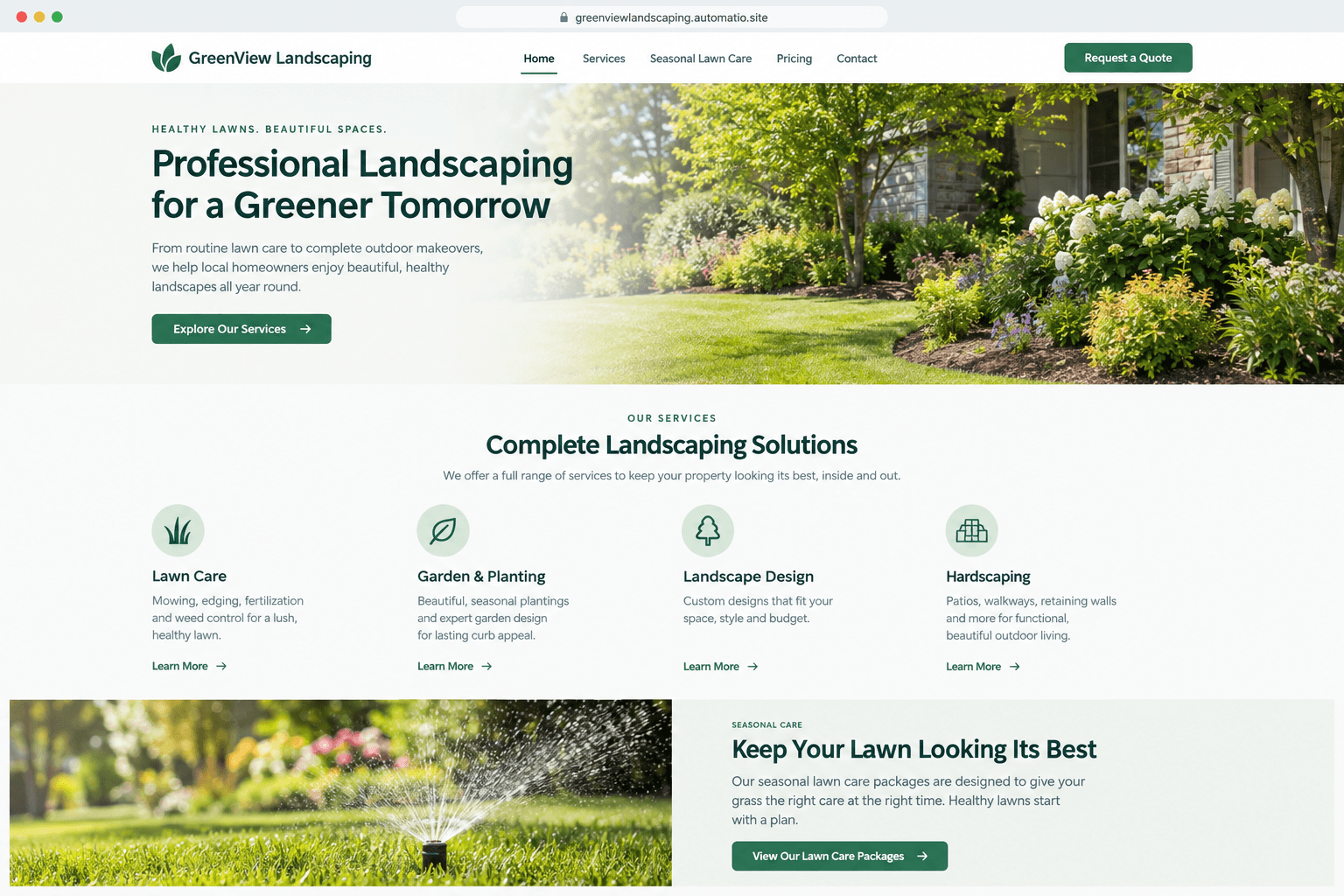
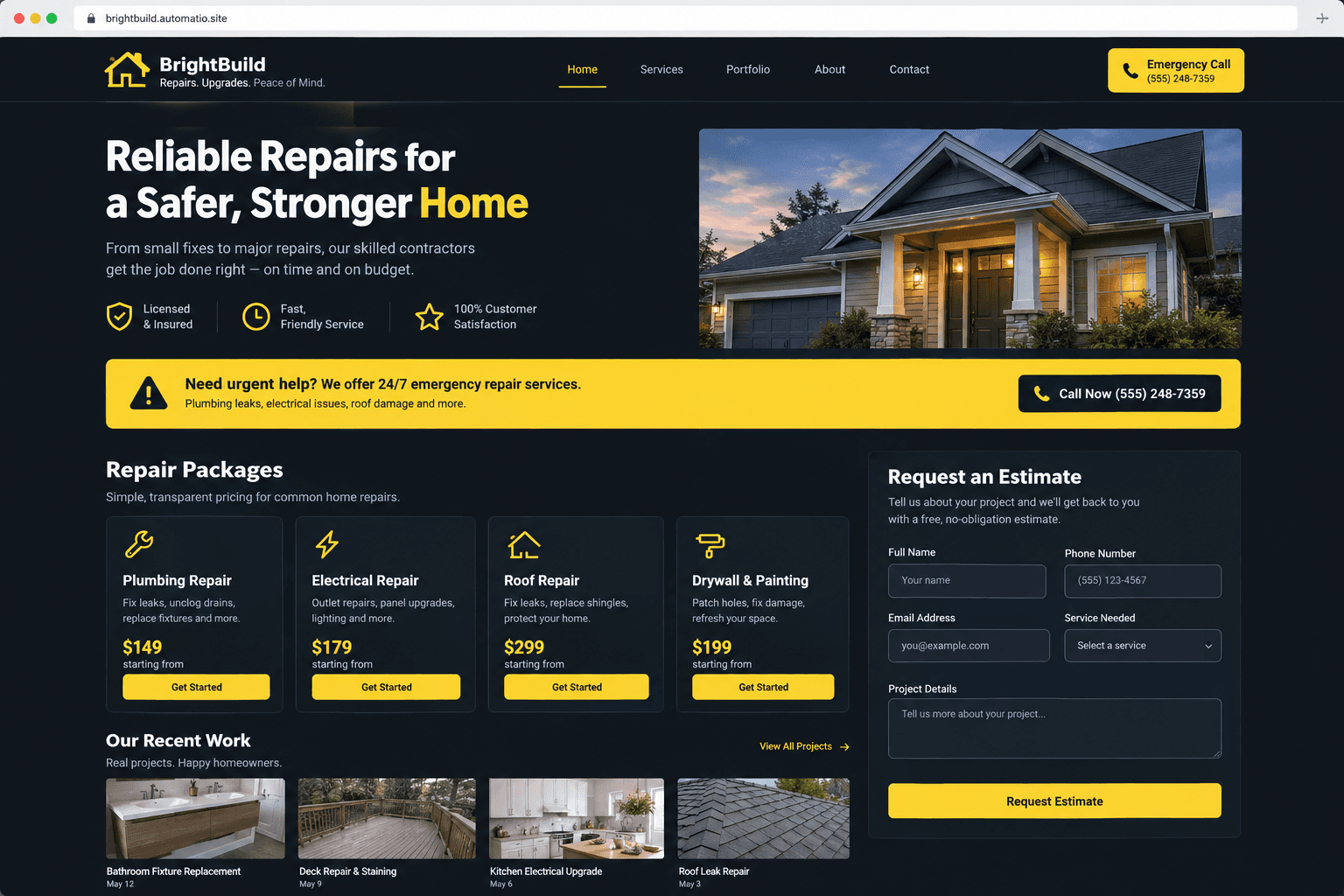
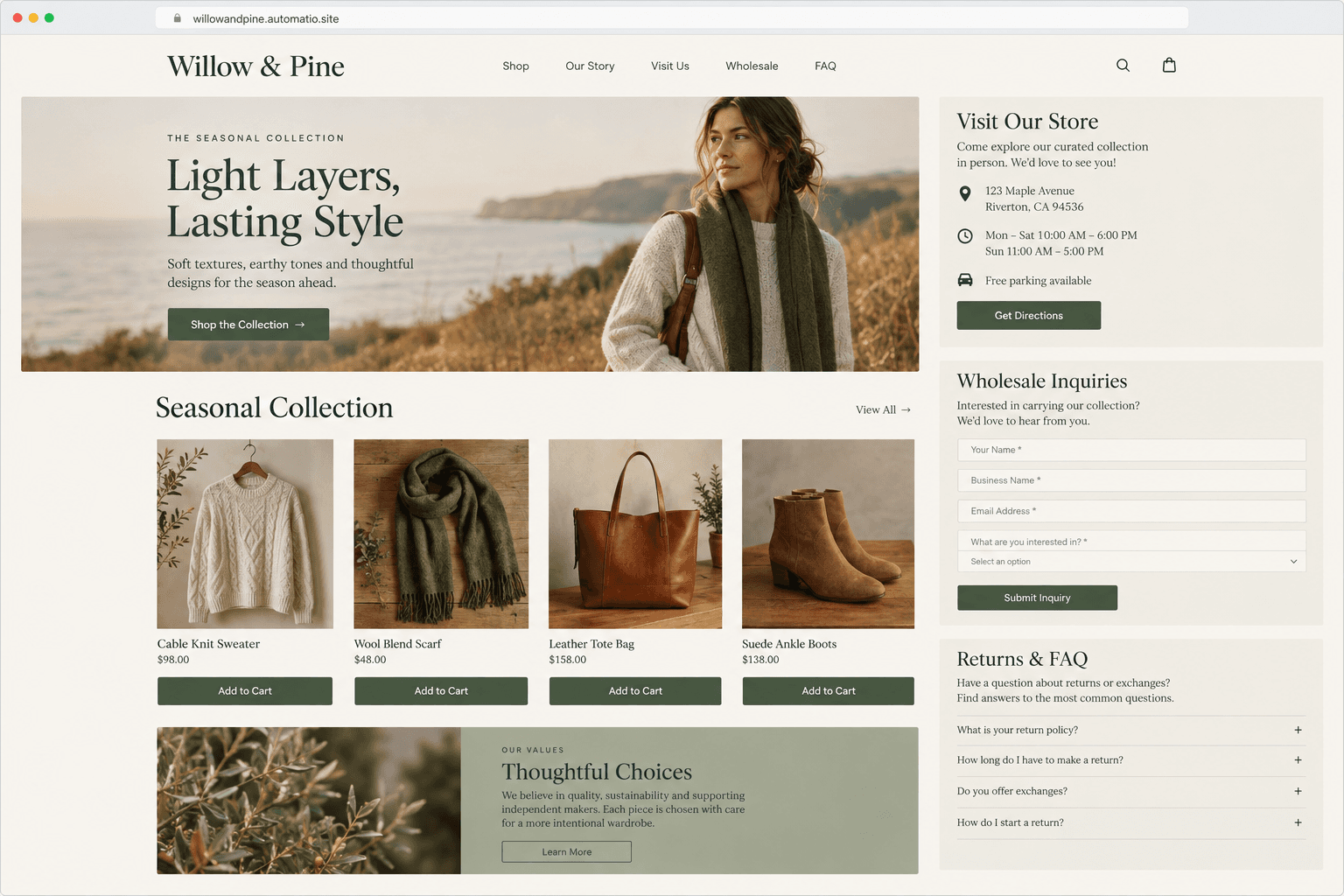
Starting prompt
AI renders of what each prompt could build. Your result will be different.
What's inside
The parts that earn their place — and what each one is actually for.
Service and Pricing Tables
Present your service packages and transparent price lists clearly to help visitors decide before they call. Instead of generic lists, you get structured comparison cards that outline exactly what is included in each tier. This clarity reduces time spent on the phone explaining standard job costs.
- 1Side-by-side package comparisons
- 2Itemized service deliverable lists
- 3Custom call-to-action buttons for each tier
- 4Highlighting for popular or seasonal options
What's inside
- Service and Pricing Tables
Present your service packages and transparent price lists clearly to help visitors decide before they call. Instead of generic lists, you get structured comparison cards that outline exactly what is included in each tier. This clarity reduces time spent on the phone explaining standard job costs.
- Side-by-side package comparisons
- Itemized service deliverable lists
- Custom call-to-action buttons for each tier
- Highlighting for popular or seasonal options
- Contact and Inquiry Forms
Build customized forms that ask for the specific details you need to provide a quote. On a paid plan, these submissions are stored in a database. Validated fields check that email and phone entries are in a valid format.
- Custom fields for project type and budget
- Automated form validation for email and phone
- Database storage for leads on a paid plan
- Clear success messaging for visitors
- Location and Visibility
Make it easy for local customers to find your shop or verify your service coverage area. High-visibility sections for your address, phone number, and operating hours are integrated throughout the site layout. Clear interactive map embeds help customers get directions to your physical location with one click.
- Embedded interactive location maps
- Direct click-to-call phone links
- Structured weekly business hours
- Service area boundary descriptions
- Trust and Proof Sections
Build credibility with new visitors by showcasing your professional history and past success. Dedicated sections for client testimonials, trade certifications, and insurance details help verify your legitimacy as a local provider. Real feedback from your existing customers helps convert skeptical visitors into active clients.
- Responsive customer review grids
- Certification and industry badge layouts
- Client case study or project summaries
- Direct links to your Google or Yelp profiles
From idea to live site
Four steps, one chat. No setup, no boilerplate, no handoff.
Describe your business
Enter your company name, the services you provide, and your target location into the chat. Mention specific pages you need, like a service catalog or a team about page.
Review the live preview
Watch as the agent writes the code and renders a live version of your site. You can check how it looks on both desktop and mobile devices.
Refine through chat
Ask for specific changes like different colors, updated pricing tiers, or new sections. The agent modifies the underlying source code according to your requests.
Publish your site
Launch your website on a free subdomain with HTTPS included. You can connect a custom domain and store lead submissions by upgrading to a paid plan.
Template, agency, or AI?
The three honest ways to get it built, including where the others win.
| Aspect | Template builder | Agency or freelancer | Automatio |
|---|---|---|---|
| Visual editing | You drag and drop elements manually in tools like Wix or Squarespace | You send change requests to a designer and wait for the work to finish | You describe the design or text changes you want in a conversation |
| Code ownership | Your site is built and hosted inside the platform | You usually own the final files once the final invoice is paid in full | You own the full React source code and can export it at any time |
| Initial setup | You choose a theme and spend time replacing placeholder text and images | A specialist handles the configuration, branding, and development for you | An agent writes a custom site based on your specific business description |
| Ongoing costs | Paid plans are billed as recurring subscriptions | Often involves a recurring retainer fee for maintenance and small edits | Free for one published site on a subdomain, with paid tiers for custom domains |
| Technical support | Customer support helps with the platform tools but not your business code | The agency is responsible for fixing bugs and keeping the site online | You or an agent can edit the code directly to fix issues or add features |
Visual editing
Code ownership
Initial setup
Ongoing costs
Technical support
Who this is for
Real situations, and what changes once it exists.
a solo contractor running a plumbing firm
Frustrated with clunky site builders that hide contact buttons on mobile screens.
You get a site where your phone number and emergency rates are visible to every visitor.
- Update the emergency call-out fee on the home banner
- List three new postal codes in your service zone
- Add a new gallery of bathroom renovation photos
an independent bookkeeper managing local accounts
Paying an agency every time a service package or tax deadline needs updating.
You control your content directly and can revise your advisory tiers through a simple chat.
- Change the monthly pricing for the startup package
- Embed a new client inquiry form on a paid plan
- Add a checklist of upcoming tax deadlines to the footer
a boutique cafe owner
Unable to keep seasonal menus and holiday hours accurate across different platforms.
Your storefront information stays clean and readable for customers browsing on smartphones.
- Update the daily pastry and coffee bean menu
- Adjust holiday operating hours for an upcoming weekend
- Showcase supplier certifications and roast dates
What separates a good one from a bad one
The decisions that matter, and the mistakes that show up in bad examples.
Why local business sites fail to convert
Many small business websites stop being useful because they focus on the wrong details. Owners often prioritize heavy design over the information people actually search for at 9 PM on a Tuesday. A visitor usually has a specific problem, and if they cannot quickly find your phone number, service area, and basic pricing, they may go back to the search results. A successful site functions as a verification tool that proves you are a legitimate, reachable professional.
Priority for mobile visitors
Many people look up local services on a mobile device. This means your contact details and a clear description of what you do must be at the very top of the page. Large images that take a long time to load or complex navigation menus frustrate users who just want to book a repair or check your hours. Structure your site around clear calls to action, ensuring buttons for calling or requesting a quote are large enough to tap easily on a small screen. If you choose to store lead data or files, those backend features are available on a paid plan.
Defining your service scope
One mistake that leads to wasted time is being too vague about what you do. Instead of saying you offer 'general services', list specific packages with clear deliverables. Providing estimated price ranges or package tiers helps filter out customers who are not a fit for your business model before they ever call you. This saves hours of manual qualification. Keep your introductory text focused on the benefits you provide to the customer rather than just your company history. When visitors see a clear solution to their problem, they are far more likely to fill out your inquiry form.
Supercharge your workflow with AI Automation
Automatio combines the power of AI agents, web automation, and smart integrations to help you accomplish more in less time.
Get it right the first time
What to specify up front, and what can wait for version two.
Focus on service packages
List your three most common jobs as fixed packages to help visitors understand your value and price points immediately.
Place contact info in the footer
Keep your phone number and address visible on every single page so visitors do not have to search for a way to reach you.
Prepare three testimonials
Gather a few short quotes from happy customers to include in your proof section to build trust with new visitors.
Verify your service area
Clearly state which cities or postal codes you cover to prevent inquiries from people outside your travel zone.
Related Build with AI

Before you start
The questions people actually ask first.