
How to Scrape GoAbroad Study Abroad Programs
Extract study abroad program data, reviews, and provider details from GoAbroad. Gain insights for educational market research and program price comparisons.
Anti-Bot Protection Detected
- Rate Limiting
- Limits requests per IP/session over time. Can be bypassed with rotating proxies, request delays, and distributed scraping.
- JavaScript Challenge
- Requires executing JavaScript to access content. Simple requests fail; need headless browser like Playwright or Puppeteer.
- IP Blocking
- Blocks known datacenter IPs and flagged addresses. Requires residential or mobile proxies to circumvent effectively.
- User-Agent Filtering
About GoAbroad
Learn what GoAbroad offers and what valuable data can be extracted from it.
Global Marketplace for International Education
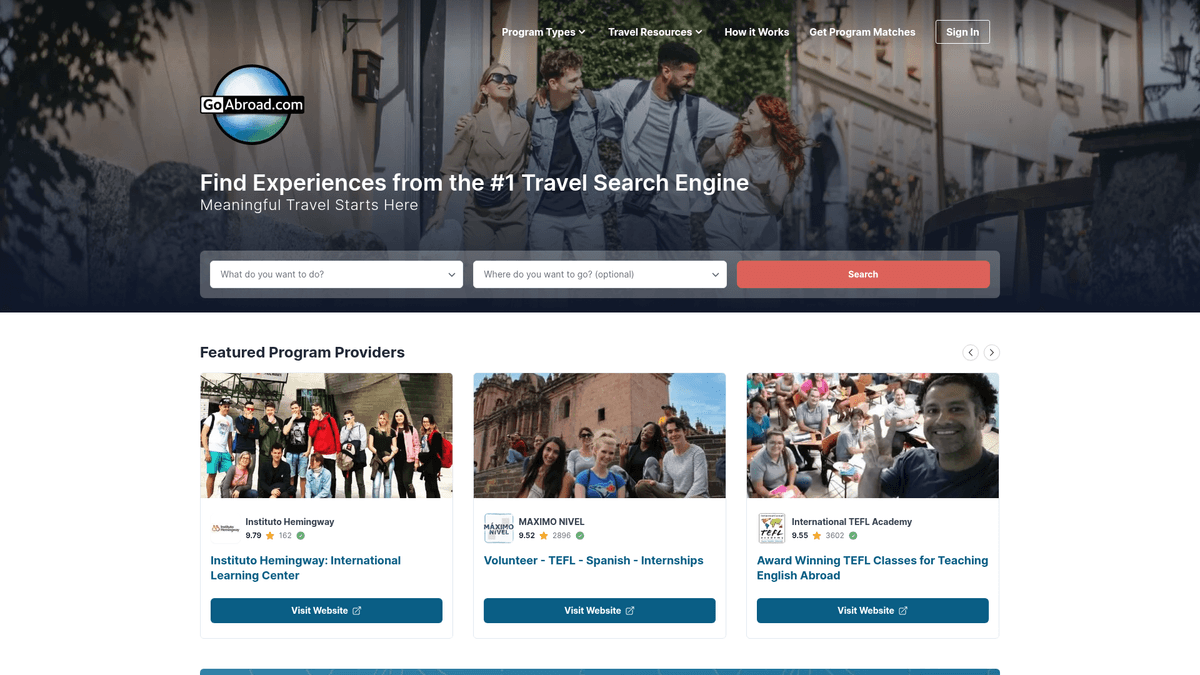
GoAbroad.com is a premier search engine and directory for international education and experiential travel. It acts as a comprehensive marketplace where users can discover study abroad programs, internships, volunteer opportunities, and language schools across the globe. Managed by a global team, the platform aims to provide the most updated resources for meaningful travel experiences.
Structured Data for Market Intelligence
The website contains highly structured data for thousands of programs, including academic field requirements, cost information, and geographic availability. It also features a massive collection of verified student reviews, providing qualitative insights into the participant experience. This data is essential for academic consultants and providers who need to monitor global education trends.
Strategic Business Value
Scraping GoAbroad is highly valuable for program providers who need to perform competitive analysis and track destination popularity. It allows researchers to identify emerging niches in the international education sector and optimize pricing strategies based on real-time market data aggregated across thousands of listings.
Why Scrape GoAbroad?
Discover the business value and use cases for extracting data from GoAbroad.
Market Trend Analysis
Identify emerging study abroad destinations and popular academic subjects to stay ahead of international education trends.
Competitive Price Benchmarking
Extract tuition and program fees across thousands of providers to ensure your offerings remain competitive in the global market.
B2B Lead Generation
Build a comprehensive directory of educational organizations, universities, and language schools for partnership outreach.
Student Sentiment Research
Scrape and analyze verified participant reviews to understand common pain points and success factors in different regions.
Program Curriculum Research
Catalog specific courses and certifications offered worldwide to help students find programs that align with their career goals.
Scraping Challenges
Technical challenges you may encounter when scraping GoAbroad.
JavaScript Rendering
The site is built on Next.js, meaning data is often hydrated client-side and requires a headless browser for full visibility.
Load More Pagination
Listings are revealed through a button interaction rather than numbered pages, necessitating a scraper that can simulate clicks.
IP Rate Limiting
Aggressive request patterns can trigger defensive measures, requiring the use of high-quality rotating proxies to maintain access.
Dynamic Media Attributes
Images and icons use optimized srcset attributes, making it necessary to parse complex HTML to find high-resolution assets.
Scrape GoAbroad with AI
No coding required. Extract data in minutes with AI-powered automation.
How It Works
Describe What You Need
Tell the AI what data you want to extract from GoAbroad. Just type it in plain language — no coding or selectors needed.
AI Extracts the Data
Our artificial intelligence navigates GoAbroad, handles dynamic content, and extracts exactly what you asked for.
Get Your Data
Receive clean, structured data ready to export as CSV, JSON, or send directly to your apps and workflows.
Why Use AI for Scraping
AI makes it easy to scrape GoAbroad without writing any code. Our AI-powered platform uses artificial intelligence to understand what data you want — just describe it in plain language and the AI extracts it automatically.
How to scrape with AI:
- Describe What You Need: Tell the AI what data you want to extract from GoAbroad. Just type it in plain language — no coding or selectors needed.
- AI Extracts the Data: Our artificial intelligence navigates GoAbroad, handles dynamic content, and extracts exactly what you asked for.
- Get Your Data: Receive clean, structured data ready to export as CSV, JSON, or send directly to your apps and workflows.
Why use AI for scraping:
- Visual Workflow Mapping: Configure complex interactions like clicking 'Load More' buttons and scrolling through lazy-loaded content without writing code.
- Pre-configured Browser Rendering: Easily bypass the limitations of static scraping by fully rendering the JavaScript-heavy Next.js pages automatically.
- Smart Proxy Management: Utilize a built-in network of residential proxies to avoid IP bans and CAPTCHAs while gathering data at scale.
- Automated Data Cleaning: Apply transformations during extraction to remove text prefixes and normalize numeric values for ratings and prices.
No-Code Web Scrapers for GoAbroad
Point-and-click alternatives to AI-powered scraping
Several no-code tools like Browse.ai, Octoparse, Axiom, and ParseHub can help you scrape GoAbroad. These tools use visual interfaces to select elements, but they come with trade-offs compared to AI-powered solutions.
Typical Workflow with No-Code Tools
Common Challenges
Learning curve
Understanding selectors and extraction logic takes time
Selectors break
Website changes can break your entire workflow
Dynamic content issues
JavaScript-heavy sites often require complex workarounds
CAPTCHA limitations
Most tools require manual intervention for CAPTCHAs
IP blocking
Aggressive scraping can get your IP banned
No-Code Web Scrapers for GoAbroad
Several no-code tools like Browse.ai, Octoparse, Axiom, and ParseHub can help you scrape GoAbroad. These tools use visual interfaces to select elements, but they come with trade-offs compared to AI-powered solutions.
Typical Workflow with No-Code Tools
- Install browser extension or sign up for the platform
- Navigate to the target website and open the tool
- Point-and-click to select data elements you want to extract
- Configure CSS selectors for each data field
- Set up pagination rules to scrape multiple pages
- Handle CAPTCHAs (often requires manual solving)
- Configure scheduling for automated runs
- Export data to CSV, JSON, or connect via API
Common Challenges
- Learning curve: Understanding selectors and extraction logic takes time
- Selectors break: Website changes can break your entire workflow
- Dynamic content issues: JavaScript-heavy sites often require complex workarounds
- CAPTCHA limitations: Most tools require manual intervention for CAPTCHAs
- IP blocking: Aggressive scraping can get your IP banned
Code Examples
import requests
from bs4 import BeautifulSoup
import json

url = 'https://www.goabroad.com/study-abroad/search/italy/study-abroad-1'
headers = {'User-Agent': 'Mozilla/5.0 (Windows NT 10.0; Win64; x64) AppleWebKit/537.36 (KHTML, like Gecko) Chrome/91.0.4472.124 Safari/537.36'}

try:
    response = requests.get(url, headers=headers)
    soup = BeautifulSoup(response.text, 'html.parser')
    # GoAbroad often hides data in a Next.js script tag called __NEXT_DATA__
    next_data = soup.find('script', id='__NEXT_DATA__')
    if next_data:
        data = json.loads(next_data.string)
        print('Successfully extracted hydration data')

    # Fallback for basic parsing if hydration data isn't needed
    listings = soup.select('.listing-card')
    for item in listings:
        title = item.select_one('h4').text.strip()
        print(f'Program Found: {title}')
except Exception as e:
    print(f'Error: {e}')
When to Use
Best for static HTML pages where content is loaded server-side. The fastest and simplest approach when JavaScript rendering isn't required.
Advantages
- ●Fastest execution (no browser overhead)
- ●Lowest resource consumption
- ●Easy to parallelize with asyncio
- ●Great for APIs and static pages
Limitations
- ●Cannot execute JavaScript
- ●Fails on SPAs and dynamic content
- ●May struggle with complex anti-bot systems
How to Scrape GoAbroad with Code
Python + Requests
import requests
from bs4 import BeautifulSoup
import json
url = 'https://www.goabroad.com/study-abroad/search/italy/study-abroad-1'
headers = {'User-Agent': 'Mozilla/5.0 (Windows NT 10.0; Win64; x64) AppleWebKit/537.36 (KHTML, like Gecko) Chrome/91.0.4472.124 Safari/537.36'}
try:
response = requests.get(url, headers=headers)
soup = BeautifulSoup(response.text, 'html.parser')
# GoAbroad often hides data in a Next.js script tag called __NEXT_DATA__
next_data = soup.find('script', id='__NEXT_DATA__')
if next_data:
data = json.loads(next_data.string)
print('Successfully extracted hydration data')
# Fallback for basic parsing if hydration data isn't needed
listings = soup.select('.listing-card')
for item in listings:
title = item.select_one('h4').text.strip()
print(f'Program Found: {title}')
except Exception as e:
print(f'Error: {e}')Python + Playwright
from playwright.sync_api import sync_playwright

def scrape_goabroad():
    with sync_playwright() as p:
        browser = p.chromium.launch(headless=True)
        page = browser.new_page()
        page.goto('https://www.goabroad.com/study-abroad/search/italy/study-abroad-1')
        page.wait_for_selector('.listing-card')

        # Click Load More button to reveal more listings
        for _ in range(3):
            load_more = page.query_selector('button:has-text("Load More")')
            if load_more:
                load_more.click()
                page.wait_for_timeout(2000)

        programs = page.query_selector_all('.listing-card')
        for prog in programs:
            title = prog.query_selector('h4').inner_text()
            print(f'Program: {title}')
        browser.close()

scrape_goabroad()Python + Scrapy
import scrapy

class GoAbroadSpider(scrapy.Spider):
    name = 'goabroad'
    start_urls = ['https://www.goabroad.com/study-abroad/search/italy/study-abroad-1']

    def parse(self, response):
        # Extract programs from the initial page
        for program in response.css('.listing-card'):
            yield {
                'title': program.css('h4::text').get(),
                'provider': program.css('.provider-name::text').get(),
                'rating': program.css('.rating-score::text').get()
            }

        # Follow pagination if available
        next_page = response.css('a.pagination-next::attr(href)').get()
        if next_page:
yield response.follow(next_page, self.parse)Node.js + Puppeteer
const puppeteer = require('puppeteer');

(async () => {
  const browser = await puppeteer.launch();
  const page = await browser.newPage();
  await page.goto('https://www.goabroad.com/study-abroad/search/italy/study-abroad-1');
  await page.waitForSelector('.listing-card');

  const data = await page.evaluate(() => {
    return Array.from(document.querySelectorAll('.listing-card')).map(el => ({
      title: el.querySelector('h4')?.innerText,
      provider: el.querySelector('.provider-name')?.innerText
    }));
  });

  console.log(data);
  await browser.close();
})();What You Can Do With GoAbroad Data
Explore practical applications and insights from GoAbroad data.
Educational Price Comparison Tool
Create a tool for students to compare the costs of TEFL certifications or study abroad semesters globally.
How to implement:
- 1Scrape cost data and duration for specific program types.
- 2Convert all prices into a base currency like USD using a conversion API.
- 3Build a web dashboard allowing users to filter by budget and region.
Use Automatio to extract data from GoAbroad and build these applications without writing code.
What You Can Do With GoAbroad Data
- Educational Price Comparison Tool
Create a tool for students to compare the costs of TEFL certifications or study abroad semesters globally.
- Scrape cost data and duration for specific program types.
- Convert all prices into a base currency like USD using a conversion API.
- Build a web dashboard allowing users to filter by budget and region.
- Competitor Rating Monitoring
Program providers can monitor their own ratings and those of their competitors to improve service quality.
- Extract ratings and review counts for major providers monthly.
- Track changes in average scores over time in a spreadsheet.
- Alert stakeholders when a competitor's rating drops or significantly rises.
- International Lead Generation
Service providers like travel insurance companies can identify high-volume destinations for student marketing.
- Scrape listing counts per city to identify high-volume student destinations.
- Identify top-rated providers for potential B2B partnerships.
- Cross-reference location data with embassy requirements to offer relevant services.
- Academic Partnership Development
Universities can identify potential partner institutions or program providers in specific regions.
- Identify top-rated providers in target geographic regions.
- Extract program details and reviewer demographics to assess institutional fit.
- Reach out to provider contacts with data-backed partnership proposals.
- Student Sentiment Analysis
Marketing teams can analyze review text to identify the most valued aspects of a study abroad program.
- Scrape all qualitative review text for specific program categories.
- Use Natural Language Processing (NLP) to extract recurring themes like 'immersion'.
- Incorporate popular themes into advertising copy and program descriptions.
Supercharge your workflow with AI Automation
Automatio combines the power of AI agents, web automation, and smart integrations to help you accomplish more in less time.
What to get right first
Expert advice for successfully extracting data from GoAbroad.
Target the __NEXT_DATA__ Script
Search the page source for the JSON hydration tag which often contains all program details in a clean, structured format.
Implement Scroll Triggers
Ensure your scraper scrolls to the bottom of the page to trigger the loading of lazy-loaded images and metadata blocks.
Rotate User-Agents Frequently
Switch between different browser strings to mimic diverse traffic and avoid being flagged by basic bot detection scripts.
Throttle Request Frequency
Introduce random delays between 3 and 7 seconds between page transitions to simulate natural human browsing behavior.
Related Web Scraping
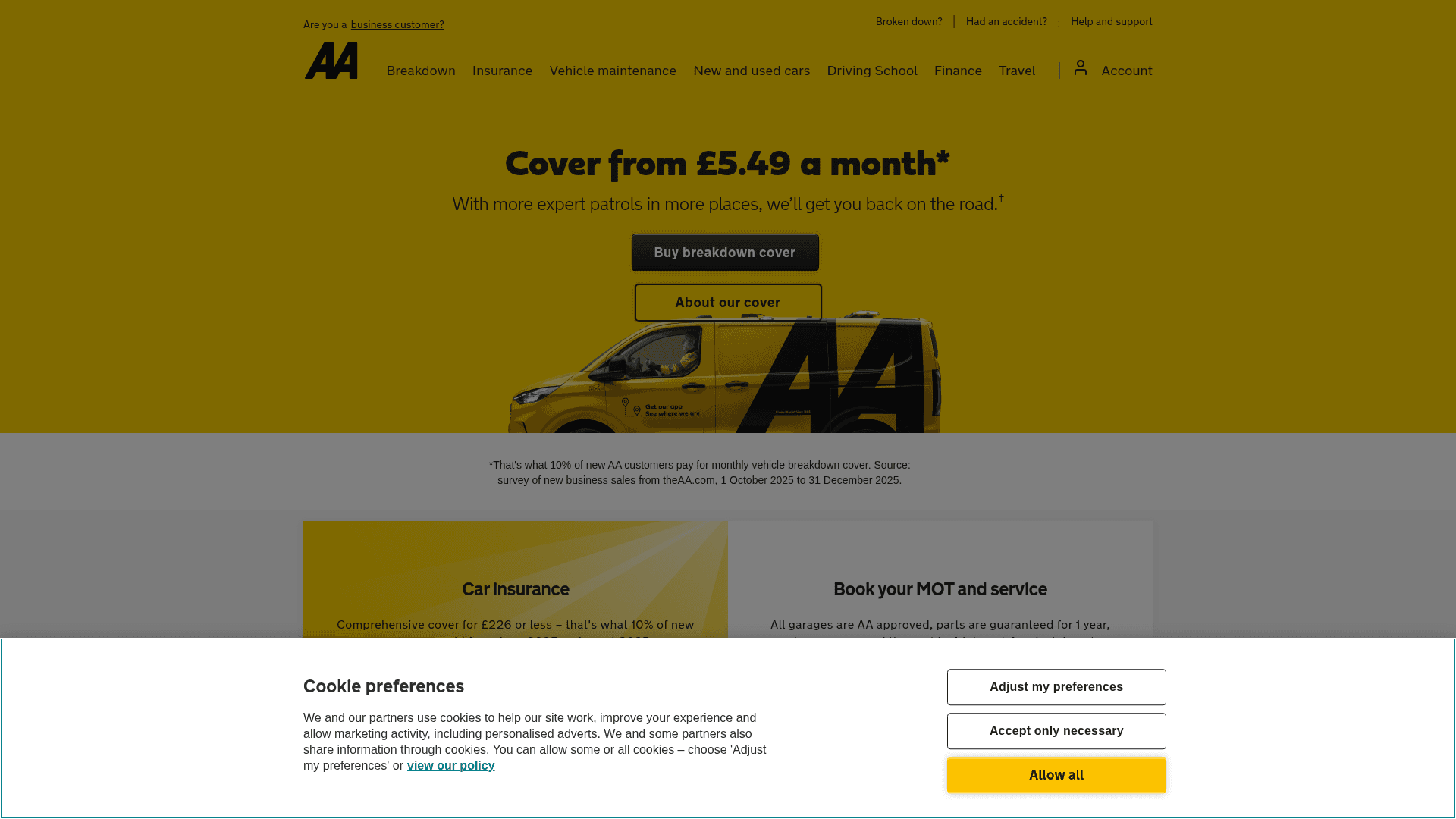
How to Scrape The AA (theaa.com): A Technical Guide for Car & Insurance Data
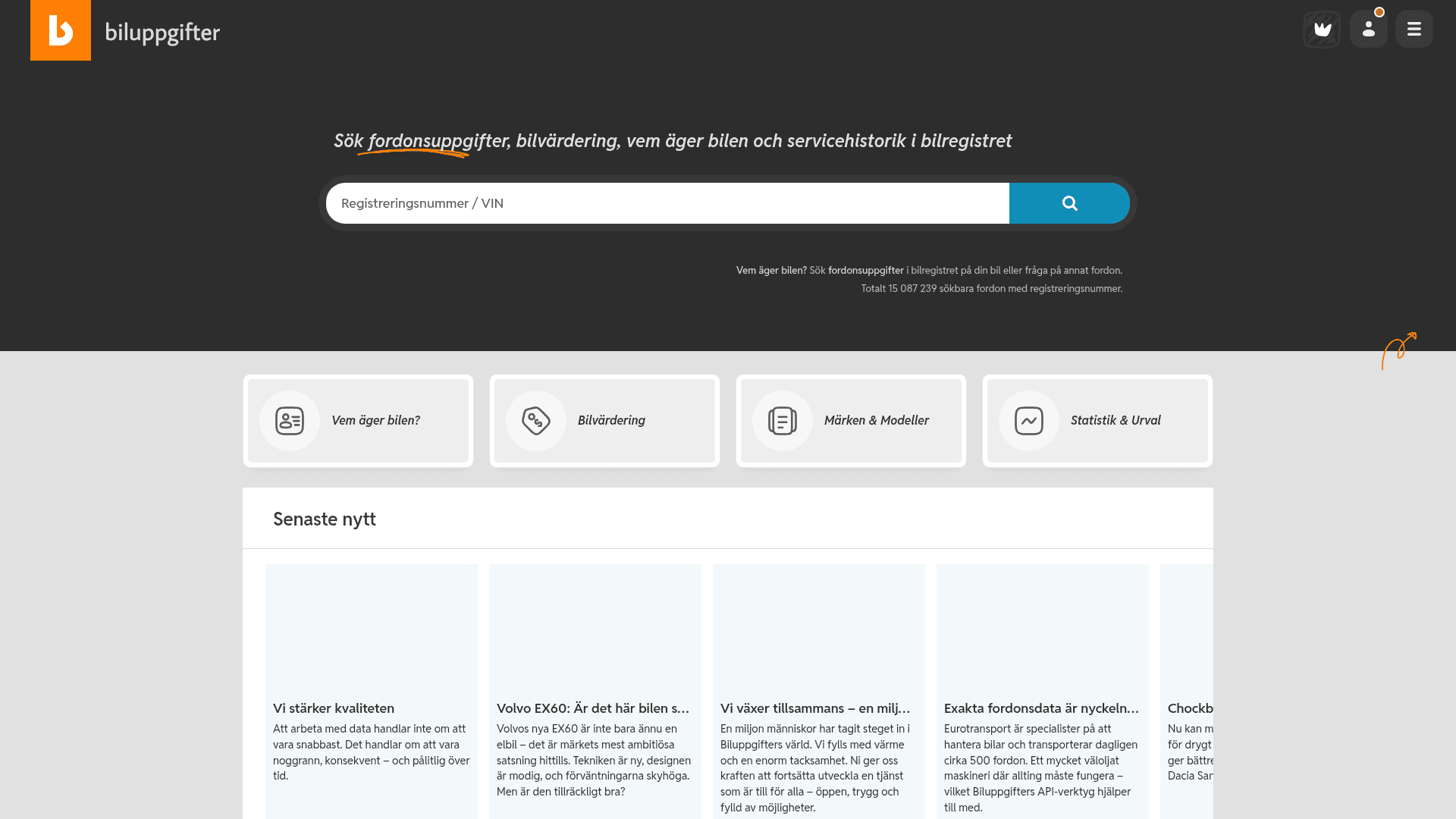
How to Scrape Biluppgifter.se: Vehicle Data Extraction Guide
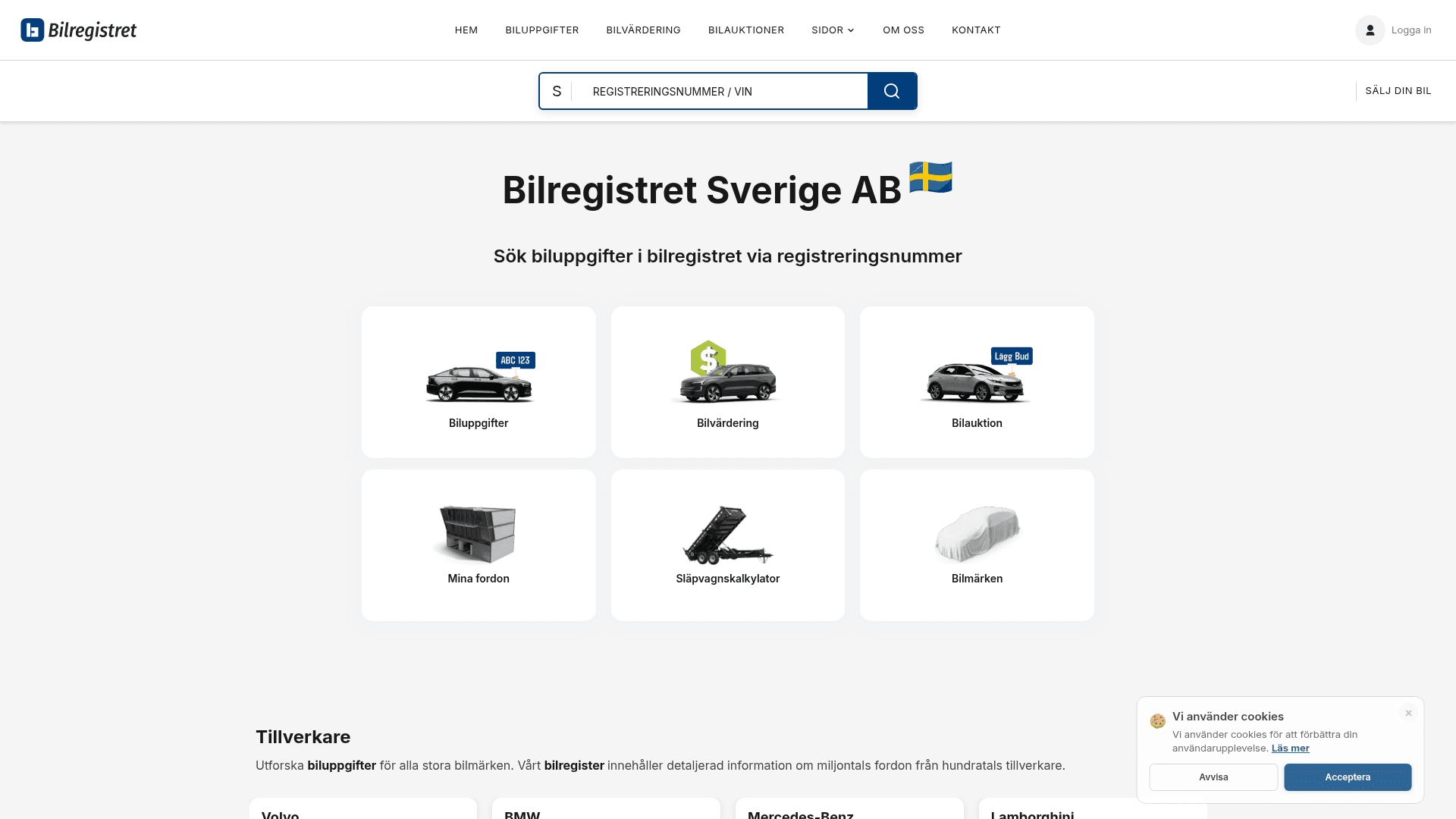
How to Scrape Bilregistret.ai: Swedish Vehicle Data Extraction Guide
How to Scrape CSS Author: A Comprehensive Web Scraping Guide
How to Scrape Car.info | Vehicle Data & Valuation Extraction Guide
How to Scrape ResearchGate: Publication and Researcher Data
How to Scrape Statista: The Ultimate Guide to Market Data Extraction
How to Scrape Weebly Websites: Extract Data from Millions of Sites
Frequently Asked Questions
Find answers to common questions about GoAbroad