
How to Scrape ResearchGate: Publication and Researcher Data
Learn how to scrape ResearchGate for scientific publications, researcher profiles, and citation metrics. Extract valuable academic data while bypassing...
Anti-Bot Protection Detected
- Cloudflare
- Enterprise-grade WAF and bot management. Uses JavaScript challenges, CAPTCHAs, and behavioral analysis. Requires browser automation with stealth settings.
- DataDome
- Real-time bot detection with ML models. Analyzes device fingerprint, network signals, and behavioral patterns. Common on e-commerce sites.
- Rate Limiting
- Limits requests per IP/session over time. Can be bypassed with rotating proxies, request delays, and distributed scraping.
- IP Blocking
- Blocks known datacenter IPs and flagged addresses. Requires residential or mobile proxies to circumvent effectively.
- Browser Fingerprinting
- Identifies bots through browser characteristics: canvas, WebGL, fonts, plugins. Requires spoofing or real browser profiles.
About ResearchGate
Learn what ResearchGate offers and what valuable data can be extracted from it.
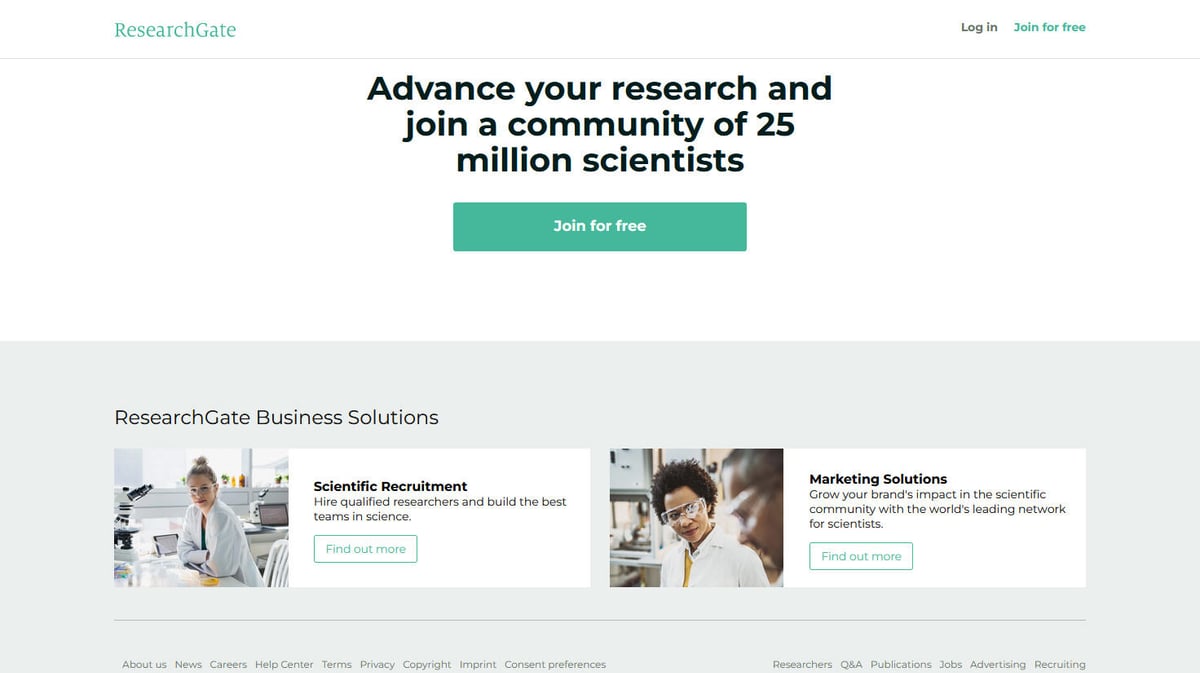
ResearchGate is the world's leading professional social networking site for scientists and researchers. It serves as a massive repository for sharing academic papers, pre-prints, and collaborative discussions. With millions of members across every scientific discipline, it functions as a primary source for the latest discoveries and peer-reviewed content.
The platform contains highly structured data including publication titles, abstracts, citation counts, and researcher metrics like the h-index and RG Score. This makes it an invaluable asset for anyone involved in academic research, bibliometrics, or scientific market analysis.
Scraping ResearchGate allows institutions and corporations to track emerging scientific trends, identify subject matter experts, and map global research networks. By aggregating this data, users can gain insights into institutional output and the competitive landscape of various R&D sectors.
Why Scrape ResearchGate?
Discover the business value and use cases for extracting data from ResearchGate.
Scientific Talent Acquisition
Recruiters can identify specialized PhD candidates and researchers by analyzing their h-index, publication frequency, and listed skills.
Market Research for Lab Tech
Identify laboratories and departments that are actively publishing in specific fields like biotechnology or nanotechnology to target with specialized equipment.
Academic Trend Forecasting
Analyze the growth or decline of specific scientific keywords and topics over time to predict the next big breakthrough in R&D.
Bibliometric Data Aggregation
Build comprehensive scholarly databases by extracting metadata, abstracts, and citation counts for millions of research papers.
Competitive R&D Monitoring
Track the research output of corporate competitors to understand their technical focus and stay ahead in the patent and innovation race.
Scraping Challenges
Technical challenges you may encounter when scraping ResearchGate.
Hardcore Cloudflare Challenges
ResearchGate uses aggressive Cloudflare and DataDome protection that instantly detects and blocks standard automated scripts or headless browsers.
Asynchronous Data Loading
Most valuable data, including citation counts and researcher metrics, is loaded dynamically via JavaScript, requiring a browser-based extraction approach.
Severe Rate Limiting
The platform monitors request patterns heavily; exceeding a very low threshold of requests per minute will lead to temporary or permanent IP bans.
Login Wall Restrictions
Granular data like detailed citation lists and specific member activities are often hidden behind a login wall, making anonymous scraping difficult.
Scrape ResearchGate with AI
No coding required. Extract data in minutes with AI-powered automation.
How It Works
Describe What You Need
Tell the AI what data you want to extract from ResearchGate. Just type it in plain language — no coding or selectors needed.
AI Extracts the Data
Our artificial intelligence navigates ResearchGate, handles dynamic content, and extracts exactly what you asked for.
Get Your Data
Receive clean, structured data ready to export as CSV, JSON, or send directly to your apps and workflows.
Why Use AI for Scraping
AI makes it easy to scrape ResearchGate without writing any code. Our AI-powered platform uses artificial intelligence to understand what data you want — just describe it in plain language and the AI extracts it automatically.
How to scrape with AI:
- Describe What You Need: Tell the AI what data you want to extract from ResearchGate. Just type it in plain language — no coding or selectors needed.
- AI Extracts the Data: Our artificial intelligence navigates ResearchGate, handles dynamic content, and extracts exactly what you asked for.
- Get Your Data: Receive clean, structured data ready to export as CSV, JSON, or send directly to your apps and workflows.
Why use AI for scraping:
- Native JavaScript Execution: Automatio's engine renders pages exactly like a real browser, ensuring all dynamically loaded scientific metrics are visible and extractable.
- Advanced Anti-Bot Bypassing: With built-in residential proxy rotation and behavioral simulation, Automatio can navigate through Cloudflare and DataDome without triggering alarms.
- No-Code Logic Building: Users can build complex extraction workflows for researcher profiles and publication lists visually, eliminating the need for expensive custom Python development.
- Automated CAPTCHA Handling: The platform automatically detects and solves various CAPTCHA challenges thrown by ResearchGate when it suspects automated activity.
- Scheduled Data Syncing: Set your scraper to run on a weekly schedule to automatically update your database with new publications or changes in citation metrics.
No-Code Web Scrapers for ResearchGate
Point-and-click alternatives to AI-powered scraping
Several no-code tools like Browse.ai, Octoparse, Axiom, and ParseHub can help you scrape ResearchGate. These tools use visual interfaces to select elements, but they come with trade-offs compared to AI-powered solutions.
Typical Workflow with No-Code Tools
Common Challenges
Learning curve
Understanding selectors and extraction logic takes time
Selectors break
Website changes can break your entire workflow
Dynamic content issues
JavaScript-heavy sites often require complex workarounds
CAPTCHA limitations
Most tools require manual intervention for CAPTCHAs
IP blocking
Aggressive scraping can get your IP banned
No-Code Web Scrapers for ResearchGate
Several no-code tools like Browse.ai, Octoparse, Axiom, and ParseHub can help you scrape ResearchGate. These tools use visual interfaces to select elements, but they come with trade-offs compared to AI-powered solutions.
Typical Workflow with No-Code Tools
- Install browser extension or sign up for the platform
- Navigate to the target website and open the tool
- Point-and-click to select data elements you want to extract
- Configure CSS selectors for each data field
- Set up pagination rules to scrape multiple pages
- Handle CAPTCHAs (often requires manual solving)
- Configure scheduling for automated runs
- Export data to CSV, JSON, or connect via API
Common Challenges
- Learning curve: Understanding selectors and extraction logic takes time
- Selectors break: Website changes can break your entire workflow
- Dynamic content issues: JavaScript-heavy sites often require complex workarounds
- CAPTCHA limitations: Most tools require manual intervention for CAPTCHAs
- IP blocking: Aggressive scraping can get your IP banned
Code Examples
import requests
from bs4 import BeautifulSoup

# ResearchGate uses aggressive bot protection.
# Realistic headers and proxies are required for any success.
headers = {
    'User-Agent': 'Mozilla/5.0 (Windows NT 10.0; Win64; x64) AppleWebKit/537.36 (KHTML, like Gecko) Chrome/91.0.4472.124 Safari/537.36',
    'Accept-Language': 'en-US,en;q=0.9'
}

def scrape_publication(url):
    try:
        response = requests.get(url, headers=headers, timeout=10)
        response.raise_for_status()
        soup = BeautifulSoup(response.text, 'html.parser')

        # Example selector for publication title
        title = soup.find('h1', class_='research-detail-header-section__title')
        if title:
            print(f'Scraped Title: {title.text.strip()}')

    except Exception as e:
        print(f'Request failed: {e}')

scrape_publication('https://www.researchgate.net/publication/345678910_Example')
When to Use
Best for static HTML pages where content is loaded server-side. The fastest and simplest approach when JavaScript rendering isn't required.
Advantages
- ●Fastest execution (no browser overhead)
- ●Lowest resource consumption
- ●Easy to parallelize with asyncio
- ●Great for APIs and static pages
Limitations
- ●Cannot execute JavaScript
- ●Fails on SPAs and dynamic content
- ●May struggle with complex anti-bot systems
How to Scrape ResearchGate with Code
Python + Requests
import requests
from bs4 import BeautifulSoup
# ResearchGate uses aggressive bot protection.
# Realistic headers and proxies are required for any success.
headers = {
'User-Agent': 'Mozilla/5.0 (Windows NT 10.0; Win64; x64) AppleWebKit/537.36 (KHTML, like Gecko) Chrome/91.0.4472.124 Safari/537.36',
'Accept-Language': 'en-US,en;q=0.9'
}
def scrape_publication(url):
try:
response = requests.get(url, headers=headers, timeout=10)
response.raise_for_status()
soup = BeautifulSoup(response.text, 'html.parser')
# Example selector for publication title
title = soup.find('h1', class_='research-detail-header-section__title')
if title:
print(f'Scraped Title: {title.text.strip()}')
except Exception as e:
print(f'Request failed: {e}')
scrape_publication('https://www.researchgate.net/publication/345678910_Example')Python + Playwright
import asyncio
from playwright.async_api import async_playwright

async def scrape_researchgate_search(query):
    async with async_playwright() as p:
        # Launching with stealth-like settings
        browser = await p.chromium.launch(headless=True)
        page = await browser.new_page(user_agent='Mozilla/5.0 (Windows NT 10.0; Win64; x64) AppleWebKit/537.36')

        search_url = f'https://www.researchgate.net/search/publication?q={query}'
        await page.goto(search_url)

        # Wait for dynamic results to load
        await page.wait_for_selector('.nova-legacy-v-publication-item__title')

        # Extract titles
        titles = await page.eval_on_selector_all('.nova-legacy-v-publication-item__title a', 'nodes => nodes.map(n => n.innerText)')

        for i, title in enumerate(titles[:10]):
            print(f'{i+1}. {title}')

        await browser.close()

asyncio.run(scrape_researchgate_search('machine learning'))Python + Scrapy
import scrapy

class ResearchGateSpider(scrapy.Spider):
    name = 'rg_spider'
    allowed_domains = ['researchgate.net']

    # Use a custom settings dictionary for bot avoidance
    custom_settings = {
        'DOWNLOAD_DELAY': 3,
        'CONCURRENT_REQUESTS': 1,
        'USER_AGENT': 'Mozilla/5.0 (Macintosh; Intel Mac OS X 10_15_7) Chrome/110.0.0.0 Safari/537.36'
    }

    def start_requests(self):
        urls = ['https://www.researchgate.net/search/publication?q=bioinformatics']
        for url in urls:
            yield scrapy.Request(url=url, callback=self.parse)

    def parse(self, response):
        for item in response.css('.nova-legacy-v-publication-item__body'):
            yield {
                'title': item.css('.nova-legacy-v-publication-item__title a::text').get(),
                'link': response.urljoin(item.css('.nova-legacy-v-publication-item__title a::attr(href)').get()),
}Node.js + Puppeteer
const puppeteer = require('puppeteer');

(async () => {
  const browser = await puppeteer.launch({ headless: true });
  const page = await browser.newPage();

  await page.setUserAgent('Mozilla/5.0 (Windows NT 10.0; Win64; x64) AppleWebKit/537.36 (KHTML, like Gecko) Chrome/110.0.0.0 Safari/537.36');

  // Navigate to ResearchGate search
  await page.goto('https://www.researchgate.net/search/publication?q=neuroscience');

  // Wait for the specific container of results
  await page.waitForSelector('.nova-legacy-v-publication-item__title');

  const results = await page.evaluate(() => {
    return Array.from(document.querySelectorAll('.nova-legacy-v-publication-item__title a')).map(a => ({
      title: a.innerText.trim(),
      link: a.href
    }));
  });

  console.log(results);
  await browser.close();
})();What You Can Do With ResearchGate Data
Explore practical applications and insights from ResearchGate data.
Academic Trend Identification
Institutions can identify which scientific topics are gaining momentum by analyzing publication frequency.
How to implement:
- 1Scrape publication dates and keywords for a specific field.
- 2Aggregate data to count keyword frequency over time.
- 3Visualize trends to identify hot research areas.
Use Automatio to extract data from ResearchGate and build these applications without writing code.
What You Can Do With ResearchGate Data
- Academic Trend Identification
Institutions can identify which scientific topics are gaining momentum by analyzing publication frequency.
- Scrape publication dates and keywords for a specific field.
- Aggregate data to count keyword frequency over time.
- Visualize trends to identify hot research areas.
- Bibliometric Citation Mapping
Bibliometricians map how ideas spread through the community by analyzing citation networks.
- Extract 'Citations' and 'References' for a set of core papers.
- Build a network graph of papers connected by citation links.
- Analyze the graph to find high-impact hubs.
- Expert Discovery for Recruitment
Companies looking for specialized PhD talent can identify researchers with specific skills and high scores.
- Search for skills or expertise keywords on ResearchGate.
- Scrape researcher profiles, including affiliations and h-index.
- Rank candidates based on publication history and influence.
- Market Research for Lab Supplies
Identify high-output laboratories that likely require ongoing laboratory equipment and chemical supplies.
- Filter publications by specific lab-intensive keywords.
- Extract department and institution data for authors.
- Target identified labs with relevant scientific product offerings.
- Institutional Performance Benchmarking
Compare the scientific output and impact of departments against global peers.
- Scrape metrics such as RG score and citation counts for target institutions.
- Compare data against historical averages or competitors.
- Use findings to inform resource allocation.
- Lead Generation for Academic Publishing
Identify authors of high-quality pre-prints to invite for journal submissions.
- Scrape recently posted pre-prints in specific subject areas.
- Filter for authors with significant citation history.
- Extract author names and institutional affiliations for outreach.
Supercharge your workflow with AI Automation
Automatio combines the power of AI agents, web automation, and smart integrations to help you accomplish more in less time.
What to get right first
Expert advice for successfully extracting data from ResearchGate.
Prioritize Residential Proxies
Using datacenter IPs is the fastest way to get blocked; residential or mobile proxies are a strict requirement for scraping ResearchGate at scale.
Simulate Human Interactions
Incorporate randomized mouse movements, scrolling, and long wait times (15-30 seconds) between requests to avoid behavioral fingerprinting.
Avoid Using Scraper Accounts
Try to scrape only publicly accessible data; logging into an account to scrape significantly increases the risk of that account being permanently banned.
Target DOIs Directly
If you have a list of DOI numbers, navigate directly to the publication page rather than using the site's search bar to reduce the number of page transitions.
Rotate User-Agents Daily
Use a large pool of modern User-Agents from different operating systems to ensure your scraping fleet doesn't look like a single bot network.
Related Web Scraping
How to Scrape CSS Author: A Comprehensive Web Scraping Guide

How to Scrape The AA (theaa.com): A Technical Guide for Car & Insurance Data
How to Scrape Biluppgifter.se: Vehicle Data Extraction Guide
How to Scrape Bilregistret.ai: Swedish Vehicle Data Extraction Guide
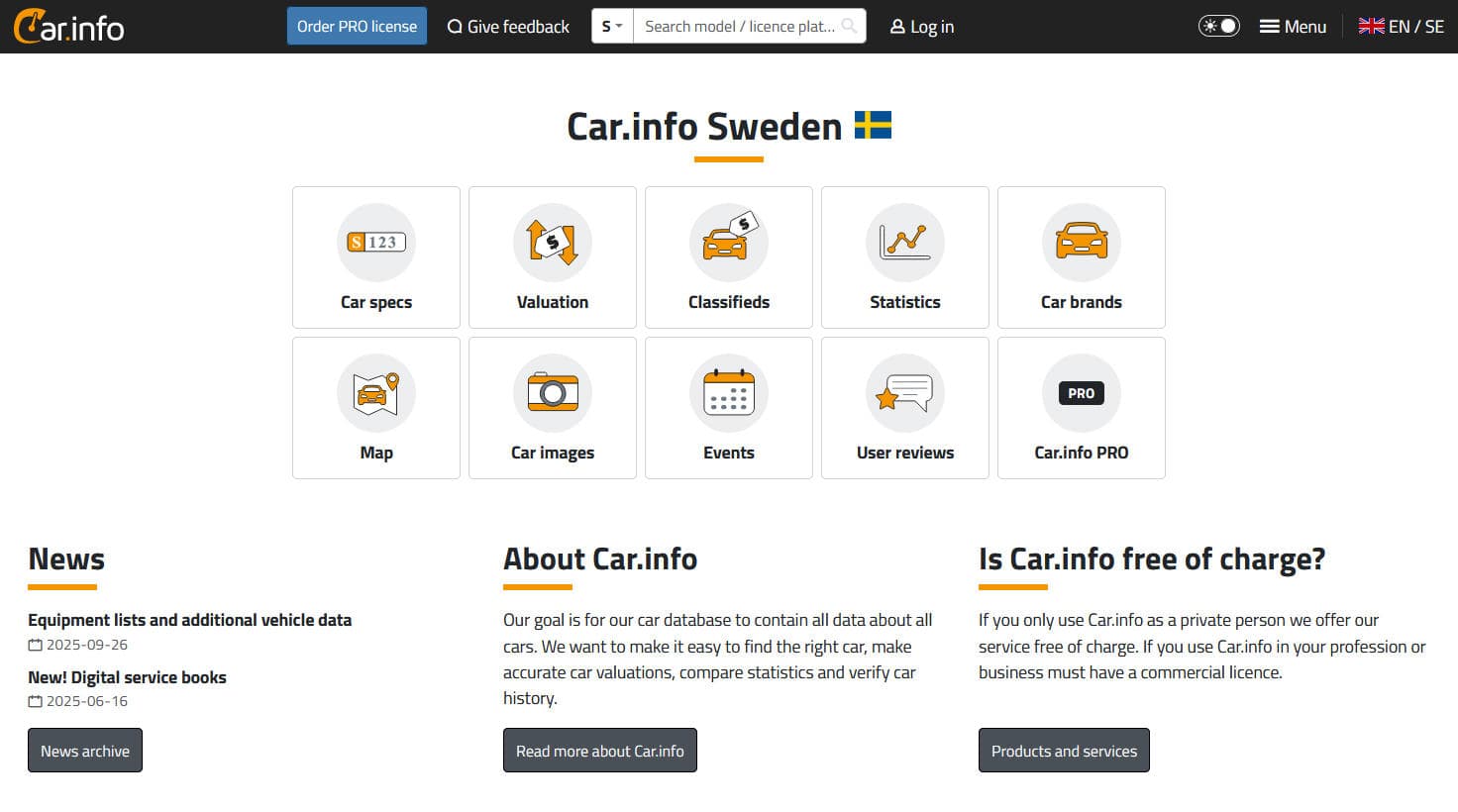
How to Scrape Car.info | Vehicle Data & Valuation Extraction Guide
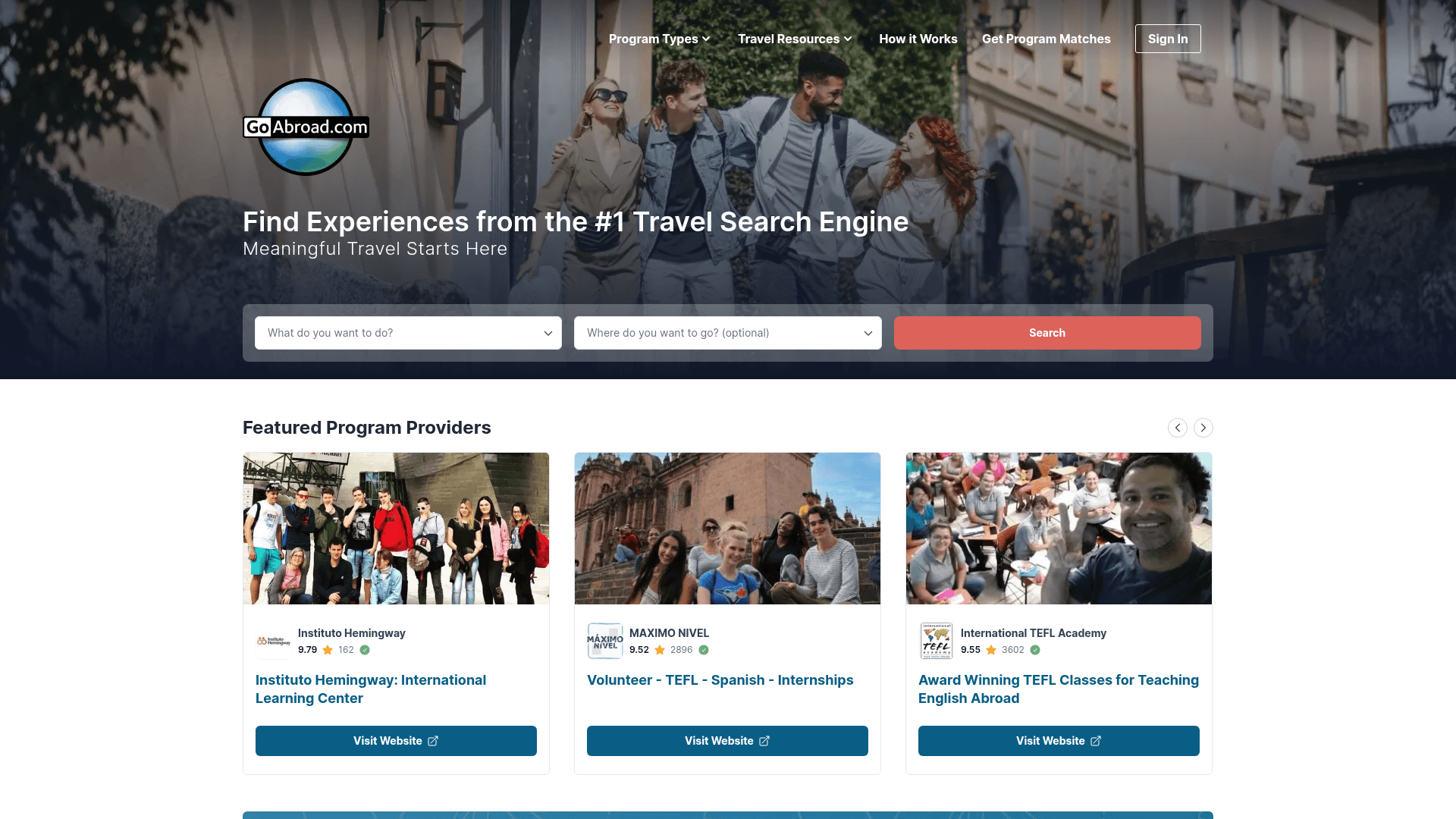
How to Scrape GoAbroad Study Abroad Programs
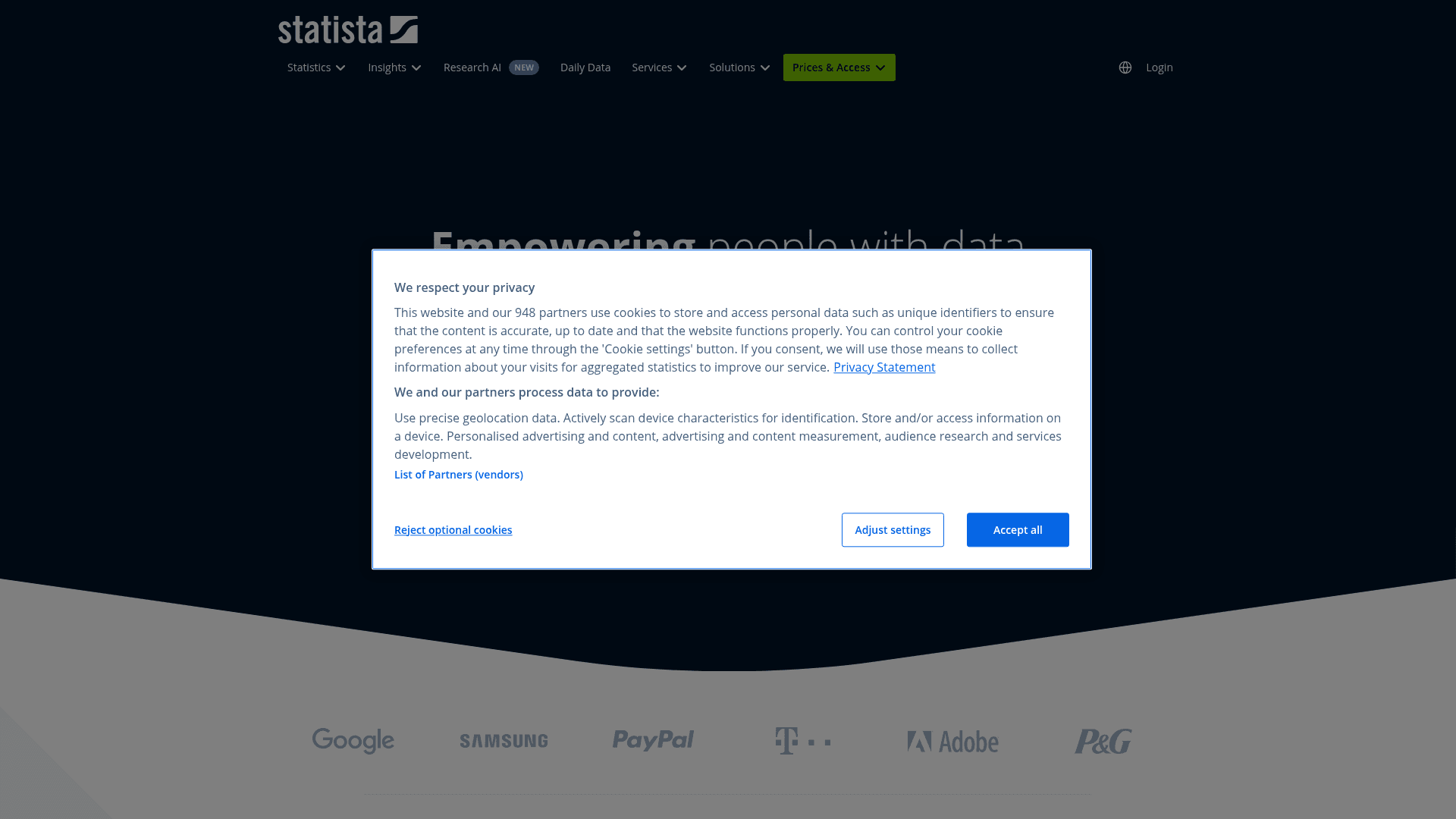
How to Scrape Statista: The Ultimate Guide to Market Data Extraction
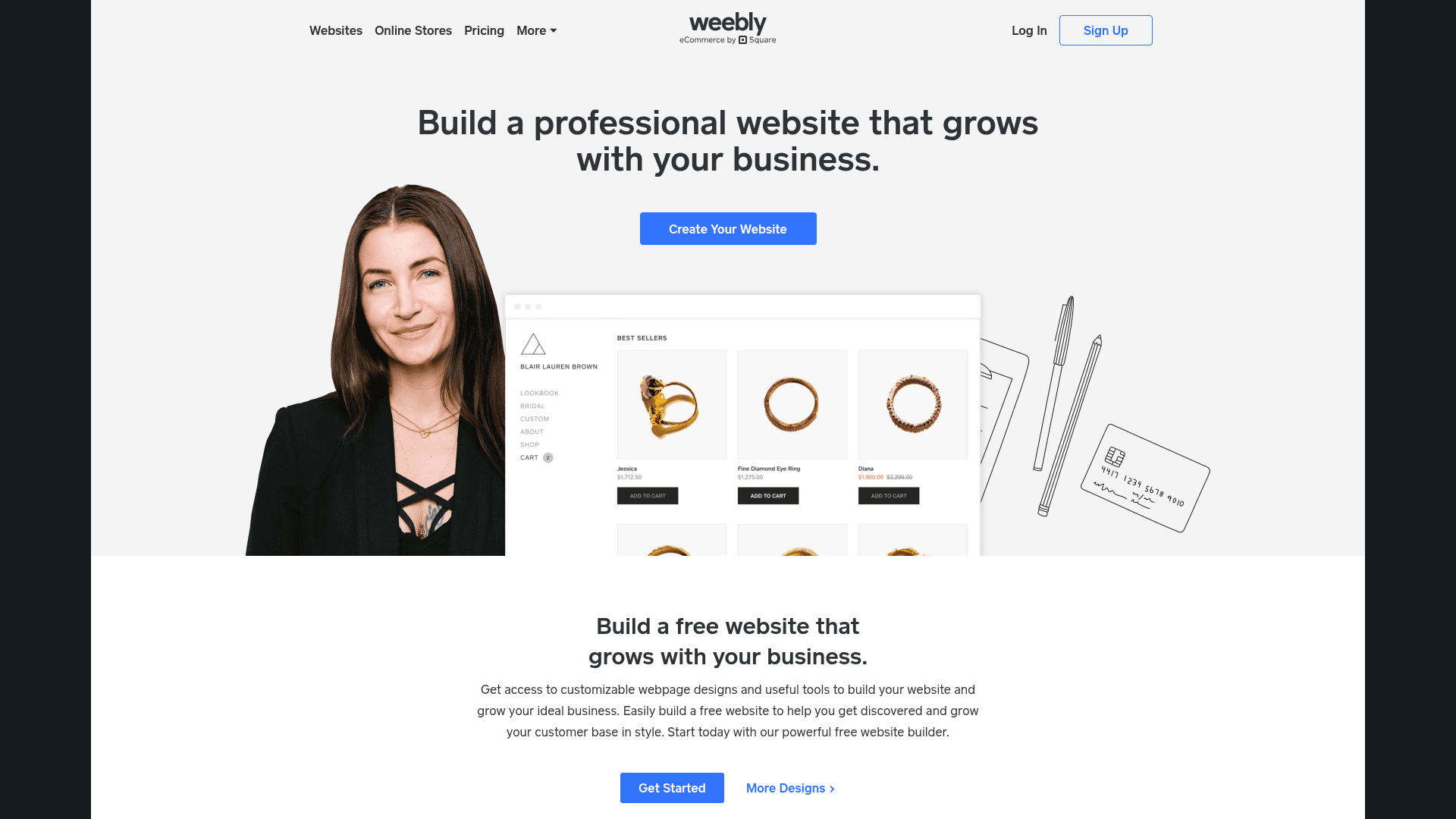
How to Scrape Weebly Websites: Extract Data from Millions of Sites
Frequently Asked Questions
Find answers to common questions about ResearchGate