
How to Scrape Animal Corner | Wildlife & Nature Data Scraper
Extract animal facts, scientific names, and habitat data from Animal Corner. Learn how to build a structured wildlife database for research or apps.
About Animal Corner
Learn what Animal Corner offers and what valuable data can be extracted from it.
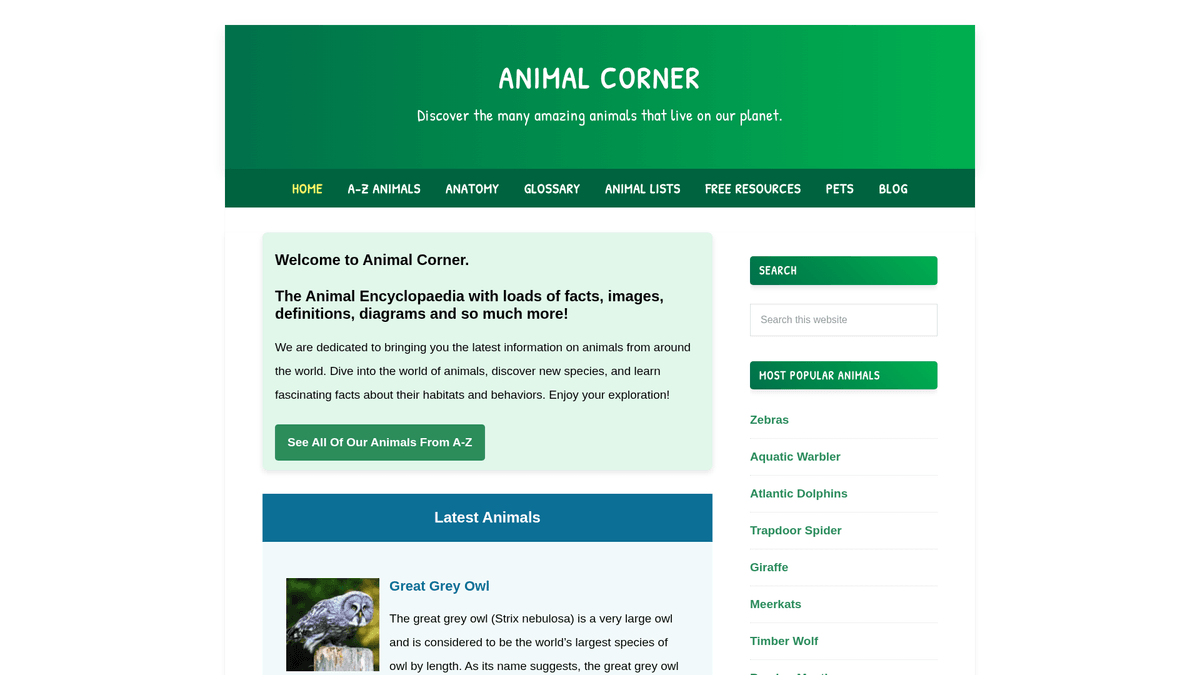
Animal Corner is a comprehensive online encyclopedia dedicated to providing a wealth of information about the animal kingdom. It serves as a structured educational resource for students, teachers, and nature enthusiasts, offering detailed profiles on a vast array of species ranging from common pets to endangered wildlife. The platform organizes its content into logical categories such as mammals, birds, reptiles, fish, amphibians, and invertebrates.
Each listing on the site contains vital biological data, including common and scientific names, physical characteristics, dietary habits, and geographic distribution. For developers and researchers, this data is incredibly valuable for creating structured datasets that can power educational applications, train machine learning models for species identification, or support large-scale ecological studies. Because the site is updated frequently with new species and conservation statuses, it remains a primary source for biodiversity enthusiasts.
Why Scrape Animal Corner?
Discover the business value and use cases for extracting data from Animal Corner.
Biodiversity Database Building
Create a comprehensive, searchable database of global fauna for academic research, conservation projects, or educational archives.
ML Training Sets
Utilize thousands of categorized animal images and detailed biological descriptions to train computer vision and natural language processing models.
Educational Content Generation
Automatically extract animal facts and habitat data to power educational mobile apps, trivia games, or digital biology textbooks.
Ecological Mapping
Analyze geographic distribution data from species profiles to map biodiversity trends and identify habitat overlaps across different continents.
Pet Care Intelligence
Gather detailed biological and behavioral data on specific small mammal and bird breeds to inform product development in the pet supply industry.
Conservation Status Tracking
Monitor and aggregate the conservation status of various species to build a real-time risk dashboard for environmental advocacy.
Scraping Challenges
Technical challenges you may encounter when scraping Animal Corner.
Unstructured Prose Data
Most scientific data is embedded within long paragraphs rather than tables, requiring advanced regex or NLP to extract specific attributes like diet or lifespan.
Variable Page Structure
Species profiles are not uniform; some entries contain detailed taxonomy tables while others provide information only through descriptive text.
Rate Limit Thresholds
High-frequency scraping of the thousands of profile pages can trigger temporary IP blocks on the site's WordPress-based backend.
Thumbnail Resolution Logic
Image URLs often point to WordPress-resized thumbnails (e.g., -150x150), necessitating string manipulation to retrieve the original high-resolution assets.
Scrape Animal Corner with AI
No coding required. Extract data in minutes with AI-powered automation.
How It Works
Describe What You Need
Tell the AI what data you want to extract from Animal Corner. Just type it in plain language — no coding or selectors needed.
AI Extracts the Data
Our artificial intelligence navigates Animal Corner, handles dynamic content, and extracts exactly what you asked for.
Get Your Data
Receive clean, structured data ready to export as CSV, JSON, or send directly to your apps and workflows.
Why Use AI for Scraping
AI makes it easy to scrape Animal Corner without writing any code. Our AI-powered platform uses artificial intelligence to understand what data you want — just describe it in plain language and the AI extracts it automatically.
How to scrape with AI:
- Describe What You Need: Tell the AI what data you want to extract from Animal Corner. Just type it in plain language — no coding or selectors needed.
- AI Extracts the Data: Our artificial intelligence navigates Animal Corner, handles dynamic content, and extracts exactly what you asked for.
- Get Your Data: Receive clean, structured data ready to export as CSV, JSON, or send directly to your apps and workflows.
Why use AI for scraping:
- Visual Data Selection: Use Automatio's point-and-click interface to capture animal facts buried in paragraphs without writing complex CSS selectors or code.
- Automated Directory Crawling: Easily set up a link follower to navigate the A-Z animal directory and automatically scrape every individual species profile in sequence.
- High-Quality Proxy Rotation: Bypass rate limits and prevent IP bans using built-in residential proxies that handle high-volume wildlife data extraction seamlessly.
- Direct Google Sheets Export: Automatically sync scraped animal data into Google Sheets for instant categorization, filtering, and collaborative research.
No-Code Web Scrapers for Animal Corner
Point-and-click alternatives to AI-powered scraping
Several no-code tools like Browse.ai, Octoparse, Axiom, and ParseHub can help you scrape Animal Corner. These tools use visual interfaces to select elements, but they come with trade-offs compared to AI-powered solutions.
Typical Workflow with No-Code Tools
Common Challenges
Learning curve
Understanding selectors and extraction logic takes time
Selectors break
Website changes can break your entire workflow
Dynamic content issues
JavaScript-heavy sites often require complex workarounds
CAPTCHA limitations
Most tools require manual intervention for CAPTCHAs
IP blocking
Aggressive scraping can get your IP banned
No-Code Web Scrapers for Animal Corner
Several no-code tools like Browse.ai, Octoparse, Axiom, and ParseHub can help you scrape Animal Corner. These tools use visual interfaces to select elements, but they come with trade-offs compared to AI-powered solutions.
Typical Workflow with No-Code Tools
- Install browser extension or sign up for the platform
- Navigate to the target website and open the tool
- Point-and-click to select data elements you want to extract
- Configure CSS selectors for each data field
- Set up pagination rules to scrape multiple pages
- Handle CAPTCHAs (often requires manual solving)
- Configure scheduling for automated runs
- Export data to CSV, JSON, or connect via API
Common Challenges
- Learning curve: Understanding selectors and extraction logic takes time
- Selectors break: Website changes can break your entire workflow
- Dynamic content issues: JavaScript-heavy sites often require complex workarounds
- CAPTCHA limitations: Most tools require manual intervention for CAPTCHAs
- IP blocking: Aggressive scraping can get your IP banned
Code Examples
import requests
from bs4 import BeautifulSoup

# Target URL for a specific animal
url = 'https://animalcorner.org/animals/african-elephant/'
# Standard headers to mimic a real browser
headers = {'User-Agent': 'Mozilla/5.0 (Windows NT 10.0; Win64; x64) AppleWebKit/537.36 (KHTML, like Gecko) Chrome/91.0.4472.124 Safari/537.36'}

try:
    response = requests.get(url, headers=headers)
    response.raise_for_status()
    soup = BeautifulSoup(response.text, 'html.parser')

    # Extracting animal name
    title = soup.find('h1').text.strip()
    print(f'Animal: {title}')

    # Extracting first paragraph which usually contains the scientific name
    intro = soup.find('p').text.strip()
    print(f'Intro Facts: {intro[:150]}...')

except requests.exceptions.RequestException as e:
    print(f'Error scraping Animal Corner: {e}')
When to Use
Best for static HTML pages where content is loaded server-side. The fastest and simplest approach when JavaScript rendering isn't required.
Advantages
- ●Fastest execution (no browser overhead)
- ●Lowest resource consumption
- ●Easy to parallelize with asyncio
- ●Great for APIs and static pages
Limitations
- ●Cannot execute JavaScript
- ●Fails on SPAs and dynamic content
- ●May struggle with complex anti-bot systems
How to Scrape Animal Corner with Code
Python + Requests
import requests
from bs4 import BeautifulSoup
# Target URL for a specific animal
url = 'https://animalcorner.org/animals/african-elephant/'
# Standard headers to mimic a real browser
headers = {'User-Agent': 'Mozilla/5.0 (Windows NT 10.0; Win64; x64) AppleWebKit/537.36 (KHTML, like Gecko) Chrome/91.0.4472.124 Safari/537.36'}
try:
response = requests.get(url, headers=headers)
response.raise_for_status()
soup = BeautifulSoup(response.text, 'html.parser')
# Extracting animal name
title = soup.find('h1').text.strip()
print(f'Animal: {title}')
# Extracting first paragraph which usually contains the scientific name
intro = soup.find('p').text.strip()
print(f'Intro Facts: {intro[:150]}...')
except requests.exceptions.RequestException as e:
print(f'Error scraping Animal Corner: {e}')Python + Playwright
from playwright.sync_api import sync_playwright

def scrape_animal_corner():
    with sync_playwright() as p:
        # Launch headless browser
        browser = p.chromium.launch(headless=True)
        page = browser.new_page()
        page.goto('https://animalcorner.org/animals/african-elephant/')

        # Wait for the main heading to load
        title = page.inner_text('h1')
        print(f'Animal Name: {title}')

        # Extract specific fact paragraphs
        facts = page.query_selector_all('p')
        for fact in facts[:3]:
            print(f'Fact: {fact.inner_text()}')

        browser.close()

if __name__ == "__main__":
scrape_animal_corner()Python + Scrapy
import scrapy

class AnimalSpider(scrapy.Spider):
    name = 'animal_spider'
    start_urls = ['https://animalcorner.org/animals/']

    def parse(self, response):
        # Follow links to individual animal pages within the directory
        for animal_link in response.css('a[href*="/animals/"]::attr(href)').getall():
            yield response.follow(animal_link, self.parse_animal)

    def parse_animal(self, response):
        # Extract structured data from animal profiles
        yield {
            'common_name': response.css('h1::text').get().strip(),
            'scientific_name': response.xpath('//p[contains(., "(")]/text()').re_first(r'\((.*?)\)'),
            'description': ' '.join(response.css('p::text').getall()[:5])
}Node.js + Puppeteer
const puppeteer = require('puppeteer');

(async () => {
  const browser = await puppeteer.launch();
  const page = await browser.newPage();
  await page.goto('https://animalcorner.org/animals/african-elephant/');

  const data = await page.evaluate(() => {
    // Extract the title and introductory paragraph
    return {
      title: document.querySelector('h1').innerText.trim(),
      firstParagraph: document.querySelector('p').innerText.trim()
    };
  });

  console.log('Extracted Data:', data);
  await browser.close();
})();What You Can Do With Animal Corner Data
Explore practical applications and insights from Animal Corner data.
Educational Flashcard App
Create a mobile learning application that uses animal facts and high-quality images to teach students about biodiversity.
How to implement:
- 1Scrape animal names, physical traits, and featured images
- 2Categorize animals by difficulty level or biological group
- 3Design an interactive quiz interface using the gathered data
- 4Implement progress tracking to help users master species identification
Use Automatio to extract data from Animal Corner and build these applications without writing code.
What You Can Do With Animal Corner Data
- Educational Flashcard App
Create a mobile learning application that uses animal facts and high-quality images to teach students about biodiversity.
- Scrape animal names, physical traits, and featured images
- Categorize animals by difficulty level or biological group
- Design an interactive quiz interface using the gathered data
- Implement progress tracking to help users master species identification
- Zoological Research Dataset
Provide a structured dataset for researchers comparing anatomical statistics across different species families.
- Extract specific numerical stats like heart rate and gestation period
- Normalize measurement units (e.g., kilograms, meters) using data cleaning
- Organize the data by scientific classification (Order, Family, Genus)
- Export the final dataset to CSV for advanced statistical analysis
- Nature Blog Auto-Poster
Generate daily social media or blog content featuring 'Animal of the Day' facts automatically.
- Scrape a large pool of interesting animal facts from the encyclopedia
- Schedule a script to select a random animal profile every 24 hours
- Format the extracted text into an engaging post template
- Use social media APIs to publish the content with the animal's image
- Conservation Monitoring Tool
Build a dashboard that highlights animals currently listed with 'Endangered' or 'Vulnerable' status.
- Scrape species names alongside their specific conservation status
- Filter the database to isolate high-risk species categories
- Map these species to their reported geographic regions
- Set up periodic scraping runs to track changes in conservation status
Supercharge your workflow with AI Automation
Automatio combines the power of AI agents, web automation, and smart integrations to help you accomplish more in less time.
What to get right first
Expert advice for successfully extracting data from Animal Corner.
Leverage the A-Z Index
The A-Z page provides a flat hierarchy of all species, making it much easier to scrape than traversing through deeply nested regional categories.
Target the XML Sitemap
Access /sitemap_index.xml to get a clean list of all post URLs, which is more reliable and faster than a traditional site-wide crawl.
Strip Thumbnail Dimensions
To obtain original images, use regex to remove trailing dimensions like '-300x200' from the extracted image source URLs.
Implement Throttling
Set a delay of 2-3 seconds between requests to avoid overwhelming the server and to maintain a human-like browsing profile.
Extract Scientific Names via Regex
Since scientific names are often in parentheses near the common name, use a regex pattern like '\((.*?)\)' on the first paragraph for accurate extraction.
Related Web Scraping

How to Scrape The AA (theaa.com): A Technical Guide for Car & Insurance Data

How to Scrape CSS Author: A Comprehensive Web Scraping Guide
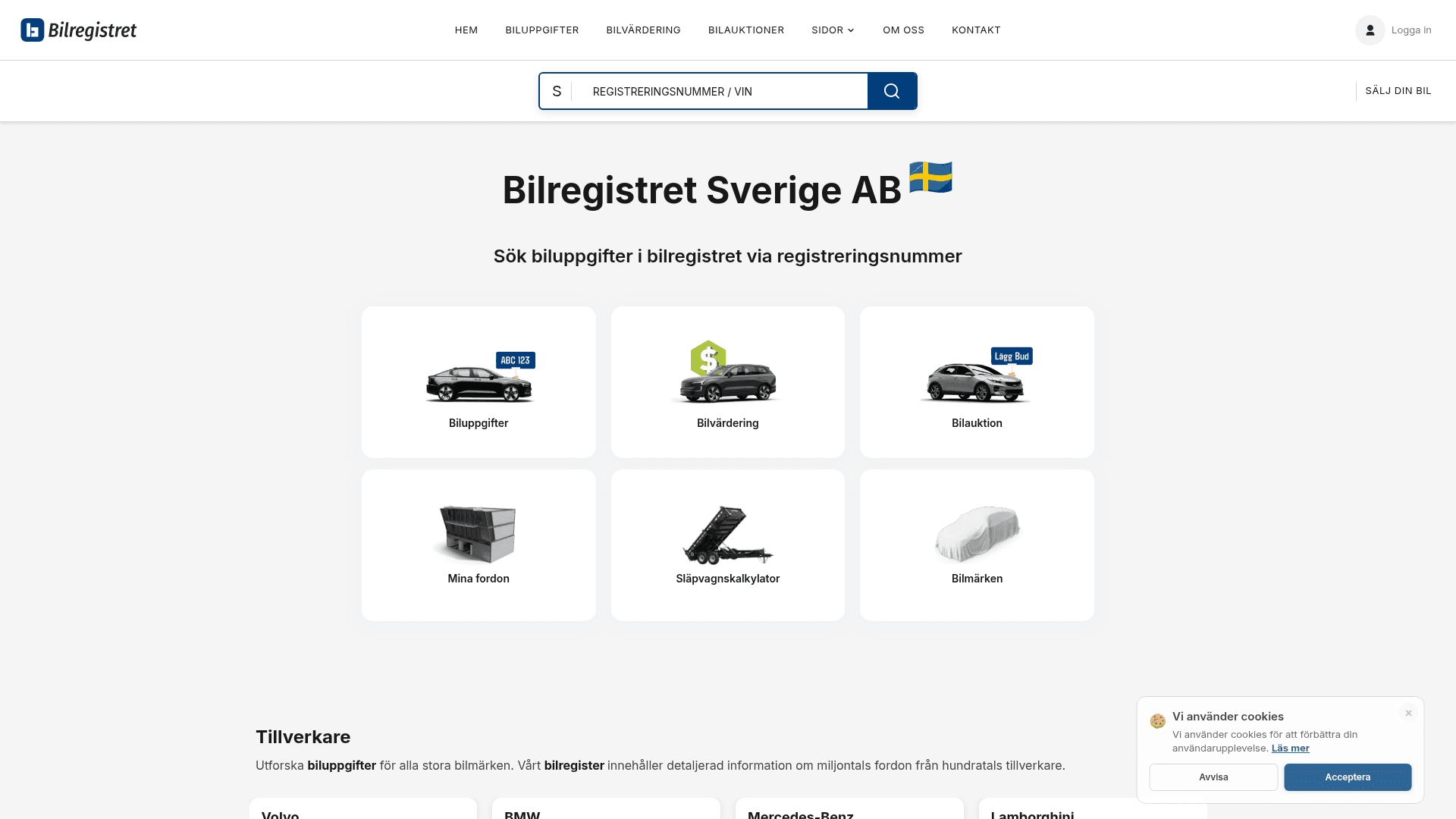
How to Scrape Bilregistret.ai: Swedish Vehicle Data Extraction Guide
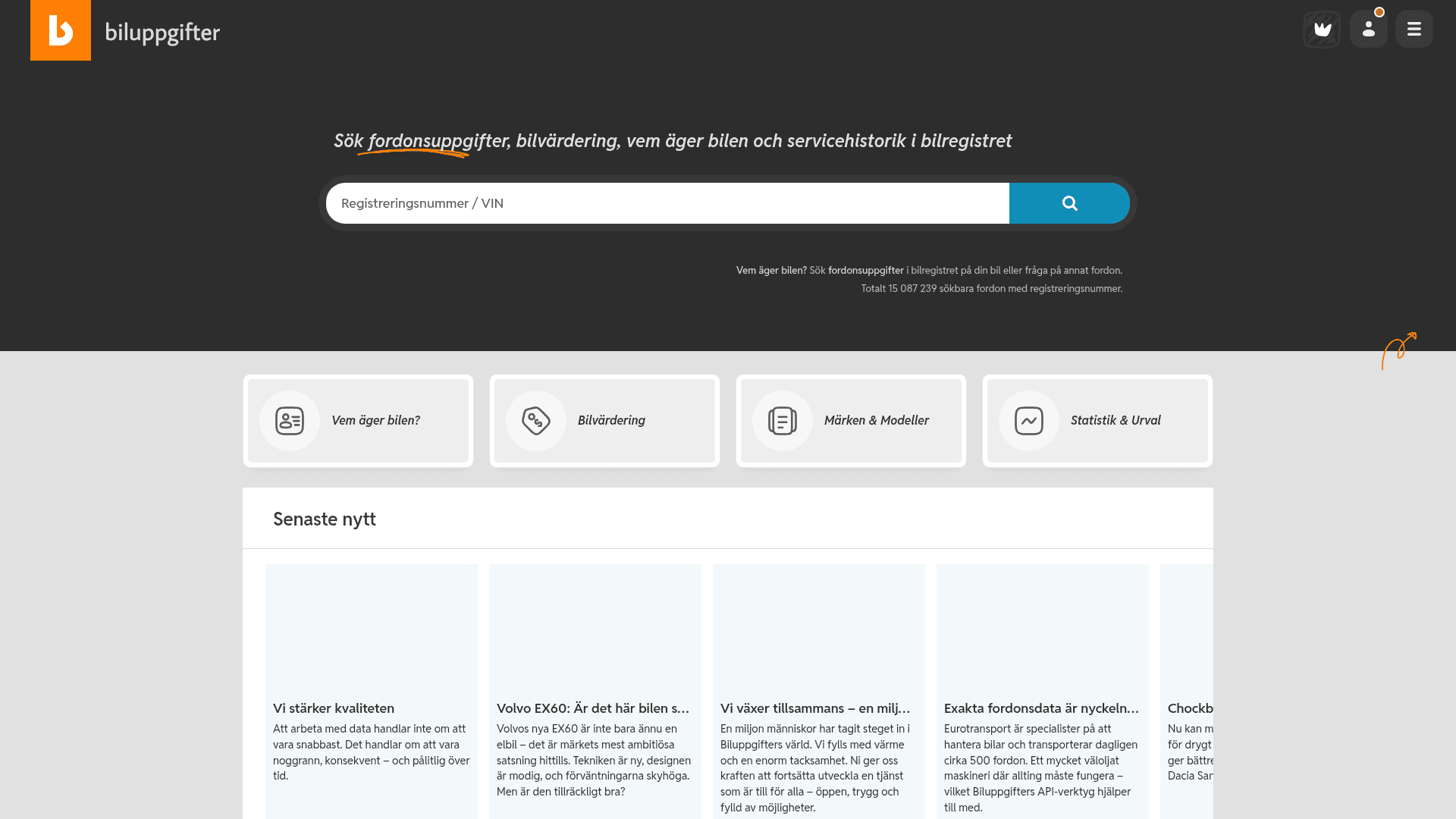
How to Scrape Biluppgifter.se: Vehicle Data Extraction Guide
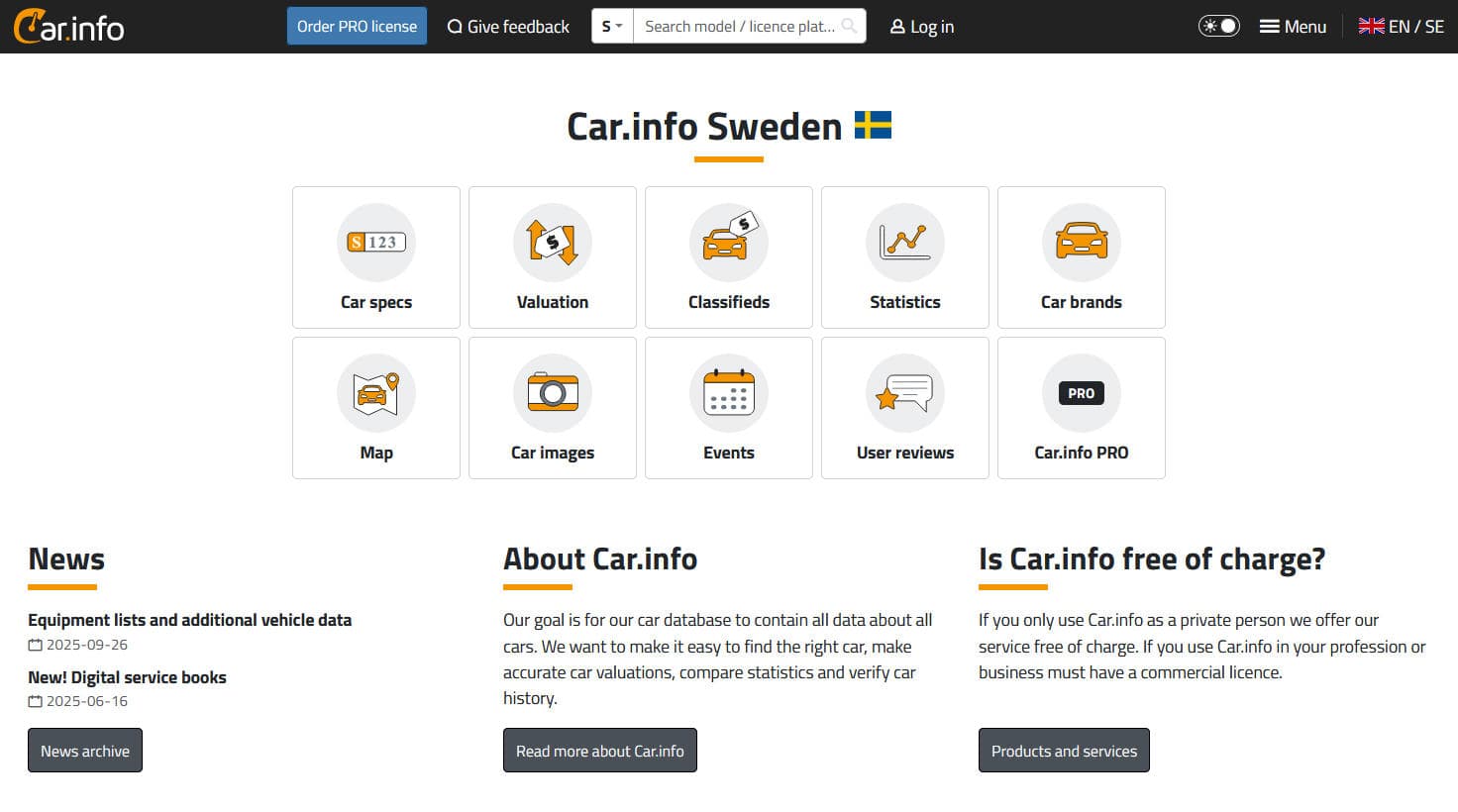
How to Scrape Car.info | Vehicle Data & Valuation Extraction Guide
How to Scrape GoAbroad Study Abroad Programs

How to Scrape ResearchGate: Publication and Researcher Data
How to Scrape Statista: The Ultimate Guide to Market Data Extraction
Frequently Asked Questions
Find answers to common questions about Animal Corner