
How to Scrape BeChewy: Extract Pet Care Guides & Health Advice
Learn how to scrape BeChewy to extract expert pet health articles, breed guides, and lifestyle tips. Essential for pet industry research and aggregation.
Anti-Bot Protection Detected
- Akamai Bot Manager
- Advanced bot detection using device fingerprinting, behavior analysis, and machine learning. One of the most sophisticated anti-bot systems.
- Cloudflare
- Enterprise-grade WAF and bot management. Uses JavaScript challenges, CAPTCHAs, and behavioral analysis. Requires browser automation with stealth settings.
- Rate Limiting
- Limits requests per IP/session over time. Can be bypassed with rotating proxies, request delays, and distributed scraping.
- IP Reputation Filtering
- Browser Fingerprinting
- Identifies bots through browser characteristics: canvas, WebGL, fonts, plugins. Requires spoofing or real browser profiles.
About BeChewy
Learn what BeChewy offers and what valuable data can be extracted from it.
The Ultimate Pet Knowledge Hub
BeChewy is the official educational content platform for Chewy.com, a leader in the pet supply industry. It serves as a comprehensive digital library for pet owners, providing vet-reviewed articles, step-by-step training guides, and deep dives into pet nutrition. The site is meticulously organized into categories like Dog, Cat, Small Pet, and Health, making it a primary destination for reliable pet care information.
Structured Pet Data and Expert Insights
The website contains thousands of detailed records, including breed profiles, veterinary advice, and DIY tutorials. Each piece of content is often authored by a professional veterinarian or certified trainer, providing a high level of authority and structured metadata. For scrapers, this represents a unique opportunity to gather high-quality, long-form content that is consistently updated and categorized.
Strategic Value for the Pet Industry
Scraping BeChewy data is invaluable for pet-tech startups, veterinary researchers, and content aggregators. By extracting health guides and breed specs, businesses can build comprehensive databases for apps, monitor competitive content strategies, and track emerging pet wellness trends. It is a foundational source for any data-driven project in the animal care sector.
Why Scrape BeChewy?
Discover the business value and use cases for extracting data from BeChewy.
Extracting vet-reviewed pet health advice for mobile application content
Monitoring Chewy's educational content strategy for competitive analysis
Building a comprehensive breed database for pet insurance underwriting
Sentiment analysis on popular pet lifestyle and behavior topics
Aggregating DIY pet project tutorials for community portals
Tracking emerging trends in pet nutrition and professional recommendations
Scraping Challenges
Technical challenges you may encounter when scraping BeChewy.
Akamai Bot Manager detection which identifies headless browser signatures
Dynamic rendering requirements as most content loads via client-side scripts
Frequent changes to the article layout structure and CSS selectors
Aggressive rate limiting that triggers CAPTCHAs on repetitive IP requests
Scrape BeChewy with AI
No coding required. Extract data in minutes with AI-powered automation.
How It Works
Describe What You Need
Tell the AI what data you want to extract from BeChewy. Just type it in plain language — no coding or selectors needed.
AI Extracts the Data
Our artificial intelligence navigates BeChewy, handles dynamic content, and extracts exactly what you asked for.
Get Your Data
Receive clean, structured data ready to export as CSV, JSON, or send directly to your apps and workflows.
Why Use AI for Scraping
AI makes it easy to scrape BeChewy without writing any code. Our AI-powered platform uses artificial intelligence to understand what data you want — just describe it in plain language and the AI extracts it automatically.
How to scrape with AI:
- Describe What You Need: Tell the AI what data you want to extract from BeChewy. Just type it in plain language — no coding or selectors needed.
- AI Extracts the Data: Our artificial intelligence navigates BeChewy, handles dynamic content, and extracts exactly what you asked for.
- Get Your Data: Receive clean, structured data ready to export as CSV, JSON, or send directly to your apps and workflows.
Why use AI for scraping:
- Seamlessly bypasses Akamai and Cloudflare anti-bot mechanisms
- Handles full JavaScript rendering without manual browser configuration
- Supports scheduled runs to capture new articles as they are published
- Directly exports structured article data to CSV or Google Sheets
- Scales across thousands of category pages without local resource strain
No-Code Web Scrapers for BeChewy
Point-and-click alternatives to AI-powered scraping
Several no-code tools like Browse.ai, Octoparse, Axiom, and ParseHub can help you scrape BeChewy. These tools use visual interfaces to select elements, but they come with trade-offs compared to AI-powered solutions.
Typical Workflow with No-Code Tools
Common Challenges
Learning curve
Understanding selectors and extraction logic takes time
Selectors break
Website changes can break your entire workflow
Dynamic content issues
JavaScript-heavy sites often require complex workarounds
CAPTCHA limitations
Most tools require manual intervention for CAPTCHAs
IP blocking
Aggressive scraping can get your IP banned
No-Code Web Scrapers for BeChewy
Several no-code tools like Browse.ai, Octoparse, Axiom, and ParseHub can help you scrape BeChewy. These tools use visual interfaces to select elements, but they come with trade-offs compared to AI-powered solutions.
Typical Workflow with No-Code Tools
- Install browser extension or sign up for the platform
- Navigate to the target website and open the tool
- Point-and-click to select data elements you want to extract
- Configure CSS selectors for each data field
- Set up pagination rules to scrape multiple pages
- Handle CAPTCHAs (often requires manual solving)
- Configure scheduling for automated runs
- Export data to CSV, JSON, or connect via API
Common Challenges
- Learning curve: Understanding selectors and extraction logic takes time
- Selectors break: Website changes can break your entire workflow
- Dynamic content issues: JavaScript-heavy sites often require complex workarounds
- CAPTCHA limitations: Most tools require manual intervention for CAPTCHAs
- IP blocking: Aggressive scraping can get your IP banned
Code Examples
import requests
from bs4 import BeautifulSoup

# Custom headers to mimic a browser and bypass basic filters
headers = {
    'User-Agent': 'Mozilla/5.0 (Windows NT 10.0; Win64; x64) AppleWebKit/537.36 (KHTML, like Gecko) Chrome/119.0.0.0 Safari/537.36',
    'Accept-Language': 'en-US,en;q=0.9'
}

url = 'https://www.chewy.com/education/dog/health-wellness'

try:
    response = requests.get(url, headers=headers)
    response.raise_for_status()

    soup = BeautifulSoup(response.text, 'html.parser')
    # Extract titles based on common header classes
    articles = soup.find_all('h3')

    for article in articles:
        print(f'Article Title: {article.get_text(strip=True)}')
except Exception as e:
    print(f'Failed to fetch BeChewy: {e}')
When to Use
Best for static HTML pages where content is loaded server-side. The fastest and simplest approach when JavaScript rendering isn't required.
Advantages
- ●Fastest execution (no browser overhead)
- ●Lowest resource consumption
- ●Easy to parallelize with asyncio
- ●Great for APIs and static pages
Limitations
- ●Cannot execute JavaScript
- ●Fails on SPAs and dynamic content
- ●May struggle with complex anti-bot systems
How to Scrape BeChewy with Code
Python + Requests
import requests
from bs4 import BeautifulSoup
# Custom headers to mimic a browser and bypass basic filters
headers = {
'User-Agent': 'Mozilla/5.0 (Windows NT 10.0; Win64; x64) AppleWebKit/537.36 (KHTML, like Gecko) Chrome/119.0.0.0 Safari/537.36',
'Accept-Language': 'en-US,en;q=0.9'
}
url = 'https://www.chewy.com/education/dog/health-wellness'
try:
response = requests.get(url, headers=headers)
response.raise_for_status()
soup = BeautifulSoup(response.text, 'html.parser')
# Extract titles based on common header classes
articles = soup.find_all('h3')
for article in articles:
print(f'Article Title: {article.get_text(strip=True)}')
except Exception as e:
print(f'Failed to fetch BeChewy: {e}')Python + Playwright
from playwright.sync_api import sync_playwright

def run_scraper():
    with sync_playwright() as p:
        browser = p.chromium.launch(headless=True)
        context = browser.new_context(user_agent='Mozilla/5.0 (Windows NT 10.0; Win64; x64) AppleWebKit/537.36')
        page = context.new_page()

        # Navigate to the breed guide category
        page.goto('https://be.chewy.com/category/dog/dog-breeds/', wait_until='domcontentloaded')

        # Wait for the article list to render
        page.wait_for_selector('article')

        articles = page.query_selector_all('article h2')
        for article in articles:
            print(f'Breed Found: {article.inner_text()}')

        browser.close()

if __name__ == '__main__':
run_scraper()Python + Scrapy
import scrapy

class BeChewySpider(scrapy.Spider):
    name = 'bechewy_spider'
    allowed_domains = ['chewy.com', 'be.chewy.com']
    start_urls = ['https://be.chewy.com/latest/']

    def parse(self, response):
        for article in response.css('article'):
            yield {
                'title': article.css('h2.entry-title a::text').get(),
                'link': article.css('h2.entry-title a::attr(href)').get(),
                'author': article.css('.entry-author-name::text').get(),
                'date': article.css('time::attr(datetime)').get()
            }

        next_page = response.css('a.next.page-numbers::attr(href)').get()
        if next_page:
yield response.follow(next_page, self.parse)Node.js + Puppeteer
const puppeteer = require('puppeteer');

(async () => {
  const browser = await puppeteer.launch();
  const page = await browser.newPage();
  await page.setUserAgent('Mozilla/5.0 (Windows NT 10.0; Win64; x64) AppleWebKit/537.36');

  await page.goto('https://be.chewy.com/', { waitUntil: 'networkidle2' });

  const data = await page.evaluate(() => {
    const titles = Array.from(document.querySelectorAll('.entry-title'));
    return titles.map(t => t.innerText.trim());
  });

  console.log('Latest Articles:', data);
  await browser.close();
})();What You Can Do With BeChewy Data
Explore practical applications and insights from BeChewy data.
Veterinary Resource Portal
Create a clinical search engine for pet owners by aggregating vet-verified articles from BeChewy.
How to implement:
- 1Crawl the 'Health' and 'Safety' categories to gather all medical advice.
- 2Index the content into a searchable database like ElasticSearch.
- 3Link specific symptoms mentioned in articles to recommended expert guides.
Use Automatio to extract data from BeChewy and build these applications without writing code.
What You Can Do With BeChewy Data
- Veterinary Resource Portal
Create a clinical search engine for pet owners by aggregating vet-verified articles from BeChewy.
- Crawl the 'Health' and 'Safety' categories to gather all medical advice.
- Index the content into a searchable database like ElasticSearch.
- Link specific symptoms mentioned in articles to recommended expert guides.
- Pet Breed Information App
Develop a comprehensive breed encyclopedia app using the detailed profiles available on the site.
- Scrape the 'Dog Breeds' category for traits, history, and care requirements.
- Structure the data into JSON format for mobile app consumption.
- Regularly update the database to include newly added breed profiles.
- Content Strategy Benchmarking
Analyze Chewy's content production rate and topical focus to guide your own pet brand's marketing strategy.
- Scrape article dates and categories over a 12-month period.
- Identify the most frequently published topics and associated authors.
- Allocate your content budget based on identified high-authority gaps.
- AI Pet Care Chatbot Training
Use the high-quality, long-form content from BeChewy to train specialized LLMs for pet care advice.
- Extract clean text from thousands of advice articles.
- Pre-process the text to remove HTML tags and internal navigation links.
- Fine-tune your machine learning model using the expert-authored dataset.
- Affiliate Link Optimization
Identify which products are most recommended by experts within specific health guides.
- Extract product links and mentions within 'Recommendation' sections.
- Correlate specific health conditions with the products Chewy suggests.
- Optimize your affiliate store based on these expert-backed trends.
Supercharge your workflow with AI Automation
Automatio combines the power of AI agents, web automation, and smart integrations to help you accomplish more in less time.
Pro Tips for Scraping BeChewy
Expert advice for successfully extracting data from BeChewy.
Use premium residential proxies to effectively rotate IPs and bypass Akamai's bot detection.
Extract data from the 'application/ld+json' scripts in the source code for the most structured article metadata.
Randomize your scraping intervals between 8 and 15 seconds to avoid patterns that trigger rate limiters.
Target specific sub-category URLs (e.g., /category/dog/health) rather than the main homepage for more relevant data.
Always set a high-quality User-Agent string that matches the current version of Chrome or Firefox.
Monitor the site for selector changes monthly, as Chewy frequently updates their CMS themes.
Testimonials
What Our Users Say
Join thousands of satisfied users who have transformed their workflow
Jonathan Kogan
Co-Founder/CEO, rpatools.io
Automatio is one of the most used for RPA Tools both internally and externally. It saves us countless hours of work and we realized this could do the same for other startups and so we choose Automatio for most of our automation needs.
Mohammed Ibrahim
CEO, qannas.pro
I have used many tools over the past 5 years, Automatio is the Jack of All trades.. !! it could be your scraping bot in the morning and then it becomes your VA by the noon and in the evening it does your automations.. its amazing!
Ben Bressington
CTO, AiChatSolutions
Automatio is fantastic and simple to use to extract data from any website. This allowed me to replace a developer and do tasks myself as they only take a few minutes to setup and forget about it. Automatio is a game changer!
Sarah Chen
Head of Growth, ScaleUp Labs
We've tried dozens of automation tools, but Automatio stands out for its flexibility and ease of use. Our team productivity increased by 40% within the first month of adoption.
David Park
Founder, DataDriven.io
The AI-powered features in Automatio are incredible. It understands context and adapts to changes in websites automatically. No more broken scrapers!
Emily Rodriguez
Marketing Director, GrowthMetrics
Automatio transformed our lead generation process. What used to take our team days now happens automatically in minutes. The ROI is incredible.
Jonathan Kogan
Co-Founder/CEO, rpatools.io
Automatio is one of the most used for RPA Tools both internally and externally. It saves us countless hours of work and we realized this could do the same for other startups and so we choose Automatio for most of our automation needs.
Mohammed Ibrahim
CEO, qannas.pro
I have used many tools over the past 5 years, Automatio is the Jack of All trades.. !! it could be your scraping bot in the morning and then it becomes your VA by the noon and in the evening it does your automations.. its amazing!
Ben Bressington
CTO, AiChatSolutions
Automatio is fantastic and simple to use to extract data from any website. This allowed me to replace a developer and do tasks myself as they only take a few minutes to setup and forget about it. Automatio is a game changer!
Sarah Chen
Head of Growth, ScaleUp Labs
We've tried dozens of automation tools, but Automatio stands out for its flexibility and ease of use. Our team productivity increased by 40% within the first month of adoption.
David Park
Founder, DataDriven.io
The AI-powered features in Automatio are incredible. It understands context and adapts to changes in websites automatically. No more broken scrapers!
Emily Rodriguez
Marketing Director, GrowthMetrics
Automatio transformed our lead generation process. What used to take our team days now happens automatically in minutes. The ROI is incredible.
Related Web Scraping
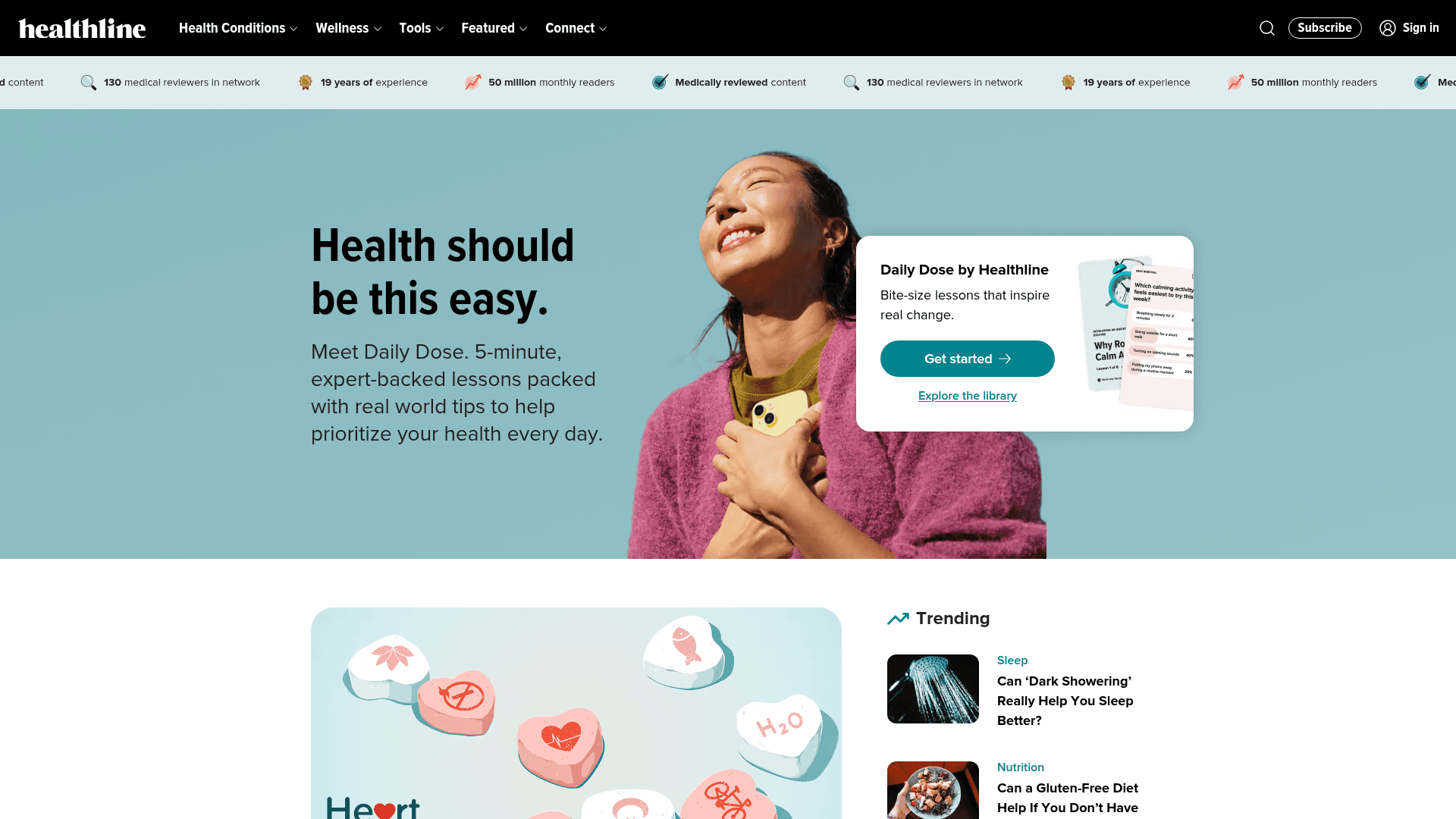
How to Scrape Healthline: The Ultimate Health & Medical Data Guide
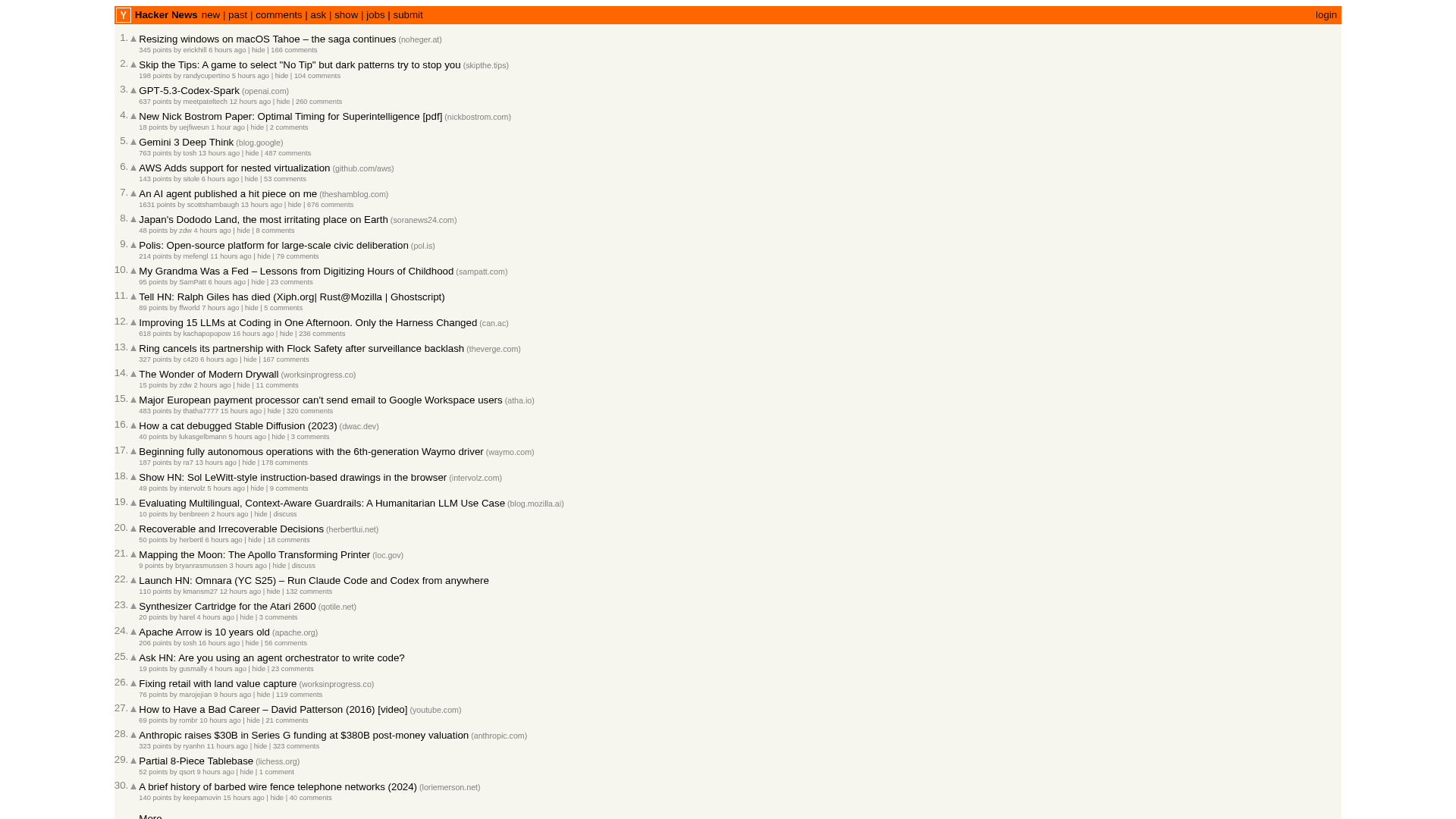
How to Scrape Hacker News (news.ycombinator.com)
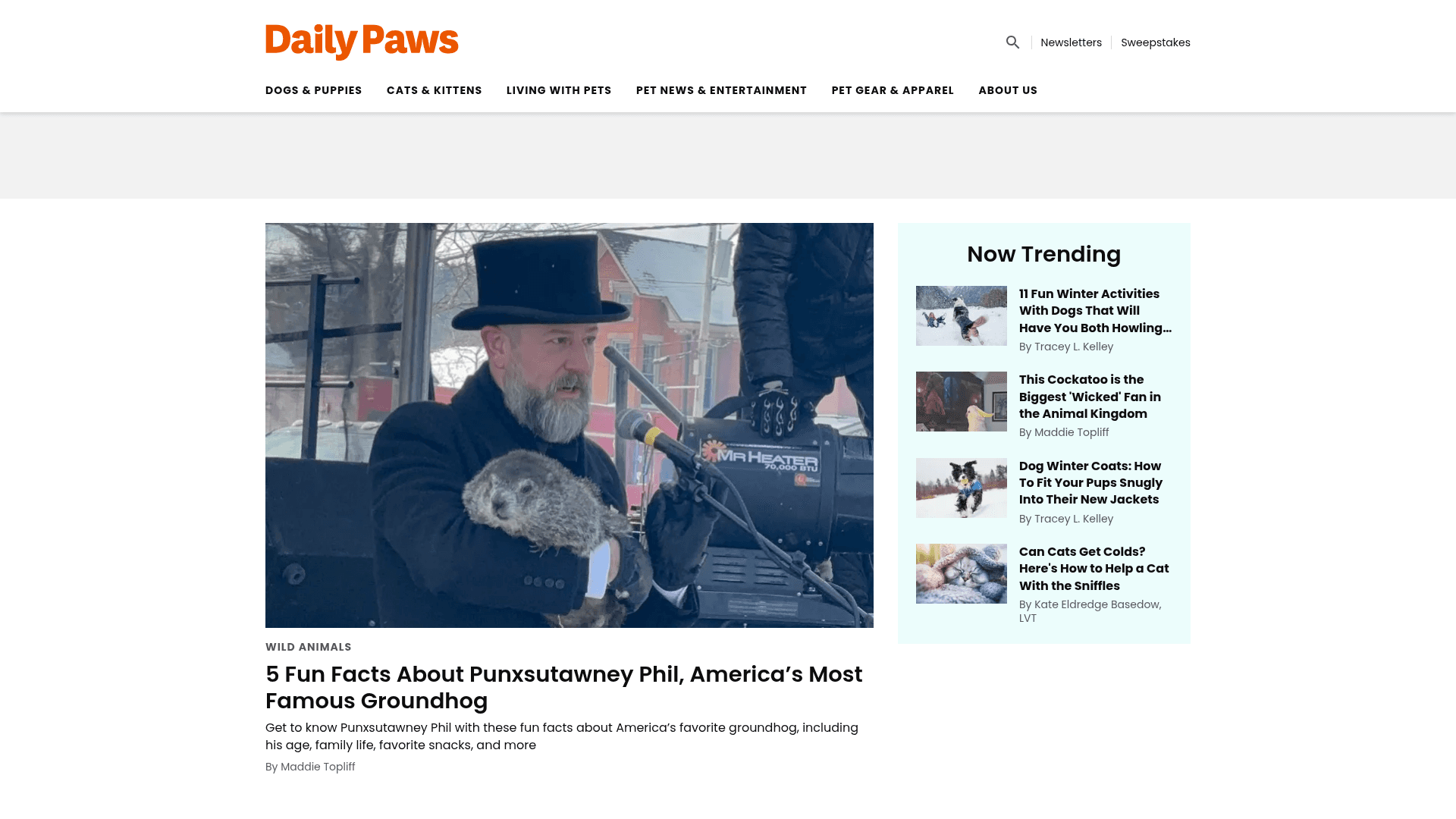
How to Scrape Daily Paws: A Step-by-Step Web Scraper Guide
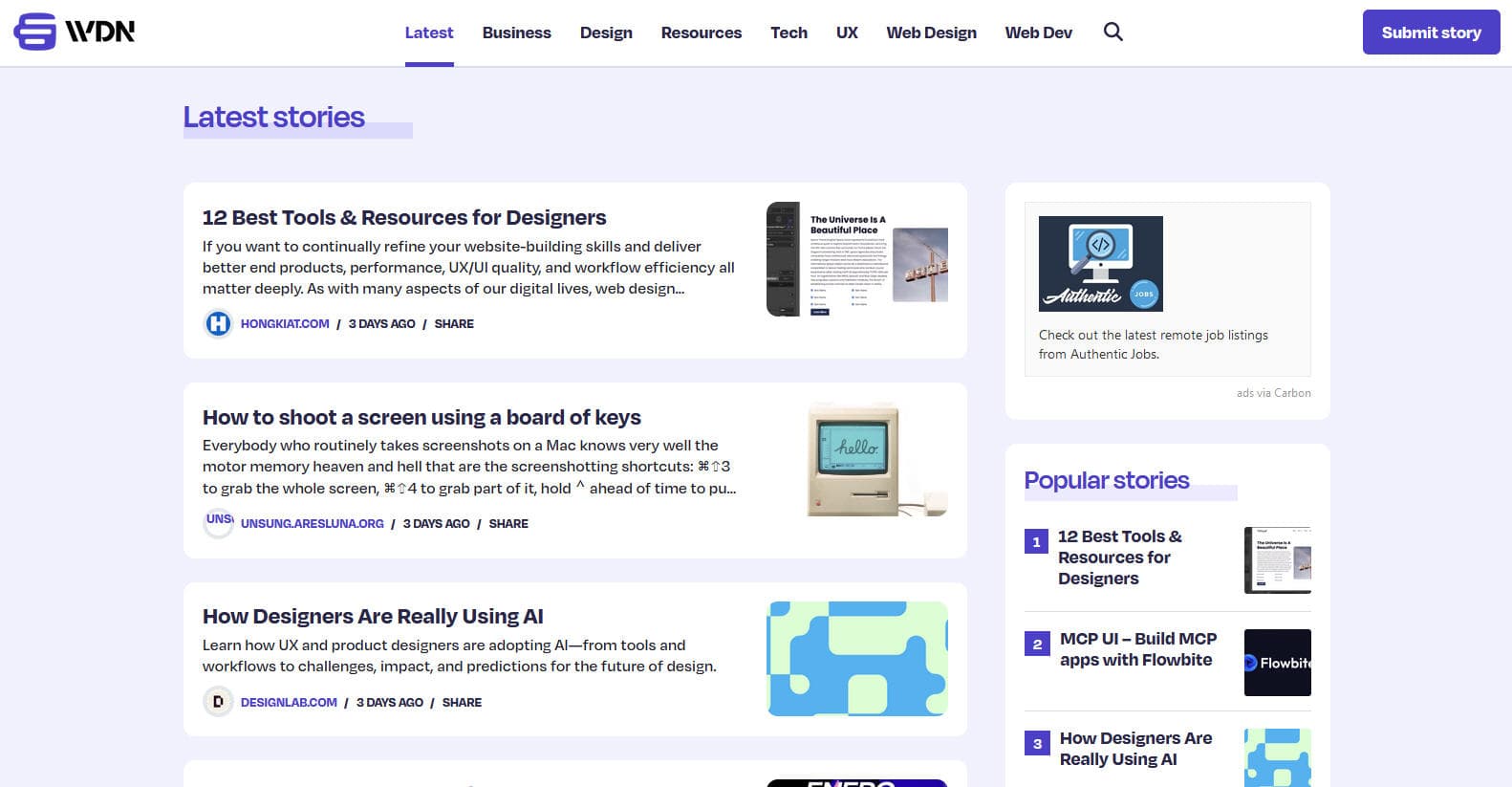
How to Scrape Web Designer News
How to Scrape Substack Newsletters and Posts
Frequently Asked Questions About BeChewy
Find answers to common questions about BeChewy