
How to Scrape Bento.me | Bento.me Web Scraper
Learn how to scrape Bento.me to extract personal portfolio data, social media links, and bio information. Discover valuable data for influencer research and...
Anti-Bot Protection Detected
- Cloudflare
- Enterprise-grade WAF and bot management. Uses JavaScript challenges, CAPTCHAs, and behavioral analysis. Requires browser automation with stealth settings.
- Rate Limiting
- Limits requests per IP/session over time. Can be bypassed with rotating proxies, request delays, and distributed scraping.
- ASN Blocking
- IP Behavior Monitoring
About Bento.me
Learn what Bento.me offers and what valuable data can be extracted from it.
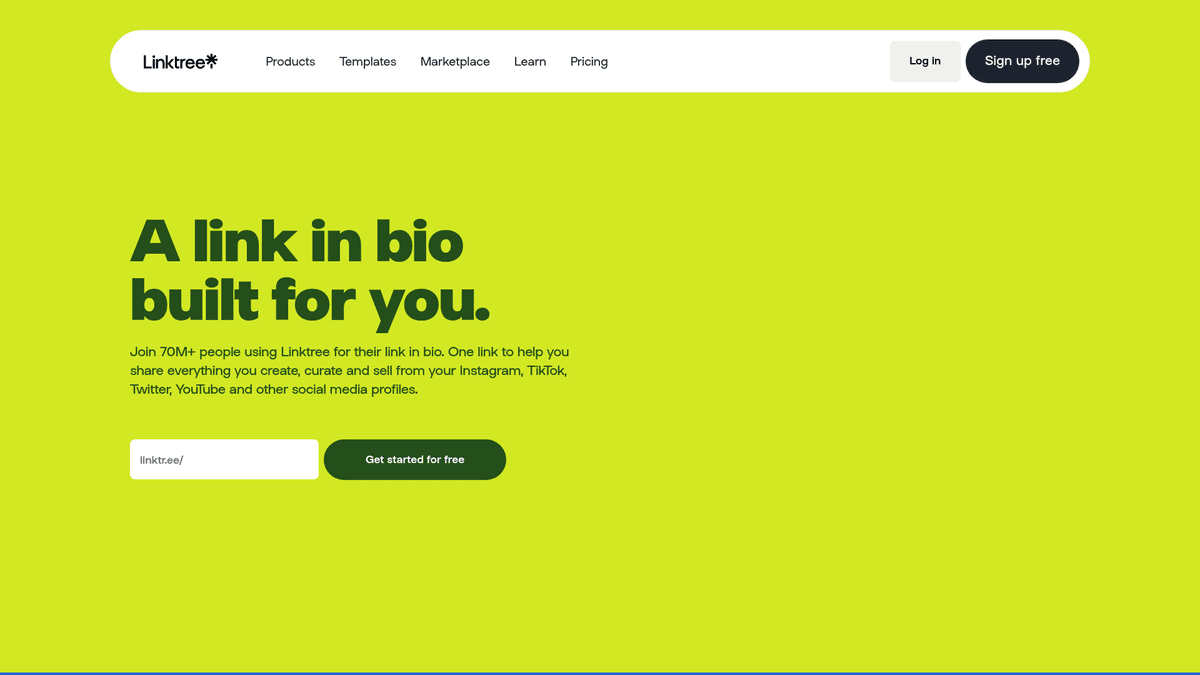
Bento.me is a contemporary personal branding platform that allows users to create a centralized, grid-style digital portfolio. It functions as a rich 'link-in-bio' solution, providing a visually appealing space for creators, developers, and entrepreneurs to aggregate their professional links, social media profiles, and custom content tiles. Acquired by Linktree in 2023, the platform is known for its sophisticated user interface and diverse widget integration.
The site contains structured information such as biographies, external links to portfolios, social media handles, and visual media assets organized in interactive tiles. Following a recent announcement, Bento.me is scheduled to shut down on February 13, 2026, making data extraction a critical task for users looking to migrate their digital presence to other platforms or for researchers wanting to archive creator economy data.
Scraping Bento.me is highly valuable for market researchers, talent scouts, and marketing agencies. By extracting data from these pages, businesses can identify rising influencers, track professional trends within specific niches, and build comprehensive databases of talent across the global creator economy.
Why Scrape Bento.me?
Discover the business value and use cases for extracting data from Bento.me.
Data Archiving & Preservation
With Bento.me scheduled to shut down on February 13, 2026, scraping is the only way for users and researchers to preserve visual digital identities and content grids before they disappear.
Creator Discovery & Scouting
Marketing agencies use scraped Bento profiles to identify rising influencers across multiple platforms by analyzing their consolidated social links and bio descriptions in one view.
Lead Generation for SaaS
Bento is home to tech-savvy creators and professionals, making it a goldmine for finding high-quality leads for creative tools, software services, and social media management platforms.
Portfolio Consolidation
Recruiters can scrape Bento pages to instantly aggregate a candidate's GitHub, Dribbble, and personal site links into a single unified record within their recruitment CRM.
Market Trend Analysis
By monitoring which widgets and social platforms are most frequently featured in Bento grids, researchers can identify shifts in platform popularity among digital creators.
Digital Footprint Mapping
Companies scrape Bento to verify the official online presence of brands or public figures, helping to detect impersonation and ensure brand consistency across the web.
Scraping Challenges
Technical challenges you may encounter when scraping Bento.me.
Cloudflare Error 1005
Bento.me uses aggressive Cloudflare WAF settings that frequently block datacenter IP ranges, requiring the use of high-reputation residential proxies to gain access.
Next.js State Hydration
Most profile data is stored in a JSON blob within a script tag rather than standard HTML elements, requiring logic to extract and parse the internal application state.
Heavy JavaScript Dependency
The interactive 'bento box' grid layout is rendered on the client side, meaning standard HTTP clients may fail to see any content without a full browser engine.
Linktree Redirects
Following its acquisition, some Bento profiles may redirect to Linktree, requiring scrapers to handle cross-domain navigation and varying page structures.
Dynamic Grid Layouts
The flexible nature of the tiles means that CSS selectors can be unstable across different profiles, necessitating a data-first extraction approach over visual selectors.
Scrape Bento.me with AI
No coding required. Extract data in minutes with AI-powered automation.
How It Works
Describe What You Need
Tell the AI what data you want to extract from Bento.me. Just type it in plain language — no coding or selectors needed.
AI Extracts the Data
Our artificial intelligence navigates Bento.me, handles dynamic content, and extracts exactly what you asked for.
Get Your Data
Receive clean, structured data ready to export as CSV, JSON, or send directly to your apps and workflows.
Why Use AI for Scraping
AI makes it easy to scrape Bento.me without writing any code. Our AI-powered platform uses artificial intelligence to understand what data you want — just describe it in plain language and the AI extracts it automatically.
How to scrape with AI:
- Describe What You Need: Tell the AI what data you want to extract from Bento.me. Just type it in plain language — no coding or selectors needed.
- AI Extracts the Data: Our artificial intelligence navigates Bento.me, handles dynamic content, and extracts exactly what you asked for.
- Get Your Data: Receive clean, structured data ready to export as CSV, JSON, or send directly to your apps and workflows.
Why use AI for scraping:
- Built-in JavaScript Execution: Automatio handles the Next.js rendering automatically, ensuring you see the fully loaded profile grid and all dynamic widgets exactly as a human visitor would.
- Residential Proxy Integration: Easily bypass Cloudflare's ASN blocking by routing your requests through Automatio's high-quality residential proxy networks to avoid 1005 errors.
- Visual Data Selection: Select individual tiles, social links, or bio text using a point-and-click interface, eliminating the need to write complex XPath or CSS selectors for every profile.
- Automated Migration Workflows: Set up a scraper to automatically move data from Bento to your own database or another platform, which is critical for the upcoming 2026 platform shutdown.
No-Code Web Scrapers for Bento.me
Point-and-click alternatives to AI-powered scraping
Several no-code tools like Browse.ai, Octoparse, Axiom, and ParseHub can help you scrape Bento.me. These tools use visual interfaces to select elements, but they come with trade-offs compared to AI-powered solutions.
Typical Workflow with No-Code Tools
Common Challenges
Learning curve
Understanding selectors and extraction logic takes time
Selectors break
Website changes can break your entire workflow
Dynamic content issues
JavaScript-heavy sites often require complex workarounds
CAPTCHA limitations
Most tools require manual intervention for CAPTCHAs
IP blocking
Aggressive scraping can get your IP banned
No-Code Web Scrapers for Bento.me
Several no-code tools like Browse.ai, Octoparse, Axiom, and ParseHub can help you scrape Bento.me. These tools use visual interfaces to select elements, but they come with trade-offs compared to AI-powered solutions.
Typical Workflow with No-Code Tools
- Install browser extension or sign up for the platform
- Navigate to the target website and open the tool
- Point-and-click to select data elements you want to extract
- Configure CSS selectors for each data field
- Set up pagination rules to scrape multiple pages
- Handle CAPTCHAs (often requires manual solving)
- Configure scheduling for automated runs
- Export data to CSV, JSON, or connect via API
Common Challenges
- Learning curve: Understanding selectors and extraction logic takes time
- Selectors break: Website changes can break your entire workflow
- Dynamic content issues: JavaScript-heavy sites often require complex workarounds
- CAPTCHA limitations: Most tools require manual intervention for CAPTCHAs
- IP blocking: Aggressive scraping can get your IP banned
Code Examples
import requests
from bs4 import BeautifulSoup
import json

def scrape_bento_profile(url):
    # Headers are essential to mimic a real browser
    headers = {'User-Agent': 'Mozilla/5.0 (Windows NT 10.0; Win64; x64) AppleWebKit/537.36 (KHTML, like Gecko) Chrome/91.0.4472.124 Safari/537.36'}
    try:
        response = requests.get(url, headers=headers)
        if response.status_code == 200:
            soup = BeautifulSoup(response.text, 'html.parser')
            # Bento stores data in a script tag with id __NEXT_DATA__
            data_script = soup.find('script', id='__NEXT_DATA__')
            if data_script:
                json_data = json.loads(data_script.string)
                user_data = json_data['props']['pageProps']['initialState']['user']
                print(f'Name: {user_data.get("name")}')
                print(f'Bio: {user_data.get("about")}')
                return user_data
    except Exception as e:
        print(f'Error occurred: {e}')
    return None

# Example usage
scrape_bento_profile('https://bento.me/alex')
When to Use
Best for static HTML pages where content is loaded server-side. The fastest and simplest approach when JavaScript rendering isn't required.
Advantages
- ●Fastest execution (no browser overhead)
- ●Lowest resource consumption
- ●Easy to parallelize with asyncio
- ●Great for APIs and static pages
Limitations
- ●Cannot execute JavaScript
- ●Fails on SPAs and dynamic content
- ●May struggle with complex anti-bot systems
How to Scrape Bento.me with Code
Python + Requests
import requests
from bs4 import BeautifulSoup
import json
def scrape_bento_profile(url):
# Headers are essential to mimic a real browser
headers = {'User-Agent': 'Mozilla/5.0 (Windows NT 10.0; Win64; x64) AppleWebKit/537.36 (KHTML, like Gecko) Chrome/91.0.4472.124 Safari/537.36'}
try:
response = requests.get(url, headers=headers)
if response.status_code == 200:
soup = BeautifulSoup(response.text, 'html.parser')
# Bento stores data in a script tag with id __NEXT_DATA__
data_script = soup.find('script', id='__NEXT_DATA__')
if data_script:
json_data = json.loads(data_script.string)
user_data = json_data['props']['pageProps']['initialState']['user']
print(f'Name: {user_data.get("name")}')
print(f'Bio: {user_data.get("about")}')
return user_data
except Exception as e:
print(f'Error occurred: {e}')
return None
# Example usage
scrape_bento_profile('https://bento.me/alex')Python + Playwright
from playwright.sync_api import sync_playwright

def run(playwright):
    # Launch headless browser
    browser = playwright.chromium.launch(headless=True)
    page = browser.new_page()
    # Navigate to the Bento profile
    page.goto('https://bento.me/alex')
    # Wait for the main profile heading to load
    page.wait_for_selector('h1')

    # Extract content from the rendered page
    name = page.inner_text('h1')
    links = [a.get_attribute('href') for a in page.query_selector_all('a')]

    print(f'Profile Name: {name}')
    print(f'Links found: {len(links)}')

    browser.close()

with sync_playwright() as playwright:
run(playwright)Python + Scrapy
import scrapy
import json

class BentoSpider(scrapy.Spider):
    name = 'bento'
    start_urls = ['https://bento.me/alex']

    def parse(self, response):
        # Locate the Next.js data script containing the profile JSON state
        raw_data = response.xpath('//script[@id="__NEXT_DATA__"]/text()').get()
        if raw_data:
            data = json.loads(raw_data)
            profile = data['props']['pageProps']['initialState']['user']
            yield {
                'name': profile.get('name'),
                'about': profile.get('about'),
                'links': [tile.get('url') for tile in profile.get('tiles', []) if tile.get('url')],
                'socials': profile.get('socials'),
                'verified': profile.get('isVerified')
}Node.js + Puppeteer
const puppeteer = require('puppeteer');

(async () => {
  const browser = await puppeteer.launch();
  const page = await browser.newPage();
  // Using networkidle2 to ensure all widgets are loaded
  await page.goto('https://bento.me/alex', { waitUntil: 'networkidle2' });

  const profileData = await page.evaluate(() => {
    // Access the internal state directly from the DOM
    const dataElement = document.getElementById('__NEXT_DATA__');
    if (dataElement) {
      const nextData = JSON.parse(dataElement.innerText);
      return nextData.props.pageProps.initialState.user;
    }
    return null;
  });

  console.log(profileData);
  await browser.close();
})();What You Can Do With Bento.me Data
Explore practical applications and insights from Bento.me data.
Influencer Outreach Discovery
Marketing agencies can find niche creators by scraping Bento profiles associated with specific professional keywords.
How to implement:
- 1Crawl search results or directory lists for Bento profile URLs.
- 2Extract social media links and bio text to determine niche and reach.
- 3Filter profiles by industry keywords like 'Web3', 'UX Design', or 'Fitness'.
- 4Automate outreach using the extracted verified social handles.
Use Automatio to extract data from Bento.me and build these applications without writing code.
What You Can Do With Bento.me Data
- Influencer Outreach Discovery
Marketing agencies can find niche creators by scraping Bento profiles associated with specific professional keywords.
- Crawl search results or directory lists for Bento profile URLs.
- Extract social media links and bio text to determine niche and reach.
- Filter profiles by industry keywords like 'Web3', 'UX Design', or 'Fitness'.
- Automate outreach using the extracted verified social handles.
- Talent Sourcing & Recruitment
Tech recruiters can identify high-quality developers and designers who use Bento as their primary digital portfolio.
- Identify Bento links from GitHub profiles or LinkedIn bios.
- Scrape the Bento page to aggregate all professional links (GitHub, Behance, personal blog).
- Store bio details and project descriptions in a centralized recruitment CRM.
- Rank talent based on the diversity and quality of their portfolio tiles.
- Platform Migration Services
With Bento shutting down, developers can build tools to help users migrate their data to alternative platforms.
- Provide a tool where users input their Bento URL.
- Scrape the full profile data including tile layout and media assets.
- Transform the extracted JSON into a format compatible with alternatives like Linktree or Carrd.
- Automate the upload or recreation of the profile on the new platform.
- Competitive Design Analysis
Designers can analyze the layout trends of top-performing Bento profiles to improve their own link-in-bio templates.
- Identify 50 high-traffic Bento profiles via social media discovery.
- Scrape the tile layout structure (size, position, and widget type).
- Analyze which widgets (Spotify, Twitter, GitHub) are most commonly used.
- Export findings into a report for UI/UX benchmarking.
Supercharge your workflow with AI Automation
Automatio combines the power of AI agents, web automation, and smart integrations to help you accomplish more in less time.
What to get right first
Expert advice for successfully extracting data from Bento.me.
Target the __NEXT_DATA__ Script
For 100% data accuracy, look for the script tag with the ID '__NEXT_DATA__'. It contains the entire profile in a structured JSON format, including hidden metadata.
Implement Local Image Archiving
Since the site will shut down in 2026, ensure your scraping setup is configured to download and store profile pictures and background images locally rather than just saving URLs.
Use Long Wait Times
Bento profiles often load external media widgets like Spotify or YouTube embeds. Use a 'network idle' wait condition to ensure all third-party content is rendered before extraction.
Monitor for Linktree Transitions
Many users are currently migrating to Linktree. Your scraper should include logic to detect 301/302 redirects and flag profiles that have moved to the parent platform.
Rotate Browser Fingerprints
To avoid behavior-based detection, rotate your User-Agents and screen resolutions to mimic various mobile and desktop devices used by real visitors.
Extract Social Links via Href
Visual text on tiles might be truncated or custom. Always extract the actual 'href' attribute from the <a> tags to get the direct, raw URL of the social media profile.
Related Web Scraping

How to Scrape Behance: A Step-by-Step Guide for Creative Data Extraction
How to Scrape Social Blade: The Ultimate Analytics Guide
How to Scrape YouTube: Extract Video Data and Comments in 2025
How to Scrape Vimeo: A Guide to Extracting Video Metadata
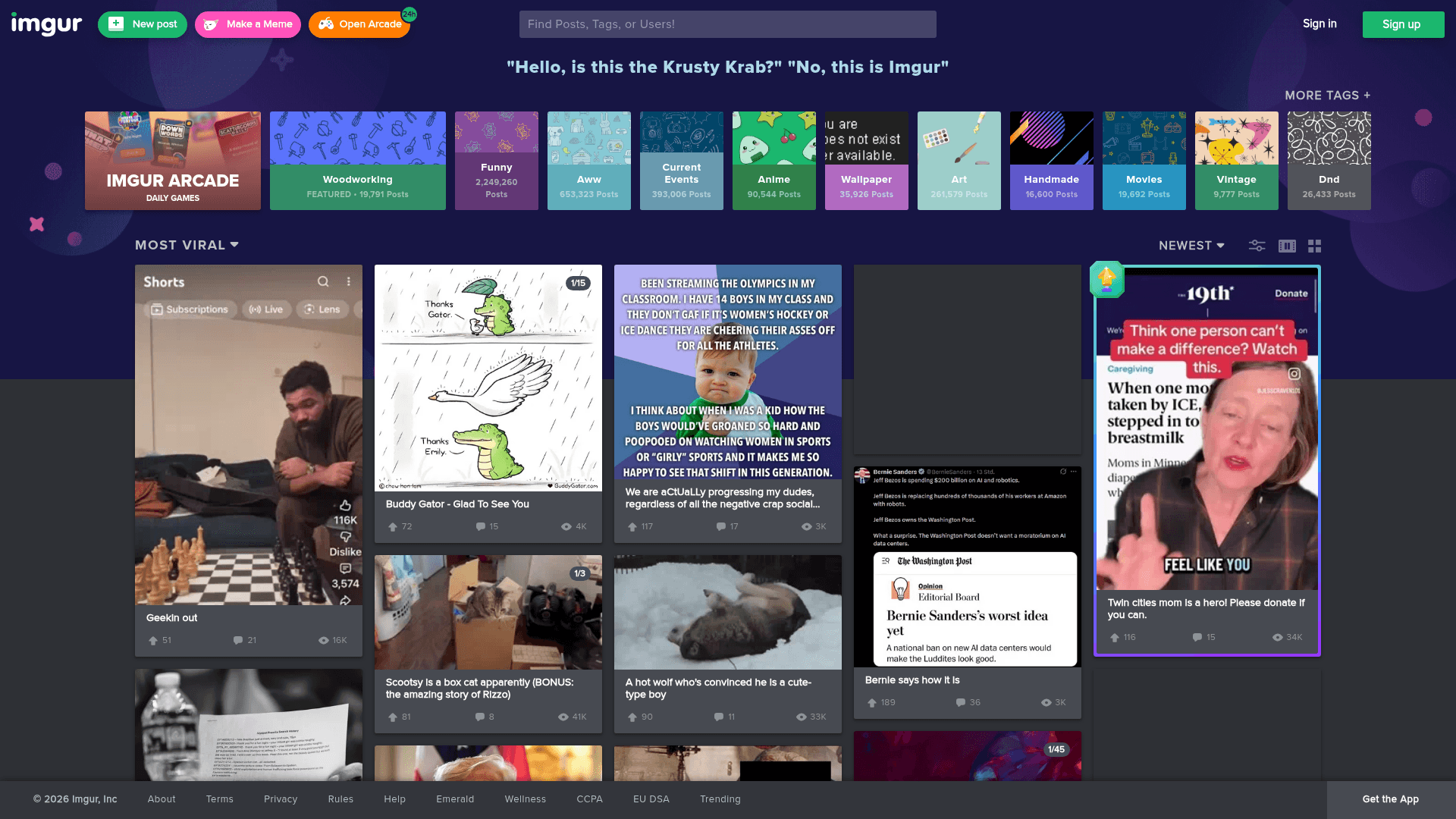
How to Scrape Imgur: A Comprehensive Guide to Image Data Extraction

How to Scrape Patreon Creator Data and Posts
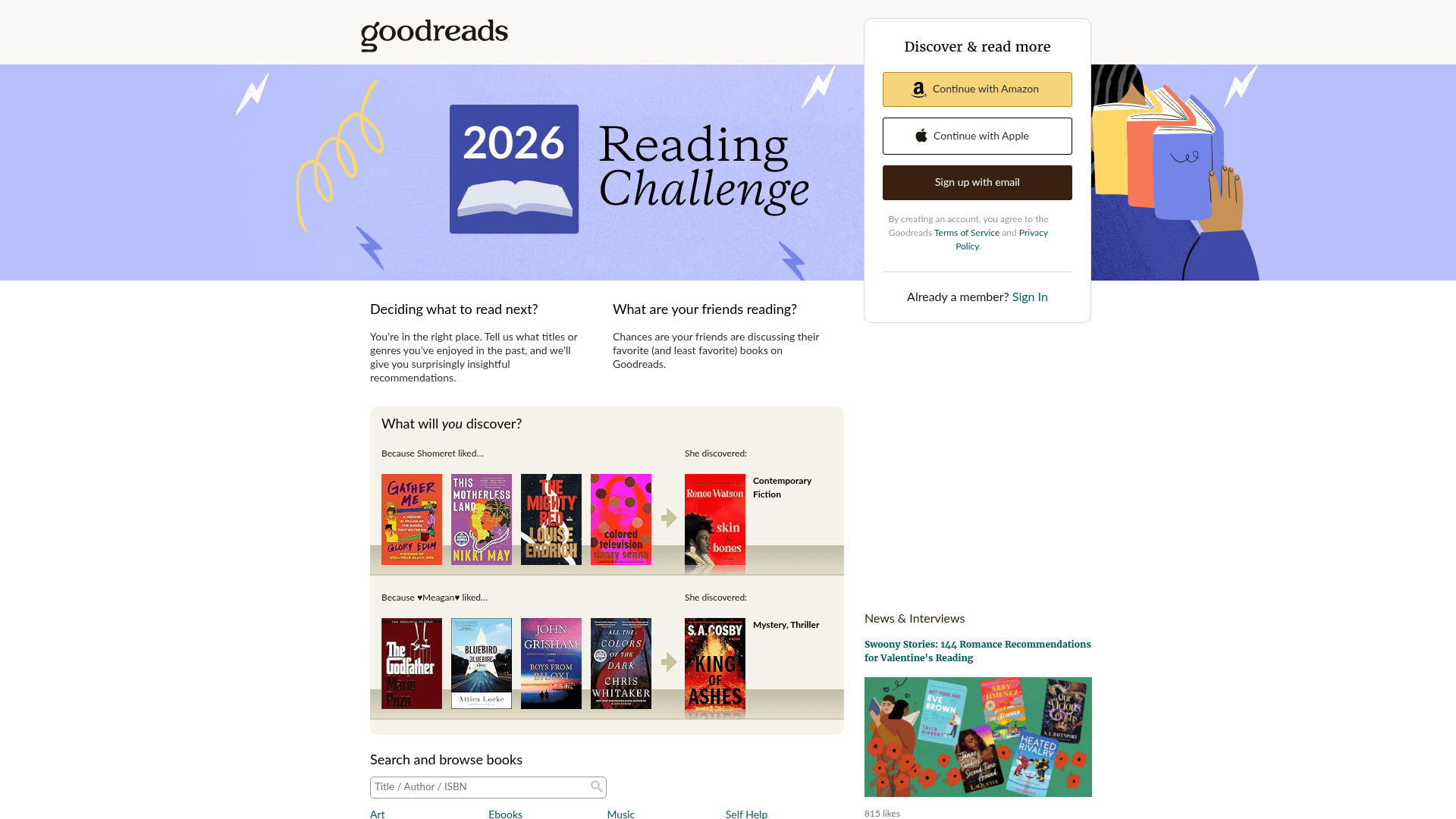
How to Scrape Goodreads: The Ultimate Web Scraping Guide 2025
How to Scrape Bluesky (bsky.app): API and Web Methods
Frequently Asked Questions
Find answers to common questions about Bento.me