
How to Scrape BetaList | BetaList Web Scraper Guide
Learn how to scrape BetaList to extract startup leads, founder data, and tech trends. Master bypassing Cloudflare and dynamic content for market research.
Anti-Bot Protection Detected
- Cloudflare
- Enterprise-grade WAF and bot management. Uses JavaScript challenges, CAPTCHAs, and behavioral analysis. Requires browser automation with stealth settings.
- Rate Limiting
- Limits requests per IP/session over time. Can be bypassed with rotating proxies, request delays, and distributed scraping.
- IP Blocking
- Blocks known datacenter IPs and flagged addresses. Requires residential or mobile proxies to circumvent effectively.
- Browser Fingerprinting
- Identifies bots through browser characteristics: canvas, WebGL, fonts, plugins. Requires spoofing or real browser profiles.
About BetaList
Learn what BetaList offers and what valuable data can be extracted from it.
The Premier Startup Discovery Platform
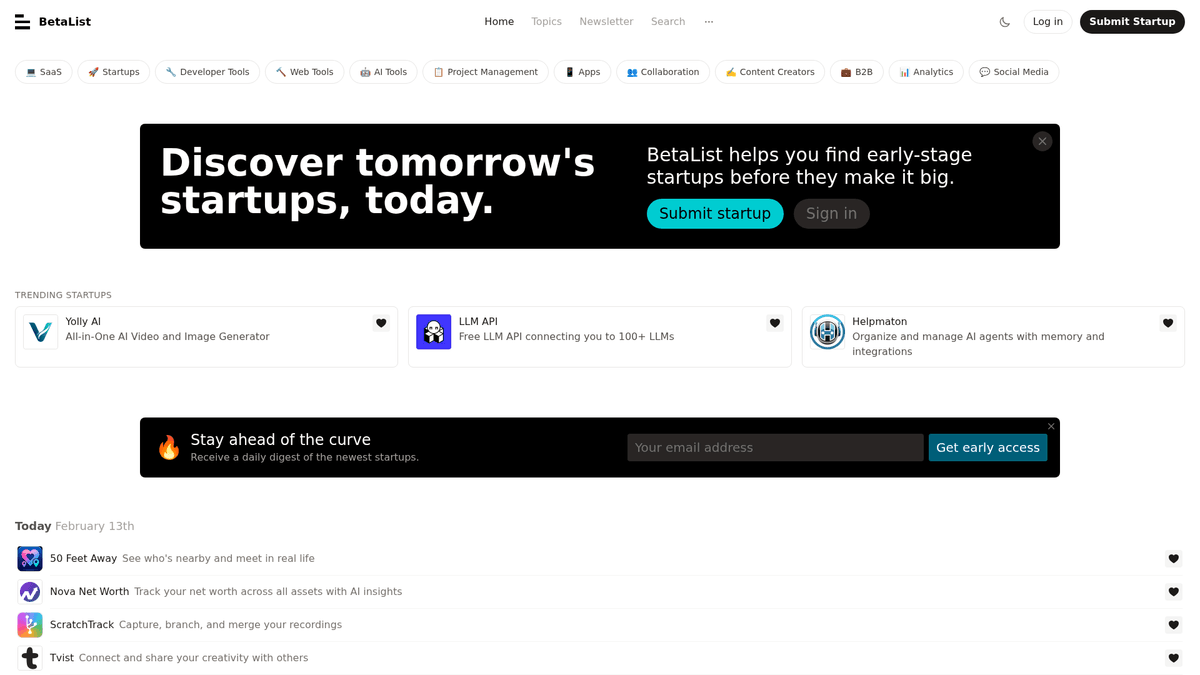
BetaList is a widely recognized discovery platform dedicated to early-stage internet startups. Founded by Marc Köhlbrugge, it serves as a launchpad for founders to connect with early adopters, gather feedback, and build initial traction before entering mainstream markets like Product Hunt or the App Store.
Data-Rich Startup Profiles
The platform provides a vast directory of listings across sectors such as SaaS, Artificial Intelligence, Fintech, and E-commerce. Each listing contains rich metadata, including startup taglines, detailed product descriptions, high-resolution screenshots, founder profiles, and social media links. This data provides a snapshot of the newest innovations in the tech ecosystem.
Strategic Value for Data Scraping
For researchers and businesses, scraping BetaList is essential for identifying emerging trends and sourcing high-quality B2B leads. Investors use the platform to spot high-potential startups in their infancy, while service providers (agencies, developers, and marketers) use it to reach out to founders who are actively seeking growth and support tools.
Why Scrape BetaList?
Discover the business value and use cases for extracting data from BetaList.
B2B Sales Lead Generation
BetaList captures startups at their earliest stage, making it an ideal source for agencies and service providers to find new companies in need of marketing, legal, or development help.
Venture Capital Deal Flow
Investors and VCs use BetaList data to discover emerging tech companies before they gain mainstream popularity on larger platforms like Product Hunt or Crunchbase.
Market Trend Analysis
By scraping category tags and submission dates, researchers can identify which tech niches, such as Generative AI or Web3, are currently seeing the highest entrepreneurial activity.
Competitive Intelligence
SaaS companies can monitor new entrants in their specific industry niche to keep track of innovative features and shifting market positioning from potential competitors.
Founder Networking and Outreach
Scraping founder names and their Twitter handles allows recruiters and consultants to reach out directly to entrepreneurs who are actively building and launching new products.
Scraping Challenges
Technical challenges you may encounter when scraping BetaList.
Cloudflare Bot Mitigation
BetaList uses Cloudflare to protect its directory, which often blocks standard automated scripts and requires sophisticated header management or browser-based tools.
Infinite Scroll Loading
The startup list uses dynamic loading via infinite scroll, meaning data is not present in the initial HTML and requires a scraper that can simulate user interaction and execute JavaScript.
Dynamic DOM Structure
The website uses modern frontend frameworks where elements are injected dynamically, requiring the scraper to wait for specific selectors to appear before attempting to extract data.
Aggressive Rate Limiting
Rapidly sending requests to startup detail pages can trigger temporary IP bans, making it necessary to implement random delays and high-quality proxy rotation.
Scrape BetaList with AI
No coding required. Extract data in minutes with AI-powered automation.
How It Works
Describe What You Need
Tell the AI what data you want to extract from BetaList. Just type it in plain language — no coding or selectors needed.
AI Extracts the Data
Our artificial intelligence navigates BetaList, handles dynamic content, and extracts exactly what you asked for.
Get Your Data
Receive clean, structured data ready to export as CSV, JSON, or send directly to your apps and workflows.
Why Use AI for Scraping
AI makes it easy to scrape BetaList without writing any code. Our AI-powered platform uses artificial intelligence to understand what data you want — just describe it in plain language and the AI extracts it automatically.
How to scrape with AI:
- Describe What You Need: Tell the AI what data you want to extract from BetaList. Just type it in plain language — no coding or selectors needed.
- AI Extracts the Data: Our artificial intelligence navigates BetaList, handles dynamic content, and extracts exactly what you asked for.
- Get Your Data: Receive clean, structured data ready to export as CSV, JSON, or send directly to your apps and workflows.
Why use AI for scraping:
- Visual No-Code Scraping: Automatio allows you to build a BetaList scraper by simply clicking on startup cards and social links, eliminating the need to write complex Python or Node.js code.
- Automated Anti-Bot Handling: The platform automatically manages browser fingerprints and proxies to navigate Cloudflare challenges that typically block custom-coded scrapers.
- Scheduled Lead Extraction: Set your scraper to run daily or weekly to automatically capture newly submitted startups and send them directly to your CRM or Google Sheets for immediate outreach.
- Handing Infinite Scroll: Automatio natively handles infinite scrolling and 'Load More' actions, ensuring you can extract thousands of historical startup listings without manual intervention.
No-Code Web Scrapers for BetaList
Point-and-click alternatives to AI-powered scraping
Several no-code tools like Browse.ai, Octoparse, Axiom, and ParseHub can help you scrape BetaList. These tools use visual interfaces to select elements, but they come with trade-offs compared to AI-powered solutions.
Typical Workflow with No-Code Tools
Common Challenges
Learning curve
Understanding selectors and extraction logic takes time
Selectors break
Website changes can break your entire workflow
Dynamic content issues
JavaScript-heavy sites often require complex workarounds
CAPTCHA limitations
Most tools require manual intervention for CAPTCHAs
IP blocking
Aggressive scraping can get your IP banned
No-Code Web Scrapers for BetaList
Several no-code tools like Browse.ai, Octoparse, Axiom, and ParseHub can help you scrape BetaList. These tools use visual interfaces to select elements, but they come with trade-offs compared to AI-powered solutions.
Typical Workflow with No-Code Tools
- Install browser extension or sign up for the platform
- Navigate to the target website and open the tool
- Point-and-click to select data elements you want to extract
- Configure CSS selectors for each data field
- Set up pagination rules to scrape multiple pages
- Handle CAPTCHAs (often requires manual solving)
- Configure scheduling for automated runs
- Export data to CSV, JSON, or connect via API
Common Challenges
- Learning curve: Understanding selectors and extraction logic takes time
- Selectors break: Website changes can break your entire workflow
- Dynamic content issues: JavaScript-heavy sites often require complex workarounds
- CAPTCHA limitations: Most tools require manual intervention for CAPTCHAs
- IP blocking: Aggressive scraping can get your IP banned
Code Examples
import requests
from bs4 import BeautifulSoup

# Note: BetaList uses Cloudflare; requests alone may get a 403 Forbidden.
# You typically need a bypass or to use a session with realistic headers.
url = 'https://betalist.com/topics/saas'
headers = {
    'User-Agent': 'Mozilla/5.0 (Windows NT 10.0; Win64; x64) AppleWebKit/537.36 (KHTML, like Gecko) Chrome/119.0.0.0 Safari/537.36',
    'Accept': 'text/html,application/xhtml+xml,application/xml;q=0.9,image/avif,image/webp,*/*;q=0.8'
}

try:
    response = requests.get(url, headers=headers)
    response.raise_for_status()
    soup = BeautifulSoup(response.text, 'html.parser')

    # Target the startup card containers
    for card in soup.select('.startupCard'):
        name = card.select_one('.startupCard__name').get_text(strip=True)
        tagline = card.select_one('.startupCard__tagline').get_text(strip=True)
        print(f'Scraped: {name} - {tagline}')
except Exception as e:
    print(f'Request failed: {e}')
When to Use
Best for static HTML pages where content is loaded server-side. The fastest and simplest approach when JavaScript rendering isn't required.
Advantages
- ●Fastest execution (no browser overhead)
- ●Lowest resource consumption
- ●Easy to parallelize with asyncio
- ●Great for APIs and static pages
Limitations
- ●Cannot execute JavaScript
- ●Fails on SPAs and dynamic content
- ●May struggle with complex anti-bot systems
How to Scrape BetaList with Code
Python + Requests
import requests
from bs4 import BeautifulSoup
# Note: BetaList uses Cloudflare; requests alone may get a 403 Forbidden.
# You typically need a bypass or to use a session with realistic headers.
url = 'https://betalist.com/topics/saas'
headers = {
'User-Agent': 'Mozilla/5.0 (Windows NT 10.0; Win64; x64) AppleWebKit/537.36 (KHTML, like Gecko) Chrome/119.0.0.0 Safari/537.36',
'Accept': 'text/html,application/xhtml+xml,application/xml;q=0.9,image/avif,image/webp,*/*;q=0.8'
}
try:
response = requests.get(url, headers=headers)
response.raise_for_status()
soup = BeautifulSoup(response.text, 'html.parser')
# Target the startup card containers
for card in soup.select('.startupCard'):
name = card.select_one('.startupCard__name').get_text(strip=True)
tagline = card.select_one('.startupCard__tagline').get_text(strip=True)
print(f'Scraped: {name} - {tagline}')
except Exception as e:
print(f'Request failed: {e}')Python + Playwright
from playwright.sync_api import sync_playwright

def run():
    with sync_playwright() as p:
        # Launch a real browser to handle JavaScript and anti-bot
        browser = p.chromium.launch(headless=True)
        page = browser.new_page()
        page.goto('https://betalist.com/', wait_until='networkidle')

        # Scroll down to trigger lazy loading
        page.evaluate('window.scrollTo(0, document.body.scrollHeight)')
        page.wait_for_timeout(2000)

        # Extract startup data
        startups = page.query_selector_all('.startupCard')
        for item in startups:
            name = item.query_selector('.startupCard__name').inner_text()
            tagline = item.query_selector('.startupCard__tagline').inner_text()
            print({'startup': name.strip(), 'tagline': tagline.strip()})

        browser.close()

run()Python + Scrapy
import scrapy

class BetalistSpider(scrapy.Spider):
    name = 'betalist_spider'
    start_urls = ['https://betalist.com/topics/ai']

    def parse(self, response):
        # Scrapy is fast but might need a middleware for Cloudflare
        for startup in response.css('.startupCard'):
            yield {
                'name': startup.css('.startupCard__name::text').get().strip(),
                'tagline': startup.css('.startupCard__tagline::text').get().strip(),
                'link': response.urljoin(startup.css('a::attr(href)').get())
            }

        # Handle simple numbered pagination
        next_page = response.css('a.pagination__next::attr(href)').get()
        if next_page:
yield response.follow(next_page, self.parse)Node.js + Puppeteer
const puppeteer = require('puppeteer');

(async () => {
  const browser = await puppeteer.launch({ headless: true });
  const page = await browser.newPage();

  // Mimic a real user browser to avoid immediate detection
  await page.setUserAgent('Mozilla/5.0 (Windows NT 10.0; Win64; x64) Chrome/110.0.0.0 Safari/537.36');
  await page.goto('https://betalist.com/');

  // Wait for content to render via JS
  await page.waitForSelector('.startupCard');

  const results = await page.evaluate(() => {
    const cards = Array.from(document.querySelectorAll('.startupCard'));
    return cards.map(c => ({
      title: c.querySelector('.startupCard__name').innerText.trim(),
      description: c.querySelector('.startupCard__tagline').innerText.trim()
    }));
  });

  console.log(results);
  await browser.close();
})();What You Can Do With BetaList Data
Explore practical applications and insights from BetaList data.
Lead Enrichment for Sales Teams
B2B agencies use BetaList data to build a pipeline of newly launched startups that need marketing or growth services.
How to implement:
- 1Scrape startup names and founder profile links from the 'Today' section.
- 2Visit founder profiles to extract Twitter/X handles.
- 3Use a third-party API (like Clay or Apollo) to find the founder's email.
- 4Launch a personalized email sequence referencing their recent BetaList launch.
Use Automatio to extract data from BetaList and build these applications without writing code.
What You Can Do With BetaList Data
- Lead Enrichment for Sales Teams
B2B agencies use BetaList data to build a pipeline of newly launched startups that need marketing or growth services.
- Scrape startup names and founder profile links from the 'Today' section.
- Visit founder profiles to extract Twitter/X handles.
- Use a third-party API (like Clay or Apollo) to find the founder's email.
- Launch a personalized email sequence referencing their recent BetaList launch.
- VC Investment Signal Monitoring
Venture capitalists track the growth in upvotes for new startups to identify early viral success.
- Scrape BetaList categories weekly to capture all new submissions.
- Store the heart/upvote count in a database.
- Compare the heart count over a 7-day period to identify 'breakout' startups.
- Assign an analyst to reach out to founders with high growth metrics.
- SaaS Competitor Intelligence
Product managers monitor BetaList to see when new competitors enter their specific niche.
- Scrape listings tagged with relevant topics (e.g., 'Project Management').
- Extract the product description and screenshots.
- Use AI (like GPT-4) to summarize the competitor's unique selling proposition (USP).
- Update the internal competitive landscape document monthly.
- Emerging Tech Trend Reports
Journalists and analysts create data-driven reports on which industries are seeing the most startup activity.
- Scrape the last 6 months of startup data from BetaList.
- Quantify the number of startups per category tag.
- Visualize the rise of specific keywords (e.g., 'LLM', 'Sustainability').
- Publish a 'State of Startups' report for subscribers or stakeholders.
Supercharge your workflow with AI Automation
Automatio combines the power of AI agents, web automation, and smart integrations to help you accomplish more in less time.
What to get right first
Expert advice for successfully extracting data from BetaList.
Scrape Detail Pages for Founders
The main list only shows summaries; configure your scraper to click into each startup URL to extract valuable data like founder Twitter handles and social links.
Target Topic-Specific URLs
To improve efficiency and data quality, scrape specific category URLs like /topics/saas or /topics/ai instead of crawling the entire site.
Use Residential Proxies
To avoid 403 Forbidden errors from BetaList's security filters, use residential proxies which appear as real home users rather than data center bots.
Implement Random Wait Times
Simulate human behavior by adding random delays between 3 and 8 seconds between actions to reduce the likelihood of triggering rate limits.
Check Page Metadata
Inspect the page source for hydration scripts or JSON-LD blocks, as they often contain structured data that is more reliable to scrape than raw HTML elements.
Related Web Scraping

How to Scrape The AA (theaa.com): A Technical Guide for Car & Insurance Data
How to Scrape CSS Author: A Comprehensive Web Scraping Guide
How to Scrape Bilregistret.ai: Swedish Vehicle Data Extraction Guide
How to Scrape Biluppgifter.se: Vehicle Data Extraction Guide
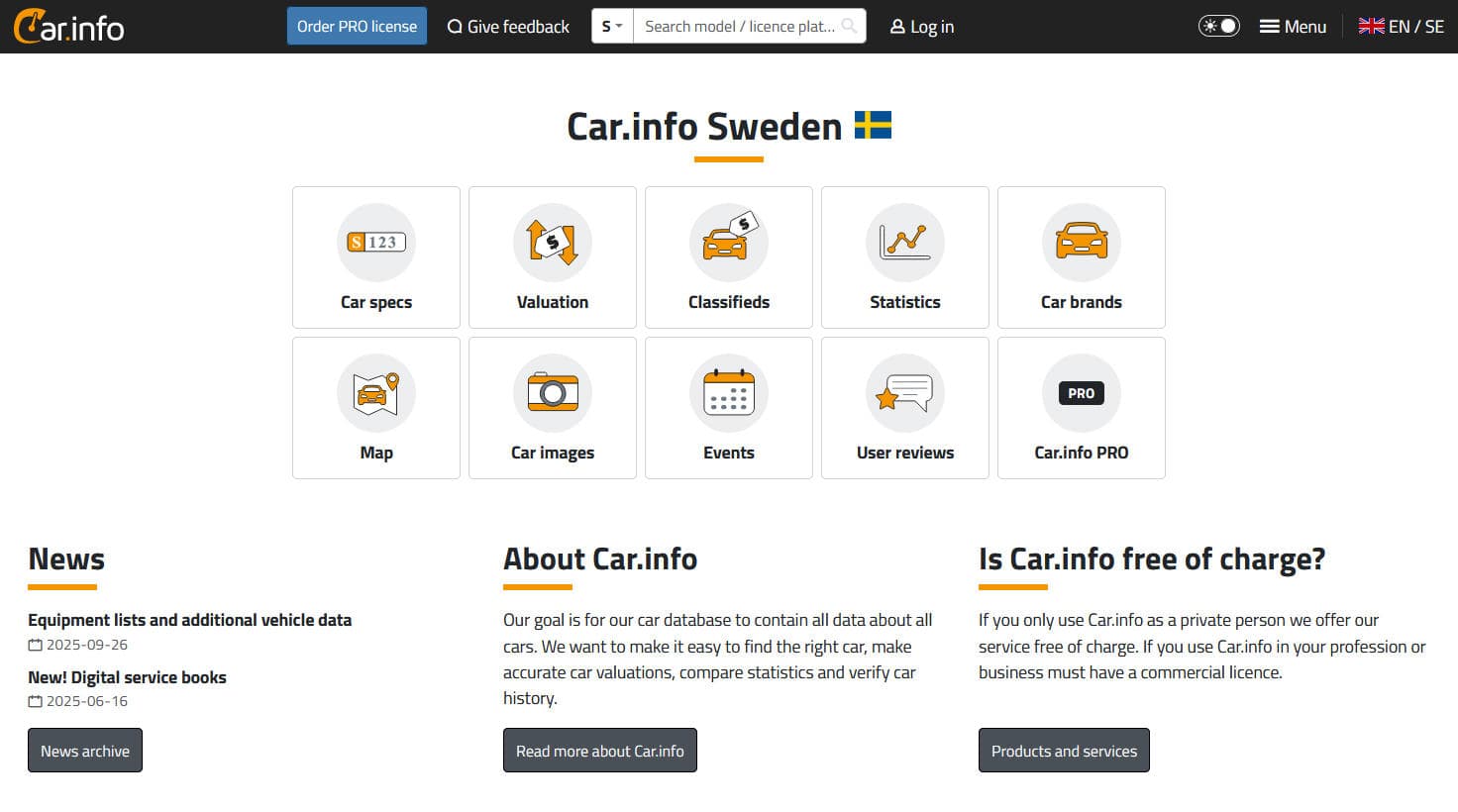
How to Scrape Car.info | Vehicle Data & Valuation Extraction Guide
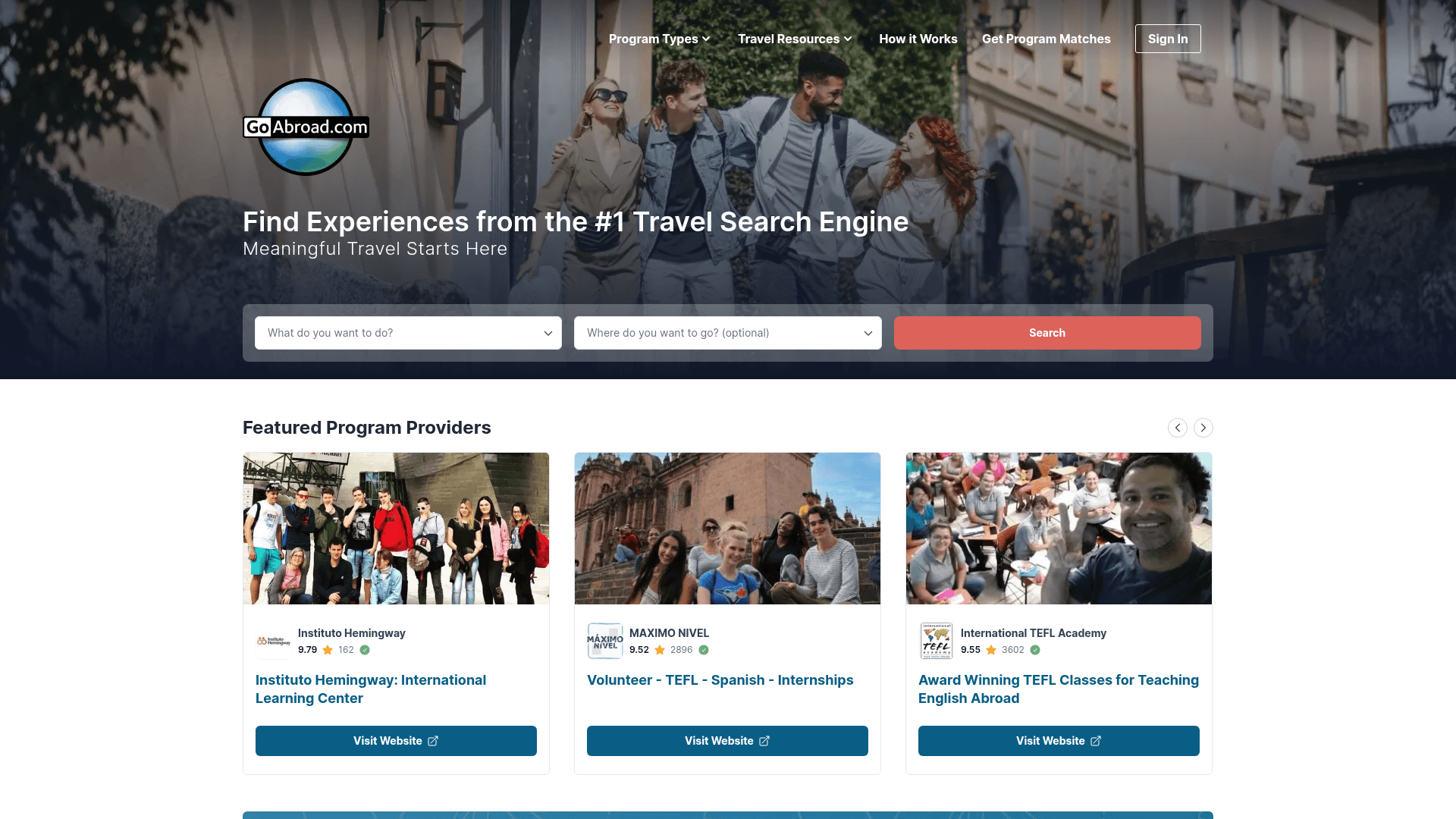
How to Scrape GoAbroad Study Abroad Programs
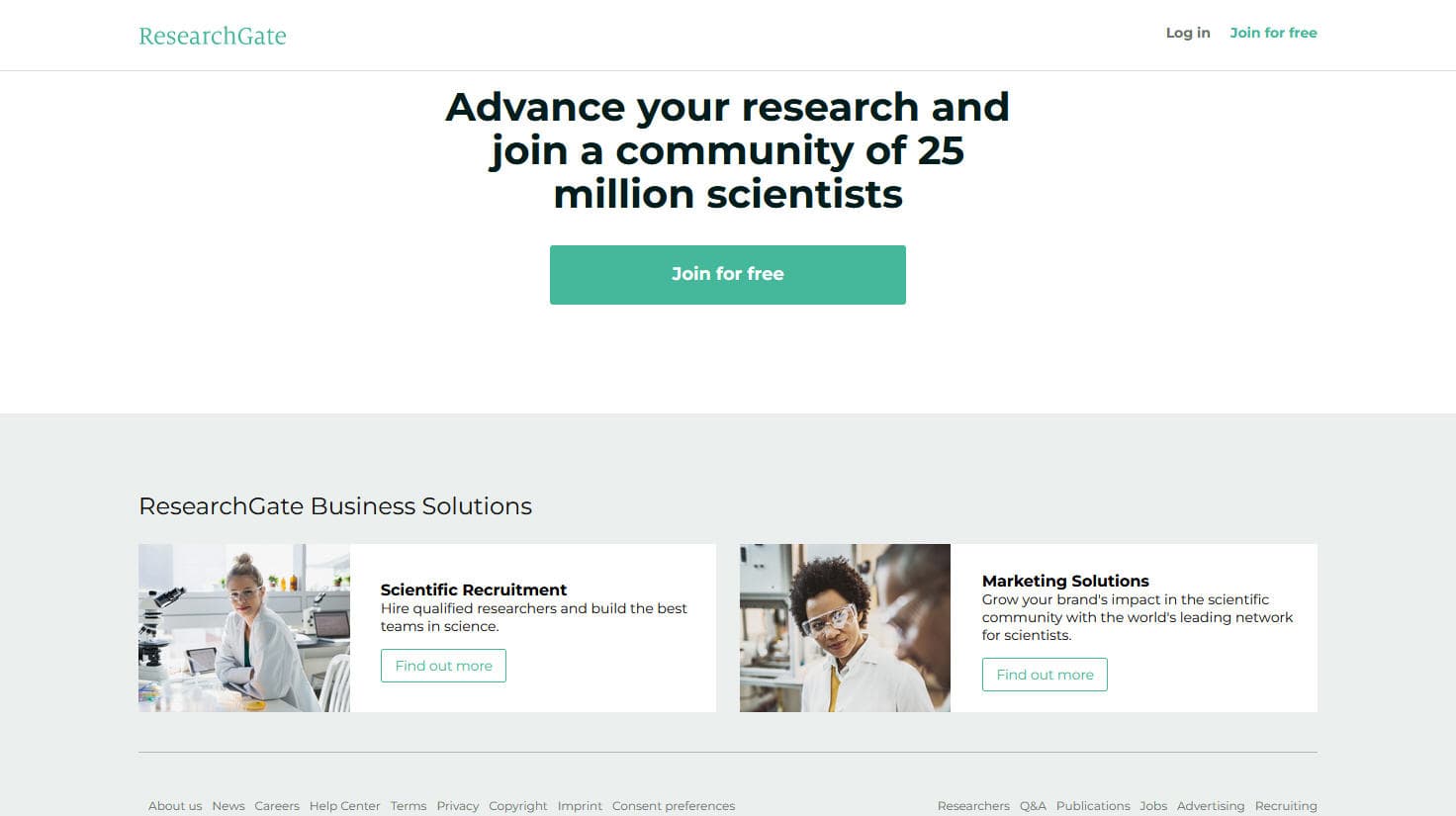
How to Scrape ResearchGate: Publication and Researcher Data
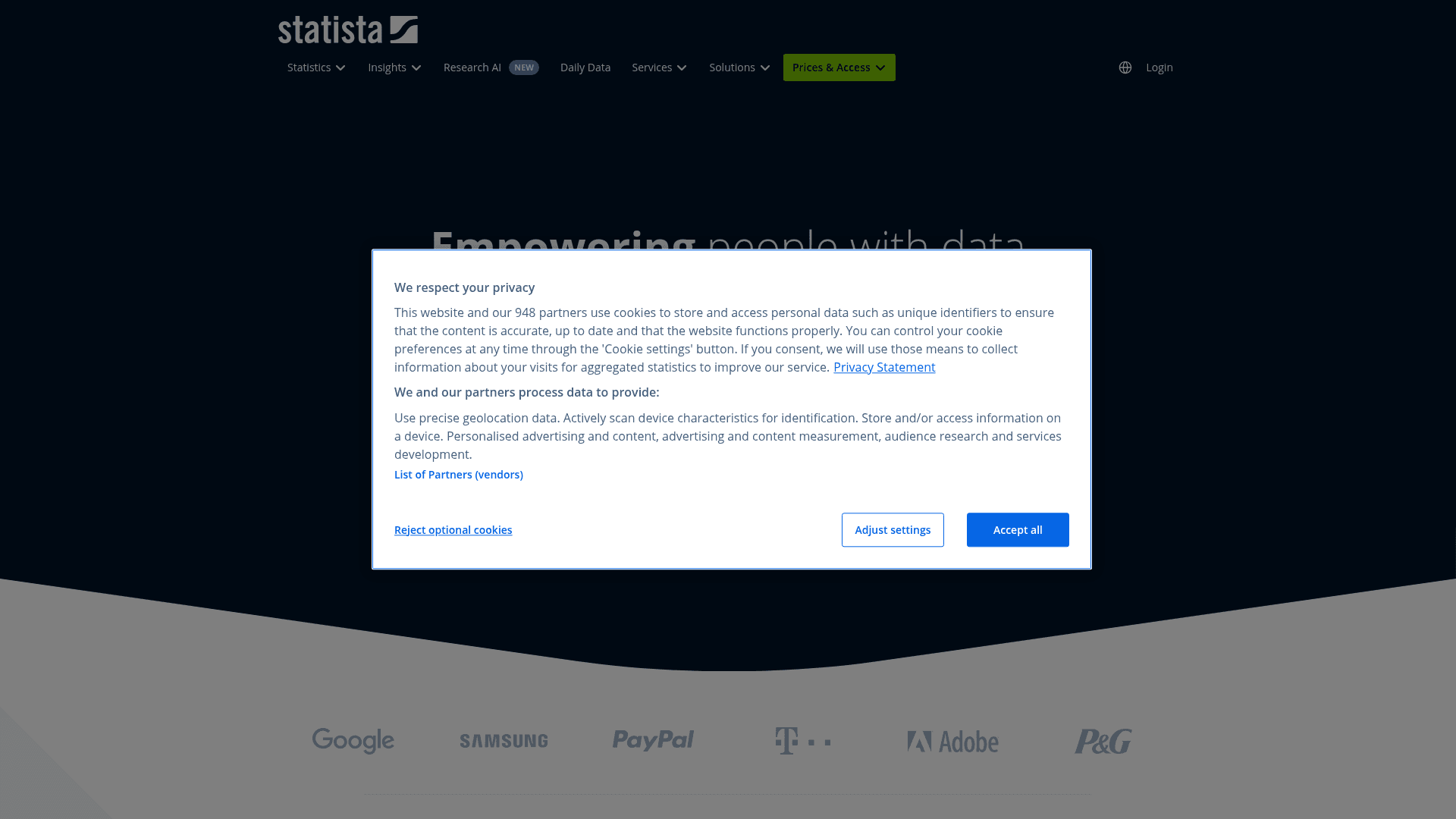
How to Scrape Statista: The Ultimate Guide to Market Data Extraction
Frequently Asked Questions
Find answers to common questions about BetaList