
How to Scrape Homes.com: Real Estate Data Extraction Guide
Learn how to scrape property listings, prices, and agent contact details from Homes.com. Scale your real estate research and lead generation with this guide.
Anti-Bot Protection Detected
- Akamai Bot Manager
- Advanced bot detection using device fingerprinting, behavior analysis, and machine learning. One of the most sophisticated anti-bot systems.
- Cloudflare
- Enterprise-grade WAF and bot management. Uses JavaScript challenges, CAPTCHAs, and behavioral analysis. Requires browser automation with stealth settings.
- Rate Limiting
- Limits requests per IP/session over time. Can be bypassed with rotating proxies, request delays, and distributed scraping.
- IP Blocking
- Blocks known datacenter IPs and flagged addresses. Requires residential or mobile proxies to circumvent effectively.
- Browser Fingerprinting
- Identifies bots through browser characteristics: canvas, WebGL, fonts, plugins. Requires spoofing or real browser profiles.
About Homes.com
Learn what Homes.com offers and what valuable data can be extracted from it.
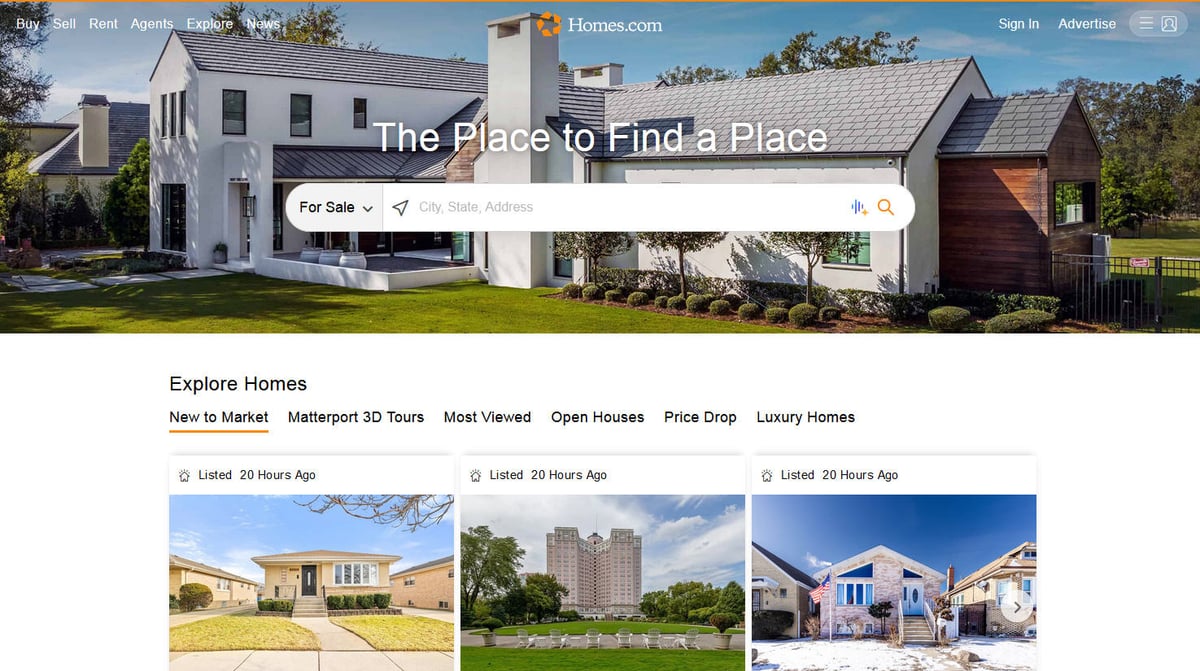
Homes.com is a premier residential real estate marketplace in the United States, currently owned and operated by CoStar Group. It provides a comprehensive platform for home buyers and renters to search for single-family homes, condos, and townhouses across the country. The site is widely recognized for its 'Your Listing, Your Lead' business model, which prioritizes connecting consumers directly with the actual listing agent for every property. The platform hosts a massive inventory of data, including current market prices, square footage, property specifications, school ratings, and high-quality neighborhood imagery. It also integrates deep historical data such as property tax records and past sales history, making it one of the most content-rich resources for US real estate market participants. Scraping Homes.com is highly valuable for market analysts, investors, and home-service providers. The data allows for real-time tracking of housing inventory, price fluctuations, and competitor benchmarking.
Why Scrape Homes.com?
Discover the business value and use cases for extracting data from Homes.com.
Real-Time Inventory Tracking
Monitor when new properties are listed or moved to pending status to track market velocity in specific zip codes.
Investment Opportunity Identification
Extract price-per-square-foot and historical tax data to find undervalued homes compared to neighborhood averages.
B2B Lead Generation
Collect listing agent names and brokerage details to build targeted outreach lists for home-related services.
Market Trend Analysis
Aggregate school rankings and price appreciation trends to identify emerging neighborhoods for long-term investment.
Competitive Price Benchmarking
Compare your listings against similar properties on the platform to optimize pricing strategies for faster sales.
Scraping Challenges
Technical challenges you may encounter when scraping Homes.com.
Akamai Bot Manager Detection
Homes.com utilizes sophisticated security that detects automated browser patterns and fingerprints, leading to immediate IP bans.
React-Based Dynamic Loading
The website relies heavily on JavaScript to render listing details, meaning traditional HTTP requests often return empty or incomplete data.
IP Reputation Filtering
Most datacenter and VPN IP ranges are pre-emptively blocked, requiring the use of high-quality residential proxies for successful access.
Lazy-Loaded Data Elements
Property images and detailed amenities are only loaded as a user scrolls down the page, making simple extraction scripts miss critical data.
Scrape Homes.com with AI
No coding required. Extract data in minutes with AI-powered automation.
How It Works
Describe What You Need
Tell the AI what data you want to extract from Homes.com. Just type it in plain language — no coding or selectors needed.
AI Extracts the Data
Our artificial intelligence navigates Homes.com, handles dynamic content, and extracts exactly what you asked for.
Get Your Data
Receive clean, structured data ready to export as CSV, JSON, or send directly to your apps and workflows.
Why Use AI for Scraping
AI makes it easy to scrape Homes.com without writing any code. Our AI-powered platform uses artificial intelligence to understand what data you want — just describe it in plain language and the AI extracts it automatically.
How to scrape with AI:
- Describe What You Need: Tell the AI what data you want to extract from Homes.com. Just type it in plain language — no coding or selectors needed.
- AI Extracts the Data: Our artificial intelligence navigates Homes.com, handles dynamic content, and extracts exactly what you asked for.
- Get Your Data: Receive clean, structured data ready to export as CSV, JSON, or send directly to your apps and workflows.
Why use AI for scraping:
- Seamless Anti-Bot Bypassing: Automatio is engineered to handle advanced security layers like Akamai and Cloudflare, ensuring your bots stay undetected.
- Visual No-Code Selection: Easily map property prices, addresses, and agent details by clicking on them visually rather than writing complex CSS selectors.
- Automated Browser Interaction: The platform handles all JavaScript rendering and can be configured to scroll or click elements to reveal hidden property specifications.
- Managed Residential Proxies: Automatically rotate through millions of real residential IPs to avoid rate limits and maintain high success rates for large crawls.
No-Code Web Scrapers for Homes.com
Point-and-click alternatives to AI-powered scraping
Several no-code tools like Browse.ai, Octoparse, Axiom, and ParseHub can help you scrape Homes.com. These tools use visual interfaces to select elements, but they come with trade-offs compared to AI-powered solutions.
Typical Workflow with No-Code Tools
Common Challenges
Learning curve
Understanding selectors and extraction logic takes time
Selectors break
Website changes can break your entire workflow
Dynamic content issues
JavaScript-heavy sites often require complex workarounds
CAPTCHA limitations
Most tools require manual intervention for CAPTCHAs
IP blocking
Aggressive scraping can get your IP banned
No-Code Web Scrapers for Homes.com
Several no-code tools like Browse.ai, Octoparse, Axiom, and ParseHub can help you scrape Homes.com. These tools use visual interfaces to select elements, but they come with trade-offs compared to AI-powered solutions.
Typical Workflow with No-Code Tools
- Install browser extension or sign up for the platform
- Navigate to the target website and open the tool
- Point-and-click to select data elements you want to extract
- Configure CSS selectors for each data field
- Set up pagination rules to scrape multiple pages
- Handle CAPTCHAs (often requires manual solving)
- Configure scheduling for automated runs
- Export data to CSV, JSON, or connect via API
Common Challenges
- Learning curve: Understanding selectors and extraction logic takes time
- Selectors break: Website changes can break your entire workflow
- Dynamic content issues: JavaScript-heavy sites often require complex workarounds
- CAPTCHA limitations: Most tools require manual intervention for CAPTCHAs
- IP blocking: Aggressive scraping can get your IP banned
Code Examples
import requests; from bs4 import BeautifulSoup; url = 'https://www.homes.com/for-sale/atlanta-ga/'; headers = {'User-Agent': 'Mozilla/5.0 (Windows NT 10.0; Win64; x64) AppleWebKit/537.36 (KHTML, like Gecko) Chrome/119.0.0.0 Safari/537.36'}; try: response = requests.get(url, headers=headers, timeout=10); response.raise_for_status(); soup = BeautifulSoup(response.text, 'html.parser'); listings = soup.select('li.placard-container'); for item in listings: price = item.select_one('.price-container').text.strip() if item.select_one('.price-container') else 'N/A'; print(f'Price: {price}'); except Exception as e: print(f'Error: {e}')When to Use
Best for static HTML pages where content is loaded server-side. The fastest and simplest approach when JavaScript rendering isn't required.
Advantages
- ●Fastest execution (no browser overhead)
- ●Lowest resource consumption
- ●Easy to parallelize with asyncio
- ●Great for APIs and static pages
Limitations
- ●Cannot execute JavaScript
- ●Fails on SPAs and dynamic content
- ●May struggle with complex anti-bot systems
How to Scrape Homes.com with Code
Python + Requests
import requests; from bs4 import BeautifulSoup; url = 'https://www.homes.com/for-sale/atlanta-ga/'; headers = {'User-Agent': 'Mozilla/5.0 (Windows NT 10.0; Win64; x64) AppleWebKit/537.36 (KHTML, like Gecko) Chrome/119.0.0.0 Safari/537.36'}; try: response = requests.get(url, headers=headers, timeout=10); response.raise_for_status(); soup = BeautifulSoup(response.text, 'html.parser'); listings = soup.select('li.placard-container'); for item in listings: price = item.select_one('.price-container').text.strip() if item.select_one('.price-container') else 'N/A'; print(f'Price: {price}'); except Exception as e: print(f'Error: {e}')Python + Playwright
import asyncio; from playwright.async_api import async_playwright; async def scrape(): async with async_playwright() as p: browser = await p.chromium.launch(headless=True); context = await browser.new_context(user_agent='Mozilla/5.0'); page = await context.new_page(); await page.goto('https://www.homes.com/for-sale/chicago-il/', wait_until='networkidle'); listings = await page.query_selector_all('.placard-container'); for l in listings: p_el = await l.query_selector('.price-container'); print(await p_el.inner_text()); await browser.close(); asyncio.run(scrape())Python + Scrapy
import scrapy; class HomesSpider(scrapy.Spider): name = 'homes'; start_urls = ['https://www.homes.com/for-sale/houston-tx/']; def parse(self, response): for listing in response.css('li.placard-container'): yield {'price': listing.css('.price-container::text').get(), 'address': listing.css('.address-container::text').get()}; next_p = response.css('a.next-page::attr(href)').get(); if next_p: yield response.follow(next_p, self.parse)Node.js + Puppeteer
const puppeteer = require('puppeteer'); (async () => { const browser = await puppeteer.launch(); const page = await browser.newPage(); await page.setUserAgent('Mozilla/5.0'); await page.goto('https://www.homes.com/for-sale/miami-fl/'); await page.waitForSelector('.placard-container'); const data = await page.evaluate(() => { return Array.from(document.querySelectorAll('.placard-container')).map(c => ({ price: c.querySelector('.price-container')?.innerText })); }); console.log(data); await browser.close(); })();What You Can Do With Homes.com Data
Explore practical applications and insights from Homes.com data.
Real Estate Investment Analysis
Investors identify high-yield rental opportunities and undervalued homes in emerging markets.
How to implement:
- 1Scrape listing prices and square footage for target neighborhoods
- 2Calculate average price per square foot
- 3Filter for properties priced 15% below the local average
- 4Cross-reference with local rent estimates to determine ROI
Use Automatio to extract data from Homes.com and build these applications without writing code.
What You Can Do With Homes.com Data
- Real Estate Investment Analysis
Investors identify high-yield rental opportunities and undervalued homes in emerging markets.
- Scrape listing prices and square footage for target neighborhoods
- Calculate average price per square foot
- Filter for properties priced 15% below the local average
- Cross-reference with local rent estimates to determine ROI
- Automated Mortgage Lead Sourcing
Mortgage brokers identify potential clients by monitoring new property listings.
- Schedule daily scrapes for new For Sale listings
- Extract listing prices to qualify lead size
- Match addresses with public records to find owners
- Initiate outreach for pre-qualification services
- Market Inventory Forecasting
Economists track the total number of active listings to predict future price movements.
- Count active listings across 50 US metros weekly
- Extract Days on Market data
- Analyze correlation between supply and price
- Produce quarterly reports on housing market health
- Competitor Brokerage Benchmarking
Real estate firms monitor competitor listings to assess market share.
- Scrape listings belonging to rival brokerages
- Extract sales history and agent productivity metrics
- Compare average time-to-close against internal data
- Adjust marketing strategies based on competitor volume
- Neighborhood Amenity Mapping
Developers correlate home prices with local school ratings and walkability.
- Extract property values and neighborhood attributes
- Scrape school ratings and proximity data
- Map price appreciation against infrastructure
- Select locations for new developments
Supercharge your workflow with AI Automation
Automatio combines the power of AI agents, web automation, and smart integrations to help you accomplish more in less time.
Pro Tips
Expert advice for successfully extracting data from Homes.com.
Prioritize Residential Proxies
Always use residential proxy networks as datacenter IPs are flagged almost instantly by the site's security perimeter.
Utilize Sitemap Discovery
Check the site's robots.txt for sitemap URLs to discover direct property links instead of relying solely on search results.
Introduce Human Latency
Configure your scraper to have random wait times between page loads to mimic a real person browsing the real estate listings.
Scroll Before Extraction
Ensure your bot performs a scroll action to trigger the lazy loading of high-resolution images and detailed property tax history.
Watch for DOM Variations
Property detail pages for rentals often have different HTML structures than those for sales, so verify your selectors for both types.
Testimonials
What Our Users Say
Join thousands of satisfied users who have transformed their workflow
Jonathan Kogan
Co-Founder/CEO, rpatools.io
Automatio is one of the most used for RPA Tools both internally and externally. It saves us countless hours of work and we realized this could do the same for other startups and so we choose Automatio for most of our automation needs.
Mohammed Ibrahim
CEO, qannas.pro
I have used many tools over the past 5 years, Automatio is the Jack of All trades.. !! it could be your scraping bot in the morning and then it becomes your VA by the noon and in the evening it does your automations.. its amazing!
Ben Bressington
CTO, AiChatSolutions
Automatio is fantastic and simple to use to extract data from any website. This allowed me to replace a developer and do tasks myself as they only take a few minutes to setup and forget about it. Automatio is a game changer!
Sarah Chen
Head of Growth, ScaleUp Labs
We've tried dozens of automation tools, but Automatio stands out for its flexibility and ease of use. Our team productivity increased by 40% within the first month of adoption.
David Park
Founder, DataDriven.io
The AI-powered features in Automatio are incredible. It understands context and adapts to changes in websites automatically. No more broken scrapers!
Emily Rodriguez
Marketing Director, GrowthMetrics
Automatio transformed our lead generation process. What used to take our team days now happens automatically in minutes. The ROI is incredible.
Jonathan Kogan
Co-Founder/CEO, rpatools.io
Automatio is one of the most used for RPA Tools both internally and externally. It saves us countless hours of work and we realized this could do the same for other startups and so we choose Automatio for most of our automation needs.
Mohammed Ibrahim
CEO, qannas.pro
I have used many tools over the past 5 years, Automatio is the Jack of All trades.. !! it could be your scraping bot in the morning and then it becomes your VA by the noon and in the evening it does your automations.. its amazing!
Ben Bressington
CTO, AiChatSolutions
Automatio is fantastic and simple to use to extract data from any website. This allowed me to replace a developer and do tasks myself as they only take a few minutes to setup and forget about it. Automatio is a game changer!
Sarah Chen
Head of Growth, ScaleUp Labs
We've tried dozens of automation tools, but Automatio stands out for its flexibility and ease of use. Our team productivity increased by 40% within the first month of adoption.
David Park
Founder, DataDriven.io
The AI-powered features in Automatio are incredible. It understands context and adapts to changes in websites automatically. No more broken scrapers!
Emily Rodriguez
Marketing Director, GrowthMetrics
Automatio transformed our lead generation process. What used to take our team days now happens automatically in minutes. The ROI is incredible.
Related Web Scraping
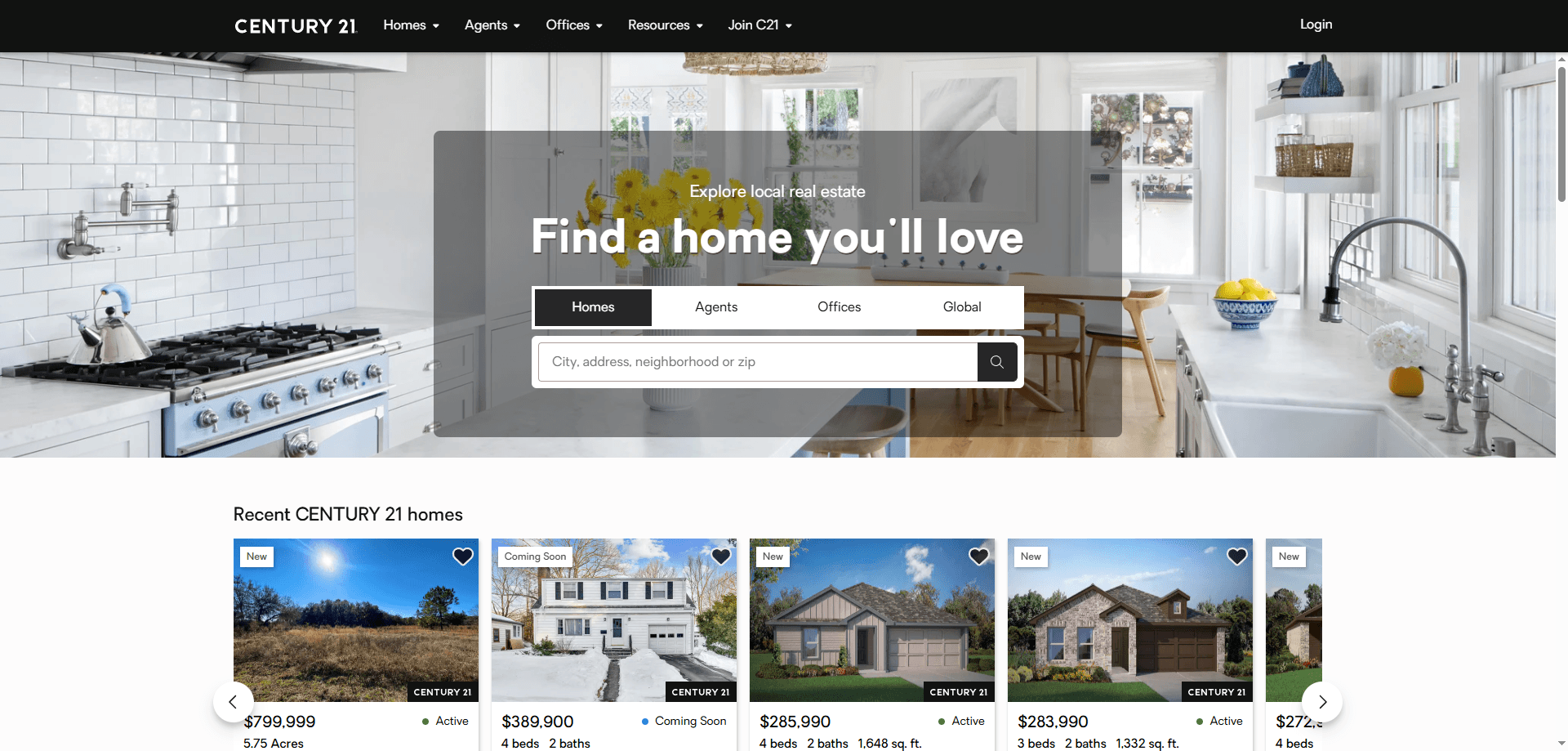
How to Scrape Century 21 Property Listings

How to Scrape Locations Hawaii | Locations Hawaii Web Scraper

How to Scrape Century 21: A Technical Real Estate Guide
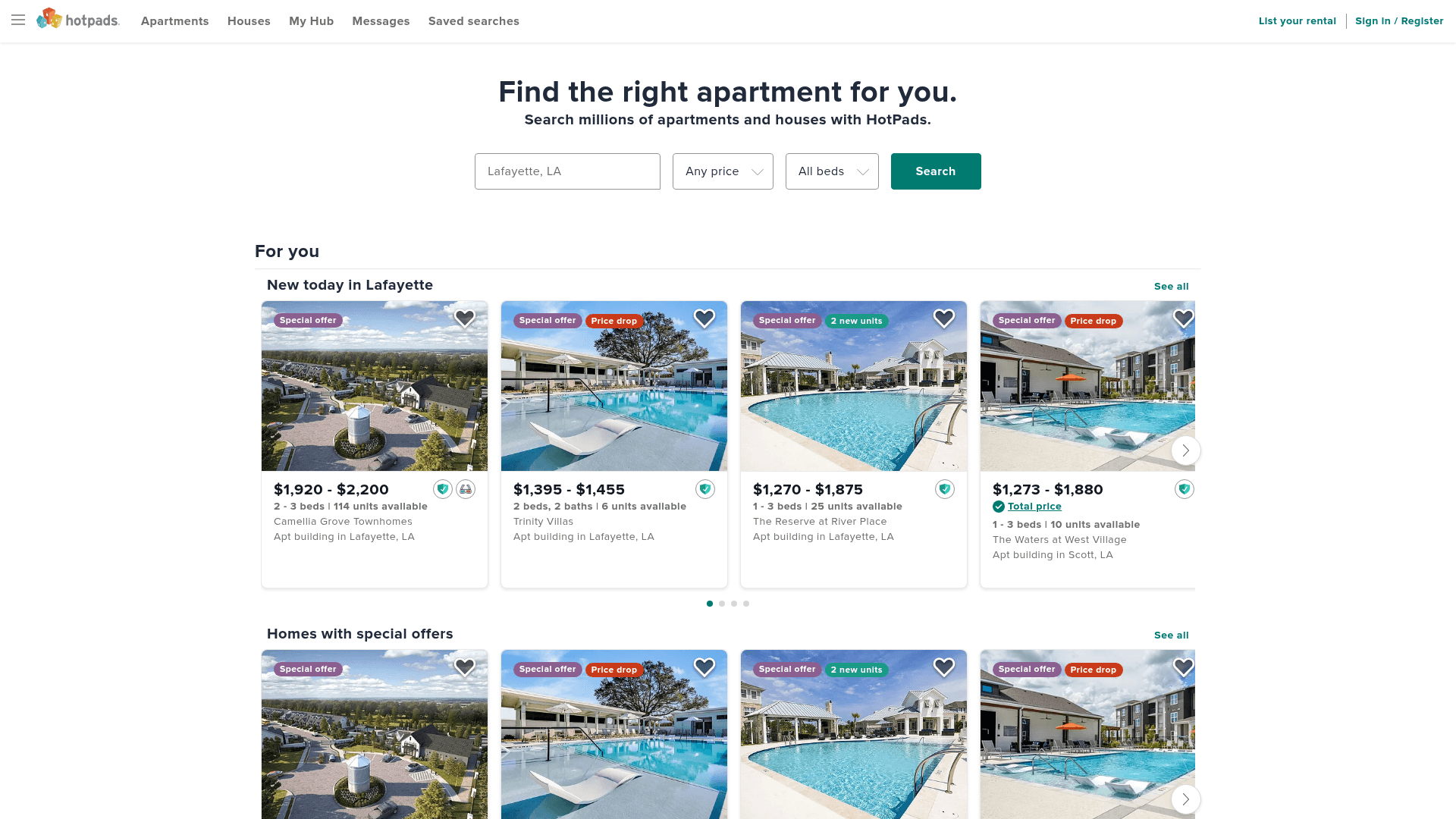
How to Scrape HotPads: A Complete Guide to Extracting Rental Data

How to Scrape Sacramento Delta Property Management

How to Scrape LivePiazza: Philadelphia Real Estate Scraper

How to Scrape RE/MAX (remax.com) Real Estate Listings

How to Scrape Apartments Near Me | Real Estate Data Scraper
Frequently Asked Questions
Find answers to common questions about Homes.com