
How to Scrape Century 21: A Technical Real Estate Guide
Scrape Century 21 for property listings, prices, and agent data. Master CloudFront bypass, residential proxies, and automated extraction at scale.
Anti-Bot Protection Detected
- CloudFront
- AWS WAF
- Browser Fingerprinting
- Identifies bots through browser characteristics: canvas, WebGL, fonts, plugins. Requires spoofing or real browser profiles.
- IP Blocking
- Blocks known datacenter IPs and flagged addresses. Requires residential or mobile proxies to circumvent effectively.
- Rate Limiting
- Limits requests per IP/session over time. Can be bypassed with rotating proxies, request delays, and distributed scraping.
About Century 21
Learn what Century 21 offers and what valuable data can be extracted from it.
The Global Real Estate Powerhouse
Century 21 Real Estate LLC is an American real estate agent franchise company and a subsidiary of Anywhere Real Estate Inc. (formerly Realogy). It is one of the most recognized brands in the industry, aggregating millions of residential, commercial, and luxury listings across dozens of countries. The platform serves as a standardized portal for buyers and sellers, offering deep technical data on every property.
High-Value Listing Data
The website contains a massive volume of structured property information. For data enthusiasts, it provides access to MLS numbers, historical price points, specific property attributes like square footage and year built, and direct agent contact details. This data is highly valuable for building real estate apps, lead generation databases, and market intelligence tools.
Why Scrape Century 21?
Scraping this site allows for large-scale comparative market analysis that is impossible to perform manually. By extracting global listing data, users can track international migration trends, monitor price fluctuations in high-growth markets, and identify undervalued investment opportunities before they go mainstream.
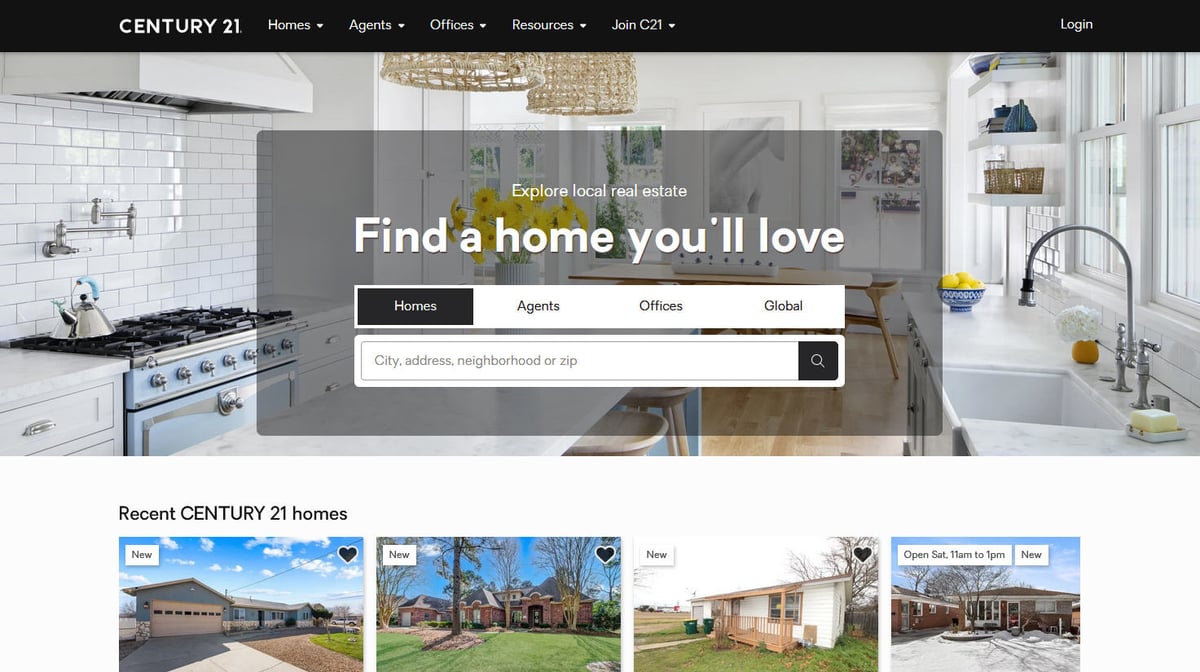
Why Scrape Century 21?
Discover the business value and use cases for extracting data from Century 21.
Real-Time Market Monitoring
Scraping Century 21 allows you to track property price fluctuations and inventory changes across specific zip codes or international regions in real-time.
Investment Opportunity Sourcing
Investors can identify undervalued listings or properties with recent price reductions before they are indexed by larger aggregate platforms.
Agent Lead Generation
Extracting agent contact information and brokerage details provides a valuable database for B2B services like marketing, insurance, or mortgage lending.
ML Model Training
Historical listing data including square footage, amenities, and sale status is essential for training accurate automated valuation models (AVMs) and AI appraisals.
Competitive Intelligence
Brokerages use this data to benchmark their own performance against Century 21's regional inventory and market share growth.
Hyper-Local Data Analysis
Gather detailed neighborhood-level metadata that isn't always available in consolidated national real estate reports.
Scraping Challenges
Technical challenges you may encounter when scraping Century 21.
CloudFront 403 Forbidden Blocks
The website uses aggressive CDN protection that identifies and immediately blocks requests from standard automated scripts or data center IPs.
JavaScript-Heavy Content
Search results and property details are dynamically rendered via JavaScript, meaning simple HTML parsers like BeautifulSoup will often return empty results.
Advanced Browser Fingerprinting
The site employs TLS and canvas fingerprinting to distinguish between real human users and headless browsers like Selenium or Puppeteer.
Volatile HTML Selectors
Century 21 frequently updates its CSS classes and HTML structure, which can cause static scrapers to break without regular maintenance.
Scrape Century 21 with AI
No coding required. Extract data in minutes with AI-powered automation.
How It Works
Describe What You Need
Tell the AI what data you want to extract from Century 21. Just type it in plain language — no coding or selectors needed.
AI Extracts the Data
Our artificial intelligence navigates Century 21, handles dynamic content, and extracts exactly what you asked for.
Get Your Data
Receive clean, structured data ready to export as CSV, JSON, or send directly to your apps and workflows.
Why Use AI for Scraping
AI makes it easy to scrape Century 21 without writing any code. Our AI-powered platform uses artificial intelligence to understand what data you want — just describe it in plain language and the AI extracts it automatically.
How to scrape with AI:
- Describe What You Need: Tell the AI what data you want to extract from Century 21. Just type it in plain language — no coding or selectors needed.
- AI Extracts the Data: Our artificial intelligence navigates Century 21, handles dynamic content, and extracts exactly what you asked for.
- Get Your Data: Receive clean, structured data ready to export as CSV, JSON, or send directly to your apps and workflows.
Why use AI for scraping:
- Seamless CloudFront Bypass: Automatio utilizes advanced stealth technology and fingerprint rotation to navigate around CDN blocks without manual configuration.
- No-Code Data Extraction: You can map complex property fields like listing price and MLS numbers visually using a point-and-click interface, eliminating the need for coding.
- Automated Proxy Management: Built-in residential proxy rotation ensures your scraper maintains a high success rate by masking your automated traffic as real user activity.
- Visual Pagination Handling: The tool automatically handles complex pagination and 'Load More' buttons to ensure you capture every listing in a search result.
No-Code Web Scrapers for Century 21
Point-and-click alternatives to AI-powered scraping
Several no-code tools like Browse.ai, Octoparse, Axiom, and ParseHub can help you scrape Century 21. These tools use visual interfaces to select elements, but they come with trade-offs compared to AI-powered solutions.
Typical Workflow with No-Code Tools
Common Challenges
Learning curve
Understanding selectors and extraction logic takes time
Selectors break
Website changes can break your entire workflow
Dynamic content issues
JavaScript-heavy sites often require complex workarounds
CAPTCHA limitations
Most tools require manual intervention for CAPTCHAs
IP blocking
Aggressive scraping can get your IP banned
No-Code Web Scrapers for Century 21
Several no-code tools like Browse.ai, Octoparse, Axiom, and ParseHub can help you scrape Century 21. These tools use visual interfaces to select elements, but they come with trade-offs compared to AI-powered solutions.
Typical Workflow with No-Code Tools
- Install browser extension or sign up for the platform
- Navigate to the target website and open the tool
- Point-and-click to select data elements you want to extract
- Configure CSS selectors for each data field
- Set up pagination rules to scrape multiple pages
- Handle CAPTCHAs (often requires manual solving)
- Configure scheduling for automated runs
- Export data to CSV, JSON, or connect via API
Common Challenges
- Learning curve: Understanding selectors and extraction logic takes time
- Selectors break: Website changes can break your entire workflow
- Dynamic content issues: JavaScript-heavy sites often require complex workarounds
- CAPTCHA limitations: Most tools require manual intervention for CAPTCHAs
- IP blocking: Aggressive scraping can get your IP banned
Code Examples
import requests
from bs4 import BeautifulSoup

# Custom headers are mandatory to bypass basic AWS WAF checks
headers = {
    'User-Agent': 'Mozilla/5.0 (Windows NT 10.0; Win64; x64) AppleWebKit/537.36 (KHTML, like Gecko) Chrome/119.0.0.0 Safari/537.36',
    'Accept-Language': 'en-US,en;q=0.9',
    'Referer': 'https://www.century21.com/'
}

def scrape_c21(url):
    try:
        # Requests will often fail with 403 without high-quality proxies
        response = requests.get(url, headers=headers, timeout=15)
        if response.status_code == 200:
            soup = BeautifulSoup(response.text, 'html.parser')
            # Selectors target common property card elements
            listings = soup.select('.property-card')
            for item in listings:
                price = item.select_one('.property-card-price').get_text(strip=True)
                addr = item.select_one('.property-address').get_text(strip=True)
                print(f'Price: {price} | Address: {addr}')
        else:
            print(f'Blocked: {response.status_code}')
    except Exception as e:
        print(f'Error: {e}')

scrape_c21('https://www.century21.com/real-estate/new-york-ny/LCNYNEWYORK/')
When to Use
Best for static HTML pages where content is loaded server-side. The fastest and simplest approach when JavaScript rendering isn't required.
Advantages
- ●Fastest execution (no browser overhead)
- ●Lowest resource consumption
- ●Easy to parallelize with asyncio
- ●Great for APIs and static pages
Limitations
- ●Cannot execute JavaScript
- ●Fails on SPAs and dynamic content
- ●May struggle with complex anti-bot systems
How to Scrape Century 21 with Code
Python + Requests
import requests
from bs4 import BeautifulSoup
# Custom headers are mandatory to bypass basic AWS WAF checks
headers = {
'User-Agent': 'Mozilla/5.0 (Windows NT 10.0; Win64; x64) AppleWebKit/537.36 (KHTML, like Gecko) Chrome/119.0.0.0 Safari/537.36',
'Accept-Language': 'en-US,en;q=0.9',
'Referer': 'https://www.century21.com/'
}
def scrape_c21(url):
try:
# Requests will often fail with 403 without high-quality proxies
response = requests.get(url, headers=headers, timeout=15)
if response.status_code == 200:
soup = BeautifulSoup(response.text, 'html.parser')
# Selectors target common property card elements
listings = soup.select('.property-card')
for item in listings:
price = item.select_one('.property-card-price').get_text(strip=True)
addr = item.select_one('.property-address').get_text(strip=True)
print(f'Price: {price} | Address: {addr}')
else:
print(f'Blocked: {response.status_code}')
except Exception as e:
print(f'Error: {e}')
scrape_c21('https://www.century21.com/real-estate/new-york-ny/LCNYNEWYORK/')Python + Playwright
from playwright.sync_api import sync_playwright

def scrape_with_playwright():
    with sync_playwright() as p:
        # Launching with stealth-like parameters is recommended
        browser = p.chromium.launch(headless=True)
        context = browser.new_context(user_agent='Mozilla/5.0 (Macintosh; Intel Mac OS X 10_15_7)')
        page = context.new_page()

        # Navigate to a search result page
        page.goto('https://www.century21.com/real-estate/los-angeles-ca/LCCALOSANGELES/')

        # Wait for the property grid to load via JavaScript
        page.wait_for_selector('.property-card')

        cards = page.query_selector_all('.property-card')
        for card in cards:
            price = card.query_selector('.property-card-price').inner_text()
            address = card.query_selector('.property-address').inner_text()
            print({'price': price, 'address': address})

        browser.close()

scrape_with_playwright()Python + Scrapy
import scrapy

class Century21Spider(scrapy.Spider):
    name = 'c21_spider'
    start_urls = ['https://www.century21.com/real-estate/miami-fl/LCCFMIAMI/']

    def parse(self, response):
        # Iterate through property containers using CSS selectors
        for listing in response.css('.property-card'):
            yield {
                'address': listing.css('.property-address::text').get().strip(),
                'price': listing.css('.property-card-price::text').get().strip(),
                'url': response.urljoin(listing.css('a.card-anchor::attr(href)').get())
            }

        # Follow next page links in the pagination bar
        next_page = response.css('a.next-page::attr(href)').get()
        if next_page:
yield response.follow(next_page, self.parse)Node.js + Puppeteer
const puppeteer = require('puppeteer');

async function scrapeCentury21() {
  const browser = await puppeteer.launch({ headless: true });
  const page = await browser.newPage();

  // Set a realistic viewport
  await page.setViewport({ width: 1280, height: 800 });

  await page.goto('https://www.century21.com/real-estate/chicago-il/LCCICHICAGO/');

  // Wait for React components to render the listings
  await page.waitForSelector('.property-card');

  const properties = await page.evaluate(() => {
    return Array.from(document.querySelectorAll('.property-card')).map(el => ({
      price: el.querySelector('.property-card-price')?.innerText,
      address: el.querySelector('.property-address')?.innerText,
      beds: el.querySelector('.property-beds')?.innerText
    }));
  });

  console.log(properties);
  await browser.close();
}

scrapeCentury21();What You Can Do With Century 21 Data
Explore practical applications and insights from Century 21 data.
Comparative Market Analysis
Real estate firms can monitor local competitor listings to ensure their own inventory is priced accurately against the market average.
How to implement:
- 1Extract prices and square footage for a specific zip code.
- 2Calculate the average price-per-square-foot for active listings.
- 3Generate automated reports for agents to adjust listing prices.
Use Automatio to extract data from Century 21 and build these applications without writing code.
What You Can Do With Century 21 Data
- Comparative Market Analysis
Real estate firms can monitor local competitor listings to ensure their own inventory is priced accurately against the market average.
- Extract prices and square footage for a specific zip code.
- Calculate the average price-per-square-foot for active listings.
- Generate automated reports for agents to adjust listing prices.
- Investor Lead Sourcing
Property investors can identify 'stressed' or underpriced listings by comparing current prices to neighborhood historical medians.
- Scrape all new listings in a target city every 24 hours.
- Filter for properties with significant recent price reductions.
- Cross-reference listings with public tax records for investment viability.
- Mortgage Lead Generation
Lending institutions can identify new listings to target potential borrowers with tailored financing or refinancing offers.
- Monitor the 'New Listings' section for specific high-value regions.
- Extract the property location and estimated mortgage requirement.
- Import data into a CRM for direct outreach to potential homebuyers.
- AI Valuation Training
Data scientists use extracted listing attributes to train machine learning models for automated property appraisals.
- Aggregate 10,000+ listings including attributes like year built and amenities.
- Clean and normalize the dataset to remove duplicate or outdated entries.
- Train a regression model to predict sale prices based on property features.
- Brokerage Performance Tracking
Marketing firms can track which brokerages are gaining the most market share by counting active listings per agency.
- Scrape the listing agent and brokerage name from all results.
- Group listings by office to calculate total inventory volume.
- Visualize market share growth or decline over a 6-month period.
Supercharge your workflow with AI Automation
Automatio combines the power of AI agents, web automation, and smart integrations to help you accomplish more in less time.
What to get right first
Expert advice for successfully extracting data from Century 21.
Utilize Residential Proxies
Standard data center IPs are blacklisted by Century 21; always use high-quality rotating residential proxies to mimic real home users.
Adopt the Official API
For high-volume needs, explore the Anywhere Developers Portal which provides a structured and stable way to access listing data programmatically.
Mimic User Interactions
Incorporate random delays, scrolling, and mouse movements into your scraper workflow to lower the risk of triggering behavioral anti-bot checks.
Scrape Regional Subdomains
If the main .com site is too restrictive, try localized domains like century21canada.com which may have slightly different security configurations.
Parse XML Sitemaps
Accessing property URLs directly through the site's XML sitemap can help you bypass the resource-heavy search result pages.
Maintain Selector Alerts
Set up monitoring for your scraper so you are notified immediately if a change in the site's HTML layout affects your data extraction.
Related Web Scraping
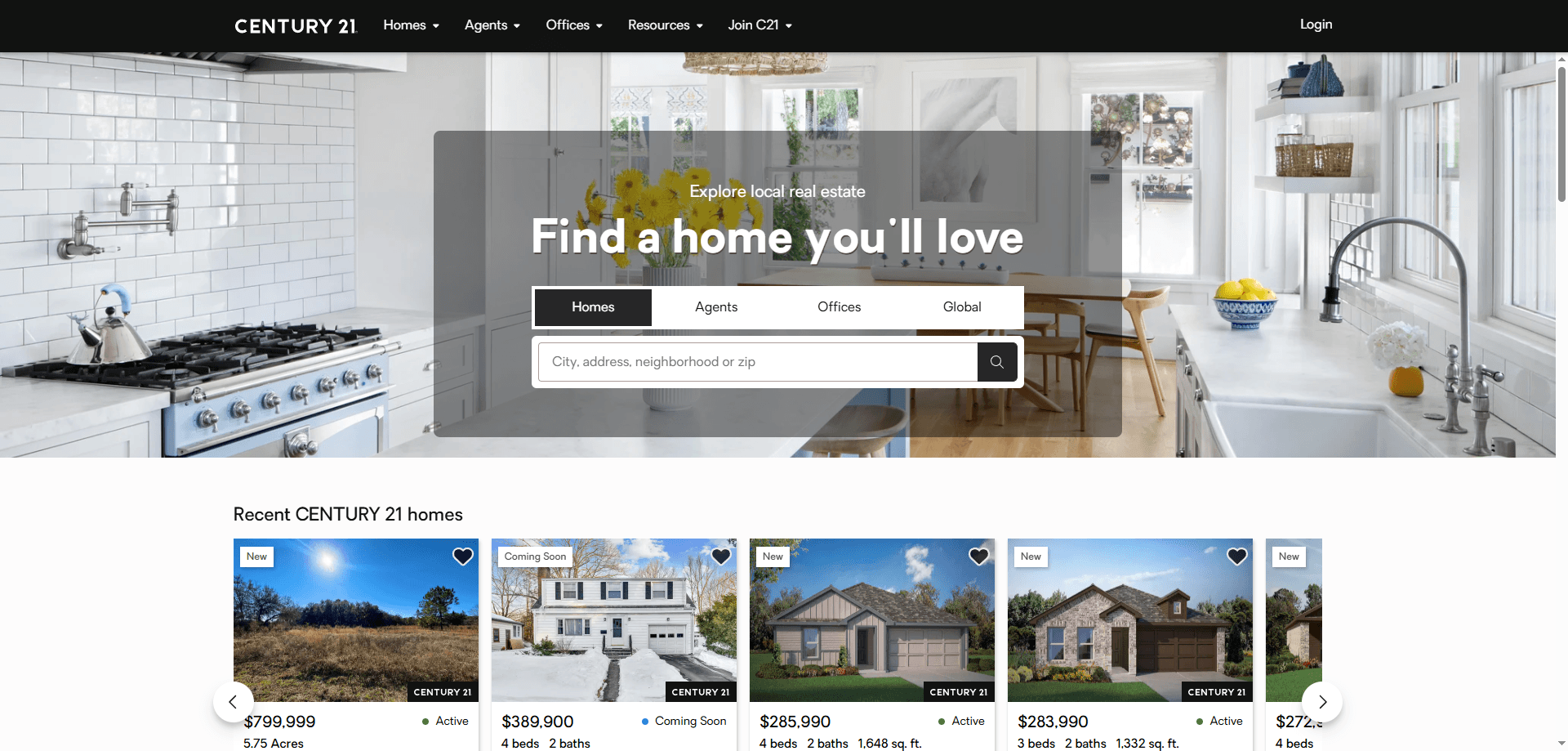
How to Scrape Century 21 Property Listings
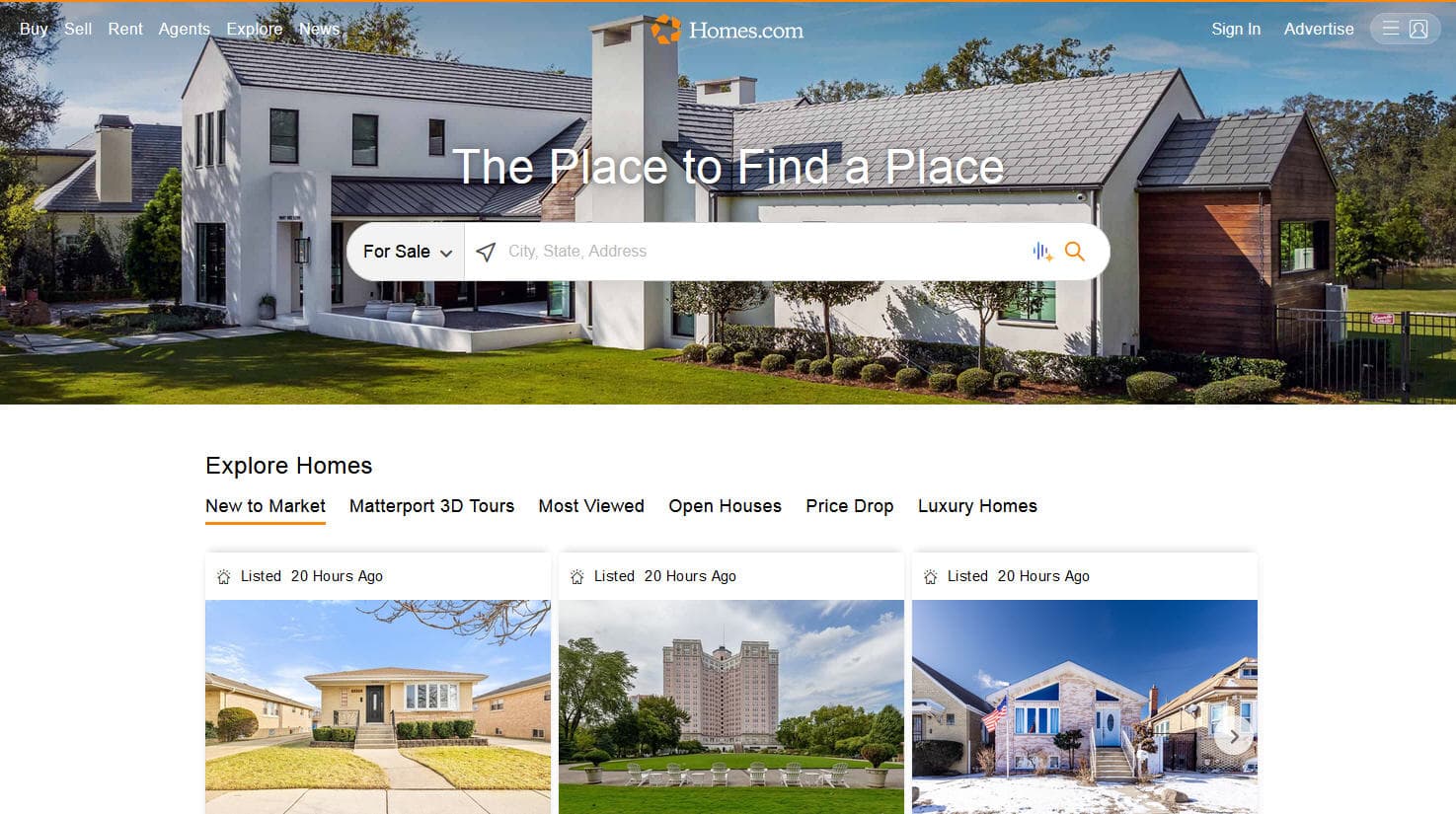
How to Scrape Homes.com: Real Estate Data Extraction Guide
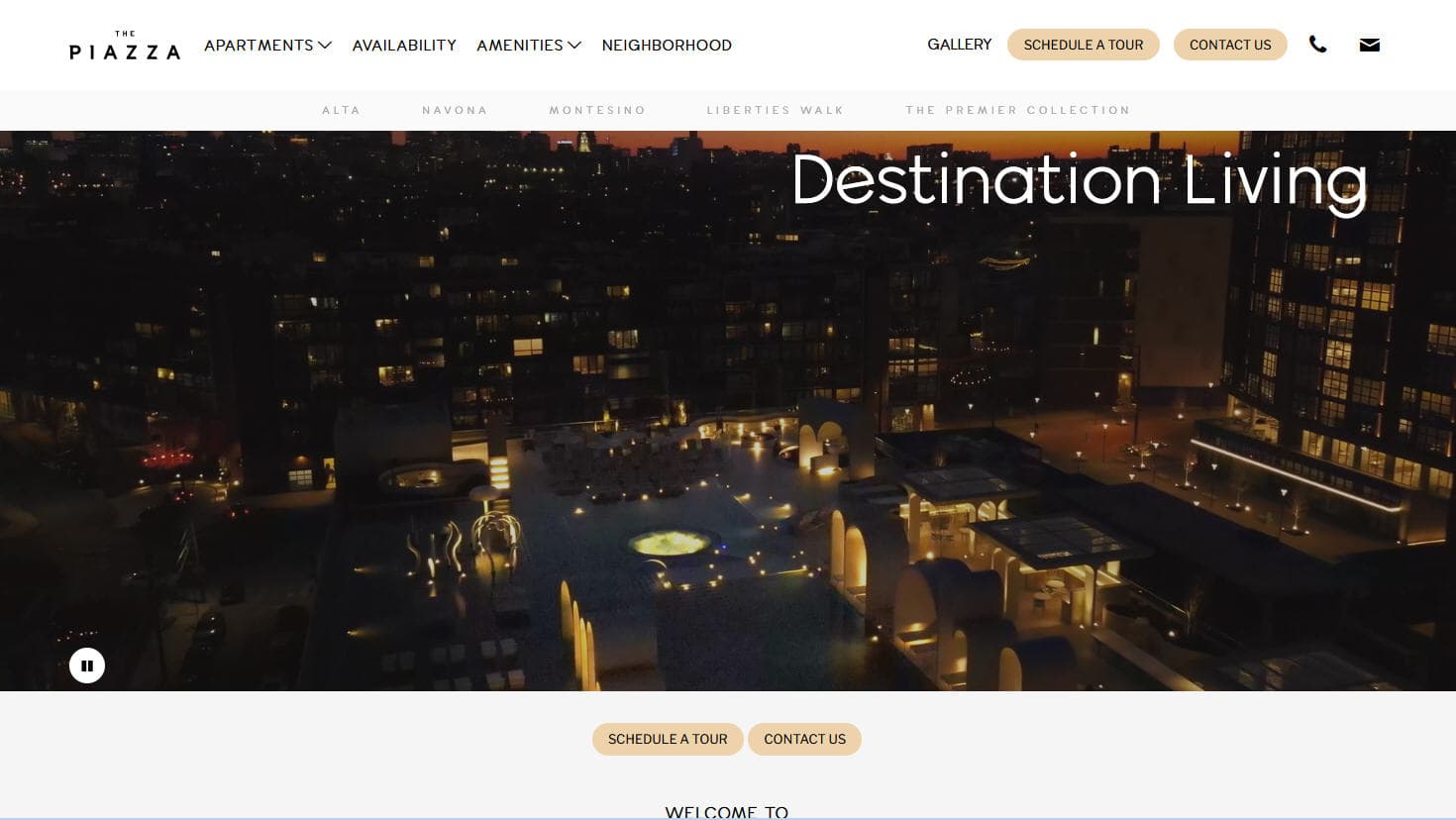
How to Scrape LivePiazza: Philadelphia Real Estate Scraper

How to Scrape Sacramento Delta Property Management

How to Scrape Locations Hawaii | Locations Hawaii Web Scraper
How to Scrape RE/MAX (remax.com) Real Estate Listings
How to Scrape HotPads: A Complete Guide to Extracting Rental Data
How to Scrape Apartments Near Me | Real Estate Data Scraper
Frequently Asked Questions
Find answers to common questions about Century 21