
How to Scrape HotPads: A Complete Guide to Extracting Rental Data
Learn how to scrape HotPads.com to extract rental prices, property details, and location data. Master anti-bot bypasses for Zillow Group's map-based platform.
Anti-Bot Protection Detected
- Akamai Bot Manager
- Advanced bot detection using device fingerprinting, behavior analysis, and machine learning. One of the most sophisticated anti-bot systems.
- DataDome
- Real-time bot detection with ML models. Analyzes device fingerprint, network signals, and behavioral patterns. Common on e-commerce sites.
- Google reCAPTCHA
- Google's CAPTCHA system. v2 requires user interaction, v3 runs silently with risk scoring. Can be solved with CAPTCHA services.
- Rate Limiting
- Limits requests per IP/session over time. Can be bypassed with rotating proxies, request delays, and distributed scraping.
- IP Blocking
- Blocks known datacenter IPs and flagged addresses. Requires residential or mobile proxies to circumvent effectively.
About HotPads
Learn what HotPads offers and what valuable data can be extracted from it.
The Urban Rental Powerhouse
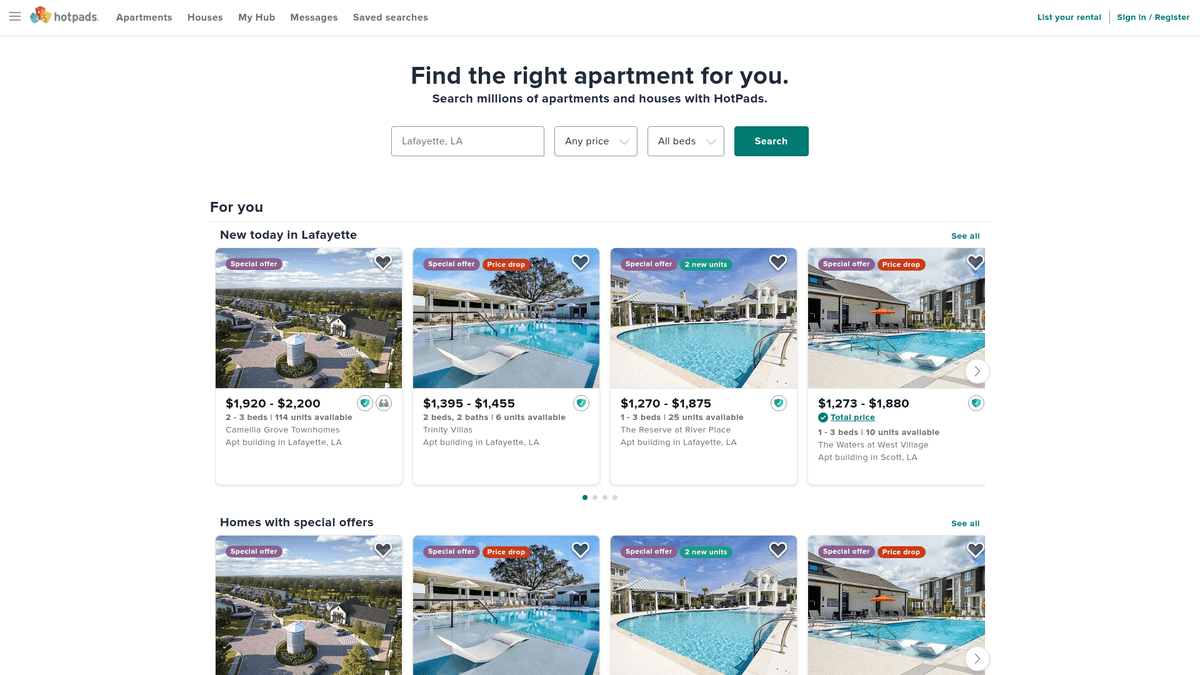
HotPads is a map-based rental search engine that specializes in urban areas, providing listings for apartments, houses, and rooms for rent. As part of the Zillow Group (which includes Zillow and Trulia), it leverages a massive database of real estate information, making it a primary destination for renters in the US.
Comprehensive Rental Data
The data on HotPads is exceptionally valuable for market analysis, as it often contains 'for rent by owner' (FRBO) listings and boutique apartment data that larger portals might miss. For scrapers, it represents a high-quality source of real-time rental inventory and pricing trends, allowing for granular tracking of urban housing shifts.
Why it Matters
Accessing HotPads data allows real estate professionals and researchers to analyze rental markets with high spatial precision. Whether you are monitoring property management performance or identifying emerging real estate hotspots, the platform's focus on high-density living makes it an indispensable resource for urban real estate intelligence.
Why Scrape HotPads?
Discover the business value and use cases for extracting data from HotPads.
Granular Rental Insights
HotPads specializes in urban apartment and house rentals, providing more granular neighborhood-level data than general real estate sites.
Direct Landlord Lead Generation
The platform is a primary hub for 'For Rent by Owner' (FRBO) listings, which are high-value targets for property management and maintenance services.
Dynamic Pricing Intelligence
By monitoring daily rent fluctuations across major cities, investors can calculate accurate yields and adjust their portfolio strategy in real-time.
Historical Occupancy Tracking
Scraping how long listings stay active allows researchers to determine vacancy rates and demand shifts in specific metropolitan districts.
Amenity Trend Analysis
Extracting listing descriptions helps developers identify trending features, such as smart home tech or pet-friendly policies, that command premium rents.
Hyper-Local Market Benchmarking
Compare individual unit specs like square footage and bathroom counts against the local median to identify undervalued investment properties.
Scraping Challenges
Technical challenges you may encounter when scraping HotPads.
Sophisticated Anti-Bot Mitigation
As part of Zillow Group, HotPads utilizes DataDome and Akamai Bot Manager to detect and block automated traffic via behavioral analysis.
JavaScript-Heavy Map Interface
The site's primary search experience is map-based and relies on dynamic JS rendering, which prevents traditional HTML parsers from seeing the listings.
Frequent CSS Obfuscation
HotPads often employs randomized or dynamically generated CSS class names, making standard selector-based scrapers fragile and prone to breaking.
Interactive Security Challenges
Security layers often trigger 'Press and Hold' or CAPTCHA challenges that require advanced browser automation and human-like interaction to bypass.
Strict Rate Limiting
Aggressive request thresholds are enforced at the IP level, meaning datacenter proxies are flagged and restricted almost instantly.
Scrape HotPads with AI
No coding required. Extract data in minutes with AI-powered automation.
How It Works
Describe What You Need
Tell the AI what data you want to extract from HotPads. Just type it in plain language — no coding or selectors needed.
AI Extracts the Data
Our artificial intelligence navigates HotPads, handles dynamic content, and extracts exactly what you asked for.
Get Your Data
Receive clean, structured data ready to export as CSV, JSON, or send directly to your apps and workflows.
Why Use AI for Scraping
AI makes it easy to scrape HotPads without writing any code. Our AI-powered platform uses artificial intelligence to understand what data you want — just describe it in plain language and the AI extracts it automatically.
How to scrape with AI:
- Describe What You Need: Tell the AI what data you want to extract from HotPads. Just type it in plain language — no coding or selectors needed.
- AI Extracts the Data: Our artificial intelligence navigates HotPads, handles dynamic content, and extracts exactly what you asked for.
- Get Your Data: Receive clean, structured data ready to export as CSV, JSON, or send directly to your apps and workflows.
Why use AI for scraping:
- Automated Anti-Bot Bypass: Automatio comes equipped with stealth features designed to navigate past DataDome and Akamai protections without the need for custom bypass logic.
- No-Code Visual Selection: Instead of wrestling with obfuscated code, you can visually select properties on the map or in the list view, ensuring a more stable extraction workflow.
- Built-in Proxy Management: Seamlessly integrate residential proxies and rotate them automatically to maintain high success rates and avoid being flagged by Zillow Group's servers.
- Dynamic Content Handling: Automatio natively handles the JavaScript execution required to load HotPads' dynamic listings, capturing data that static scrapers would miss.
No-Code Web Scrapers for HotPads
Point-and-click alternatives to AI-powered scraping
Several no-code tools like Browse.ai, Octoparse, Axiom, and ParseHub can help you scrape HotPads. These tools use visual interfaces to select elements, but they come with trade-offs compared to AI-powered solutions.
Typical Workflow with No-Code Tools
Common Challenges
Learning curve
Understanding selectors and extraction logic takes time
Selectors break
Website changes can break your entire workflow
Dynamic content issues
JavaScript-heavy sites often require complex workarounds
CAPTCHA limitations
Most tools require manual intervention for CAPTCHAs
IP blocking
Aggressive scraping can get your IP banned
No-Code Web Scrapers for HotPads
Several no-code tools like Browse.ai, Octoparse, Axiom, and ParseHub can help you scrape HotPads. These tools use visual interfaces to select elements, but they come with trade-offs compared to AI-powered solutions.
Typical Workflow with No-Code Tools
- Install browser extension or sign up for the platform
- Navigate to the target website and open the tool
- Point-and-click to select data elements you want to extract
- Configure CSS selectors for each data field
- Set up pagination rules to scrape multiple pages
- Handle CAPTCHAs (often requires manual solving)
- Configure scheduling for automated runs
- Export data to CSV, JSON, or connect via API
Common Challenges
- Learning curve: Understanding selectors and extraction logic takes time
- Selectors break: Website changes can break your entire workflow
- Dynamic content issues: JavaScript-heavy sites often require complex workarounds
- CAPTCHA limitations: Most tools require manual intervention for CAPTCHAs
- IP blocking: Aggressive scraping can get your IP banned
Code Examples
import requests
from bs4 import BeautifulSoup

# Note: This will likely be blocked by Akamai without high-quality proxies
url = "https://hotpads.com/san-francisco-ca/apartments-for-rent"
headers = {
    "User-Agent": "Mozilla/5.0 (Windows NT 10.0; Win64; x64) AppleWebKit/537.36 (KHTML, like Gecko) Chrome/120.0.0.0 Safari/537.36"
}

try:
    response = requests.get(url, headers=headers, timeout=10)
    if response.status_code == 200:
        soup = BeautifulSoup(response.content, 'html.parser')
        # Representative selectors (subject to change)
        listings = soup.select('.ListingCard-sc-1')
        for item in listings:
            price = item.select_one('.Price-sc-16o2x1v-0').text
            address = item.select_one('.Address-sc-16o2x1v-1').text
            print(f"Price: {price}, Address: {address}")
    else:
        print(f"Blocked or Error: {response.status_code}")
except Exception as e:
    print(f"Request failed: {e}")
When to Use
Best for static HTML pages where content is loaded server-side. The fastest and simplest approach when JavaScript rendering isn't required.
Advantages
- ●Fastest execution (no browser overhead)
- ●Lowest resource consumption
- ●Easy to parallelize with asyncio
- ●Great for APIs and static pages
Limitations
- ●Cannot execute JavaScript
- ●Fails on SPAs and dynamic content
- ●May struggle with complex anti-bot systems
How to Scrape HotPads with Code
Python + Requests
import requests
from bs4 import BeautifulSoup
# Note: This will likely be blocked by Akamai without high-quality proxies
url = "https://hotpads.com/san-francisco-ca/apartments-for-rent"
headers = {
"User-Agent": "Mozilla/5.0 (Windows NT 10.0; Win64; x64) AppleWebKit/537.36 (KHTML, like Gecko) Chrome/120.0.0.0 Safari/537.36"
}
try:
response = requests.get(url, headers=headers, timeout=10)
if response.status_code == 200:
soup = BeautifulSoup(response.content, 'html.parser')
# Representative selectors (subject to change)
listings = soup.select('.ListingCard-sc-1')
for item in listings:
price = item.select_one('.Price-sc-16o2x1v-0').text
address = item.select_one('.Address-sc-16o2x1v-1').text
print(f"Price: {price}, Address: {address}")
else:
print(f"Blocked or Error: {response.status_code}")
except Exception as e:
print(f"Request failed: {e}")Python + Playwright
from playwright.sync_api import sync_playwright

def scrape_hotpads():
    with sync_playwright() as p:
        # Using stealth to avoid Akamai detection
        browser = p.chromium.launch(headless=True)
        context = browser.new_context(user_agent="Mozilla/5.0 (Windows NT 10.0; Win64; x64) AppleWebKit/537.36 (KHTML, like Gecko) Chrome/120.0.0.0 Safari/537.36")
        page = context.new_page()

        page.goto("https://hotpads.com/chicago-il/apartments-for-rent")
        # Wait for listings to load dynamically
        page.wait_for_selector(".styles__ListingCardContainer-sc-1")

        listings = page.query_selector_all(".styles__ListingCardContainer-sc-1")
        for listing in listings:
            price_el = listing.query_selector(".Price-sc-1")
            if price_el:
                print(f"Found Listing: {price_el.inner_text()}")

        browser.close()

scrape_hotpads()Python + Scrapy
import scrapy

class HotpadsSpider(scrapy.Spider):
    name = "hotpads"
    start_urls = ["https://hotpads.com/sitemap-rentals-index.xml"]

    def parse(self, response):
        # Hotpads uses XML sitemaps for easier URL discovery
        for url in response.xpath('//loc/text()').getall():
            yield scrapy.Request(url, callback=self.parse_listing)

    def parse_listing(self, response):
        yield {
            'price': response.css('.Price-sc-16o2x1v-0::text').get(),
            'address': response.css('.Address-sc-16o2x1v-1::text').get(),
            'description': response.css('.Description-sc-1::text').get(),
}Node.js + Puppeteer
const puppeteer = require('puppeteer-extra');
const StealthPlugin = require('puppeteer-extra-plugin-stealth');
puppeteer.use(StealthPlugin());

async function scrape() {
  const browser = await puppeteer.launch({ headless: true });
  const page = await browser.newPage();
  await page.goto('https://hotpads.com/los-angeles-ca/apartments-for-rent');

  await page.waitForSelector('.ListingCard');
  const data = await page.evaluate(() => {
    return Array.from(document.querySelectorAll('.ListingCard')).map(el => ({
      price: el.querySelector('.Price')?.innerText,
      address: el.querySelector('.Address')?.innerText
    }));
  });

  console.log(data);
  await browser.close();
}
scrape();What You Can Do With HotPads Data
Explore practical applications and insights from HotPads data.
Rental Price Indexing
Create a local rental price index to identify undervalued neighborhoods for potential renters or investors.
How to implement:
- 1Scrape daily pricing data for specific zip codes
- 2Calculate the average price per square foot
- 3Visualize trends over time using a dashboard
Use Automatio to extract data from HotPads and build these applications without writing code.
What You Can Do With HotPads Data
- Rental Price Indexing
Create a local rental price index to identify undervalued neighborhoods for potential renters or investors.
- Scrape daily pricing data for specific zip codes
- Calculate the average price per square foot
- Visualize trends over time using a dashboard
- Lead Generation for Managers
Scrape 'For Rent by Owner' (FRBO) listings to offer property management or maintenance services.
- Filter listings by property type and ownership status
- Extract property manager or owner contact information
- Outreach to newly posted listings with service proposals
- Investment Alert System
Automate alerts for real estate investors when listings meet specific return-on-investment criteria.
- Define target metrics like maximum price and minimum bedrooms
- Run the scraper at hourly intervals
- Push notifications to Slack or email when matches are found
- Market Availability Reporting
Analyze housing inventory shifts to provide insights for urban planning or real estate media.
- Collect volume data on active vs. deactivated listings
- Categorize availability by urban density zones
- Report monthly growth or decline in specific rental sectors
- Competitor Analysis for Landlords
Property owners can monitor nearby listing prices to ensure their own rates remain competitive.
- Select a radius around a target property
- Scrape all active listings within that radius
- Analyze amenities vs. price points to optimize rental income
Supercharge your workflow with AI Automation
Automatio combines the power of AI agents, web automation, and smart integrations to help you accomplish more in less time.
What to get right first
Expert advice for successfully extracting data from HotPads.
Prioritize Residential Proxies
To successfully scrape HotPads at scale, avoid datacenter IPs and use high-reputation residential proxies to mimic legitimate home user traffic.
Inspect Network XHR Activity
Use browser developer tools to find the internal 'hotpads-api' endpoints; these often return clean JSON data that is much easier to parse than HTML.
Simulate Human Scrolling
Implement non-linear scrolling and random interaction pauses within your automation to avoid triggering the behavioral detection systems of DataDome.
Utilize Sitemaps for Discovery
Check the robots.txt file for XML sitemaps; these can provide direct URLs to thousands of listings without having to interact with the heavy map interface.
Randomize User-Agent Headers
Rotate between various modern browser headers to ensure your scraper doesn't develop a recognizable fingerprint that security filters can target.
Target Off-Peak Traffic Hours
Running larger scraping jobs during low-traffic periods for the target region can sometimes result in less aggressive bot mitigation triggers.
Related Web Scraping
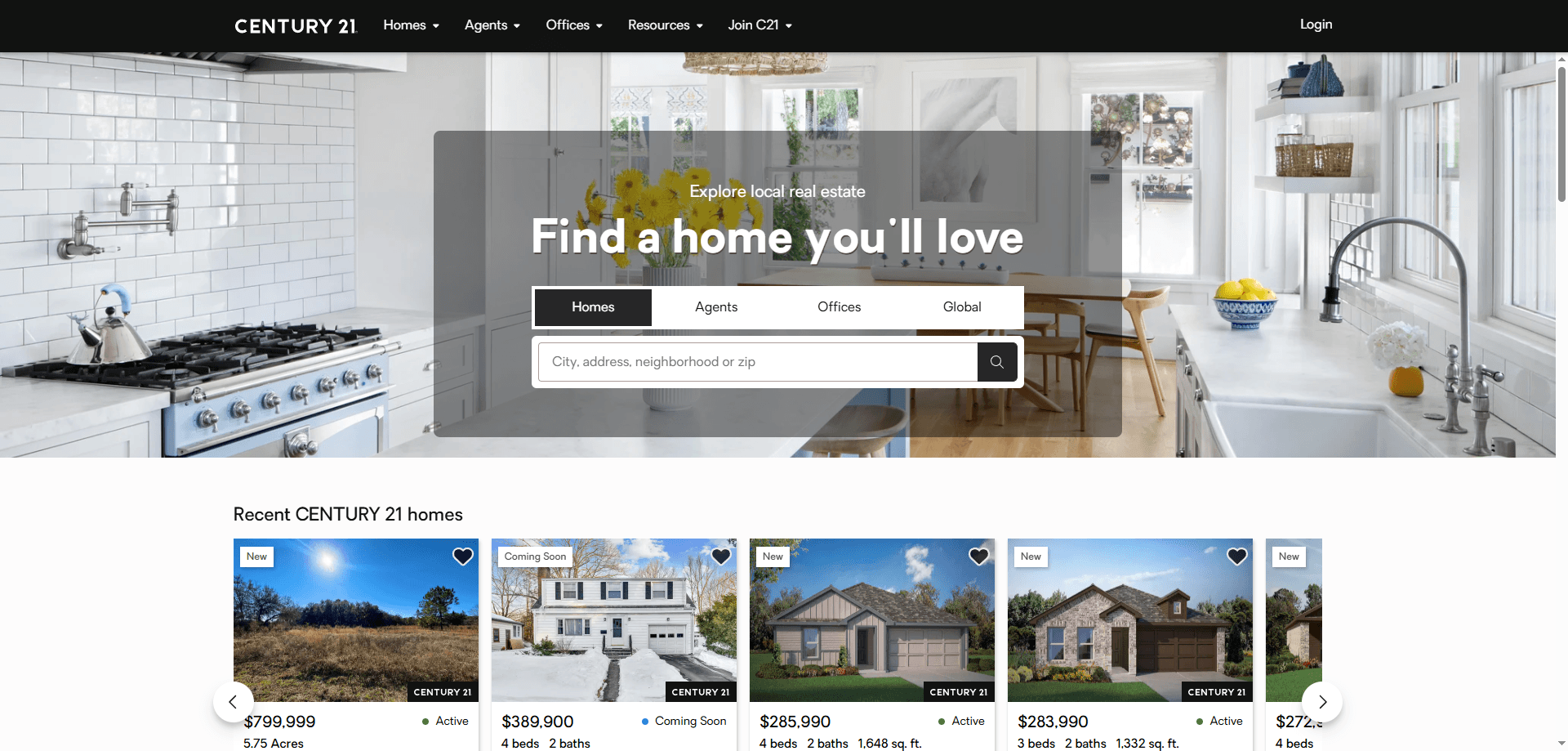
How to Scrape Century 21 Property Listings

How to Scrape Sacramento Delta Property Management

How to Scrape LivePiazza: Philadelphia Real Estate Scraper
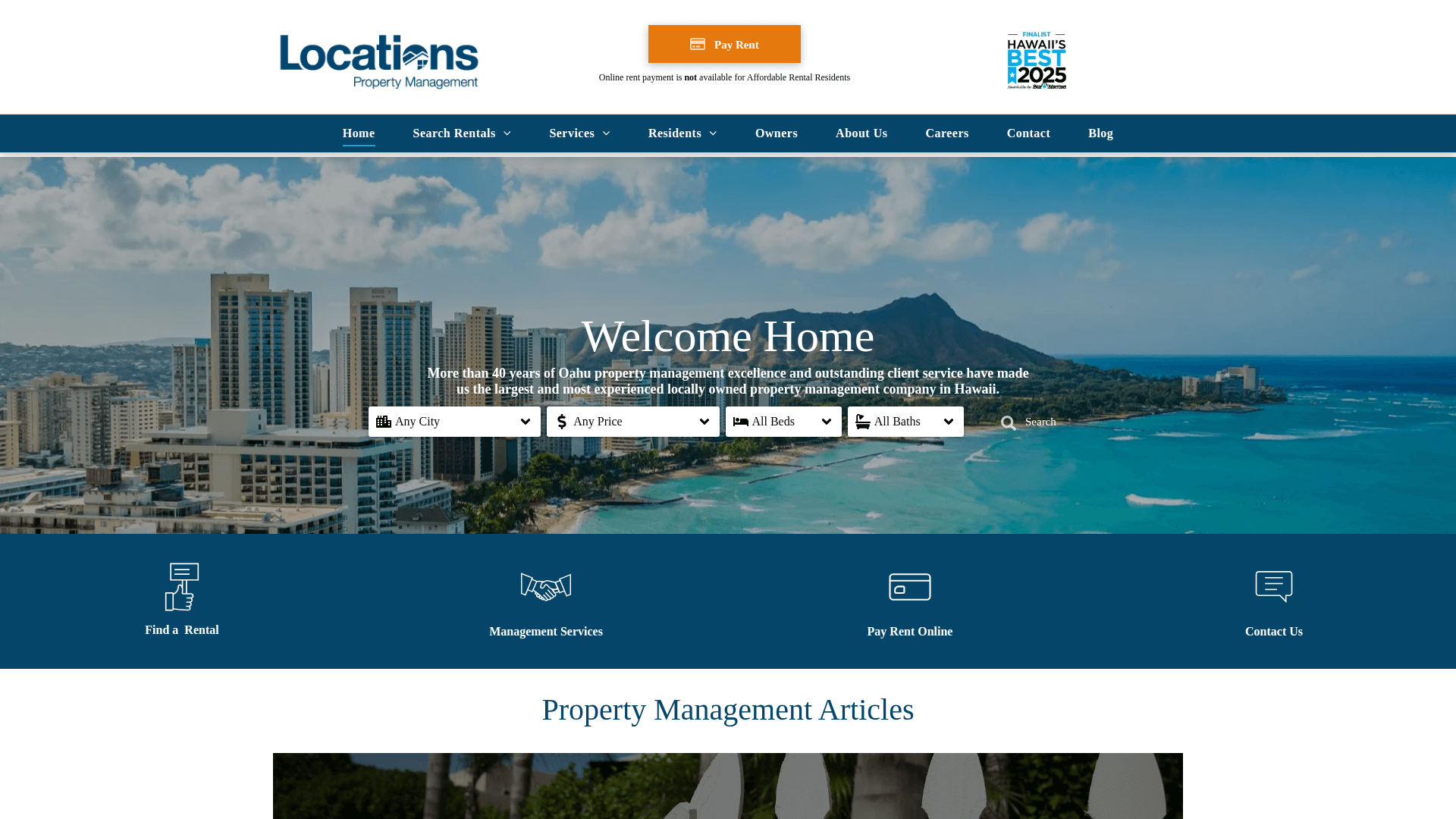
How to Scrape Locations Hawaii | Locations Hawaii Web Scraper
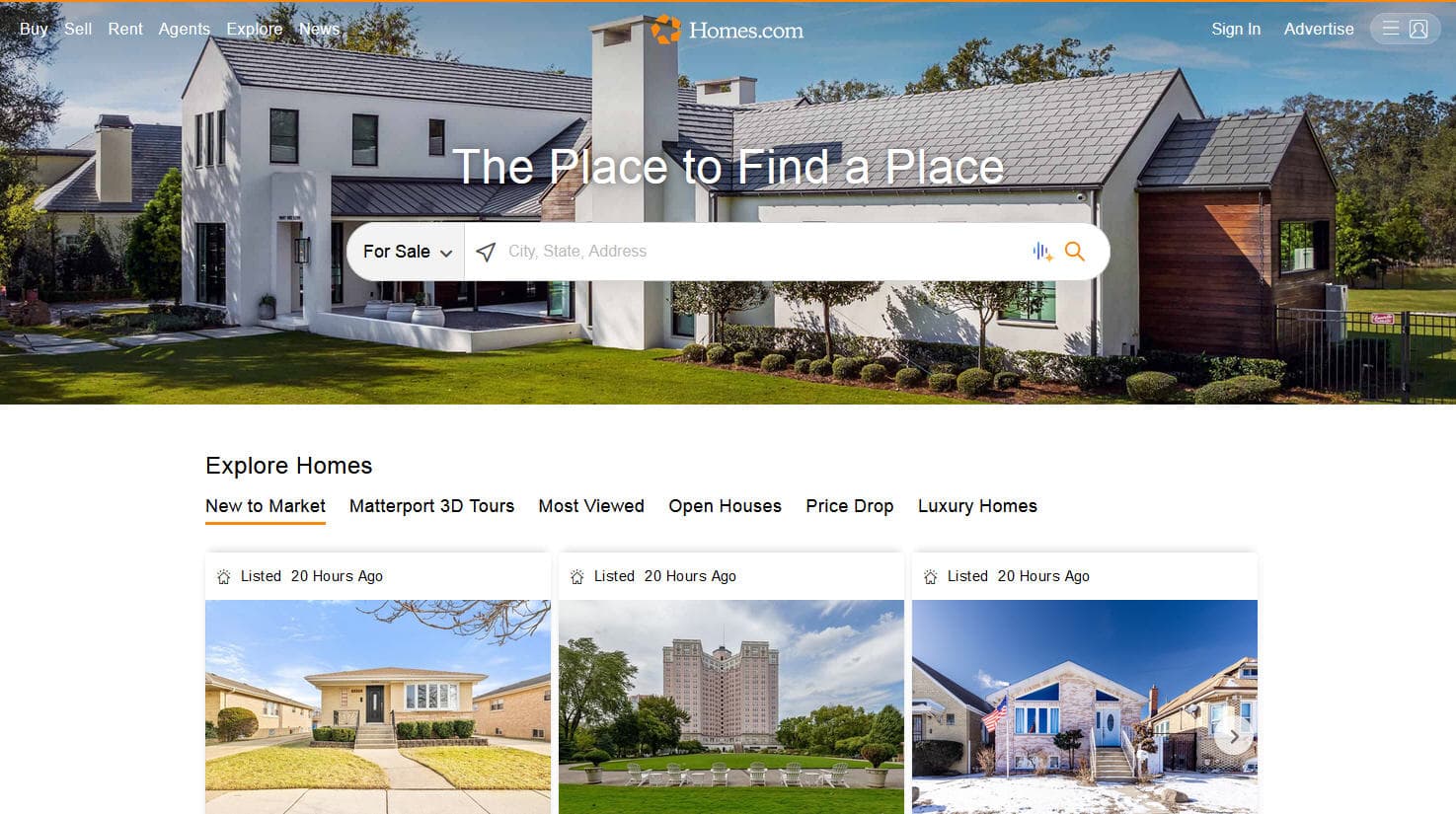
How to Scrape Homes.com: Real Estate Data Extraction Guide
How to Scrape RE/MAX (remax.com) Real Estate Listings
How to Scrape Century 21: A Technical Real Estate Guide
How to Scrape Apartments Near Me | Real Estate Data Scraper
Frequently Asked Questions
Find answers to common questions about HotPads