
How to Scrape Century 21 Property Listings
Learn how to scrape listings, prices, and agent details from Century 21. Bypass Akamai and CloudFront for high-value real estate data extraction.
Anti-Bot Protection Detected
- Akamai Bot Manager
- Advanced bot detection using device fingerprinting, behavior analysis, and machine learning. One of the most sophisticated anti-bot systems.
- Cloudflare
- Enterprise-grade WAF and bot management. Uses JavaScript challenges, CAPTCHAs, and behavioral analysis. Requires browser automation with stealth settings.
- CloudFront
- PerimeterX (HUMAN)
- Behavioral biometrics and predictive analysis. Detects automation through mouse movements, typing patterns, and page interaction.
- Rate Limiting
- Limits requests per IP/session over time. Can be bypassed with rotating proxies, request delays, and distributed scraping.
- User-Agent Profiling
About Century 21
Learn what Century 21 offers and what valuable data can be extracted from it.
Century 21 Real Estate LLC is one of the world's largest and most recognized residential real estate franchise groups. Founded in 1971 and currently a subsidiary of Anywhere Real Estate, it operates through a massive network of thousands of independently owned and operated offices across more than 80 countries. The platform serves as a primary repository for millions of residential and commercial property listings worldwide.
The website provides comprehensive property data including pricing, architectural specifications, and agent contact details. Because it represents a vast, fragmented market, the site is a critical source for real-time real estate information. Analysts use this data to track listing volumes, price adjustments, and regional demand shifts that are often not captured quickly by official government records.
Scraping Century 21 data is highly valuable for real estate investors, prop-tech developers, and market researchers. It enables the creation of automated valuation models (AVMs), competitive benchmarking for brokerages, and lead generation for secondary services such as home insurance or mortgage lending. The data's global reach makes it particularly useful for comparing international property trends.
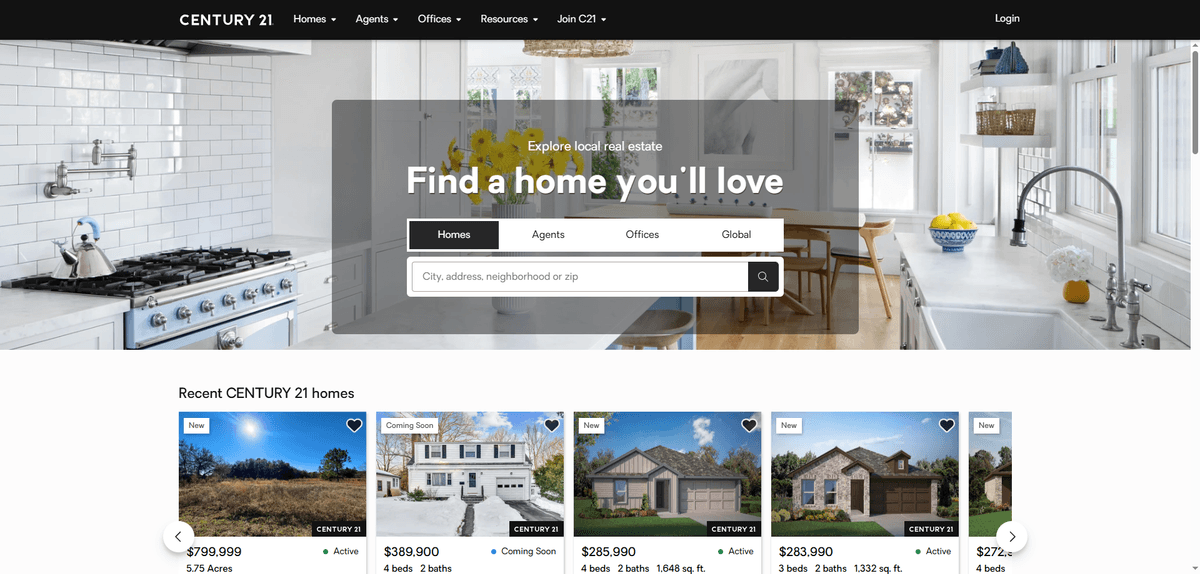
Why Scrape Century 21?
Discover the business value and use cases for extracting data from Century 21.
Market Trend Analysis
Monitor regional price fluctuations and inventory levels to identify emerging real estate hot-spots before they peak.
Investment Sourcing
Track the 'Days on Market' metric to find motivated sellers and identify undervalued properties for potential investment.
Competitive Intelligence
Analyze the listing volumes and success rates of competing agencies to determine localized market share.
Service Lead Generation
Identify new listings to offer professional services such as real estate photography, home staging, or mortgage brokerage.
Historical Pricing Database
Build long-term datasets to train predictive machine learning models for forecasting future real estate market cycles.
Scraping Challenges
Technical challenges you may encounter when scraping Century 21.
Advanced Anti-Bot Detection
The site uses Akamai Bot Manager and Cloudflare, which employ behavioral analysis to block automated scripts.
Dynamic Content Rendering
Listings are often loaded via JavaScript frameworks like React, requiring full browser rendering to access data.
Aggressive IP Rate Limiting
Making too many requests from a single IP address quickly triggers 403 Forbidden errors or reCAPTCHA challenges.
Regional Subdomain Variance
Different geographic subdomains may have slightly different HTML structures, requiring flexible scraping logic.
Scrape Century 21 with AI
No coding required. Extract data in minutes with AI-powered automation.
How It Works
Describe What You Need
Tell the AI what data you want to extract from Century 21. Just type it in plain language — no coding or selectors needed.
AI Extracts the Data
Our artificial intelligence navigates Century 21, handles dynamic content, and extracts exactly what you asked for.
Get Your Data
Receive clean, structured data ready to export as CSV, JSON, or send directly to your apps and workflows.
Why Use AI for Scraping
AI makes it easy to scrape Century 21 without writing any code. Our AI-powered platform uses artificial intelligence to understand what data you want — just describe it in plain language and the AI extracts it automatically.
How to scrape with AI:
- Describe What You Need: Tell the AI what data you want to extract from Century 21. Just type it in plain language — no coding or selectors needed.
- AI Extracts the Data: Our artificial intelligence navigates Century 21, handles dynamic content, and extracts exactly what you asked for.
- Get Your Data: Receive clean, structured data ready to export as CSV, JSON, or send directly to your apps and workflows.
Why use AI for scraping:
- Visual No-Code Selection: Select property data points like price and address directly from the browser without writing complex CSS selectors.
- Automated Proxy Management: Bypass IP-based blocks effortlessly using Automatio's built-in residential proxy rotation system.
- Headless Browser Rendering: Automatically executes JavaScript to ensure that dynamic listing cards and images are fully loaded before extraction.
- Cloud-Based Scheduling: Schedule your scraper to run daily or hourly to capture new listings and price changes without manual intervention.
- Seamless Data Integration: Export scraped real estate data directly to Google Sheets or use webhooks to sync with your CRM or database.
No-Code Web Scrapers for Century 21
Point-and-click alternatives to AI-powered scraping
Several no-code tools like Browse.ai, Octoparse, Axiom, and ParseHub can help you scrape Century 21. These tools use visual interfaces to select elements, but they come with trade-offs compared to AI-powered solutions.
Typical Workflow with No-Code Tools
Common Challenges
Learning curve
Understanding selectors and extraction logic takes time
Selectors break
Website changes can break your entire workflow
Dynamic content issues
JavaScript-heavy sites often require complex workarounds
CAPTCHA limitations
Most tools require manual intervention for CAPTCHAs
IP blocking
Aggressive scraping can get your IP banned
No-Code Web Scrapers for Century 21
Several no-code tools like Browse.ai, Octoparse, Axiom, and ParseHub can help you scrape Century 21. These tools use visual interfaces to select elements, but they come with trade-offs compared to AI-powered solutions.
Typical Workflow with No-Code Tools
- Install browser extension or sign up for the platform
- Navigate to the target website and open the tool
- Point-and-click to select data elements you want to extract
- Configure CSS selectors for each data field
- Set up pagination rules to scrape multiple pages
- Handle CAPTCHAs (often requires manual solving)
- Configure scheduling for automated runs
- Export data to CSV, JSON, or connect via API
Common Challenges
- Learning curve: Understanding selectors and extraction logic takes time
- Selectors break: Website changes can break your entire workflow
- Dynamic content issues: JavaScript-heavy sites often require complex workarounds
- CAPTCHA limitations: Most tools require manual intervention for CAPTCHAs
- IP blocking: Aggressive scraping can get your IP banned
Code Examples
import requests
from bs4 import BeautifulSoup

# Realistic headers are mandatory to bypass basic CloudFront blocks
headers = {
    'User-Agent': 'Mozilla/5.0 (Windows NT 10.0; Win64; x64) AppleWebKit/537.36 (KHTML, like Gecko) Chrome/120.0.0.0 Safari/537.36',
    'Accept-Language': 'en-US,en;q=0.9'
}

def scrape_c21(url):
    try:
        # Session objects help maintain cookies across requests
        session = requests.Session()
        response = session.get(url, headers=headers, timeout=15)
        if response.status_code == 200:
            soup = BeautifulSoup(response.text, 'html.parser')
            # Selectors target common property card classes
            listings = soup.select('.property-card')
            for item in listings:
                price = item.select_one('.listing-price').text.strip() if item.select_one('.listing-price') else 'N/A'
                address = item.select_one('.property-address').text.strip() if item.select_one('.property-address') else 'N/A'
                print(f'Price: {price}, Address: {address}')
        else:
            print(f'Blocked: HTTP {response.status_code}')
    except Exception as e:
        print(f'Error: {e}')

scrape_c21('https://www.century21.com/real-estate/new-york-ny/LCNYNEWYORK/')
When to Use
Best for static HTML pages where content is loaded server-side. The fastest and simplest approach when JavaScript rendering isn't required.
Advantages
- ●Fastest execution (no browser overhead)
- ●Lowest resource consumption
- ●Easy to parallelize with asyncio
- ●Great for APIs and static pages
Limitations
- ●Cannot execute JavaScript
- ●Fails on SPAs and dynamic content
- ●May struggle with complex anti-bot systems
How to Scrape Century 21 with Code
Python + Requests
import requests
from bs4 import BeautifulSoup
# Realistic headers are mandatory to bypass basic CloudFront blocks
headers = {
'User-Agent': 'Mozilla/5.0 (Windows NT 10.0; Win64; x64) AppleWebKit/537.36 (KHTML, like Gecko) Chrome/120.0.0.0 Safari/537.36',
'Accept-Language': 'en-US,en;q=0.9'
}
def scrape_c21(url):
try:
# Session objects help maintain cookies across requests
session = requests.Session()
response = session.get(url, headers=headers, timeout=15)
if response.status_code == 200:
soup = BeautifulSoup(response.text, 'html.parser')
# Selectors target common property card classes
listings = soup.select('.property-card')
for item in listings:
price = item.select_one('.listing-price').text.strip() if item.select_one('.listing-price') else 'N/A'
address = item.select_one('.property-address').text.strip() if item.select_one('.property-address') else 'N/A'
print(f'Price: {price}, Address: {address}')
else:
print(f'Blocked: HTTP {response.status_code}')
except Exception as e:
print(f'Error: {e}')
scrape_c21('https://www.century21.com/real-estate/new-york-ny/LCNYNEWYORK/')Python + Playwright
from playwright.sync_api import sync_playwright

def run(playwright):
    # Launching a browser to handle JavaScript-heavy property cards
    browser = playwright.chromium.launch(headless=True)
    context = browser.new_context(user_agent='Mozilla/5.0 (Windows NT 10.0; Win64; x64) AppleWebKit/537.36')
    page = context.new_page()

    # Navigate and wait for the network to settle
    page.goto('https://www.century21.com/real-estate/new-york-ny/LCNYNEWYORK/', wait_until='networkidle')

    # Ensure the property container is visible before extraction
    page.wait_for_selector('.property-card')

    listings = page.query_selector_all('.property-card')
    for listing in listings:
        price_el = listing.query_selector('.listing-price')
        addr_el = listing.query_selector('.property-address')
        if price_el and addr_el:
            print(f'Price: {price_el.inner_text()} | Address: {addr_el.inner_text()}')

    browser.close()

with sync_playwright() as playwright:
run(playwright)Python + Scrapy
import scrapy

class C21Spider(scrapy.Spider):
    name = 'c21_spider'
    start_urls = ['https://www.century21.com/real-estate/new-york-ny/LCNYNEWYORK/']

    def parse(self, response):
        # Scrapy's CSS selectors are efficient for bulk property extraction
        for property in response.css('.property-card'):
            yield {
                'price': property.css('.listing-price::text').get(default='').strip(),
                'address': property.css('.property-address::text').get(default='').strip(),
                'details_url': response.urljoin(property.css('a::attr(href)').get())
            }

        # Locate and follow the next page button
        next_page = response.css('a.next-page::attr(href)').get()
        if next_page:
yield response.follow(next_page, self.parse)Node.js + Puppeteer
const puppeteer = require('puppeteer-extra');
const StealthPlugin = require('puppeteer-extra-plugin-stealth');
puppeteer.use(StealthPlugin());

(async () => {
  // Using Stealth plugin to mask Puppeteer from Akamai detection
  const browser = await puppeteer.launch({ headless: true });
  const page = await browser.newPage();

  await page.goto('https://www.century21.com/real-estate/new-york-ny/LCNYNEWYORK/', { waitUntil: 'networkidle2' });

  const results = await page.evaluate(() => {
    const data = [];
    document.querySelectorAll('.property-card').forEach(card => {
      data.push({
        price: card.querySelector('.listing-price')?.innerText.trim(),
        address: card.querySelector('.property-address')?.innerText.trim(),
      });
    });
    return data;
  });

  console.log(results);
  await browser.close();
})();What You Can Do With Century 21 Data
Explore practical applications and insights from Century 21 data.
Dynamic Price Alerting
Investors can track price reductions in specific zip codes to find motivated sellers immediately.
How to implement:
- 1Select a target geographic area on Century 21.
- 2Scrape active listings daily and store them in a database.
- 3Compare current prices against the previously recorded price for the same Listing ID.
- 4Send an automated alert if a price drops by more than a defined percentage.
Use Automatio to extract data from Century 21 and build these applications without writing code.
What You Can Do With Century 21 Data
- Dynamic Price Alerting
Investors can track price reductions in specific zip codes to find motivated sellers immediately.
- Select a target geographic area on Century 21.
- Scrape active listings daily and store them in a database.
- Compare current prices against the previously recorded price for the same Listing ID.
- Send an automated alert if a price drops by more than a defined percentage.
- Brokerage Performance Benchmarking
Real estate office owners can monitor Century 21's listing volume to gauge their own local market share.
- Extract Office Name and Agent Name from regional search results.
- Aggregate the total number of listings per office.
- Calculate the median listing price for each competing office.
- Identify high-performing agents for potential recruitment.
- Mortgage Lead Generation
Lenders can identify properties entering the 'New' status to offer financing solutions to potential buyers.
- Scrape new listings daily using the Days on Website or 'New' badge filters.
- Filter listings by price bracket relevant to your lending products.
- Extract the listing agent contact details for B2B referral outreach.
- Monitor property status changes to time marketing efforts.
- Prop-Tech Content Aggregation
Developers can populate new real estate apps with live inventory to provide value to their user base.
- Scrape full property details including images and amenities.
- Normalize the data into a standard JSON format for your API.
- Upload data to your application's backend database.
- Refresh data every 24 hours to ensure listing accuracy.
Supercharge your workflow with AI Automation
Automatio combines the power of AI agents, web automation, and smart integrations to help you accomplish more in less time.
What to get right first
Expert advice for successfully extracting data from Century 21.
Prioritize Residential Proxies
Data center IPs are easily flagged by Akamai; residential proxies provide better success rates by mimicking real household traffic.
Use Stealth Browser Plugins
Utilize libraries like puppeteer-extra-plugin-stealth to hide automated browser fingerprints from advanced bot detectors.
Extract from JSON-LD Tags
Check the HTML source for script tags with type application/ld+json, which often contain pre-formatted listing data.
Implement Random Delays
Avoid a fixed cadence for requests; randomizing wait times between 3-10 seconds helps evade behavioral detection.
Target Mobile User-Agents
Sometimes mobile versions of the site have fewer anti-bot checks or simpler DOM structures compared to desktop versions.
Related Web Scraping
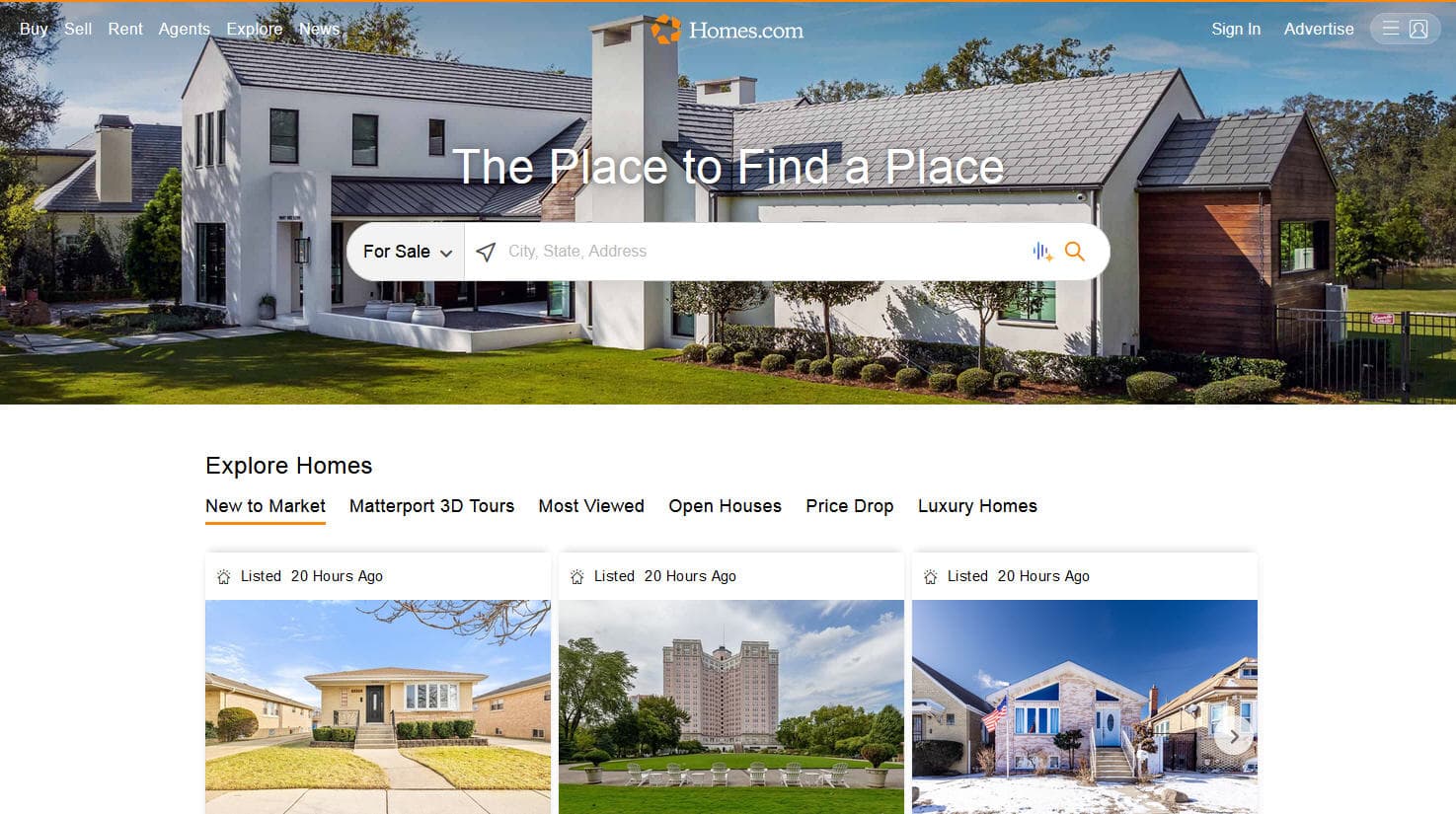
How to Scrape Homes.com: Real Estate Data Extraction Guide
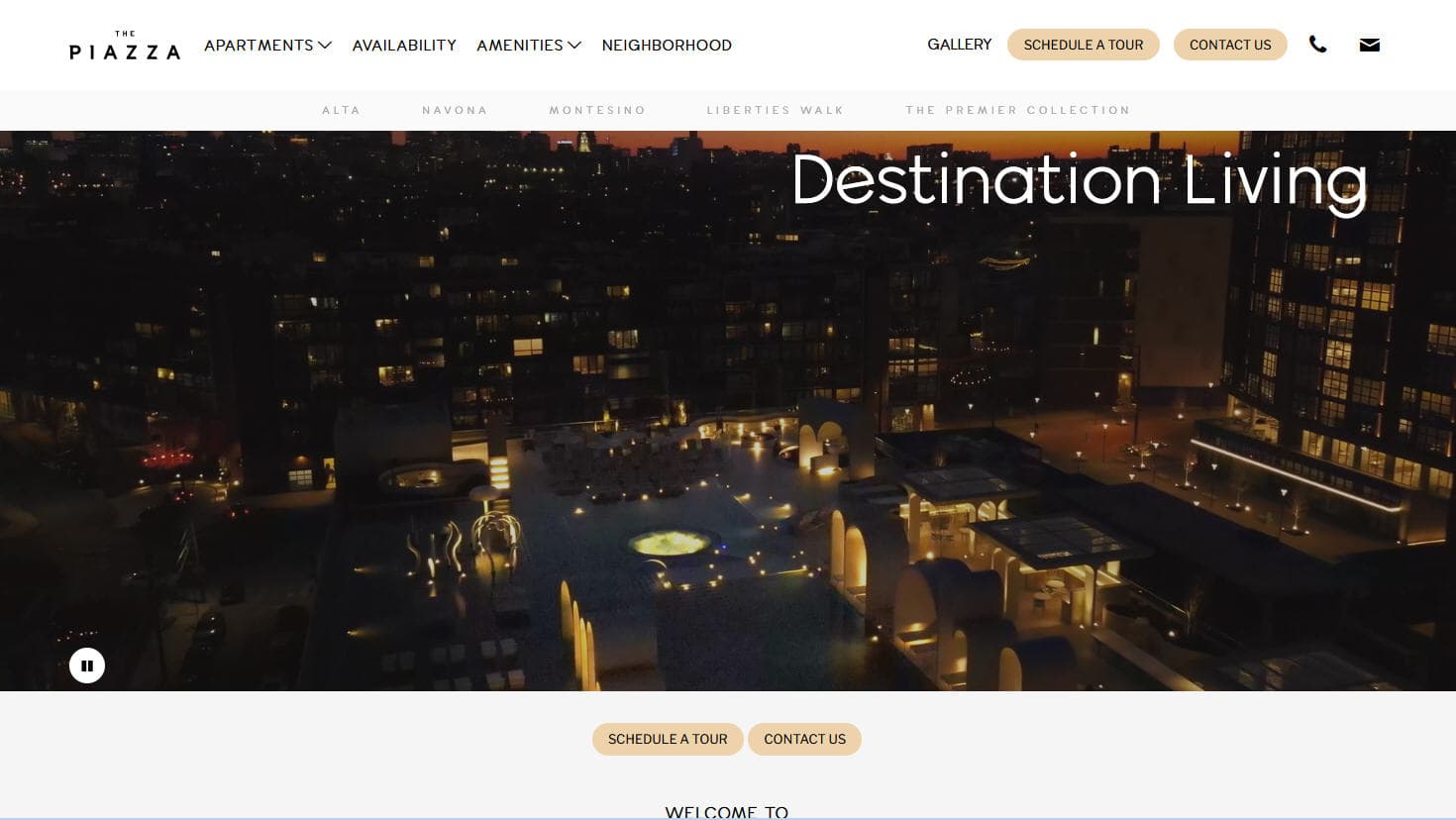
How to Scrape LivePiazza: Philadelphia Real Estate Scraper

How to Scrape Locations Hawaii | Locations Hawaii Web Scraper
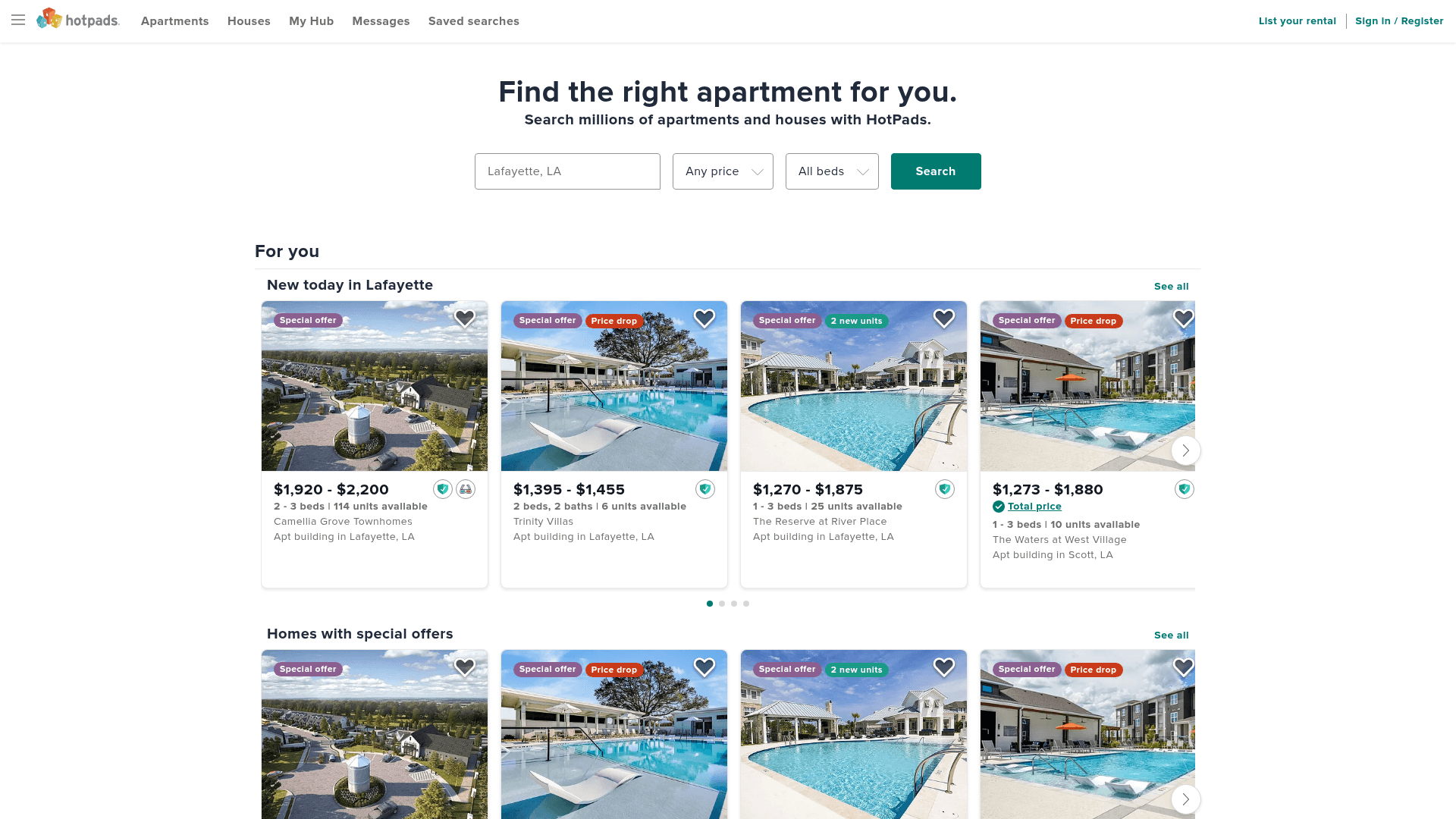
How to Scrape HotPads: A Complete Guide to Extracting Rental Data

How to Scrape Sacramento Delta Property Management
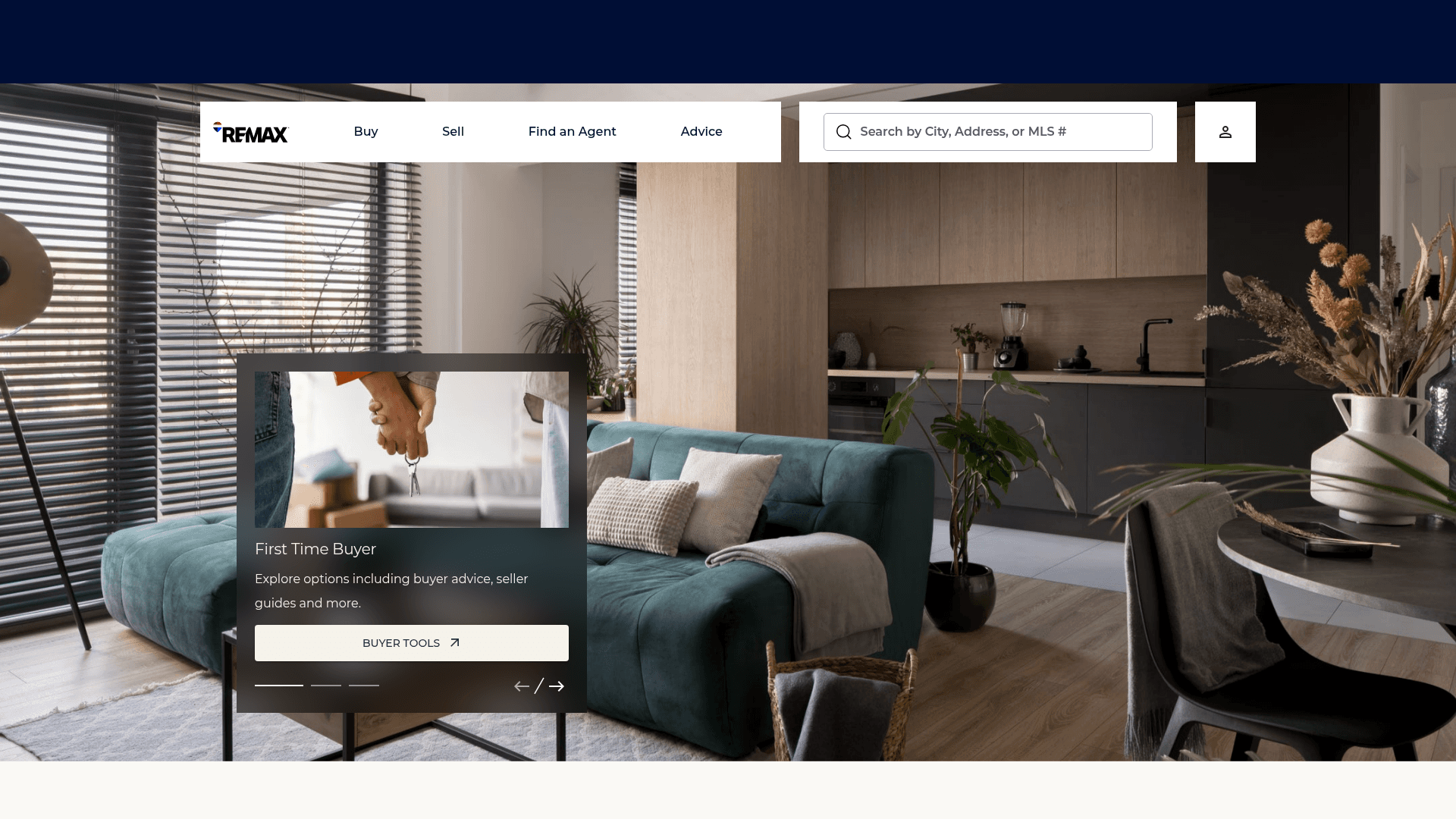
How to Scrape RE/MAX (remax.com) Real Estate Listings
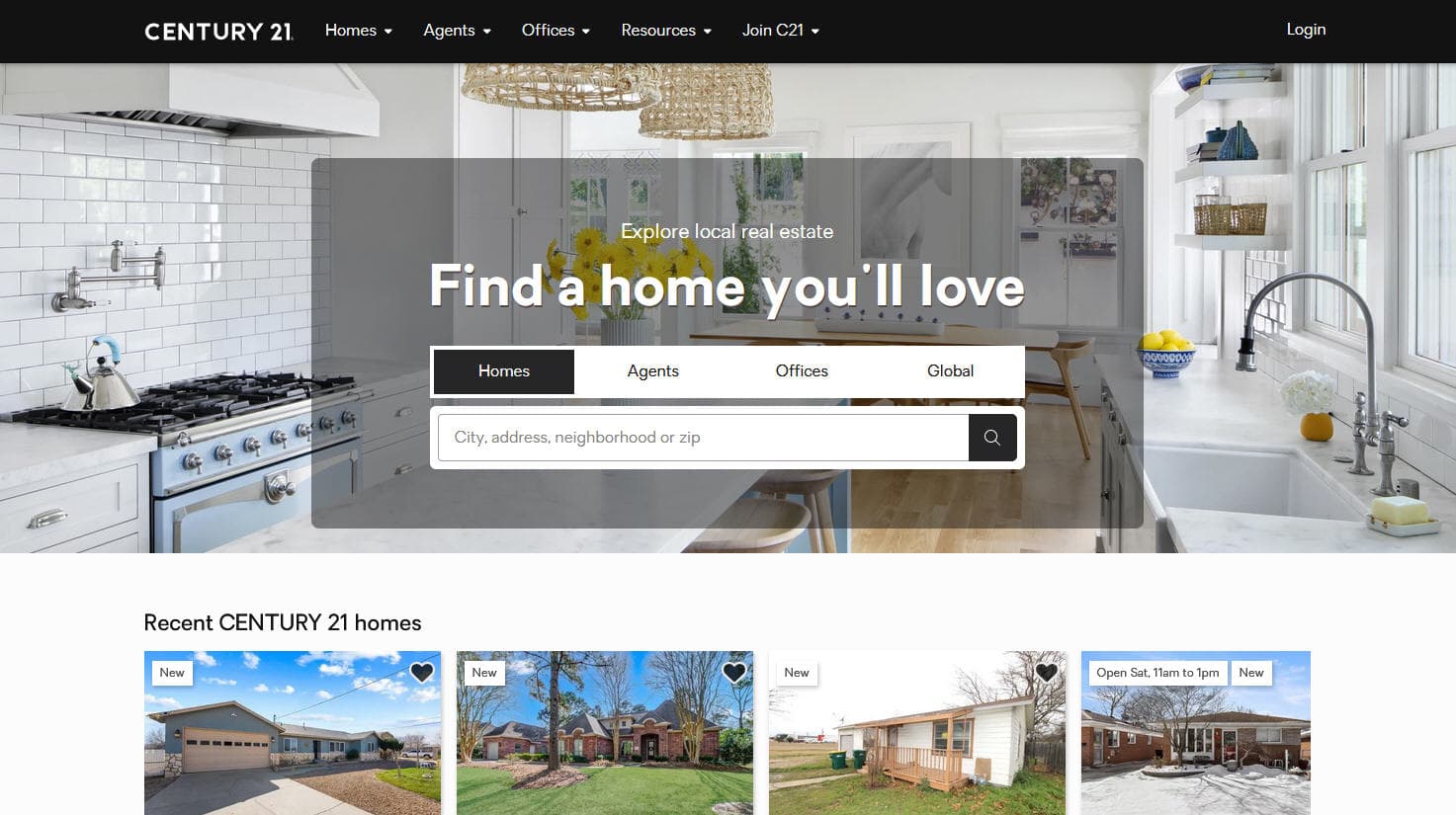
How to Scrape Century 21: A Technical Real Estate Guide
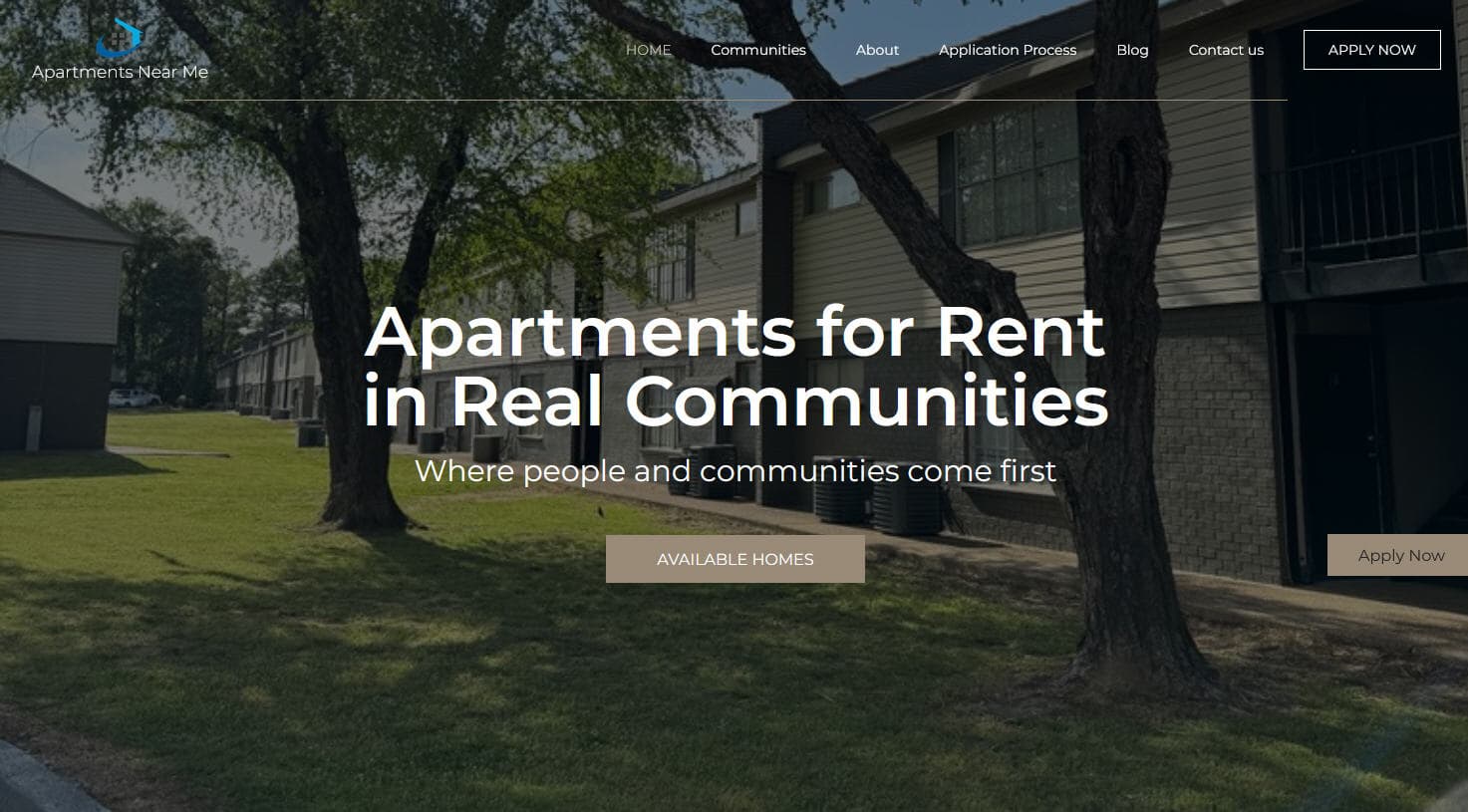
How to Scrape Apartments Near Me | Real Estate Data Scraper
Frequently Asked Questions
Find answers to common questions about Century 21