
How to Scrape Progress Residential Website
Learn how to scrape Progress Residential for rental listings, pricing, and property specs. Analyze market trends and monitor availability in the US...
Anti-Bot Protection Detected
- Cloudflare
- Enterprise-grade WAF and bot management. Uses JavaScript challenges, CAPTCHAs, and behavioral analysis. Requires browser automation with stealth settings.
- RentCafe Bot Detection
- Rate Limiting
- Limits requests per IP/session over time. Can be bypassed with rotating proxies, request delays, and distributed scraping.
- Browser Fingerprinting
- Identifies bots through browser characteristics: canvas, WebGL, fonts, plugins. Requires spoofing or real browser profiles.
About Progress Residential
Learn what Progress Residential offers and what valuable data can be extracted from it.
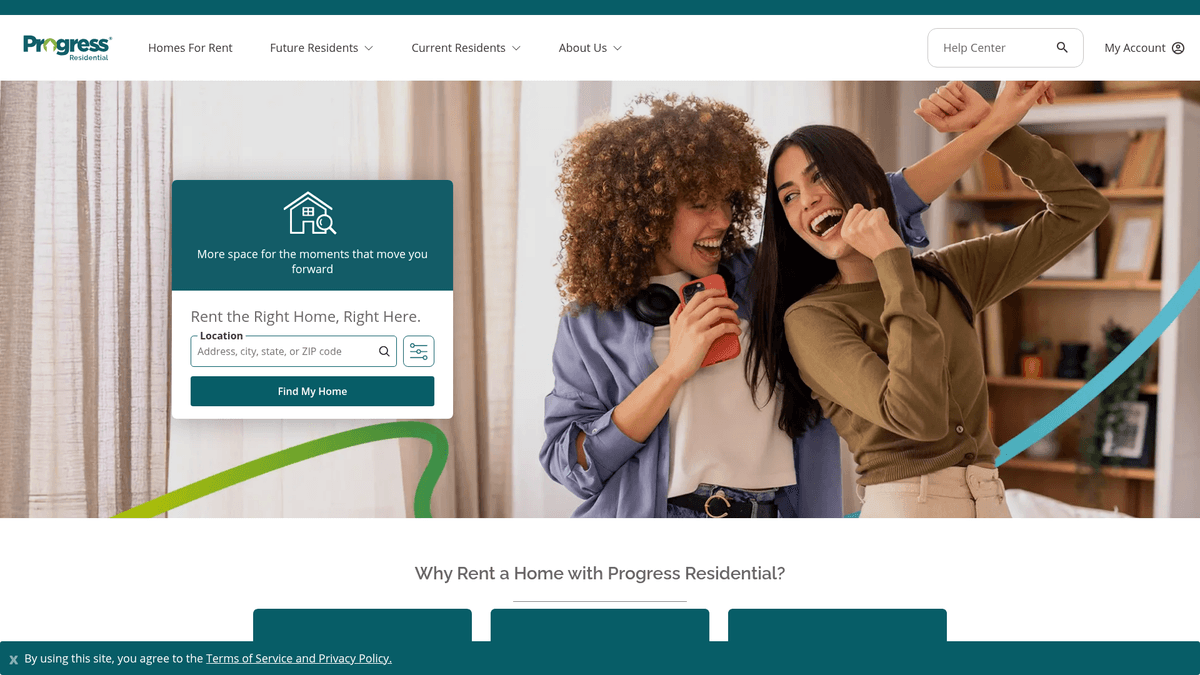
Progress Residential is one of the largest professional property management companies in the United States, specializing in single-family rental homes. They manage tens of thousands of properties across major metropolitan areas, providing a tech-forward platform for searching, applying, and leasing homes. Their inventory is dynamic, frequently updated with high-resolution imagery, floor plans, and detailed utility information.
The website's data is highly structured, including exact street addresses, monthly rental prices, square footage, and specific property features like pet policies and smart home integrations. This information is essential for anyone looking to understand the institutional single-family rental (SFR) market, which differs significantly from traditional multi-family apartment listings.
Scraping this data is invaluable for real estate investors, market analysts, and prop-tech startups. By extracting real-time pricing and availability, users can perform competitive benchmarking, track neighborhood-level demand, and generate investment leads. The integration of financial details like security deposits and application fees makes it a comprehensive source for rental market intelligence.
Why Scrape Progress Residential?
Discover the business value and use cases for extracting data from Progress Residential.
Real-Time Market Tracking
Monitor rental price fluctuations across the US single-family rental (SFR) market to identify emerging trends and localized economic shifts.
Inventory Velocity Monitoring
Track the time between a property listing and it being leased to calculate market demand and turnover rates in specific neighborhoods.
Competitor Price Benchmarking
Compare your own rental portfolio performance against Progress Residential's pricing strategies to ensure competitive yield and occupancy.
Investment Opportunity Identification
Analyze property features and rental rates in various metropolitan areas to discover high-potential locations for future real estate acquisitions.
Service Lead Generation
Identify upcoming home availability to offer moving, landscaping, or smart-home installation services to new tenants at the perfect moment.
Scraping Challenges
Technical challenges you may encounter when scraping Progress Residential.
Sophisticated Anti-Bot Shields
The site uses Cloudflare and RentCafe-specific security layers that detect and block automated scrapers using advanced browser fingerprinting.
JavaScript-Heavy Content
Property listings are rendered dynamically via JavaScript, meaning standard HTML parsers will fail to see the data without a browser engine.
Dynamic Grid Loading
Navigating the search results requires handling AJAX-based pagination or infinite scrolling, which can be complex to automate reliably.
Aggressive Rate Limiting
High-frequency requests from a single IP will trigger immediate blocks, necessitating sophisticated proxy rotation and human-like request patterns.
Scrape Progress Residential with AI
No coding required. Extract data in minutes with AI-powered automation.
How It Works
Describe What You Need
Tell the AI what data you want to extract from Progress Residential. Just type it in plain language — no coding or selectors needed.
AI Extracts the Data
Our artificial intelligence navigates Progress Residential, handles dynamic content, and extracts exactly what you asked for.
Get Your Data
Receive clean, structured data ready to export as CSV, JSON, or send directly to your apps and workflows.
Why Use AI for Scraping
AI makes it easy to scrape Progress Residential without writing any code. Our AI-powered platform uses artificial intelligence to understand what data you want — just describe it in plain language and the AI extracts it automatically.
How to scrape with AI:
- Describe What You Need: Tell the AI what data you want to extract from Progress Residential. Just type it in plain language — no coding or selectors needed.
- AI Extracts the Data: Our artificial intelligence navigates Progress Residential, handles dynamic content, and extracts exactly what you asked for.
- Get Your Data: Receive clean, structured data ready to export as CSV, JSON, or send directly to your apps and workflows.
Why use AI for scraping:
- Native Browser Rendering: Automatio operates like a real user, executing all JavaScript and AJAX calls automatically to ensure every property detail is captured accurately.
- Advanced Anti-Bot Evasion: The platform automatically manages browser fingerprints and headers, significantly reducing the risk of being flagged by Cloudflare or RentCafe.
- Integrated Residential Proxies: Access built-in residential proxy rotation to mask your scraper as a legitimate home seeker and bypass strict geographical or IP-based rate limits.
- Scheduled Automated Updates: Set your scraper to run daily or weekly to track price changes and new listings without any manual intervention required.
No-Code Web Scrapers for Progress Residential
Point-and-click alternatives to AI-powered scraping
Several no-code tools like Browse.ai, Octoparse, Axiom, and ParseHub can help you scrape Progress Residential. These tools use visual interfaces to select elements, but they come with trade-offs compared to AI-powered solutions.
Typical Workflow with No-Code Tools
Common Challenges
Learning curve
Understanding selectors and extraction logic takes time
Selectors break
Website changes can break your entire workflow
Dynamic content issues
JavaScript-heavy sites often require complex workarounds
CAPTCHA limitations
Most tools require manual intervention for CAPTCHAs
IP blocking
Aggressive scraping can get your IP banned
No-Code Web Scrapers for Progress Residential
Several no-code tools like Browse.ai, Octoparse, Axiom, and ParseHub can help you scrape Progress Residential. These tools use visual interfaces to select elements, but they come with trade-offs compared to AI-powered solutions.
Typical Workflow with No-Code Tools
- Install browser extension or sign up for the platform
- Navigate to the target website and open the tool
- Point-and-click to select data elements you want to extract
- Configure CSS selectors for each data field
- Set up pagination rules to scrape multiple pages
- Handle CAPTCHAs (often requires manual solving)
- Configure scheduling for automated runs
- Export data to CSV, JSON, or connect via API
Common Challenges
- Learning curve: Understanding selectors and extraction logic takes time
- Selectors break: Website changes can break your entire workflow
- Dynamic content issues: JavaScript-heavy sites often require complex workarounds
- CAPTCHA limitations: Most tools require manual intervention for CAPTCHAs
- IP blocking: Aggressive scraping can get your IP banned
Code Examples
import requests
from bs4 import BeautifulSoup

headers = {
    'User-Agent': 'Mozilla/5.0 (Windows NT 10.0; Win64; x64) AppleWebKit/537.36 (KHTML, like Gecko) Chrome/115.0.0.0 Safari/537.36',
    'Accept': 'text/html,application/xhtml+xml,application/xml;q=0.9,image/webp,*/*;q=0.8'
}

url = 'https://rentprogress.com/houses-for-rent/search'

try:
    # Note: Progress Residential uses Cloudflare, so simple requests may fail without a bypass.
    response = requests.get(url, headers=headers, timeout=10)
    response.raise_for_status()
    soup = BeautifulSoup(response.text, 'html.parser')
    # Selectors may change; verify current DOM structure.
    listings = soup.select('.property-listing-card')
    for listing in listings:
        address = listing.select_one('.address').get_text(strip=True)
        price = listing.select_one('.price').get_text(strip=True)
        print(f'Found: {address} at {price}')
except Exception as e:
    print(f'Scraping failed: {e}')
When to Use
Best for static HTML pages where content is loaded server-side. The fastest and simplest approach when JavaScript rendering isn't required.
Advantages
- ●Fastest execution (no browser overhead)
- ●Lowest resource consumption
- ●Easy to parallelize with asyncio
- ●Great for APIs and static pages
Limitations
- ●Cannot execute JavaScript
- ●Fails on SPAs and dynamic content
- ●May struggle with complex anti-bot systems
How to Scrape Progress Residential with Code
Python + Requests
import requests
from bs4 import BeautifulSoup
headers = {
'User-Agent': 'Mozilla/5.0 (Windows NT 10.0; Win64; x64) AppleWebKit/537.36 (KHTML, like Gecko) Chrome/115.0.0.0 Safari/537.36',
'Accept': 'text/html,application/xhtml+xml,application/xml;q=0.9,image/webp,*/*;q=0.8'
}
url = 'https://rentprogress.com/houses-for-rent/search'
try:
# Note: Progress Residential uses Cloudflare, so simple requests may fail without a bypass.
response = requests.get(url, headers=headers, timeout=10)
response.raise_for_status()
soup = BeautifulSoup(response.text, 'html.parser')
# Selectors may change; verify current DOM structure.
listings = soup.select('.property-listing-card')
for listing in listings:
address = listing.select_one('.address').get_text(strip=True)
price = listing.select_one('.price').get_text(strip=True)
print(f'Found: {address} at {price}')
except Exception as e:
print(f'Scraping failed: {e}')Python + Playwright
from playwright.sync_api import sync_playwright

def scrape_progress():
    with sync_playwright() as p:
        browser = p.chromium.launch(headless=True)
        context = browser.new_context(user_agent='Mozilla/5.0 (Windows NT 10.0; Win64; x64) AppleWebKit/537.36')
        page = context.new_page()
        page.goto('https://rentprogress.com/houses-for-rent/search', wait_until='networkidle')

        # Wait for dynamic content to load
        page.wait_for_selector('.property-card')

        items = page.query_selector_all('.property-card')
        results = []
        for item in items:
            results.append({
                'address': item.query_selector('.address-line').inner_text(),
                'rent': item.query_selector('.rent-amount').inner_text(),
                'specs': item.query_selector('.specs').inner_text()
            })
        print(results)
        browser.close()

if __name__ == '__main__':
scrape_progress()Python + Scrapy
import scrapy

class ProgressSpider(scrapy.Spider):
    name = 'progress_spider'
    start_urls = ['https://rentprogress.com/houses-for-rent/search']

    custom_settings = {
        'USER_AGENT': 'Mozilla/5.0 (Windows NT 10.0; Win64; x64) AppleWebKit/537.36',
        'DOWNLOAD_DELAY': 2,
        'ROBOTSTXT_OBEY': False
    }

    def parse(self, response):
        for property in response.css('.property-card-container'):
            yield {
                'address': property.css('.prop-address::text').get(),
                'price': property.css('.prop-price::text').get(),
                'sqft': property.css('.prop-sqft::text').get(),
            }

        next_page = response.css('a.pagination-next::attr(href)').get()
        if next_page:
yield response.follow(next_page, self.parse)Node.js + Puppeteer
const puppeteer = require('puppeteer');

(async () => {
  const browser = await puppeteer.launch({ headless: true });
  const page = await browser.newPage();
  await page.setViewport({ width: 1280, height: 800 });
  await page.setUserAgent('Mozilla/5.0 (Macintosh; Intel Mac OS X 10_15_7) AppleWebKit/537.36');

  await page.goto('https://rentprogress.com/houses-for-rent/search', { waitUntil: 'networkidle2' });

  const propertyData = await page.evaluate(() => {
    const cards = Array.from(document.querySelectorAll('.property-card'));
    return cards.map(card => ({
      location: card.querySelector('.address-title')?.innerText.trim(),
      monthlyRent: card.querySelector('.rent-val')?.innerText.trim(),
      bedrooms: card.querySelector('.bed-count')?.innerText.trim()
    }));
  });

  console.log(propertyData);
  await browser.close();
})();What You Can Do With Progress Residential Data
Explore practical applications and insights from Progress Residential data.
Competitive Rent Benchmarking
Real estate investors can compare their own rental prices against Progress Residential to ensure market competitiveness.
How to implement:
- 1Scrape properties within a 5-mile radius of your target assets.
- 2Filter by bedroom and bathroom counts to find comparable units.
- 3Calculate the average price per square foot for those listings.
- 4Adjust your own rental rates based on the findings to maximize yield.
Use Automatio to extract data from Progress Residential and build these applications without writing code.
What You Can Do With Progress Residential Data
- Competitive Rent Benchmarking
Real estate investors can compare their own rental prices against Progress Residential to ensure market competitiveness.
- Scrape properties within a 5-mile radius of your target assets.
- Filter by bedroom and bathroom counts to find comparable units.
- Calculate the average price per square foot for those listings.
- Adjust your own rental rates based on the findings to maximize yield.
- Institutional Portfolio Tracking
Market analysts can monitor the total number of active listings to estimate vacancy rates of large-scale landlords.
- Perform daily scrapes of all available listings across the target regions.
- Track how long specific addresses remain on the website before disappearing.
- Calculate the turnover rate and average 'days on market' for institutional homes.
- Generate reports on institutional investment trends for stakeholders.
- Moving Lead Generation
Utility companies and internet service providers can use availability dates to find customers about to relocate.
- Extract listings with 'Available Now' or upcoming availability dates.
- Filter by zip code to match service coverage areas.
- Cross-reference with public record data to find new resident names.
- Send targeted marketing mailers to those specific addresses before they move in.
- SFR Market Demand Analysis
Researchers can identify which neighborhoods are seeing the highest concentration of institutional rentals.
- Aggregate all scraped addresses and map them using GIS software.
- Overlay demographic data (income, schools) over the listing density map.
- Identify emerging 'hotspots' where Progress Residential is actively acquiring homes.
- Predict future property value increases based on institutional activity.
Supercharge your workflow with AI Automation
Automatio combines the power of AI agents, web automation, and smart integrations to help you accomplish more in less time.
What to get right first
Expert advice for successfully extracting data from Progress Residential.
Inspect Network Traffic
Look for internal JSON API endpoints in the browser's Network tab; fetching data directly from these can be faster and more structured than parsing HTML.
Target Regional Sub-URLs
Instead of scraping the global search, target specific city or state URLs to stay under the result limits often imposed on broad searches.
Capture Property IDs
Always extract the unique Property ID or URL slug to uniquely identify listings and track price history over time without duplicates.
Simulate Human Interactions
Incorporate random delays and non-linear scrolling patterns into your scraper to avoid triggering behavioral detection algorithms.
Related Web Scraping
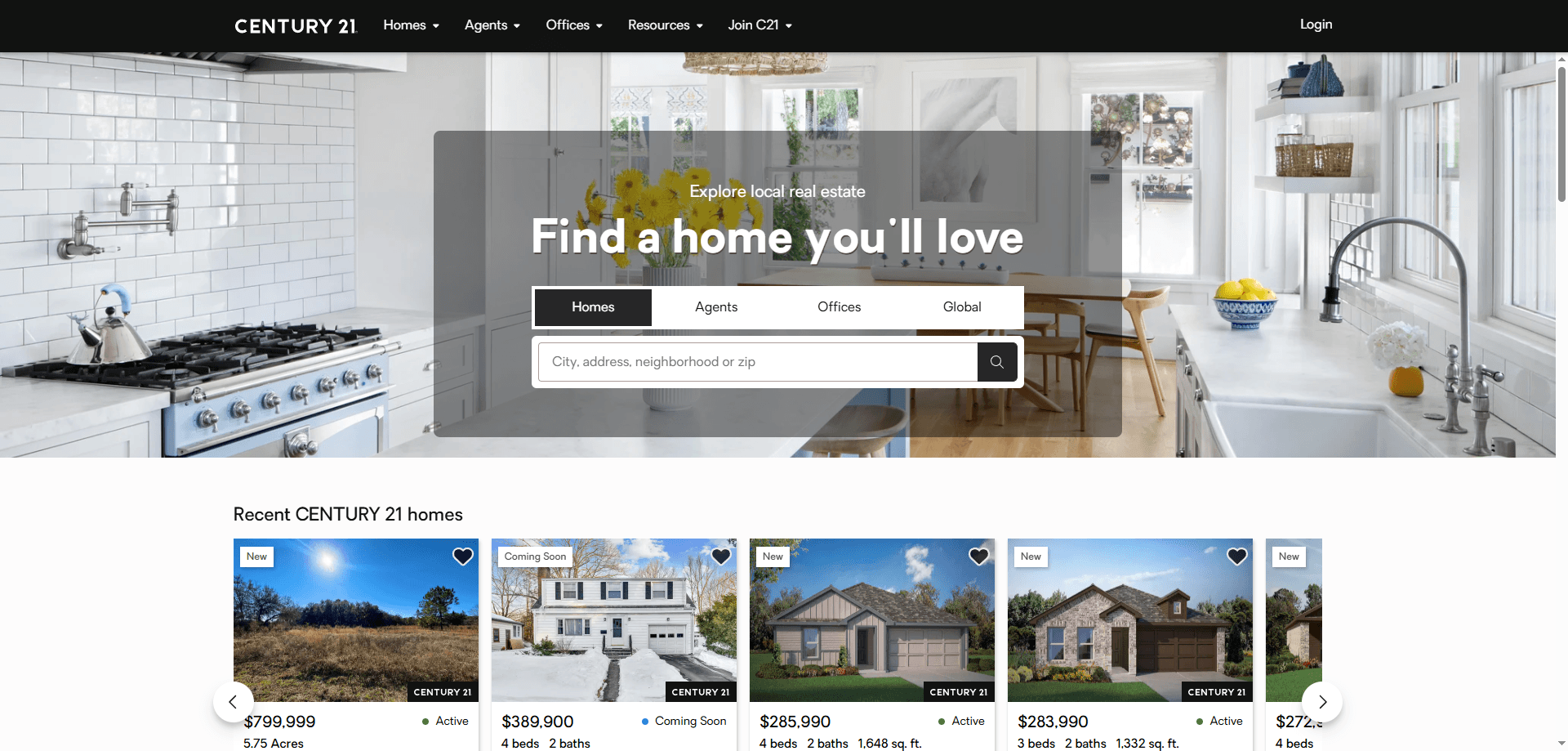
How to Scrape Century 21 Property Listings
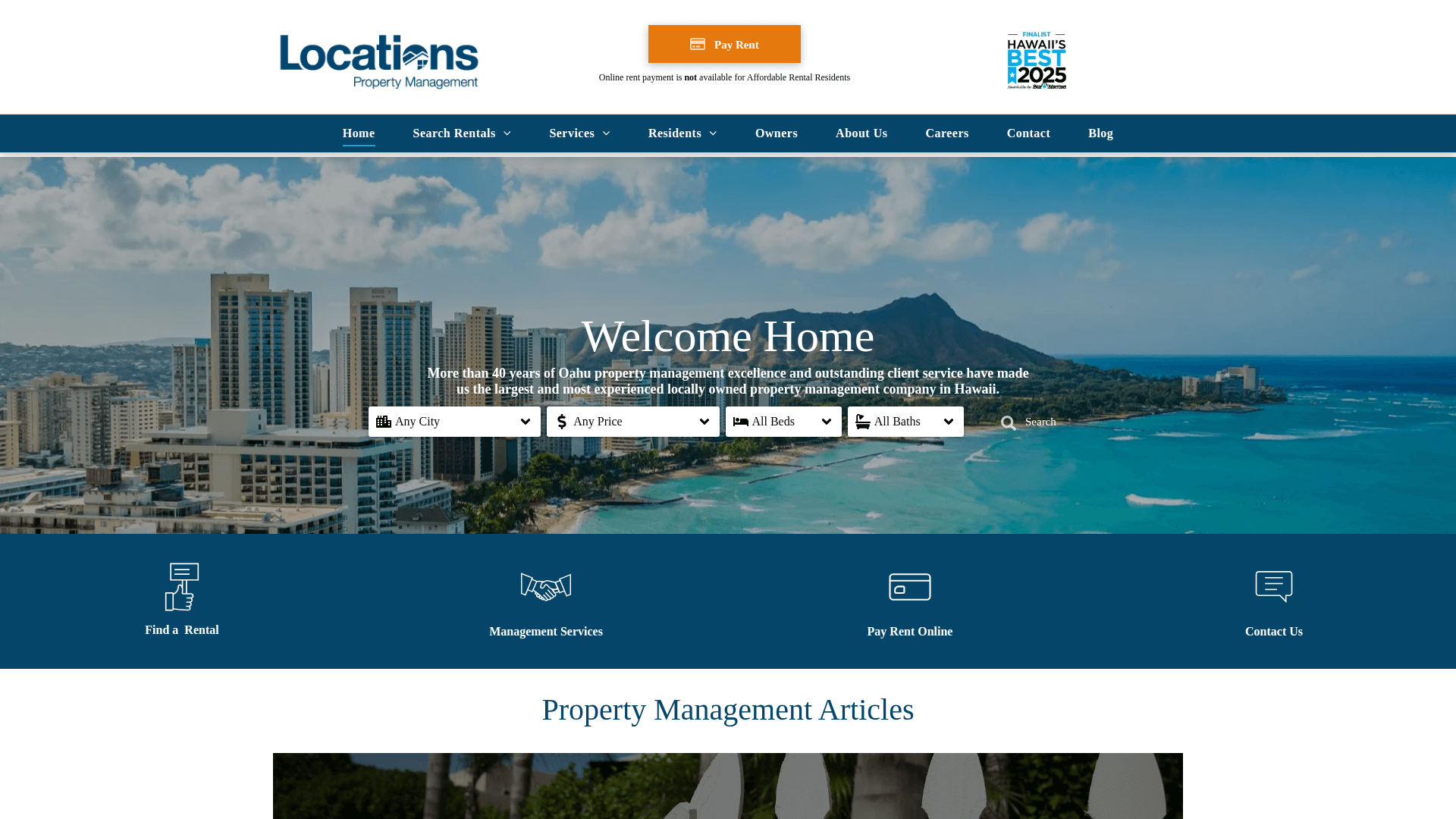
How to Scrape Locations Hawaii | Locations Hawaii Web Scraper
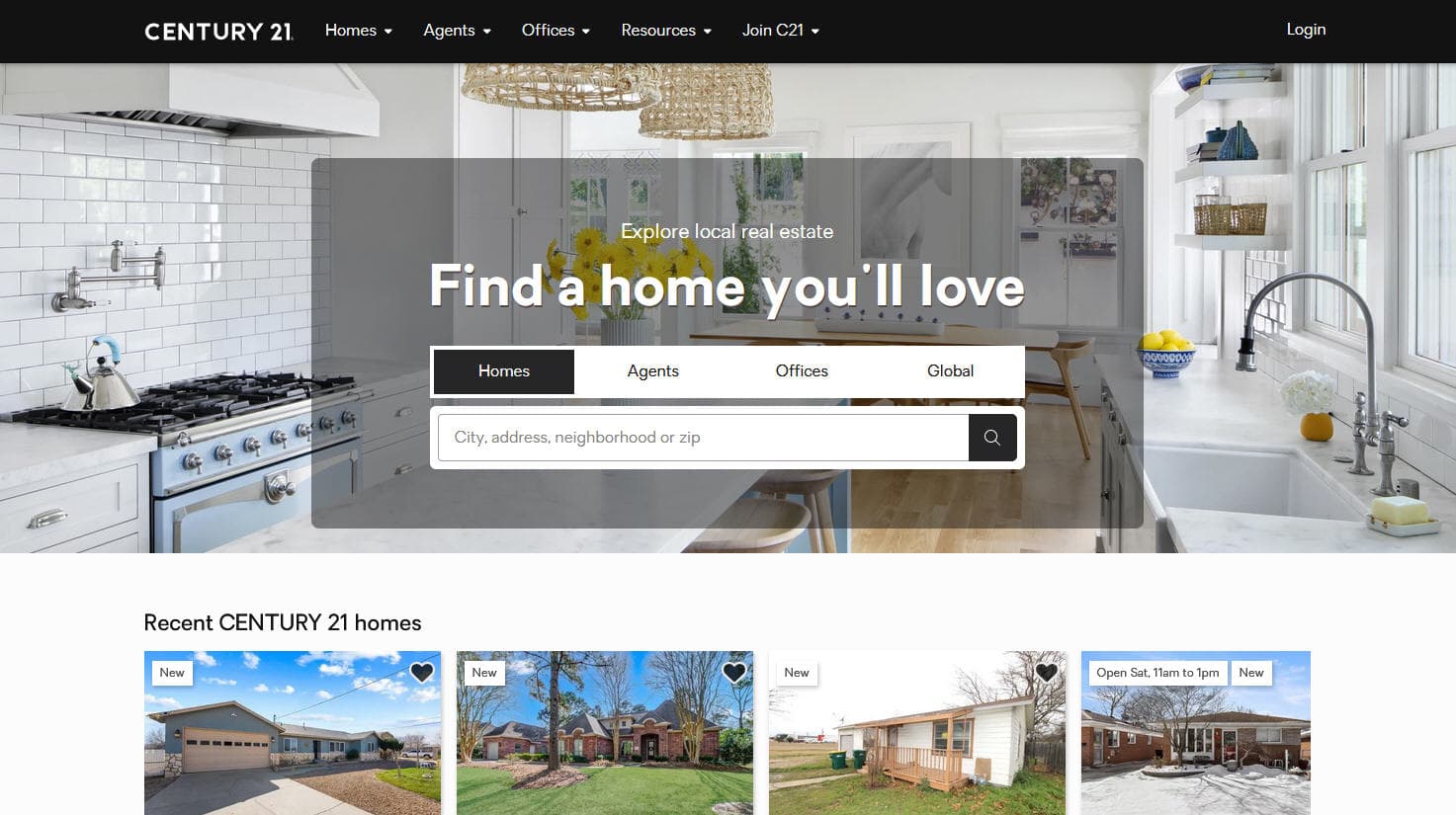
How to Scrape Century 21: A Technical Real Estate Guide
How to Scrape HotPads: A Complete Guide to Extracting Rental Data

How to Scrape Sacramento Delta Property Management
How to Scrape LivePiazza: Philadelphia Real Estate Scraper
How to Scrape RE/MAX (remax.com) Real Estate Listings
How to Scrape Homes.com: Real Estate Data Extraction Guide
Frequently Asked Questions
Find answers to common questions about Progress Residential