
How to Scrape Geolocaux | Geolocaux Web Scraper Guide
Learn how to scrape Geolocaux.com for commercial real estate data. Extract office prices, warehouse listings, and retail specs in France for market research.
Anti-Bot Protection Detected
- Rate Limiting
- Limits requests per IP/session over time. Can be bypassed with rotating proxies, request delays, and distributed scraping.
- IP Blocking
- Blocks known datacenter IPs and flagged addresses. Requires residential or mobile proxies to circumvent effectively.
- Cookie Tracking
- Browser Fingerprinting
- Identifies bots through browser characteristics: canvas, WebGL, fonts, plugins. Requires spoofing or real browser profiles.
About Geolocaux
Learn what Geolocaux offers and what valuable data can be extracted from it.
France's Leading B2B Real Estate Portal
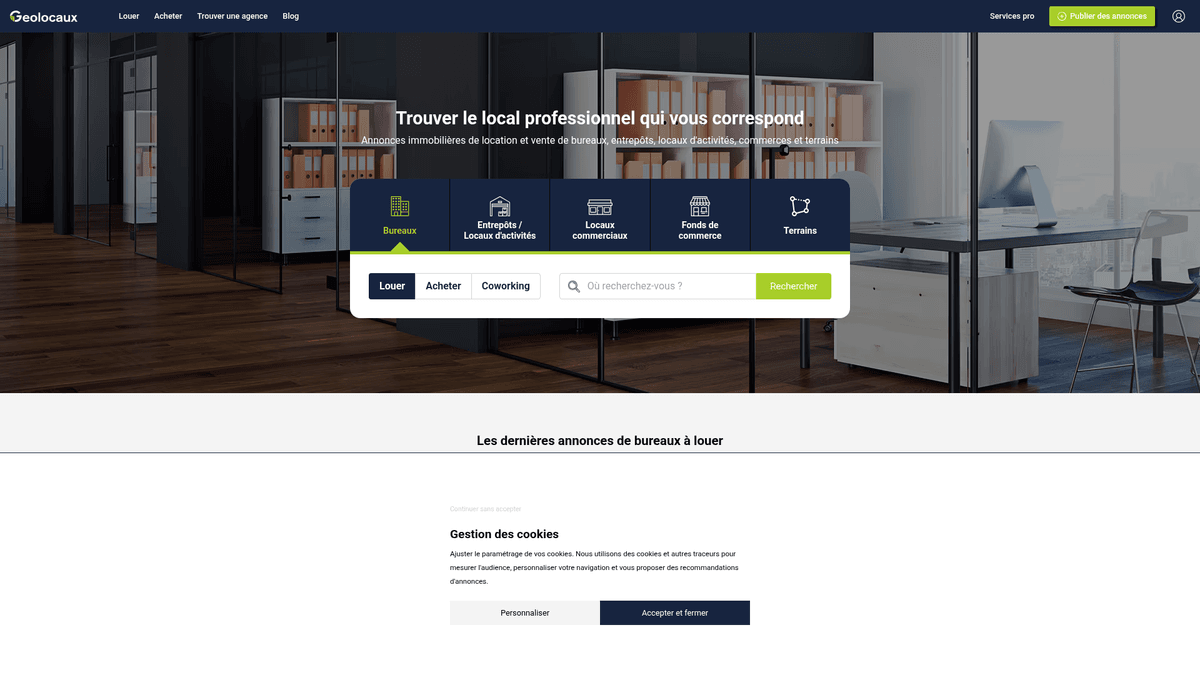
Geolocaux is a premier French real estate platform dedicated exclusively to professional and commercial properties. It operates as a specialized hub for businesses looking for office spaces, warehouses, logistics centers, and retail premises. By aggregating listings from industry giants like BNP Paribas Real Estate and CBRE, it provides a comprehensive overview of the French commercial landscape.
Geolocation and Market Data
The platform is unique for its geolocation-first strategy, allowing users to search for properties based on proximity to transportation hubs and commute times. This makes the data highly valuable for logistics planning and HR strategy. For scrapers, it offers a dense concentration of technical specifications, including divisibility, fiber optic availability, and precise square-meter pricing across all French regions.
Business Value of Geolocaux Data
Scraping Geolocaux allows organizations to monitor the yield and rental trends of the French commercial market in real-time. Whether you are conducting competitive analysis on agency portfolios or building a lead generation engine for office maintenance services, the structured listings provide the essential granular details required for high-level business intelligence.
Why Scrape Geolocaux?
Discover the business value and use cases for extracting data from Geolocaux.
Market Rent Benchmarking
Establish real-time benchmarks for commercial lease prices per square meter across different French districts to inform negotiation strategies.
B2B Service Lead Generation
Identify businesses moving into new office or warehouse spaces to offer facility management, IT infrastructure, or renovation services.
Investment Opportunity Scouting
Monitor undervalued commercial assets or unique independent buildings entering the market before they are picked up by larger competitors.
Competitor Inventory Monitoring
Track the listing volume and pricing strategies of major real estate agencies like CBRE and BNP Paribas to assess market share.
Supply Chain and Logistics Mapping
Analyze warehouse availability near major French highways to optimize storage costs and improve supply chain efficiency.
Historical Price Trend Analysis
Collect longitudinal data to understand how demand for coworking versus traditional office space evolves in major cities like Paris and Lyon.
Scraping Challenges
Technical challenges you may encounter when scraping Geolocaux.
Dynamic Content Rendering
The website relies heavily on JavaScript to load technical specifications, pricing tables, and the interactive map interfaces.
Contact Data Obfuscation
Agent phone numbers and email buttons are often protected by click-to-reveal mechanisms designed to thwart automated harvesters.
Advanced Anti-Bot Triggers
Frequent requests from data center or non-French IP addresses can trigger Cloudflare security challenges or temporary IP blacklisting.
Data Normalization Complexity
Commercial prices are listed in various formats such as HT, HC, and per m² per year, requiring sophisticated parsing logic for clean datasets.
Map-Based Navigation
The search engine logic is deeply integrated with geographic coordinates, making it difficult for standard crawlers to paginate through all results.
Scrape Geolocaux with AI
No coding required. Extract data in minutes with AI-powered automation.
How It Works
Describe What You Need
Tell the AI what data you want to extract from Geolocaux. Just type it in plain language — no coding or selectors needed.
AI Extracts the Data
Our artificial intelligence navigates Geolocaux, handles dynamic content, and extracts exactly what you asked for.
Get Your Data
Receive clean, structured data ready to export as CSV, JSON, or send directly to your apps and workflows.
Why Use AI for Scraping
AI makes it easy to scrape Geolocaux without writing any code. Our AI-powered platform uses artificial intelligence to understand what data you want — just describe it in plain language and the AI extracts it automatically.
How to scrape with AI:
- Describe What You Need: Tell the AI what data you want to extract from Geolocaux. Just type it in plain language — no coding or selectors needed.
- AI Extracts the Data: Our artificial intelligence navigates Geolocaux, handles dynamic content, and extracts exactly what you asked for.
- Get Your Data: Receive clean, structured data ready to export as CSV, JSON, or send directly to your apps and workflows.
Why use AI for scraping:
- Native JavaScript Execution: Automatio fully renders the dynamic technical tables and maps on Geolocaux, ensuring no property data is left behind.
- French Proxy Integration: Effortlessly route your scraping tasks through residential French proxies to blend in with local traffic and bypass security filters.
- Visual Interaction Simulation: Configure the tool to automatically click 'Afficher le numéro' buttons to extract agent contact details without writing complex scripts.
- Scheduled Market Monitoring: Set your scraper to run on a daily schedule to receive automated alerts whenever new commercial listings or price drops occur.
- No-Code Data Structuring: Convert messy HTML listing cards into clean, structured CSV or JSON formats ready for immediate use in business intelligence tools.
No-Code Web Scrapers for Geolocaux
Point-and-click alternatives to AI-powered scraping
Several no-code tools like Browse.ai, Octoparse, Axiom, and ParseHub can help you scrape Geolocaux. These tools use visual interfaces to select elements, but they come with trade-offs compared to AI-powered solutions.
Typical Workflow with No-Code Tools
Common Challenges
Learning curve
Understanding selectors and extraction logic takes time
Selectors break
Website changes can break your entire workflow
Dynamic content issues
JavaScript-heavy sites often require complex workarounds
CAPTCHA limitations
Most tools require manual intervention for CAPTCHAs
IP blocking
Aggressive scraping can get your IP banned
No-Code Web Scrapers for Geolocaux
Several no-code tools like Browse.ai, Octoparse, Axiom, and ParseHub can help you scrape Geolocaux. These tools use visual interfaces to select elements, but they come with trade-offs compared to AI-powered solutions.
Typical Workflow with No-Code Tools
- Install browser extension or sign up for the platform
- Navigate to the target website and open the tool
- Point-and-click to select data elements you want to extract
- Configure CSS selectors for each data field
- Set up pagination rules to scrape multiple pages
- Handle CAPTCHAs (often requires manual solving)
- Configure scheduling for automated runs
- Export data to CSV, JSON, or connect via API
Common Challenges
- Learning curve: Understanding selectors and extraction logic takes time
- Selectors break: Website changes can break your entire workflow
- Dynamic content issues: JavaScript-heavy sites often require complex workarounds
- CAPTCHA limitations: Most tools require manual intervention for CAPTCHAs
- IP blocking: Aggressive scraping can get your IP banned
Code Examples
import requests
from bs4 import BeautifulSoup

# Targeting Paris office listings
url = 'https://www.geolocaux.com/location/bureau/paris-75/'
headers = {
    'User-Agent': 'Mozilla/5.0 (Windows NT 10.0; Win64; x64) AppleWebKit/537.36 (KHTML, like Gecko) Chrome/110.0.0.0 Safari/537.36'
}

try:
    response = requests.get(url, headers=headers)
    response.raise_for_status()
    soup = BeautifulSoup(response.text, 'html.parser')

    # Note: Selectors must be verified against current site HTML
    listings = soup.select('article.card')
    for listing in listings:
        title = listing.select_one('h3').text.strip() if listing.select_one('h3') else 'N/A'
        price = listing.select_one('.price').text.strip() if listing.select_one('.price') else 'On Request'
        print(f'Listing: {title} | Price: {price}')
except Exception as e:
    print(f'Request failed: {e}')
When to Use
Best for static HTML pages where content is loaded server-side. The fastest and simplest approach when JavaScript rendering isn't required.
Advantages
- ●Fastest execution (no browser overhead)
- ●Lowest resource consumption
- ●Easy to parallelize with asyncio
- ●Great for APIs and static pages
Limitations
- ●Cannot execute JavaScript
- ●Fails on SPAs and dynamic content
- ●May struggle with complex anti-bot systems
How to Scrape Geolocaux with Code
Python + Requests
import requests
from bs4 import BeautifulSoup
# Targeting Paris office listings
url = 'https://www.geolocaux.com/location/bureau/paris-75/'
headers = {
'User-Agent': 'Mozilla/5.0 (Windows NT 10.0; Win64; x64) AppleWebKit/537.36 (KHTML, like Gecko) Chrome/110.0.0.0 Safari/537.36'
}
try:
response = requests.get(url, headers=headers)
response.raise_for_status()
soup = BeautifulSoup(response.text, 'html.parser')
# Note: Selectors must be verified against current site HTML
listings = soup.select('article.card')
for listing in listings:
title = listing.select_one('h3').text.strip() if listing.select_one('h3') else 'N/A'
price = listing.select_one('.price').text.strip() if listing.select_one('.price') else 'On Request'
print(f'Listing: {title} | Price: {price}')
except Exception as e:
print(f'Request failed: {e}')Python + Playwright
from playwright.sync_api import sync_playwright

def run_scraper():
    with sync_playwright() as p:
        # Launching browser with a French locale to mimic local user
        browser = p.chromium.launch(headless=True)
        context = browser.new_context(locale='fr-FR')
        page = context.new_page()

        page.goto('https://www.geolocaux.com/location/bureau/')

        # Wait for the JS-rendered listing articles to load
        page.wait_for_selector('article')

        # Extract titles and prices
        properties = page.query_selector_all('article')
        for prop in properties:
            title = prop.query_selector('h3').inner_text()
            print(f'Found Property: {title}')

        browser.close()

run_scraper()Python + Scrapy
import scrapy

class GeolocauxSpider(scrapy.Spider):
    name = 'geolocaux'
    start_urls = ['https://www.geolocaux.com/location/bureau/']

    def parse(self, response):
        # Iterate through listing containers
        for listing in response.css('article'):
            yield {
                'title': listing.css('h3::text').get(),
                'price': listing.css('.price::text').get(),
                'area': listing.css('.surface::text').get(),
            }

        # Handle pagination by finding the 'Next' button
        next_page = response.css('a.pagination__next::attr(href)').get()
        if next_page is not None:
yield response.follow(next_page, self.parse)Node.js + Puppeteer
const puppeteer = require('puppeteer');

(async () => {
  const browser = await puppeteer.launch();
  const page = await browser.newPage();

  // Set viewport to trigger correct responsive layout
  await page.setViewport({ width: 1280, height: 800 });

  await page.goto('https://www.geolocaux.com/location/bureau/', { waitUntil: 'networkidle2' });

  const listings = await page.evaluate(() => {
    const data = [];
    document.querySelectorAll('article h3').forEach(el => {
      data.push({
        title: el.innerText.trim()
      });
    });
    return data;
  });

  console.log(listings);
  await browser.close();
})();What You Can Do With Geolocaux Data
Explore practical applications and insights from Geolocaux data.
Commercial Rent Indexing
Financial firms can track rental price fluctuations per square meter to assess economic health in specific French cities.
How to implement:
- 1Extract price and surface area for all 'Location Bureau' listings.
- 2Group data by Arrondissement or zip code.
- 3Calculate average price per m² and compare with historical data.
- 4Generate heat maps for urban investment analysis.
Use Automatio to extract data from Geolocaux and build these applications without writing code.
What You Can Do With Geolocaux Data
- Commercial Rent Indexing
Financial firms can track rental price fluctuations per square meter to assess economic health in specific French cities.
- Extract price and surface area for all 'Location Bureau' listings.
- Group data by Arrondissement or zip code.
- Calculate average price per m² and compare with historical data.
- Generate heat maps for urban investment analysis.
- B2B Lead Generation
Office supply and cleaning companies can identify recently leased or available properties to find new business opportunities.
- Scrape listings tagged as 'New' or 'Available'.
- Identify the managing real estate agency and property address.
- Cross-reference with corporate databases to find new tenants moving in.
- Automate direct mail or cold outreach to the site manager.
- Logistics Site Selection
Logistics companies can analyze the availability of warehouses near major highways and transport hubs.
- Target the 'Entrepôt & Logistique' category on Geolocaux.
- Extract address data and proximity to 'Axes Routiers' from descriptions.
- Map the listings against highway exit data.
- Select optimal sites based on transport accessibility.
- Competitor Inventory Audit
Real estate agencies can monitor the portfolio of competitors like CBRE or JLL on the platform.
- Filter scraping targets by agency name.
- Monitor the total volume of listings per agency per month.
- Identify shifts in competitor focus toward specific property types (e.g., Coworking).
- Adjust internal marketing budgets to compete in underserved areas.
Supercharge your workflow with AI Automation
Automatio combines the power of AI agents, web automation, and smart integrations to help you accomplish more in less time.
What to get right first
Expert advice for successfully extracting data from Geolocaux.
Target List View URLs
Always scrape from the paginated list view pages rather than attempting to navigate the interactive map interface for better stability.
Use Local French Residential IPs
Geolocaux is highly sensitive to geo-location; using French residential proxies significantly increases your success rate and prevents blocking.
Incorporate Random Human Delays
Implement delays between 3 and 7 seconds to mimic human browsing behavior and avoid triggering rate-limiting alarms.
Capture the Numeric Listing ID
Always extract the unique numeric ID found in the URL or property metadata to use as a primary key for deduping your database.
Trigger Scroll Events
Ensure your scraper scrolls to the bottom of listing pages to trigger lazy-loaded images and hidden technical attributes.
Related Web Scraping
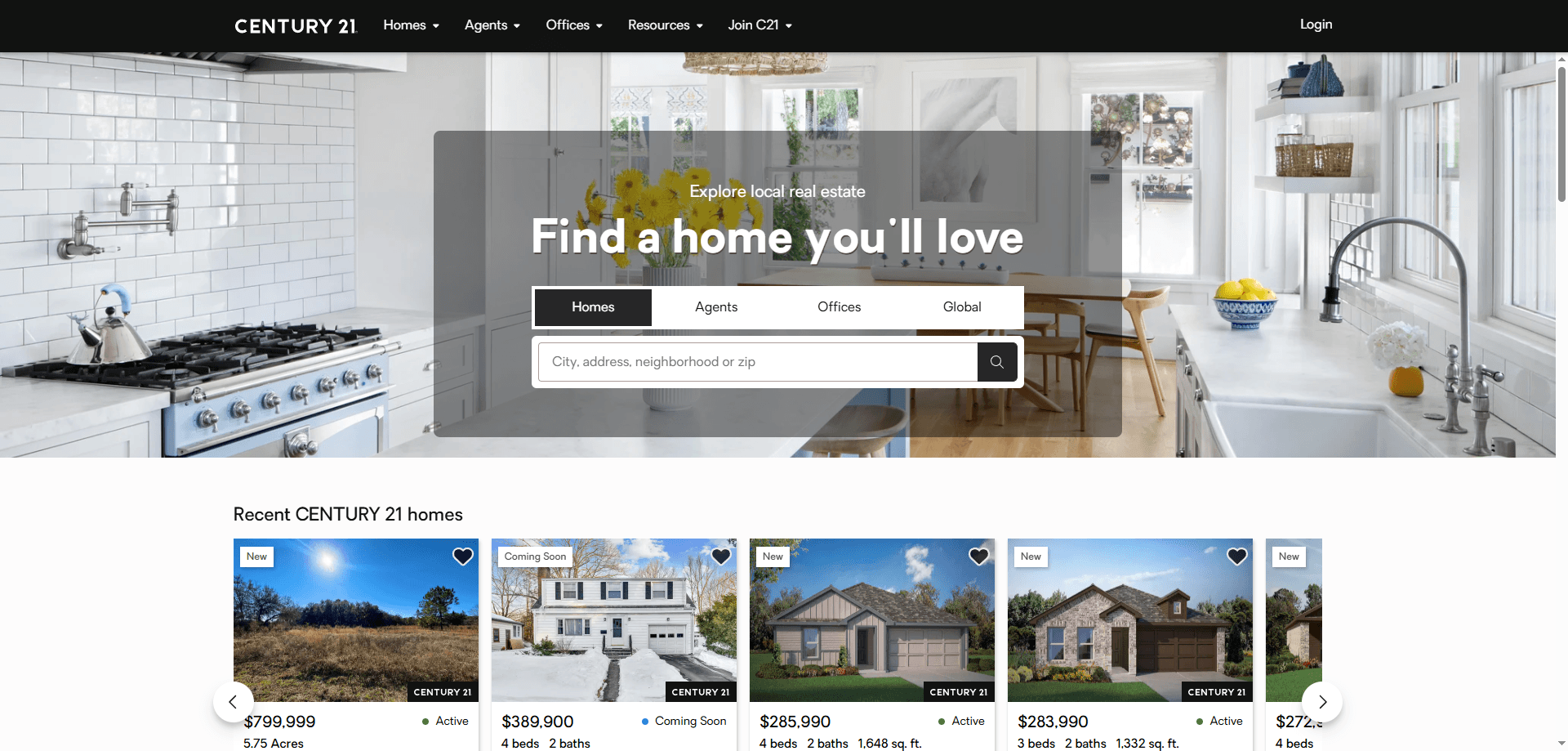
How to Scrape Century 21 Property Listings
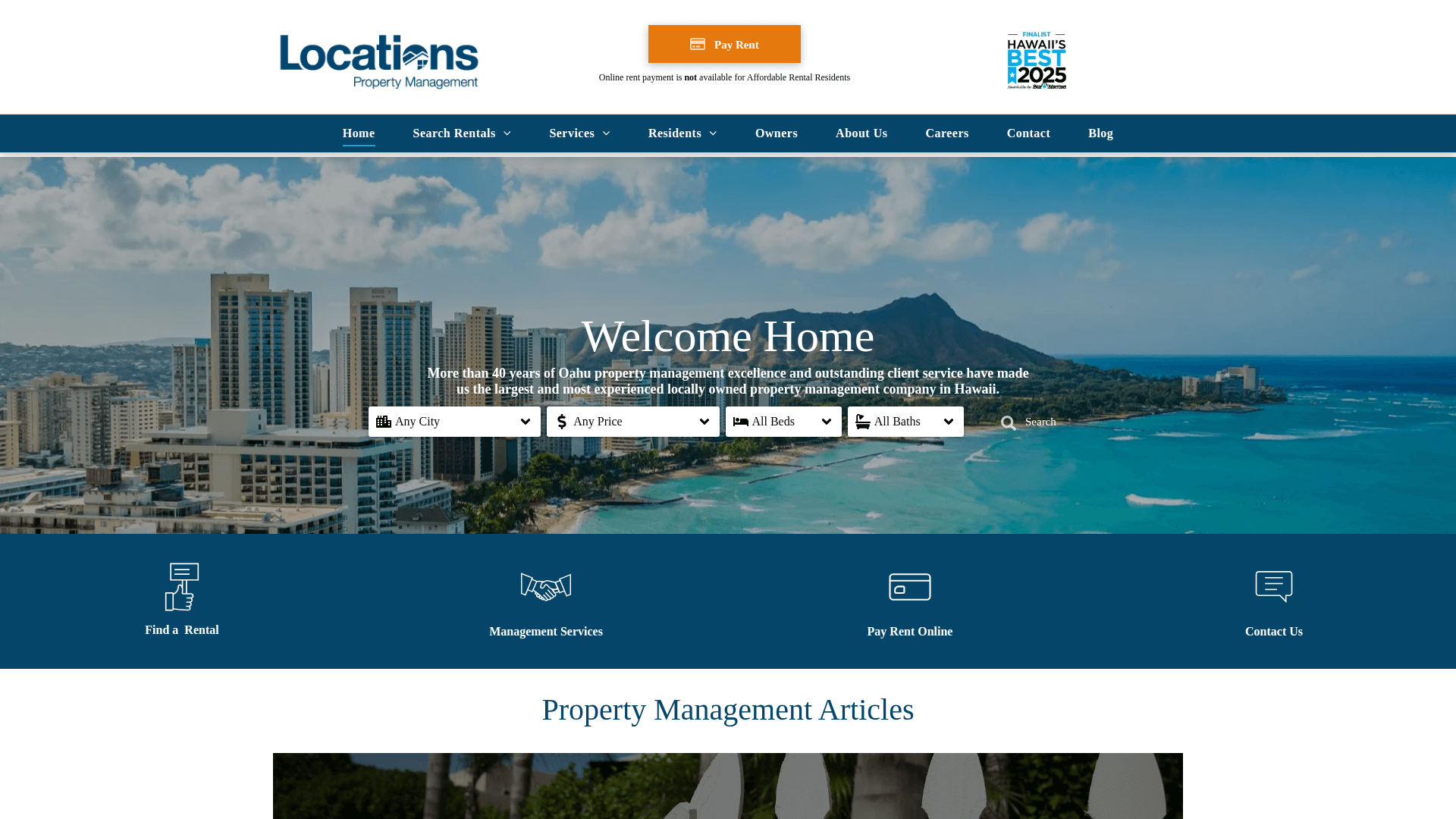
How to Scrape Locations Hawaii | Locations Hawaii Web Scraper
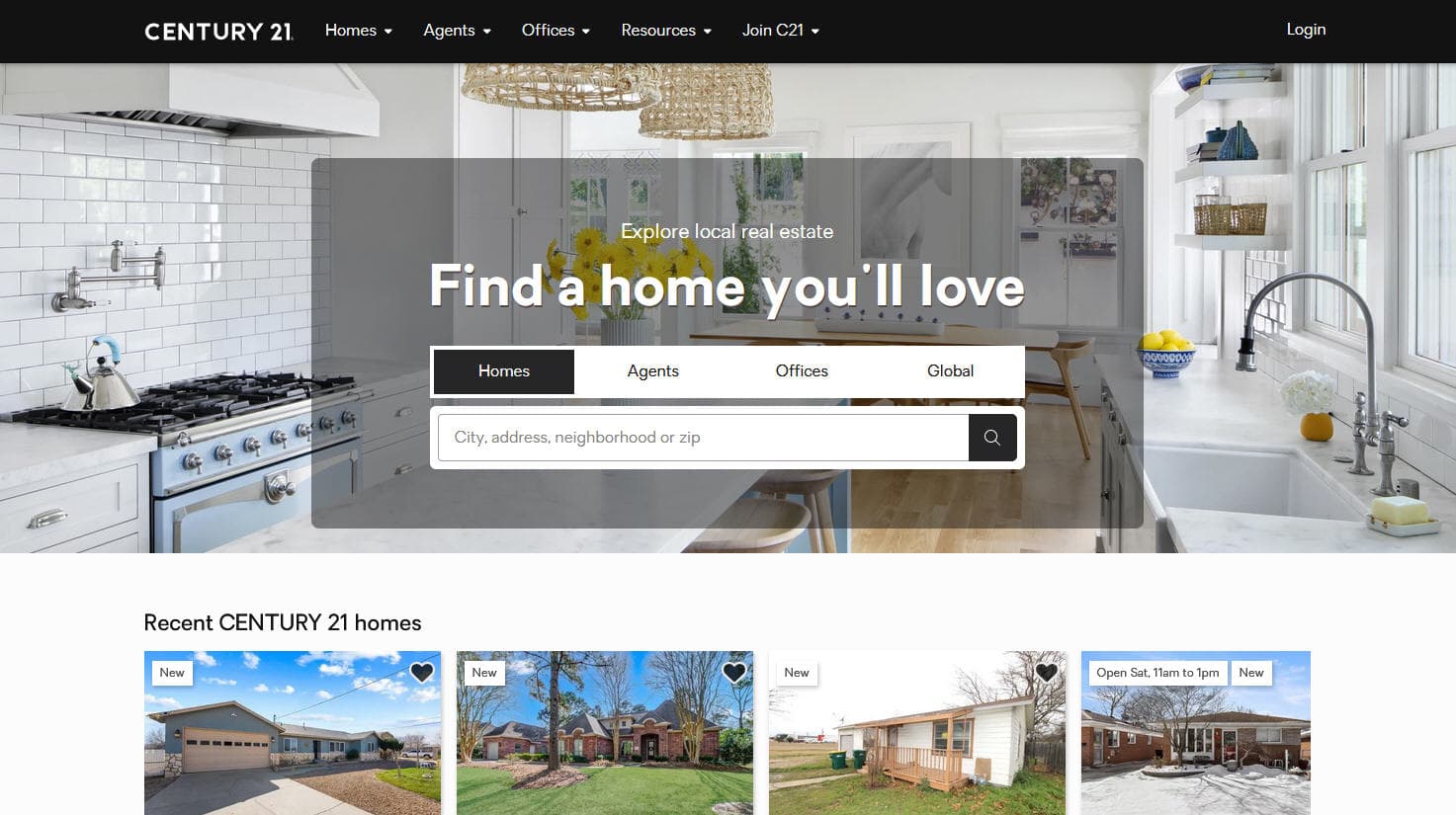
How to Scrape Century 21: A Technical Real Estate Guide
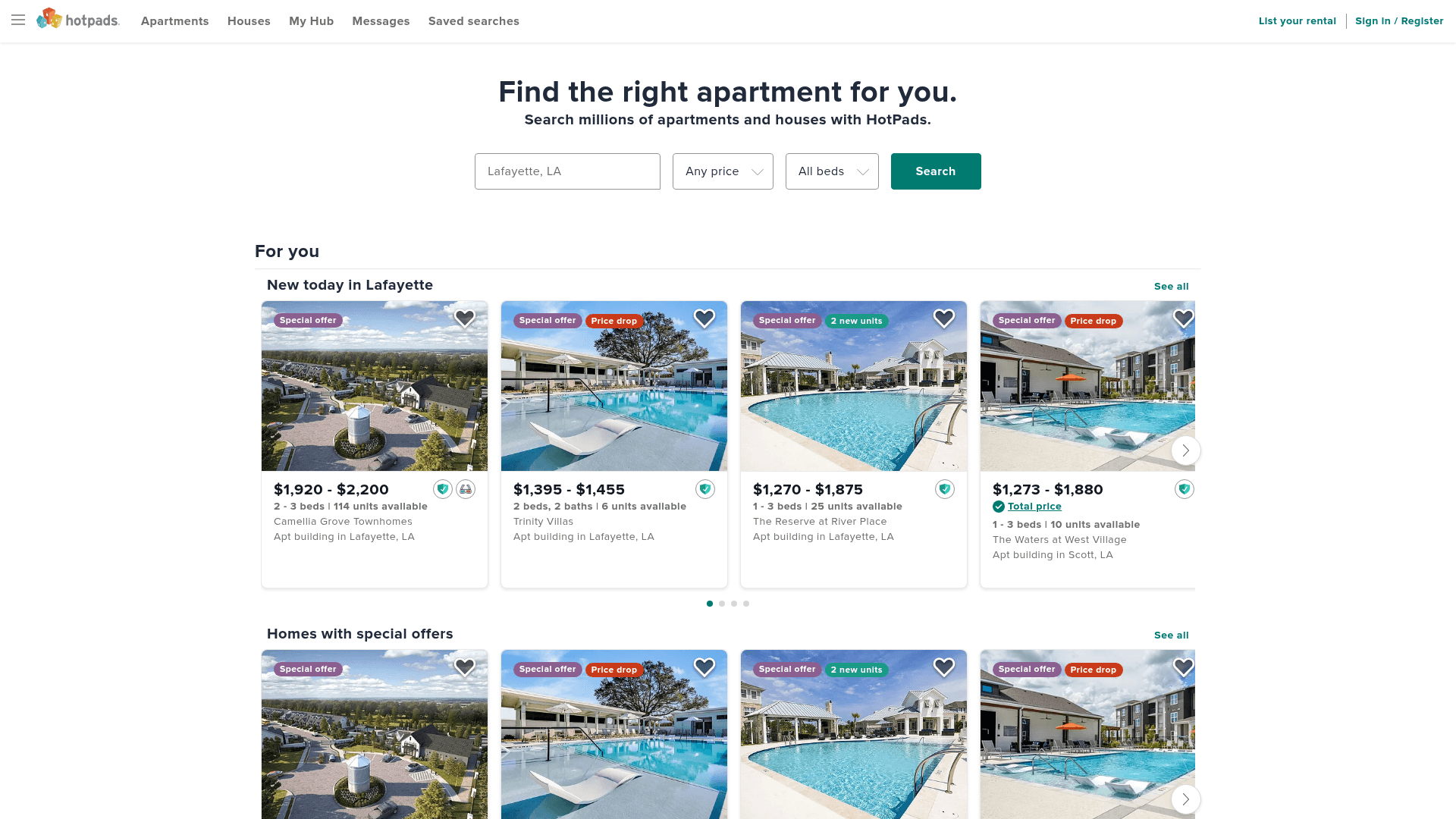
How to Scrape HotPads: A Complete Guide to Extracting Rental Data

How to Scrape Sacramento Delta Property Management
How to Scrape LivePiazza: Philadelphia Real Estate Scraper
How to Scrape RE/MAX (remax.com) Real Estate Listings
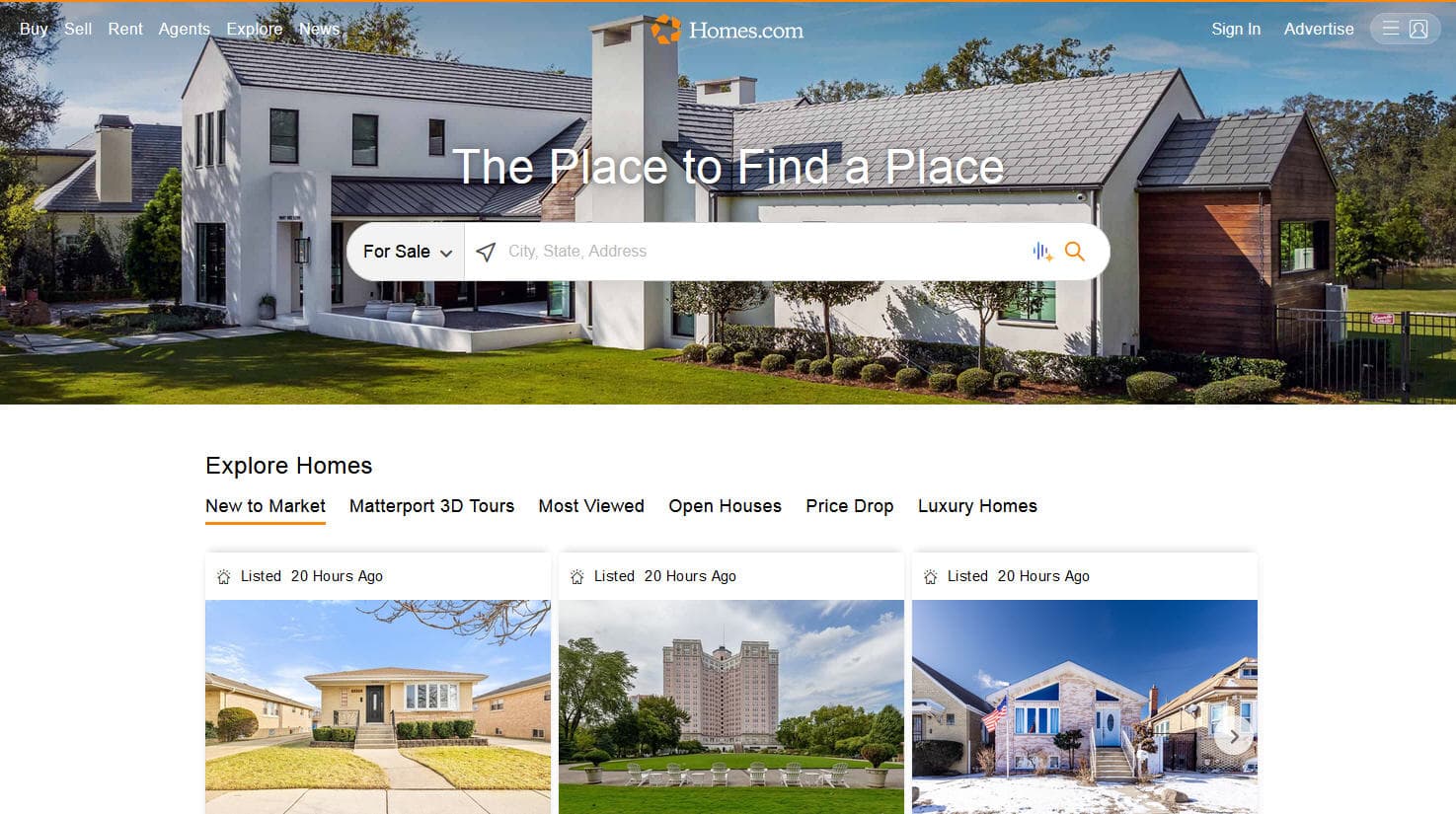
How to Scrape Homes.com: Real Estate Data Extraction Guide
Frequently Asked Questions
Find answers to common questions about Geolocaux