
How to Scrape IMDb: The Complete Guide to Movie Data Extraction
Learn how to extract movie ratings, cast details, box office stats, and reviews from IMDb. Discover tools and techniques for entertainment market research.
Anti-Bot Protection Detected
- Amazon WAF
- Rate Limiting
- Limits requests per IP/session over time. Can be bypassed with rotating proxies, request delays, and distributed scraping.
- IP Blocking
- Blocks known datacenter IPs and flagged addresses. Requires residential or mobile proxies to circumvent effectively.
- Browser Fingerprinting
- Identifies bots through browser characteristics: canvas, WebGL, fonts, plugins. Requires spoofing or real browser profiles.
- User-Agent Filtering
About IMDb
Learn what IMDb offers and what valuable data can be extracted from it.
The World's Movie Database
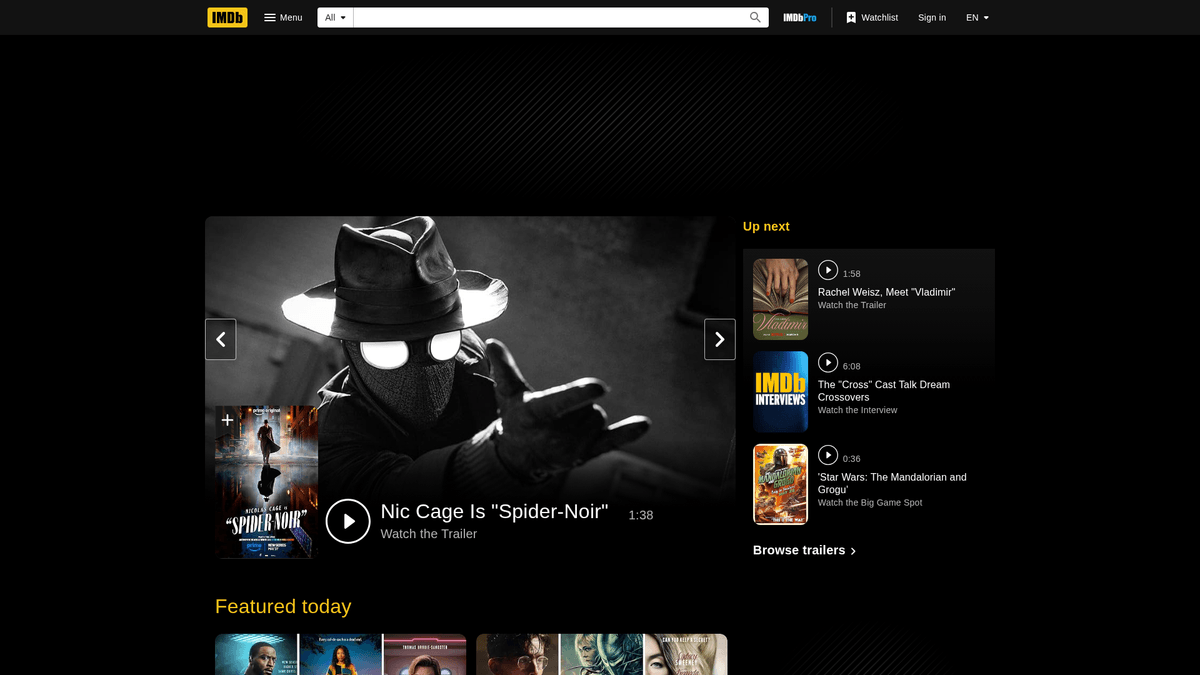
IMDb (Internet Movie Database) is the premier global source for movie, television, and celebrity content. Owned by Amazon, it houses an unparalleled collection of structured data ranging from historical cinematic records to real-time box office performance and trending popularity metrics.
Data Depth and Structure
The platform offers a granular view of the entertainment industry, including technical specifications like aspect ratios, complex financial data such as worldwide gross revenue, and extensive credit lists for cast and crew. It also serves as a hub for audience sentiment through millions of user reviews and ratings.
Strategic Value for Scraping
For businesses and researchers, IMDb data is essential for competitive analysis, sentiment tracking, and the development of recommendation algorithms. Whether monitoring a film's reception or building a comprehensive media database, scraping IMDb provides the high-fidelity data needed for deep industry insights.
Why Scrape IMDb?
Discover the business value and use cases for extracting data from IMDb.
Sentiment Analysis
Analyze thousands of user reviews to understand audience perception, identifying emotional trends and common critiques for specific movie genres.
Entertainment Market Research
Monitor box office performance alongside production budgets to identify profitable niches and high-growth trends within the film and television industry.
Building Recommendation Systems
Extract granular metadata including director history, cast connections, and genre tags to power personalized movie suggestion algorithms.
Competitive Benchmarking
Compare your media property's performance against industry standard ratings and popularity scores to evaluate market standing and brand reach.
Talent and Cast Discovery
Track the IMDb STARmeter and filmography history to identify rising talent and analyze the commercial viability of specific actors or directors.
Scraping Challenges
Technical challenges you may encounter when scraping IMDb.
AWS WAF Protection
IMDb is protected by Amazon's sophisticated Web Application Firewall, which uses advanced browser fingerprinting to detect and block non-human traffic.
Dynamic React Rendering
The modern IMDb interface relies heavily on React, meaning much of the crucial data is lazy-loaded and requires a headless browser to extract.
Unstable CSS Selectors
IMDb frequently rotates its CSS class names, which can break traditional scrapers; targeting stable data-testid attributes is essential for long-term maintenance.
Aggressive Rate Limiting
Sending too many requests from a single IP address will result in immediate 403 Forbidden errors or permanent IP bans across the Amazon network.
Scrape IMDb with AI
No coding required. Extract data in minutes with AI-powered automation.
How It Works
Describe What You Need
Tell the AI what data you want to extract from IMDb. Just type it in plain language — no coding or selectors needed.
AI Extracts the Data
Our artificial intelligence navigates IMDb, handles dynamic content, and extracts exactly what you asked for.
Get Your Data
Receive clean, structured data ready to export as CSV, JSON, or send directly to your apps and workflows.
Why Use AI for Scraping
AI makes it easy to scrape IMDb without writing any code. Our AI-powered platform uses artificial intelligence to understand what data you want — just describe it in plain language and the AI extracts it automatically.
How to scrape with AI:
- Describe What You Need: Tell the AI what data you want to extract from IMDb. Just type it in plain language — no coding or selectors needed.
- AI Extracts the Data: Our artificial intelligence navigates IMDb, handles dynamic content, and extracts exactly what you asked for.
- Get Your Data: Receive clean, structured data ready to export as CSV, JSON, or send directly to your apps and workflows.
Why use AI for scraping:
- Visual Extraction Engine: Handle IMDb's complex, nested data structures visually without writing any code, ensuring you can map actors, characters, and technical specs easily.
- Built-in Proxy Management: Automatically rotate through high-quality residential proxies to bypass Amazon WAF and ensure consistent access to data from any global region.
- JavaScript Capability: Automatio renders the full page just like a real user, ensuring that all dynamic reviews, cast lists, and interactive elements are fully captured.
- Reliable Scheduler: Set your scraper to run daily or weekly to automatically capture new movie releases, updated box office totals, and fluctuating user ratings.
- Automated Data Cleaning: Clean and format currency values, dates, and runtime strings during the extraction process, making the data ready for immediate analysis.
No-Code Web Scrapers for IMDb
Point-and-click alternatives to AI-powered scraping
Several no-code tools like Browse.ai, Octoparse, Axiom, and ParseHub can help you scrape IMDb. These tools use visual interfaces to select elements, but they come with trade-offs compared to AI-powered solutions.
Typical Workflow with No-Code Tools
Common Challenges
Learning curve
Understanding selectors and extraction logic takes time
Selectors break
Website changes can break your entire workflow
Dynamic content issues
JavaScript-heavy sites often require complex workarounds
CAPTCHA limitations
Most tools require manual intervention for CAPTCHAs
IP blocking
Aggressive scraping can get your IP banned
No-Code Web Scrapers for IMDb
Several no-code tools like Browse.ai, Octoparse, Axiom, and ParseHub can help you scrape IMDb. These tools use visual interfaces to select elements, but they come with trade-offs compared to AI-powered solutions.
Typical Workflow with No-Code Tools
- Install browser extension or sign up for the platform
- Navigate to the target website and open the tool
- Point-and-click to select data elements you want to extract
- Configure CSS selectors for each data field
- Set up pagination rules to scrape multiple pages
- Handle CAPTCHAs (often requires manual solving)
- Configure scheduling for automated runs
- Export data to CSV, JSON, or connect via API
Common Challenges
- Learning curve: Understanding selectors and extraction logic takes time
- Selectors break: Website changes can break your entire workflow
- Dynamic content issues: JavaScript-heavy sites often require complex workarounds
- CAPTCHA limitations: Most tools require manual intervention for CAPTCHAs
- IP blocking: Aggressive scraping can get your IP banned
Code Examples
import requests
from bs4 import BeautifulSoup

# IMDb blocks default requests; use a modern User-Agent
headers = {'User-Agent': 'Mozilla/5.0 (Windows NT 10.0; Win64; x64) AppleWebKit/537.36 (KHTML, like Gecko) Chrome/119.0.0.0 Safari/537.36'}
url = 'https://www.imdb.com/title/tt0111161/'

def scrape_imdb_basic(url):
    try:
        response = requests.get(url, headers=headers)
        response.raise_for_status()
        soup = BeautifulSoup(response.text, 'html.parser')

        # Use data-testid as it is more stable than dynamic classes
        title = soup.find('span', {'data-testid': 'hero__primary-text'}).text
        rating = soup.find('span', {'class': 'sc-bde20123-1'}).text # Note: check for selector updates

        print(f'Title: {title} | Rating: {rating}')
    except Exception as e:
        print(f'Scraping failed: {e}')

scrape_imdb_basic(url)
When to Use
Best for static HTML pages where content is loaded server-side. The fastest and simplest approach when JavaScript rendering isn't required.
Advantages
- ●Fastest execution (no browser overhead)
- ●Lowest resource consumption
- ●Easy to parallelize with asyncio
- ●Great for APIs and static pages
Limitations
- ●Cannot execute JavaScript
- ●Fails on SPAs and dynamic content
- ●May struggle with complex anti-bot systems
How to Scrape IMDb with Code
Python + Requests
import requests
from bs4 import BeautifulSoup
# IMDb blocks default requests; use a modern User-Agent
headers = {'User-Agent': 'Mozilla/5.0 (Windows NT 10.0; Win64; x64) AppleWebKit/537.36 (KHTML, like Gecko) Chrome/119.0.0.0 Safari/537.36'}
url = 'https://www.imdb.com/title/tt0111161/'
def scrape_imdb_basic(url):
try:
response = requests.get(url, headers=headers)
response.raise_for_status()
soup = BeautifulSoup(response.text, 'html.parser')
# Use data-testid as it is more stable than dynamic classes
title = soup.find('span', {'data-testid': 'hero__primary-text'}).text
rating = soup.find('span', {'class': 'sc-bde20123-1'}).text # Note: check for selector updates
print(f'Title: {title} | Rating: {rating}')
except Exception as e:
print(f'Scraping failed: {e}')
scrape_imdb_basic(url)Python + Playwright
from playwright.sync_api import sync_playwright

def run():
    with sync_playwright() as p:
        browser = p.chromium.launch(headless=True)
        page = browser.new_page()

        # Navigate to a movie page
        page.goto('https://www.imdb.com/title/tt0111161/')

        # Wait for the specific data element to ensure JS is rendered
        page.wait_for_selector('[data-testid="hero__primary-text"]')

        # Extract data
        movie_title = page.locator('[data-testid="hero__primary-text"]').inner_text()
        rating_val = page.locator('[data-testid="hero-rating-bar__aggregate-rating__score"] > span').first.inner_text()

        print({'title': movie_title, 'rating': rating_val})

        browser.close()

run()Python + Scrapy
import scrapy

class ImdbSpider(scrapy.Spider):
    name = 'imdb_spider'
    allowed_domains = ['imdb.com']
    start_urls = ['https://www.imdb.com/chart/top/']

    def parse(self, response):
        # Iterate through the list of top movies
        for movie in response.css('.ipc-metadata-list-summary-item'):
            yield {
                'title': movie.css('.ipc-title__text::text').get(),
                'rating': movie.css('.ipc-rating-star--rating::text').get(),
                'year': movie.css('.sc-b189961a-8::text').get(),
            }

        # Handle pagination if applicable
        next_page = response.css('a.next-page::attr(href)').get()
        if next_page:
yield response.follow(next_page, self.parse)Node.js + Puppeteer
const puppeteer = require('puppeteer');

async function scrapeIMDb() {
  const browser = await puppeteer.launch({ headless: true });
  const page = await browser.newPage();

  // Mimic real browser headers
  await page.setUserAgent('Mozilla/5.0 (X11; Linux x86_64) AppleWebKit/537.36 (KHTML, like Gecko) Chrome/119.0.0.0 Safari/537.36');

  await page.goto('https://www.imdb.com/title/tt0111161/', { waitUntil: 'domcontentloaded' });

  const movieInfo = await page.evaluate(() => {
    const title = document.querySelector('[data-testid="hero__primary-text"]')?.innerText;
    const rating = document.querySelector('[data-testid="hero-rating-bar__aggregate-rating__score"]')?.innerText;
    return { title, rating };
  });

  console.log(movieInfo);
  await browser.close();
}

scrapeIMDb();What You Can Do With IMDb Data
Explore practical applications and insights from IMDb data.
Movie Recommendation Engine
Build personalized film suggestion systems using scraped genres, cast lists, and plot summaries.
How to implement:
- 1Scrape the IMDb Top 250 movies with genres and cast details.
- 2Apply NLP techniques to analyze plot summaries for thematic keywords.
- 3Map actors and directors to create a relational graph of cinematic connections.
- 4Export to a recommendation algorithm for real-time user matching.
Use Automatio to extract data from IMDb and build these applications without writing code.
What You Can Do With IMDb Data
- Movie Recommendation Engine
Build personalized film suggestion systems using scraped genres, cast lists, and plot summaries.
- Scrape the IMDb Top 250 movies with genres and cast details.
- Apply NLP techniques to analyze plot summaries for thematic keywords.
- Map actors and directors to create a relational graph of cinematic connections.
- Export to a recommendation algorithm for real-time user matching.
- Sentiment Analysis Dashboard
Monitor audience reaction to new releases by aggregating and analyzing user review text.
- Scrape all user reviews for a specific movie title or series.
- Run sentiment analysis using AI models to categorize reviews as positive or negative.
- Extract common praise or complaints to provide feedback for production studios.
- Visualize sentiment trends over time to track 'word of mouth' impact.
- Box Office Prediction Tool
Use historical budget and gross revenue data to predict the financial ROI of upcoming scripts.
- Extract budget and worldwide gross data for 5,000+ films released since 2010.
- Include auxiliary factors like cast popularity scores and release season.
- Train a machine learning regression model to identify correlations between budget and revenue.
- Input new film metadata to generate an estimated financial success probability.
- Talent Scouting & Casting
Analyze actor popularity and filmography history to assist in casting decisions.
- Scrape 'Most Popular' celebrity lists to identify rising stars.
- Analyze the box office performance of an actor's last five projects.
- Compare actor demographics with target audience data for a new production.
- Generate a shortlist of candidates based on proven commercial viability.
Supercharge your workflow with AI Automation
Automatio combines the power of AI agents, web automation, and smart integrations to help you accomplish more in less time.
What to get right first
Expert advice for successfully extracting data from IMDb.
Target data-testid Attributes
Always use data-testid attributes for your selectors as they are purposefully placed by developers for testing and are less likely to change than CSS classes.
Set Accept-Language Headers
Force the website to return English content by setting your headers to 'en-US', preventing proxies from accidentally serving movie titles in local languages.
Implement Random Delays
Introduce human-like pauses between 2 to 7 seconds to prevent triggering Amazon's behavioral analysis and bot detection systems.
Handle Lazy-Loaded Content
Use 'Scroll to Element' or 'Wait' actions to ensure that sections like 'Full Cast & Crew' or 'User Reviews' have completely loaded before extraction.
Rotate User-Agents Regularly
Use a diverse pool of modern browser User-Agents to make your scraping traffic appear as a variety of legitimate desktop and mobile visitors.
Related Web Scraping
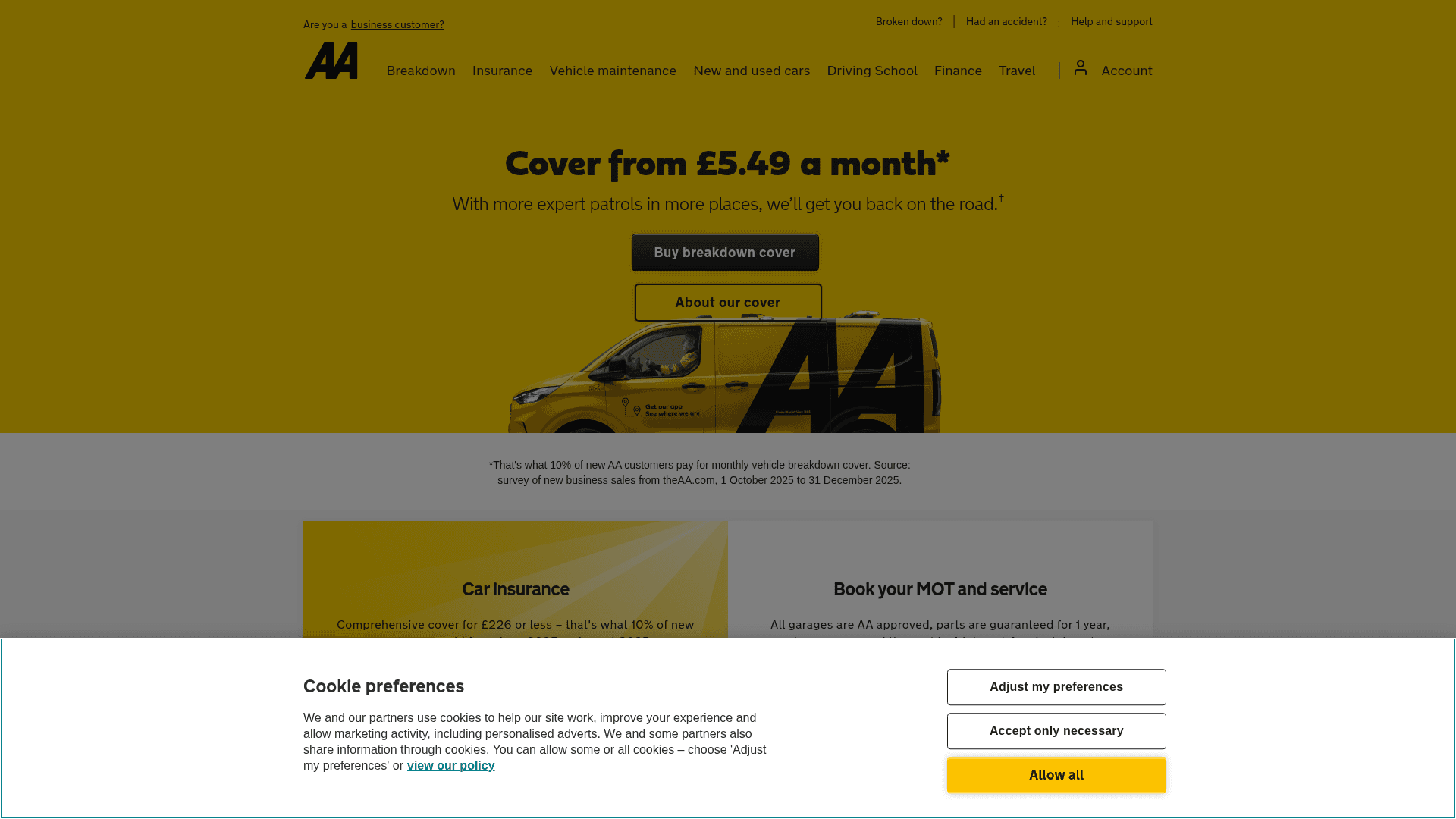
How to Scrape The AA (theaa.com): A Technical Guide for Car & Insurance Data
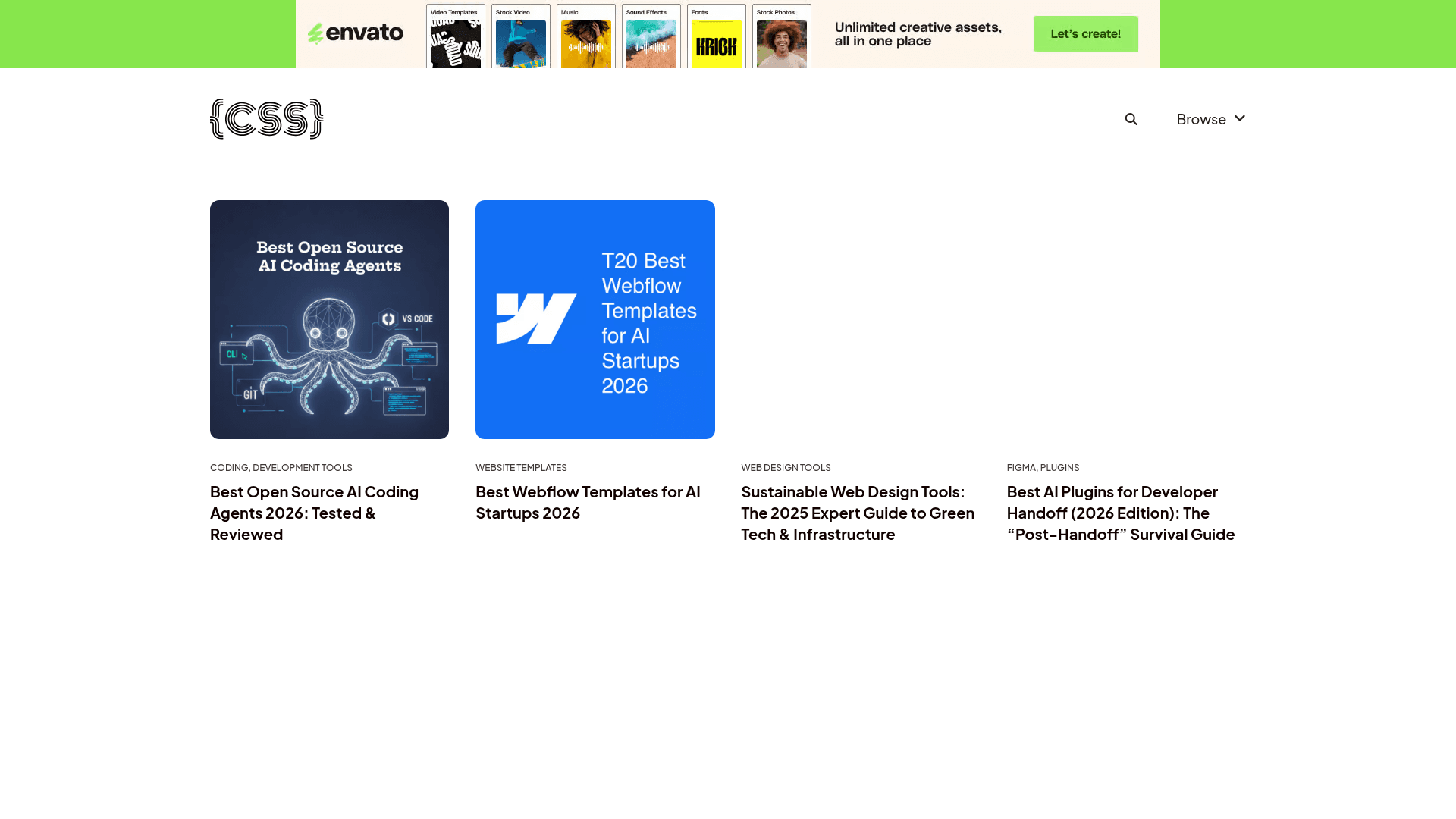
How to Scrape CSS Author: A Comprehensive Web Scraping Guide
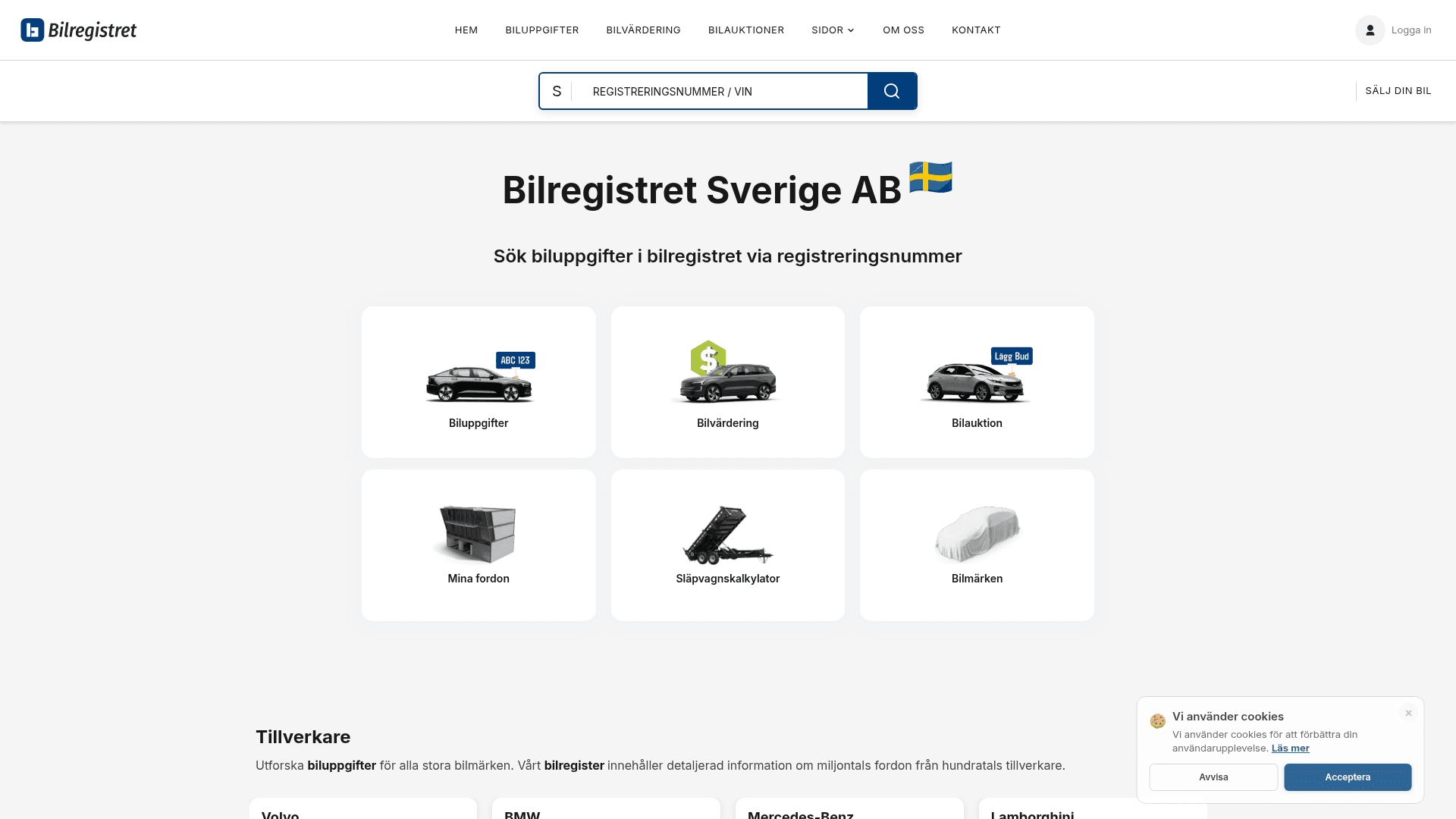
How to Scrape Bilregistret.ai: Swedish Vehicle Data Extraction Guide
How to Scrape Biluppgifter.se: Vehicle Data Extraction Guide
How to Scrape Car.info | Vehicle Data & Valuation Extraction Guide
How to Scrape GoAbroad Study Abroad Programs
How to Scrape ResearchGate: Publication and Researcher Data
How to Scrape Statista: The Ultimate Guide to Market Data Extraction
Frequently Asked Questions
Find answers to common questions about IMDb