
How to Scrape AliExpress: The Ultimate 2025 Data Extraction Guide
Learn how to scrape AliExpress product data, prices, and reviews. Bypass Akamai anti-bot protection to automate e-commerce market research effectively.
Anti-Bot Protection Detected
- Akamai Bot Manager
- Advanced bot detection using device fingerprinting, behavior analysis, and machine learning. One of the most sophisticated anti-bot systems.
- Google reCAPTCHA
- Google's CAPTCHA system. v2 requires user interaction, v3 runs silently with risk scoring. Can be solved with CAPTCHA services.
- CAPTCHA
- Challenge-response test to verify human users. Can be image-based, text-based, or invisible. Often requires third-party solving services.
- Rate Limiting
- Limits requests per IP/session over time. Can be bypassed with rotating proxies, request delays, and distributed scraping.
- IP Blocking
- Blocks known datacenter IPs and flagged addresses. Requires residential or mobile proxies to circumvent effectively.
- Browser Fingerprinting
- Identifies bots through browser characteristics: canvas, WebGL, fonts, plugins. Requires spoofing or real browser profiles.
About AliExpress
Learn what AliExpress offers and what valuable data can be extracted from it.
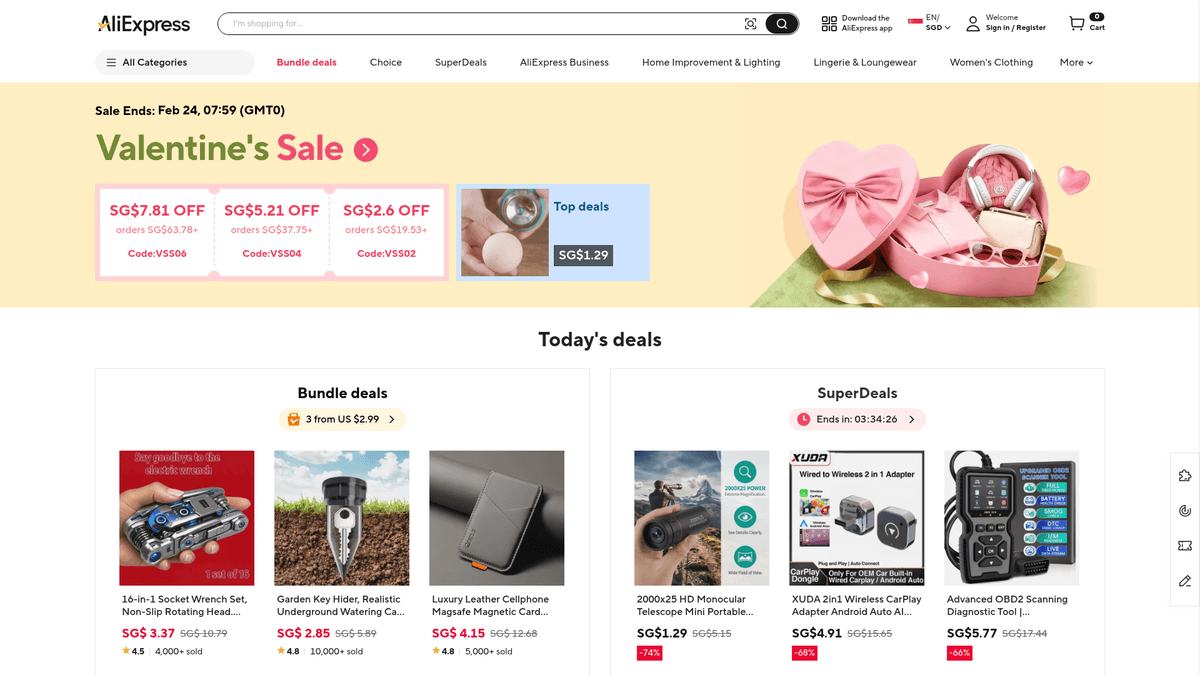
AliExpress is a massive international e-commerce marketplace owned by the Alibaba Group. It connects small businesses, primarily in China, with buyers worldwide, offering millions of products across categories like electronics, fashion, home improvement, and toys. As a cornerstone of the global dropshipping and retail arbitrage ecosystem, it serves as a primary source for market analysis and product sourcing.
The platform hosts data from thousands of individual sellers, containing a wealth of structured information including dynamic pricing, historical sales data, and millions of customer reviews. Because it serves a global audience, content like prices and shipping logistics often fluctuate in real-time based on the user's geographic location and currency settings.
Scraping AliExpress data is highly valuable for businesses looking to monitor competitor pricing, identify trending products, and perform sentiment analysis on customer feedback. It allows market researchers to track global consumer demand and supply chain shifts accurately.
Why Scrape AliExpress?
Discover the business value and use cases for extracting data from AliExpress.
Real-Time Price Monitoring
Track fluctuating prices and flash sale discounts across millions of items to maintain a competitive edge in your own retail pricing strategy.
Dropshipping Trend Analysis
Identify viral and high-growth products by analyzing 'Units Sold' counts and store ratings before they become saturated in global markets.
Review Sentiment Mining
Extract thousands of customer reviews to perform deep sentiment analysis, identifying common product flaws and consumer pain points for R&D.
Logistics and Shipping Optimization
Analyze estimated delivery times and shipping costs across different regions to optimize supply chain expectations for international customers.
Competitor Store Benchmarking
Scrape store-level data, including follower counts and positive feedback rates, to benchmark your performance against top-tier AliExpress sellers.
Market Demand Forecasting
Monitor product availability and inventory levels to predict upcoming supply shortages or seasonal demand shifts in specific e-commerce niches.
Scraping Challenges
Technical challenges you may encounter when scraping AliExpress.
Advanced Akamai WAF
AliExpress employs Akamai Bot Manager, which utilizes sophisticated TLS fingerprinting and behavioral analysis to block non-browser traffic instantly.
JavaScript-Heavy Rendering
Most critical data points, including dynamic prices and review sections, are rendered via React/Next.js, requiring a full browser environment to extract.
Geo-Localized Content
The website serves different prices, shipping options, and even product availability based on the scraper's IP address and browser cookies.
Intricate Slider CAPTCHAs
High-frequency requests frequently trigger specialized 'Slide to Verify' challenges that are designed to detect and stop automated scraping bots.
Obfuscated HTML Structure
AliExpress often uses dynamic class names and deeply nested structures that change periodically to break traditional CSS and XPath selectors.
Scrape AliExpress with AI
No coding required. Extract data in minutes with AI-powered automation.
How It Works
Describe What You Need
Tell the AI what data you want to extract from AliExpress. Just type it in plain language — no coding or selectors needed.
AI Extracts the Data
Our artificial intelligence navigates AliExpress, handles dynamic content, and extracts exactly what you asked for.
Get Your Data
Receive clean, structured data ready to export as CSV, JSON, or send directly to your apps and workflows.
Why Use AI for Scraping
AI makes it easy to scrape AliExpress without writing any code. Our AI-powered platform uses artificial intelligence to understand what data you want — just describe it in plain language and the AI extracts it automatically.
How to scrape with AI:
- Describe What You Need: Tell the AI what data you want to extract from AliExpress. Just type it in plain language — no coding or selectors needed.
- AI Extracts the Data: Our artificial intelligence navigates AliExpress, handles dynamic content, and extracts exactly what you asked for.
- Get Your Data: Receive clean, structured data ready to export as CSV, JSON, or send directly to your apps and workflows.
Why use AI for scraping:
- Seamless JS Execution: Automatio's engine fully renders the AliExpress DOM, ensuring all price data and lazy-loaded reviews are visible before the extraction begins.
- Smart Proxy Integration: Easily connect high-quality residential proxies within Automatio to bypass IP-based blocks and access region-specific AliExpress pricing.
- Visual Selection Tool: Bypass the nightmare of obfuscated class names by using a point-and-click interface to select data fields directly from the live page.
- Human-Like Simulation: Automatio can mimic real user interactions, such as scrolling and hovering, which helps in avoiding the triggering of aggressive anti-bot shields.
- Automated Scheduling: Set your AliExpress scrapers to run on a recurring schedule to track daily price drops or inventory changes without manual intervention.
No-Code Web Scrapers for AliExpress
Point-and-click alternatives to AI-powered scraping
Several no-code tools like Browse.ai, Octoparse, Axiom, and ParseHub can help you scrape AliExpress. These tools use visual interfaces to select elements, but they come with trade-offs compared to AI-powered solutions.
Typical Workflow with No-Code Tools
Common Challenges
Learning curve
Understanding selectors and extraction logic takes time
Selectors break
Website changes can break your entire workflow
Dynamic content issues
JavaScript-heavy sites often require complex workarounds
CAPTCHA limitations
Most tools require manual intervention for CAPTCHAs
IP blocking
Aggressive scraping can get your IP banned
No-Code Web Scrapers for AliExpress
Several no-code tools like Browse.ai, Octoparse, Axiom, and ParseHub can help you scrape AliExpress. These tools use visual interfaces to select elements, but they come with trade-offs compared to AI-powered solutions.
Typical Workflow with No-Code Tools
- Install browser extension or sign up for the platform
- Navigate to the target website and open the tool
- Point-and-click to select data elements you want to extract
- Configure CSS selectors for each data field
- Set up pagination rules to scrape multiple pages
- Handle CAPTCHAs (often requires manual solving)
- Configure scheduling for automated runs
- Export data to CSV, JSON, or connect via API
Common Challenges
- Learning curve: Understanding selectors and extraction logic takes time
- Selectors break: Website changes can break your entire workflow
- Dynamic content issues: JavaScript-heavy sites often require complex workarounds
- CAPTCHA limitations: Most tools require manual intervention for CAPTCHAs
- IP blocking: Aggressive scraping can get your IP banned
Code Examples
import requests
from bs4 import BeautifulSoup

# Note: AliExpress blocks basic requests easily via Akamai
url = 'https://www.aliexpress.com/w/wholesale-watch.html'
headers = {
    'User-Agent': 'Mozilla/5.0 (Windows NT 10.0; Win64; x64) AppleWebKit/537.36 (KHTML, like Gecko) Chrome/119.0.0.0 Safari/537.36',
    'Accept-Language': 'en-US,en;q=0.9'
}

try:
    response = requests.get(url, headers=headers, timeout=10)
    if response.status_code == 200:
        soup = BeautifulSoup(response.text, 'html.parser')
        # Selectors often change; this is a generic example
        products = soup.find_all('h3')
        for item in products:
            print(f'Product Found: {item.text.strip()}')
    else:
        print(f'Blocked with status: {response.status_code}')
except Exception as e:
    print(f'An error occurred: {e}')
When to Use
Best for static HTML pages where content is loaded server-side. The fastest and simplest approach when JavaScript rendering isn't required.
Advantages
- ●Fastest execution (no browser overhead)
- ●Lowest resource consumption
- ●Easy to parallelize with asyncio
- ●Great for APIs and static pages
Limitations
- ●Cannot execute JavaScript
- ●Fails on SPAs and dynamic content
- ●May struggle with complex anti-bot systems
How to Scrape AliExpress with Code
Python + Requests
import requests
from bs4 import BeautifulSoup
# Note: AliExpress blocks basic requests easily via Akamai
url = 'https://www.aliexpress.com/w/wholesale-watch.html'
headers = {
'User-Agent': 'Mozilla/5.0 (Windows NT 10.0; Win64; x64) AppleWebKit/537.36 (KHTML, like Gecko) Chrome/119.0.0.0 Safari/537.36',
'Accept-Language': 'en-US,en;q=0.9'
}
try:
response = requests.get(url, headers=headers, timeout=10)
if response.status_code == 200:
soup = BeautifulSoup(response.text, 'html.parser')
# Selectors often change; this is a generic example
products = soup.find_all('h3')
for item in products:
print(f'Product Found: {item.text.strip()}')
else:
print(f'Blocked with status: {response.status_code}')
except Exception as e:
print(f'An error occurred: {e}')Python + Playwright
from playwright.sync_api import sync_playwright

def scrape_aliexpress(search_term):
    with sync_playwright() as p:
        # Launching with stealth-like configurations
        browser = p.chromium.launch(headless=True)
        context = browser.new_context(user_agent='Mozilla/5.0 (Windows NT 10.0; Win64; x64) AppleWebKit/537.36')
        page = context.new_page()

        url = f'https://www.aliexpress.com/wholesale?SearchText={search_term}'
        page.goto(url, wait_until='networkidle')

        # Wait for product grid to appear
        page.wait_for_selector('[class*="multi--container"]', timeout=10000)

        products = page.query_selector_all('[class*="multi--container"]')
        for product in products:
            title = product.query_selector('[class*="multi--title"]').inner_text()
            price = product.query_selector('[class*="multi--price-sale"]').inner_text()
            print(f'Product: {title} | Price: {price}')

        browser.close()

scrape_aliexpress('mechanical keyboard')Python + Scrapy
import scrapy

class AliExpressSpider(scrapy.Spider):
    name = 'aliexpress'
    start_urls = ['https://www.aliexpress.com/w/wholesale-drone.html']

    def parse(self, response):
        # AliExpress often hides data in window.runParams script tags
        for product in response.css('.search-item'):
            yield {
                'title': product.css('h3::text').get(),
                'price': product.css('.price--current::text').get(),
                'rating': product.css('.rating-value::text').get(),
                'sold': product.css('.sale-value::text').get()
            }

        # Basic pagination handling
        next_page = response.css('a.next-pagination-item::attr(href)').get()
        if next_page:
yield response.follow(next_page, self.parse)Node.js + Puppeteer
const puppeteer = require('puppeteer');

(async () => {
  const browser = await puppeteer.launch({ headless: "new" });
  const page = await browser.newPage();

  // Set a realistic User-Agent
  await page.setUserAgent('Mozilla/5.0 (Windows NT 10.0; Win64; x64) AppleWebKit/537.36');

  await page.goto('https://www.aliexpress.com/w/wholesale-camera.html', { waitUntil: 'networkidle2' });

  // Evaluate the page to extract titles
  const results = await page.evaluate(() => {
    const items = Array.from(document.querySelectorAll('h3'));
    return items.map(h => h.innerText.trim());
  });

  console.log('Scraped Titles:', results);
  await browser.close();
})();What You Can Do With AliExpress Data
Explore practical applications and insights from AliExpress data.
Dropshipping Trend Detection
Identify winning products by analyzing sales volume and rating growth trends across various niche categories.
How to implement:
- 1Scrape top-selling products in target categories every 48 hours.
- 2Compare 'Units Sold' counts to identify products with high acceleration.
- 3Filter for items with high ratings but low competitor saturation.
- 4Export the data directly to a product sourcing sheet or Shopify store.
Use Automatio to extract data from AliExpress and build these applications without writing code.
What You Can Do With AliExpress Data
- Dropshipping Trend Detection
Identify winning products by analyzing sales volume and rating growth trends across various niche categories.
- Scrape top-selling products in target categories every 48 hours.
- Compare 'Units Sold' counts to identify products with high acceleration.
- Filter for items with high ratings but low competitor saturation.
- Export the data directly to a product sourcing sheet or Shopify store.
- Real-time Price Monitoring
Adjust your retail pricing strategy based on the dynamic fluctuations of global suppliers on AliExpress.
- Set up a recurring scrape for a list of competitor or supplier product URLs.
- Extract the current 'Sale Price' and calculate the total landed cost with shipping.
- Trigger an automated alert if the price drops below a specific threshold.
- Integrate with a repricing tool to maintain healthy profit margins.
- Product Development Research
Use extracted review text to identify common product defects and customer pain points for R&D purposes.
- Extract thousands of user reviews for a specific type of electronic device.
- Use NLP models to categorize negative feedback into specific themes like 'battery life' or 'durability'.
- Identify features that customers frequently request in the comments section.
- Develop a improved product specification for manufacturing based on these insights.
- Competitive Intelligence Analysis
Analyze competitor store performance and customer loyalty levels through store-level metrics and metadata.
- Extract store-level data including total follower counts and percentage of positive feedback.
- Analyze the geographic distribution of buyers through review metadata and shipping options.
- Map the product assortment of top-tier sellers to identify gaps in your own catalog.
- Track store 'Last Active' timestamps to assess competitor operational health.
Supercharge your workflow with AI Automation
Automatio combines the power of AI agents, web automation, and smart integrations to help you accomplish more in less time.
What to get right first
Expert advice for successfully extracting data from AliExpress.
Prioritize Residential Proxies
AliExpress is highly sensitive to datacenter IP ranges; using rotating residential proxies is the most effective way to maintain a high success rate.
Target window.runParams
Inspect the page source for the 'window.runParams' script object, which often contains clean, structured JSON data for the product's attributes.
Manage the aep_usuc_f Cookie
Manually set or persist the 'aep_usuc_f' cookie to ensure you are consistently scraping data for the correct region, currency, and language.
Throttle Your Requests
Avoid high-burst scraping patterns. Instead, use a steady, slower crawl rate with random delays to stay under the radar of Akamai's rate limiting.
Scroll for Lazy-Loaded Images
AliExpress lazy-loads many images; ensure your automation tool performs a scroll-to-view action to trigger the loading of all product gallery URLs.
Monitor for Redirects
If you are suddenly redirected to a login or 'security check' page, it is a sign that your browser fingerprint or IP reputation has been flagged.
Related Web Scraping
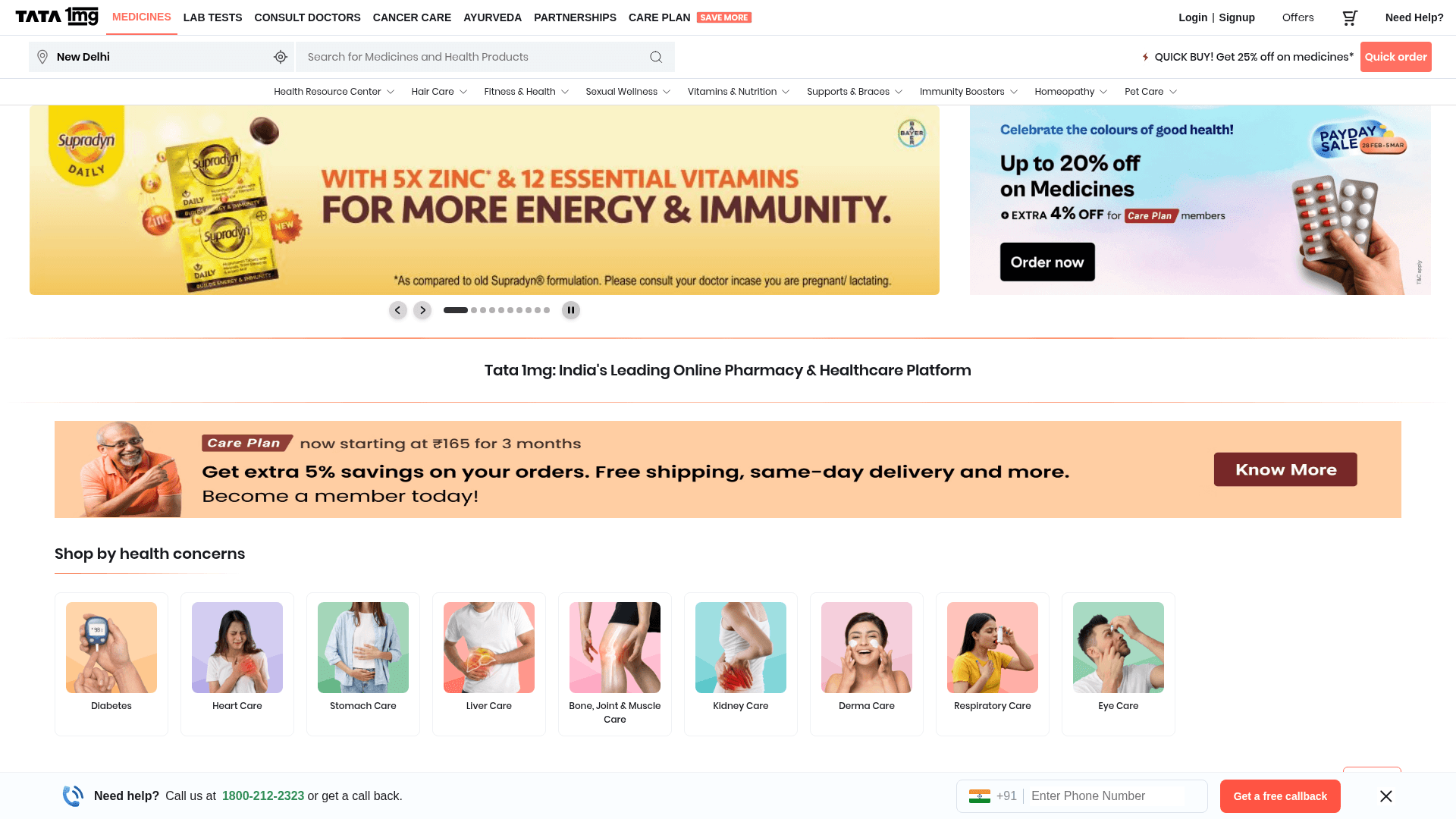
How to Scrape Tata 1mg | 1mg.com Medicine Data Scraper

How to Scrape Carwow: Extract Used Car Data and Prices
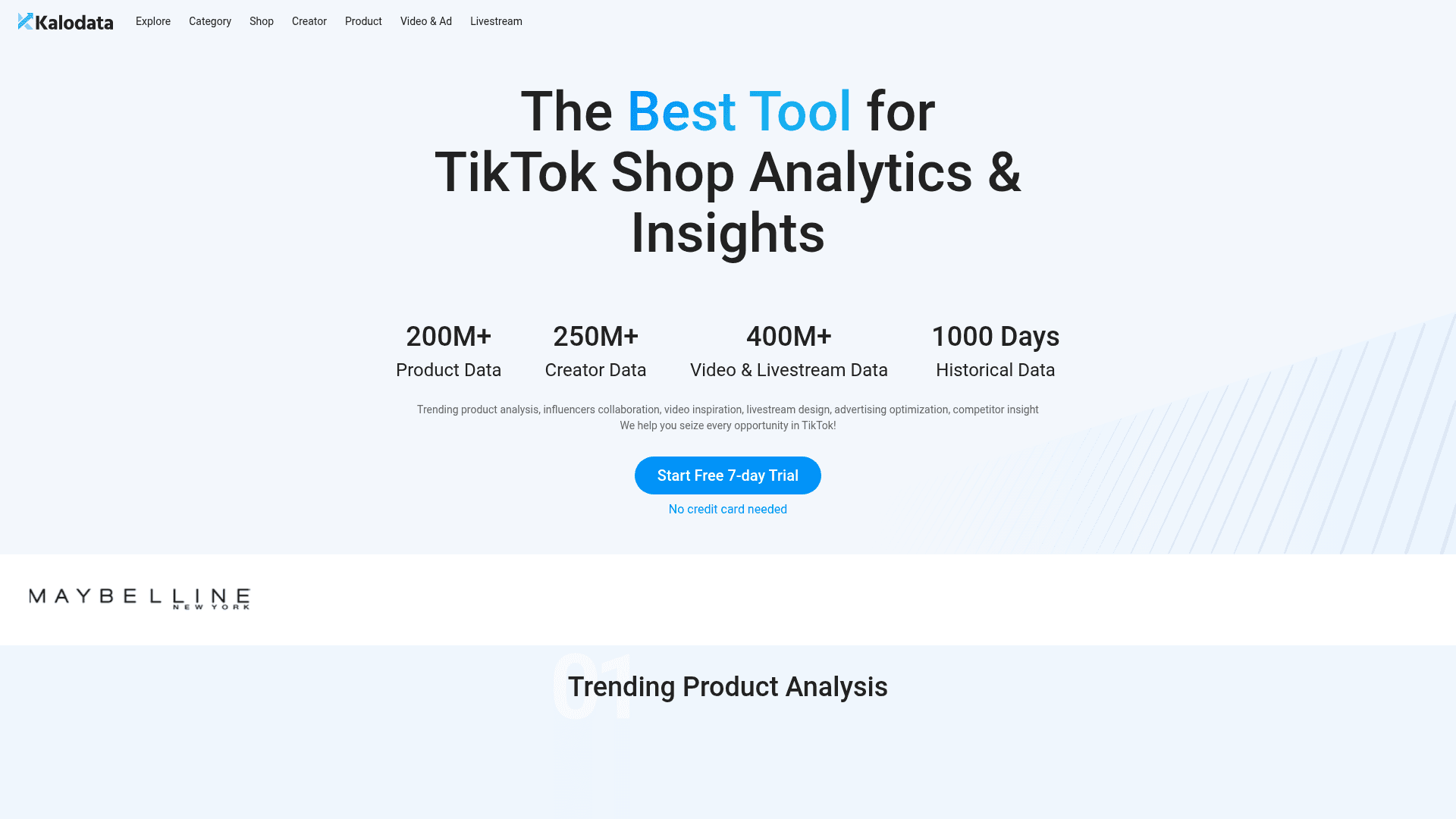
How to Scrape Kalodata: TikTok Shop Data Extraction Guide
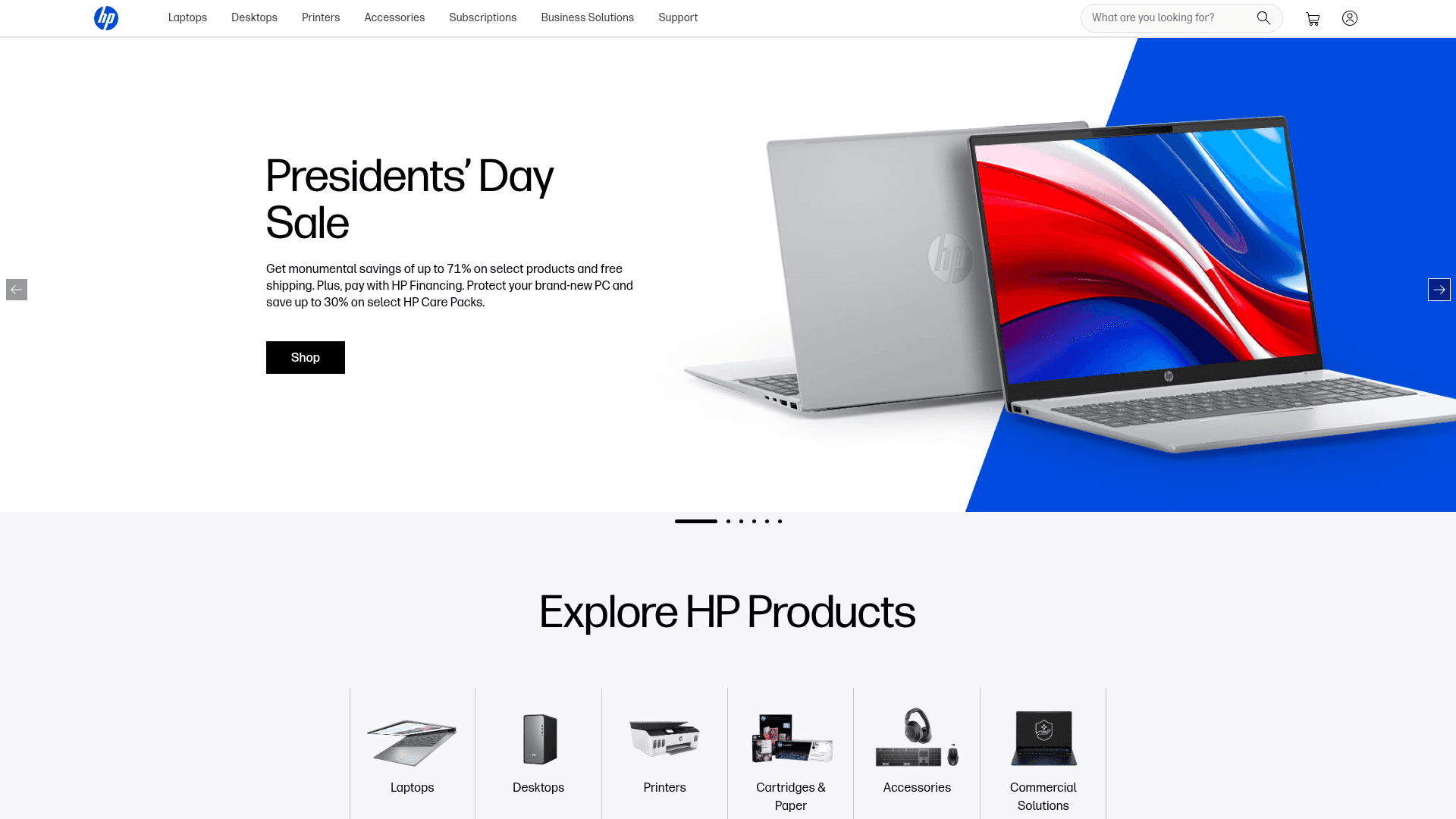
How to Scrape HP.com: A Technical Guide to Product & Price Data
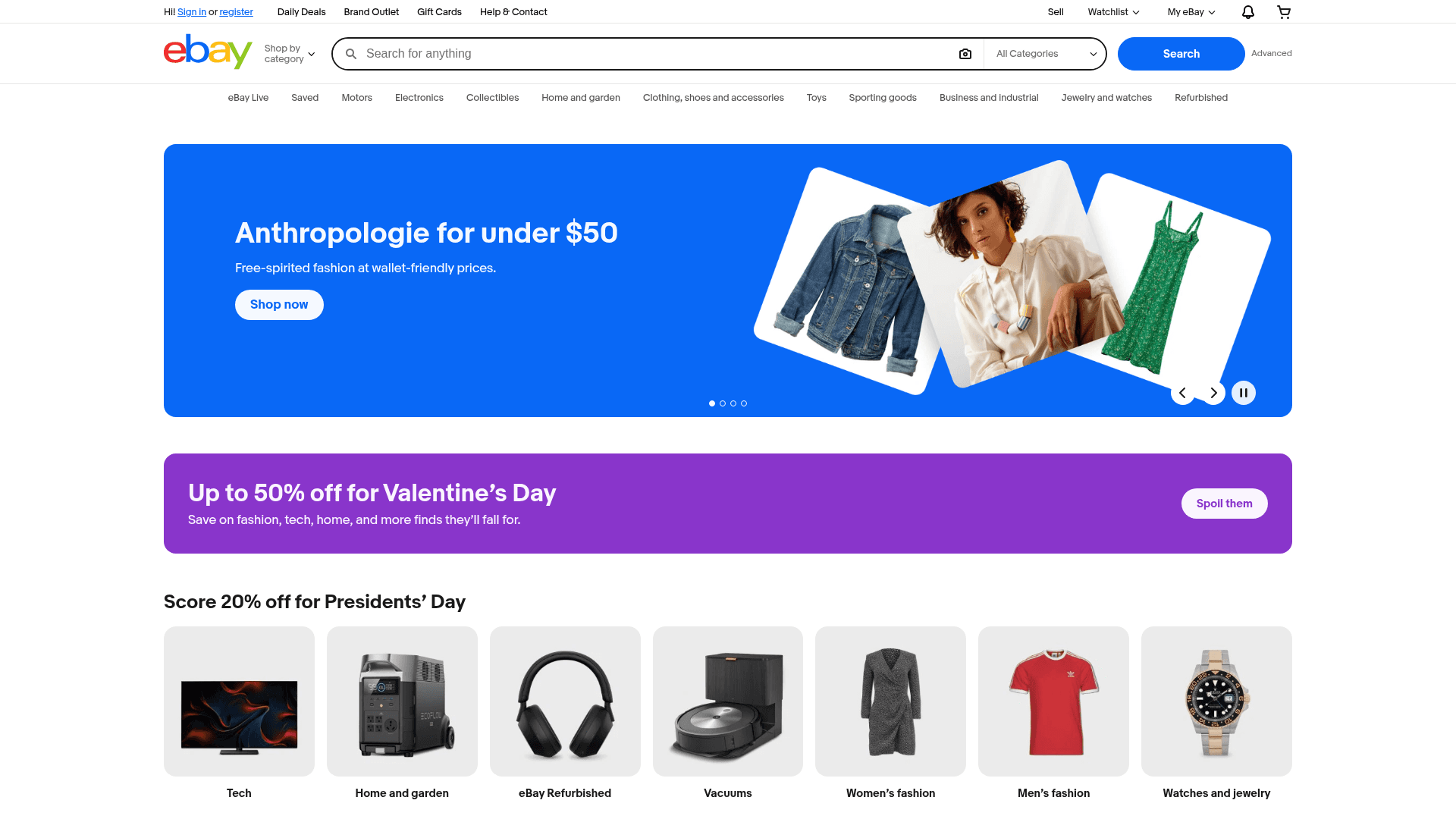
How to Scrape eBay | eBay Web Scraper Guide
How to Scrape The Range UK | Product Data & Prices Scraper
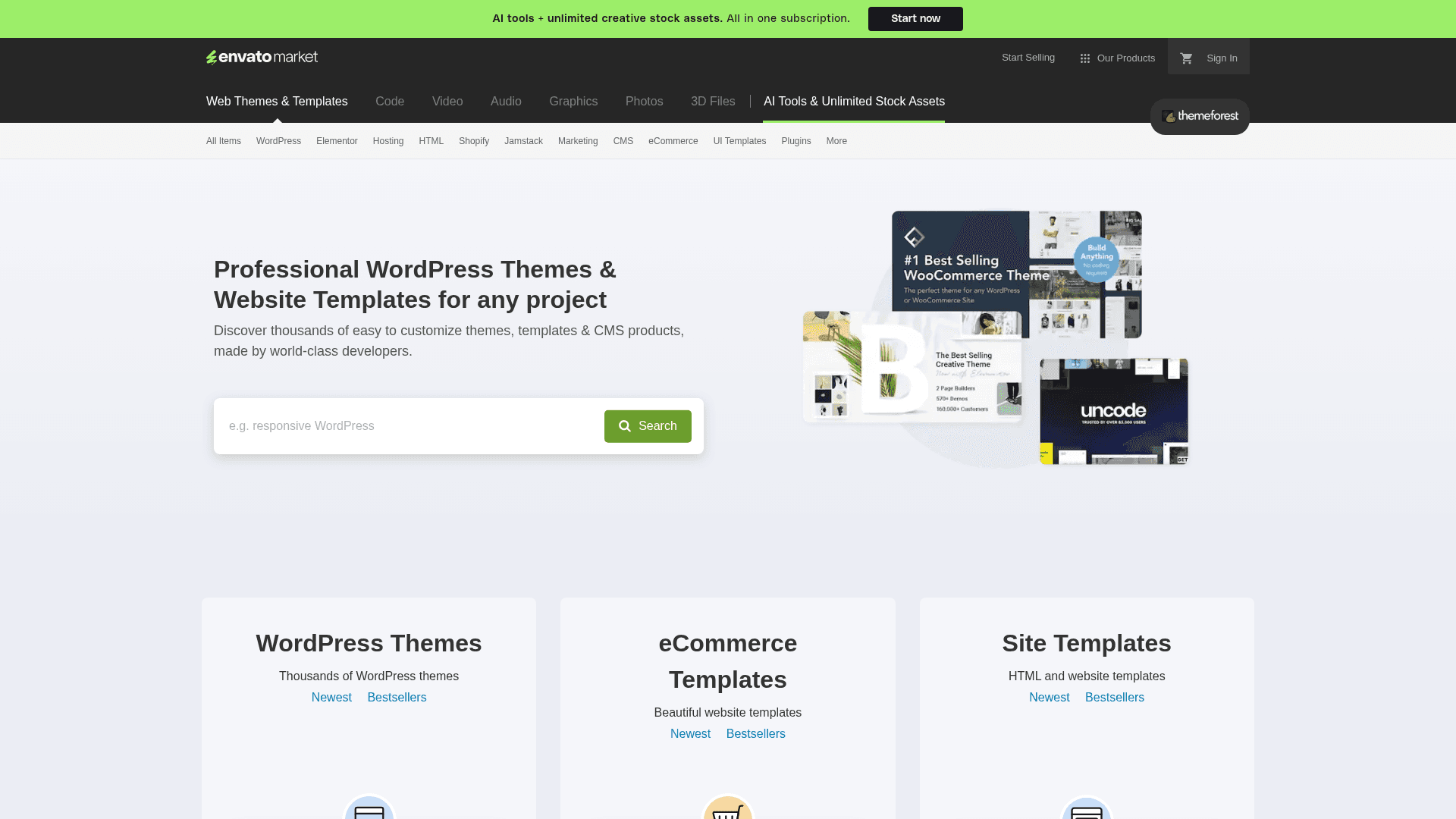
How to Scrape ThemeForest Web Data

How to Scrape StubHub: The Ultimate Web Scraping Guide
Frequently Asked Questions
Find answers to common questions about AliExpress