
How to Scrape eBay | eBay Web Scraper Guide
Master eBay web scraping in 2025. Extract product listings, sold prices, and seller data while bypassing Akamai and DataDome for market research.
Anti-Bot Protection Detected
- Akamai Bot Manager
- Advanced bot detection using device fingerprinting, behavior analysis, and machine learning. One of the most sophisticated anti-bot systems.
- DataDome
- Real-time bot detection with ML models. Analyzes device fingerprint, network signals, and behavioral patterns. Common on e-commerce sites.
- Google reCAPTCHA
- Google's CAPTCHA system. v2 requires user interaction, v3 runs silently with risk scoring. Can be solved with CAPTCHA services.
- Rate Limiting
- Limits requests per IP/session over time. Can be bypassed with rotating proxies, request delays, and distributed scraping.
- Browser Fingerprinting
- Identifies bots through browser characteristics: canvas, WebGL, fonts, plugins. Requires spoofing or real browser profiles.
About eBay
Learn what eBay offers and what valuable data can be extracted from it.
The Pioneer of Global E-commerce
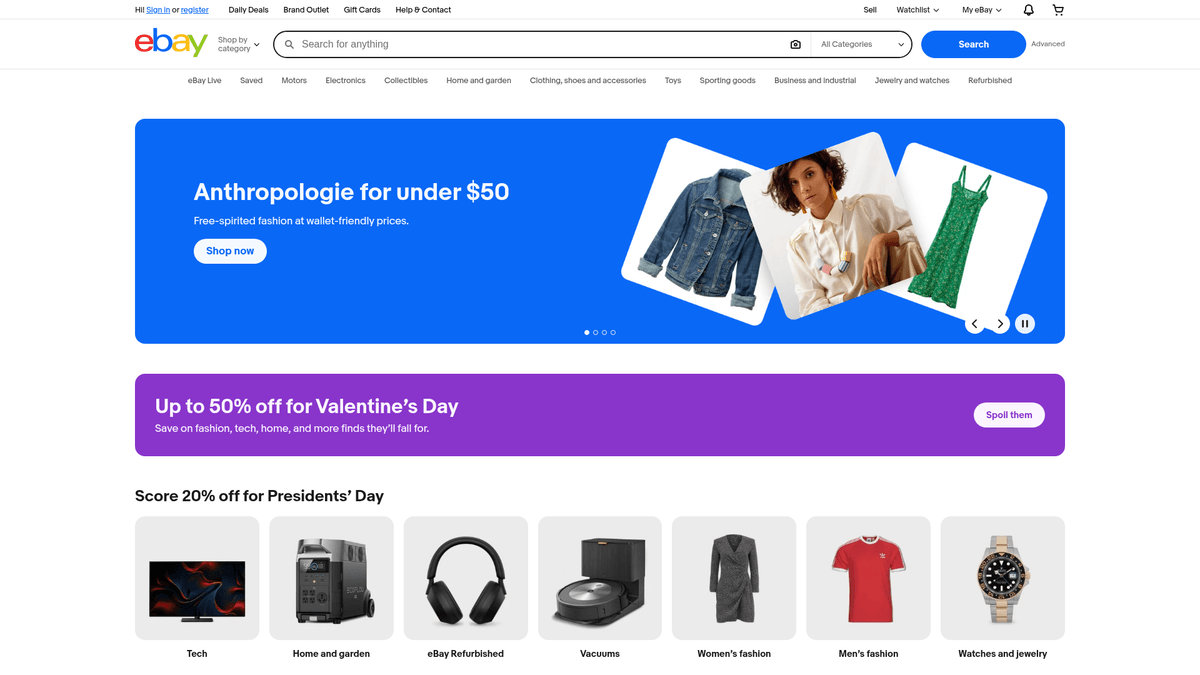
eBay is one of the world's largest and most diverse online marketplaces, connecting millions of buyers and sellers across more than 190 markets. Founded in 1995, it pioneered the auction-style sales model and has since evolved into a massive platform for both new and used goods, spanning electronics, fashion, collectibles, and motors.
A Goldmine of Pricing Data
The platform is a critical source for market intelligence because it provides access to historical 'Sold' listing data. Unlike other retail sites that only show asking prices, eBay allows scrapers to extract actual transaction values, making it an essential tool for valuation, price optimization, and secondary market analysis.
Strategic Data Value
By scraping eBay, businesses can monitor competitor inventory, track the performance of specific product categories, and gather detailed seller metrics. This structured data empowers retailers and investors to make data-driven decisions based on real-time supply and demand trends in the global marketplace.
Why Scrape eBay?
Discover the business value and use cases for extracting data from eBay.
Price Optimization
Real-time tracking of auction bids and 'Buy It Now' prices allows sellers to adjust their own strategies dynamically based on current market behavior.
Market Value Assessment
Extracting data from sold listings provides the most accurate reflection of what buyers are actually willing to pay for specific items.
Competitive Benchmarking
By monitoring top-rated sellers, businesses can analyze shipping policies, feedback scores, and listing qualities that drive successful sales.
Product Sourcing
Identify high-performing niche products and reliable suppliers to find profitable opportunities for retail arbitrage or wholesale operations.
Brand Enforcement
Monitor the marketplace for unauthorized sellers or counterfeit listings to protect brand equity and enforce intellectual property rights.
Scraping Challenges
Technical challenges you may encounter when scraping eBay.
Sophisticated Anti-Bot Protection
eBay employs high-level security like Akamai and DataDome to detect and block non-human traffic instantly based on behavior and fingerprints.
Dynamic Elements
Many page components, including live auction timers and shipping calculations, are rendered via JavaScript and require headless browsing for extraction.
Frequent Schema Changes
The platform regularly updates its front-end code, which can break static CSS selectors and require ongoing maintenance of scraping scripts.
Geo-Specific Content
Prices, availability, and shipping options change significantly based on the IP address location, necessitating global proxy coverage for accuracy.
Scrape eBay with AI
No coding required. Extract data in minutes with AI-powered automation.
How It Works
Describe What You Need
Tell the AI what data you want to extract from eBay. Just type it in plain language — no coding or selectors needed.
AI Extracts the Data
Our artificial intelligence navigates eBay, handles dynamic content, and extracts exactly what you asked for.
Get Your Data
Receive clean, structured data ready to export as CSV, JSON, or send directly to your apps and workflows.
Why Use AI for Scraping
AI makes it easy to scrape eBay without writing any code. Our AI-powered platform uses artificial intelligence to understand what data you want — just describe it in plain language and the AI extracts it automatically.
How to scrape with AI:
- Describe What You Need: Tell the AI what data you want to extract from eBay. Just type it in plain language — no coding or selectors needed.
- AI Extracts the Data: Our artificial intelligence navigates eBay, handles dynamic content, and extracts exactly what you asked for.
- Get Your Data: Receive clean, structured data ready to export as CSV, JSON, or send directly to your apps and workflows.
Why use AI for scraping:
- Visual Workflow Builder: Create a complete eBay scraper by simply clicking on the elements you want to extract without writing any complex code or selectors.
- Automated Proxy Management: Automatio handles the rotation of high-quality proxies to ensure your scraping sessions remain undetected by eBay's security systems.
- Scheduled Data Sync: Set your scraper to run at specific intervals and automatically send the results to Google Sheets, CSV, or a custom Webhook.
- Smart Dynamic Handling: The tool naturally handles dynamic content and complex pagination, ensuring you capture every listing across thousands of pages.
No-Code Web Scrapers for eBay
Point-and-click alternatives to AI-powered scraping
Several no-code tools like Browse.ai, Octoparse, Axiom, and ParseHub can help you scrape eBay. These tools use visual interfaces to select elements, but they come with trade-offs compared to AI-powered solutions.
Typical Workflow with No-Code Tools
Common Challenges
Learning curve
Understanding selectors and extraction logic takes time
Selectors break
Website changes can break your entire workflow
Dynamic content issues
JavaScript-heavy sites often require complex workarounds
CAPTCHA limitations
Most tools require manual intervention for CAPTCHAs
IP blocking
Aggressive scraping can get your IP banned
No-Code Web Scrapers for eBay
Several no-code tools like Browse.ai, Octoparse, Axiom, and ParseHub can help you scrape eBay. These tools use visual interfaces to select elements, but they come with trade-offs compared to AI-powered solutions.
Typical Workflow with No-Code Tools
- Install browser extension or sign up for the platform
- Navigate to the target website and open the tool
- Point-and-click to select data elements you want to extract
- Configure CSS selectors for each data field
- Set up pagination rules to scrape multiple pages
- Handle CAPTCHAs (often requires manual solving)
- Configure scheduling for automated runs
- Export data to CSV, JSON, or connect via API
Common Challenges
- Learning curve: Understanding selectors and extraction logic takes time
- Selectors break: Website changes can break your entire workflow
- Dynamic content issues: JavaScript-heavy sites often require complex workarounds
- CAPTCHA limitations: Most tools require manual intervention for CAPTCHAs
- IP blocking: Aggressive scraping can get your IP banned
Code Examples
import requests
from bs4 import BeautifulSoup

# eBay search URL
url = 'https://www.ebay.com/sch/i.html?_nkw=iphone'

# Headers are crucial to avoid immediate blocks
headers = {
    'User-Agent': 'Mozilla/5.0 (Windows NT 10.0; Win64; x64) AppleWebKit/537.36 (KHTML, like Gecko) Chrome/119.0.0.0 Safari/537.36',
    'Accept-Language': 'en-US,en;q=0.9'
}

try:
    response = requests.get(url, headers=headers)
    response.raise_for_status()
    soup = BeautifulSoup(response.text, 'html.parser')

    # Select listings
    items = soup.find_all('div', class_='s-item__info')
    for item in items:
        title = item.find('div', class_='s-item__title')
        price = item.find('span', class_='s-item__price')
        if title and price:
            print(f'Title: {title.text.strip()} | Price: {price.text.strip()}')
except Exception as e:
    print(f'Request failed: {e}')
When to Use
Best for static HTML pages where content is loaded server-side. The fastest and simplest approach when JavaScript rendering isn't required.
Advantages
- ●Fastest execution (no browser overhead)
- ●Lowest resource consumption
- ●Easy to parallelize with asyncio
- ●Great for APIs and static pages
Limitations
- ●Cannot execute JavaScript
- ●Fails on SPAs and dynamic content
- ●May struggle with complex anti-bot systems
How to Scrape eBay with Code
Python + Requests
import requests
from bs4 import BeautifulSoup
# eBay search URL
url = 'https://www.ebay.com/sch/i.html?_nkw=iphone'
# Headers are crucial to avoid immediate blocks
headers = {
'User-Agent': 'Mozilla/5.0 (Windows NT 10.0; Win64; x64) AppleWebKit/537.36 (KHTML, like Gecko) Chrome/119.0.0.0 Safari/537.36',
'Accept-Language': 'en-US,en;q=0.9'
}
try:
response = requests.get(url, headers=headers)
response.raise_for_status()
soup = BeautifulSoup(response.text, 'html.parser')
# Select listings
items = soup.find_all('div', class_='s-item__info')
for item in items:
title = item.find('div', class_='s-item__title')
price = item.find('span', class_='s-item__price')
if title and price:
print(f'Title: {title.text.strip()} | Price: {price.text.strip()}')
except Exception as e:
print(f'Request failed: {e}')Python + Playwright
from playwright.sync_api import sync_playwright

def scrape_ebay():
    with sync_playwright() as p:
        browser = p.chromium.launch(headless=True)
        context = browser.new_context(user_agent='Mozilla/5.0...')
        page = context.new_page()

        # Navigate to eBay search
        page.goto('https://www.ebay.com/sch/i.html?_nkw=laptop')

        # Wait for listings to load
        page.wait_for_selector('.s-item__info')

        listings = page.locator('.s-item__info').all()
        for item in listings[:5]:
            title = item.locator('.s-item__title').inner_text()
            price = item.locator('.s-item__price').inner_text()
            print(f'Product: {title} - {price}')

        browser.close()

scrape_ebay()Python + Scrapy
import scrapy

class EbaySpider(scrapy.Spider):
    name = 'ebay'
    start_urls = ['https://www.ebay.com/sch/i.html?_nkw=camera']

    def parse(self, response):
        for listing in response.css('.s-item__info'):
            yield {
                'title': listing.css('.s-item__title span::text').get(),
                'price': listing.css('.s-item__price::text').get(),
                'condition': listing.css('.SECONDARY_INFO::text').get()
            }

        next_page = response.css('a.pagination__next::attr(href)').get()
        if next_page:
yield response.follow(next_page, self.parse)Node.js + Puppeteer
const puppeteer = require('puppeteer');

(async () => {
  const browser = await puppeteer.launch();
  const page = await browser.newPage();
  await page.setUserAgent('Mozilla/5.0...');

  await page.goto('https://www.ebay.com/sch/i.html?_nkw=watch');
  await page.waitForSelector('.s-item__info');

  const data = await page.evaluate(() => {
    return Array.from(document.querySelectorAll('.s-item__info')).map(el => ({
      title: el.querySelector('.s-item__title')?.innerText,
      price: el.querySelector('.s-item__price')?.innerText
    }));
  });

  console.log(data);
  await browser.close();
})();What You Can Do With eBay Data
Explore practical applications and insights from eBay data.
Dynamic Retail Pricing
E-commerce managers use eBay data to automatically adjust their prices based on live auction activity.
How to implement:
- 1Extract daily price points for competitive SKUs on eBay.
- 2Identify average 'Buy It Now' prices for top-rated sellers.
- 3Adjust internal store prices using a percentage-based margin rule.
Use Automatio to extract data from eBay and build these applications without writing code.
What You Can Do With eBay Data
- Dynamic Retail Pricing
E-commerce managers use eBay data to automatically adjust their prices based on live auction activity.
- Extract daily price points for competitive SKUs on eBay.
- Identify average 'Buy It Now' prices for top-rated sellers.
- Adjust internal store prices using a percentage-based margin rule.
- Collectible Asset Valuation
Investors track the realized value of rare items like trading cards or vintage watches over time.
- Scrape historical 'Sold' listings for specific high-value keywords.
- Clean the data to remove outlier auctions (e.g., non-payments).
- Calculate price appreciation trends over 6-12 month periods.
- Supply Chain Sourcing
Wholesalers find high-volume eBay sellers who may need reliable bulk inventory sourcing.
- Filter for 'Top Rated Plus' sellers in specific product categories.
- Extract seller storefront names and total feedback volume.
- Outreach to successful sellers with wholesale manufacturing proposals.
- Brand Integrity Monitoring
Brands monitor eBay to find unauthorized resellers or counterfeit product listings.
- Search for brand keywords across global eBay domains daily.
- Scrape listing locations to identify suspicious cross-border sellers.
- Collect evidence for the eBay VeRO program to request takedowns.
Supercharge your workflow with AI Automation
Automatio combines the power of AI agents, web automation, and smart integrations to help you accomplish more in less time.
What to get right first
Expert advice for successfully extracting data from eBay.
Filter for Sold Items
Append the parameter LH_Sold=1 to your search URLs to ensure you are gathering actual transaction data rather than just current asking prices.
Utilize Item Specifics
Extract the structured data from the specifications table to get standardized information like brand, MPN, and UPC for easier comparison.
Randomize Request Intervals
To avoid triggering rate limits, set varied wait times between page loads to mimic a natural browsing rhythm and human interaction.
Store the Unique Item ID
Always scrape the numeric eBay Item ID found in the URL or listing metadata to prevent duplicate entries in your database.
Optimize User-Agents
Use a rotating pool of modern, diverse browser strings to prevent your scraper from being fingerprinted as a legacy bot by Akamai.
Related Web Scraping
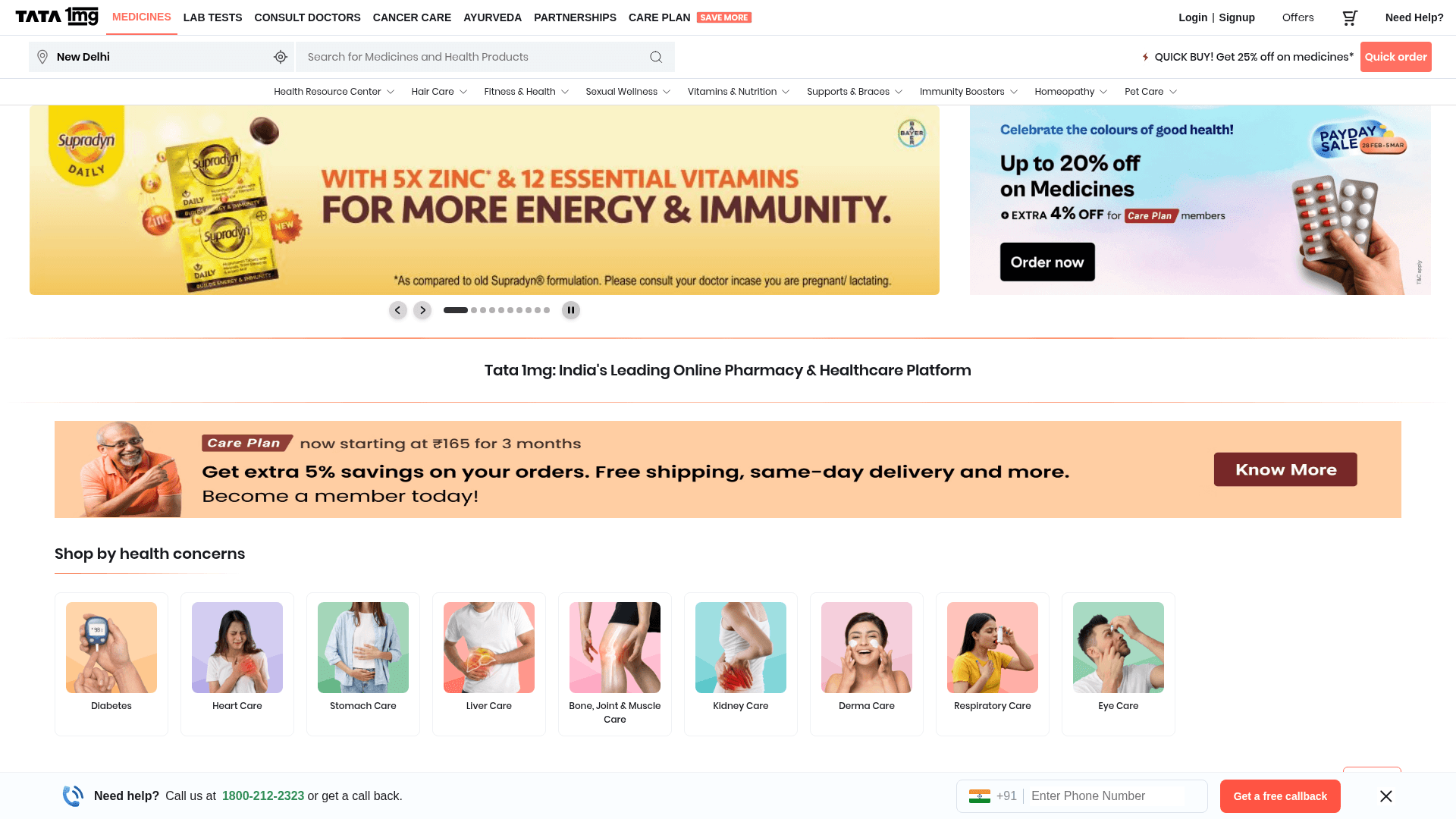
How to Scrape Tata 1mg | 1mg.com Medicine Data Scraper

How to Scrape Carwow: Extract Used Car Data and Prices
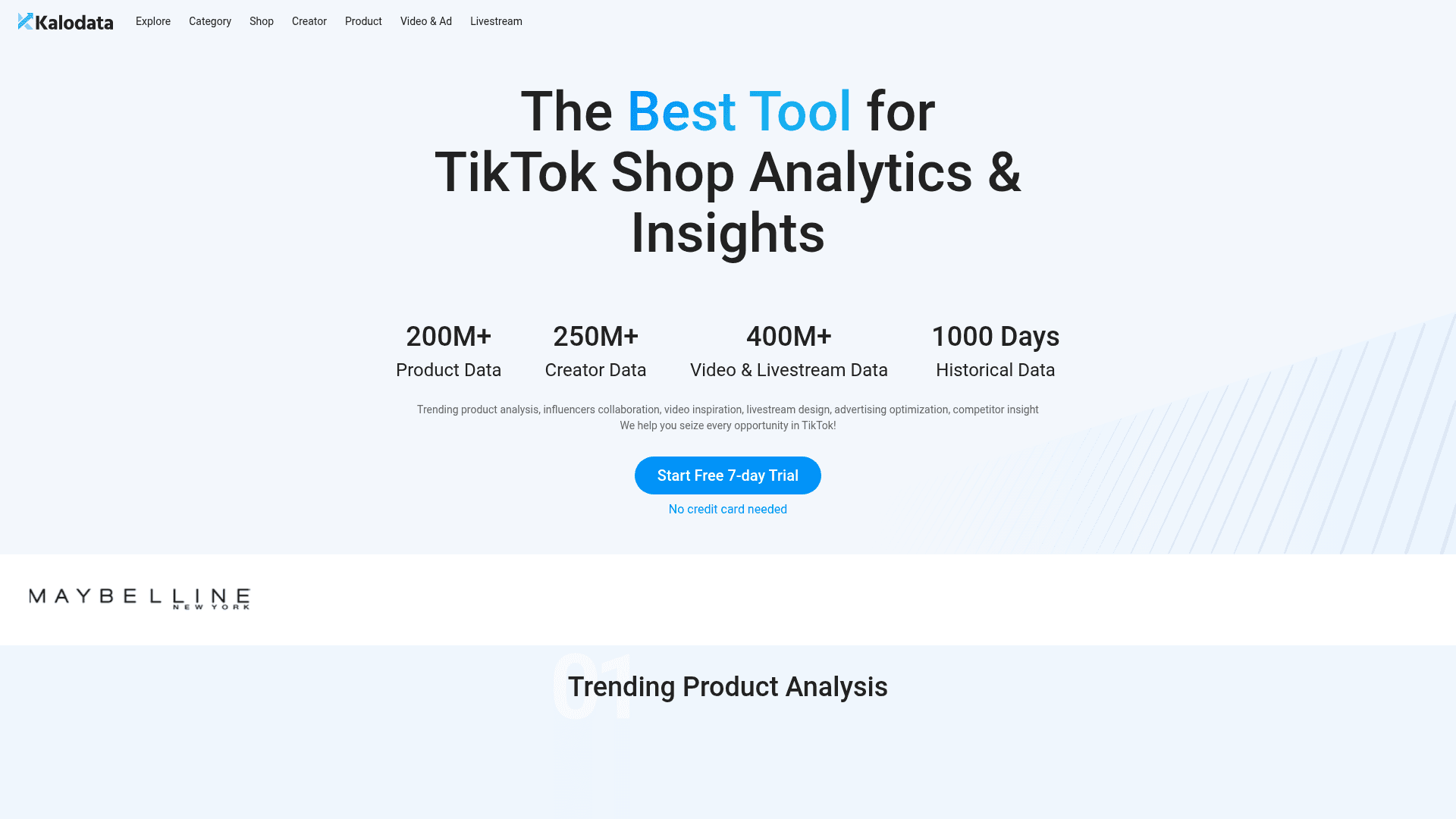
How to Scrape Kalodata: TikTok Shop Data Extraction Guide
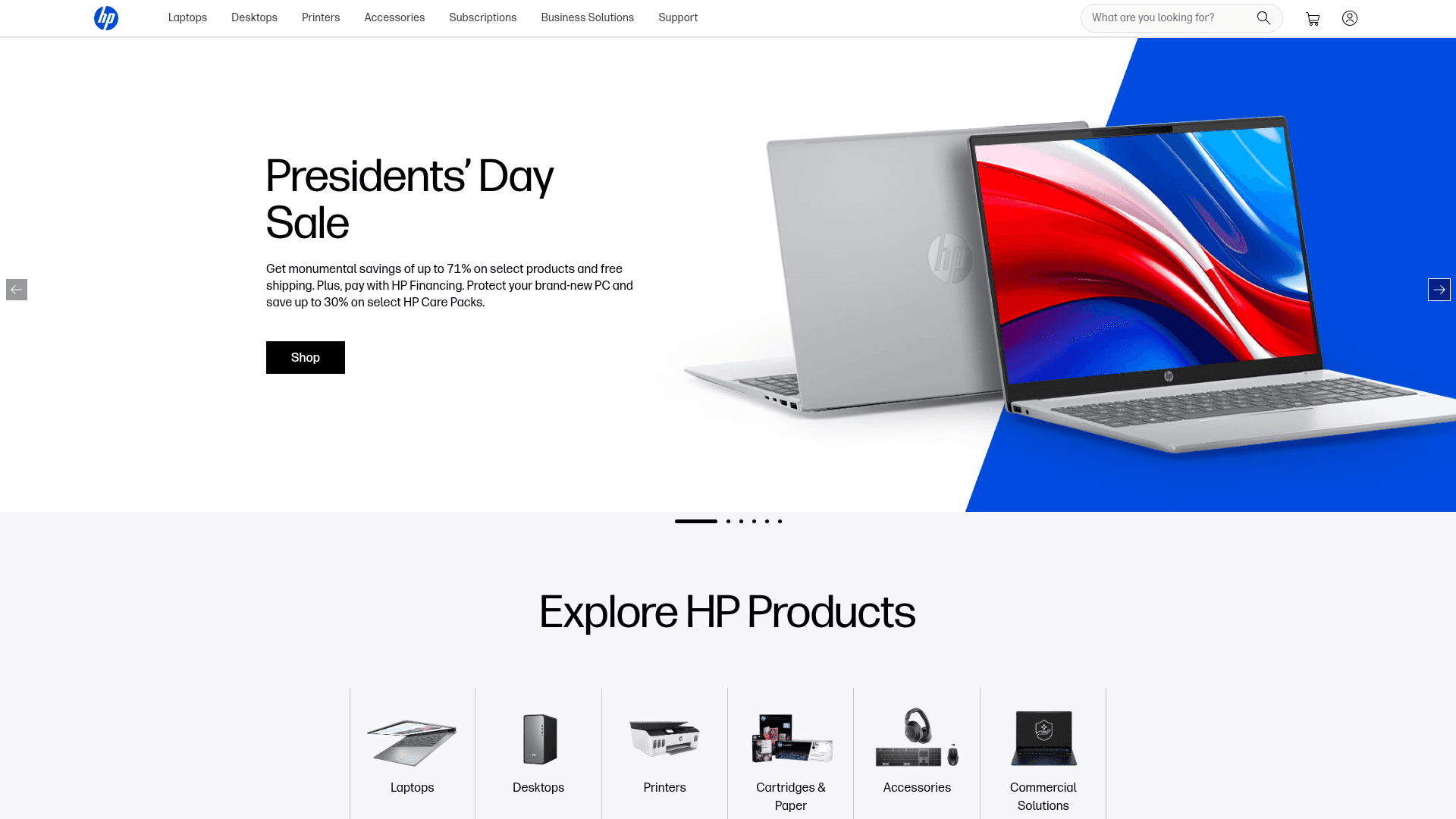
How to Scrape HP.com: A Technical Guide to Product & Price Data
How to Scrape The Range UK | Product Data & Prices Scraper
How to Scrape ThemeForest Web Data

How to Scrape StubHub: The Ultimate Web Scraping Guide
How to Scrape AliExpress: The Ultimate 2025 Data Extraction Guide
Frequently Asked Questions
Find answers to common questions about eBay