
How to Scrape Fiverr | Fiverr Web Scraper Guide
Learn how to scrape Fiverr to extract gig details, freelancer profiles, and market prices. Bypass PerimeterX and Cloudflare for powerful market research.
Anti-Bot Protection Detected
- PerimeterX (HUMAN)
- Behavioral biometrics and predictive analysis. Detects automation through mouse movements, typing patterns, and page interaction.
- Cloudflare
- Enterprise-grade WAF and bot management. Uses JavaScript challenges, CAPTCHAs, and behavioral analysis. Requires browser automation with stealth settings.
- CAPTCHA
- Challenge-response test to verify human users. Can be image-based, text-based, or invisible. Often requires third-party solving services.
- Rate Limiting
- Limits requests per IP/session over time. Can be bypassed with rotating proxies, request delays, and distributed scraping.
- Browser Fingerprinting
- Identifies bots through browser characteristics: canvas, WebGL, fonts, plugins. Requires spoofing or real browser profiles.
About Fiverr
Learn what Fiverr offers and what valuable data can be extracted from it.
The World's Largest Creative Marketplace
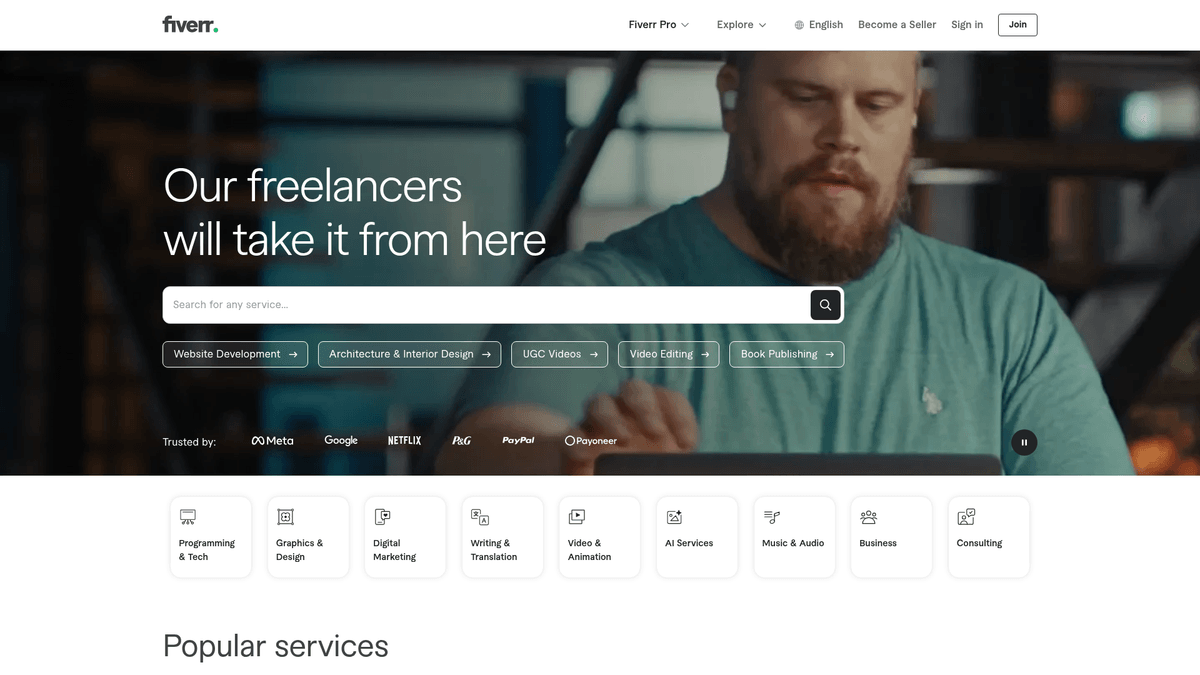
Fiverr is a leading global marketplace for freelance services, connecting businesses with independent professionals offering digital services across hundreds of categories, including graphic design, digital marketing, programming, and video editing. Founded in 2010, the platform has standardized service offerings into 'gigs' with transparent pricing and delivery structures.
Data-Rich Ecosystem for Market Analysis
The website contains millions of active listings, providing a rich source of data on market trends, service demand, and freelancer performance metrics. Scraping Fiverr is highly valuable for conducting market research, monitoring competitor pricing, and identifying high-quality talent for specific niches. By extracting gig titles, prices, and user reviews, companies can gain actionable insights into prevailing market rates.
Strategic Value of Fiverr Data
For businesses, scraping this data is essential for lead generation and building comprehensive directories of specialized service providers. It allows agencies to benchmark their own pricing against global standards and track the emergence of new service categories like AI Prompt Engineering or Metaverse development.
Why Scrape Fiverr?
Discover the business value and use cases for extracting data from Fiverr.
Real-Time Pricing Intelligence
Monitor thousands of gig listings to determine the market rate for specific digital services and adjust your own agency pricing dynamically.
Lead Generation for Agencies
Identify high-performing freelancers who can serve as white-label partners or reliable subcontractors for large-scale client projects.
Niche Opportunity Discovery
Analyze the ratio of reviews to active gigs across categories to find underserved niches with high demand and low competition.
Competitor Strategy Tracking
Follow the top-rated sellers in your industry to see how they package their services, structure their descriptions, and handle tiered pricing.
Market Sentiment Analysis
Scrape thousands of user reviews to identify common customer pain points and gaps in current service offerings.
Scraping Challenges
Technical challenges you may encounter when scraping Fiverr.
PerimeterX Security Barriers
Fiverr employs HUMAN Security (PerimeterX) which utilizes advanced behavioral analysis to detect and block even the most sophisticated automated browsers.
Dynamic Content Rendering
The platform is built on a modern JavaScript framework that requires full page execution to reveal pricing tiers, delivery times, and seller metrics.
Obfuscated Element Selectors
Fiverr frequently updates its DOM structure and uses randomized CSS class names to break static scrapers that rely on traditional selectors.
Aggressive IP Throttling
Sequential requests from the same IP address quickly trigger a 403 Forbidden error or a mandatory 'Press and Hold' CAPTCHA challenge.
Scrape Fiverr with AI
No coding required. Extract data in minutes with AI-powered automation.
How It Works
Describe What You Need
Tell the AI what data you want to extract from Fiverr. Just type it in plain language — no coding or selectors needed.
AI Extracts the Data
Our artificial intelligence navigates Fiverr, handles dynamic content, and extracts exactly what you asked for.
Get Your Data
Receive clean, structured data ready to export as CSV, JSON, or send directly to your apps and workflows.
Why Use AI for Scraping
AI makes it easy to scrape Fiverr without writing any code. Our AI-powered platform uses artificial intelligence to understand what data you want — just describe it in plain language and the AI extracts it automatically.
How to scrape with AI:
- Describe What You Need: Tell the AI what data you want to extract from Fiverr. Just type it in plain language — no coding or selectors needed.
- AI Extracts the Data: Our artificial intelligence navigates Fiverr, handles dynamic content, and extracts exactly what you asked for.
- Get Your Data: Receive clean, structured data ready to export as CSV, JSON, or send directly to your apps and workflows.
Why use AI for scraping:
- Stealth Proxy Management: Automatio automatically routes requests through a premium residential proxy network to bypass Fiverr's IP-based security and location-based filters.
- Visual No-Code Selection: Easily map data points like seller levels and review scores using a point-and-click interface, eliminating the need to write complex XPaths.
- Automated Flow Scheduling: Set your Fiverr scraper to run at specific intervals—daily, weekly, or monthly—to track pricing trends and new gig arrivals without manual intervention.
- Advanced Browser Emulation: Mimic real user interactions including human-like scrolls and mouse movements to stay invisible to PerimeterX's behavioral tracking.
No-Code Web Scrapers for Fiverr
Point-and-click alternatives to AI-powered scraping
Several no-code tools like Browse.ai, Octoparse, Axiom, and ParseHub can help you scrape Fiverr. These tools use visual interfaces to select elements, but they come with trade-offs compared to AI-powered solutions.
Typical Workflow with No-Code Tools
Common Challenges
Learning curve
Understanding selectors and extraction logic takes time
Selectors break
Website changes can break your entire workflow
Dynamic content issues
JavaScript-heavy sites often require complex workarounds
CAPTCHA limitations
Most tools require manual intervention for CAPTCHAs
IP blocking
Aggressive scraping can get your IP banned
No-Code Web Scrapers for Fiverr
Several no-code tools like Browse.ai, Octoparse, Axiom, and ParseHub can help you scrape Fiverr. These tools use visual interfaces to select elements, but they come with trade-offs compared to AI-powered solutions.
Typical Workflow with No-Code Tools
- Install browser extension or sign up for the platform
- Navigate to the target website and open the tool
- Point-and-click to select data elements you want to extract
- Configure CSS selectors for each data field
- Set up pagination rules to scrape multiple pages
- Handle CAPTCHAs (often requires manual solving)
- Configure scheduling for automated runs
- Export data to CSV, JSON, or connect via API
Common Challenges
- Learning curve: Understanding selectors and extraction logic takes time
- Selectors break: Website changes can break your entire workflow
- Dynamic content issues: JavaScript-heavy sites often require complex workarounds
- CAPTCHA limitations: Most tools require manual intervention for CAPTCHAs
- IP blocking: Aggressive scraping can get your IP banned
Code Examples
import requests
from bs4 import BeautifulSoup

# Note: This basic example will likely be blocked by PerimeterX without residential proxies
url = 'https://www.fiverr.com/search/gigs?query=logo+design'
headers = {
    'User-Agent': 'Mozilla/5.0 (Windows NT 10.0; Win64; x64) AppleWebKit/537.36 (KHTML, like Gecko) Chrome/119.0.0.0 Safari/537.36',
    'Accept-Language': 'en-US,en;q=0.9'
}

try:
    response = requests.get(url, headers=headers, timeout=10)
    if response.status_code == 200:
        soup = BeautifulSoup(response.content, 'html.parser')
        # Selectors on Fiverr change frequently
        gigs = soup.select('.gig-card-layout')
        for gig in gigs:
            title = gig.select_one('h3').text.strip() if gig.select_one('h3') else 'N/A'
            price = gig.select_one('.price').text.strip() if gig.select_one('.price') else 'N/A'
            print(f'Title: {title} | Price: {price}')
    else:
        print(f'Blocked or error: Status {response.status_code}')
except Exception as e:
    print(f'Request failed: {e}')
When to Use
Best for static HTML pages where content is loaded server-side. The fastest and simplest approach when JavaScript rendering isn't required.
Advantages
- ●Fastest execution (no browser overhead)
- ●Lowest resource consumption
- ●Easy to parallelize with asyncio
- ●Great for APIs and static pages
Limitations
- ●Cannot execute JavaScript
- ●Fails on SPAs and dynamic content
- ●May struggle with complex anti-bot systems
How to Scrape Fiverr with Code
Python + Requests
import requests
from bs4 import BeautifulSoup
# Note: This basic example will likely be blocked by PerimeterX without residential proxies
url = 'https://www.fiverr.com/search/gigs?query=logo+design'
headers = {
'User-Agent': 'Mozilla/5.0 (Windows NT 10.0; Win64; x64) AppleWebKit/537.36 (KHTML, like Gecko) Chrome/119.0.0.0 Safari/537.36',
'Accept-Language': 'en-US,en;q=0.9'
}
try:
response = requests.get(url, headers=headers, timeout=10)
if response.status_code == 200:
soup = BeautifulSoup(response.content, 'html.parser')
# Selectors on Fiverr change frequently
gigs = soup.select('.gig-card-layout')
for gig in gigs:
title = gig.select_one('h3').text.strip() if gig.select_one('h3') else 'N/A'
price = gig.select_one('.price').text.strip() if gig.select_one('.price') else 'N/A'
print(f'Title: {title} | Price: {price}')
else:
print(f'Blocked or error: Status {response.status_code}')
except Exception as e:
print(f'Request failed: {e}')Python + Playwright
from playwright.sync_api import sync_playwright

def scrape_fiverr():
    with sync_playwright() as p:
        # Launching with a real-world browser profile is recommended
        browser = p.chromium.launch(headless=True)
        context = browser.new_context(user_agent='Mozilla/5.0 (Windows NT 10.0; Win64; x64) AppleWebKit/537.36')
        page = context.new_page()

        # Navigate to a specific search category
        page.goto('https://www.fiverr.com/search/gigs?query=python+scraping')

        # Wait for gig cards to load in the React frontend
        page.wait_for_selector('.gig-card-layout')

        # Extract data from the page
        gigs = page.query_selector_all('.gig-card-layout')
        for gig in gigs:
            title = gig.query_selector('h3').inner_text()
            price = gig.query_selector('.price').inner_text()
            print({'title': title, 'price': price})

        browser.close()

if __name__ == '__main__':
scrape_fiverr()Python + Scrapy
import scrapy

class FiverrSpider(scrapy.Spider):
    name = 'fiverr_spider'
    start_urls = ['https://www.fiverr.com/search/gigs?query=video+editing']

    def parse(self, response):
        # Fiverr requires custom middleware for JS rendering (like Scrapy-Playwright)
        for gig in response.css('.gig-card-layout'):
            yield {
                'title': gig.css('h3::text').get(),
                'seller': gig.css('.seller-name a::text').get(),
                'price': gig.css('.price::text').get(),
                'rating': gig.css('.rating-score::text').get()
            }

        # Simple pagination handling
        next_page = response.css('a.pagination-next::attr(href)').get()
        if next_page:
yield response.follow(next_page, self.parse)Node.js + Puppeteer
const puppeteer = require('puppeteer-extra');
const StealthPlugin = require('puppeteer-extra-plugin-stealth');
puppeteer.use(StealthPlugin());

(async () => {
  const browser = await puppeteer.launch({ headless: true });
  const page = await browser.newPage();

  await page.goto('https://www.fiverr.com/search/gigs?query=copywriting');

  // Wait for the dynamic React content to render
  await page.waitForSelector('.gig-card-layout');

  const results = await page.evaluate(() => {
    const items = document.querySelectorAll('.gig-card-layout');
    return Array.from(items).map(item => ({
      title: item.querySelector('h3')?.innerText,
      price: item.querySelector('.price')?.innerText,
      seller: item.querySelector('.seller-name')?.innerText
    }));
  });

  console.log(results);
  await browser.close();
})();What You Can Do With Fiverr Data
Explore practical applications and insights from Fiverr data.
Service Pricing Benchmark
Companies use Fiverr data to set competitive rates for their own freelance services or agency offerings.
How to implement:
- 1Scrape the top 100 gigs in your specific niche (e.g., Logo Design).
- 2Extract the starting prices and package tiers.
- 3Calculate the average, median, and top-tier pricing.
- 4Adjust your service fees to align with the current market value.
Use Automatio to extract data from Fiverr and build these applications without writing code.
What You Can Do With Fiverr Data
- Service Pricing Benchmark
Companies use Fiverr data to set competitive rates for their own freelance services or agency offerings.
- Scrape the top 100 gigs in your specific niche (e.g., Logo Design).
- Extract the starting prices and package tiers.
- Calculate the average, median, and top-tier pricing.
- Adjust your service fees to align with the current market value.
- SaaS Lead Generation
SaaS founders scrape Fiverr to identify high-volume freelancers who might need tools for invoicing, project management, or AI generation.
- Identify categories that use specific software (e.g., Video Editors for storage tools).
- Extract active seller usernames and profile links.
- Filter for 'Pro' or 'Top-Rated' status to find established businesses.
- Reach out with tailored solutions to improve their workflow efficiency.
- Trending Skill Analysis
Market researchers track the volume of gig listings to identify which digital skills are growing in popularity.
- Perform monthly scrapes of new categories like 'AI Prompt Engineering'.
- Count the total number of listings and growth percentage.
- Monitor the average number of reviews for top gigs to gauge demand.
- Generate reports for investors or educational platforms on high-demand skills.
- Competitor Talent Discovery
Recruiters use scraped data to find high-performing freelancers for full-time roles or specialized contract work.
- Search for specific technical keywords (e.g., 'React Native Developer').
- Extract profiles with high ratings and multiple repeat buyers.
- Review seller portfolio images and response metrics.
- Create a database of vetted candidates for future projects.
Supercharge your workflow with AI Automation
Automatio combines the power of AI agents, web automation, and smart integrations to help you accomplish more in less time.
What to get right first
Expert advice for successfully extracting data from Fiverr.
Prioritize Residential Proxies
Fiverr blocks datacenter IPs almost instantly; always use residential proxies that rotate frequently to maintain a high success rate.
Target Category Pages First
Scraping results from category and subcategory URLs is generally more stable and yields better structured data than high-frequency search terms.
Implement Random Delays
Avoid a fixed scraping rhythm; use random wait times between 3 and 15 seconds to simulate a natural browsing pattern and avoid triggering rate limits.
Scrape Public Data Only
Avoid logging into an account while scraping. Publicly available gig data is sufficient for most research and protects your main account from being banned.
Rotate User-Agent Strings
Switch between various modern desktop and mobile User-Agents to prevent the platform from identifying your scraper via browser fingerprinting.
Related Web Scraping
How to Scrape Arc.dev: The Complete Guide to Remote Job Data

How to Scrape Toptal | Toptal Web Scraper Guide
How to Scrape Guru.com: A Comprehensive Web Scraping Guide
How to Scrape Freelancer.com: A Complete Technical Guide
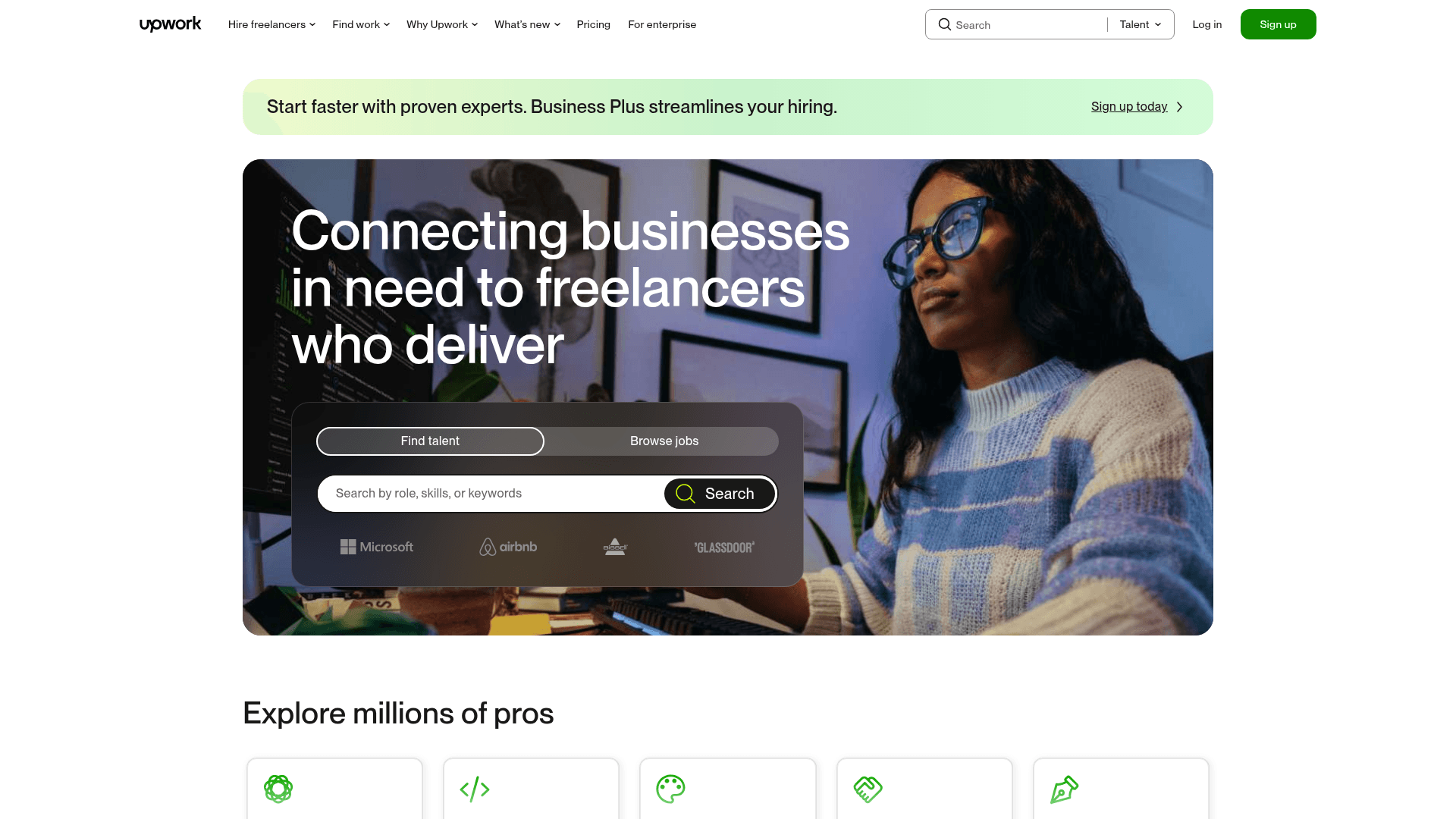
How to Scrape Upwork
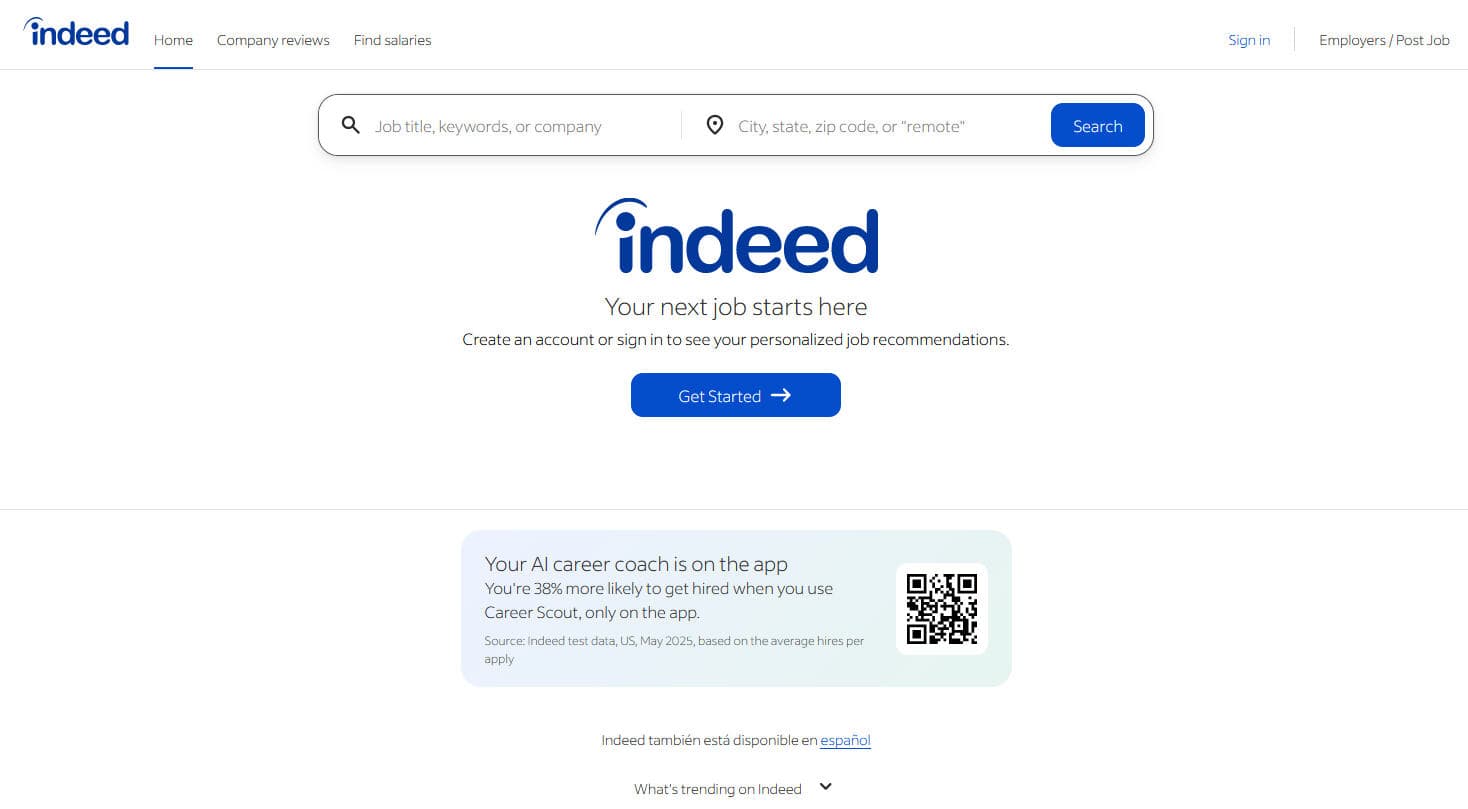
How to Scrape Indeed: 2025 Guide for Job Market Data
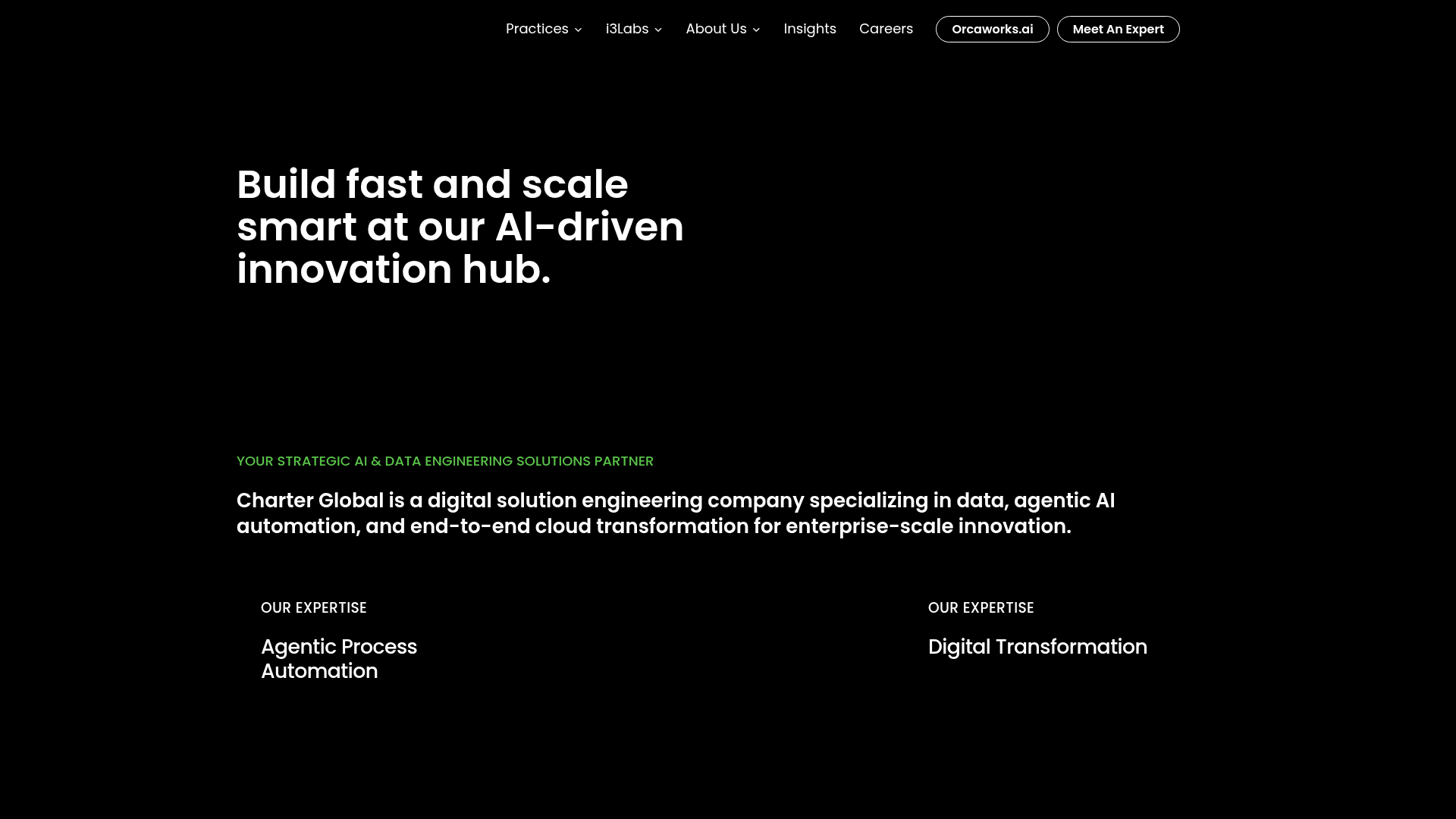
How to Scrape Charter Global | IT Services & Job Board Scraper
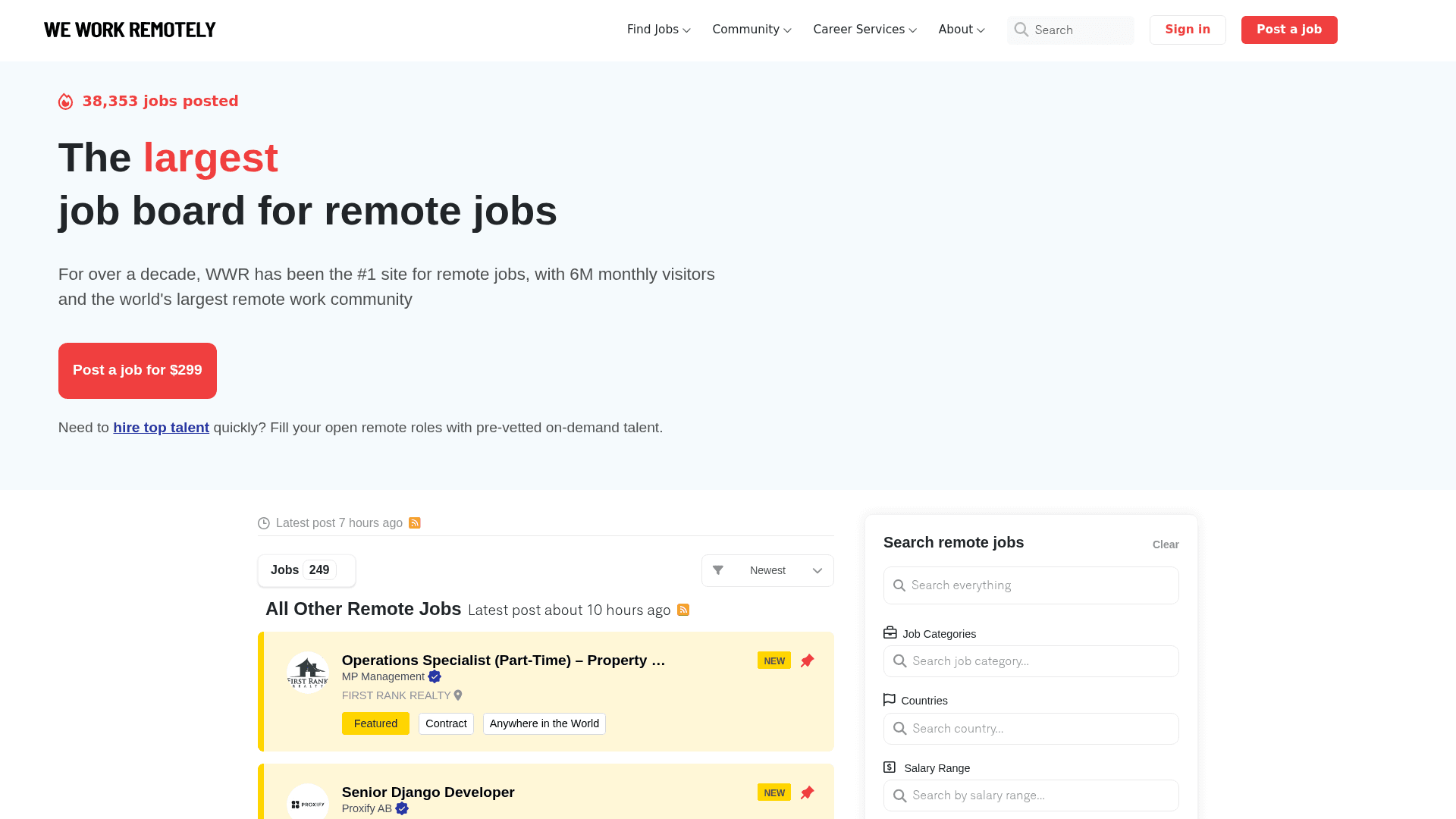
How to Scrape We Work Remotely: The Ultimate Guide
Frequently Asked Questions
Find answers to common questions about Fiverr