
How to Scrape Upwork
Learn to scrape Upwork job listings, client data, and freelancer profiles. Bypass Cloudflare and automate your lead generation with this guide.
Anti-Bot Protection Detected
- Cloudflare
- Enterprise-grade WAF and bot management. Uses JavaScript challenges, CAPTCHAs, and behavioral analysis. Requires browser automation with stealth settings.
- Rate Limiting
- Limits requests per IP/session over time. Can be bypassed with rotating proxies, request delays, and distributed scraping.
- Google reCAPTCHA
- Google's CAPTCHA system. v2 requires user interaction, v3 runs silently with risk scoring. Can be solved with CAPTCHA services.
- Browser Fingerprinting
- Identifies bots through browser characteristics: canvas, WebGL, fonts, plugins. Requires spoofing or real browser profiles.
- IP Blocking
- Blocks known datacenter IPs and flagged addresses. Requires residential or mobile proxies to circumvent effectively.
About Upwork
Learn what Upwork offers and what valuable data can be extracted from it.
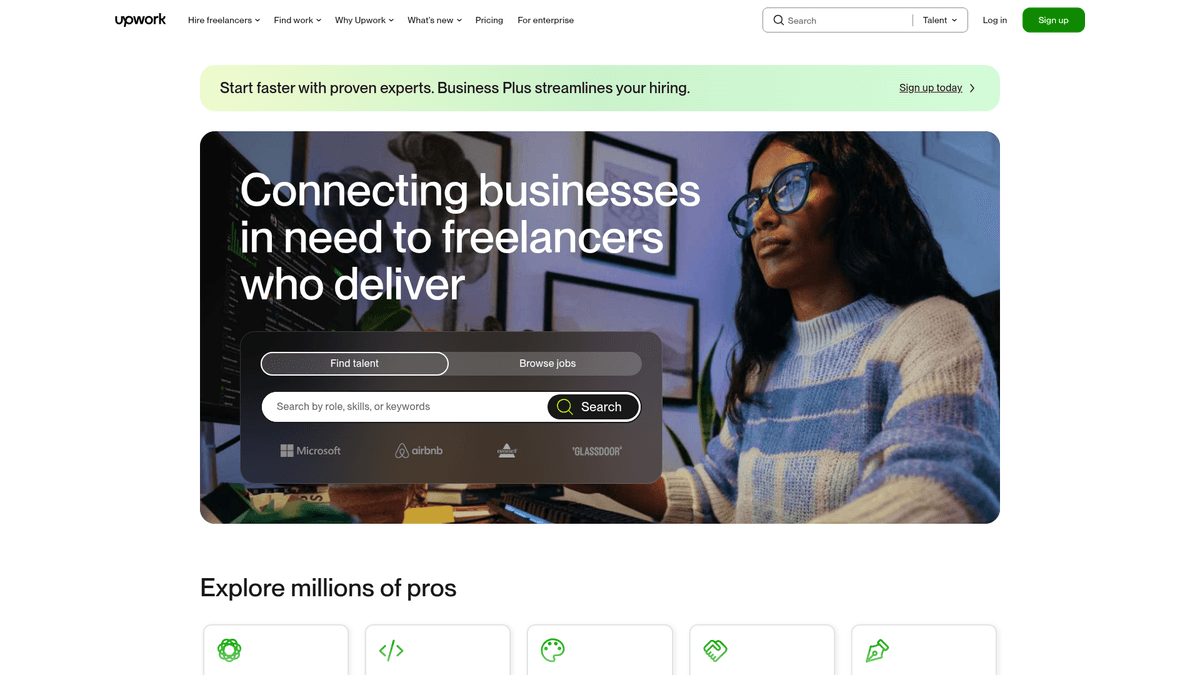
Upwork is the world's largest freelance marketplace. It connects businesses with independent professionals across hundreds of categories like software development, design, and marketing. The platform launched in 2015 after Elance and oDesk merged. It now serves millions of users and handles billions in freelancer earnings.
The site uses a highly structured but dynamic interface built on React. You can find detailed job descriptions, hourly rate ranges, fixed budgets, and required skill sets. Freelancer profiles contain deep work histories, success scores, and portfolio items. Data is updated constantly as new jobs are posted every few seconds.
Developers scrape Upwork to track labor market trends and find business leads. By monitoring specific categories, you can see which technologies are gaining traction or which companies are actively hiring. It is a goldmine for competitive intelligence in the services sector.
Why Scrape Upwork?
Discover the business value and use cases for extracting data from Upwork.
Market Trend Analysis
Monitor which software stacks and skills are growing in popularity to stay ahead of the curve.
B2B Lead Generation
Identify companies hiring for specific roles to offer your own specialized services or tools.
Competitive Price Benchmarking
Track median hourly rates across different regions and categories to optimize your pricing strategy.
Product Validation
Analyze recurring pain points in job descriptions to find gaps for new SaaS products.
Scraping Challenges
Technical challenges you may encounter when scraping Upwork.
Cloudflare Protection
Upwork uses aggressive Cloudflare shields that block standard headless browsers and bot-like traffic.
Dynamic Content Loading
The React-based architecture means content is not in the source HTML and requires full browser execution.
Account Safety
Aggressive scraping while logged in can lead to immediate account suspension or shadowbanning.
Masked Data
Sensitive details like exact proposal counts or full client names are often hidden from public views.
Scrape Upwork with AI
No coding required. Extract data in minutes with AI-powered automation.
How It Works
Describe What You Need
Tell the AI what data you want to extract from Upwork. Just type it in plain language — no coding or selectors needed.
AI Extracts the Data
Our artificial intelligence navigates Upwork, handles dynamic content, and extracts exactly what you asked for.
Get Your Data
Receive clean, structured data ready to export as CSV, JSON, or send directly to your apps and workflows.
Why Use AI for Scraping
AI makes it easy to scrape Upwork without writing any code. Our AI-powered platform uses artificial intelligence to understand what data you want — just describe it in plain language and the AI extracts it automatically.
How to scrape with AI:
- Describe What You Need: Tell the AI what data you want to extract from Upwork. Just type it in plain language — no coding or selectors needed.
- AI Extracts the Data: Our artificial intelligence navigates Upwork, handles dynamic content, and extracts exactly what you asked for.
- Get Your Data: Receive clean, structured data ready to export as CSV, JSON, or send directly to your apps and workflows.
Why use AI for scraping:
- Bypass Bot Shields: Automatio uses sophisticated browser profiles that look like real users to avoid Cloudflare detection.
- Visual Data Selection: Select job titles and budgets with a few clicks instead of writing complex CSS or XPath selectors.
- Scheduled Monitoring: Set your scrapers to run every 10 minutes to catch high-value job postings before anyone else.
- Automatic Data Formatting: Clean and format messy HTML descriptions into structured CSV or JSON files automatically.
No-Code Web Scrapers for Upwork
Point-and-click alternatives to AI-powered scraping
Several no-code tools like Browse.ai, Octoparse, Axiom, and ParseHub can help you scrape Upwork. These tools use visual interfaces to select elements, but they come with trade-offs compared to AI-powered solutions.
Typical Workflow with No-Code Tools
Common Challenges
Learning curve
Understanding selectors and extraction logic takes time
Selectors break
Website changes can break your entire workflow
Dynamic content issues
JavaScript-heavy sites often require complex workarounds
CAPTCHA limitations
Most tools require manual intervention for CAPTCHAs
IP blocking
Aggressive scraping can get your IP banned
No-Code Web Scrapers for Upwork
Several no-code tools like Browse.ai, Octoparse, Axiom, and ParseHub can help you scrape Upwork. These tools use visual interfaces to select elements, but they come with trade-offs compared to AI-powered solutions.
Typical Workflow with No-Code Tools
- Install browser extension or sign up for the platform
- Navigate to the target website and open the tool
- Point-and-click to select data elements you want to extract
- Configure CSS selectors for each data field
- Set up pagination rules to scrape multiple pages
- Handle CAPTCHAs (often requires manual solving)
- Configure scheduling for automated runs
- Export data to CSV, JSON, or connect via API
Common Challenges
- Learning curve: Understanding selectors and extraction logic takes time
- Selectors break: Website changes can break your entire workflow
- Dynamic content issues: JavaScript-heavy sites often require complex workarounds
- CAPTCHA limitations: Most tools require manual intervention for CAPTCHAs
- IP blocking: Aggressive scraping can get your IP banned
Code Examples
import requests
from bs4 import BeautifulSoup

# Upwork usually blocks requests without residential proxies.
# This is a basic structure for demonstration.
url = "https://www.upwork.com/nx/search/jobs/?q=python"
headers = {
    "User-Agent": "Mozilla/5.0 (Windows NT 10.0; Win64; x64) AppleWebKit/537.36 (KHTML, like Gecko) Chrome/119.0.0.0 Safari/537.36",
    "Accept-Language": "en-US,en;q=0.9"
}

try:
    response = requests.get(url, headers=headers, timeout=15)
    response.raise_for_status()
    soup = BeautifulSoup(response.text, "html.parser")

    # Job titles are usually inside h3 tags with specific classes
    for job in soup.select("section.up-card-section h3"):
        print(f"Job Found: {job.get_text(strip=True)}")
except Exception as e:
    print(f"Access denied: {e}. Upwork likely detected the bot.")
When to Use
Best for static HTML pages where content is loaded server-side. The fastest and simplest approach when JavaScript rendering isn't required.
Advantages
- ●Fastest execution (no browser overhead)
- ●Lowest resource consumption
- ●Easy to parallelize with asyncio
- ●Great for APIs and static pages
Limitations
- ●Cannot execute JavaScript
- ●Fails on SPAs and dynamic content
- ●May struggle with complex anti-bot systems
How to Scrape Upwork with Code
Python + Requests
import requests
from bs4 import BeautifulSoup
# Upwork usually blocks requests without residential proxies.
# This is a basic structure for demonstration.
url = "https://www.upwork.com/nx/search/jobs/?q=python"
headers = {
"User-Agent": "Mozilla/5.0 (Windows NT 10.0; Win64; x64) AppleWebKit/537.36 (KHTML, like Gecko) Chrome/119.0.0.0 Safari/537.36",
"Accept-Language": "en-US,en;q=0.9"
}
try:
response = requests.get(url, headers=headers, timeout=15)
response.raise_for_status()
soup = BeautifulSoup(response.text, "html.parser")
# Job titles are usually inside h3 tags with specific classes
for job in soup.select("section.up-card-section h3"):
print(f"Job Found: {job.get_text(strip=True)}")
except Exception as e:
print(f"Access denied: {e}. Upwork likely detected the bot.")Python + Playwright
from playwright.sync_api import sync_playwright

def scrape_upwork_jobs():
    with sync_playwright() as p:
        # Headless=False helps avoid some basic bot detection
        browser = p.chromium.launch(headless=False)
        page = browser.new_page()

        # Navigate to a search result
        page.goto("https://www.upwork.com/nx/search/jobs/?q=react")

        # Wait for the job list to load into the DOM
        page.wait_for_selector('[data-test="job-tile-list"]')

        # Extract data from job cards
        jobs = page.query_selector_all('[data-test="JobTile"]')
        for job in jobs:
            title = job.query_selector("h3").inner_text()
            print(f"Extracted: {title.strip()}")

        browser.close()

scrape_upwork_jobs()Python + Scrapy
import scrapy

class UpworkSpider(scrapy.Spider):
    name = "upwork_spider"
    start_urls = ["https://www.upwork.com/nx/search/jobs/?q=automation"]

    def parse(self, response):
        # Scrapy requires a middleware like Scrapy-Playwright for Upwork
        for job in response.css('[data-test="JobTile"]'):
            yield {
                "title": job.css("h3 a::text").get(),
                "posted": job.css('[data-test="posted-on"]::text').get(),
                "description": job.css('[data-test="job-description"]::text').get(),
            }

        next_page = response.css("button.up-pagination-next::attr(href)").get()
        if next_page:
yield response.follow(next_page, self.parse)Node.js + Puppeteer
const puppeteer = require('puppeteer');

(async () => {
  const browser = await puppeteer.launch({ headless: false });
  const page = await browser.newPage();

  await page.goto('https://www.upwork.com/nx/search/jobs/?q=nodejs');

  // Wait for the container that holds the job results
  await page.waitForSelector('[data-test="JobTile"]');

  const results = await page.evaluate(() => {
    const items = Array.from(document.querySelectorAll('[data-test="JobTile"]'));
    return items.map(item => ({
      title: item.querySelector('h3').innerText.trim(),
      budget: item.querySelector('[data-test="job-type"]').innerText.trim()
    }));
  });

  console.log(results);
  await browser.close();
})();What You Can Do With Upwork Data
Explore practical applications and insights from Upwork data.
Lead Gen for Tech Agencies
Find businesses hiring for specific software roles and reach out with a better offer.
How to implement:
- 1Scrape job titles containing 'Custom Website' or 'App Development'.
- 2Extract the client's country and spending history.
- 3Filter for clients with verified payment and high spend.
- 4Identify their industry through company names or descriptions.
Use Automatio to extract data from Upwork and build these applications without writing code.
What You Can Do With Upwork Data
- Lead Gen for Tech Agencies
Find businesses hiring for specific software roles and reach out with a better offer.
- Scrape job titles containing 'Custom Website' or 'App Development'.
- Extract the client's country and spending history.
- Filter for clients with verified payment and high spend.
- Identify their industry through company names or descriptions.
- Salary and Rate Analysis
Build a real-time database of what companies are actually paying freelancers globally.
- Scrape hourly rate ranges for specific skills across 5 different countries.
- Average the rates by seniority level mentioned in descriptions.
- Export data to a dashboard for recruitment consultants.
- Competitive Talent Sourcing
Identify top-rated freelancers who are currently available or active.
- Scrape profiles of freelancers with 100% job success scores.
- Track their most recent project completion dates.
- Monitor their updated bios for new skill tags.
Supercharge your workflow with AI Automation
Automatio combines the power of AI agents, web automation, and smart integrations to help you accomplish more in less time.
What to get right first
Expert advice for successfully extracting data from Upwork.
Use Residential Proxies
Upwork blacklists most data center IPs. Use residential proxies to mimic a real home user connection.
Randomize Your Timing
Avoid clicking or scrolling at perfect intervals. Introduce random delays between 5 to 15 seconds.
Rotate User Agents
Switch between different modern browser strings to avoid being flagged for consistent, non-human patterns.
Target Public Search
Start by scraping public search pages. These have fewer restrictions than the authenticated job feed.
Check GraphQL Responses
Monitor the Network tab for API calls. Parsing the JSON returned by their internal GraphQL is cleaner than HTML.
Related Web Scraping
How to Scrape Arc.dev: The Complete Guide to Remote Job Data
How to Scrape Guru.com: A Comprehensive Web Scraping Guide
How to Scrape Fiverr | Fiverr Web Scraper Guide
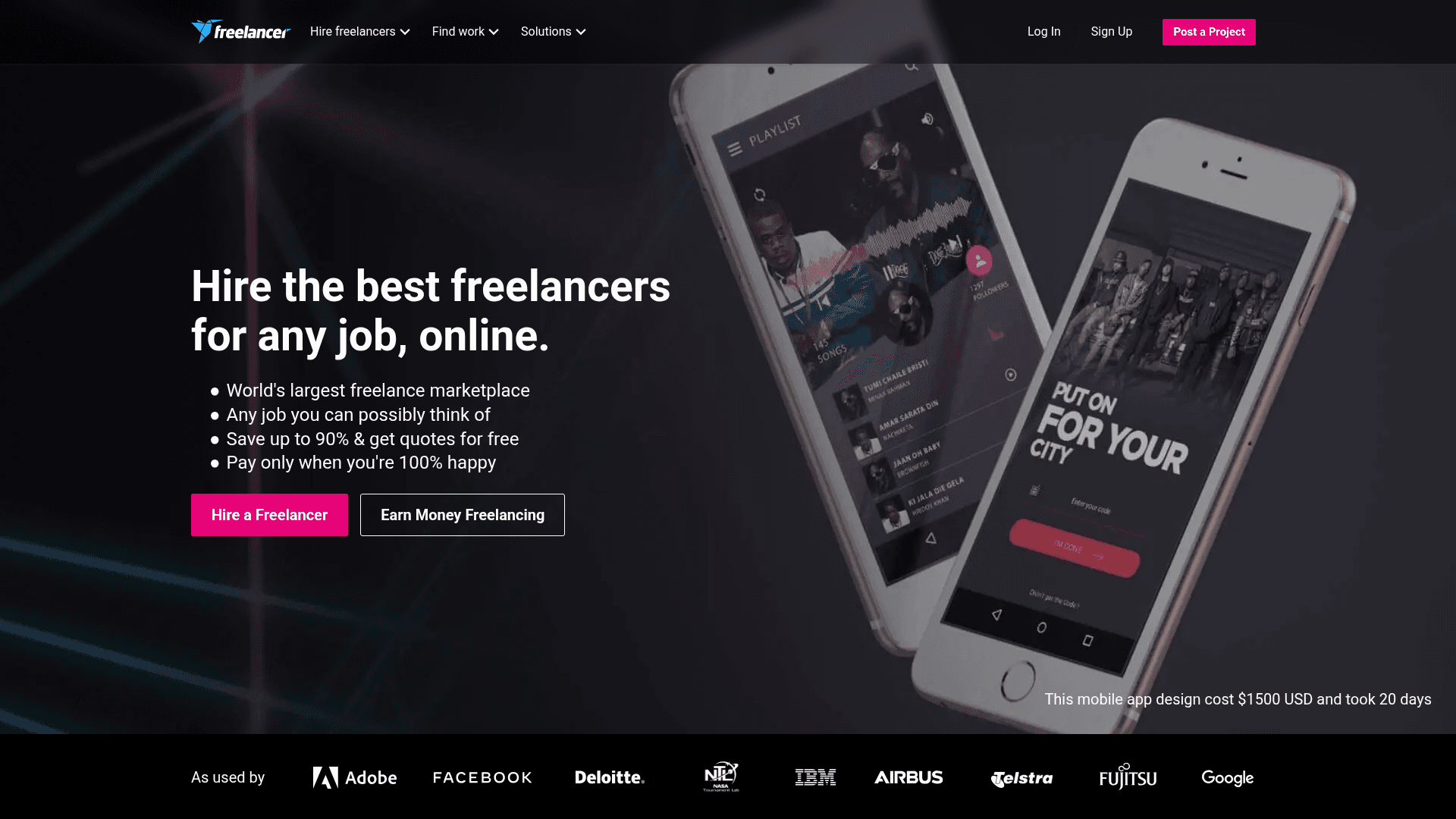
How to Scrape Freelancer.com: A Complete Technical Guide

How to Scrape Toptal | Toptal Web Scraper Guide
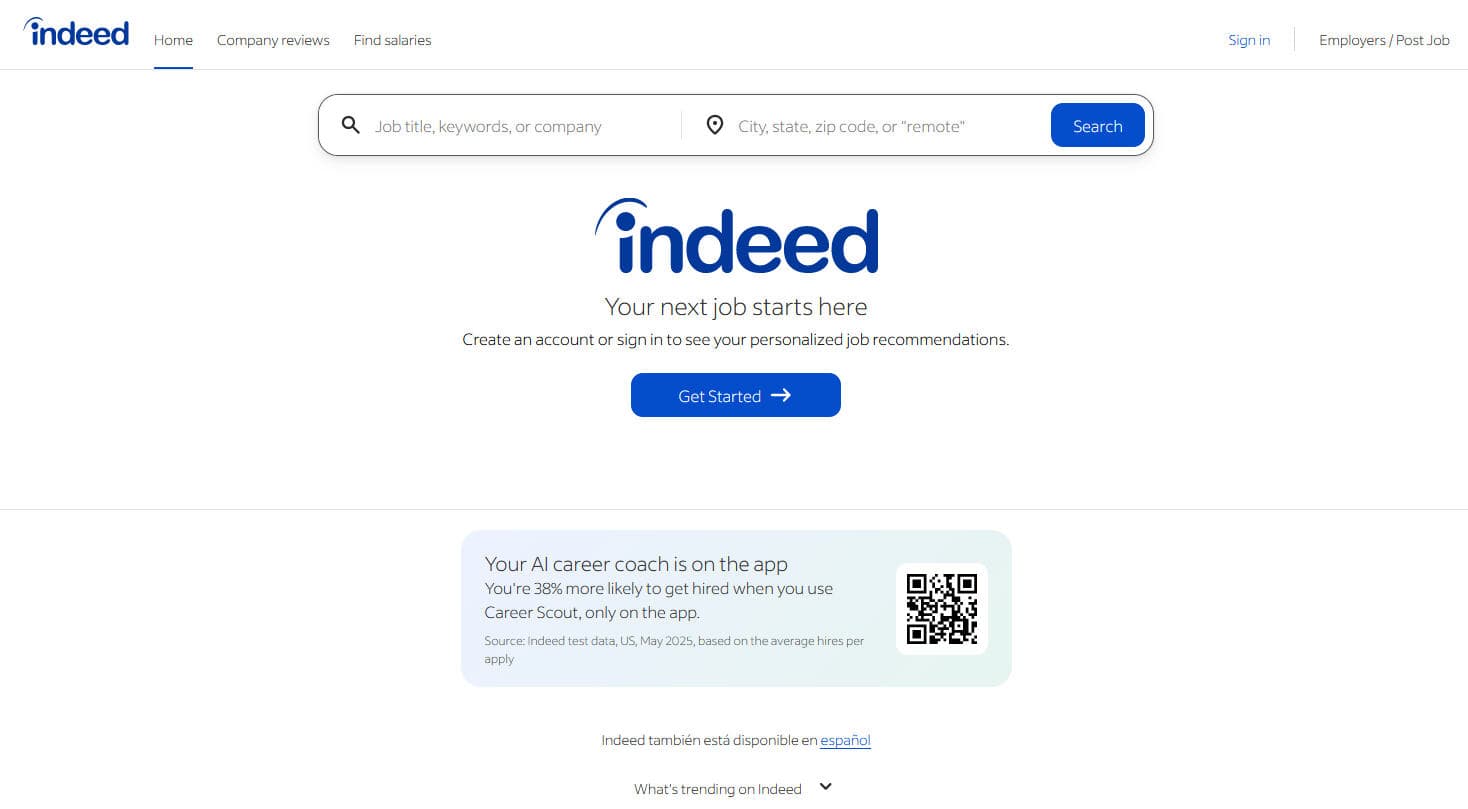
How to Scrape Indeed: 2025 Guide for Job Market Data
How to Scrape Charter Global | IT Services & Job Board Scraper
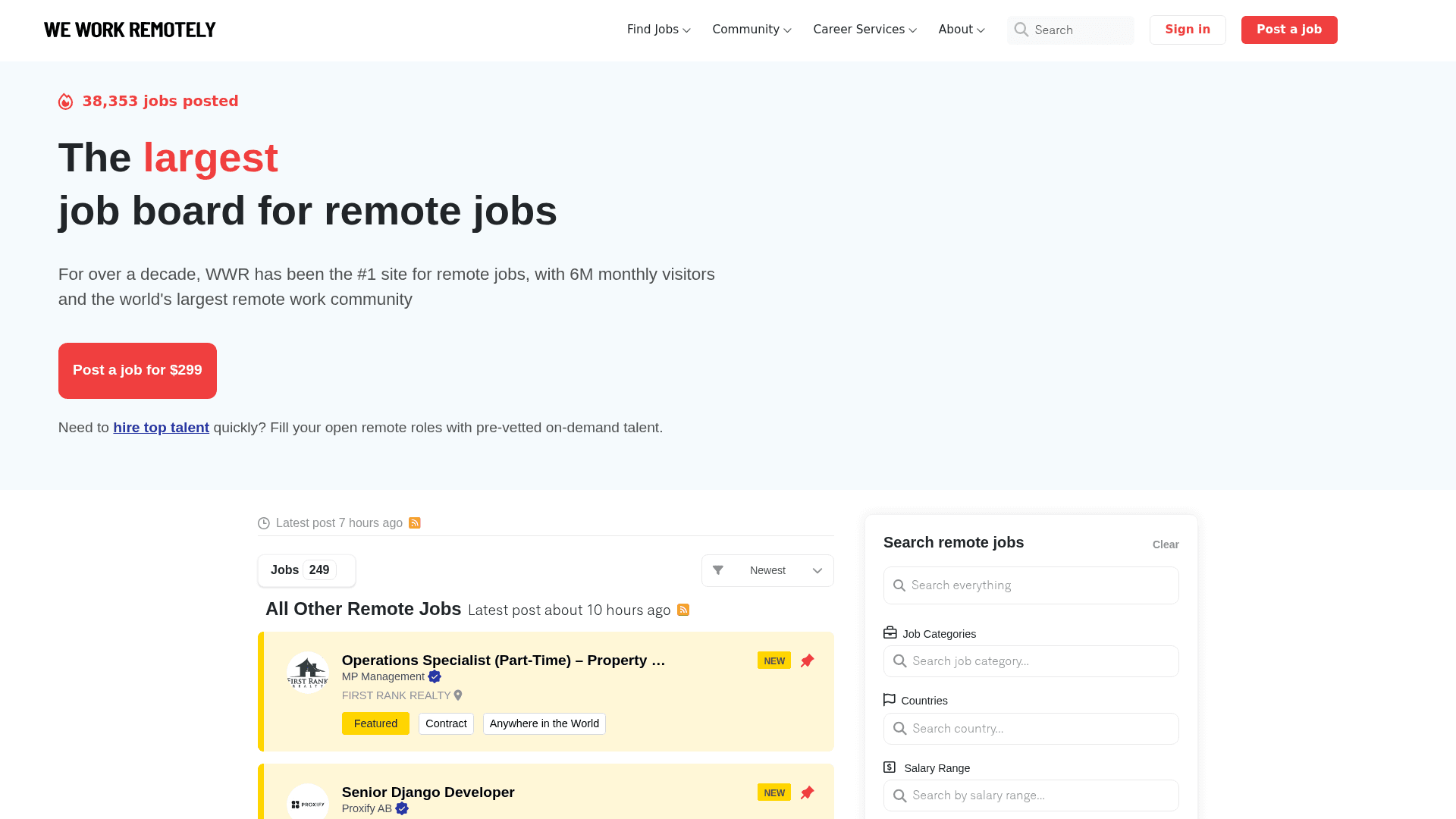
How to Scrape We Work Remotely: The Ultimate Guide
Frequently Asked Questions
Find answers to common questions about Upwork