

How to Scrape Britannica: Educational Data Web Scraper
Scrape Encyclopedia Britannica for verified facts, biographies, and academic articles. Learn how to build high-quality datasets for AI research and...
Free to start: 1,000 credits, no card, nothing to install.
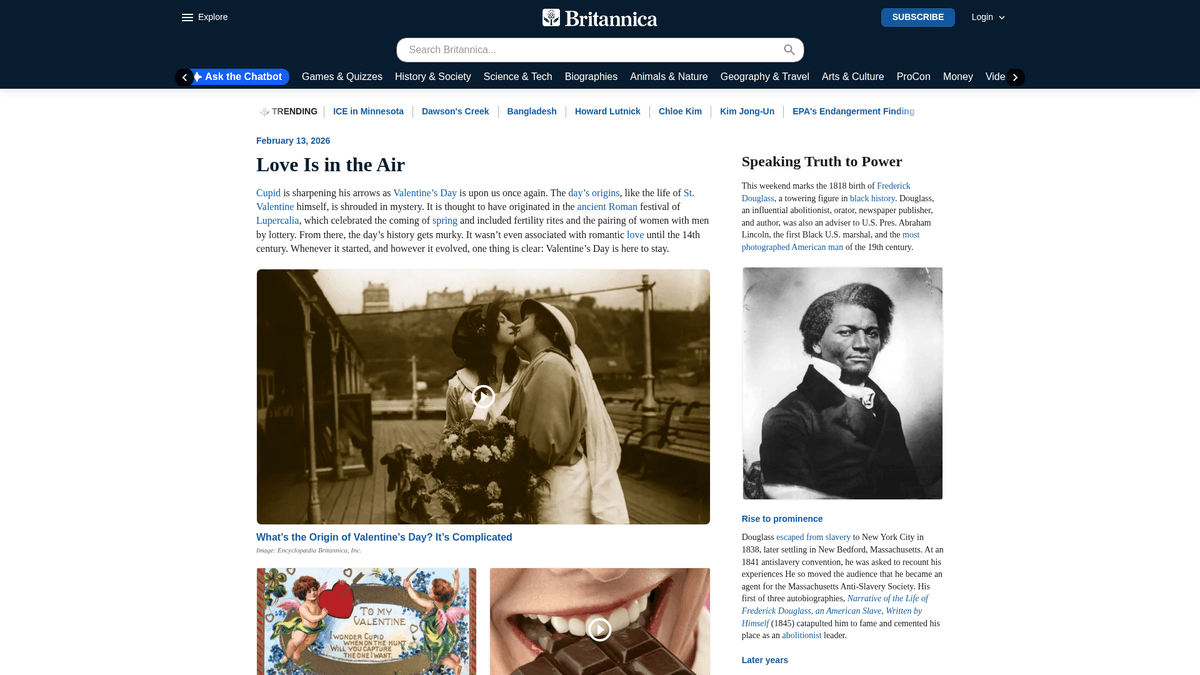
About Encyclopedia Britannica
Learn what Encyclopedia Britannica offers and what valuable data can be extracted from it.
The Gold Standard of Verified Information
Encyclopedia Britannica is a premier global resource for verified information, featuring hundreds of thousands of articles written by Nobel laureates, historians, and subject matter experts. It serves as a digital successor to the world's most famous printed encyclopedia, providing deep insights into science, history, culture, and more.
A Library of Structured Data
The website hosts a massive library of structured data, including 'Fast Facts' boxes, detailed biographies, and educational media for children and adults. For scrapers, this represents one of the most reliable and high-authority knowledge bases available for training language models or conducting academic studies.
Strategic Value for AI and RAG
Scraping Britannica is particularly valuable for developers building Retrieval-Augmented Generation (RAG) systems. Because the content is peer-reviewed and fact-checked, it offers a level of accuracy that raw web data lacks, making it a gold mine for knowledge-based applications.
Why Scrape Encyclopedia Britannica?
Discover the business value and use cases for extracting data from Encyclopedia Britannica.
LLM Factual Accuracy Training
Britannica provides a high-authority, human-vetted dataset that is essential for training Large Language Models to reduce hallucinations and improve factual reliability.
Knowledge Graph Construction
The structured relationships in Britannica articles, such as 'Related Topics' and cross-links, allow researchers to build complex semantic maps of human knowledge.
Educational App Content
Developers can aggregate verified summaries and historical facts to power educational platforms, student study tools, and interactive reference apps.
Fact-Checking Benchmarking
Scraping Britannica allows for the creation of a 'ground truth' database that can be used to automatically verify claims made in social media or news cycles.
Biographical Data Extraction
The 'Fast Facts' section provides a dense source of structured biographical data, including birth dates, nationalities, and key achievements for thousands of historical figures.
Scraping Challenges
Technical challenges you may encounter when scraping Encyclopedia Britannica.
Cloudflare Security Mitigation
Britannica employs aggressive Cloudflare protection that uses browser fingerprinting and JavaScript challenges to block non-browser-based scraping attempts.
Dynamic Content Rendering
Many elements, such as the full text of long articles or interactive infoboxes, are lazy-loaded or require JavaScript execution to appear in the DOM.
Strict Rate Limiting
The server monitors request frequency closely, often issuing temporary 403 Forbidden errors or permanent IP bans if high-volume crawling is detected without proper delays.
Complex Nested Selectors
Article layouts vary between biographical, scientific, and historical entries, making it difficult to maintain consistent CSS selectors for data extraction.
Scrape Encyclopedia Britannica with AI
No coding required. Extract data in minutes with AI-powered automation.
How It Works
Describe What You Need
Tell the AI what data you want to extract from Encyclopedia Britannica. Just type it in plain language — no coding or selectors needed.
AI Extracts the Data
Our artificial intelligence navigates Encyclopedia Britannica, handles dynamic content, and extracts exactly what you asked for.
Get Your Data
Receive clean, structured data ready to export as CSV, JSON, or send directly to your apps and workflows.
Why Use AI for Scraping
No-Code Web Scrapers for Encyclopedia Britannica
Point-and-click alternatives to AI-powered scraping
Several no-code tools like Browse.ai, Octoparse, Axiom, and ParseHub can help you scrape Encyclopedia Britannica. These tools use visual interfaces to select elements, but they come with trade-offs compared to AI-powered solutions.
Typical Workflow with No-Code Tools
Common Challenges
Learning curve
Understanding selectors and extraction logic takes time
Selectors break
Website changes can break your entire workflow
Dynamic content issues
JavaScript-heavy sites often require complex workarounds
CAPTCHA limitations
Most tools require manual intervention for CAPTCHAs
IP blocking
Aggressive scraping can get your IP banned
Code Examples
import requests; from bs4 import BeautifulSoup; url = 'https://www.britannica.com/biography/George-Washington'; headers = {'User-Agent': 'Mozilla/5.0'}; try: response = requests.get(url, headers=headers); response.raise_for_status(); soup = BeautifulSoup(response.text, 'html.parser'); title = soup.find('h1').text.strip(); content = soup.find('div', {'class': 'topic-content'}).text.strip(); print(f'Title: {title}'); print(f'Snippet: {content[:200]}...'); except Exception as e: print(f'Error: {e}')When to Use
Best for static HTML pages where content is loaded server-side. The fastest and simplest approach when JavaScript rendering isn't required.
Advantages
- ●Fastest execution (no browser overhead)
- ●Lowest resource consumption
- ●Easy to parallelize with asyncio
- ●Great for APIs and static pages
Limitations
- ●Cannot execute JavaScript
- ●Fails on SPAs and dynamic content
- ●May struggle with complex anti-bot systems
import asyncio; from playwright.async_api import async_playwright; async def scrape_britannica(): async with async_playwright() as p: browser = await p.chromium.launch(headless=True); page = await browser.new_page(); await page.goto('https://www.britannica.com/biography/Abraham-Lincoln'); await page.wait_for_selector('h1'); data = {'title': await page.inner_text('h1'), 'facts': await page.inner_text('.topic-identifier-list')}; print(data); await browser.close(); asyncio.run(scrape_britannica())When to Use
Use when content loads dynamically via JavaScript, or when you need to interact with the page (clicks, scrolls, form fills). Handles modern anti-bot detection better.
Advantages
- ●Executes JavaScript like a real browser
- ●Handles SPAs and dynamic content
- ●Better anti-bot evasion with stealth plugins
- ●Can take screenshots and PDFs
Limitations
- ●Slower than HTTP requests
- ●Higher memory/CPU usage
- ●More complex to set up
import scrapy; class BritannicaSpider(scrapy.Spider): name = 'britannica'; start_urls = ['https://www.britannica.com/browse/History-Society']; def parse(self, response): for article in response.css('a.topic-link'): yield response.follow(article, self.parse_article); def parse_article(self, response): yield {'url': response.url, 'title': response.css('h1::text').get().strip(), 'author': response.css('.contributor-name::text').get(), 'text': ' '.join(response.css('p::text').getall())}When to Use
Ideal for large-scale crawling projects that need to scrape thousands of pages. Built-in support for rate limiting, retries, and data pipelines.
Advantages
- ●Built for scale (millions of pages)
- ●Automatic request throttling
- ●Built-in data export pipelines
- ●Middleware system for proxies/headers
Limitations
- ●Steeper learning curve
- ●Overkill for small projects
- ●No native JavaScript rendering
const puppeteer = require('puppeteer'); (async () => { const browser = await puppeteer.launch(); const page = await browser.newPage(); await page.goto('https://www.britannica.com/topic/socialism'); const data = await page.evaluate(() => { return { title: document.querySelector('h1').innerText, summary: document.querySelector('p').innerText }; }); console.log(data); await browser.close(); })();When to Use
Choose this if you're in a Node.js/JavaScript ecosystem or need tight integration with frontend tools. Similar capabilities to Playwright.
Advantages
- ●Native JavaScript/TypeScript support
- ●Chrome DevTools Protocol access
- ●Large ecosystem and community
- ●Good for JS-heavy projects
Limitations
- ●Chrome-only (vs Playwright's multi-browser)
- ●Similar overhead to Playwright
- ●Less mature stealth options
What You Can Do With Encyclopedia Britannica Data
Explore practical applications and insights from Encyclopedia Britannica data.
LLM Fine-Tuning
Researchers can use Britannica data to improve the factual accuracy of AI models using human-curated information.
How to implement:
- 1Crawl high-level topic categories
- 2Extract full article text and cross-references
- 3Clean HTML to plain text format
- 4Tokenize and prepare datasets for model training
Use Automatio to extract data from Encyclopedia Britannica and build these applications without writing code.
Educational Chatbot
Create a bot that answers student queries using verified Britannica data as the primary knowledge source.
How to implement:
- 1Scrape articles and summary boxes
- 2Embed data into a vector search engine
- 3Connect search results to an LLM like GPT-4
- 4Allow users to query specific historical or scientific facts
Use Automatio to extract data from Encyclopedia Britannica and build these applications without writing code.
Digital Timeline Generator
Automatically generate historical timelines for textbooks or web apps using extracted life events.
How to implement:
- 1Scrape Fast Facts for dates of birth, death, or major events
- 2Extract chronological headers from articles
- 3Map events to a temporal database
- 4Visualize data in a front-end timeline interface
Use Automatio to extract data from Encyclopedia Britannica and build these applications without writing code.
Fact-Checking Interface
Build a tool that verifies claims against Britannica's peer-reviewed archive.
How to implement:
- 1Index major historical and scientific assertions
- 2Create a search API for extracted snippets
- 3Match user-inputted claims against the verified index
- 4Return source links for verification
Use Automatio to extract data from Encyclopedia Britannica and build these applications without writing code.
Academic Citation Database
Develop a comprehensive database of academic topics and their authorized contributors.
How to implement:
- 1Scrape author and contributor names from topic pages
- 2Map contributors to their areas of expertise
- 3Store citation data including last modified dates
- 4Export for use in bibliography management tools
Use Automatio to extract data from Encyclopedia Britannica and build these applications without writing code.
Supercharge your workflow with AI Automation
Automatio combines the power of AI agents, web automation, and smart integrations to help you accomplish more in less time.
What to get right first
Expert advice for successfully extracting data from Encyclopedia Britannica.
Utilize XML Sitemaps
Instead of crawling internal links, use Britannica's sitemap.xml files to find direct URLs for articles, which reduces the number of requests and avoids detection.
Rotate Residential Proxies
Always use a pool of residential proxies rather than datacenter IPs to mimic real user behavior and bypass geographic or IP-based rate limits.
Target the Kids Subdomain
For projects requiring simplified summaries or 'cleaner' HTML, scrape kids.britannica.com which often has fewer scripts and more straightforward content blocks.
Implement Random Jitter
Simulate human browsing by adding random delays (2-8 seconds) between article requests to avoid triggering automated traffic alarms.
Scroll for Media Extraction
Ensure your scraper performs a scroll action to trigger the lazy-loading of high-resolution images and multimedia captions within the article body.
Related Web Scraping
GitHub Scraper: Repos, Stars and Languages in a table
How to Scrape Pollen.com: Local Allergy Data Extraction Guide
How to Scrape Weather.com: A Guide to Weather Data Extraction
Worldometer Scraper: Population and Median Age in a table
Wikipedia Scraper: Titles, Sizes and Edit Dates in a table
How to Scrape Poll-Maker: A Comprehensive Web Scraping Guide
How to Scrape Maven.com for Course and Instructor Data
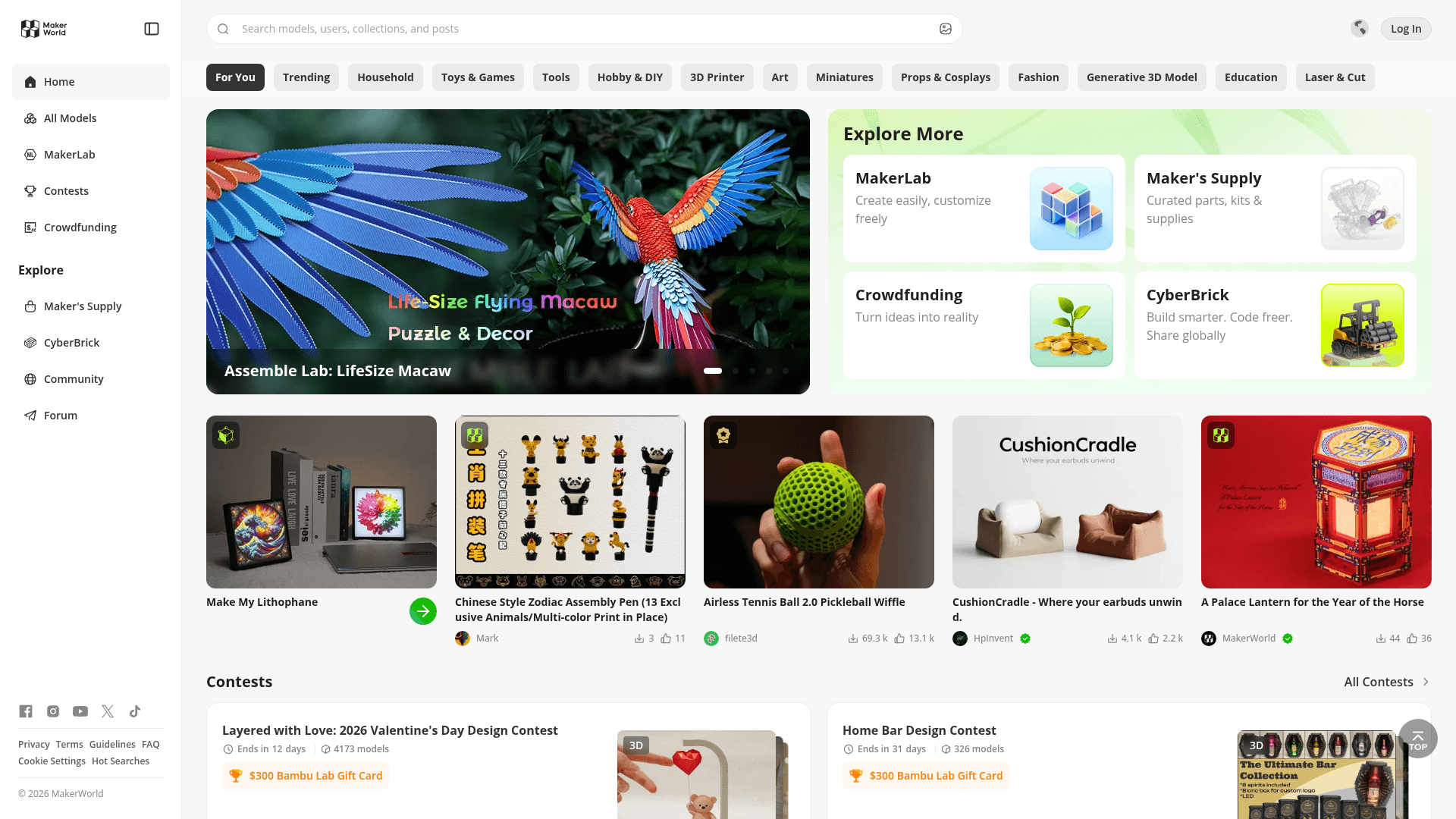
MakerWorld Scraper: Models, Downloads and Likes in a table
Frequently Asked Questions
Find answers to common questions about Encyclopedia Britannica
Is it legal to scrape Britannica?
Scraping Britannica is generally legal for personal research, indexing, or educational purposes under fair use. However, reproducing their copyrighted content commercially without permission is strictly prohibited and could lead to legal action.
Does Britannica have an official API?
Yes, Britannica offers official paid APIs, including the Britannica Reference API and the Dictionary API. These are the recommended routes for enterprise-scale access to their database without the risk of being blocked.
How do I avoid getting blocked while scraping?
The most effective way to avoid blocks is to use a headless browser that can pass Cloudflare's fingerprinting. Additionally, you should rotate residential proxies and maintain a low request frequency that mimics human reading patterns.
What is the best data format for Britannica content?
JSON is the ideal format for Britannica data because it can preserve the hierarchical structure of articles, including nested subheadings, list items, and 'Fast Facts' tables. This makes it easier to import into knowledge graphs or AI models.
Does Britannica require a login to see full articles?
Most of Britannica's core encyclopedic articles are available to the public without a login. While they do have a premium subscription, the vast majority of historical and biographical data can be accessed and scraped freely.
What types of proxies work best for Britannica?
Residential proxies are highly recommended because Britannica's security services often flag and block known datacenter IP ranges. Residential IPs provide higher trust scores and are much less likely to trigger CAPTCHAs.
How often should I refresh my Britannica dataset?
Since Britannica content is vetted by editors and focuses on historical facts, a quarterly or bi-annual update is usually sufficient. Only current events or 'Recently Updated' categories may require more frequent scraping.
Can I scrape images and videos from Britannica?
Yes, the source URLs for media are usually embedded in the HTML. However, you must handle lazy-loading for images and be aware that media assets often have different copyright licenses than the text.