
如何爬取 CSS Author:全面网页爬取指南
爬取 CSS Author 以提取设计资源和 AI 工具评论。利用 WordPress REST API 获取样机和模板的结构化数据。
检测到反机器人保护
- Cloudflare
- 企业级WAF和机器人管理。使用JavaScript挑战、验证码和行为分析。需要带隐身设置的浏览器自动化。
- 速率限制
- 限制每个IP/会话在一段时间内的请求数。可通过轮换代理、请求延迟和分布式抓取绕过。
- WAF
关于CSS Author
了解CSS Author提供什么以及可以提取哪些有价值的数据。
CSS Author 概览
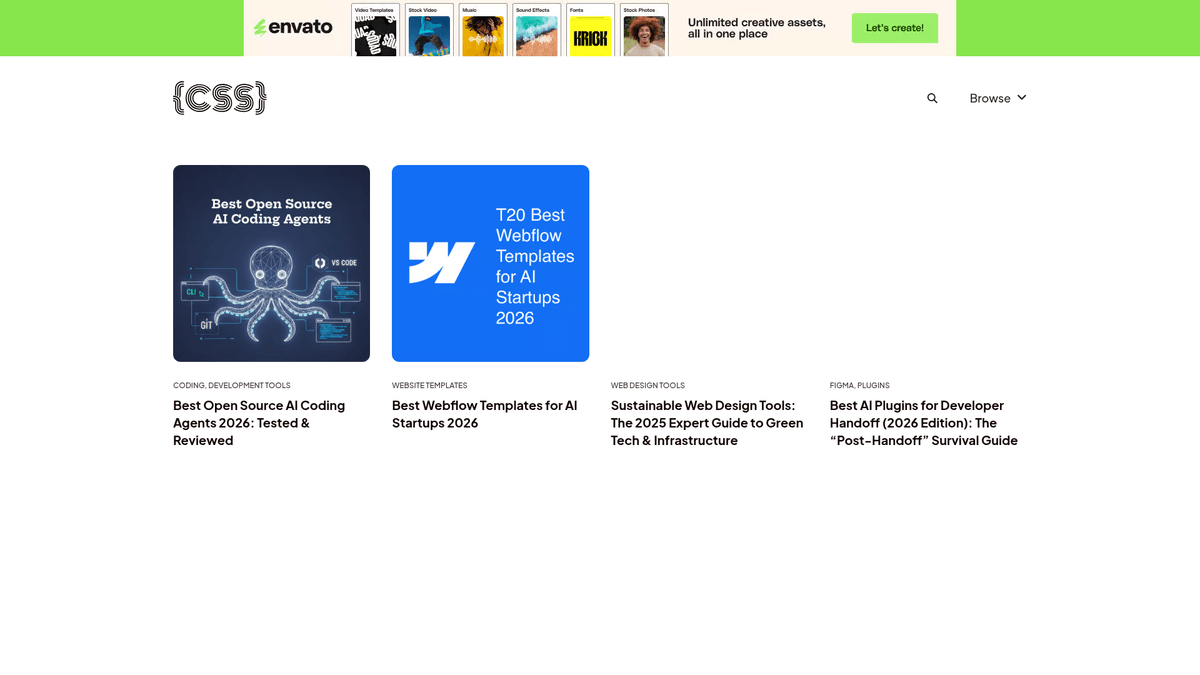
CSS Author 是一个领先的在线平台和博客,致力于为网页设计师和开发者提供高质量资源。该网站旨在策划和分享最佳工具、模板和编码教程,是创意专业人士紧跟行业趋势的综合枢纽。
可用数据与资源
该网站包含广泛的资源列表,包括 AI 编码 agent、Webflow 模板、可持续设计工具和 Figma 插件。每篇文章都包含专家评论,使其成为技术社区结构化信息的丰富来源。
爬取数据的价值
爬取 CSS Author 对于 竞争情报、趋势监测和内容聚合具有极高价值。通过从其策划列表和工具评论中提取数据,企业和开发者可以获得网页设计生态系统演变的战略概览。
为什么要抓取CSS Author?
了解从CSS Author提取数据的商业价值和用例。
市场研究:监测网页设计和开发工具的最新趋势。
竞争情报:追踪 AI 编码 agent 和软件的评论与评分。
数据聚合:构建顶级免费设计资源的集中库。
潜在客户挖掘:识别设计社区中有影响力的作者和开发者。
历史分析:研究 UI 设计模式的演变和技术栈的流行度。
抓取挑战
抓取CSS Author时可能遇到的技术挑战。
Cloudflare 防护:标准的自动化请求可能会被反爬虫挑战拦截。
无限滚动:在列表页面导航“加载更多”按钮需要浏览器自动化。
频率限制:对 WordPress 终端频繁的 API 请求可能导致临时的 IP 封禁。
内容清洗:从非结构化的博客内容中提取特定工具属性需要使用正则。
使用AI抓取CSS Author
无需编码。通过AI驱动的自动化在几分钟内提取数据。
工作原理
描述您的需求
告诉AI您想从CSS Author提取什么数据。只需用自然语言输入 — 无需编码或选择器。
AI提取数据
我们的人工智能浏览CSS Author,处理动态内容,精确提取您要求的数据。
获取您的数据
接收干净、结构化的数据,可导出为CSV、JSON,或直接发送到您的应用和工作流程。
为什么使用AI进行抓取
AI让您无需编写代码即可轻松抓取CSS Author。我们的AI驱动平台利用人工智能理解您想要什么数据 — 只需用自然语言描述,AI就会自动提取。
How to scrape with AI:
- 描述您的需求: 告诉AI您想从CSS Author提取什么数据。只需用自然语言输入 — 无需编码或选择器。
- AI提取数据: 我们的人工智能浏览CSS Author,处理动态内容,精确提取您要求的数据。
- 获取您的数据: 接收干净、结构化的数据,可导出为CSV、JSON,或直接发送到您的应用和工作流程。
Why use AI for scraping:
- 零代码:无需编写任何代码即可爬取成千上万的样机。
- 分页处理:自动点击“加载更多”以捕获分类下的每一个列表。
- 云端自动化:安排每日运行,在发布新资源时立即获取。
- 绕过 Cloudflare:内置功能应对机器人保护和指纹识别。
- 集成导出:通过 Webhooks 直接将数据同步到 Google 表格或您自己的数据库。
CSS Author的无代码网页抓取工具
AI驱动抓取的点击式替代方案
Browse.ai、Octoparse、Axiom和ParseHub等多种无代码工具可以帮助您在不编写代码的情况下抓取CSS Author。这些工具通常使用可视化界面来选择数据,但可能在处理复杂的动态内容或反爬虫措施时遇到困难。
无代码工具的典型工作流程
常见挑战
学习曲线
理解选择器和提取逻辑需要时间
选择器失效
网站更改可能会破坏整个工作流程
动态内容问题
JavaScript密集型网站需要复杂的解决方案
验证码限制
大多数工具需要手动处理验证码
IP封锁
过于频繁的抓取可能导致IP被封
CSS Author的无代码网页抓取工具
Browse.ai、Octoparse、Axiom和ParseHub等多种无代码工具可以帮助您在不编写代码的情况下抓取CSS Author。这些工具通常使用可视化界面来选择数据,但可能在处理复杂的动态内容或反爬虫措施时遇到困难。
无代码工具的典型工作流程
- 安装浏览器扩展或在平台注册
- 导航到目标网站并打开工具
- 通过点击选择要提取的数据元素
- 为每个数据字段配置CSS选择器
- 设置分页规则以抓取多个页面
- 处理验证码(通常需要手动解决)
- 配置自动运行的计划
- 将数据导出为CSV、JSON或通过API连接
常见挑战
- 学习曲线: 理解选择器和提取逻辑需要时间
- 选择器失效: 网站更改可能会破坏整个工作流程
- 动态内容问题: JavaScript密集型网站需要复杂的解决方案
- 验证码限制: 大多数工具需要手动处理验证码
- IP封锁: 过于频繁的抓取可能导致IP被封
代码示例
import requests
from bs4 import BeautifulSoup

# CSS Author 使用 WordPress,使得 REST API 成为最高效的终端
api_url = 'https://cssauthor.com/wp-json/wp/v2/posts'

headers = {
    'User-Agent': 'Mozilla/5.0 (Windows NT 10.0; Win64; x64) AppleWebKit/537.36 (KHTML, like Gecko) Chrome/91.0.4472.124 Safari/537.36'
}

def fetch_posts(page=1):
    try:
        response = requests.get(api_url, headers=headers, params={'page': page, 'per_page': 10})
        response.raise_for_status()
        posts = response.json()
        for post in posts:
            print(f"标题: {post['title']['rendered']}")
            print(f"链接: {post['link']}")
            print("---")
    except Exception as e:
        print(f"错误: {e}")

if __name__ == '__main__':
    fetch_posts(1)
使用场景
最适合JavaScript较少的静态HTML页面。非常适合博客、新闻网站和简单的电商产品页面。
优势
- ●执行速度最快(无浏览器开销)
- ●资源消耗最低
- ●易于使用asyncio并行化
- ●非常适合API和静态页面
局限性
- ●无法执行JavaScript
- ●在SPA和动态内容上会失败
- ●可能难以应对复杂的反爬虫系统
如何用代码抓取CSS Author
Python + Requests
import requests
from bs4 import BeautifulSoup
# CSS Author 使用 WordPress,使得 REST API 成为最高效的终端
api_url = 'https://cssauthor.com/wp-json/wp/v2/posts'
headers = {
'User-Agent': 'Mozilla/5.0 (Windows NT 10.0; Win64; x64) AppleWebKit/537.36 (KHTML, like Gecko) Chrome/91.0.4472.124 Safari/537.36'
}
def fetch_posts(page=1):
try:
response = requests.get(api_url, headers=headers, params={'page': page, 'per_page': 10})
response.raise_for_status()
posts = response.json()
for post in posts:
print(f"标题: {post['title']['rendered']}")
print(f"链接: {post['link']}")
print("---")
except Exception as e:
print(f"错误: {e}")
if __name__ == '__main__':
fetch_posts(1)Python + Playwright
from playwright.sync_api import sync_playwright

def run():
    with sync_playwright() as p:
        browser = p.chromium.launch(headless=True)
        page = browser.new_page()
        page.goto('https://cssauthor.com/mockups/')

        # 等待文章网格元素加载
        page.wait_for_selector('.brx-posts-grid')

        # 如果存在“加载更多”按钮,则处理它
        if page.is_visible('button.brx-load-more-button'):
            page.click('button.brx-load-more-button')
            page.wait_for_timeout(2000)

        # 从渲染后的 DOM 中提取标题
        titles = page.query_selector_all('.brx-post-title')
        for title in titles:
            print(title.inner_text())

        browser.close()

run()Python + Scrapy
import scrapy
import json

class CssAuthorSpider(scrapy.Spider):
    name = 'css_author_spider'
    start_urls = ['https://cssauthor.com/wp-json/wp/v2/posts?per_page=20']

    def parse(self, response):
        posts = json.loads(response.text)
        for post in posts:
            yield {
                'id': post['id'],
                'title': post['title']['rendered'],
                'link': post['link'],
                'date': post['date']
            }

        # REST API 中跳转下一页的逻辑
        current_page = int(response.url.split('page=')[-1]) if 'page=' in response.url else 1
        next_page = f"https://cssauthor.com/wp-json/wp/v2/posts?per_page=20&page={current_page + 1}"
yield scrapy.Request(next_page, callback=self.parse)Node.js + Puppeteer
const puppeteer = require('puppeteer');

(async () => {
  const browser = await puppeteer.launch();
  const page = await browser.newPage();
  await page.goto('https://cssauthor.com/free-fonts/');

  // 从列表页面提取基本信息
  const fonts = await page.evaluate(() => {
    const items = Array.from(document.querySelectorAll('.brx-post-title a'));
    return items.map(item => ({
      name: item.innerText,
      url: item.href
    }));
  });

  console.log(fonts);
  await browser.close();
})();您可以用CSS Author数据做什么
探索CSS Author数据的实际应用和洞察。
设计工具目录
为网页设计专业人士创建一个高质量的可搜索门户,以便寻找最佳工具。
如何实现:
- 1爬取所有“最佳”文章和资源列表。
- 2提取特定的工具名称、描述和兼容性标签。
- 3根据原始网站结构对工具进行分类。
- 4发布一个具有搜索和过滤功能的前端门户。
使用Automatio从CSS Author提取数据,无需编写代码即可构建这些应用。
您可以用CSS Author数据做什么
- 设计工具目录
为网页设计专业人士创建一个高质量的可搜索门户,以便寻找最佳工具。
- 爬取所有“最佳”文章和资源列表。
- 提取特定的工具名称、描述和兼容性标签。
- 根据原始网站结构对工具进行分类。
- 发布一个具有搜索和过滤功能的前端门户。
- 市场趋势监测
追踪 AI agent 和无代码构建器等新网页技术的流行程度和兴起。
- 每日监测 CSS Author API 以获取新发布的文章主题。
- 使用关键词分析识别新兴的软件趋势。
- 映射特定工具随时间出现的频率。
- 为营销团队生成趋势报告。
- SEO 竞品研究
在网页开发博客领域识别高排名的关键词和内容策略。
- 从博客中提取所有文章标题、meta 标签和摘要。
- 将标题与搜索量数据进行交叉引用。
- 识别高参与度且低竞争的主题。
- 根据发现的内容缺口制定内容路线图。
- 联盟链接分析
通过追踪指向软件平台的出站链接来分析其变现策略。
- 爬取文章内容以获取外部出站 URL。
- 识别包含联盟营销追踪参数的链接。
- 按价位和类别对链接产品进行分类。
- 评估设计领域中最具盈利能力的细分市场。
抓取CSS Author的专业技巧
成功从CSS Author提取数据的专家建议。
直接通过 /wp-json/wp/v2/posts 访问 JSON API,以避免处理 HTML 解析和复杂的 CSS 选择器。
始终设置真实的 User-Agent 并轮换 IP,以避免触发 Cloudflare 的自动化防御系统。
在请求之间实施 1-3 秒的延迟,以保持在 WordPress 主机的 rate-limiting 阈值之内。
利用来自 API 响应头中的 'X-WP-TotalPages',在代码中正确设置分页循环。
在 API 查询字符串中通过分类 ID 进行过滤(例如:?categories=12),以减少带宽并提高爬取速度。
检查 post metadata 中的 'Freebie' 标签,以自动识别资源的许可条款。
相关 Web Scraping
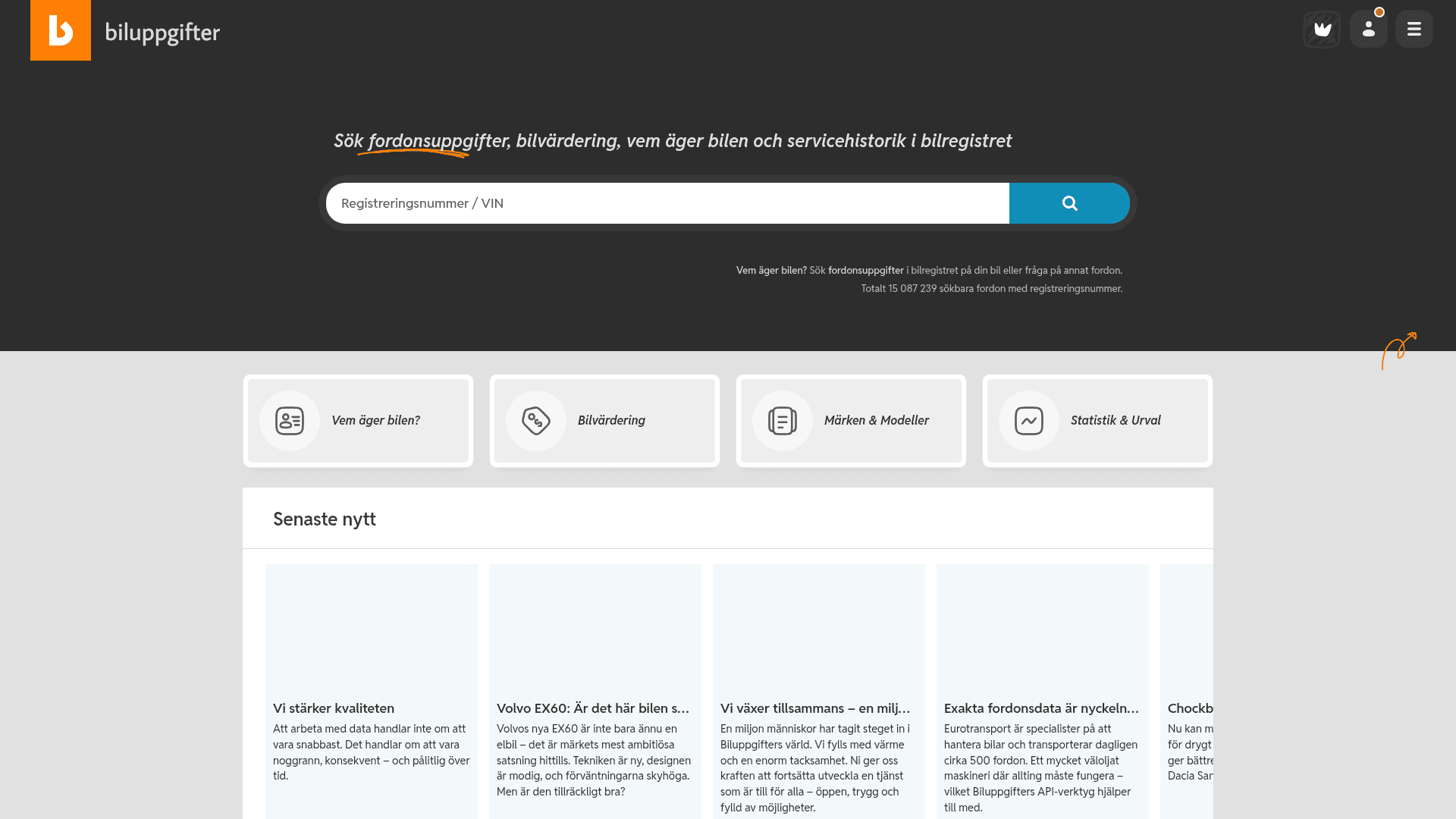
How to Scrape Biluppgifter.se: Vehicle Data Extraction Guide

How to Scrape The AA (theaa.com): A Technical Guide for Car & Insurance Data
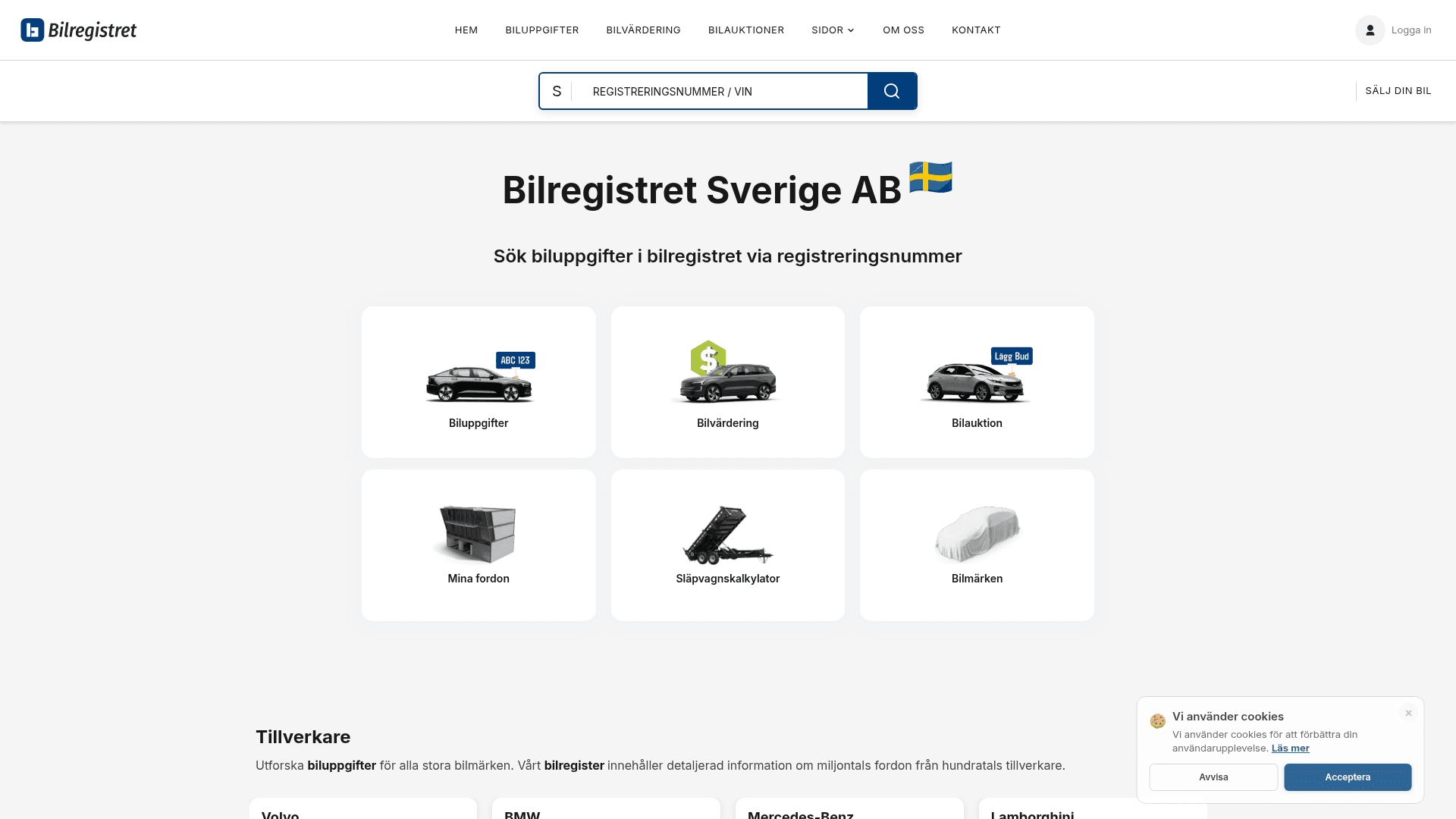
How to Scrape Bilregistret.ai: Swedish Vehicle Data Extraction Guide
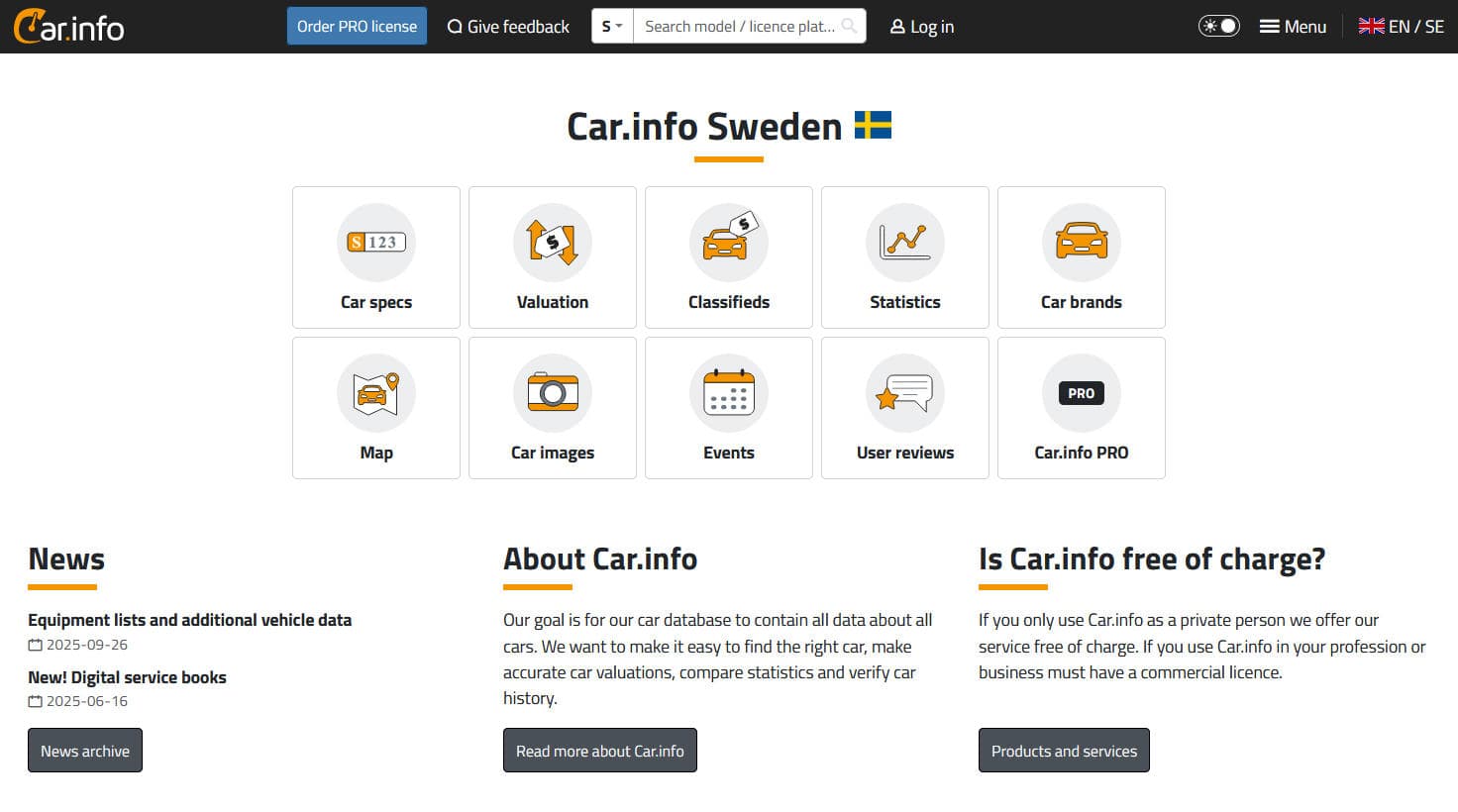
How to Scrape Car.info | Vehicle Data & Valuation Extraction Guide
How to Scrape GoAbroad Study Abroad Programs
How to Scrape Statista: The Ultimate Guide to Market Data Extraction
How to Scrape ResearchGate: Publication and Researcher Data
How to Scrape Weebly Websites: Extract Data from Millions of Sites
关于CSS Author的常见问题
查找关于CSS Author的常见问题答案