

Build a Photography Website with AI
A custom portfolio with masonry galleries, project categories, and an inquiry form. Real code you own, published with HTTPS on a free subdomain.
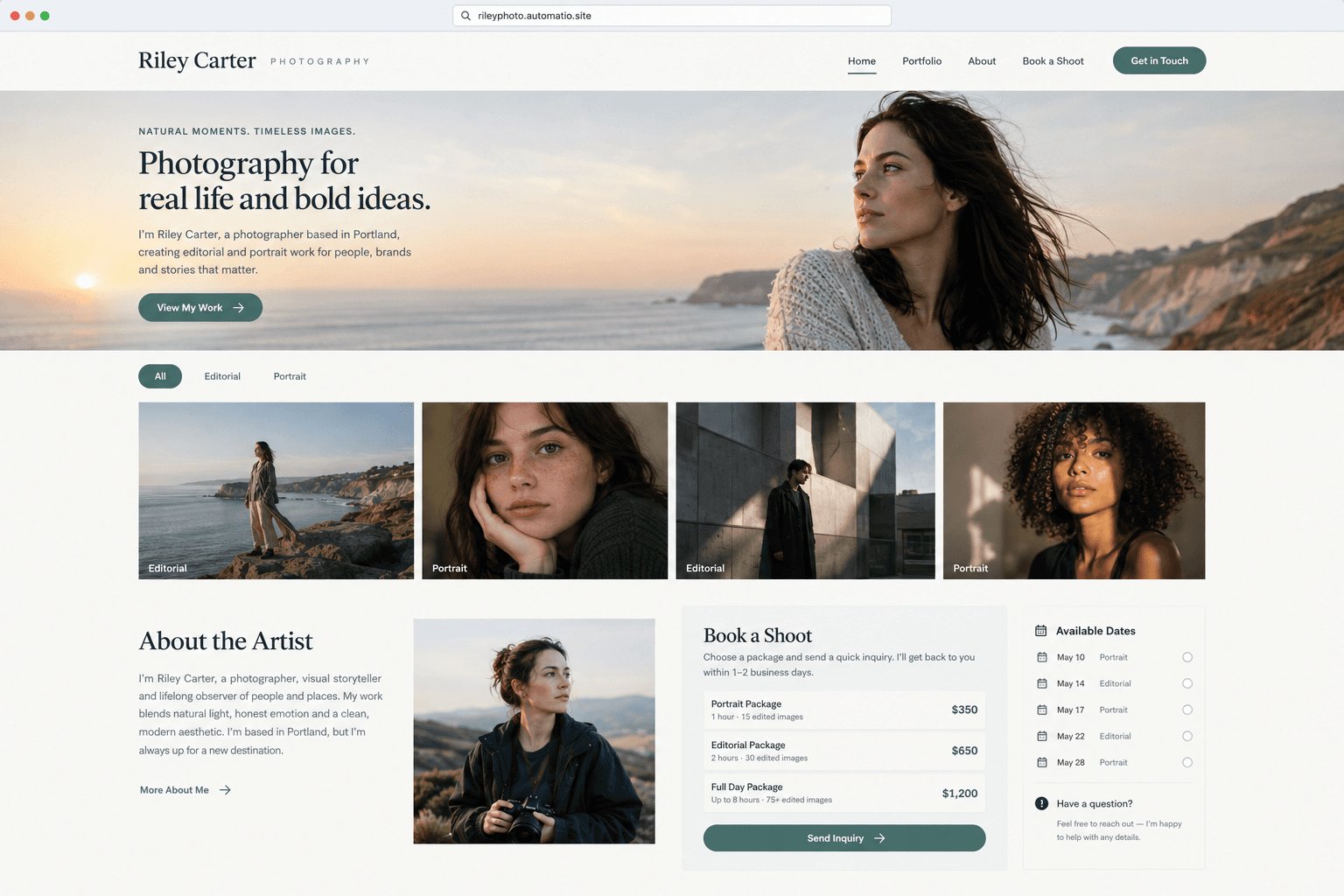
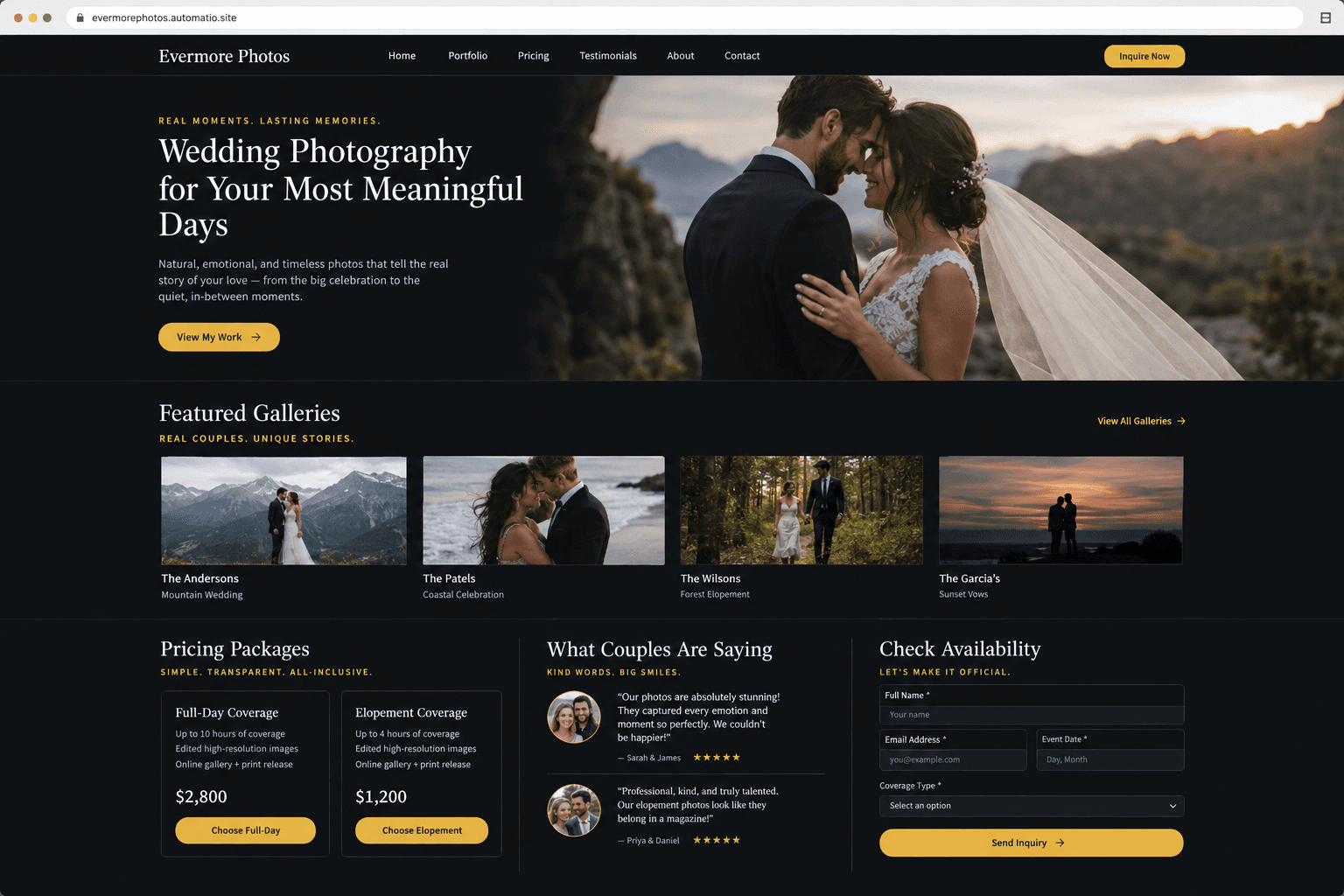
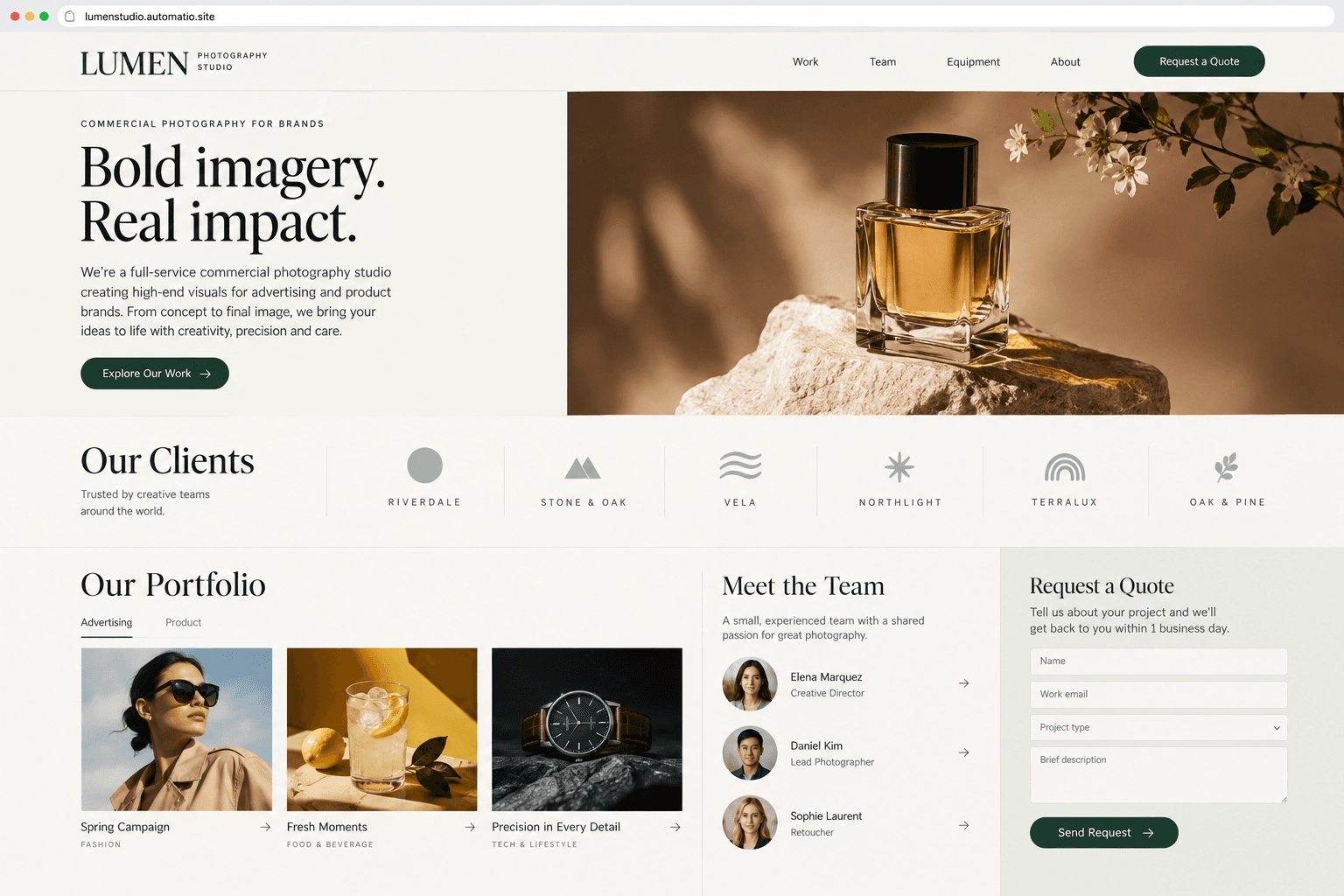
Starting prompt
AI renders of what each prompt could build. Your result will be different.
What's inside
The parts that earn their place — and what each one is actually for.
Categorized portfolio galleries
Showcase your work in organized grids that allow prospective clients to explore different niches without page reloads. Full-screen lightbox views let art directors and couples inspect image framing and color grades in high detail across any device size.
- 1Masonry and uniform grid layouts
- 2Category filtering for project types
- 3Responsive high-resolution lightboxes
- 4Custom aspect ratio preservation
What's inside
- Categorized portfolio galleries
Showcase your work in organized grids that allow prospective clients to explore different niches without page reloads. Full-screen lightbox views let art directors and couples inspect image framing and color grades in high detail across any device size.
- Masonry and uniform grid layouts
- Category filtering for project types
- Responsive high-resolution lightboxes
- Custom aspect ratio preservation
- Private client proofing
Deliver password-protected client galleries with proof selection on a paid plan. Clients can review proof sets, flag favorites, and submit feedback directly through a review screen which requires a database on a paid plan.
- Password-protected gallery screens on a paid plan
- Client selection and favoriting on a paid plan
- Direct feedback for shot revisions on a paid plan
- Private gallery URL sharing on a paid plan
- Service and pricing cards
Present service offerings clearly with comparison cards detailing shoot durations, deliverable counts, and licensing terms. Tiered descriptions set expectations before the first meeting.
- Tiered package comparison tables
- Deliverable breakdowns and licensing terms
- Add-on service menus with clear pricing
- FAQ sections for specific service tiers
- Booking inquiry flow
Build structured inquiry forms requesting shoot dates, locations, and creative briefs. On a paid plan, submissions are saved to a database, providing context before you follow up.
- Fields for project date and location
- Creative brief and budget selection
- Validation for client contact details
- Stored leads and inquiry history on a paid plan
From idea to live site
Four steps, one chat. No setup, no boilerplate, no handoff.
Describe your photography style
Specify your visual niche, preferred gallery layouts, and needed pages like portfolio categories and inquiry forms in a simple chat.
Review the interactive preview
Browse your generated site in a live preview. Test image lightbox behavior, grid responsiveness, and contact form layouts while you watch the code update.
Refine layouts through chat
Request visual tweaks or new gallery sections by messaging the agent. The real React source code updates according to your instructions.
Publish to the web
Publish your portfolio on a free subdomain with HTTPS, or connect your own domain on a paid plan.
Template, agency, or AI?
The three honest ways to get it built, including where the others win.
| Aspect | Template builder | Agency or freelancer | Automatio |
|---|---|---|---|
| Design flexibility | Built from prebuilt blocks and preset layout templates. | Fully custom design created to your exact specifications. | Custom layouts generated from chat descriptions without preset blocks. |
| Client workflow | Pixieset and Squarespace provide integrated proofing and automated printing. | Requires manual setup of third-party proofing tools and custom hosting. | Supports private client galleries and selection tracking on a paid plan. |
| Making updates | Self-service manual adjustments through visual drag-and-drop editors. | Requires booking agency hours and waiting on their revision schedule. | Describe requested styling or layout changes in chat at any time. |
| Code ownership | Hosted on the platform's own software. | Delivers full source code files upon project completion. | Produces real code you own and can export anytime. |
Design flexibility
Client workflow
Making updates
Code ownership
Who this is for
Real situations, and what changes once it exists.
a solo wedding photographer
Preset templates can make portfolios look generic.
A custom showcase highlights full wedding stories with tailored photo grids that preserve your specific editing style.
- Update wedding galleries with recent venue shoots
- Adjust coverage packages and seasonal rates
- Connect a custom domain on a paid plan
a commercial studio owner
Standard templates may not present technical capabilities and client rosters clearly.
A dedicated studio site presents client credentials, gear specs, and quote forms for agency producers to establish authority.
- List studio equipment and lighting inventory
- Add advertising campaign credits
- Manage client proofing galleries on a paid plan
an editorial portrait artist
Updating portfolios through drag-and-drop interfaces can take time.
Describing layout changes in chat allows adjustments to editorial spreads and cover features between assignments.
- Reorder editorial tear sheets on the homepage
- Add publication lists to the bio section
- Review stored booking leads on a paid plan
What separates a good one from a bad one
The decisions that matter, and the mistakes that show up in bad examples.
Controlling the visual narrative
A photography website exists to transform casual viewers into commissioning clients or print buyers. While social media platforms compress files and fragment attention, an independent site controls how work is viewed, sequenced, and experienced. The most effective sites do not display every photograph an artist has taken; they present cohesive bodies of work with intentional rhythm. You must decide whether to arrange work by genre, such as editorial and portraiture, or by narrative project stories. Keeping gallery navigation straightforward lets art buyers and wedding couples locate relevant imagery without digging through confusing submenus.
Balancing aesthetics with usability
A frequent mistake on creative portfolios is sacrificing usability for experimental aesthetics. Hidden navigation bars, awkward custom cursors, and tiny contact links frustrate creative directors working under tight deadlines. Essential information must remain accessible: operating location, service specialties, and clear inquiry options. When presenting pricing, you must decide whether to list starting figures or detail complete packages. Clear pricing sets realistic expectations early, whereas vague presentation often invites low-budget inquiries that lead nowhere.
Managing client deliverables
High-resolution imagery demands proper display geometry and clean presentation without distracting visual clutter. Contemporary portfolios favor high-fidelity previews with subtle copyright notices rather than intrusive watermarks. Client inquiry forms should request practical project specifications, including shoot dates, venue locations, and intended image licensing scope. Storing client proof selections or offering private proofing galleries with download capabilities requires database storage and file storage on a paid plan. By keeping public portfolio pages lean and direct, you create an uncluttered showcase that emphasizes craft.
Supercharge your workflow with AI Automation
Automatio combines the power of AI agents, web automation, and smart integrations to help you accomplish more in less time.
Get it right the first time
What to specify up front, and what can wait for version two.
Curate ruthlessly
Include only the strongest frame from any single assignment. Some viewers may judge your overall standard by the weakest image you display.
Define inquiry fields
Specify form fields for event date, location, and budget range up front to prevent generic messages.
Use neutral backdrops
Stick to white, charcoal, or neutral grey backgrounds so your site styling never clashes with the color balance of your photos.
Plan for client storage
If you intend to host private client image selections or deliverables, ensure you set up the database and file storage on a paid plan.
Related Build with AI


Before you start
The questions people actually ask first.