
How to Scrape Apartments.com | Apartments.com Web Scraper Guide
Learn how to scrape Apartments.com to extract rental listings, pricing, and amenities. Overcome Akamai bot protection to collect valuable US real estate data.
Anti-Bot Protection Detected
- Akamai Bot Manager
- Advanced bot detection using device fingerprinting, behavior analysis, and machine learning. One of the most sophisticated anti-bot systems.
- Cloudflare
- Enterprise-grade WAF and bot management. Uses JavaScript challenges, CAPTCHAs, and behavioral analysis. Requires browser automation with stealth settings.
- Google reCAPTCHA
- Google's CAPTCHA system. v2 requires user interaction, v3 runs silently with risk scoring. Can be solved with CAPTCHA services.
- Rate Limiting
- Limits requests per IP/session over time. Can be bypassed with rotating proxies, request delays, and distributed scraping.
- Browser Fingerprinting
- Identifies bots through browser characteristics: canvas, WebGL, fonts, plugins. Requires spoofing or real browser profiles.
About Apartments.com
Learn what Apartments.com offers and what valuable data can be extracted from it.
Overview of Apartments.com
Apartments.com is a premier online marketplace for residential rental properties in the United States, managed by the CoStar Group. It features an extensive database of millions of active listings, including apartments, condos, townhomes, and single-family houses. The platform is renowned for providing granular details such as high-resolution imagery, floor plans, and verified availability, making it a cornerstone for US rental market analysis.
The Value of the Data
Data extracted from this platform is indispensable for real estate investors, property managers, and economic researchers. It provides a real-time window into rental pricing trends, vacancy rates, and amenity popularity across different metropolitan areas. By aggregating this information, businesses can perform competitive benchmarking and identify emerging investment hotspots with high precision.
Why Scraping is Essential
Manual data collection from Apartments.com is nearly impossible due to the sheer volume of listings and the frequency of updates. Automated scraping allows for the systematic tracking of price fluctuations and new listing alerts, which are critical for staying competitive in the fast-paced residential rental sector.
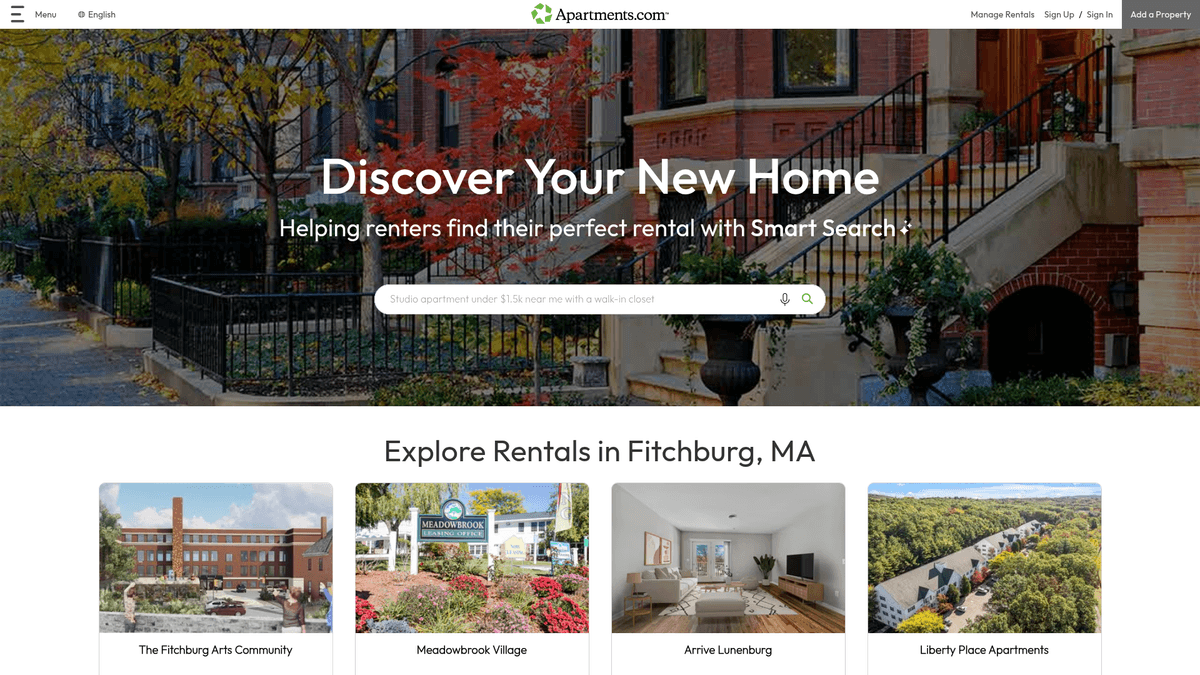
Why Scrape Apartments.com?
Discover the business value and use cases for extracting data from Apartments.com.
Hyper-Local Market Analysis
Monitor rental price fluctuations and inventory levels across specific US zip codes to gain a competitive edge in local markets.
Competitive Pricing Strategy
Property managers can scrape nearby listings to compare rates and amenities, allowing them to optimize their own pricing and occupancy.
Investment Sourcing
Identify undervalued rental markets or neighborhoods with high growth potential by analyzing listing density and historical price trends.
Lead Generation
Companies providing moving services, insurance, or utilities can identify new property listings to target potential customers at the right time.
Amenity Trend Tracking
Analyze which building features, such as EV charging or pet-friendly policies, are becoming standard in specific luxury real estate segments.
Historical Rent Databases
Collect data over long periods to build proprietary databases for economic research or urban development forecasting.
Scraping Challenges
Technical challenges you may encounter when scraping Apartments.com.
Advanced Anti-Bot Shields
The site employs enterprise-grade protection like Akamai and Cloudflare, which use TLS fingerprinting to detect and block automated traffic.
Dynamic JavaScript Rendering
Most listing data is loaded via React, meaning static HTML scrapers will fail to see content without a headless browser execution.
Aggressive IP Rate Limiting
Requests from a single IP address are strictly monitored; exceeding a low threshold triggers immediate CAPTCHAs or 403 Forbidden errors.
Map-Based Navigation Logic
Significant portions of the search results are tied to map coordinates and dynamic viewport updates, making URL-based crawling complex.
Volatile DOM Structure
Class names and CSS selectors for property cards frequently change, which can break static extraction rules on a regular basis.
Scrape Apartments.com with AI
No coding required. Extract data in minutes with AI-powered automation.
How It Works
Describe What You Need
Tell the AI what data you want to extract from Apartments.com. Just type it in plain language — no coding or selectors needed.
AI Extracts the Data
Our artificial intelligence navigates Apartments.com, handles dynamic content, and extracts exactly what you asked for.
Get Your Data
Receive clean, structured data ready to export as CSV, JSON, or send directly to your apps and workflows.
Why Use AI for Scraping
AI makes it easy to scrape Apartments.com without writing any code. Our AI-powered platform uses artificial intelligence to understand what data you want — just describe it in plain language and the AI extracts it automatically.
How to scrape with AI:
- Describe What You Need: Tell the AI what data you want to extract from Apartments.com. Just type it in plain language — no coding or selectors needed.
- AI Extracts the Data: Our artificial intelligence navigates Apartments.com, handles dynamic content, and extracts exactly what you asked for.
- Get Your Data: Receive clean, structured data ready to export as CSV, JSON, or send directly to your apps and workflows.
Why use AI for scraping:
- Stealth Browser Automation: Automatio mimics real human interaction like scrolling and random clicking to evade behavioral detection systems used by Akamai.
- No-Code Data Extraction: Quickly select complex rental data points through a visual interface without writing custom scripts to handle dynamic React elements.
- Seamless Proxy Rotation: Integrated residential proxy support allows for large-scale data collection by spreading requests across thousands of household IPs.
- Scheduled Monitoring Runs: Set up recurring scrapers that run in the cloud daily to track price changes and new listings automatically without manual effort.
- Automatic Pagination Handling: Effortlessly crawl through thousands of properties by configuring simple rules to click through numbered result pages.
No-Code Web Scrapers for Apartments.com
Point-and-click alternatives to AI-powered scraping
Several no-code tools like Browse.ai, Octoparse, Axiom, and ParseHub can help you scrape Apartments.com. These tools use visual interfaces to select elements, but they come with trade-offs compared to AI-powered solutions.
Typical Workflow with No-Code Tools
Common Challenges
Learning curve
Understanding selectors and extraction logic takes time
Selectors break
Website changes can break your entire workflow
Dynamic content issues
JavaScript-heavy sites often require complex workarounds
CAPTCHA limitations
Most tools require manual intervention for CAPTCHAs
IP blocking
Aggressive scraping can get your IP banned
No-Code Web Scrapers for Apartments.com
Several no-code tools like Browse.ai, Octoparse, Axiom, and ParseHub can help you scrape Apartments.com. These tools use visual interfaces to select elements, but they come with trade-offs compared to AI-powered solutions.
Typical Workflow with No-Code Tools
- Install browser extension or sign up for the platform
- Navigate to the target website and open the tool
- Point-and-click to select data elements you want to extract
- Configure CSS selectors for each data field
- Set up pagination rules to scrape multiple pages
- Handle CAPTCHAs (often requires manual solving)
- Configure scheduling for automated runs
- Export data to CSV, JSON, or connect via API
Common Challenges
- Learning curve: Understanding selectors and extraction logic takes time
- Selectors break: Website changes can break your entire workflow
- Dynamic content issues: JavaScript-heavy sites often require complex workarounds
- CAPTCHA limitations: Most tools require manual intervention for CAPTCHAs
- IP blocking: Aggressive scraping can get your IP banned
Code Examples
import requests
from bs4 import BeautifulSoup

# Target URL for a specific city
url = 'https://www.apartments.com/new-york-ny/'

# Realistic headers are mandatory to avoid immediate blocking
headers = {
    'User-Agent': 'Mozilla/5.0 (Windows NT 10.0; Win64; x64) AppleWebKit/537.36 (KHTML, like Gecko) Chrome/119.0.0.0 Safari/537.36',
    'Accept-Language': 'en-US,en;q=0.9',
    'Referer': 'https://www.google.com/'
}

try:
    response = requests.get(url, headers=headers)
    if response.status_code == 200:
        soup = BeautifulSoup(response.text, 'html.parser')
        # Selectors may change; always inspect the current DOM
        listings = soup.select('.placardContainer .property-title')
        for item in listings:
            print(f'Listing Found: {item.get_text(strip=True)}')
    else:
        print(f'Blocked: Status Code {response.status_code}')
except Exception as e:
    print(f'Error: {str(e)}')
When to Use
Best for static HTML pages where content is loaded server-side. The fastest and simplest approach when JavaScript rendering isn't required.
Advantages
- ●Fastest execution (no browser overhead)
- ●Lowest resource consumption
- ●Easy to parallelize with asyncio
- ●Great for APIs and static pages
Limitations
- ●Cannot execute JavaScript
- ●Fails on SPAs and dynamic content
- ●May struggle with complex anti-bot systems
How to Scrape Apartments.com with Code
Python + Requests
import requests
from bs4 import BeautifulSoup
# Target URL for a specific city
url = 'https://www.apartments.com/new-york-ny/'
# Realistic headers are mandatory to avoid immediate blocking
headers = {
'User-Agent': 'Mozilla/5.0 (Windows NT 10.0; Win64; x64) AppleWebKit/537.36 (KHTML, like Gecko) Chrome/119.0.0.0 Safari/537.36',
'Accept-Language': 'en-US,en;q=0.9',
'Referer': 'https://www.google.com/'
}
try:
response = requests.get(url, headers=headers)
if response.status_code == 200:
soup = BeautifulSoup(response.text, 'html.parser')
# Selectors may change; always inspect the current DOM
listings = soup.select('.placardContainer .property-title')
for item in listings:
print(f'Listing Found: {item.get_text(strip=True)}')
else:
print(f'Blocked: Status Code {response.status_code}')
except Exception as e:
print(f'Error: {str(e)}')Python + Playwright
from playwright.sync_api import sync_playwright

def scrape_apartments():
    with sync_playwright() as p:
        # Launching with stealth-like parameters
        browser = p.chromium.launch(headless=True)
        context = browser.new_context(user_agent='Mozilla/5.0 (Windows NT 10.0; Win64; x64) Chrome/119.0.0.0')
        page = context.new_page()

        # Navigate to a listing page
        page.goto('https://www.apartments.com/los-angeles-ca/', wait_until='networkidle')

        # Wait for the main listings container to load
        page.wait_for_selector('.placard')

        # Extracting property names and prices
        properties = page.query_selector_all('.placard')
        for prop in properties:
            name = prop.query_selector('.property-title').inner_text()
            price = prop.query_selector('.property-pricing').inner_text() if prop.query_selector('.property-pricing') else 'N/A'
            print(f'Property: {name} | Price: {price}')

        browser.close()

scrape_apartments()Python + Scrapy
import scrapy

class ApartmentsSpider(scrapy.Spider):
    name = 'apartments_spider'
    start_urls = ['https://www.apartments.com/chicago-il/']

    custom_settings = {
        'USER_AGENT': 'Mozilla/5.0 (Windows NT 10.0; Win64; x64) Chrome/119.0.0.0',
        'CONCURRENT_REQUESTS': 1,
        'DOWNLOAD_DELAY': 3
    }

    def parse(self, response):
        for listing in response.css('article.placard'):
            yield {
                'name': listing.css('.property-title::text').get(),
                'address': listing.css('.property-address::text').get(),
                'price': listing.css('.property-pricing::text').get(),
            }

        next_page = response.css('a.next::attr(href)').get()
        if next_page:
yield response.follow(next_page, self.parse)Node.js + Puppeteer
const puppeteer = require('puppeteer');

(async () => {
  const browser = await puppeteer.launch({ headless: true });
  const page = await browser.newPage();

  // Set a realistic user agent
  await page.setUserAgent('Mozilla/5.0 (Windows NT 10.0; Win64; x64) Chrome/119.0.0.0');

  try {
    await page.goto('https://www.apartments.com/houston-tx/', { waitUntil: 'networkidle2' });

    const data = await page.evaluate(() => {
      const items = Array.from(document.querySelectorAll('.placard'));
      return items.map(item => ({
        title: item.querySelector('.property-title')?.innerText,
        price: item.querySelector('.property-pricing')?.innerText,
        link: item.querySelector('a.property-link')?.href
      }));
    });

    console.log(data);
  } catch (err) {
    console.error('Extraction failed:', err);
  } finally {
    await browser.close();
  }
})();What You Can Do With Apartments.com Data
Explore practical applications and insights from Apartments.com data.
Real-Time Market Indexing
Create a dashboard that tracks average rent prices across the US to assist economic forecasting.
How to implement:
- 1Scrape listings for the top 100 US cities daily.
- 2Categorize data by bedroom count and square footage.
- 3Calculate and visualize the weighted average price per neighborhood.
Use Automatio to extract data from Apartments.com and build these applications without writing code.
What You Can Do With Apartments.com Data
- Real-Time Market Indexing
Create a dashboard that tracks average rent prices across the US to assist economic forecasting.
- Scrape listings for the top 100 US cities daily.
- Categorize data by bedroom count and square footage.
- Calculate and visualize the weighted average price per neighborhood.
- Undervalued Property Discovery
Identify rental units priced below the neighborhood average to find high-yield investment opportunities.
- Extract all active listings in a specific target zip code.
- Calculate the average price-per-square-foot for the area.
- Filter for properties listed at 15% or more below that average.
- Competitor Amenity Analysis
Help property managers decide which renovations to prioritize by seeing what competitors offer.
- Scrape the 'Amenities' list for all buildings within a 2-mile radius.
- Identify the most common high-end features (e.g., rooftop pools, EV charging).
- Report on the price premium associated with specific amenities.
- Automated Lead Sourcing
Provide maintenance or renovation companies with a list of properties likely in need of service.
- Filter and scrape properties with older construction or renovation dates.
- Extract the property manager's contact name and phone number.
- Import the leads directly into a CRM for sales outreach.
- Dynamic Rent Optimization
Adjust building rents automatically based on real-time competitor vacancy and pricing.
- Set up a scheduled scrape for specific local competing properties.
- Detect when a competitor changes their pricing or offering 'specials'.
- Trigger an alert or API update to adjust your own listing prices accordingly.
Supercharge your workflow with AI Automation
Automatio combines the power of AI agents, web automation, and smart integrations to help you accomplish more in less time.
What to get right first
Expert advice for successfully extracting data from Apartments.com.
Use Residential Proxies
Datacenter IPs are often blacklisted; use residential proxies to blend in with normal household internet traffic and avoid detection.
Implement Random Delays
Add 2-10 second random delays between requests to prevent your scraping pattern from appearing mechanical and triggering a ban.
Scrape During Off-Peak Hours
Targeting the site during nighttime hours (1 AM - 5 AM EST) can sometimes result in more lenient rate limiting and faster response times.
Check XML Sitemaps First
Look at the site's robots.txt or XML sitemap to get direct links to property pages, which is more efficient than crawling search results.
Target Detailed Pages
While search result pages are faster, clicking into property detail pages allows for extraction of unit-specific pricing and hidden contact details.
Rotate User-Agents Regularly
Switch between various modern browser strings and headers to avoid creating a consistent fingerprint that anti-bot systems can track.
Related Web Scraping
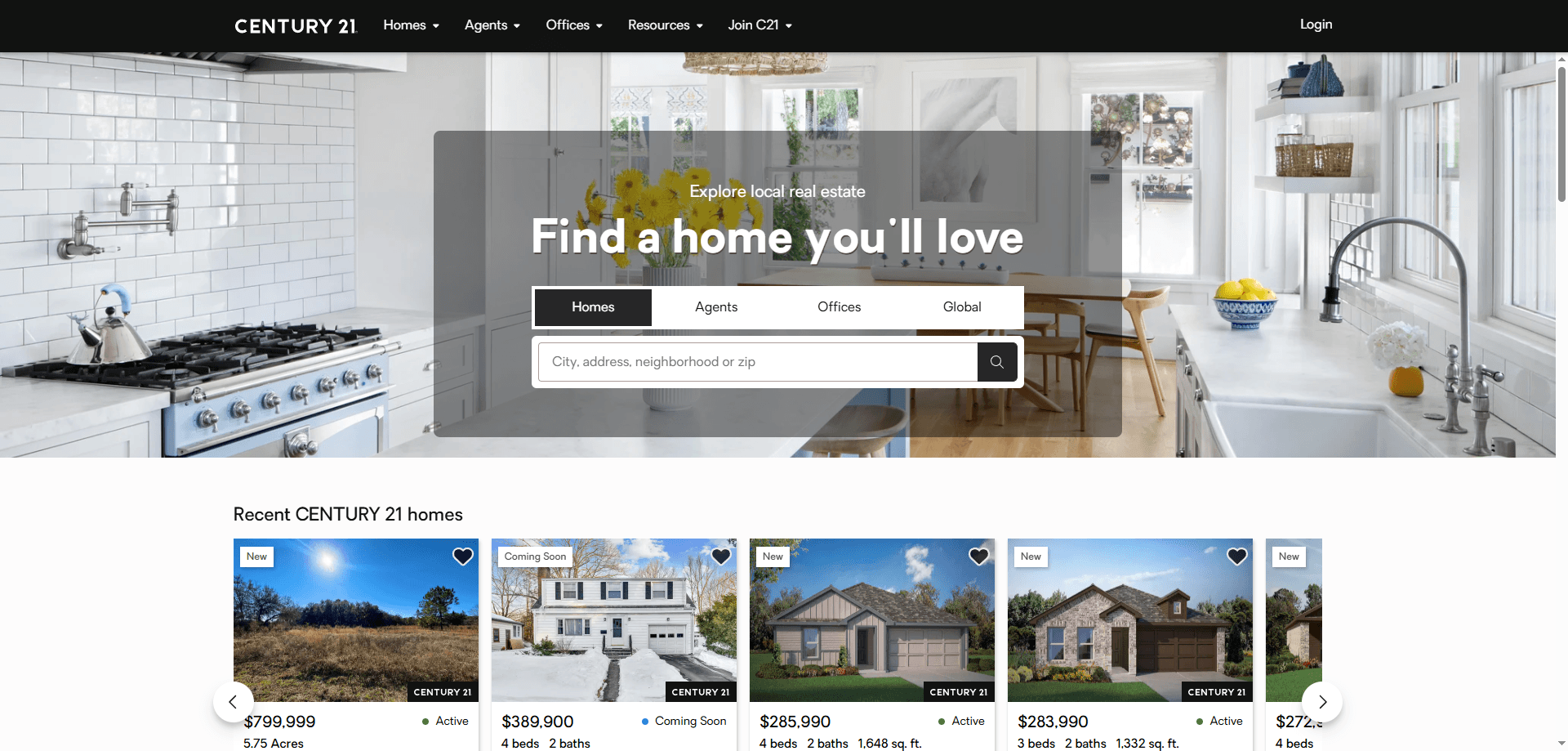
How to Scrape Century 21 Property Listings
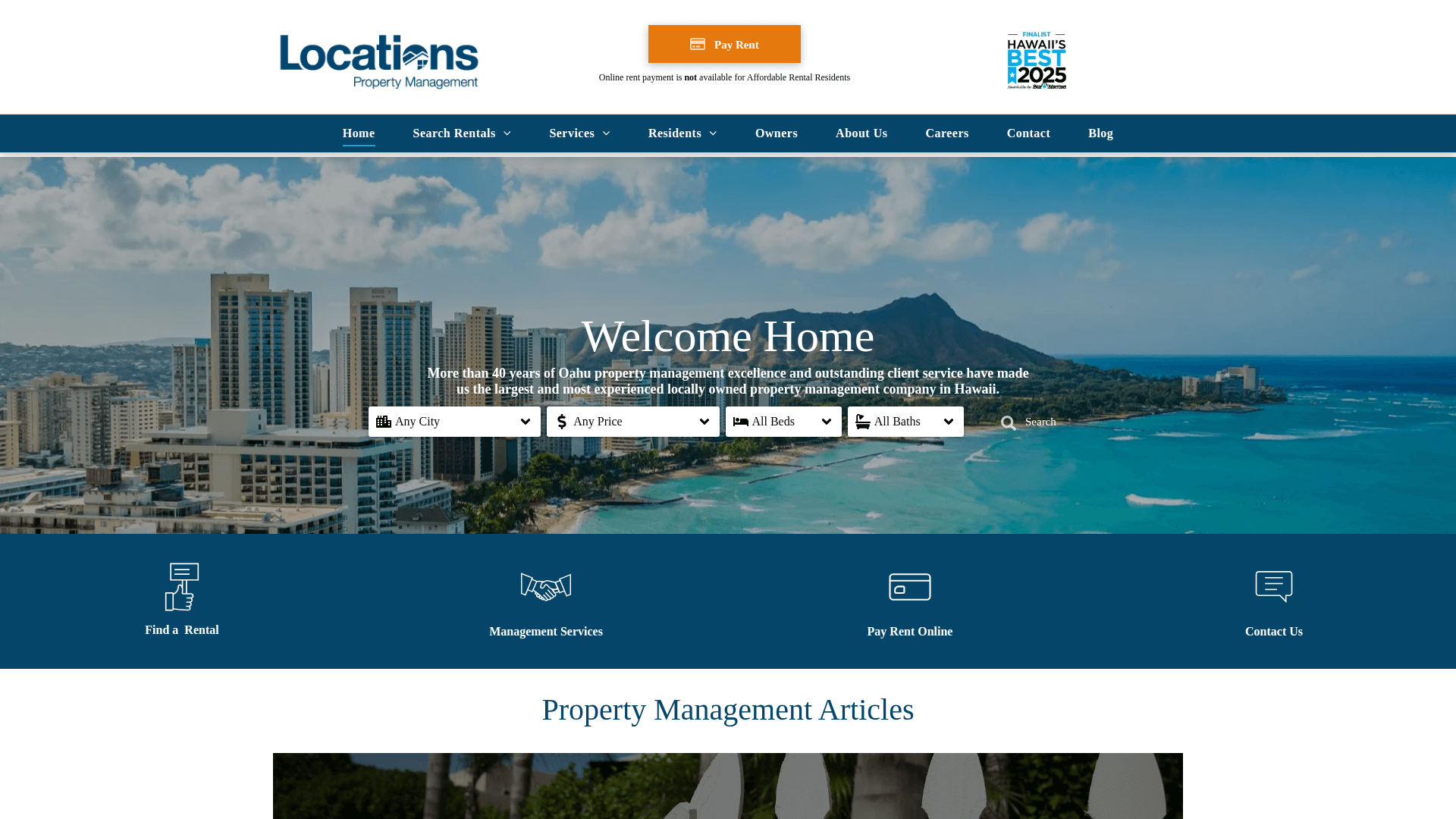
How to Scrape Locations Hawaii | Locations Hawaii Web Scraper
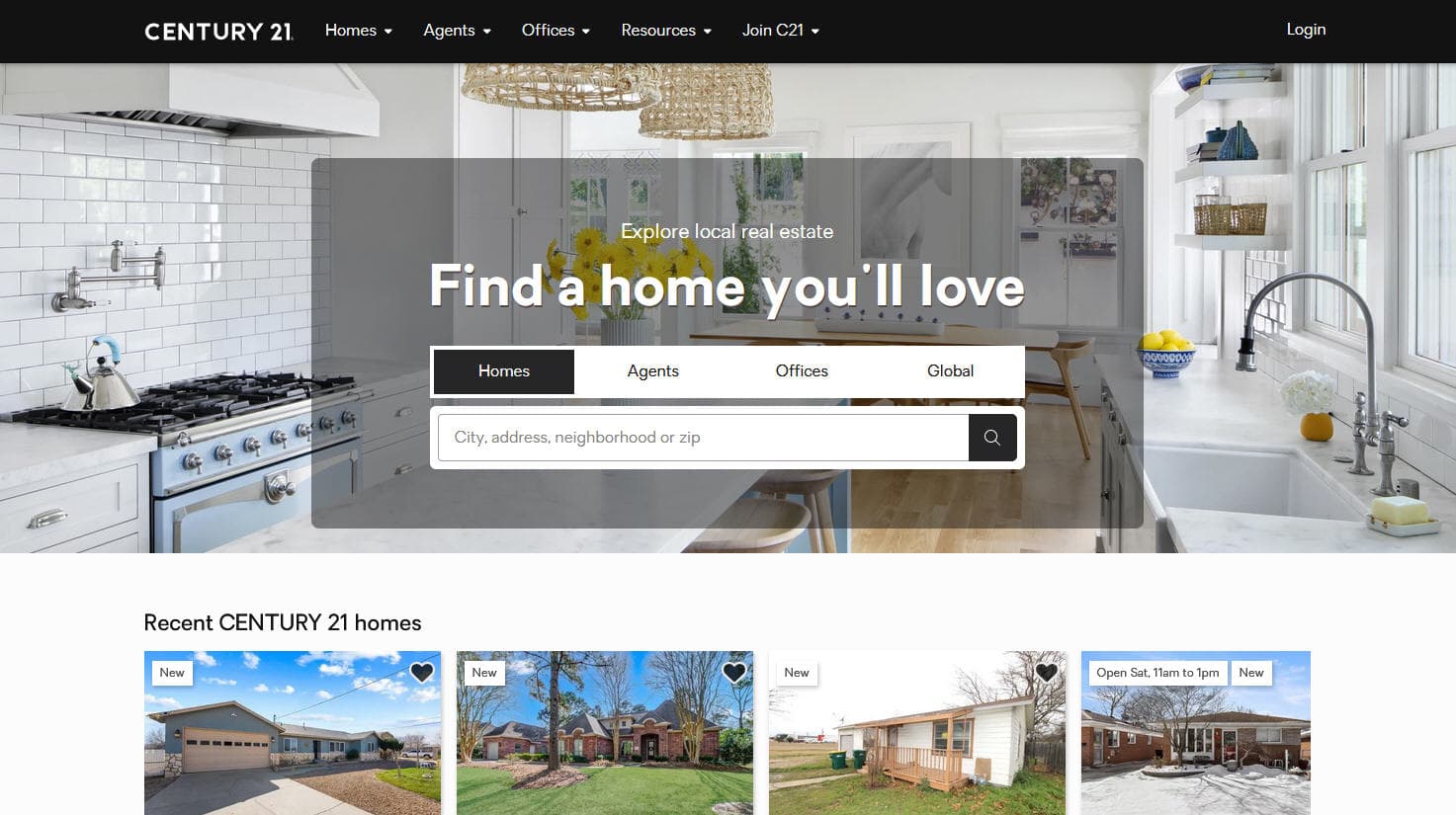
How to Scrape Century 21: A Technical Real Estate Guide
How to Scrape HotPads: A Complete Guide to Extracting Rental Data

How to Scrape Sacramento Delta Property Management
How to Scrape LivePiazza: Philadelphia Real Estate Scraper
How to Scrape RE/MAX (remax.com) Real Estate Listings
How to Scrape Homes.com: Real Estate Data Extraction Guide
Frequently Asked Questions
Find answers to common questions about Apartments.com