
How to Scrape BureauxLocaux: Commercial Real Estate Data Guide
Extract commercial real estate data from BureauxLocaux. Scrape office prices, warehouse locations, and agent details across France for market research.
Anti-Bot Protection Detected
- Cloudflare
- Enterprise-grade WAF and bot management. Uses JavaScript challenges, CAPTCHAs, and behavioral analysis. Requires browser automation with stealth settings.
- CSRF Protection
- Rate Limiting
- Limits requests per IP/session over time. Can be bypassed with rotating proxies, request delays, and distributed scraping.
- User-Agent Filtering
- JavaScript Challenge
- Requires executing JavaScript to access content. Simple requests fail; need headless browser like Playwright or Puppeteer.
About BureauxLocaux
Learn what BureauxLocaux offers and what valuable data can be extracted from it.
France's Professional Real Estate Marketplace
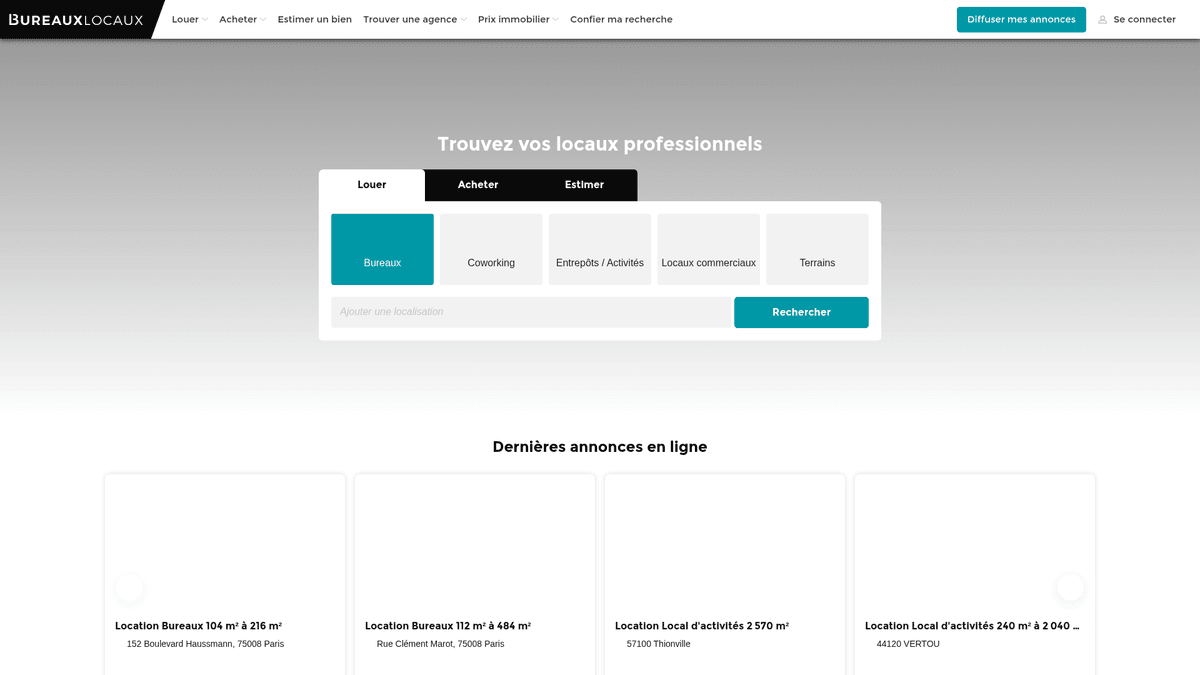
BureauxLocaux is the premier digital platform in France dedicated to professional real estate, facilitating the lease and sale of offices, warehouses, retail spaces, and coworking hubs. Owned by the CoStar Group, the platform centralizes data from over 1,800 specialized agencies and hosts more than 72,000 active listings, making it a definitive source for B2B property insights.
Comprehensive Market Intelligence
The platform offers a granular view of the French commercial landscape, from high-demand Parisian business districts to logistical hubs in Lyon and Marseille. It serves as a vital bridge between property seekers and specialized brokers, providing detailed technical specifications that go beyond simple price points.
Why the Data Matters
Scraping BureauxLocaux is essential for real estate developers, investors, and urban planners. The platform's listings provide real-time data on rental price trends, vacancy rates, and energy performance (DPE) ratings, which are critical for building predictive market models and identifying high-yield investment opportunities.
Why Scrape BureauxLocaux?
Discover the business value and use cases for extracting data from BureauxLocaux.
Commercial Market Intelligence
Monitor real-time rental and sale price fluctuations for offices and warehouses across different French regions to identify emerging business hubs.
B2B Lead Generation
Identify commercial real estate agencies specializing in specific niches like logistics or high-end retail to offer professional services like office fit-outs or insurance.
Investment Opportunity Sourcing
Detect undervalued properties or urgent sublease opportunities in prime Parisian business districts by tracking price drops and listing duration.
Industrial Supply Tracking
Analyze the availability and technical specifications of industrial warehouses and storage facilities to support logistics and supply chain planning.
Economic Indicator Analysis
Use commercial vacancy rates and square footage availability as leading indicators for regional economic growth or decline in major French cities.
Scraping Challenges
Technical challenges you may encounter when scraping BureauxLocaux.
Advanced DataDome Protection
BureauxLocaux utilizes DataDome, a sophisticated bot management system that identifies and blocks headless browsers through behavioral and fingerprint analysis.
Interaction-Locked Contact Info
Sensitive data like agent phone numbers are often hidden behind buttons that require a physical click to reveal, which can trigger additional verification challenges.
Geographic Traffic Restrictions
The site frequently throttles or outright blocks traffic coming from non-European IP addresses to prevent global scraping attempts while serving local users.
Fragmented Data Formats
Pricing is inconsistently listed as price per workstation, price per m2/year, or total monthly rent, requiring complex normalization logic during extraction.
Scrape BureauxLocaux with AI
No coding required. Extract data in minutes with AI-powered automation.
How It Works
Describe What You Need
Tell the AI what data you want to extract from BureauxLocaux. Just type it in plain language — no coding or selectors needed.
AI Extracts the Data
Our artificial intelligence navigates BureauxLocaux, handles dynamic content, and extracts exactly what you asked for.
Get Your Data
Receive clean, structured data ready to export as CSV, JSON, or send directly to your apps and workflows.
Why Use AI for Scraping
AI makes it easy to scrape BureauxLocaux without writing any code. Our AI-powered platform uses artificial intelligence to understand what data you want — just describe it in plain language and the AI extracts it automatically.
How to scrape with AI:
- Describe What You Need: Tell the AI what data you want to extract from BureauxLocaux. Just type it in plain language — no coding or selectors needed.
- AI Extracts the Data: Our artificial intelligence navigates BureauxLocaux, handles dynamic content, and extracts exactly what you asked for.
- Get Your Data: Receive clean, structured data ready to export as CSV, JSON, or send directly to your apps and workflows.
Why use AI for scraping:
- Bypassing DataDome Security: Automatio is engineered to navigate through advanced bot shields like DataDome without triggering blocks, ensuring consistent data collection.
- Visual Data Extraction: The no-code visual selector allows you to point and click on complex technical attributes like energy ratings or building amenities without writing custom CSS selectors.
- Integrated French Proxies: Easily connect French residential proxies to mimic local browsing behavior, which is essential for accessing regional listings and avoiding IP reputation blocks.
- Automated UI Interactions: Configure the tool to automatically handle the Axeptio cookie consent banner and click 'Reveal' buttons to capture hidden contact details.
No-Code Web Scrapers for BureauxLocaux
Point-and-click alternatives to AI-powered scraping
Several no-code tools like Browse.ai, Octoparse, Axiom, and ParseHub can help you scrape BureauxLocaux. These tools use visual interfaces to select elements, but they come with trade-offs compared to AI-powered solutions.
Typical Workflow with No-Code Tools
Common Challenges
Learning curve
Understanding selectors and extraction logic takes time
Selectors break
Website changes can break your entire workflow
Dynamic content issues
JavaScript-heavy sites often require complex workarounds
CAPTCHA limitations
Most tools require manual intervention for CAPTCHAs
IP blocking
Aggressive scraping can get your IP banned
No-Code Web Scrapers for BureauxLocaux
Several no-code tools like Browse.ai, Octoparse, Axiom, and ParseHub can help you scrape BureauxLocaux. These tools use visual interfaces to select elements, but they come with trade-offs compared to AI-powered solutions.
Typical Workflow with No-Code Tools
- Install browser extension or sign up for the platform
- Navigate to the target website and open the tool
- Point-and-click to select data elements you want to extract
- Configure CSS selectors for each data field
- Set up pagination rules to scrape multiple pages
- Handle CAPTCHAs (often requires manual solving)
- Configure scheduling for automated runs
- Export data to CSV, JSON, or connect via API
Common Challenges
- Learning curve: Understanding selectors and extraction logic takes time
- Selectors break: Website changes can break your entire workflow
- Dynamic content issues: JavaScript-heavy sites often require complex workarounds
- CAPTCHA limitations: Most tools require manual intervention for CAPTCHAs
- IP blocking: Aggressive scraping can get your IP banned
Code Examples
import requests
from bs4 import BeautifulSoup

# Note: This may be blocked by Cloudflare without advanced headers/proxies
headers = {
    'User-Agent': 'Mozilla/5.0 (Windows NT 10.0; Win64; x64) AppleWebKit/537.36 (KHTML, like Gecko) Chrome/119.0.0.0 Safari/537.36',
    'Accept-Language': 'fr-FR,fr;q=0.9'
}

url = "https://www.bureauxlocaux.com/immobilier-d-entreprise/annonces/location-bureaux"

try:
    response = requests.get(url, headers=headers, timeout=15)
    response.raise_for_status()
    soup = BeautifulSoup(response.text, 'html.parser')

    # Example: Selecting listing cards
    listings = soup.select('.AnnonceCard')
    for item in listings:
        title = item.select_one('h2').get_text(strip=True)
        price = item.select_one('.price').get_text(strip=True) if item.select_one('.price') else 'N/A'
        print(f'Listing: {title} | Price: {price}')
except Exception as e:
    print(f'Scraping failed: {e}')
When to Use
Best for static HTML pages where content is loaded server-side. The fastest and simplest approach when JavaScript rendering isn't required.
Advantages
- ●Fastest execution (no browser overhead)
- ●Lowest resource consumption
- ●Easy to parallelize with asyncio
- ●Great for APIs and static pages
Limitations
- ●Cannot execute JavaScript
- ●Fails on SPAs and dynamic content
- ●May struggle with complex anti-bot systems
How to Scrape BureauxLocaux with Code
Python + Requests
import requests
from bs4 import BeautifulSoup
# Note: This may be blocked by Cloudflare without advanced headers/proxies
headers = {
'User-Agent': 'Mozilla/5.0 (Windows NT 10.0; Win64; x64) AppleWebKit/537.36 (KHTML, like Gecko) Chrome/119.0.0.0 Safari/537.36',
'Accept-Language': 'fr-FR,fr;q=0.9'
}
url = "https://www.bureauxlocaux.com/immobilier-d-entreprise/annonces/location-bureaux"
try:
response = requests.get(url, headers=headers, timeout=15)
response.raise_for_status()
soup = BeautifulSoup(response.text, 'html.parser')
# Example: Selecting listing cards
listings = soup.select('.AnnonceCard')
for item in listings:
title = item.select_one('h2').get_text(strip=True)
price = item.select_one('.price').get_text(strip=True) if item.select_one('.price') else 'N/A'
print(f'Listing: {title} | Price: {price}')
except Exception as e:
print(f'Scraping failed: {e}')Python + Playwright
from playwright.sync_api import sync_playwright

def scrape_bureaux():
    with sync_playwright() as p:
        # Launching with stealth or specific UA is recommended
        browser = p.chromium.launch(headless=True)
        context = browser.new_context(user_agent="Mozilla/5.0 (Windows NT 10.0; Win64; x64) AppleWebKit/537.36 (KHTML, like Gecko) Chrome/119.0.0.0 Safari/537.36")
        page = context.new_page()

        # Navigate to the search results
        page.goto("https://www.bureauxlocaux.com/immobilier-d-entreprise/annonces/location-bureaux", wait_until="networkidle")

        # Wait for listings to render
        page.wait_for_selector(".AnnonceCard")

        listings = page.query_selector_all(".AnnonceCard")
        for item in listings:
            title = item.query_selector("h2").inner_text()
            price = item.query_selector(".price").inner_text() if item.query_selector(".price") else "Contact agent"
            print(f"{title}: {price}")

        browser.close()

scrape_bureaux()Python + Scrapy
import scrapy

class BureauxSpider(scrapy.Spider):
    name = 'bureaux_spider'
    start_urls = ['https://www.bureauxlocaux.com/immobilier-d-entreprise/annonces/location-bureaux']

    def parse(self, response):
        # Loop through each property card on the page
        for ad in response.css('.AnnonceCard'):
            yield {
                'title': ad.css('h2::text').get(default='').strip(),
                'price': ad.css('.price::text').get(default='').strip(),
                'location': ad.css('.location::text').get(default='').strip(),
                'url': response.urljoin(ad.css('a::attr(href)').get())
            }

        # Pagination: Find the 'Next' page link
        next_page = response.css('a.pagination-next::attr(href)').get()
        if next_page:
yield response.follow(next_page, self.parse)Node.js + Puppeteer
const puppeteer = require('puppeteer');

(async () => {
  const browser = await puppeteer.launch({ headless: true });
  const page = await browser.newPage();

  // Set a realistic User-Agent
  await page.setUserAgent('Mozilla/5.0 (Windows NT 10.0; Win64; x64) AppleWebKit/537.36 (KHTML, like Gecko) Chrome/119.0.0.0 Safari/537.36');

  await page.goto('https://www.bureauxlocaux.com/immobilier-d-entreprise/annonces/location-bureaux', { waitUntil: 'networkidle2' });

  // Extract data from listing elements
  const data = await page.evaluate(() => {
    const items = Array.from(document.querySelectorAll('.AnnonceCard'));
    return items.map(el => ({
      title: el.querySelector('h2')?.innerText.trim(),
      price: el.querySelector('.price')?.innerText.trim(),
      location: el.querySelector('.location-text')?.innerText.trim()
    }));
  });

  console.log(data);
  await browser.close();
})();What You Can Do With BureauxLocaux Data
Explore practical applications and insights from BureauxLocaux data.
Commercial Rent Indexing
Financial analysts can build a dynamic index of office rental costs to advise corporate clients on location strategy.
How to implement:
- 1Scrape all active office listings in major French cities weekly.
- 2Calculate price per square meter per year for each entry.
- 3Group data by district (Arrondissement) to identify price clusters.
- 4Visualize the 'Price Heatmap' using a mapping tool like Tableau.
Use Automatio to extract data from BureauxLocaux and build these applications without writing code.
What You Can Do With BureauxLocaux Data
- Commercial Rent Indexing
Financial analysts can build a dynamic index of office rental costs to advise corporate clients on location strategy.
- Scrape all active office listings in major French cities weekly.
- Calculate price per square meter per year for each entry.
- Group data by district (Arrondissement) to identify price clusters.
- Visualize the 'Price Heatmap' using a mapping tool like Tableau.
- Real Estate Lead Gen
B2B service providers can find companies moving into new spaces that require IT setup, furniture, or insurance.
- Target listings marked as 'Recently Available' or 'New on Market'.
- Extract the contact details of the listing agency for partnership outreach.
- Track property removals to estimate when a company has successfully signed a lease.
- Automate a CRM entry for new potential office renovation projects.
- Vacancy Duration Tracking
Economic researchers can monitor how long industrial properties stay on the market to gauge local economic health.
- Scrape all warehouse listings and store their 'First Seen' date.
- Continuously verify which listings are still active vs those removed.
- Calculate the average 'Time on Market' (ToM) for each industrial zone.
- Correlate high ToM with specific regional economic downturns.
- Investment Filter Automation
Investors can receive instant alerts when properties drop below a certain price threshold in specific areas.
- Set up a daily scrape for specific categories like 'Vente de Bureaux'.
- Compare the daily price against the historical average for that specific zip code.
- Trigger a notification if a listing is priced 15% below the market average.
- Export the filtered deals to a Google Sheet for immediate review.
Supercharge your workflow with AI Automation
Automatio combines the power of AI agents, web automation, and smart integrations to help you accomplish more in less time.
What to get right first
Expert advice for successfully extracting data from BureauxLocaux.
Prioritize French Residential IPs
Using proxies based in France is the most effective way to avoid being flagged by the site's regional security filters.
Account for Tax Suffixes
Ensure your price parsers recognize 'HT' (Hors Taxes) and 'HC' (Hors Charges) to accurately calculate the total cost of commercial listings.
Monitor Internal XHR Requests
Inspect the network traffic to find the internal JSON endpoints that the site uses to populate listings for more efficient and structured extraction.
Implement Randomized Delays
Introduce variable sleep times between page loads and interactions to replicate human browsing patterns and stay below rate-limiting thresholds.
Handle Cookie Consents First
Ensure your scraper interacts with or hides the cookie consent modal upon landing to prevent it from overlaying and blocking access to listing elements.
Related Web Scraping
How to Scrape Century 21 Property Listings
How to Scrape Locations Hawaii | Locations Hawaii Web Scraper
How to Scrape Century 21: A Technical Real Estate Guide
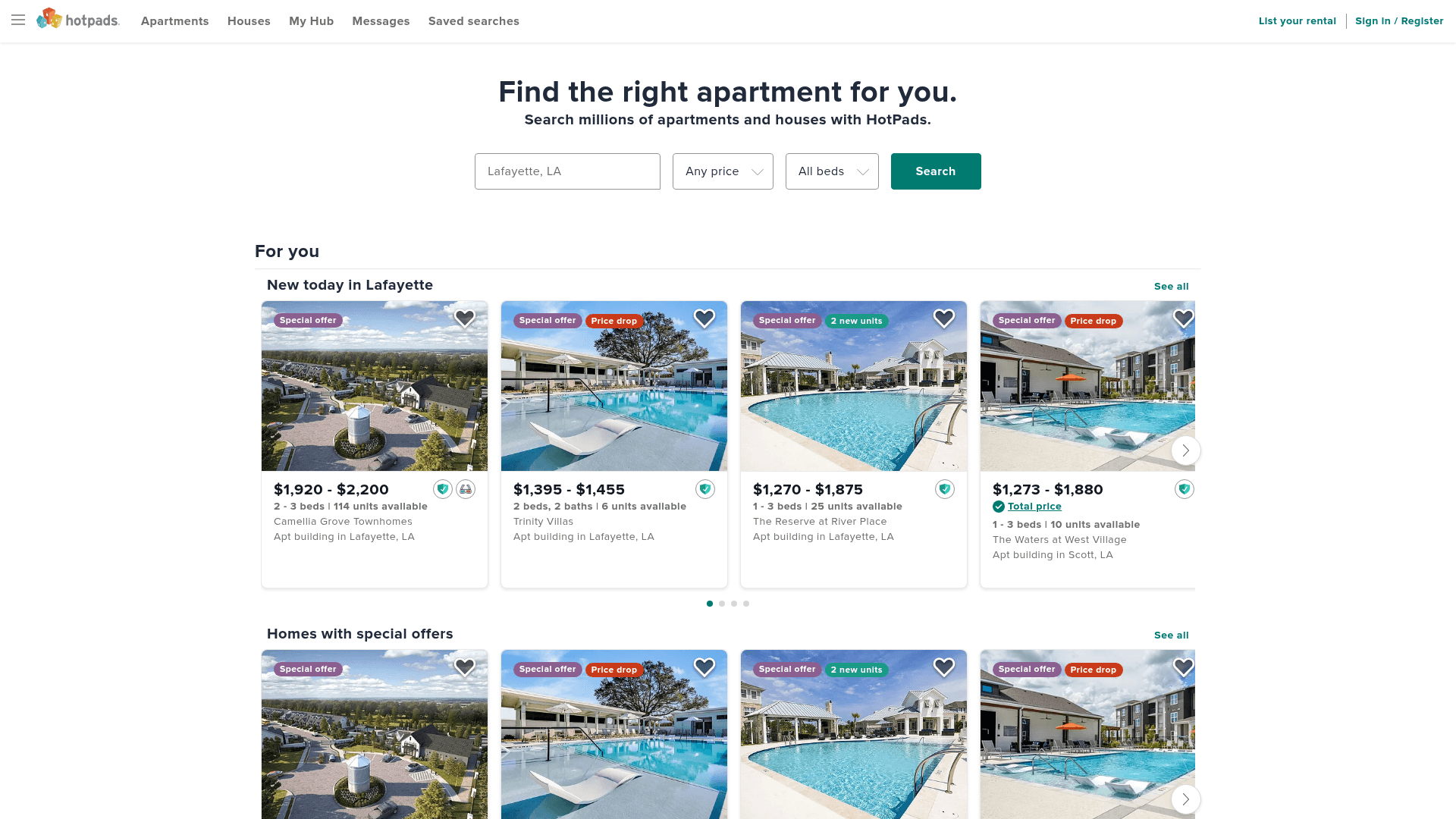
How to Scrape HotPads: A Complete Guide to Extracting Rental Data

How to Scrape Sacramento Delta Property Management
How to Scrape LivePiazza: Philadelphia Real Estate Scraper
How to Scrape RE/MAX (remax.com) Real Estate Listings
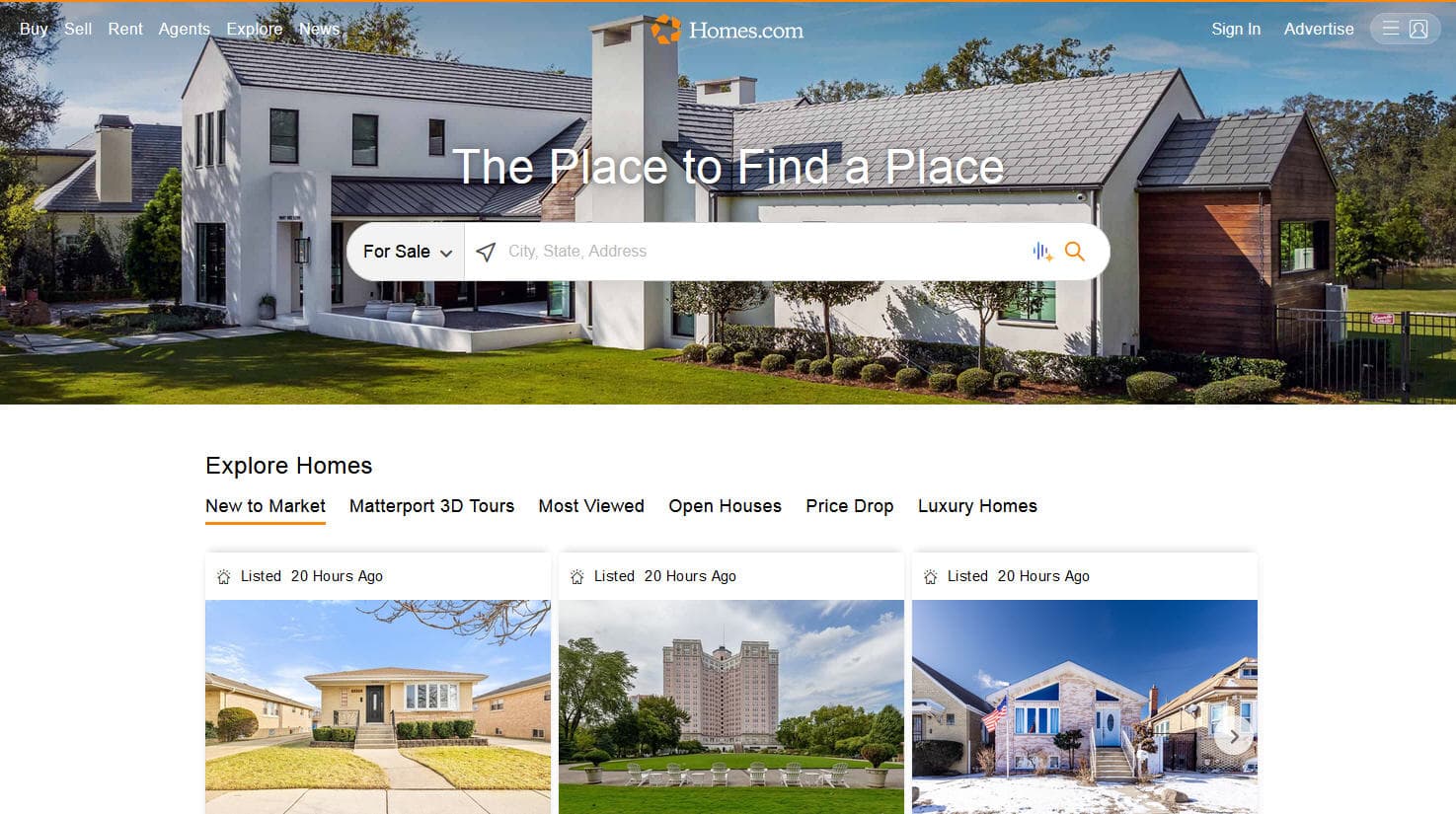
How to Scrape Homes.com: Real Estate Data Extraction Guide
Frequently Asked Questions
Find answers to common questions about BureauxLocaux