
How to Scrape Crypto.com: Comprehensive Market Data Guide
Learn how to scrape Crypto.com for real-time cryptocurrency prices, market caps, and trading volumes. Build datasets for arbitrage and financial market...
Anti-Bot Protection Detected
- Cloudflare
- Enterprise-grade WAF and bot management. Uses JavaScript challenges, CAPTCHAs, and behavioral analysis. Requires browser automation with stealth settings.
- DataDome
- Real-time bot detection with ML models. Analyzes device fingerprint, network signals, and behavioral patterns. Common on e-commerce sites.
- Rate Limiting
- Limits requests per IP/session over time. Can be bypassed with rotating proxies, request delays, and distributed scraping.
- IP Blocking
- Blocks known datacenter IPs and flagged addresses. Requires residential or mobile proxies to circumvent effectively.
- Browser Fingerprinting
- Identifies bots through browser characteristics: canvas, WebGL, fonts, plugins. Requires spoofing or real browser profiles.
About Crypto.com
Learn what Crypto.com offers and what valuable data can be extracted from it.
Crypto.com is a premier cryptocurrency ecosystem operated by Foris DAX MT Limited. It offers a comprehensive suite of financial services including a high-performance trading exchange, a mobile wallet app, and the Cronos (CRO) blockchain. The platform serves over 150 million users globally, providing access to hundreds of digital assets from major coins like Bitcoin to emerging DeFi tokens.
The website is a goldmine for financial data, featuring high-frequency live price tickers, detailed market capitalization metrics, 24-hour trading volumes, and historical price charts. This data is critical for traders and analysts who need real-time insights into the highly volatile crypto market to inform investment decisions and algorithmic trading strategies.
Scraping this data allows for sophisticated price monitoring, arbitrage detection, and market research that is difficult to achieve through manual observation. Whether you are tracking the latest meme coins or monitoring institutional-grade liquidity, Crypto.com provides the necessary depth for robust financial modeling.

Why Scrape Crypto.com?
Discover the business value and use cases for extracting data from Crypto.com.
Real-Time Arbitrage Detection
Extract live prices across hundreds of trading pairs to identify price discrepancies between Crypto.com and other major exchanges for instant profit opportunities.
Market Sentiment Monitoring
Collect 'Buzzing on X' and social mover data directly from the platform to gauge community hype before tokens reach peak volatility.
Algorithmic Backtesting
Build high-fidelity historical datasets including price, volume, and supply metrics to train and refine machine learning trading models.
New Listing Surveillance
Automatically detect when new digital assets are added to the platform's index, providing an early-mover advantage for low-cap gems.
Cronos Ecosystem Research
Track the growth and performance of specific sectors, such as the Cronos blockchain ecosystem, to identify emerging DeFi trends and liquidity shifts.
Custom Alert Frameworks
Feed extracted data into notification bots that trigger whenever price or volume crosses specific technical thresholds defined by your strategy.
Scraping Challenges
Technical challenges you may encounter when scraping Crypto.com.
Advanced Cloudflare Protection
The site employs aggressive Cloudflare integrity checks and browser fingerprinting that can instantly block standard HTTP requests or basic headless browsers.
Dynamic React Rendering
Crypto.com uses React for its front-end, meaning data is rendered dynamically via JavaScript, requiring a full browser environment to extract visible values.
Aggressive IP Rate Limiting
Frequent polling of coin detail pages or high-speed navigation across price indexes results in rapid temporary IP bans if requests aren't distributed.
Regional Content Redirection
The website automatically redirects users based on geolocation, which can lead to variations in the HTML structure and available coin data between the US and Global versions.
Scrape Crypto.com with AI
No coding required. Extract data in minutes with AI-powered automation.
How It Works
Describe What You Need
Tell the AI what data you want to extract from Crypto.com. Just type it in plain language — no coding or selectors needed.
AI Extracts the Data
Our artificial intelligence navigates Crypto.com, handles dynamic content, and extracts exactly what you asked for.
Get Your Data
Receive clean, structured data ready to export as CSV, JSON, or send directly to your apps and workflows.
Why Use AI for Scraping
AI makes it easy to scrape Crypto.com without writing any code. Our AI-powered platform uses artificial intelligence to understand what data you want — just describe it in plain language and the AI extracts it automatically.
How to scrape with AI:
- Describe What You Need: Tell the AI what data you want to extract from Crypto.com. Just type it in plain language — no coding or selectors needed.
- AI Extracts the Data: Our artificial intelligence navigates Crypto.com, handles dynamic content, and extracts exactly what you asked for.
- Get Your Data: Receive clean, structured data ready to export as CSV, JSON, or send directly to your apps and workflows.
Why use AI for scraping:
- Automatic Anti-Bot Evasion: Automatio is built to handle sophisticated Cloudflare headers and fingerprinting challenges without requiring manual code updates or complex proxy configurations.
- Visual Data Selection: Easily point and click to select prices, volumes, and circulating supplies without writing fragile CSS selectors that break when the site updates its UI.
- Seamless Pagination: Configure the tool once to automatically crawl through all 280+ pages of the crypto price index, ensuring your dataset captures the entire market.
- Real-Time Scheduling: Set your scrapers to run at specific intervals—down to the minute—to maintain a consistent and up-to-date feed for live trading applications.
- No-Code Data Cleaning: Convert currency strings directly into numeric values or remove symbols using built-in logic before the data reaches your database or spreadsheet.
No-Code Web Scrapers for Crypto.com
Point-and-click alternatives to AI-powered scraping
Several no-code tools like Browse.ai, Octoparse, Axiom, and ParseHub can help you scrape Crypto.com. These tools use visual interfaces to select elements, but they come with trade-offs compared to AI-powered solutions.
Typical Workflow with No-Code Tools
Common Challenges
Learning curve
Understanding selectors and extraction logic takes time
Selectors break
Website changes can break your entire workflow
Dynamic content issues
JavaScript-heavy sites often require complex workarounds
CAPTCHA limitations
Most tools require manual intervention for CAPTCHAs
IP blocking
Aggressive scraping can get your IP banned
No-Code Web Scrapers for Crypto.com
Several no-code tools like Browse.ai, Octoparse, Axiom, and ParseHub can help you scrape Crypto.com. These tools use visual interfaces to select elements, but they come with trade-offs compared to AI-powered solutions.
Typical Workflow with No-Code Tools
- Install browser extension or sign up for the platform
- Navigate to the target website and open the tool
- Point-and-click to select data elements you want to extract
- Configure CSS selectors for each data field
- Set up pagination rules to scrape multiple pages
- Handle CAPTCHAs (often requires manual solving)
- Configure scheduling for automated runs
- Export data to CSV, JSON, or connect via API
Common Challenges
- Learning curve: Understanding selectors and extraction logic takes time
- Selectors break: Website changes can break your entire workflow
- Dynamic content issues: JavaScript-heavy sites often require complex workarounds
- CAPTCHA limitations: Most tools require manual intervention for CAPTCHAs
- IP blocking: Aggressive scraping can get your IP banned
Code Examples
import requests
from bs4 import BeautifulSoup

# Crypto.com uses Cloudflare; simple requests will likely fail without a bypass
url = 'https://crypto.com/price'
headers = {
    'User-Agent': 'Mozilla/5.0 (Windows NT 10.0; Win64; x64) AppleWebKit/537.36 (KHTML, like Gecko) Chrome/91.0.4472.124 Safari/537.36',
    'Accept-Language': 'en-US,en;q=0.9'
}

try:
    response = requests.get(url, headers=headers, timeout=10)
    if response.status_code == 200:
        soup = BeautifulSoup(response.text, 'html.parser')
        # Selectors on Crypto.com are often dynamic; update these based on current HTML
        rows = soup.find_all('tr', class_='css-1c9v9re')
        for row in rows:
            name = row.find('p', class_='css-rk4bbp')
            price = row.find('div', class_='css-16q9pr7')
            if name and price:
                print(f'Coin: {name.text.strip()}, Price: {price.text.strip()}')
    else:
        print(f'Blocked by Cloudflare? Status: {response.status_code}')
except Exception as e:
    print(f'Error occurred: {e}')
When to Use
Best for static HTML pages where content is loaded server-side. The fastest and simplest approach when JavaScript rendering isn't required.
Advantages
- ●Fastest execution (no browser overhead)
- ●Lowest resource consumption
- ●Easy to parallelize with asyncio
- ●Great for APIs and static pages
Limitations
- ●Cannot execute JavaScript
- ●Fails on SPAs and dynamic content
- ●May struggle with complex anti-bot systems
How to Scrape Crypto.com with Code
Python + Requests
import requests
from bs4 import BeautifulSoup
# Crypto.com uses Cloudflare; simple requests will likely fail without a bypass
url = 'https://crypto.com/price'
headers = {
'User-Agent': 'Mozilla/5.0 (Windows NT 10.0; Win64; x64) AppleWebKit/537.36 (KHTML, like Gecko) Chrome/91.0.4472.124 Safari/537.36',
'Accept-Language': 'en-US,en;q=0.9'
}
try:
response = requests.get(url, headers=headers, timeout=10)
if response.status_code == 200:
soup = BeautifulSoup(response.text, 'html.parser')
# Selectors on Crypto.com are often dynamic; update these based on current HTML
rows = soup.find_all('tr', class_='css-1c9v9re')
for row in rows:
name = row.find('p', class_='css-rk4bbp')
price = row.find('div', class_='css-16q9pr7')
if name and price:
print(f'Coin: {name.text.strip()}, Price: {price.text.strip()}')
else:
print(f'Blocked by Cloudflare? Status: {response.status_code}')
except Exception as e:
print(f'Error occurred: {e}')Python + Playwright
import asyncio
from playwright.async_api import async_playwright

async def scrape_crypto():
    async with async_playwright() as p:
        # Launching with a visible browser helps debug Cloudflare challenges
        browser = await p.chromium.launch(headless=True)
        context = await browser.new_context(
            user_agent='Mozilla/5.0 (Windows NT 10.0; Win64; x64) AppleWebKit/537.36 (KHTML, like Gecko) Chrome/119.0.0.0 Safari/537.36'
        )
        page = await context.new_page()

        # Navigate to the price page
        await page.goto('https://crypto.com/price', wait_until='networkidle')

        # Wait for the table rows to render
        await page.wait_for_selector('tr')

        coins = await page.query_selector_all('tr')
        for coin in coins[:10]: # Scrape first 10 items
            name_el = await coin.query_selector('.css-1jj7z1p')
            price_el = await coin.query_selector('.css-16q9pr7')

            if name_el and price_el:
                name = await name_el.inner_text()
                price = await price_el.inner_text()
                print(f'Name: {name}, Price: {price}')

        await browser.close()

asyncio.run(scrape_crypto())Python + Scrapy
import scrapy

class CryptoSpider(scrapy.Spider):
    name = 'crypto_spider'
    allowed_domains = ['crypto.com']
    start_urls = ['https://crypto.com/price']

    def parse(self, response):
        # Scrapy requires a middleware like Scrapy-Playwright to handle Crypto.com JS
        for row in response.css('tr'):
            yield {
                'coin_name': row.css('.css-1jj7z1p::text').get(),
                'price': row.css('.css-16q9pr7::text').get(),
                'change_24h': row.css('.css-16ivz60::text').get(),
            }

        # Handle simple pagination if buttons are present
        next_page = response.css('a.pagination-next::attr(href)').get()
        if next_page:
yield response.follow(next_page, self.parse)Node.js + Puppeteer
const puppeteer = require('puppeteer');

(async () => {
  const browser = await puppeteer.launch({ headless: true });
  const page = await browser.newPage();

  // Set a realistic User Agent
  await page.setUserAgent('Mozilla/5.0 (Windows NT 10.0; Win64; x64) AppleWebKit/537.36 (KHTML, like Gecko) Chrome/110.0.0.0 Safari/537.36');

  try {
    await page.goto('https://crypto.com/price', { waitUntil: 'networkidle2' });

    // Evaluate the page content
    const data = await page.evaluate(() => {
      const rows = Array.from(document.querySelectorAll('tr'));
      return rows.map(row => ({
        name: row.querySelector('.css-1jj7z1p')?.innerText.trim(),
        price: row.querySelector('.css-16q9pr7')?.innerText.trim()
      })).filter(item => item.name);
    });

    console.log(data);
  } catch (err) {
    console.error('Error during scraping:', err);
  } finally {
    await browser.close();
  }
})();What You Can Do With Crypto.com Data
Explore practical applications and insights from Crypto.com data.
Crypto Arbitrage Bot
Identify and exploit price discrepancies for the same asset across different exchanges to generate profit.
How to implement:
- 1Scrape live prices from Crypto.com and competitor platforms like Binance.
- 2Compare real-time price spreads while accounting for transaction fees.
- 3Trigger automated buy and sell orders when profitable gaps are detected.
- 4Monitor trade execution and update portfolio balances via API.
Use Automatio to extract data from Crypto.com and build these applications without writing code.
What You Can Do With Crypto.com Data
- Crypto Arbitrage Bot
Identify and exploit price discrepancies for the same asset across different exchanges to generate profit.
- Scrape live prices from Crypto.com and competitor platforms like Binance.
- Compare real-time price spreads while accounting for transaction fees.
- Trigger automated buy and sell orders when profitable gaps are detected.
- Monitor trade execution and update portfolio balances via API.
- Historical Volatility Index
Create a custom volatility benchmark for specific coin categories to assist in risk assessment.
- Schedule daily scrapes of price data for a selected basket of cryptocurrencies.
- Calculate the standard deviation of daily price movements over a 90-day period.
- Segment volatility indices by category such as DeFi, Memes, or Layer 1.
- Visualize volatility trends in a dashboard for research and analysis.
- New Listing Alerts
Gain an early mover advantage by detecting when new digital assets are added to the platform.
- Monitor the total coin count and names on the main listing page.
- Compare the current list with a cached version of the previous scrape.
- Send immediate notifications via Slack or Telegram when a new entry is found.
- Automatically fetch initial price and volume data for the new listing.
- Sentiment Correlation Analysis
Analyze how social media activity directly influences price movements for specific altcoins.
- Scrape hourly price and volume changes for specific tokens from Crypto.com.
- Simultaneously aggregate social media mentions from platforms like Reddit and Twitter.
- Apply statistical regression to determine if social volume leads price spikes.
- Develop predictive models for short-term price movements based on sentiment.
Supercharge your workflow with AI Automation
Automatio combines the power of AI agents, web automation, and smart integrations to help you accomplish more in less time.
What to get right first
Expert advice for successfully extracting data from Crypto.com.
Target Global Subdomains
Use the /en/price/ subdomain to access global market data, as it is often less restrictive and more comprehensive than the US-specific landing pages.
Monitor XHR Network Traffic
Inspect the browser's network tab to find hidden API endpoints that deliver price data in clean JSON format, which is much faster to parse than HTML.
Rotate Residential Proxies
Utilize high-quality residential proxies that change IP on every request to mimic real user behavior and stay below the threshold of rate-limiting filters.
Avoid Heavy Visual Components
Disable image and SVG chart loading in your scraper to significantly reduce bandwidth usage and speed up data extraction from the main tables.
Implement Random Delays
Randomize the 'wait' time between page navigations and scrolls to prevent your activity from looking like a bot to behavioral detection systems.
Related Web Scraping

How to Scrape Yahoo Finance: Extract Stock Market Data
How to Scrape Moon.ly | Step-by-Step NFT Data Extraction Guide

How to Scrape Rocket Mortgage: A Comprehensive Guide
How to Scrape Open Collective: Financial and Contributor Data Guide
How to Scrape jup.ag: Jupiter DEX Web Scraper Guide

How to Scrape Indiegogo: The Ultimate Crowdfunding Data Extraction Guide
How to Scrape ICO Drops: Comprehensive Crypto Data Guide
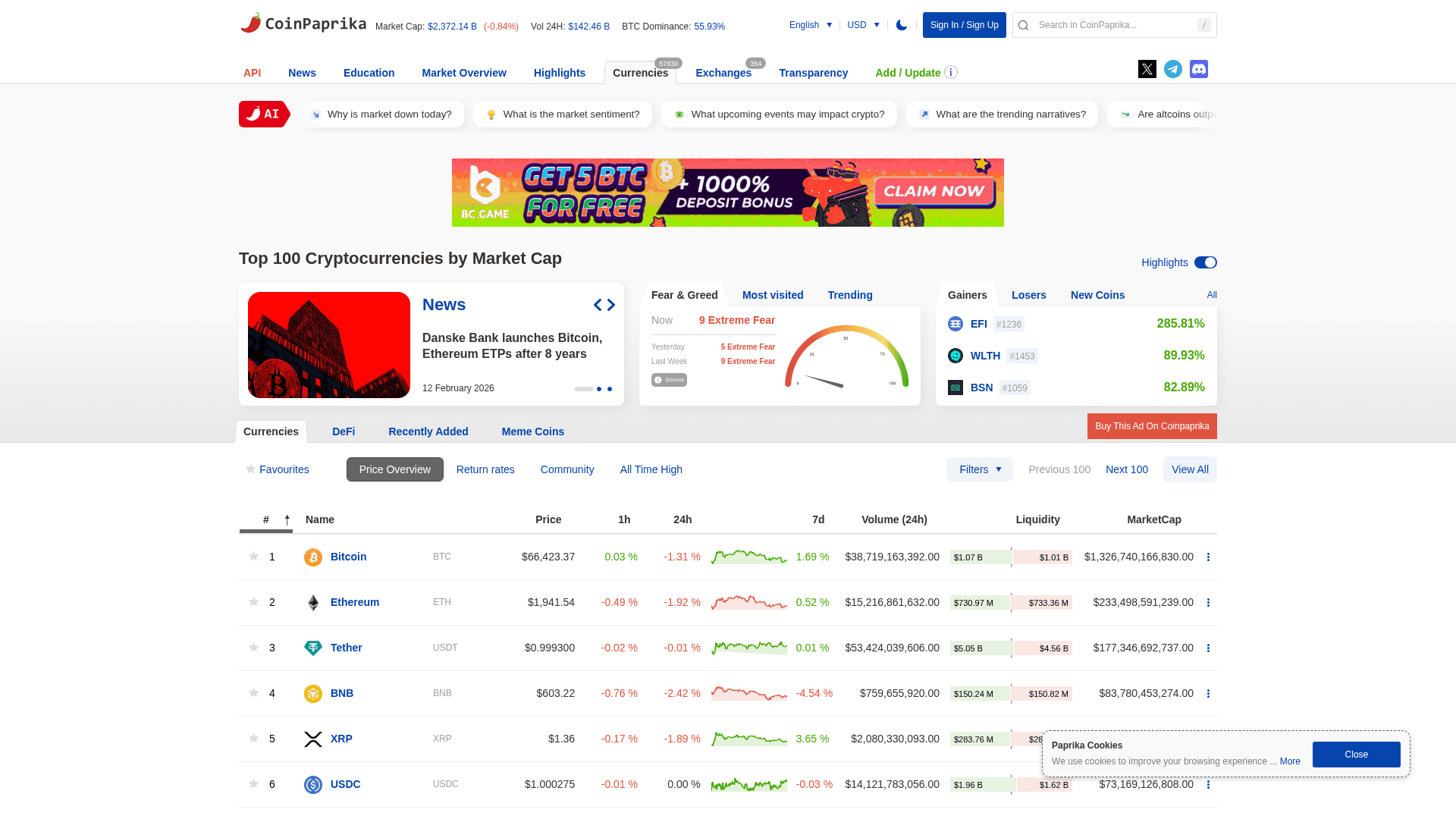
How to Scrape Coinpaprika: Crypto Market Data Extraction Guide
Frequently Asked Questions
Find answers to common questions about Crypto.com