
How to Scrape ImmoScout24: Real Estate Data Guide
Learn how to scrape ImmoScout24, Germany's leading real estate platform. Extract property prices, listings, and leads for market analysis and investment.
Anti-Bot Protection Detected
- Akamai Bot Manager
- Advanced bot detection using device fingerprinting, behavior analysis, and machine learning. One of the most sophisticated anti-bot systems.
- DataDome
- Real-time bot detection with ML models. Analyzes device fingerprint, network signals, and behavioral patterns. Common on e-commerce sites.
- Cloudflare
- Enterprise-grade WAF and bot management. Uses JavaScript challenges, CAPTCHAs, and behavioral analysis. Requires browser automation with stealth settings.
- Google reCAPTCHA
- Google's CAPTCHA system. v2 requires user interaction, v3 runs silently with risk scoring. Can be solved with CAPTCHA services.
- Browser Fingerprinting
- Identifies bots through browser characteristics: canvas, WebGL, fonts, plugins. Requires spoofing or real browser profiles.
- Rate Limiting
- Limits requests per IP/session over time. Can be bypassed with rotating proxies, request delays, and distributed scraping.
About ImmoScout24
Learn what ImmoScout24 offers and what valuable data can be extracted from it.
ImmoScout24 is the dominant real estate marketplace in Germany, owned by Scout24 SE. It serves as a comprehensive platform where private individuals, real estate agents, and property developers list residential and commercial properties for rent or sale. The site attracts millions of users monthly, making it the primary source for property market data in the DACH region.
The platform contains a vast array of structured data including property prices, floor plans, neighborhood statistics, and historical listing information. Because it is the market leader, it provides the most accurate reflection of current market trends, supply and demand, and rental yields in major German cities like Berlin, Munich, and Hamburg.
Scraping this data is highly valuable for real estate investors, PropTech companies, and market analysts. It allows for automated price monitoring, competitive benchmarking, and the identification of undervalued investment opportunities. Additionally, it serves as a critical tool for lead generation by identifying active sellers and agencies within specific geographic regions.
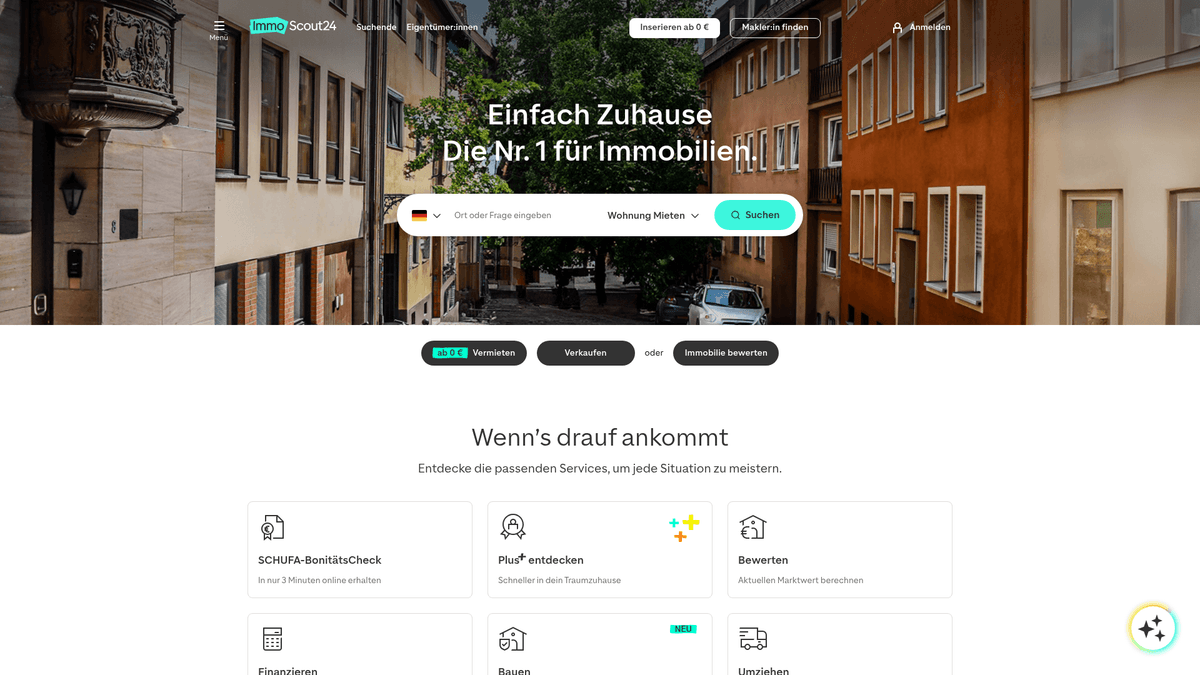
Why Scrape ImmoScout24?
Discover the business value and use cases for extracting data from ImmoScout24.
Real Estate Market Monitoring
Track the German housing market's inflation and deflation trends in real-time by monitoring price fluctuations across different federal states and districts.
Investment Analysis
Calculate rental yields and return on investment (ROI) by comparing purchase prices with average rental rates in the same ZIP code areas.
Lead Generation for Professionals
Identify potential business opportunities for relocation services, renovation companies, and mortgage brokers by tracking new property listings.
Competitive Benchmarking
Monitor the inventory and pricing strategies of rival real estate agencies to stay competitive and adjust your own market positioning effectively.
Historical Data Accumulation
Build a comprehensive database of historical property values to identify long-term growth patterns and undervalued urban development zones.
Time-on-Market Tracking
Analyze how long specific listings remain active to identify motivated sellers or properties that may require price adjustments.
Scraping Challenges
Technical challenges you may encounter when scraping ImmoScout24.
Sophisticated Bot Detection
The site utilizes Akamai Bot Manager and DataDome to detect automated traffic through advanced browser fingerprinting and behavioral analysis.
Geographic IP Restrictions
Access is often restricted for non-German IP addresses, making the use of high-quality local residential proxies a necessity for consistent scraping.
Dynamic Content Rendering
Built with modern frameworks like React and Next.js, the platform requires full JavaScript execution to render listing details and interactive elements correctly.
Aggressive Rate Limiting
Making too many requests in a short window triggers instant 403 Forbidden errors or persistent reCAPTCHA challenges that block progress.
Evolving DOM Structures
Frequent updates to the website's HTML layout and CSS classes can break scrapers that rely on static selectors, requiring constant maintenance.
Scrape ImmoScout24 with AI
No coding required. Extract data in minutes with AI-powered automation.
How It Works
Describe What You Need
Tell the AI what data you want to extract from ImmoScout24. Just type it in plain language — no coding or selectors needed.
AI Extracts the Data
Our artificial intelligence navigates ImmoScout24, handles dynamic content, and extracts exactly what you asked for.
Get Your Data
Receive clean, structured data ready to export as CSV, JSON, or send directly to your apps and workflows.
Why Use AI for Scraping
AI makes it easy to scrape ImmoScout24 without writing any code. Our AI-powered platform uses artificial intelligence to understand what data you want — just describe it in plain language and the AI extracts it automatically.
How to scrape with AI:
- Describe What You Need: Tell the AI what data you want to extract from ImmoScout24. Just type it in plain language — no coding or selectors needed.
- AI Extracts the Data: Our artificial intelligence navigates ImmoScout24, handles dynamic content, and extracts exactly what you asked for.
- Get Your Data: Receive clean, structured data ready to export as CSV, JSON, or send directly to your apps and workflows.
Why use AI for scraping:
- Seamless Anti-Bot Bypassing: Automatio's built-in technology handles complex security suites like Akamai and DataDome, allowing you to focus on data without worrying about blocks.
- Visual No-Code Selector Tool: Map data points using a point-and-click interface that can adapt to ImmoScout's complex structure without writing fragile custom code.
- Native Residential Proxy Support: Easily route your traffic through German-based residential IPs to ensure the website sees you as a local human user rather than a bot.
- Automated Scraping Schedules: Set your scrapers to run on a recurring basis, ensuring you capture new listings or price changes as soon as they appear on the market.
- Cloud-Based Data Management: Run your scraping tasks in the cloud and export structured data directly to Google Sheets, JSON, or Webhooks for immediate business use.
No-Code Web Scrapers for ImmoScout24
Point-and-click alternatives to AI-powered scraping
Several no-code tools like Browse.ai, Octoparse, Axiom, and ParseHub can help you scrape ImmoScout24. These tools use visual interfaces to select elements, but they come with trade-offs compared to AI-powered solutions.
Typical Workflow with No-Code Tools
Common Challenges
Learning curve
Understanding selectors and extraction logic takes time
Selectors break
Website changes can break your entire workflow
Dynamic content issues
JavaScript-heavy sites often require complex workarounds
CAPTCHA limitations
Most tools require manual intervention for CAPTCHAs
IP blocking
Aggressive scraping can get your IP banned
No-Code Web Scrapers for ImmoScout24
Several no-code tools like Browse.ai, Octoparse, Axiom, and ParseHub can help you scrape ImmoScout24. These tools use visual interfaces to select elements, but they come with trade-offs compared to AI-powered solutions.
Typical Workflow with No-Code Tools
- Install browser extension or sign up for the platform
- Navigate to the target website and open the tool
- Point-and-click to select data elements you want to extract
- Configure CSS selectors for each data field
- Set up pagination rules to scrape multiple pages
- Handle CAPTCHAs (often requires manual solving)
- Configure scheduling for automated runs
- Export data to CSV, JSON, or connect via API
Common Challenges
- Learning curve: Understanding selectors and extraction logic takes time
- Selectors break: Website changes can break your entire workflow
- Dynamic content issues: JavaScript-heavy sites often require complex workarounds
- CAPTCHA limitations: Most tools require manual intervention for CAPTCHAs
- IP blocking: Aggressive scraping can get your IP banned
Code Examples
import requests
from bs4 import BeautifulSoup

def scrape_immoscout(url):
    # Headers are critical to avoid immediate blocks
    headers = {
        'User-Agent': 'Mozilla/5.0 (Windows NT 10.0; Win64; x64) AppleWebKit/537.36 (KHTML, like Gecko) Chrome/119.0.0.0 Safari/537.36',
        'Accept-Language': 'de-DE,de;q=0.9,en-US;q=0.8'
    }
    try:
        response = requests.get(url, headers=headers)
        response.raise_for_status()
        soup = BeautifulSoup(response.text, 'html.parser')
        listings = []

        # Target result list entries
        for item in soup.select('.result-list-entry__data'):
            title = item.select_one('.result-list-entry__brand-title')
            price = item.select_one('.result-list-entry__primary-criterion:nth-child(1) dd')

            listings.append({
                'title': title.text.strip() if title else 'N/A',
                'price': price.text.strip() if price else 'N/A'
            })
        return listings
    except Exception as e:
        return f'Error: {e}'

# Example search for Berlin apartments
results = scrape_immoscout('https://www.immobilienscout24.de/Suche/de/berlin/berlin/wohnung-mieten')
print(results)
When to Use
Best for static HTML pages where content is loaded server-side. The fastest and simplest approach when JavaScript rendering isn't required.
Advantages
- ●Fastest execution (no browser overhead)
- ●Lowest resource consumption
- ●Easy to parallelize with asyncio
- ●Great for APIs and static pages
Limitations
- ●Cannot execute JavaScript
- ●Fails on SPAs and dynamic content
- ●May struggle with complex anti-bot systems
How to Scrape ImmoScout24 with Code
Python + Requests
import requests
from bs4 import BeautifulSoup
def scrape_immoscout(url):
# Headers are critical to avoid immediate blocks
headers = {
'User-Agent': 'Mozilla/5.0 (Windows NT 10.0; Win64; x64) AppleWebKit/537.36 (KHTML, like Gecko) Chrome/119.0.0.0 Safari/537.36',
'Accept-Language': 'de-DE,de;q=0.9,en-US;q=0.8'
}
try:
response = requests.get(url, headers=headers)
response.raise_for_status()
soup = BeautifulSoup(response.text, 'html.parser')
listings = []
# Target result list entries
for item in soup.select('.result-list-entry__data'):
title = item.select_one('.result-list-entry__brand-title')
price = item.select_one('.result-list-entry__primary-criterion:nth-child(1) dd')
listings.append({
'title': title.text.strip() if title else 'N/A',
'price': price.text.strip() if price else 'N/A'
})
return listings
except Exception as e:
return f'Error: {e}'
# Example search for Berlin apartments
results = scrape_immoscout('https://www.immobilienscout24.de/Suche/de/berlin/berlin/wohnung-mieten')
print(results)Python + Playwright
from playwright.sync_api import sync_playwright

def run():
    with sync_playwright() as p:
        # Launching with stealth-like configurations
        browser = p.chromium.launch(headless=True)
        context = browser.new_context(
            user_agent='Mozilla/5.0 (Windows NT 10.0; Win64; x64) Chrome/120.0.0.0 Safari/537.36',
            locale='de-DE'
        )
        page = context.new_page()

        # Navigate to search results
        page.goto('https://www.immobilienscout24.de/Suche/de/berlin/berlin/wohnung-mieten', wait_until='networkidle')

        # Wait for listings to render
        page.wait_for_selector('.result-list-entry__data')

        # Extract titles using locators
        titles = page.locator('.result-list-entry__brand-title').all_inner_texts()
        for title in titles:
            print(f'Listing found: {title}')

        browser.close()

run()Python + Scrapy
import scrapy

class ImmoSpider(scrapy.Spider):
    name = 'immoscout'
    start_urls = ['https://www.immobilienscout24.de/Suche/de/berlin/berlin/wohnung-mieten']

    def parse(self, response):
        # Loop through each property listing container
        for listing in response.css('.result-list-entry__data'):
            yield {
                'title': listing.css('.result-list-entry__brand-title::text').get(),
                'price': listing.css('.result-list-entry__primary-criterion:nth-child(1) dd::text').get(),
                'rooms': listing.css('.result-list-entry__primary-criterion:nth-child(3) dd::text').get(),
                'area': listing.css('.result-list-entry__primary-criterion:nth-child(2) dd::text').get(),
            }

        # Handle pagination by finding the 'Next' button
        next_page = response.css('a[data-is24-test="pagination-next"]::attr(href)').get()
        if next_page:
yield response.follow(next_page, self.parse)Node.js + Puppeteer
const puppeteer = require('puppeteer-extra');
const StealthPlugin = require('puppeteer-extra-plugin-stealth');
puppeteer.use(StealthPlugin());

(async () => {
  const browser = await puppeteer.launch({ headless: true });
  const page = await browser.newPage();

  // Mimic a real German user
  await page.setUserAgent('Mozilla/5.0 (Windows NT 10.0; Win64; x64) AppleWebKit/537.36 (KHTML, like Gecko) Chrome/110.0.0.0 Safari/537.36');

  await page.goto('https://www.immobilienscout24.de/Suche/de/berlin/berlin/wohnung-mieten');

  // Evaluation in the browser context
  const results = await page.evaluate(() => {
    const items = Array.from(document.querySelectorAll('.result-list-entry__brand-title'));
    return items.map(item => item.textContent.trim());
  });

  console.log('Titles found:', results);
  await browser.close();
})();What You Can Do With ImmoScout24 Data
Explore practical applications and insights from ImmoScout24 data.
Real Estate Market Trend Analysis
Analyze price fluctuations and inventory levels over time to predict market movements in major German cities.
How to implement:
- 1Scrape rental listings across major cities daily.
- 2Store data in a time-series database.
- 3Calculate average price per square meter per district.
- 4Visualize trends to identify emerging neighborhoods.
Use Automatio to extract data from ImmoScout24 and build these applications without writing code.
What You Can Do With ImmoScout24 Data
- Real Estate Market Trend Analysis
Analyze price fluctuations and inventory levels over time to predict market movements in major German cities.
- Scrape rental listings across major cities daily.
- Store data in a time-series database.
- Calculate average price per square meter per district.
- Visualize trends to identify emerging neighborhoods.
- Investment Yield Calculator
Identify properties with the highest potential ROI by comparing sales and rental data for similar units.
- Scrape both sales and rental listings for specific ZIP codes.
- Match property types and sizes across both datasets.
- Calculate annual rental income versus purchase price.
- Filter for outliers where rental yields exceed market averages.
- Lead Generation for Relocation Services
Identify high-intent movers to offer targeted moving, cleaning, and renovation services.
- Monitor for newly posted rental listings by private individuals.
- Extract property size and location details.
- Identify properties with upcoming availability dates.
- Automate outreach with service offers based on the move-in timeline.
- Competitive Portfolio Monitoring
Track the inventory, vacancy rates, and pricing strategy of rival real estate agencies.
- Filter scraped listings by specific agency names or IDs.
- Track how long listings stay active (Time on Market).
- Monitor for frequent price reductions on their inventory.
- Benchmark your agency's pricing against their active listings.
Supercharge your workflow with AI Automation
Automatio combines the power of AI agents, web automation, and smart integrations to help you accomplish more in less time.
What to get right first
Expert advice for successfully extracting data from ImmoScout24.
Use Local German Proxies
Always use residential proxies with a German (DE) location to avoid the region-based filtering that ImmoScout24 applies to datacenter IPs.
Extract Data from Hidden JSON
Inspect the page source for embedded <script> tags containing __INITIAL_STATE__ or other JSON objects, which often hold cleaner data than the HTML itself.
Simulate Natural Browsing
Incorporate random delays and mouse movements into your automation sequence to mimic human behavior and reduce the risk of detection.
Utilize XML Sitemaps
Check the robots.txt file for sitemap URLs; these often contain direct links to active listings, allowing you to skip complex search filtering pages.
Monitor During Off-Peak Hours
Run your heaviest scraping tasks during nighttime hours in Germany to minimize the load on the target server and decrease the likelihood of aggressive throttling.
Keep Headers Consistent
Ensure your User-Agent and other request headers match a modern, common browser version and remain consistent throughout a session to avoid fingerprinting red flags.
Related Web Scraping
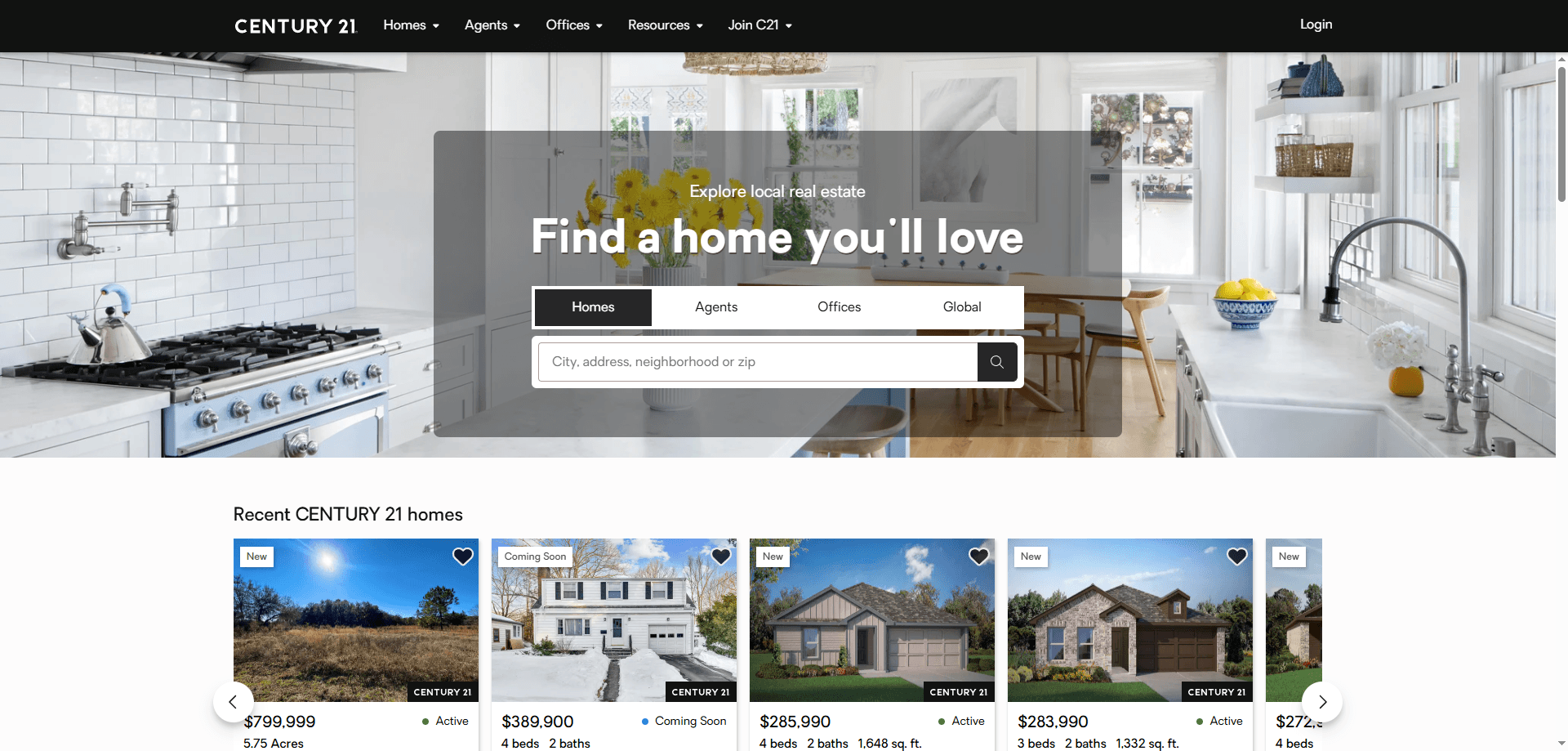
How to Scrape Century 21 Property Listings

How to Scrape Locations Hawaii | Locations Hawaii Web Scraper
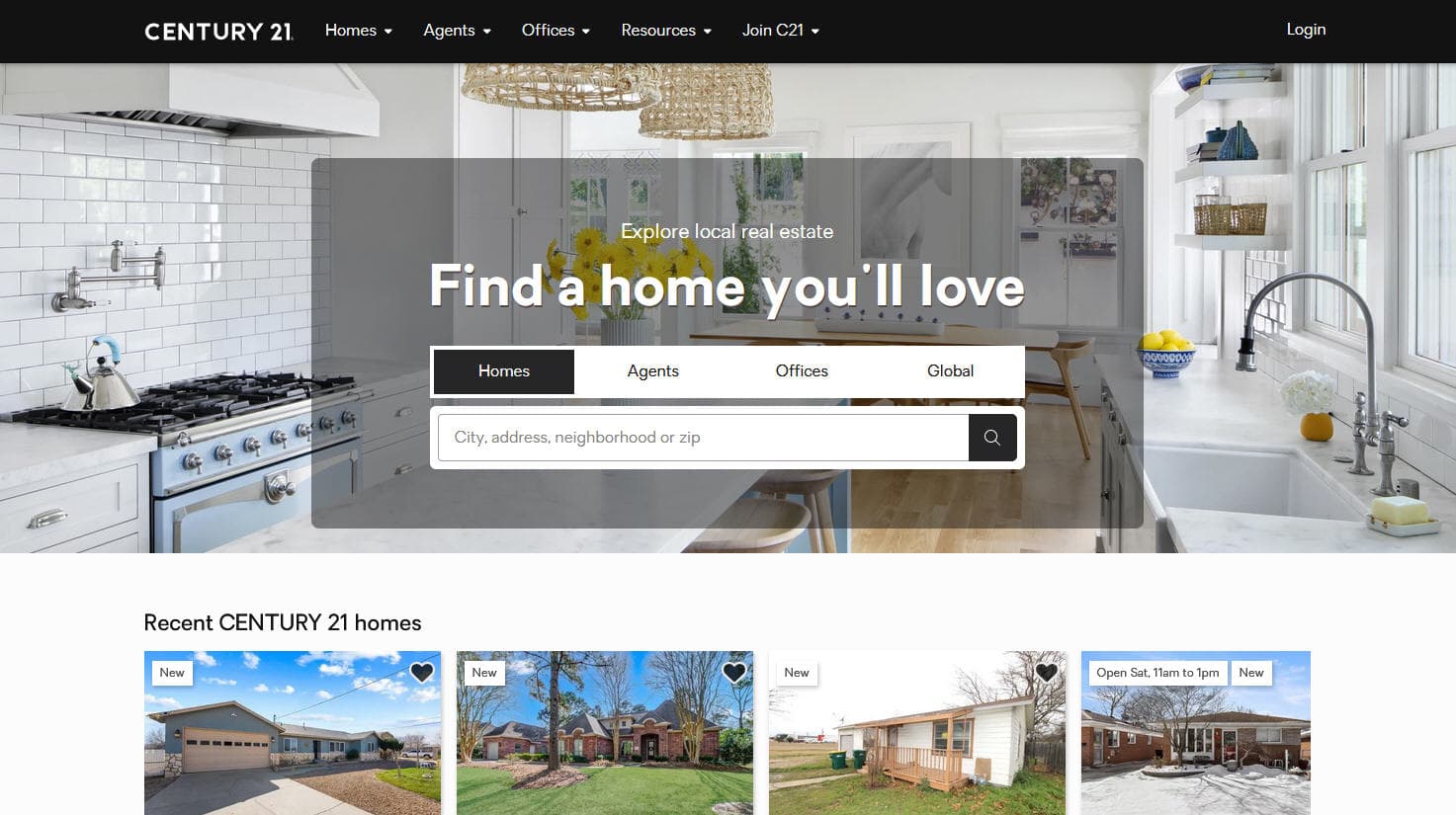
How to Scrape Century 21: A Technical Real Estate Guide
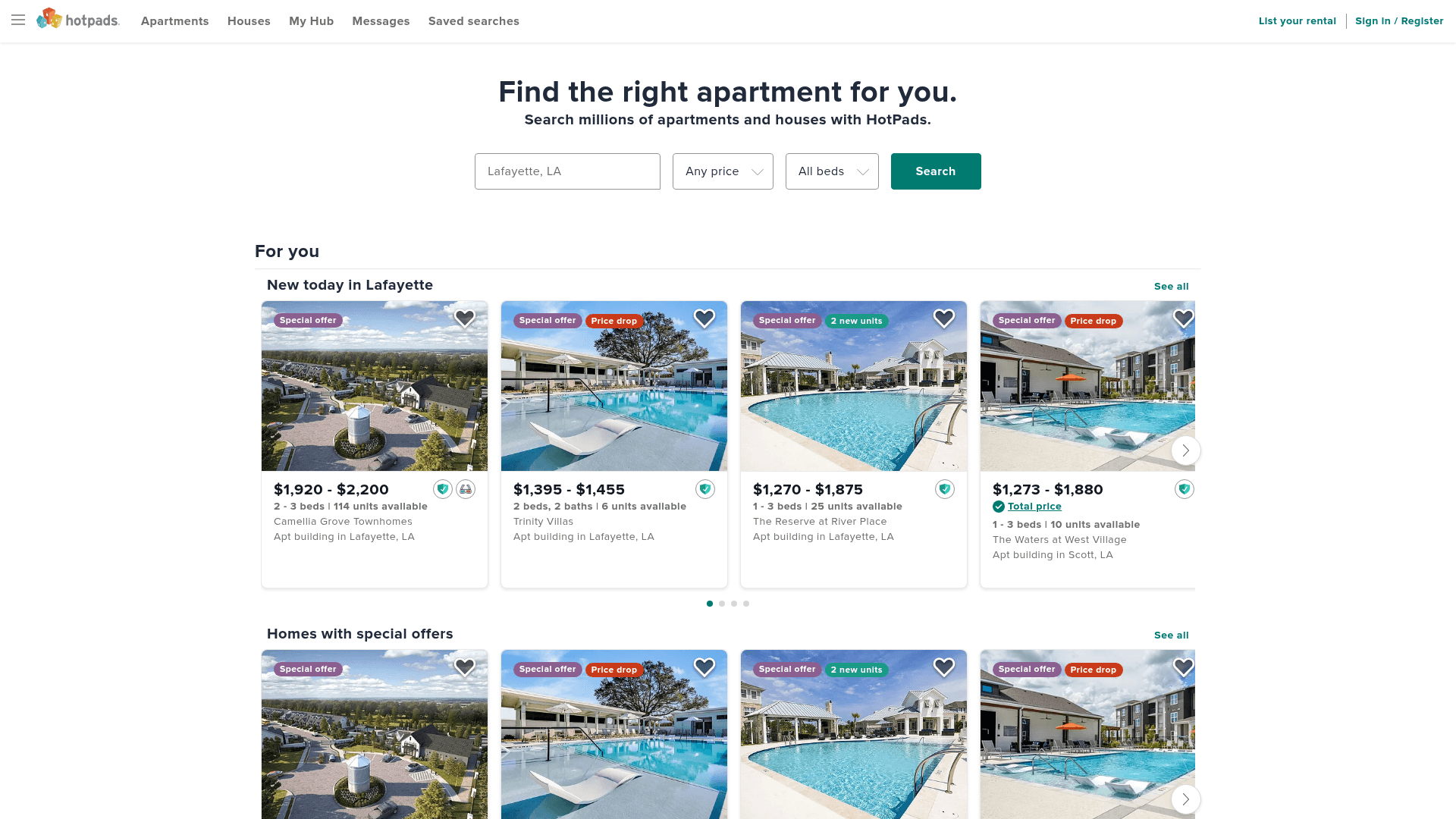
How to Scrape HotPads: A Complete Guide to Extracting Rental Data

How to Scrape Sacramento Delta Property Management
How to Scrape LivePiazza: Philadelphia Real Estate Scraper
How to Scrape RE/MAX (remax.com) Real Estate Listings
How to Scrape Homes.com: Real Estate Data Extraction Guide
Frequently Asked Questions
Find answers to common questions about ImmoScout24