
How to Scrape Realtor.com | 2026 Comprehensive Scraping Guide
Learn how to scrape Realtor.com property listings, prices, and agent data. Discover techniques to bypass Cloudflare and extract U.S. real estate data at scale.
Anti-Bot Protection Detected
- Cloudflare
- Enterprise-grade WAF and bot management. Uses JavaScript challenges, CAPTCHAs, and behavioral analysis. Requires browser automation with stealth settings.
- DataDome
- Real-time bot detection with ML models. Analyzes device fingerprint, network signals, and behavioral patterns. Common on e-commerce sites.
- Google reCAPTCHA
- Google's CAPTCHA system. v2 requires user interaction, v3 runs silently with risk scoring. Can be solved with CAPTCHA services.
- Rate Limiting
- Limits requests per IP/session over time. Can be bypassed with rotating proxies, request delays, and distributed scraping.
- IP Blocking
- Blocks known datacenter IPs and flagged addresses. Requires residential or mobile proxies to circumvent effectively.
- Browser Fingerprinting
- Identifies bots through browser characteristics: canvas, WebGL, fonts, plugins. Requires spoofing or real browser profiles.
About Realtor.com
Learn what Realtor.com offers and what valuable data can be extracted from it.
The Power of Realtor.com Data
Realtor.com is a leading real estate platform operated by Move, Inc., providing one of the most accurate and up-to-date databases of property listings in the United States. Because it maintains direct relationships with over 800 local Multiple Listing Services (MLS), it offers nearly 99% coverage of available listings, often updated every 15 minutes. This makes it a goldmine for professionals seeking the most current market information.
Comprehensive Property Insights
The platform goes beyond simple price and bedroom counts. It includes deep historical data, such as property tax records, neighborhood safety ratings, school district details, and estimated monthly payments. For real estate investors and market analysts, this granular level of data is essential for accurate property valuation and trend forecasting.
Why Businesses Scrape Realtor.com
Scraping this website allows companies to automate the collection of thousands of listings that would be impossible to gather manually. Whether it's for building a competitive mortgage calculator, identifying 'fix-and-flip' opportunities, or monitoring brokerage performance, the structured data extracted from Realtor.com serves as a foundational asset for high-level real estate intelligence.

Why Scrape Realtor.com?
Discover the business value and use cases for extracting data from Realtor.com.
Real-Time Market Monitoring
Track fluctuations in property prices and inventory across specific zip codes to identify emerging real estate trends before the general market reacts.
Automated Lead Generation
Extract contact details for listing agents and brokerages to build a robust database for mortgage lenders, insurance providers, and home service companies.
Investment Valuation Modeling
Gather comprehensive data on bedrooms, bathrooms, square footage, and lot sizes to fuel machine learning models that predict property appreciation and ROI.
Competitive Inventory Analysis
Monitor the active listings of rival brokerage firms to benchmark performance and understand regional market share distribution.
Historical Price Tracking
Collect price history and days-on-market data to help buyers and investors negotiate better deals based on historical property performance.
PropTech Data Integration
Feed high-quality, MLS-synced real estate data directly into custom applications, dashboards, or CRM systems for seamless property management.
Scraping Challenges
Technical challenges you may encounter when scraping Realtor.com.
Sophisticated Anti-Bot Protection
Realtor.com utilizes DataDome and Akamai to identify and block automated traffic, often requiring advanced browser fingerprinting and proxy management to bypass.
Dynamic Content Loading
The website relies heavily on React and JavaScript for rendering listing data, meaning simple HTML parsers will fail to capture the most important property details.
Aggressive Rate Limiting
Sending too many requests from a single IP address in a short period triggers a persistent block and a 'Reference ID' error page.
Structural Selector Volatility
The site frequently updates its CSS class names and internal HTML structure, which can break scrapers that rely on static, hard-coded selectors.
Scrape Realtor.com with AI
No coding required. Extract data in minutes with AI-powered automation.
How It Works
Describe What You Need
Tell the AI what data you want to extract from Realtor.com. Just type it in plain language — no coding or selectors needed.
AI Extracts the Data
Our artificial intelligence navigates Realtor.com, handles dynamic content, and extracts exactly what you asked for.
Get Your Data
Receive clean, structured data ready to export as CSV, JSON, or send directly to your apps and workflows.
Why Use AI for Scraping
AI makes it easy to scrape Realtor.com without writing any code. Our AI-powered platform uses artificial intelligence to understand what data you want — just describe it in plain language and the AI extracts it automatically.
How to scrape with AI:
- Describe What You Need: Tell the AI what data you want to extract from Realtor.com. Just type it in plain language — no coding or selectors needed.
- AI Extracts the Data: Our artificial intelligence navigates Realtor.com, handles dynamic content, and extracts exactly what you asked for.
- Get Your Data: Receive clean, structured data ready to export as CSV, JSON, or send directly to your apps and workflows.
Why use AI for scraping:
- Seamless Anti-Bot Evasion: Automatio automatically manages the complexities of bypassing DataDome and Cloudflare, allowing you to focus on data extraction rather than technical workarounds.
- Visual Selector Interface: Easily map property titles, prices, and descriptions using a point-and-click interface that handles dynamic React-based elements without writing code.
- Global Proxy Rotation: Access a vast network of residential and mobile proxies that mask your scraping activity as legitimate user behavior to prevent IP banning.
- Scheduled Data Refreshing: Set your scraper to run on a daily or hourly schedule to ensure your database always contains the latest listings and the most recent price drops.
No-Code Web Scrapers for Realtor.com
Point-and-click alternatives to AI-powered scraping
Several no-code tools like Browse.ai, Octoparse, Axiom, and ParseHub can help you scrape Realtor.com. These tools use visual interfaces to select elements, but they come with trade-offs compared to AI-powered solutions.
Typical Workflow with No-Code Tools
Common Challenges
Learning curve
Understanding selectors and extraction logic takes time
Selectors break
Website changes can break your entire workflow
Dynamic content issues
JavaScript-heavy sites often require complex workarounds
CAPTCHA limitations
Most tools require manual intervention for CAPTCHAs
IP blocking
Aggressive scraping can get your IP banned
No-Code Web Scrapers for Realtor.com
Several no-code tools like Browse.ai, Octoparse, Axiom, and ParseHub can help you scrape Realtor.com. These tools use visual interfaces to select elements, but they come with trade-offs compared to AI-powered solutions.
Typical Workflow with No-Code Tools
- Install browser extension or sign up for the platform
- Navigate to the target website and open the tool
- Point-and-click to select data elements you want to extract
- Configure CSS selectors for each data field
- Set up pagination rules to scrape multiple pages
- Handle CAPTCHAs (often requires manual solving)
- Configure scheduling for automated runs
- Export data to CSV, JSON, or connect via API
Common Challenges
- Learning curve: Understanding selectors and extraction logic takes time
- Selectors break: Website changes can break your entire workflow
- Dynamic content issues: JavaScript-heavy sites often require complex workarounds
- CAPTCHA limitations: Most tools require manual intervention for CAPTCHAs
- IP blocking: Aggressive scraping can get your IP banned
Code Examples
import requests
from bs4 import BeautifulSoup

# Note: Realtor.com uses aggressive Cloudflare. Simple requests often fail.
url = "https://www.realtor.com/realestateandhomes-search/New-York_NY"
headers = {
    "User-Agent": "Mozilla/5.0 (Windows NT 10.0; Win64; x64) AppleWebKit/537.36 (KHTML, like Gecko) Chrome/120.0.0.0 Safari/537.36",
    "Accept-Language": "en-US,en;q=0.9"
}

try:
    response = requests.get(url, headers=headers, timeout=15)
    # Check if we got through the anti-bot
    if response.status_code == 200:
        soup = BeautifulSoup(response.text, 'html.parser')
        # Target property cards based on common data attributes
        prices = soup.select('span[data-label="pc-price"]')
        for price in prices:
            print(f"Property Price: {price.text}")
    else:
        print(f"Blocked or Error: Status code {response.status_code}")
except Exception as e:
    print(f"Connection failed: {e}")
When to Use
Best for static HTML pages where content is loaded server-side. The fastest and simplest approach when JavaScript rendering isn't required.
Advantages
- ●Fastest execution (no browser overhead)
- ●Lowest resource consumption
- ●Easy to parallelize with asyncio
- ●Great for APIs and static pages
Limitations
- ●Cannot execute JavaScript
- ●Fails on SPAs and dynamic content
- ●May struggle with complex anti-bot systems
How to Scrape Realtor.com with Code
Python + Requests
import requests
from bs4 import BeautifulSoup
# Note: Realtor.com uses aggressive Cloudflare. Simple requests often fail.
url = "https://www.realtor.com/realestateandhomes-search/New-York_NY"
headers = {
"User-Agent": "Mozilla/5.0 (Windows NT 10.0; Win64; x64) AppleWebKit/537.36 (KHTML, like Gecko) Chrome/120.0.0.0 Safari/537.36",
"Accept-Language": "en-US,en;q=0.9"
}
try:
response = requests.get(url, headers=headers, timeout=15)
# Check if we got through the anti-bot
if response.status_code == 200:
soup = BeautifulSoup(response.text, 'html.parser')
# Target property cards based on common data attributes
prices = soup.select('span[data-label="pc-price"]')
for price in prices:
print(f"Property Price: {price.text}")
else:
print(f"Blocked or Error: Status code {response.status_code}")
except Exception as e:
print(f"Connection failed: {e}")Python + Playwright
from playwright.sync_api import sync_playwright

def scrape_realtor():
    with sync_playwright() as p:
        # Launching with stealth-like settings
        browser = p.chromium.launch(headless=True)
        context = browser.new_context(user_agent="Mozilla/5.0 (Windows NT 10.0; Win64; x64) ...")
        page = context.new_page()

        print("Navigating to Realtor.com...")
        page.goto("https://www.realtor.com/realestateandhomes-search/Austin_TX", wait_until="networkidle")

        # Wait for property card selectors to load via JS
        page.wait_for_selector('div[data-testid="property-card"]')

        listings = page.query_selector_all('div[data-testid="property-card"]')
        for item in listings:
            price = item.query_selector('[data-label="pc-price"]').inner_text()
            address = item.query_selector('[data-label="pc-address"]').inner_text()
            print(f"Listing: {address} - Price: {price}")

        browser.close()

scrape_realtor()Python + Scrapy
import scrapy

class RealtorSpider(scrapy.Spider):
    name = 'realtor_spider'
    start_urls = ['https://www.realtor.com/realestateandhomes-search/Miami_FL']

    def parse(self, response):
        # Extracting data using CSS selectors
        for property in response.css('div[data-testid="property-card"]'):
            yield {
                'price': property.css('span[data-label="pc-price"]::text').get(),
                'address': property.css('div[data-label="pc-address"]::text').get(),
                'beds': property.css('li[data-label="pc-meta-beds"] span::text').get()
            }

        # Simple pagination handling
        next_page = response.css('a[aria-label="Go to next page"]::attr(href)').get()
        if next_page:
yield response.follow(next_page, self.parse)Node.js + Puppeteer
const puppeteer = require('puppeteer');

(async () => {
  const browser = await puppeteer.launch({ headless: true });
  const page = await browser.newPage();

  // Set high-level headers to mimic a real user
  await page.setUserAgent('Mozilla/5.0 (Windows NT 10.0; Win64; x64) AppleWebKit/537.36 (KHTML, like Gecko) Chrome/119.0.0.0 Safari/537.36');

  console.log('Visiting Realtor.com...');
  await page.goto('https://www.realtor.com/realestateandhomes-search/Chicago_IL', { waitUntil: 'domcontentloaded' });

  // Wait for the price elements to be visible
  await page.waitForSelector('.pc-price');

  const results = await page.evaluate(() => {
    const prices = Array.from(document.querySelectorAll('.pc-price'));
    return prices.map(p => p.innerText);
  });

  console.log('Extracted Prices:', results);
  await browser.close();
})();What You Can Do With Realtor.com Data
Explore practical applications and insights from Realtor.com data.
Property Investment Identification
Investors use scraped data to find properties listed below the median neighborhood price-per-square-foot.
How to implement:
- 1Scrape all active listings in a specific county or city
- 2Calculate the average price-per-square-foot for different property types
- 3Flag listings that fall 20% below the average for manual inspection
- 4Export results to a CRM for immediate agent outreach
Use Automatio to extract data from Realtor.com and build these applications without writing code.
What You Can Do With Realtor.com Data
- Property Investment Identification
Investors use scraped data to find properties listed below the median neighborhood price-per-square-foot.
- Scrape all active listings in a specific county or city
- Calculate the average price-per-square-foot for different property types
- Flag listings that fall 20% below the average for manual inspection
- Export results to a CRM for immediate agent outreach
- Mortgage Lead Generation
Lenders identify new listings to offer financing options to prospective buyers or listing agents.
- Monitor Realtor.com for 'Just Listed' homes in target zip codes
- Extract the listing price and estimated monthly payment
- Match listings with agent contact information for partnership outreach
- Automate a daily report of new high-value properties for sales teams
- Competitive Market Analysis (CMA)
Real estate agents generate reports comparing their listings against similar active properties in the area.
- Scrape property details including beds, baths, and square footage for a 1-mile radius
- Extract 'Days on Market' to analyze how fast similar homes are selling
- Compare listing prices versus historical sold prices in the same neighborhood
- Visualize the data in a dashboard to help clients set the perfect list price
- Rental Yield Forecasting
Analyze the relationship between purchase prices and rental rates to calculate potential ROI.
- Scrape both 'For Sale' and 'For Rent' listings across the same zip codes
- Map sales prices to average monthly rental income for specific property sizes
- Calculate the gross rental yield for various neighborhoods
- Identify emerging markets where rental demand outpaces property price growth
Supercharge your workflow with AI Automation
Automatio combines the power of AI agents, web automation, and smart integrations to help you accomplish more in less time.
What to get right first
Expert advice for successfully extracting data from Realtor.com.
Prioritize Residential Proxies
Always use residential or mobile proxies when targeting Realtor.com; data center IPs are almost universally flagged and blocked by their security firewalls.
Leverage Hidden JSON-LD
Look for schema.org data within the HTML source code, as it often contains clean, structured property data that is easier to parse than the visual UI.
Mimic Human Navigation
Incorporate random scrolling, mouse movements, and varied wait times between page loads to avoid triggering heuristic bot detection systems.
Rotate Browser Fingerprints
Change your User-Agent, screen resolution, and hardware concurrency settings between sessions to prevent being uniquely identified as a scraper.
Handle Pagination Carefully
Navigate through pages using the actual pagination buttons or by incrementally adjusting URL parameters, ensuring you don't skip pages too rapidly.
Monitor for Selector Changes
Set up alerts to notify you if your scraper returns null values, which usually indicates that Realtor.com has updated its front-end code.
Related Web Scraping
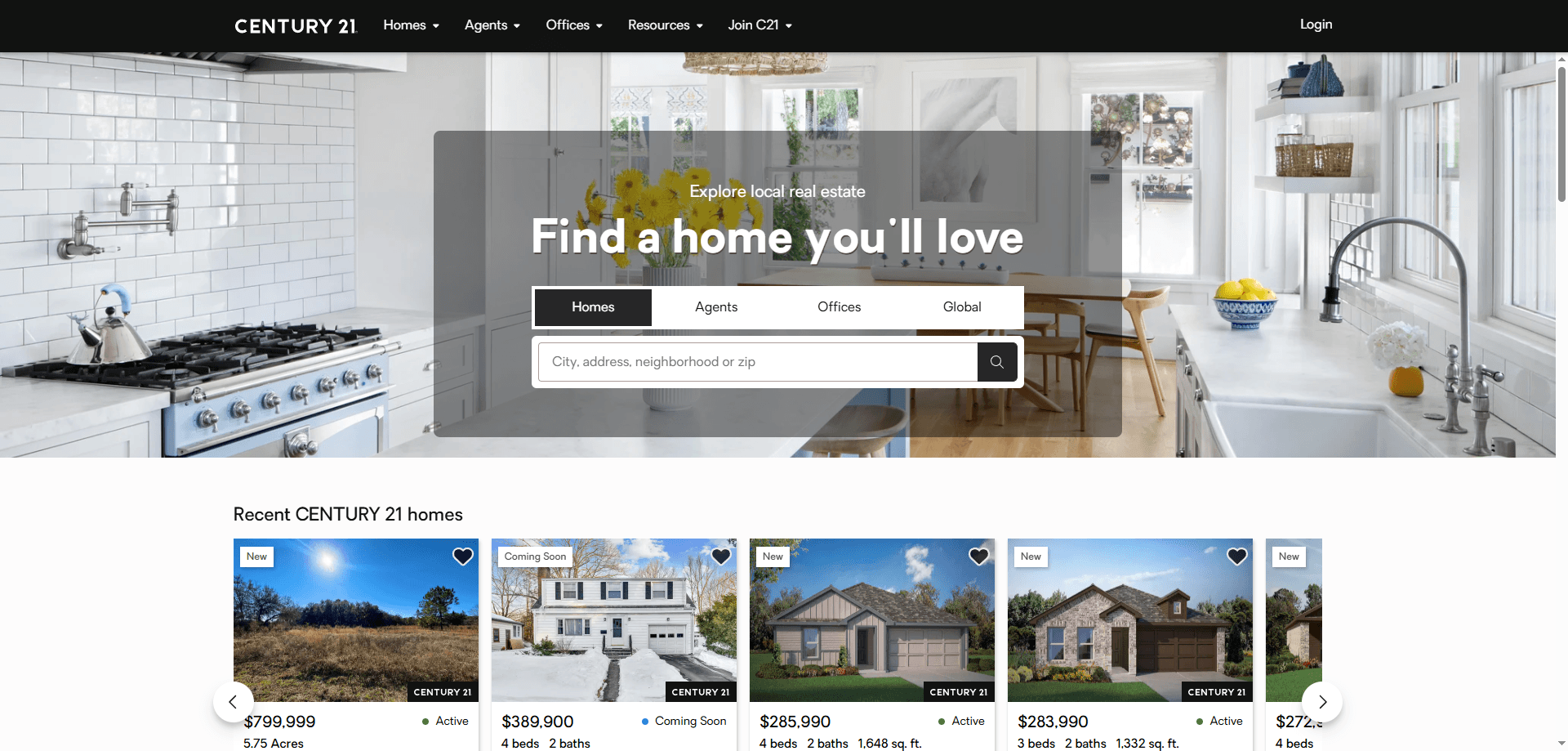
How to Scrape Century 21 Property Listings

How to Scrape Locations Hawaii | Locations Hawaii Web Scraper
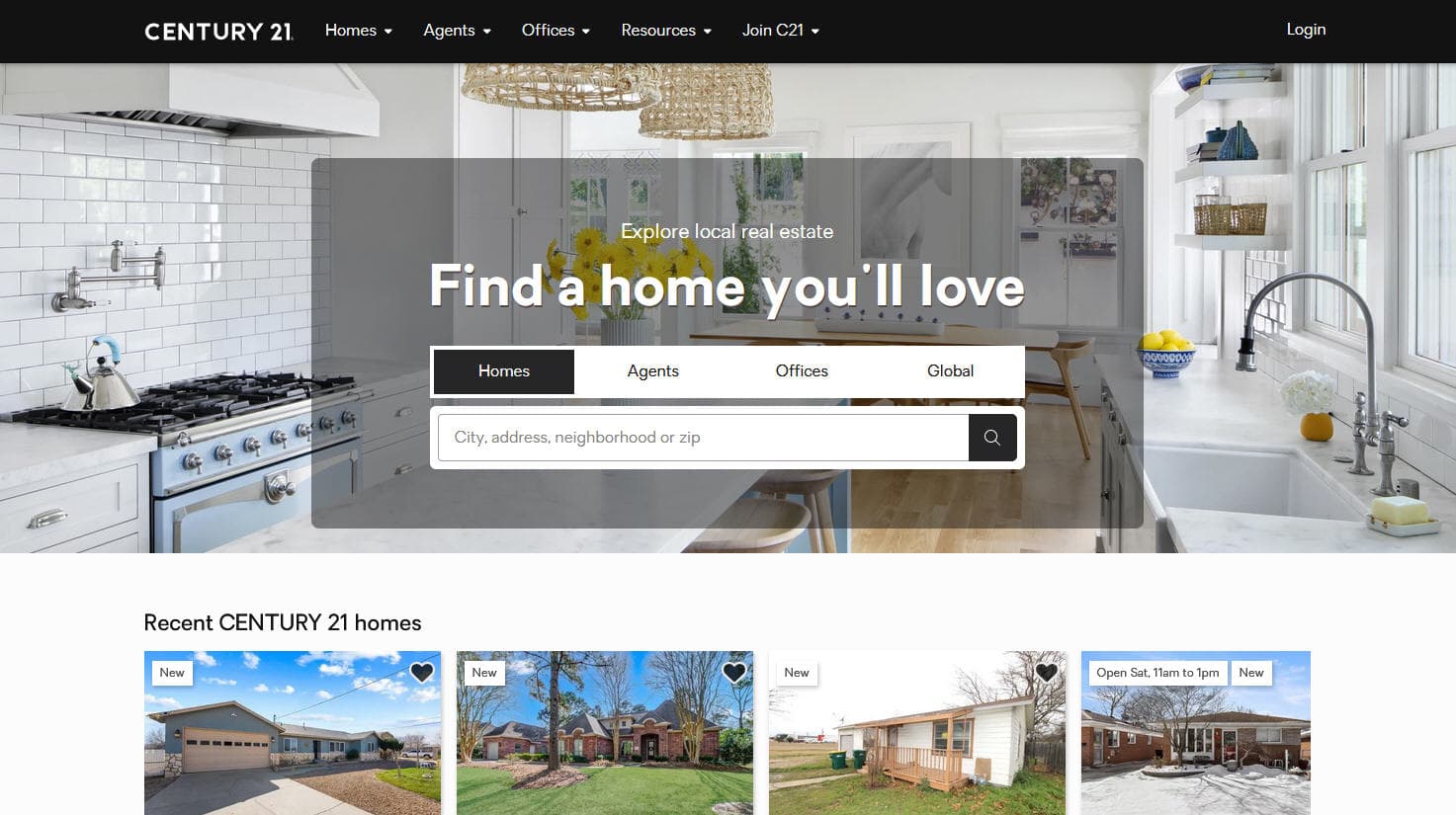
How to Scrape Century 21: A Technical Real Estate Guide
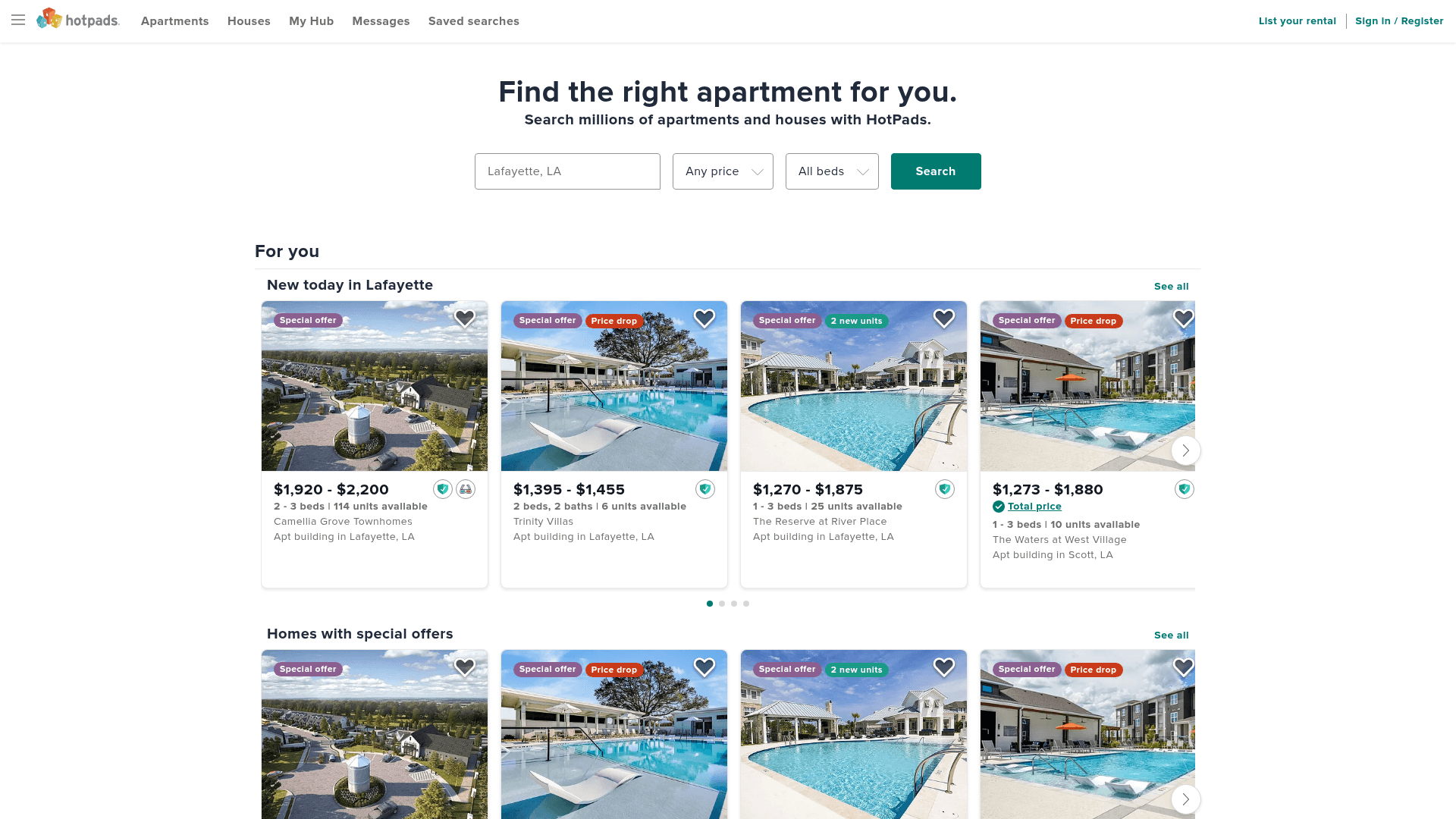
How to Scrape HotPads: A Complete Guide to Extracting Rental Data

How to Scrape Sacramento Delta Property Management

How to Scrape LivePiazza: Philadelphia Real Estate Scraper

How to Scrape RE/MAX (remax.com) Real Estate Listings

How to Scrape Homes.com: Real Estate Data Extraction Guide
Frequently Asked Questions
Find answers to common questions about Realtor.com