
How to Scrape SeLoger Bureaux & Commerces
Learn how to scrape SeLoger Bureaux & Commerces for commercial real estate data. Extract prices, surface areas, and agency info while bypassing DataDome blocks.
Anti-Bot Protection Detected
- DataDome
- Real-time bot detection with ML models. Analyzes device fingerprint, network signals, and behavioral patterns. Common on e-commerce sites.
- Cloudflare
- Enterprise-grade WAF and bot management. Uses JavaScript challenges, CAPTCHAs, and behavioral analysis. Requires browser automation with stealth settings.
- Google reCAPTCHA
- Google's CAPTCHA system. v2 requires user interaction, v3 runs silently with risk scoring. Can be solved with CAPTCHA services.
- Rate Limiting
- Limits requests per IP/session over time. Can be bypassed with rotating proxies, request delays, and distributed scraping.
- IP Blocking
- Blocks known datacenter IPs and flagged addresses. Requires residential or mobile proxies to circumvent effectively.
- Browser Fingerprinting
- Identifies bots through browser characteristics: canvas, WebGL, fonts, plugins. Requires spoofing or real browser profiles.
About SeLoger Bureaux & Commerces
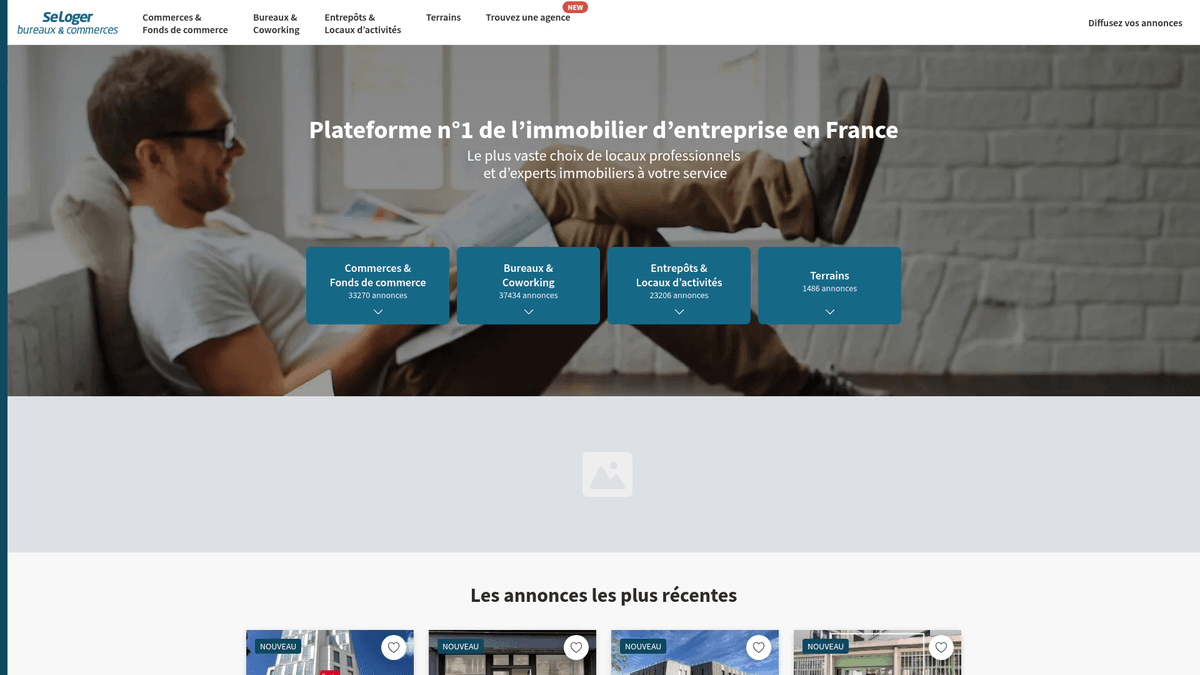
Learn what SeLoger Bureaux & Commerces offers and what valuable data can be extracted from it.
The Leader in French Commercial Real Estate
SeLoger Bureaux & Commerces is the specialized professional real estate portal of the SeLoger Group, the leading real estate network in France. It serves as a dedicated marketplace for business-to-business transactions, featuring office spaces, warehouses, retail storefronts, and commercial development land. The platform is utilized by major national agencies and independent brokers to connect with professional investors and business owners across the country.
Value of the Data
Scraping this website is highly valuable for real estate investors and market analysts who need to monitor the French commercial property landscape. By extracting current listing data, businesses can track price-per-square-meter trends, identify emerging commercial hubs, and monitor competitor agency portfolios. This data is essential for performing accurate property valuations and identifying high-yield investment opportunities in the French market.
Why Scrape SeLoger Bureaux & Commerces?
Discover the business value and use cases for extracting data from SeLoger Bureaux & Commerces.
Commercial Yield Analysis
Track rental yields and sales prices to identify the most profitable regions for commercial property investments across the French territory.
Competitor Inventory Tracking
Monitor the portfolio sizes and listing turnover of rival real estate agencies to assess their market share in specific cities and departments.
Business Relocation Leads
Identify companies vacating or moving into new offices to offer B2B services such as professional moving, interior renovation, or corporate insurance.
Urban Development Insights
Gather data on retail vacancy rates and shop densities to inform urban planning projects and local economic development strategies for municipalities.
Real-Time Price Alerts
Monitor specific high-demand departments for new listings that fall below market average to capitalize on undervalued commercial investment opportunities.
Scraping Challenges
Technical challenges you may encounter when scraping SeLoger Bureaux & Commerces.
Advanced DataDome Shielding
The platform utilizes DataDome to analyze mouse movements, hardware signatures, and behavioral patterns to block automated visitors instantly.
Cloudflare WAF Filters
Aggressive firewall rules identify and drop requests from data centers or those with inconsistent TLS fingerprints that do not match real browsers.
JavaScript-Heavy Rendering
As a modern Next.js application, the content is dynamic, meaning standard HTML scrapers often see empty tags instead of the actual listing data.
Content Pagination Limits
Search results are often capped at a maximum of 1,000 listings, requiring granular search queries by postal code to extract the full dataset.
Hidden Contact Elements
Agent phone numbers are frequently concealed behind interactive buttons that require specific event triggers to reveal the underlying contact data.
Scrape SeLoger Bureaux & Commerces with AI
No coding required. Extract data in minutes with AI-powered automation.
How It Works
Describe What You Need
Tell the AI what data you want to extract from SeLoger Bureaux & Commerces. Just type it in plain language — no coding or selectors needed.
AI Extracts the Data
Our artificial intelligence navigates SeLoger Bureaux & Commerces, handles dynamic content, and extracts exactly what you asked for.
Get Your Data
Receive clean, structured data ready to export as CSV, JSON, or send directly to your apps and workflows.
Why Use AI for Scraping
AI makes it easy to scrape SeLoger Bureaux & Commerces without writing any code. Our AI-powered platform uses artificial intelligence to understand what data you want — just describe it in plain language and the AI extracts it automatically.
How to scrape with AI:
- Describe What You Need: Tell the AI what data you want to extract from SeLoger Bureaux & Commerces. Just type it in plain language — no coding or selectors needed.
- AI Extracts the Data: Our artificial intelligence navigates SeLoger Bureaux & Commerces, handles dynamic content, and extracts exactly what you asked for.
- Get Your Data: Receive clean, structured data ready to export as CSV, JSON, or send directly to your apps and workflows.
Why use AI for scraping:
- Built-in Anti-Bot Evasion: Automatio uses advanced technology to mimic human hardware and browser signatures, allowing you to bypass DataDome and Cloudflare without configuration.
- No-Code Visual Selection: The visual interface allows you to point and click to select prices, surfaces, and energy ratings without writing or maintaining complex code.
- French Proxy Integration: Easily connect French residential proxies to ensure your scraping sessions appear as legitimate local traffic from within the target country.
- Automated Multi-Step Flows: Set up complex sequences that include clicking hidden buttons and navigating through deep pagination structures automatically in the cloud.
No-Code Web Scrapers for SeLoger Bureaux & Commerces
Point-and-click alternatives to AI-powered scraping
Several no-code tools like Browse.ai, Octoparse, Axiom, and ParseHub can help you scrape SeLoger Bureaux & Commerces. These tools use visual interfaces to select elements, but they come with trade-offs compared to AI-powered solutions.
Typical Workflow with No-Code Tools
Common Challenges
Learning curve
Understanding selectors and extraction logic takes time
Selectors break
Website changes can break your entire workflow
Dynamic content issues
JavaScript-heavy sites often require complex workarounds
CAPTCHA limitations
Most tools require manual intervention for CAPTCHAs
IP blocking
Aggressive scraping can get your IP banned
No-Code Web Scrapers for SeLoger Bureaux & Commerces
Several no-code tools like Browse.ai, Octoparse, Axiom, and ParseHub can help you scrape SeLoger Bureaux & Commerces. These tools use visual interfaces to select elements, but they come with trade-offs compared to AI-powered solutions.
Typical Workflow with No-Code Tools
- Install browser extension or sign up for the platform
- Navigate to the target website and open the tool
- Point-and-click to select data elements you want to extract
- Configure CSS selectors for each data field
- Set up pagination rules to scrape multiple pages
- Handle CAPTCHAs (often requires manual solving)
- Configure scheduling for automated runs
- Export data to CSV, JSON, or connect via API
Common Challenges
- Learning curve: Understanding selectors and extraction logic takes time
- Selectors break: Website changes can break your entire workflow
- Dynamic content issues: JavaScript-heavy sites often require complex workarounds
- CAPTCHA limitations: Most tools require manual intervention for CAPTCHAs
- IP blocking: Aggressive scraping can get your IP banned
Code Examples
import requests
from bs4 import BeautifulSoup
# Note: SeLoger uses DataDome; standard requests will likely be blocked.
# Specialized libraries like curl_cffi are recommended for TLS fingerprinting.
from curl_cffi import requests as c_requests

url = 'https://www.seloger-bureaux-commerces.com/location/bureau/paris'
headers = {
    'User-Agent': 'Mozilla/5.0 (Windows NT 10.0; Win64; x64) AppleWebKit/537.36 (KHTML, like Gecko) Chrome/120.0.0.0 Safari/537.36',
    'Accept-Language': 'fr-FR,fr;q=0.9'
}

try:
    # Using impersonate to bypass TLS fingerprinting blocks
    response = c_requests.get(url, headers=headers, impersonate='chrome120')
    if response.status_code == 200:
        soup = BeautifulSoup(response.text, 'html.parser')
        # Example selector for property titles
        titles = soup.select('a[class*="Card_title"]')
        for title in titles:
            print(f'Listing: {title.get_text(strip=True)}')
    else:
        print(f'Blocked by Anti-Bot. Status Code: {response.status_code}')
except Exception as e:
    print(f'Error encountered: {e}')
When to Use
Best for static HTML pages where content is loaded server-side. The fastest and simplest approach when JavaScript rendering isn't required.
Advantages
- ●Fastest execution (no browser overhead)
- ●Lowest resource consumption
- ●Easy to parallelize with asyncio
- ●Great for APIs and static pages
Limitations
- ●Cannot execute JavaScript
- ●Fails on SPAs and dynamic content
- ●May struggle with complex anti-bot systems
How to Scrape SeLoger Bureaux & Commerces with Code
Python + Requests
import requests
from bs4 import BeautifulSoup
# Note: SeLoger uses DataDome; standard requests will likely be blocked.
# Specialized libraries like curl_cffi are recommended for TLS fingerprinting.
from curl_cffi import requests as c_requests
url = 'https://www.seloger-bureaux-commerces.com/location/bureau/paris'
headers = {
'User-Agent': 'Mozilla/5.0 (Windows NT 10.0; Win64; x64) AppleWebKit/537.36 (KHTML, like Gecko) Chrome/120.0.0.0 Safari/537.36',
'Accept-Language': 'fr-FR,fr;q=0.9'
}
try:
# Using impersonate to bypass TLS fingerprinting blocks
response = c_requests.get(url, headers=headers, impersonate='chrome120')
if response.status_code == 200:
soup = BeautifulSoup(response.text, 'html.parser')
# Example selector for property titles
titles = soup.select('a[class*="Card_title"]')
for title in titles:
print(f'Listing: {title.get_text(strip=True)}')
else:
print(f'Blocked by Anti-Bot. Status Code: {response.status_code}')
except Exception as e:
print(f'Error encountered: {e}')Python + Playwright
import asyncio
from playwright.async_api import async_playwright

async def scrape_bucom():
    async with async_playwright() as p:
        # Headless=False helps avoid some basic bot detection triggers
        browser = await p.chromium.launch(headless=False)
        context = await browser.new_context(
            user_agent='Mozilla/5.0 (Macintosh; Intel Mac OS X 10_15_7) AppleWebKit/537.36'
        )
        page = await context.new_page()
        try:
            # Target a specific commercial category and city
            await page.goto('https://www.seloger-bureaux-commerces.com/achat/bureau/lyon', wait_until='networkidle')

            # Wait for listing cards to render
            await page.wait_for_selector('div[data-testid="listing-card"]', timeout=15000)

            listings = await page.query_selector_all('div[data-testid="listing-card"]')
            for card in listings:
                title = await card.query_selector('h2')
                price = await card.query_selector('span[class*="Price"]')
                print(f"Title: {await title.inner_text()} | Price: {await price.inner_text()}")
        except Exception as e:
            print(f'Scraping failed: {e}')
        finally:
            await browser.close()

asyncio.run(scrape_bucom())Python + Scrapy
import scrapy

class SeLogerBucomSpider(scrapy.Spider):
    name = 'bucom_spider'
    allowed_domains = ['seloger-bureaux-commerces.com']
    start_urls = ['https://www.seloger-bureaux-commerces.com/location/boutique']

    custom_settings = {
        'DOWNLOAD_DELAY': 5,
        'RANDOMIZE_DOWNLOAD_DELAY': True,
        'USER_AGENT': 'Mozilla/5.0 (Windows NT 10.0; Win64; x64) AppleWebKit/537.36 (KHTML, like Gecko) Chrome/119.0.0.0 Safari/537.36',
        'COOKIES_ENABLED': True
    }

    def parse(self, response):
        # Extract data from the listing results container
        for listing in response.css('div[class*="Card_container"]'):
            yield {
                'title': listing.css('h2::text').get(),
                'price': listing.css('span[class*="Price"]::text').get(),
                'surface': listing.css('span[class*="Surface"]::text').get(),
                'link': listing.css('a::attr(href)').get()
            }

        # Simple pagination handling
        next_page = response.css('a[class*="PaginationNext"]::attr(href)').get()
        if next_page:
yield response.follow(next_page, self.parse)Node.js + Puppeteer
const puppeteer = require('puppeteer-extra');
const StealthPlugin = require('puppeteer-extra-plugin-stealth');
puppeteer.use(StealthPlugin());

(async () => {
    const browser = await puppeteer.launch({ headless: true });
    const page = await browser.newPage();

    // Emulate human behavior with viewport and agent
    await page.setViewport({ width: 1280, height: 800 });

    try {
        await page.goto('https://www.seloger-bureaux-commerces.com/location/bureau/paris', {
            waitUntil: 'networkidle2'
        });

        const results = await page.evaluate(() => {
            return Array.from(document.querySelectorAll('a[class*="Card_title"]')).map(el => ({
                title: el.innerText,
                url: el.href
            }));
        });

        console.log(results);
    } catch (err) {
        console.error('Extraction Error:', err);
    } finally {
        await browser.close();
    }
})();What You Can Do With SeLoger Bureaux & Commerces Data
Explore practical applications and insights from SeLoger Bureaux & Commerces data.
Commercial Rental Price Index
Establish a benchmark for commercial rents across different French departments for property valuation.
How to implement:
- 1Scrape all active listings monthly for targeted regions.
- 2Clean and normalize price and surface area data into a standard unit.
- 3Aggregate average price-per-square-meter by city and property type.
- 4Visualize trends in a BI tool like Tableau or PowerBI.
Use Automatio to extract data from SeLoger Bureaux & Commerces and build these applications without writing code.
What You Can Do With SeLoger Bureaux & Commerces Data
- Commercial Rental Price Index
Establish a benchmark for commercial rents across different French departments for property valuation.
- Scrape all active listings monthly for targeted regions.
- Clean and normalize price and surface area data into a standard unit.
- Aggregate average price-per-square-meter by city and property type.
- Visualize trends in a BI tool like Tableau or PowerBI.
- Competitor Agency Monitoring
Track the inventory and performance of rival real estate agencies in the French market.
- Extract listing agent/agency names and property reference numbers.
- Identify how long properties remain listed before being removed.
- Analyze the market share of specific agencies within high-value districts.
- Generate reports on competitor pricing strategies.
- B2B Relocation Lead Generation
Identify businesses likely to be moving or expanding into new office spaces.
- Filter for listings marked as 'New' or 'Available Immediately'.
- Monitor specific office buildings to see when current tenants vacate.
- Cross-reference scraped addresses with company registration databases.
- Contact relocating businesses with tailored service offers.
- Investment Arbitrage Discovery
Automatically flag properties listed significantly below the local market average.
- Establish baseline averages using 6 months of historical scraped data.
- Set up a daily scraper for new commercial listings.
- Calculate the price-per-sqm for each new listing and compare to the baseline.
- Trigger an instant email notification for listings 20% below average.
- Retail Footprint Expansion Planning
Find the ideal location for new storefronts based on availability and neighborhood costs.
- Scrape retail shop (boutique) availability across multiple city centers.
- Map the density of available commercial spaces using GPS data.
- Analyze the correlation between foot traffic proxies and rental prices.
- Export findings to a GIS system for spatial analysis.
Supercharge your workflow with AI Automation
Automatio combines the power of AI agents, web automation, and smart integrations to help you accomplish more in less time.
What to get right first
Expert advice for successfully extracting data from SeLoger Bureaux & Commerces.
Focus on French Residential IPs
Using local French residential proxies is the most effective way to avoid geolocation-based blocks and reduce the occurrence of captchas.
Extract JSON-LD Metadata
Look for schema.org data within the page source code, as it often provides a cleaner and more structured version of the property details.
Randomize Interactive Behavior
Implement random pauses and varying scroll speeds to make your automated browser sessions indistinguishable from real human market researchers.
Subdivide Search Areas
Instead of searching for entire regions, scrape by individual postal codes to ensure you do not hit the platform's result visibility cap.
Sync with Site Structure
Monitor the site for layout updates every few weeks, as the platform frequently adjusts CSS classes to discourage static data extraction methods.
Related Web Scraping
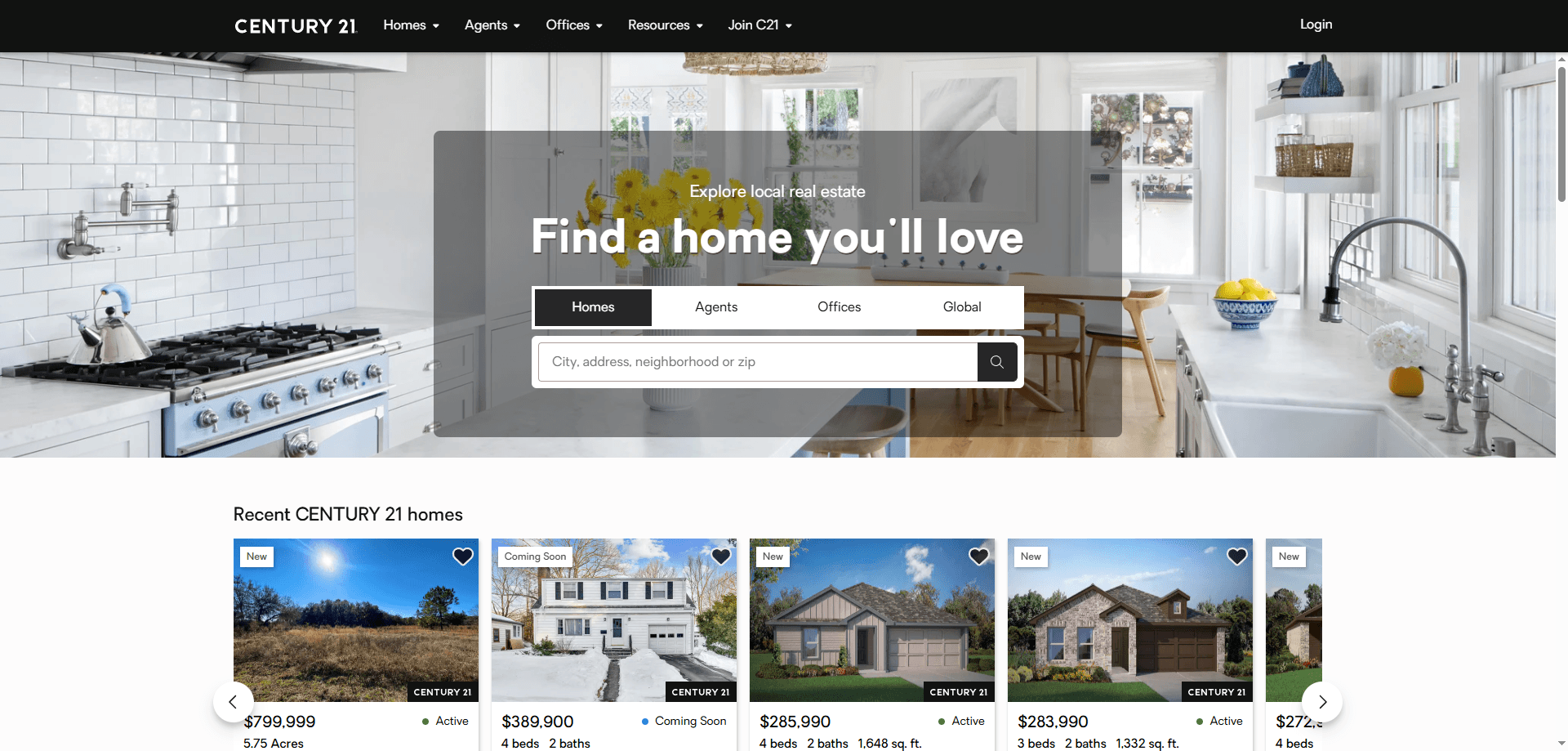
How to Scrape Century 21 Property Listings
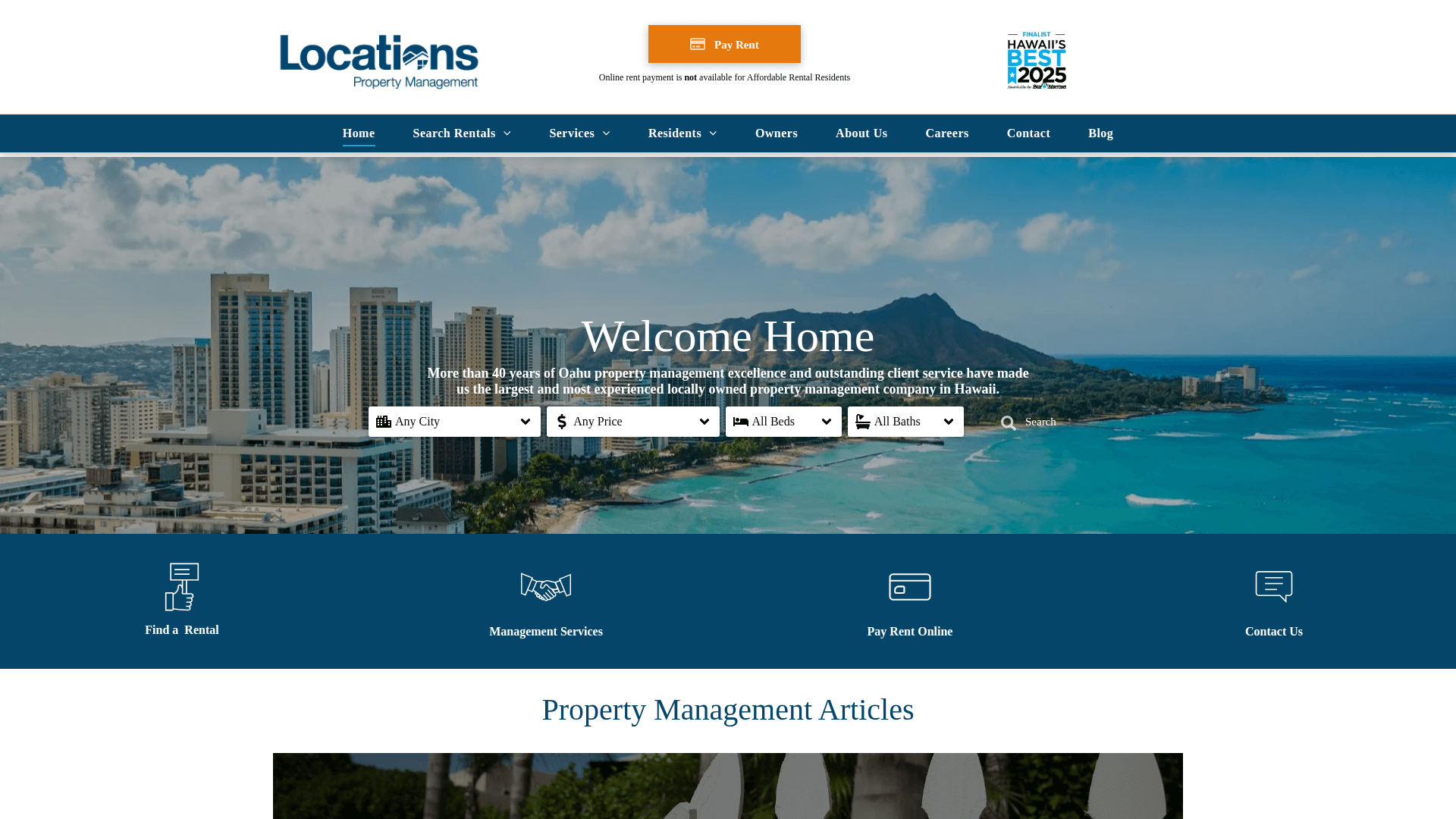
How to Scrape Locations Hawaii | Locations Hawaii Web Scraper
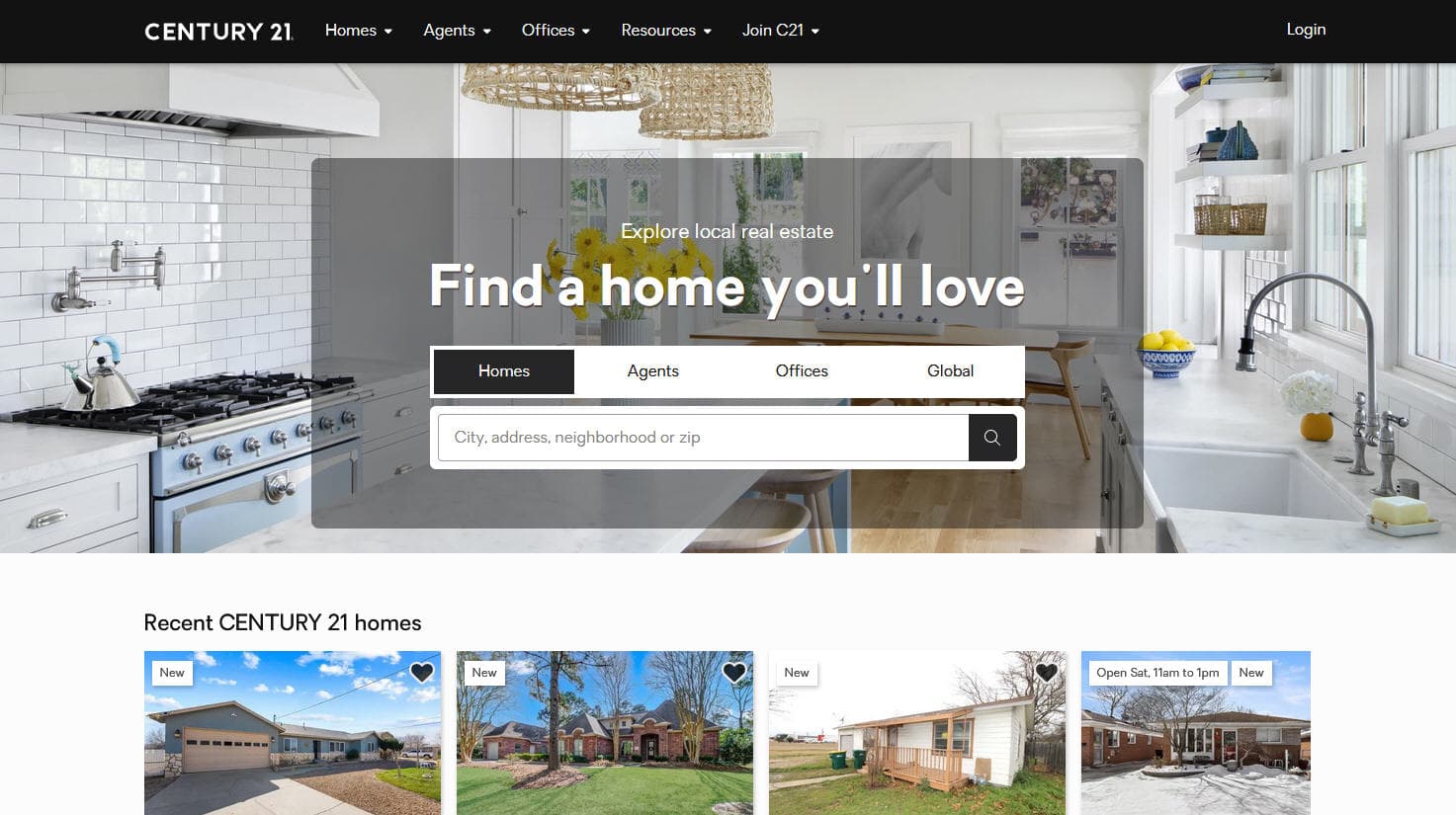
How to Scrape Century 21: A Technical Real Estate Guide
How to Scrape HotPads: A Complete Guide to Extracting Rental Data
How to Scrape Sacramento Delta Property Management
How to Scrape LivePiazza: Philadelphia Real Estate Scraper
How to Scrape RE/MAX (remax.com) Real Estate Listings
How to Scrape Homes.com: Real Estate Data Extraction Guide
Frequently Asked Questions
Find answers to common questions about SeLoger Bureaux & Commerces