
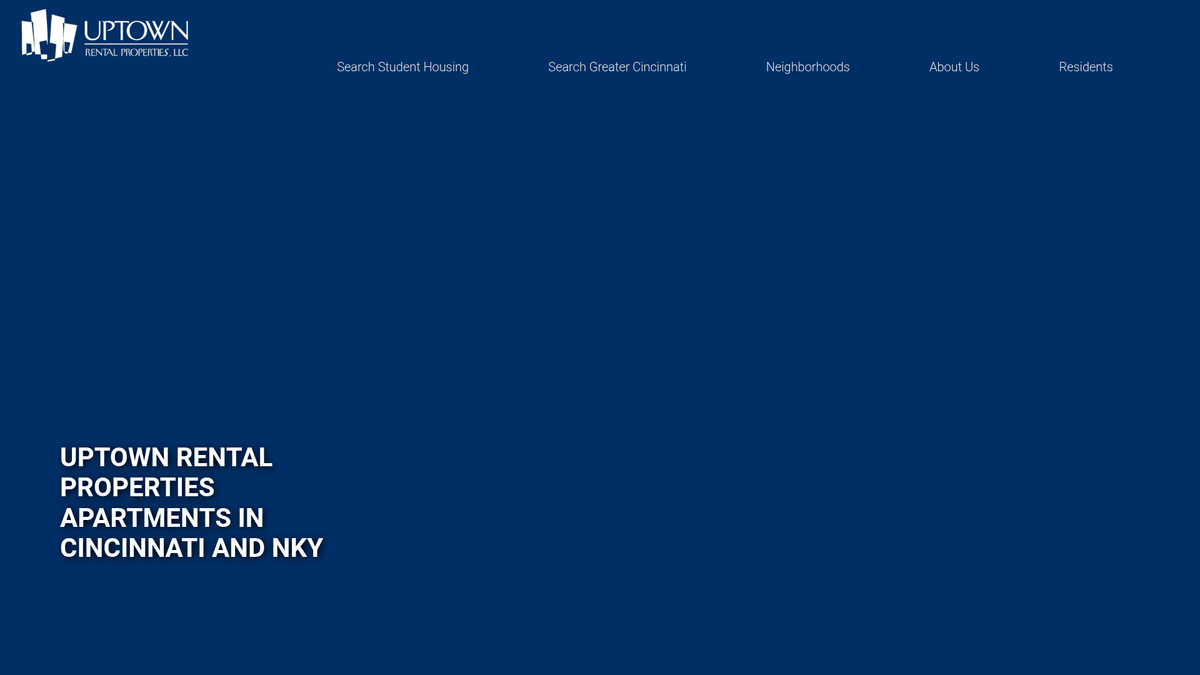
How to Scrape Uptown Rental Properties | UptownRents.com Scraper
Learn how to scrape property listings, student housing prices, and apartment availability in Cincinnati and Northern Kentucky from UptownRents.com.
Anti-Bot Protection Detected
- Rate Limiting
- Limits requests per IP/session over time. Can be bypassed with rotating proxies, request delays, and distributed scraping.
- User-Agent Filtering
- WordPress Security
- Wordfence
About Uptown Rental Properties
Learn what Uptown Rental Properties offers and what valuable data can be extracted from it.
Professional Property Management in Cincinnati
Uptown Rental Properties is a premier property management and real estate development company based in Cincinnati, Ohio. They manage a vast collection of residential and commercial properties, with a significant presence in neighborhoods surrounding the University of Cincinnati and Xavier University. Their listings include diverse options from student-focused housing to luxury conventional apartments in high-demand areas like Hyde Park and Oakley.
Valuable Real Estate Data Hub
The website serves as a primary hub for prospective tenants to search for available units, view pricing, and explore neighborhood amenities. For data analysts and real estate investors, scraping UptownRents.com provides a real-time window into the Cincinnati rental market, including price fluctuations, occupancy trends, and neighborhood popularity.
Market Intelligence and Competitive Analysis
This data is critical for competitive benchmarking and identifying investment opportunities in the urban core. By automating data extraction, businesses can track historical trends that are otherwise lost when listings are removed or updated, providing a distinct edge in the local real estate market.
Why Scrape Uptown Rental Properties?
Discover the business value and use cases for extracting data from Uptown Rental Properties.
Market Trend Monitoring
Analyze shifts in Cincinnati rental prices and demand across different neighborhoods like Hyde Park and Oakley to inform investment strategies.
Competitive Benchmarking
Compare amenity packages and pricing of student housing near the University of Cincinnati against other local providers to remain competitive.
Real-time Availability Tracking
Identify immediate move-in opportunities during peak leasing seasons when inventory moves rapidly and listings are updated hourly.
Lead Generation for Vendors
Provide data to cleaning, moving, or maintenance companies seeking to offer services to property managers or new tenants at specific buildings.
Investment Analysis
Evaluate the rental yield potential of specific urban areas by scraping historical pricing data and unit turnover rates.
Scraping Challenges
Technical challenges you may encounter when scraping Uptown Rental Properties.
Dynamic Content Rendering
Property listings are loaded via JavaScript after the initial page load, which requires a browser-based scraper to successfully capture the data.
Rent Manager Integration
The site fetches listing details from separate Rent Manager file servers, which may have different security policies and rate-limiting than the primary domain.
Price Normalization
Rent is frequently listed 'per bedroom' or 'per unit' depending on the building, requiring logical parsing to ensure accurate financial comparisons.
Image URL Obfuscation
Photo URLs are hosted on CDNs with dynamic keys that can expire, meaning image links must be captured and downloaded in a timely manner.
Elementor Selector Complexity
The WordPress-based frontend uses deeply nested div structures from Elementor, making it difficult to maintain stable CSS selectors over time.
Scrape Uptown Rental Properties with AI
No coding required. Extract data in minutes with AI-powered automation.
How It Works
Describe What You Need
Tell the AI what data you want to extract from Uptown Rental Properties. Just type it in plain language — no coding or selectors needed.
AI Extracts the Data
Our artificial intelligence navigates Uptown Rental Properties, handles dynamic content, and extracts exactly what you asked for.
Get Your Data
Receive clean, structured data ready to export as CSV, JSON, or send directly to your apps and workflows.
Why Use AI for Scraping
AI makes it easy to scrape Uptown Rental Properties without writing any code. Our AI-powered platform uses artificial intelligence to understand what data you want — just describe it in plain language and the AI extracts it automatically.
How to scrape with AI:
- Describe What You Need: Tell the AI what data you want to extract from Uptown Rental Properties. Just type it in plain language — no coding or selectors needed.
- AI Extracts the Data: Our artificial intelligence navigates Uptown Rental Properties, handles dynamic content, and extracts exactly what you asked for.
- Get Your Data: Receive clean, structured data ready to export as CSV, JSON, or send directly to your apps and workflows.
Why use AI for scraping:
- Visual Selection for Dynamic Content: Automatio allows users to visually select elements even after they load dynamically via XHR, bypassing the need for complex script-writing.
- Smart Wait Conditions: Easily configure the scraper to wait until the 'Loading' spinner disappears before extracting data, ensuring 100% data accuracy.
- Scheduled Availability Checks: Set up automated daily runs to be the first to know when a specific property type or floor plan becomes available in high-demand areas.
- Automatic Data Cleaning: Filter out 'starting at' prefixes and normalize currency symbols during the extraction process for ready-to-use spreadsheets.
- Direct Integration: Stream scraped apartment data directly into Google Sheets or Airtable for real-time portfolio management without manual data entry.
No-Code Web Scrapers for Uptown Rental Properties
Point-and-click alternatives to AI-powered scraping
Several no-code tools like Browse.ai, Octoparse, Axiom, and ParseHub can help you scrape Uptown Rental Properties. These tools use visual interfaces to select elements, but they come with trade-offs compared to AI-powered solutions.
Typical Workflow with No-Code Tools
Common Challenges
Learning curve
Understanding selectors and extraction logic takes time
Selectors break
Website changes can break your entire workflow
Dynamic content issues
JavaScript-heavy sites often require complex workarounds
CAPTCHA limitations
Most tools require manual intervention for CAPTCHAs
IP blocking
Aggressive scraping can get your IP banned
No-Code Web Scrapers for Uptown Rental Properties
Several no-code tools like Browse.ai, Octoparse, Axiom, and ParseHub can help you scrape Uptown Rental Properties. These tools use visual interfaces to select elements, but they come with trade-offs compared to AI-powered solutions.
Typical Workflow with No-Code Tools
- Install browser extension or sign up for the platform
- Navigate to the target website and open the tool
- Point-and-click to select data elements you want to extract
- Configure CSS selectors for each data field
- Set up pagination rules to scrape multiple pages
- Handle CAPTCHAs (often requires manual solving)
- Configure scheduling for automated runs
- Export data to CSV, JSON, or connect via API
Common Challenges
- Learning curve: Understanding selectors and extraction logic takes time
- Selectors break: Website changes can break your entire workflow
- Dynamic content issues: JavaScript-heavy sites often require complex workarounds
- CAPTCHA limitations: Most tools require manual intervention for CAPTCHAs
- IP blocking: Aggressive scraping can get your IP banned
Code Examples
import requests
from bs4 import BeautifulSoup

# Targeting the main listings page
url = 'https://uptownrents.com/greater-cincinnati/'
# Essential to mimic a real browser for WordPress sites
headers = {
    'User-Agent': 'Mozilla/5.0 (Windows NT 10.0; Win64; x64) AppleWebKit/537.36 (KHTML, like Gecko) Chrome/91.0.4472.124 Safari/537.36'
}

try:
    response = requests.get(url, headers=headers)
    response.raise_for_status()
    soup = BeautifulSoup(response.text, 'html.parser')

    # Searching for property links using the common PID pattern
    for link in soup.find_all('a', href=True):
        if 'pid=' in link['href']:
            print(f'Listing Link Found: {link["href"]}')
except Exception as e:
    print(f'An error occurred: {e}')
When to Use
Best for static HTML pages where content is loaded server-side. The fastest and simplest approach when JavaScript rendering isn't required.
Advantages
- ●Fastest execution (no browser overhead)
- ●Lowest resource consumption
- ●Easy to parallelize with asyncio
- ●Great for APIs and static pages
Limitations
- ●Cannot execute JavaScript
- ●Fails on SPAs and dynamic content
- ●May struggle with complex anti-bot systems
How to Scrape Uptown Rental Properties with Code
Python + Requests
import requests
from bs4 import BeautifulSoup
# Targeting the main listings page
url = 'https://uptownrents.com/greater-cincinnati/'
# Essential to mimic a real browser for WordPress sites
headers = {
'User-Agent': 'Mozilla/5.0 (Windows NT 10.0; Win64; x64) AppleWebKit/537.36 (KHTML, like Gecko) Chrome/91.0.4472.124 Safari/537.36'
}
try:
response = requests.get(url, headers=headers)
response.raise_for_status()
soup = BeautifulSoup(response.text, 'html.parser')
# Searching for property links using the common PID pattern
for link in soup.find_all('a', href=True):
if 'pid=' in link['href']:
print(f'Listing Link Found: {link["href"]}')
except Exception as e:
print(f'An error occurred: {e}')Python + Playwright
import asyncio
from playwright.async_api import async_playwright

async def scrape_uptown():
    async with async_playwright() as p:
        # Launching browser with JS support
        browser = await p.chromium.launch(headless=True)
        page = await browser.new_page()

        # Navigate to the search results page
        await page.goto('https://uptownrents.com/greater-cincinnati/')

        # Wait for the Elementor container to render content
        await page.wait_for_selector('.elementor-widget-container')

        # Extract property titles and basic info
        listings = await page.query_selector_all('.elementor-element-populated')
        for item in listings:
            content = await item.inner_text()
            # Simplistic parsing of the text block
            print(f'Property Detail: {content.split("
")[0]}')

        await browser.close()

asyncio.run(scrape_uptown())Python + Scrapy
import scrapy

class UptownSpider(scrapy.Spider):
    name = 'uptown_spider'
    start_urls = ['https://uptownrents.com/greater-cincinnati/']

    # Note: Scrapy usually needs a JS renderer like Scrapy-Playwright for this site
    def parse(self, response):
        # Selecting property containers based on common Elementor patterns
        for listing in response.css('div.elementor-element-populated'):
            yield {
                'title': listing.css('h2::text').get(),
                'address': listing.css('p::text').get(),
                'price': listing.css('.starting-at::text').get() or 'Price on request',
                'url': listing.css('a::attr(href)').get()
}Node.js + Puppeteer
const puppeteer = require('puppeteer');

(async () => {
  const browser = await puppeteer.launch();
  const page = await browser.newPage();

  // Navigate and wait for AJAX content from Rent Manager
  await page.goto('https://uptownrents.com/greater-cincinnati/', { waitUntil: 'networkidle2' });

  const data = await page.evaluate(() => {
    const elements = Array.from(document.querySelectorAll('div.elementor-element-populated'));
    return elements.map(el => ({
      title: el.querySelector('h2') ? el.querySelector('h2').innerText : 'N/A',
      text: el.innerText
    }));
  });

  console.log(data);
  await browser.close();
})();What You Can Do With Uptown Rental Properties Data
Explore practical applications and insights from Uptown Rental Properties data.
Real Estate Price Benchmarking
Local landlords and developers can monitor UptownRents to adjust their own pricing strategies based on current market rates.
How to implement:
- 1Scrape prices and bedroom counts for Hyde Park properties weekly.
- 2Calculate average price per bedroom across different neighborhoods.
- 3Identify underpriced units to adjust internal portfolio rates accordingly.
Use Automatio to extract data from Uptown Rental Properties and build these applications without writing code.
What You Can Do With Uptown Rental Properties Data
- Real Estate Price Benchmarking
Local landlords and developers can monitor UptownRents to adjust their own pricing strategies based on current market rates.
- Scrape prices and bedroom counts for Hyde Park properties weekly.
- Calculate average price per bedroom across different neighborhoods.
- Identify underpriced units to adjust internal portfolio rates accordingly.
- Student Housing Supply Analysis
Educational institutions or student housing investors can track availability to predict local housing shortages.
- Monitor listing counts near UC and Xavier campus during peak leasing months (Jan-Apr).
- Track 'Sold Out' or 'Unavailable' indicators to measure demand velocity.
- Cross-reference data with enrollment numbers to identify market gaps.
- Home Service Lead Generation
Moving companies and internet providers can use recent listing data to identify where new residents are likely moving.
- Scrape available units and their addresses on a daily basis.
- Identify units marked as 'Available Now' or with upcoming dates.
- Target marketing campaigns to those specific neighborhoods or apartment complexes.
- Institutional Investment Research
Equity firms can analyze Uptown's portfolio growth to evaluate the broader Cincinnati urban residential market.
- Aggregate total units across all Uptown neighborhoods to estimate market share.
- Monitor for new development announcements appearing on the site.
- Analyze the diversity of housing types (studio vs 3-bed) within their current portfolio.
Supercharge your workflow with AI Automation
Automatio combines the power of AI agents, web automation, and smart integrations to help you accomplish more in less time.
What to get right first
Expert advice for successfully extracting data from Uptown Rental Properties.
Monitor XHR Network Calls
Check the Network tab in DevTools for requests to 'rm12filereader.rentmanager.com' to identify the raw JSON data source for listings.
Use Residential Proxies
To avoid IP blocking from Rent Manager's security layer, use high-quality residential proxies that mimic real user behavior.
Capture the PID Parameter
Always extract the Property ID (PID) from the URL to track unit history even if the property title or address format changes slightly.
Handle Spinner Detection
Configure a 'Wait for Element to Disappear' action for the site's loading spinner to prevent the scraper from grabbing empty data fields.
Rotate User-Agent Strings
Switch between various desktop and mobile User-Agents to bypass basic bot detection triggers common on WordPress sites.
Use Regex for Pricing
Apply regular expressions to extract only numeric values from the price field, separating the dollar amount from labels like 'Per Bedroom'.
Related Web Scraping
How to Scrape Century 21 Property Listings
How to Scrape Locations Hawaii | Locations Hawaii Web Scraper
How to Scrape Century 21: A Technical Real Estate Guide
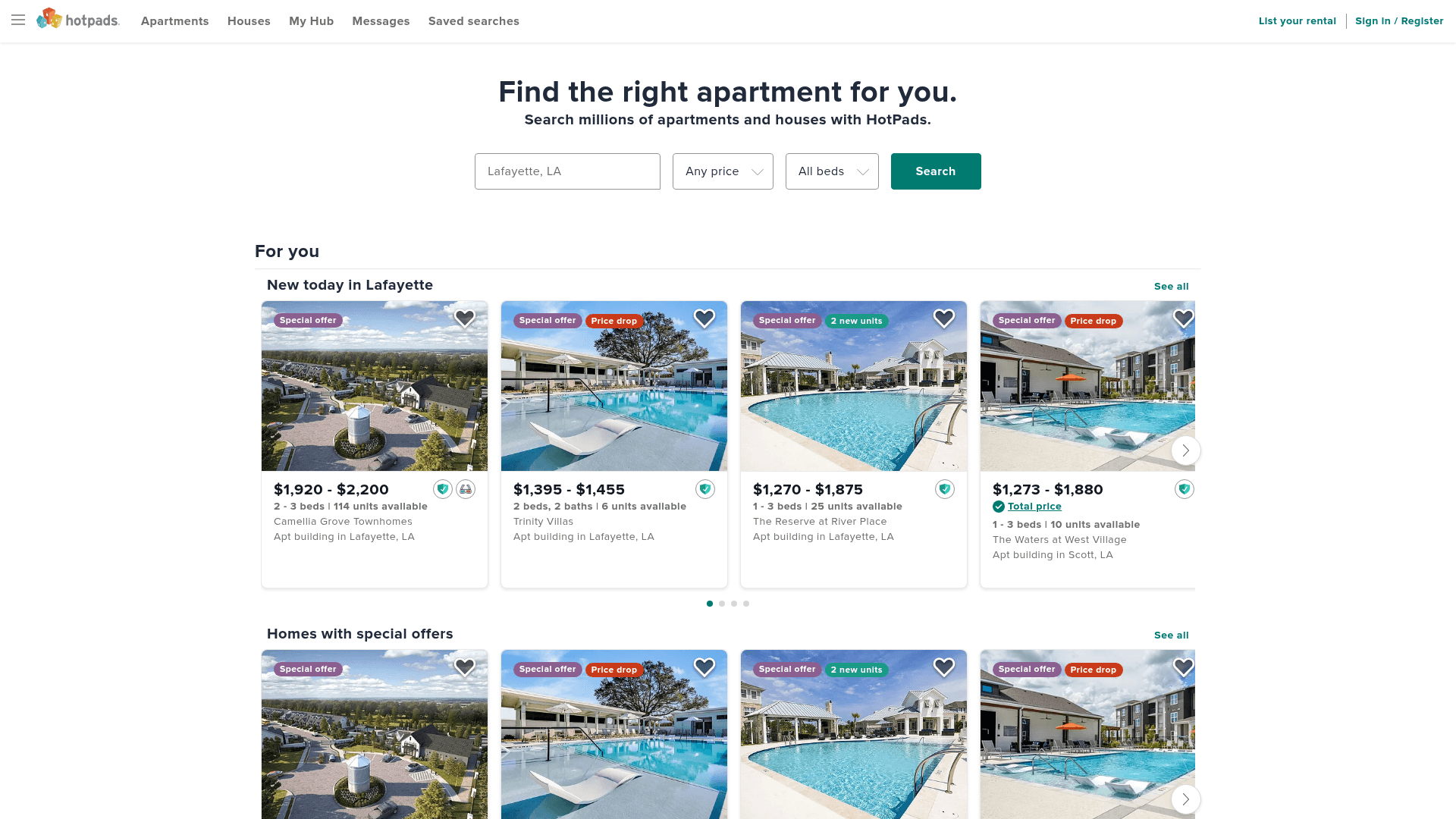
How to Scrape HotPads: A Complete Guide to Extracting Rental Data

How to Scrape Sacramento Delta Property Management
How to Scrape LivePiazza: Philadelphia Real Estate Scraper
How to Scrape RE/MAX (remax.com) Real Estate Listings
How to Scrape Homes.com: Real Estate Data Extraction Guide
Frequently Asked Questions
Find answers to common questions about Uptown Rental Properties