
How to Scrape Zillow: The Ultimate Guide for Real Estate Data (2025)
Learn how to scrape Zillow property listings, prices, and Zestimates. This guide covers anti-bot bypass, API alternatives, and lead generation strategies.
Anti-Bot Protection Detected
- DataDome
- Real-time bot detection with ML models. Analyzes device fingerprint, network signals, and behavioral patterns. Common on e-commerce sites.
- Cloudflare
- Enterprise-grade WAF and bot management. Uses JavaScript challenges, CAPTCHAs, and behavioral analysis. Requires browser automation with stealth settings.
- Google reCAPTCHA
- Google's CAPTCHA system. v2 requires user interaction, v3 runs silently with risk scoring. Can be solved with CAPTCHA services.
- Rate Limiting
- Limits requests per IP/session over time. Can be bypassed with rotating proxies, request delays, and distributed scraping.
- Behavioral Analysis
- Browser Fingerprinting
- Identifies bots through browser characteristics: canvas, WebGL, fonts, plugins. Requires spoofing or real browser profiles.
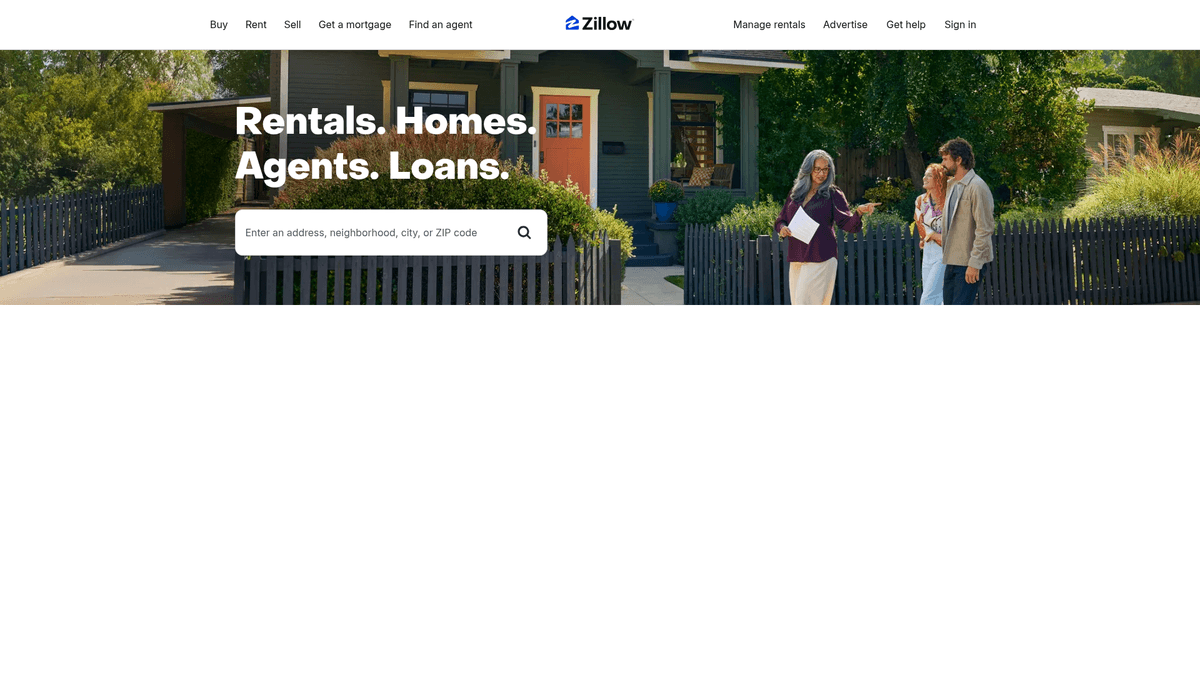
About Zillow
Learn what Zillow offers and what valuable data can be extracted from it.
The North American Real Estate Leader
Zillow is the leading real estate and rental marketplace in the United States and Canada, providing a comprehensive database of millions of homes for sale, for rent, and historical data. Owned and operated by Zillow Group, the platform is the primary destination for consumers seeking home valuations and deep insights into local housing markets.
Comprehensive Data Points
The website contains a wealth of structured data including property prices, historical sales, physical attributes (beds, baths, square footage), tax history, and contact information for listing agents. This information is updated in near real-time, making it the industry standard for current market availability.
Business Value of Scraped Data
This data is invaluable for real estate professionals, analysts, and investors who need to monitor market fluctuations and perform large-scale valuation modeling. By extracting the Zestimate (Zillow's proprietary valuation), businesses can benchmark property values against historical trends and local market competition at scale.
Why Scrape Zillow?
Discover the business value and use cases for extracting data from Zillow.
Real Estate Investment Analysis
Identify high-yield opportunities by comparing list prices against historical Zestimates and neighborhood market data.
Market Trend Monitoring
Track fluctuations in local housing markets by capturing price drops and the velocity of new listings in real-time.
Lead Generation for Professionals
Extract contact details for listing agents and brokerage firms to build targeted B2B networking lists and marketing campaigns.
Automated Valuation Modeling
Gather massive datasets of property attributes like square footage and year built to train accurate machine learning appraisal models.
Competitive Intelligence
Monitor the inventory levels and sales performance of rival real estate firms to stay ahead in the local marketplace.
Scraping Challenges
Technical challenges you may encounter when scraping Zillow.
Advanced PerimeterX Protection
Zillow employs aggressive anti-bot technology that triggers 'Press and Hold' challenges and behavioral analysis to block automated tools.
JavaScript Rendering Requirements
Most listing data is loaded dynamically via React, making it difficult for simple HTML parsers to capture all attributes without a browser engine.
Strict IP Rate Limiting
Sending too many requests from a single IP address leads to immediate temporary bans or the serving of CAPTCHA challenges.
Obfuscated Data Structures
Key property details are often nested deep within messy JSON blobs inside script tags, requiring precise reverse engineering to extract cleanly.
Scrape Zillow with AI
No coding required. Extract data in minutes with AI-powered automation.
How It Works
Describe What You Need
Tell the AI what data you want to extract from Zillow. Just type it in plain language — no coding or selectors needed.
AI Extracts the Data
Our artificial intelligence navigates Zillow, handles dynamic content, and extracts exactly what you asked for.
Get Your Data
Receive clean, structured data ready to export as CSV, JSON, or send directly to your apps and workflows.
Why Use AI for Scraping
AI makes it easy to scrape Zillow without writing any code. Our AI-powered platform uses artificial intelligence to understand what data you want — just describe it in plain language and the AI extracts it automatically.
How to scrape with AI:
- Describe What You Need: Tell the AI what data you want to extract from Zillow. Just type it in plain language — no coding or selectors needed.
- AI Extracts the Data: Our artificial intelligence navigates Zillow, handles dynamic content, and extracts exactly what you asked for.
- Get Your Data: Receive clean, structured data ready to export as CSV, JSON, or send directly to your apps and workflows.
Why use AI for scraping:
- Built-in Anti-Bot Bypass: Automatio is engineered to navigate sophisticated security layers like PerimeterX and DataDome without requiring manual intervention.
- Automated Proxy Rotation: The platform handles high-quality residential proxy rotation automatically, ensuring your scrapers maintain a high success rate without IP bans.
- No-Code Visual Interface: Create complex real estate data workflows using a visual builder, eliminating the need to write and maintain brittle Python scripts.
- Scheduled Data Refresh: Easily schedule your Zillow scrapers to run at specific intervals, keeping your database updated with the latest price changes and new listings.
No-Code Web Scrapers for Zillow
Point-and-click alternatives to AI-powered scraping
Several no-code tools like Browse.ai, Octoparse, Axiom, and ParseHub can help you scrape Zillow. These tools use visual interfaces to select elements, but they come with trade-offs compared to AI-powered solutions.
Typical Workflow with No-Code Tools
Common Challenges
Learning curve
Understanding selectors and extraction logic takes time
Selectors break
Website changes can break your entire workflow
Dynamic content issues
JavaScript-heavy sites often require complex workarounds
CAPTCHA limitations
Most tools require manual intervention for CAPTCHAs
IP blocking
Aggressive scraping can get your IP banned
No-Code Web Scrapers for Zillow
Several no-code tools like Browse.ai, Octoparse, Axiom, and ParseHub can help you scrape Zillow. These tools use visual interfaces to select elements, but they come with trade-offs compared to AI-powered solutions.
Typical Workflow with No-Code Tools
- Install browser extension or sign up for the platform
- Navigate to the target website and open the tool
- Point-and-click to select data elements you want to extract
- Configure CSS selectors for each data field
- Set up pagination rules to scrape multiple pages
- Handle CAPTCHAs (often requires manual solving)
- Configure scheduling for automated runs
- Export data to CSV, JSON, or connect via API
Common Challenges
- Learning curve: Understanding selectors and extraction logic takes time
- Selectors break: Website changes can break your entire workflow
- Dynamic content issues: JavaScript-heavy sites often require complex workarounds
- CAPTCHA limitations: Most tools require manual intervention for CAPTCHAs
- IP blocking: Aggressive scraping can get your IP banned
Code Examples
import requests
from bs4 import BeautifulSoup

# Headers to mimic a real browser to avoid instant blocks
headers = {
    'User-Agent': 'Mozilla/5.0 (Windows NT 10.0; Win64; x64) AppleWebKit/537.36 (KHTML, like Gecko) Chrome/91.0.4472.124 Safari/537.36',
    'Accept-Language': 'en-US,en;q=0.9',
}

def scrape_zillow(zip_code):
    url = f'https://www.zillow.com/homes/{zip_code}_rb/'
    try:
        # Initial request to listing page
        response = requests.get(url, headers=headers)

        # Check for DataDome/Cloudflare 403 blocks
        if response.status_code == 403:
            print('Blocked by anti-bot. Use residential proxies or a headless browser.')
            return

        soup = BeautifulSoup(response.text, 'html.parser')
        # Identify property cards by data-test attribute
        for card in soup.find_all('article', {'data-test': 'property-card'}):
            price = card.find('span', {'data-test': 'property-card-price'})
            addr = card.find('address', {'data-test': 'property-card-addr'})
            print(f'Price: {price.text if price else "N/A"} | Address: {addr.text if addr else "N/A"}')
    except Exception as e:
        print(f'Error: {e}')

scrape_zillow('90210')
When to Use
Best for static HTML pages where content is loaded server-side. The fastest and simplest approach when JavaScript rendering isn't required.
Advantages
- ●Fastest execution (no browser overhead)
- ●Lowest resource consumption
- ●Easy to parallelize with asyncio
- ●Great for APIs and static pages
Limitations
- ●Cannot execute JavaScript
- ●Fails on SPAs and dynamic content
- ●May struggle with complex anti-bot systems
How to Scrape Zillow with Code
Python + Requests
import requests
from bs4 import BeautifulSoup
# Headers to mimic a real browser to avoid instant blocks
headers = {
'User-Agent': 'Mozilla/5.0 (Windows NT 10.0; Win64; x64) AppleWebKit/537.36 (KHTML, like Gecko) Chrome/91.0.4472.124 Safari/537.36',
'Accept-Language': 'en-US,en;q=0.9',
}
def scrape_zillow(zip_code):
url = f'https://www.zillow.com/homes/{zip_code}_rb/'
try:
# Initial request to listing page
response = requests.get(url, headers=headers)
# Check for DataDome/Cloudflare 403 blocks
if response.status_code == 403:
print('Blocked by anti-bot. Use residential proxies or a headless browser.')
return
soup = BeautifulSoup(response.text, 'html.parser')
# Identify property cards by data-test attribute
for card in soup.find_all('article', {'data-test': 'property-card'}):
price = card.find('span', {'data-test': 'property-card-price'})
addr = card.find('address', {'data-test': 'property-card-addr'})
print(f'Price: {price.text if price else "N/A"} | Address: {addr.text if addr else "N/A"}')
except Exception as e:
print(f'Error: {e}')
scrape_zillow('90210')Python + Playwright
from playwright.sync_api import sync_playwright

def scrape_zillow():
    with sync_playwright() as p:
        # Launching with a real user agent to bypass basic checks
        browser = p.chromium.launch(headless=True)
        context = browser.new_context(user_agent='Mozilla/5.0 (Windows NT 10.0; Win64; x64) AppleWebKit/537.36')
        page = context.new_page()

        # Navigate and wait for content to be fully rendered by React
        page.goto('https://www.zillow.com/homes/for_sale/90210_rb/', wait_until='networkidle')

        # Wait for property card selectors to appear
        page.wait_for_selector('[data-test="property-card"]')

        # Extract data from the rendered DOM
        listings = page.query_selector_all('[data-test="property-card"]')
        for listing in listings:
            price_el = listing.query_selector('[data-test="property-card-price"]')
            address_el = listing.query_selector('address')

            price = price_el.inner_text() if price_el else "N/A"
            address = address_el.inner_text() if address_el else "N/A"
            print(f'Price: {price}, Address: {address}')

        browser.close()

scrape_zillow()Python + Scrapy
import scrapy
import json

class ZillowSpider(scrapy.Spider):
    name = 'zillow'
    start_urls = ['https://www.zillow.com/homes/for_sale/90210_rb/']

    def parse(self, response):
        # Zillow stores data in a JSON script tag called __NEXT_DATA__
        # This is more stable than scraping the HTML layout
        json_data = response.xpath('//script[@id="__NEXT_DATA__"]/text()').get()
        if json_data:
            data = json.loads(json_data)
            # Navigate the nested JSON structure to find the listing results
            results = data.get('props', {}).get('pageProps', {}).get('searchPageState', {}).get('cat1', {}).get('searchResults', {}).get('listResults', [])
            for item in results:
                yield {
                    'price': item.get('price'),
                    'address': item.get('address'),
                    'zpid': item.get('zpid'),
                    'bedrooms': item.get('beds'),
                    'bathrooms': item.get('baths')
}Node.js + Puppeteer
const puppeteer = require('puppeteer-extra');
const StealthPlugin = require('puppeteer-extra-plugin-stealth');
puppeteer.use(StealthPlugin());

(async () => {
  // Launching browser with stealth plugin to avoid DataDome detection
  const browser = await puppeteer.launch({ headless: true });
  const page = await browser.newPage();

  // Set an extra header to appear more human
  await page.setExtraHTTPHeaders({
    'Accept-Language': 'en-US,en;q=0.9'
  });

  await page.goto('https://www.zillow.com/homes/for_sale/90210_rb/', { waitUntil: 'networkidle2' });

  const properties = await page.evaluate(() => {
    const cards = Array.from(document.querySelectorAll("[data-test='property-card']"));
    return cards.map(card => ({
      price: card.querySelector("[data-test='property-card-price']")?.innerText,
      address: card.querySelector("address")?.innerText
    }));
  });

  console.log(properties);
  await browser.close();
})();What You Can Do With Zillow Data
Explore practical applications and insights from Zillow data.
Investment Arbitrage Discovery
Real estate investors can identify undervalued properties by comparing listing prices directly to historical Zestimates.
How to implement:
- 1Scrape active listings for target zip codes daily.
- 2Store data in a time-series database for trend analysis.
- 3Compare listing prices to historical Zestimate values.
- 4Trigger automated alerts for properties priced 10% below local median.
Use Automatio to extract data from Zillow and build these applications without writing code.
What You Can Do With Zillow Data
- Investment Arbitrage Discovery
Real estate investors can identify undervalued properties by comparing listing prices directly to historical Zestimates.
- Scrape active listings for target zip codes daily.
- Store data in a time-series database for trend analysis.
- Compare listing prices to historical Zestimate values.
- Trigger automated alerts for properties priced 10% below local median.
- Mortgage Lead Generation
Lenders can identify homeowners who have recently listed properties to offer refinancing or new loan products.
- Extract new 'For Sale' listing data hourly.
- Cross-reference owners with public tax and deed records.
- Enrich leads with verified contact information.
- Automate personalized outreach campaigns for mortgage services.
- Zestimate Accuracy Audit
Appraisers use scraped data to verify the reliability of automated valuations in specific neighborhoods.
- Scrape 'Recently Sold' data for the last 6 months.
- Calculate the delta between Sale Price and the last Zestimate.
- Map error margins geographically to identify valuation biases.
- Use data to adjust human appraisal models.
- Rental Market Optimization
Property managers monitor rental price fluctuations to set optimal rates for their portfolios.
- Scrape rental listings across target ZIP codes weekly.
- Analyze pricing trends for different bedroom/bathroom counts.
- Identify high-demand neighborhoods based on listing turnover speed.
- Adjust portfolio pricing dynamically based on real-time market data.
- Competitive Brokerage Monitoring
Real estate agencies track the inventory and listing performance of rival brokerages.
- Filter Zillow listings by specific competitor agent or office names.
- Extract 'Days on Zillow' and status changes (e.g., Pending, Sold).
- Benchmark average sales velocity against own performance.
- Visualize market share shifts using business intelligence tools.
Supercharge your workflow with AI Automation
Automatio combines the power of AI agents, web automation, and smart integrations to help you accomplish more in less time.
What to get right first
Expert advice for successfully extracting data from Zillow.
Extract the NEXT_DATA Script
Locate the __NEXT_DATA__ script tag in the HTML source to find a clean, structured JSON object containing all listing data for that page.
Prioritize Residential Proxies
Always use residential or mobile proxies when targeting Zillow, as data center IPs are almost universally flagged and blocked.
Mimic Human Browsing Patterns
Incorporate random delays, varied scrolling speeds, and mouse movements to reduce the likelihood of triggering behavioral detection systems.
Rotate User-Agents and TLS Fingerprints
Ensure your requests use modern browser signatures and rotate User-Agents to prevent being fingerprinted by security filters.
Use URL Filters to Save Bandwidth
Leverage Zillow's URL query parameters to filter by price, date, or property type directly, reducing the number of pages you need to scrape.
Related Web Scraping
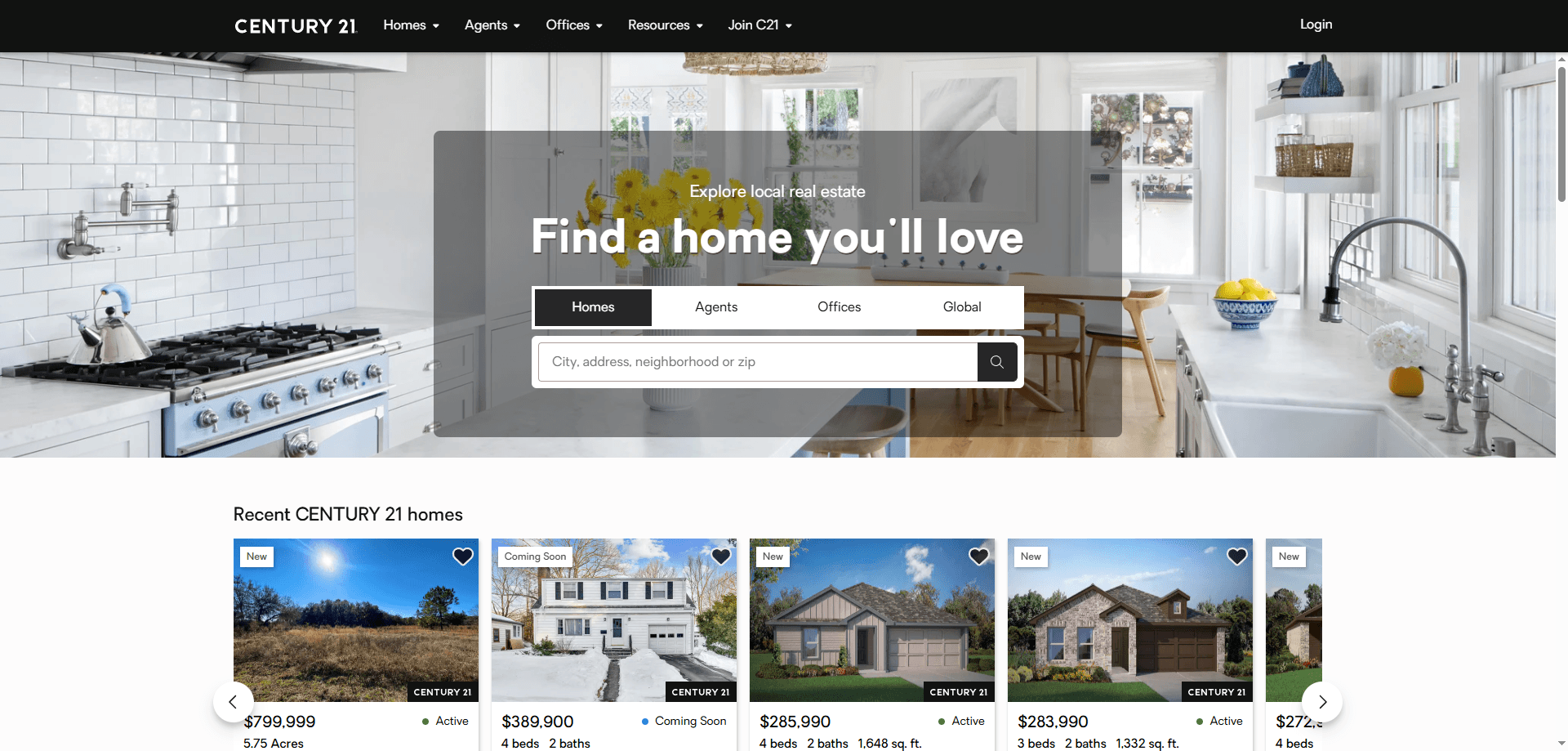
How to Scrape Century 21 Property Listings
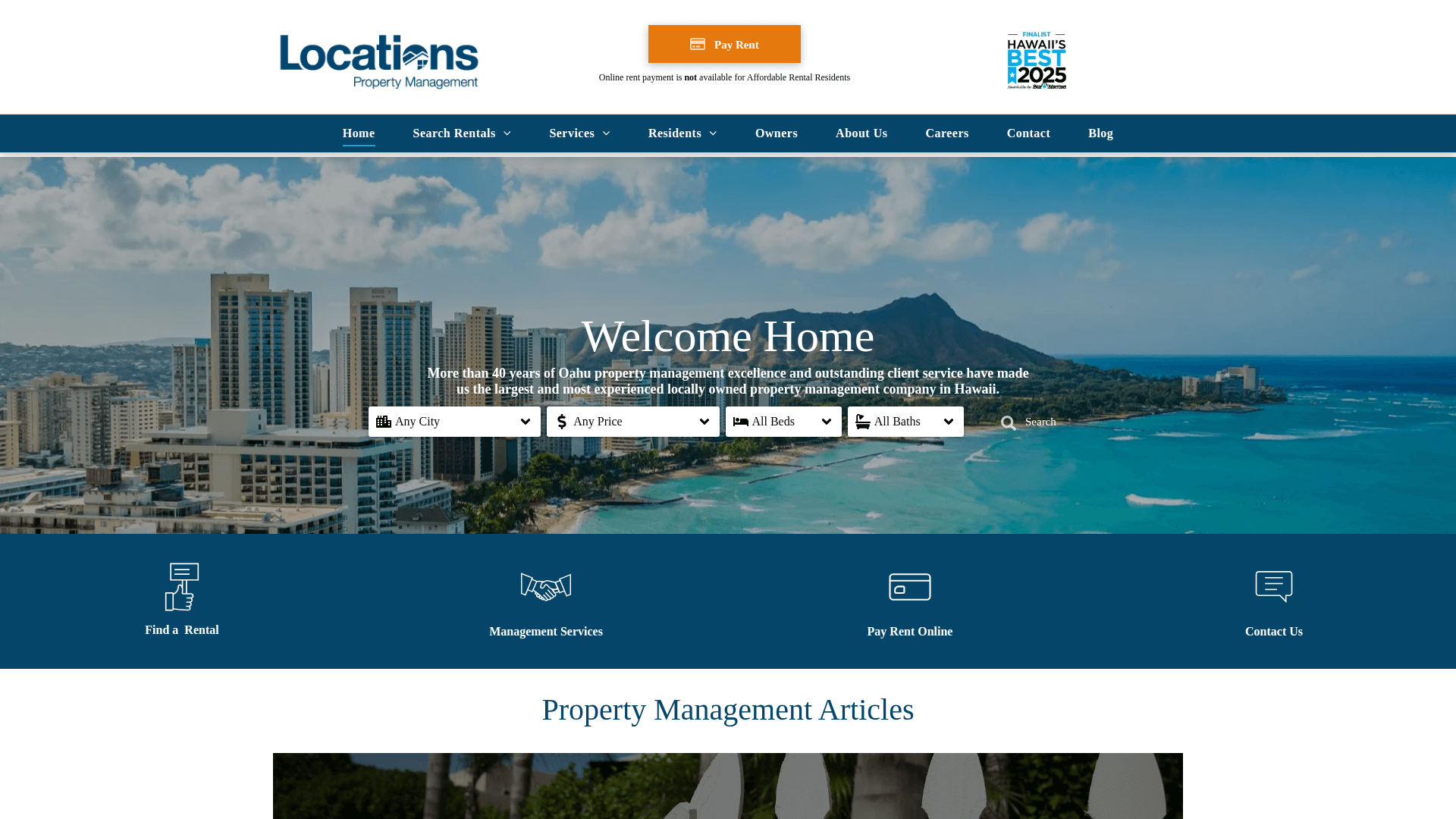
How to Scrape Locations Hawaii | Locations Hawaii Web Scraper
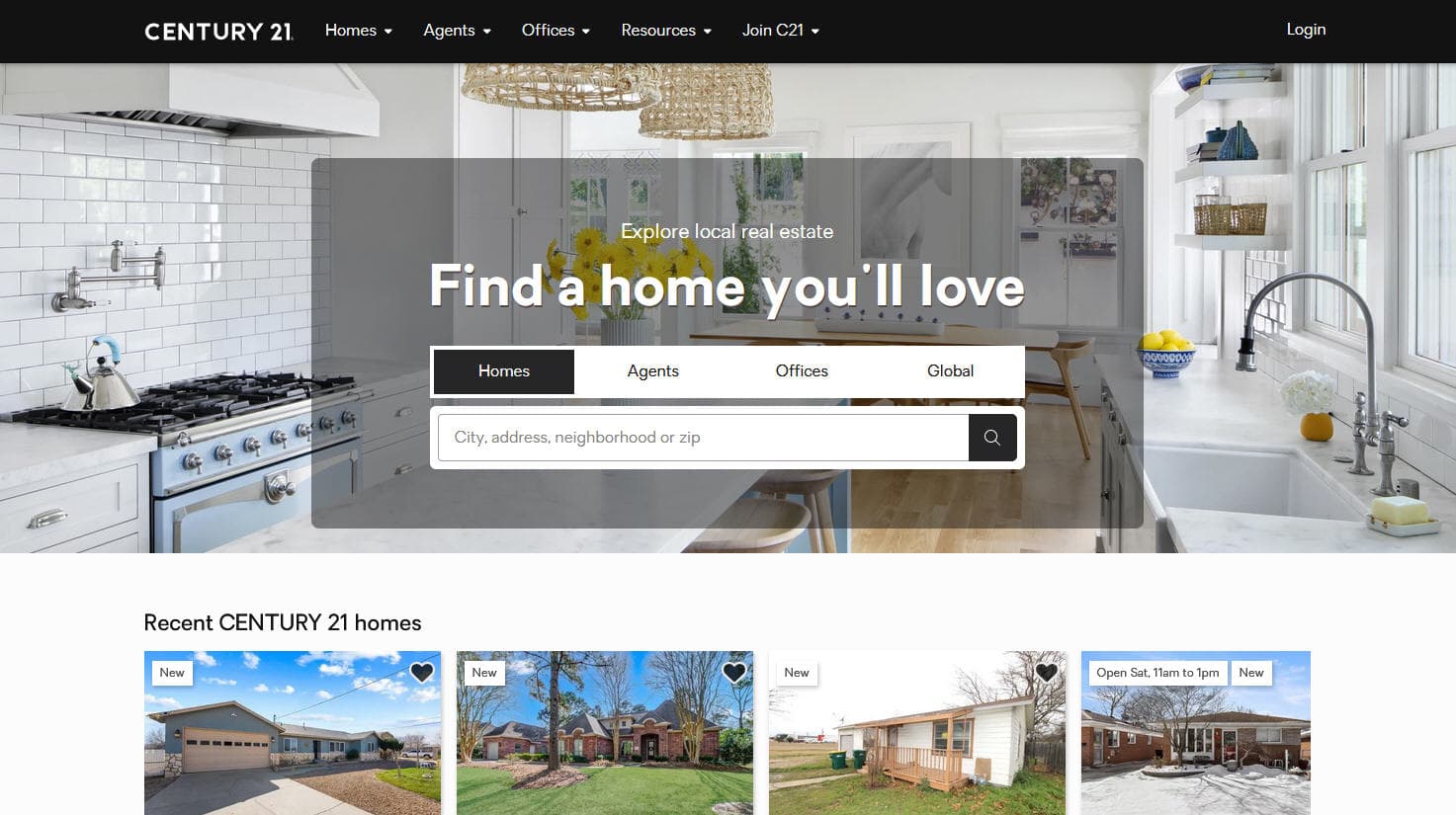
How to Scrape Century 21: A Technical Real Estate Guide
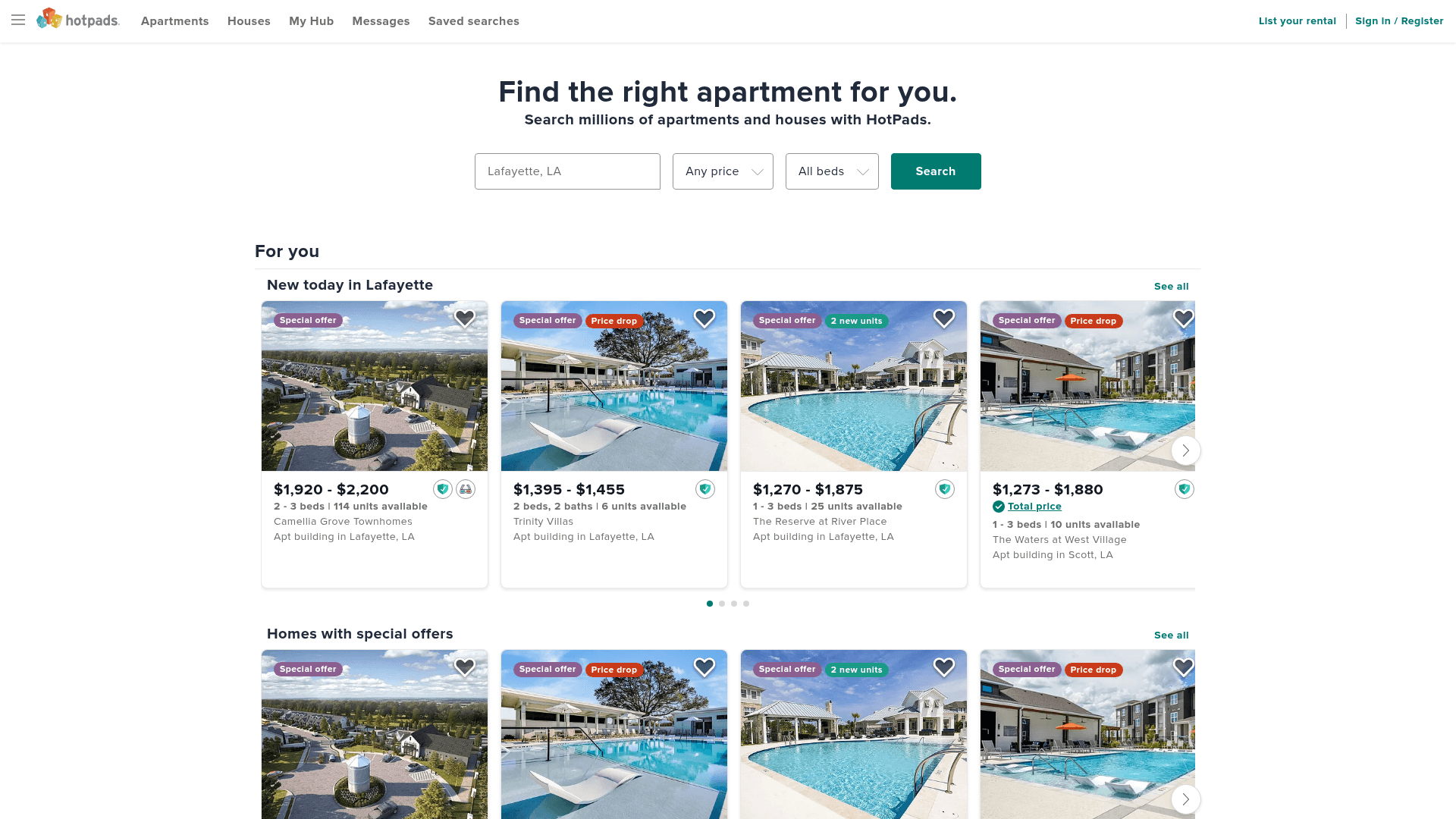
How to Scrape HotPads: A Complete Guide to Extracting Rental Data

How to Scrape Sacramento Delta Property Management
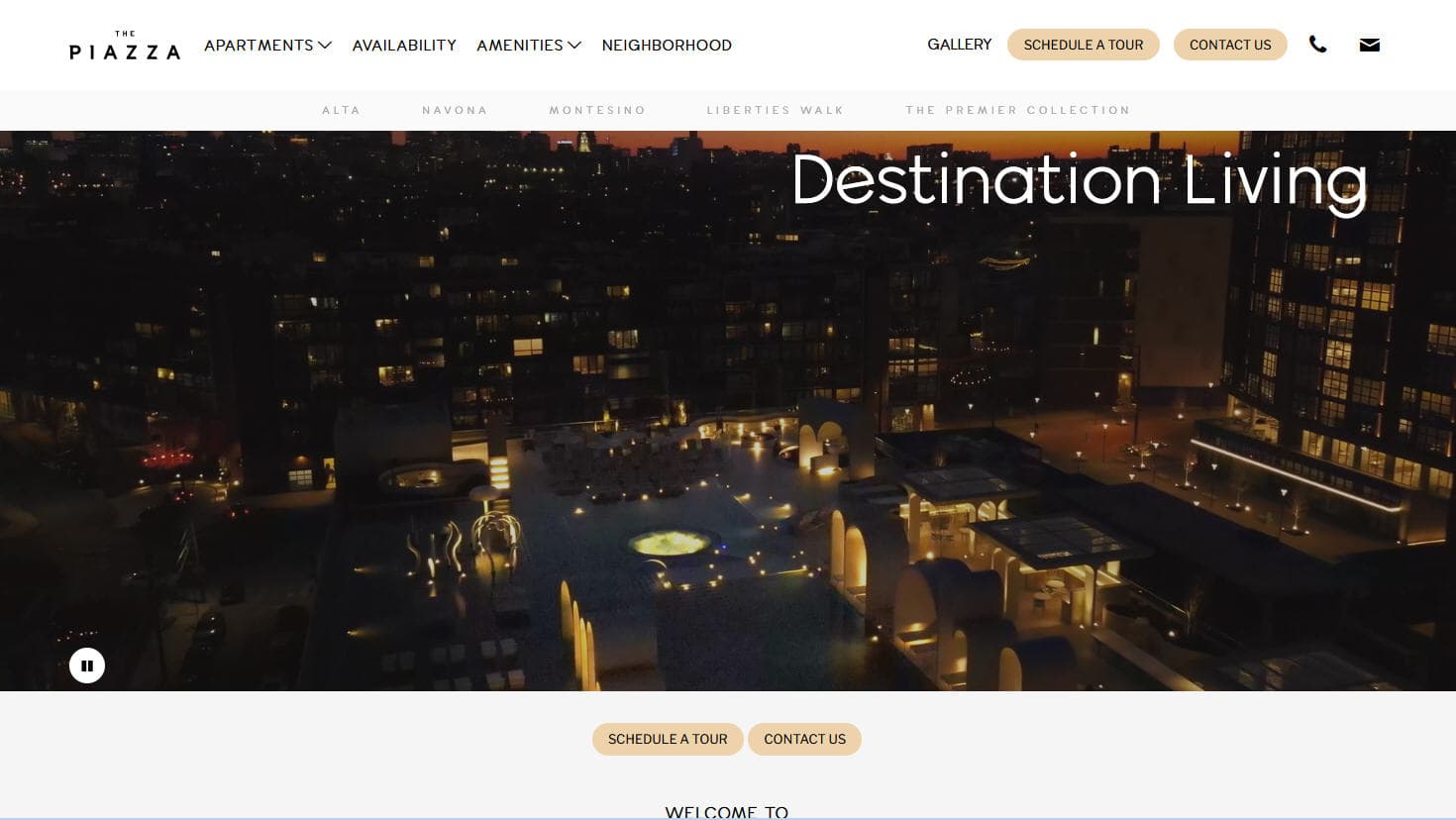
How to Scrape LivePiazza: Philadelphia Real Estate Scraper
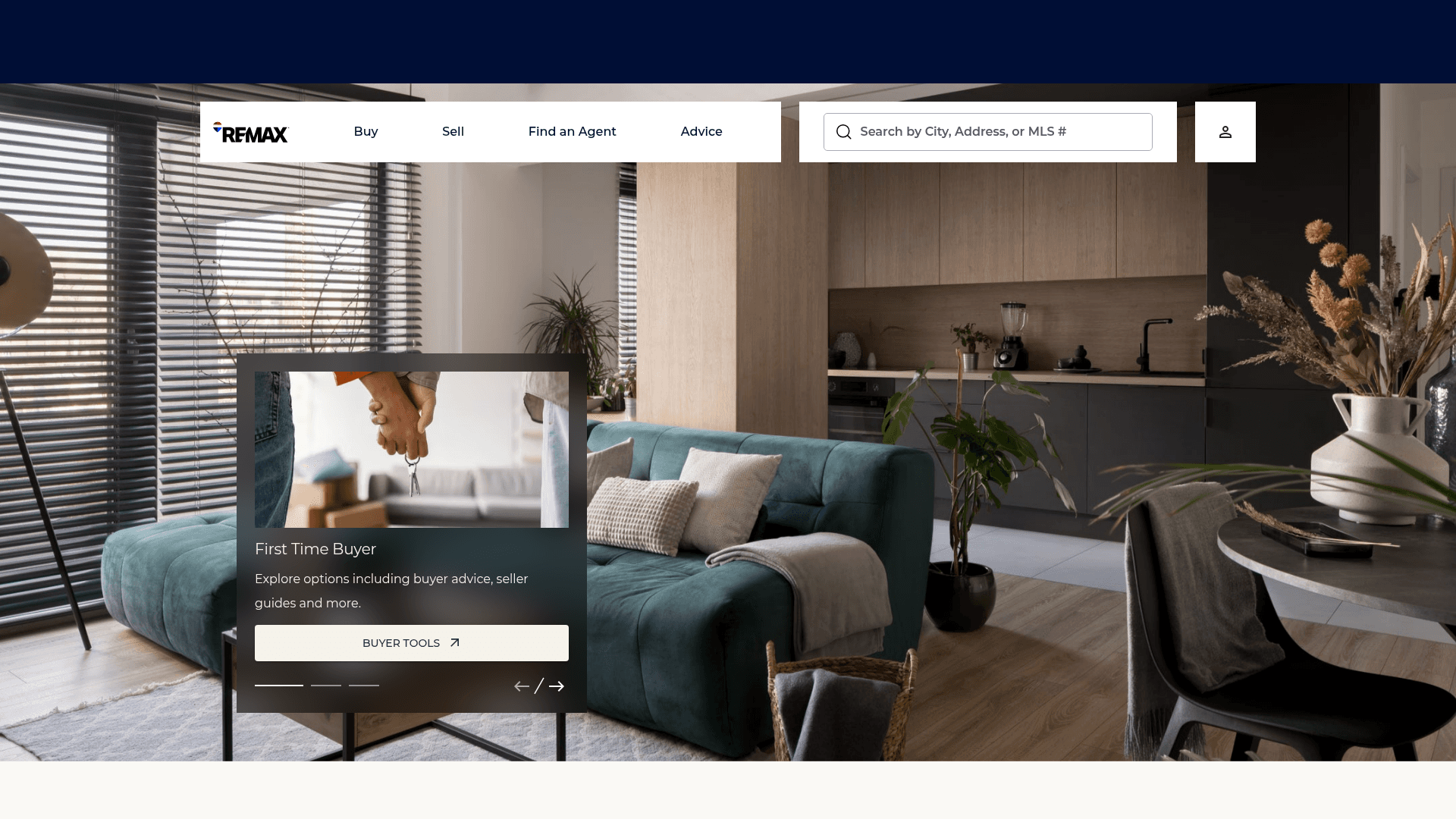
How to Scrape RE/MAX (remax.com) Real Estate Listings
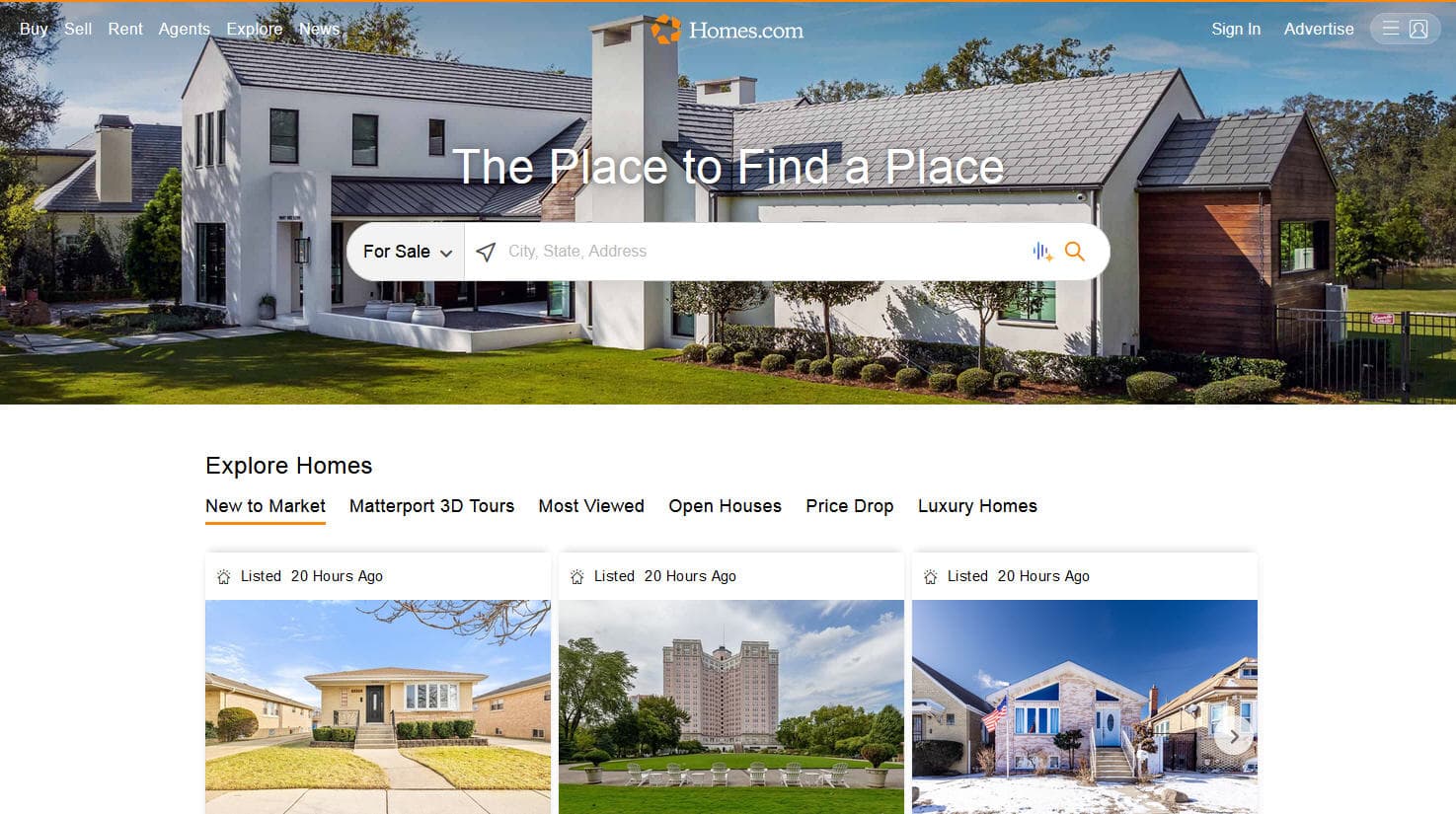
How to Scrape Homes.com: Real Estate Data Extraction Guide
Frequently Asked Questions
Find answers to common questions about Zillow