
SeLoger Bureaux & Commerces 스크래핑 방법
상업용 부동산 데이터 수집을 위해 SeLoger Bureaux & Commerces를 스크래핑하는 방법을 알아보세요. DataDome 차단을 우회하며 가격, 면적, 중개소 정보를 추출할 수 있습니다.
봇 방지 보호 감지됨
- DataDome
- ML 모델을 사용한 실시간 봇 탐지. 장치 핑거프린트, 네트워크 신호, 행동 패턴 분석. 전자상거래 사이트에서 흔함.
- Cloudflare
- 엔터프라이즈급 WAF 및 봇 관리. JavaScript 챌린지, CAPTCHA, 행동 분석 사용. 스텔스 설정의 브라우저 자동화 필요.
- Google reCAPTCHA
- Google의 CAPTCHA 시스템. v2는 사용자 상호작용 필요, v3는 위험 점수로 조용히 실행. CAPTCHA 서비스로 해결 가능.
- 속도 제한
- 시간당 IP/세션별 요청 제한. 회전 프록시, 요청 지연, 분산 스크래핑으로 우회 가능.
- IP 차단
- 알려진 데이터센터 IP와 표시된 주소 차단. 효과적인 우회를 위해 주거용 또는 모바일 프록시 필요.
- 브라우저 핑거프린팅
- 브라우저 특성으로 봇 식별: canvas, WebGL, 글꼴, 플러그인. 스푸핑 또는 실제 브라우저 프로필 필요.
SeLoger Bureaux & Commerces 정보
SeLoger Bureaux & Commerces이 제공하는 것과 추출할 수 있는 가치 있는 데이터를 알아보세요.
프랑스 상업용 부동산의 리더
SeLoger Bureaux & Commerces는 프랑스 최대 부동산 네트워크인 SeLoger 그룹의 전문 부동산 포털입니다. 사무실 공간, 창고, 소매 상점 및 상업 개발용 부지를 포함한 기업 간 거래(B2B) 전용 마켓플레이스 역할을 합니다. 이 플랫폼은 전국의 전문 투자자와 사업주를 연결하기 위해 주요 국가 기관 및 독립 중개인들이 널리 사용하고 있습니다.
데이터의 가치
이 웹사이트를 스크래핑하는 것은 프랑스 상업용 부동산 시장을 모니터링해야 하는 부동산 투자자와 시장 분석가들에게 매우 가치 있는 일입니다. 현재 매물 데이터를 추출함으로써 기업은 평당 가격 추이를 추적하고, 신흥 상업 허브를 식별하며, 경쟁 기관의 포트폴리오를 모니터링할 수 있습니다. 이 데이터는 프랑스 시장에서 정확한 자산 가치 평가를 수행하고 고수익 투자 기회를 발굴하는 데 필수적입니다.
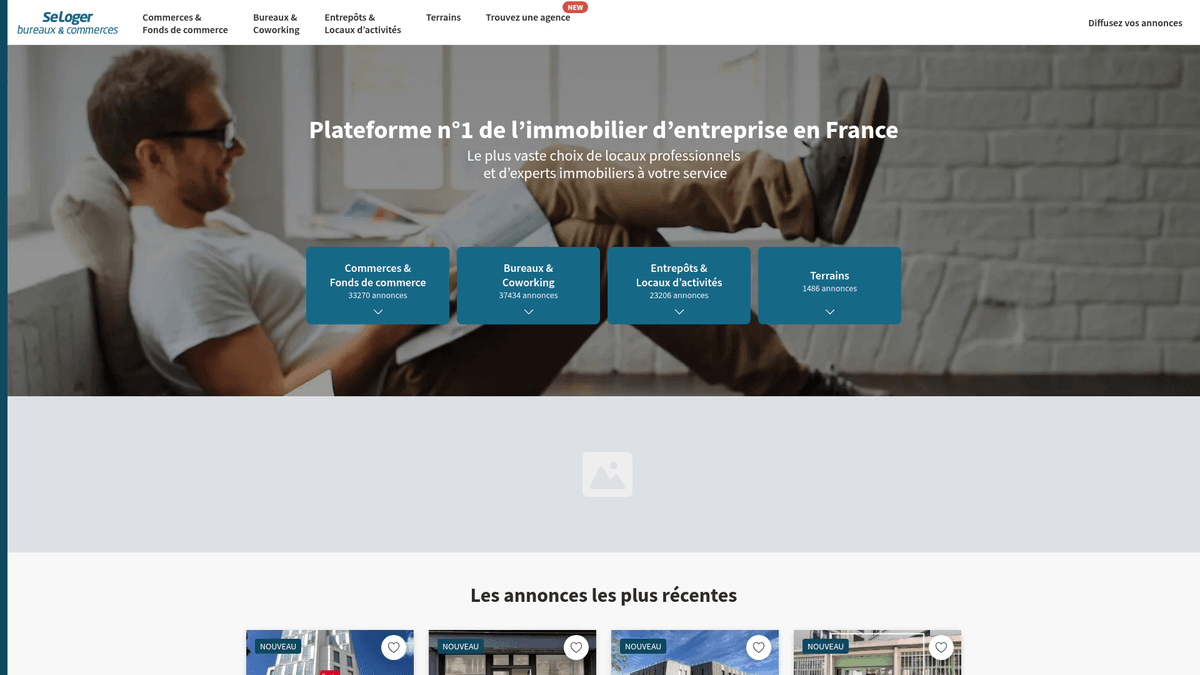
왜 SeLoger Bureaux & Commerces을 스크래핑해야 하나요?
SeLoger Bureaux & Commerces에서 데이터 추출의 비즈니스 가치와 사용 사례를 알아보세요.
프랑스 부동산 시장 조사 및 상업적 트렌드 분석 수행.
여러 지역의 투자용 부동산 가격 모니터링 자동화.
사무실 이사 업체나 가구 공급업체와 같은 B2B 서비스 제공업체를 위한 리드 생성.
부동산 포털 점유율 및 중개소 포트폴리오에 대한 경쟁 분석 수행.
자동화된 부동산 가치 평가 모델 구축을 위한 과거 데이터 수집.
사업 확장 계획을 위한 새로운 리테일 기회 모니터링.
스크래핑 과제
SeLoger Bureaux & Commerces 스크래핑 시 겪을 수 있는 기술적 과제.
표준 헤드리스 브라우저를 감지하고 차단하는 공격적인 DataDome 보호 시스템.
과거 판례에 근거한 상업적 데이터 재사용과 관련된 상당한 법적 리스크.
정교한 TLS 및 JA3 fingerprint 위장 기술의 필요성.
정적 CSS 선택자를 무력화하는 프론트엔드 DOM 구조의 빈번한 변경.
고빈도 요청에 대한 엄격한 rate limiting 및 자동 IP 블랙리스팅.
AI로 SeLoger Bureaux & Commerces 스크래핑
코딩 불필요. AI 기반 자동화로 몇 분 만에 데이터 추출.
작동 방식
필요한 것을 설명하세요
SeLoger Bureaux & Commerces에서 어떤 데이터를 추출하고 싶은지 AI에게 알려주세요. 자연어로 입력하기만 하면 됩니다 — 코딩이나 셀렉터가 필요 없습니다.
AI가 데이터를 추출
인공지능이 SeLoger Bureaux & Commerces을 탐색하고, 동적 콘텐츠를 처리하며, 요청한 것을 정확히 추출합니다.
데이터 받기
CSV, JSON으로 내보내거나 앱과 워크플로에 직접 전송할 수 있는 깨끗하고 구조화된 데이터를 받으세요.
스크래핑에 AI를 사용하는 이유
AI를 사용하면 코드를 작성하지 않고도 SeLoger Bureaux & Commerces을 쉽게 스크래핑할 수 있습니다. 인공지능 기반 플랫폼이 원하는 데이터를 이해합니다 — 자연어로 설명하기만 하면 AI가 자동으로 추출합니다.
How to scrape with AI:
- 필요한 것을 설명하세요: SeLoger Bureaux & Commerces에서 어떤 데이터를 추출하고 싶은지 AI에게 알려주세요. 자연어로 입력하기만 하면 됩니다 — 코딩이나 셀렉터가 필요 없습니다.
- AI가 데이터를 추출: 인공지능이 SeLoger Bureaux & Commerces을 탐색하고, 동적 콘텐츠를 처리하며, 요청한 것을 정확히 추출합니다.
- 데이터 받기: CSV, JSON으로 내보내거나 앱과 워크플로에 직접 전송할 수 있는 깨끗하고 구조화된 데이터를 받으세요.
Why use AI for scraping:
- DataDome 및 Cloudflare와 같은 복잡한 안티봇 시스템을 자동으로 처리합니다.
- 어떤 카테고리든 부동산 정보 추출 흐름을 설정하는 데 코딩이 전혀 필요 없습니다.
- 클라우드에서 실행되며 고급 스케줄링 기능을 통해 매일 새로운 매물을 추적합니다.
- 수동 브라우저 설정 없이도 JavaScript 렌더링 문제를 우회합니다.
- 구조화된 데이터를 Google Sheets, CSV 또는 Webhooks로 직접 내보냅니다.
SeLoger Bureaux & Commerces을 위한 노코드 웹 스크래퍼
AI 기반 스크래핑의 포인트 앤 클릭 대안
Browse.ai, Octoparse, Axiom, ParseHub와 같은 여러 노코드 도구를 사용하면 코드 작성 없이 SeLoger Bureaux & Commerces을 스크래핑할 수 있습니다. 이러한 도구는 일반적으로 시각적 인터페이스를 사용하여 데이터를 선택하지만, 복잡한 동적 콘텐츠나 봇 방지 조치에서는 어려움을 겪을 수 있습니다.
노코드 도구의 일반적인 워크플로
일반적인 문제점
학습 곡선
셀렉터와 추출 로직을 이해하는 데 시간이 걸림
셀렉터 깨짐
웹사이트 변경으로 전체 워크플로우가 깨질 수 있음
동적 콘텐츠 문제
JavaScript가 많은 사이트는 복잡한 해결 방법 필요
CAPTCHA 제한
대부분의 도구는 CAPTCHA에 수동 개입 필요
IP 차단
공격적인 스크래핑은 IP 차단으로 이어질 수 있음
SeLoger Bureaux & Commerces을 위한 노코드 웹 스크래퍼
Browse.ai, Octoparse, Axiom, ParseHub와 같은 여러 노코드 도구를 사용하면 코드 작성 없이 SeLoger Bureaux & Commerces을 스크래핑할 수 있습니다. 이러한 도구는 일반적으로 시각적 인터페이스를 사용하여 데이터를 선택하지만, 복잡한 동적 콘텐츠나 봇 방지 조치에서는 어려움을 겪을 수 있습니다.
노코드 도구의 일반적인 워크플로
- 브라우저 확장 프로그램 설치 또는 플랫폼 가입
- 대상 웹사이트로 이동하여 도구 열기
- 포인트 앤 클릭으로 추출할 데이터 요소 선택
- 각 데이터 필드에 대한 CSS 셀렉터 구성
- 여러 페이지 스크래핑을 위한 페이지네이션 규칙 설정
- CAPTCHA 처리 (주로 수동 해결 필요)
- 자동 실행을 위한 스케줄링 구성
- 데이터를 CSV, JSON으로 내보내기 또는 API로 연결
일반적인 문제점
- 학습 곡선: 셀렉터와 추출 로직을 이해하는 데 시간이 걸림
- 셀렉터 깨짐: 웹사이트 변경으로 전체 워크플로우가 깨질 수 있음
- 동적 콘텐츠 문제: JavaScript가 많은 사이트는 복잡한 해결 방법 필요
- CAPTCHA 제한: 대부분의 도구는 CAPTCHA에 수동 개입 필요
- IP 차단: 공격적인 스크래핑은 IP 차단으로 이어질 수 있음
코드 예제
import requests
from bs4 import BeautifulSoup
# 참고: SeLoger는 DataDome을 사용하므로 표준 requests는 차단될 가능성이 높습니다.
# TLS fingerprinting을 위해 curl_cffi와 같은 전문 라이브러리를 권장합니다.
from curl_cffi import requests as c_requests

url = 'https://www.seloger-bureaux-commerces.com/location/bureau/paris'
headers = {
    'User-Agent': 'Mozilla/5.0 (Windows NT 10.0; Win64; x64) AppleWebKit/537.36 (KHTML, 개코) Chrome/120.0.0.0 Safari/537.36',
    'Accept-Language': 'fr-FR,fr;q=0.9'
}

try:
    # TLS fingerprinting 차단을 우회하기 위해 impersonate 사용
    response = c_requests.get(url, headers=headers, impersonate='chrome120')
    if response.status_code == 200:
        soup = BeautifulSoup(response.text, 'html.parser')
        # 매물 제목에 대한 예시 선택자
        titles = soup.select('a[class*="Card_title"]')
        for title in titles:
            print(f'매물: {title.get_text(strip=True)}')
    else:
        print(f'안티봇에 의해 차단됨. 상태 코드: {response.status_code}')
except Exception as e:
    print(f'오류 발생: {e}')
사용 시기
JavaScript가 최소한인 정적 HTML 페이지에 가장 적합합니다. 블로그, 뉴스 사이트, 단순 이커머스 제품 페이지에 이상적입니다.
장점
- ●가장 빠른 실행 속도 (브라우저 오버헤드 없음)
- ●최소한의 리소스 소비
- ●asyncio로 쉽게 병렬화 가능
- ●API와 정적 페이지에 적합
제한 사항
- ●JavaScript 실행 불가
- ●SPA 및 동적 콘텐츠에서 실패
- ●복잡한 봇 방지 시스템에 어려움
코드로 SeLoger Bureaux & Commerces 스크래핑하는 방법
Python + Requests
import requests
from bs4 import BeautifulSoup
# 참고: SeLoger는 DataDome을 사용하므로 표준 requests는 차단될 가능성이 높습니다.
# TLS fingerprinting을 위해 curl_cffi와 같은 전문 라이브러리를 권장합니다.
from curl_cffi import requests as c_requests
url = 'https://www.seloger-bureaux-commerces.com/location/bureau/paris'
headers = {
'User-Agent': 'Mozilla/5.0 (Windows NT 10.0; Win64; x64) AppleWebKit/537.36 (KHTML, 개코) Chrome/120.0.0.0 Safari/537.36',
'Accept-Language': 'fr-FR,fr;q=0.9'
}
try:
# TLS fingerprinting 차단을 우회하기 위해 impersonate 사용
response = c_requests.get(url, headers=headers, impersonate='chrome120')
if response.status_code == 200:
soup = BeautifulSoup(response.text, 'html.parser')
# 매물 제목에 대한 예시 선택자
titles = soup.select('a[class*="Card_title"]')
for title in titles:
print(f'매물: {title.get_text(strip=True)}')
else:
print(f'안티봇에 의해 차단됨. 상태 코드: {response.status_code}')
except Exception as e:
print(f'오류 발생: {e}')Python + Playwright
import asyncio
from playwright.async_api import async_playwright

async def scrape_bucom():
    async with async_playwright() as p:
        # headless=False는 기본적인 봇 탐지 트리거를 피하는 데 도움이 됩니다
        browser = await p.chromium.launch(headless=False)
        context = await browser.new_context(
            user_agent='Mozilla/5.0 (Macintosh; Intel Mac OS X 10_15_7) AppleWebKit/537.36'
        )
        page = await context.new_page()
        try:
            # 특정 상업 카테고리 및 도시 타겟팅
            await page.goto('https://www.seloger-bureaux-commerces.com/achat/bureau/lyon', wait_until='networkidle')

            # 매물 카드가 렌더링될 때까지 대기
            await page.wait_for_selector('div[data-testid="listing-card"]', timeout=15000)

            listings = await page.query_selector_all('div[data-testid="listing-card"]')
            for card in listings:
                title = await card.query_selector('h2')
                price = await card.query_selector('span[class*="Price"]')
                print(f"제목: {await title.inner_text()} | 가격: {await price.inner_text()}")
        except Exception as e:
            print(f'스크래핑 실패: {e}')
        finally:
            await browser.close()

asyncio.run(scrape_bucom())Python + Scrapy
import scrapy

class SeLogerBucomSpider(scrapy.Spider):
    name = 'bucom_spider'
    allowed_domains = ['seloger-bureaux-commerces.com']
    start_urls = ['https://www.seloger-bureaux-commerces.com/location/boutique']

    custom_settings = {
        'DOWNLOAD_DELAY': 5,
        'RANDOMIZE_DOWNLOAD_DELAY': True,
        'USER_AGENT': 'Mozilla/5.0 (Windows NT 10.0; Win64; x64) AppleWebKit/537.36 (KHTML, like Gecko) Chrome/119.0.0.0 Safari/537.36',
        'COOKIES_ENABLED': True
    }

    def parse(self, response):
        # 매물 결과 컨테이너에서 데이터 추출
        for listing in response.css('div[class*="Card_container"]'):
            yield {
                'title': listing.css('h2::text').get(),
                'price': listing.css('span[class*="Price"]::text').get(),
                'surface': listing.css('span[class*="Surface"]::text').get(),
                'link': listing.css('a::attr(href)').get()
            }

        # 간단한 페이지네이션 처리
        next_page = response.css('a[class*="PaginationNext"]::attr(href)').get()
        if next_page:
yield response.follow(next_page, self.parse)Node.js + Puppeteer
const puppeteer = require('puppeteer-extra');
const StealthPlugin = require('puppeteer-extra-plugin-stealth');
puppeteer.use(StealthPlugin());

(async () => {
    const browser = await puppeteer.launch({ headless: true });
    const page = await browser.newPage();

    // 뷰포트와 에이전트 설정을 통해 사람의 행동 모방
    await page.setViewport({ width: 1280, height: 800 });

    try {
        await page.goto('https://www.seloger-bureaux-commerces.com/location/bureau/paris', {
            waitUntil: 'networkidle2'
        });

        const results = await page.evaluate(() => {
            return Array.from(document.querySelectorAll('a[class*="Card_title"]')).map(el => ({
                title: el.innerText,
                url: el.href
            }));
        });

        console.log(results);
    } catch (err) {
        console.error('추출 오류:', err);
    } finally {
        await browser.close();
    }
})();SeLoger Bureaux & Commerces 데이터로 할 수 있는 것
SeLoger Bureaux & Commerces 데이터의 실용적인 응용 프로그램과 인사이트를 탐색하세요.
상업용 임대료 지수 구축
자산 가치 평가를 위해 프랑스 각 지역의 상업용 임대료 벤치마크를 수립합니다.
구현 방법:
- 1대상 지역의 모든 활성 매물을 매월 스크래핑합니다.
- 2가격 및 면적 데이터를 표준 단위로 정제하고 정규화합니다.
- 3도시 및 매물 유형별로 m²당 평균 가격을 집계합니다.
- 4Tableau나 PowerBI 같은 BI 도구에서 추세를 시각화합니다.
Automatio를 사용하여 SeLoger Bureaux & Commerces에서 데이터를 추출하고 코드 작성 없이 이러한 애플리케이션을 구축하세요.
SeLoger Bureaux & Commerces 데이터로 할 수 있는 것
- 상업용 임대료 지수 구축
자산 가치 평가를 위해 프랑스 각 지역의 상업용 임대료 벤치마크를 수립합니다.
- 대상 지역의 모든 활성 매물을 매월 스크래핑합니다.
- 가격 및 면적 데이터를 표준 단위로 정제하고 정규화합니다.
- 도시 및 매물 유형별로 m²당 평균 가격을 집계합니다.
- Tableau나 PowerBI 같은 BI 도구에서 추세를 시각화합니다.
- 경쟁 부동산 중개소 모니터링
프랑스 시장 내 경쟁 부동산 기관의 매물 현황과 성과를 추적합니다.
- 매물 담당 중개인/기관 이름과 매물 참조 번호를 추출합니다.
- 매물이 삭제되기 전까지 리스팅이 유지되는 기간을 파악합니다.
- 고부가가치 지역 내 특정 기관의 시장 점유율을 분석합니다.
- 경쟁사의 가격 전략에 대한 보고서를 생성합니다.
- B2B 사무실 이전 리드 생성
이전하거나 새로운 사무실 공간으로 확장할 가능성이 높은 기업을 식별합니다.
- '신규' 또는 '즉시 입주 가능'으로 표시된 매물을 필터링합니다.
- 특정 오피스 빌딩을 모니터링하여 현재 임차인이 나가는 시점을 파악합니다.
- 스크래핑된 주소를 기업 등록 데이터베이스와 대조합니다.
- 이전 가능성이 있는 기업에 맞춤형 서비스 제안으로 연락합니다.
- 투자 차익 거래(Arbitrage) 기회 발굴
지역 시장 평균보다 현저히 낮게 나온 매물을 자동으로 포착합니다.
- 6개월간의 과거 스크래핑 데이터를 사용하여 기준 평균값을 설정합니다.
- 신규 상업용 매물을 확인하기 위해 매일 스크래퍼를 실행합니다.
- 각 신규 매물의 m²당 가격을 계산하고 기준치와 비교합니다.
- 평균보다 20% 낮은 매물이 발견되면 즉시 이메일 알림을 보냅니다.
- 리테일 매장 확장 계획 수립
매물 가용성과 주변 비용을 기반으로 신규 매장을 위한 최적의 위치를 찾습니다.
- 여러 도심 지역의 소매 상점(부티크) 공실 현황을 스크래핑합니다.
- GPS 데이터를 사용하여 사용 가능한 상업 공간의 밀도를 지도에 표시합니다.
- 유동 인구 대리 지표와 임대료 사이의 상관관계를 분석합니다.
- 공간 분석을 위해 결과를 GIS 시스템으로 내보냅니다.
워크플로를 강화하세요 AI 자동화
Automatio는 AI 에이전트, 웹 자동화 및 스마트 통합의 힘을 결합하여 더 짧은 시간에 더 많은 것을 달성할 수 있도록 도와줍니다.
SeLoger Bureaux & Commerces 스크래핑 프로 팁
SeLoger Bureaux & Commerces에서 성공적으로 데이터를 추출하기 위한 전문가 조언.
실제 현지 트래픽과 자연스럽게 섞이도록 신뢰도가 높은 프랑스 주거용 프록시를 사용하세요.
1,000개의 가시적 결과 제한을 우회하려면 검색 쿼리를 특정 우편번호(예
75001, 75008) 단위로 세분화하세요.
DataDome의 JA3 detection을 피하기 위해 TLS fingerprints와 브라우저 헤더를 자주 로테이션하세요.
페이지 상호작용 사이에 무작위적인 사람과 유사한 지연 시간(3~10초)과 마우스 움직임을 구현하세요.
네트워크 탭에서 'next/data' API 호출을 모니터링하세요. 여기에는 종종 매물 상세 정보가 포함된 깨끗한 JSON 객체가 들어 있습니다.
딥링크 요청을 보낼 때 Referer 헤더에 항상 SeLoger 홈페이지 주소를 포함하세요.
관련 Web Scraping
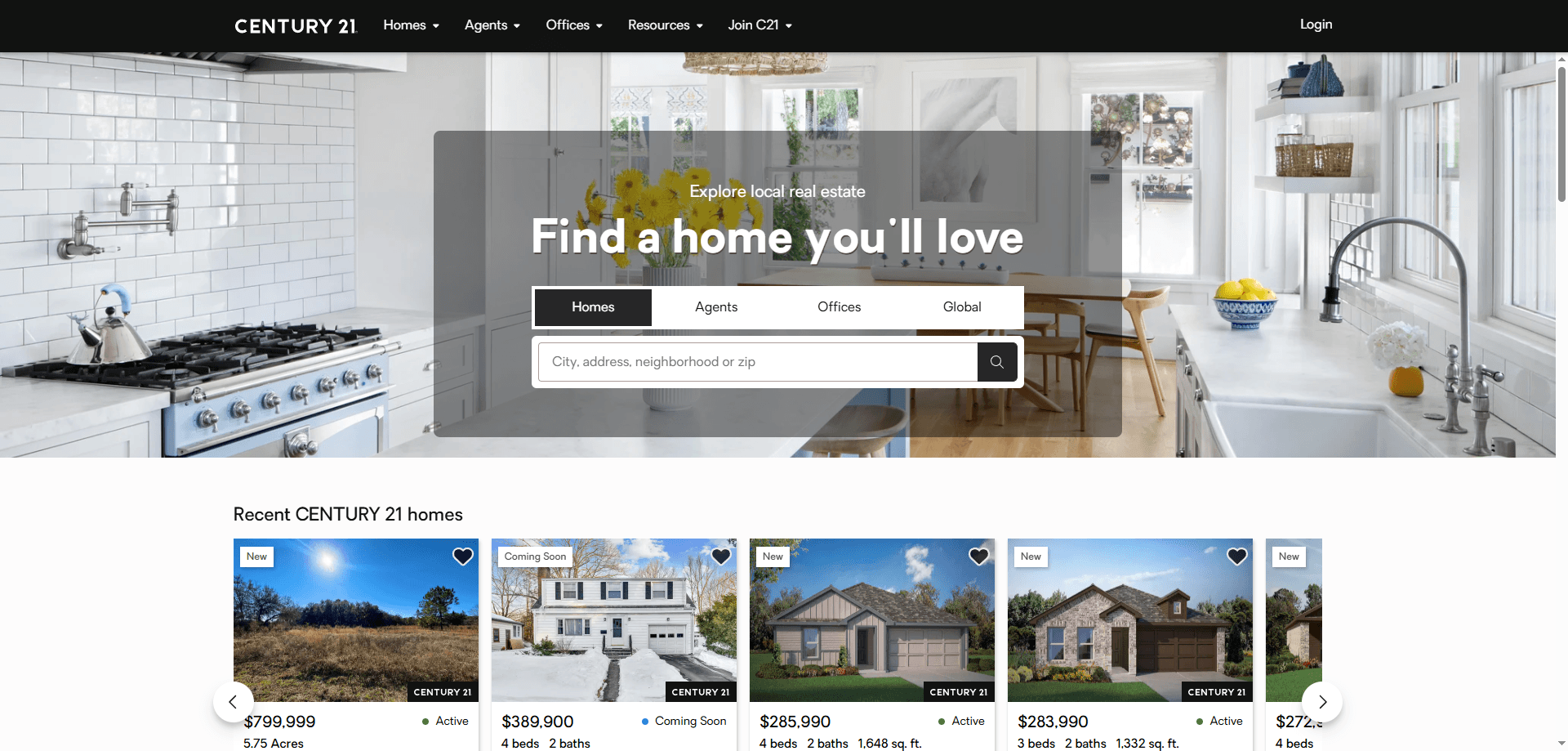
How to Scrape Century 21 Property Listings
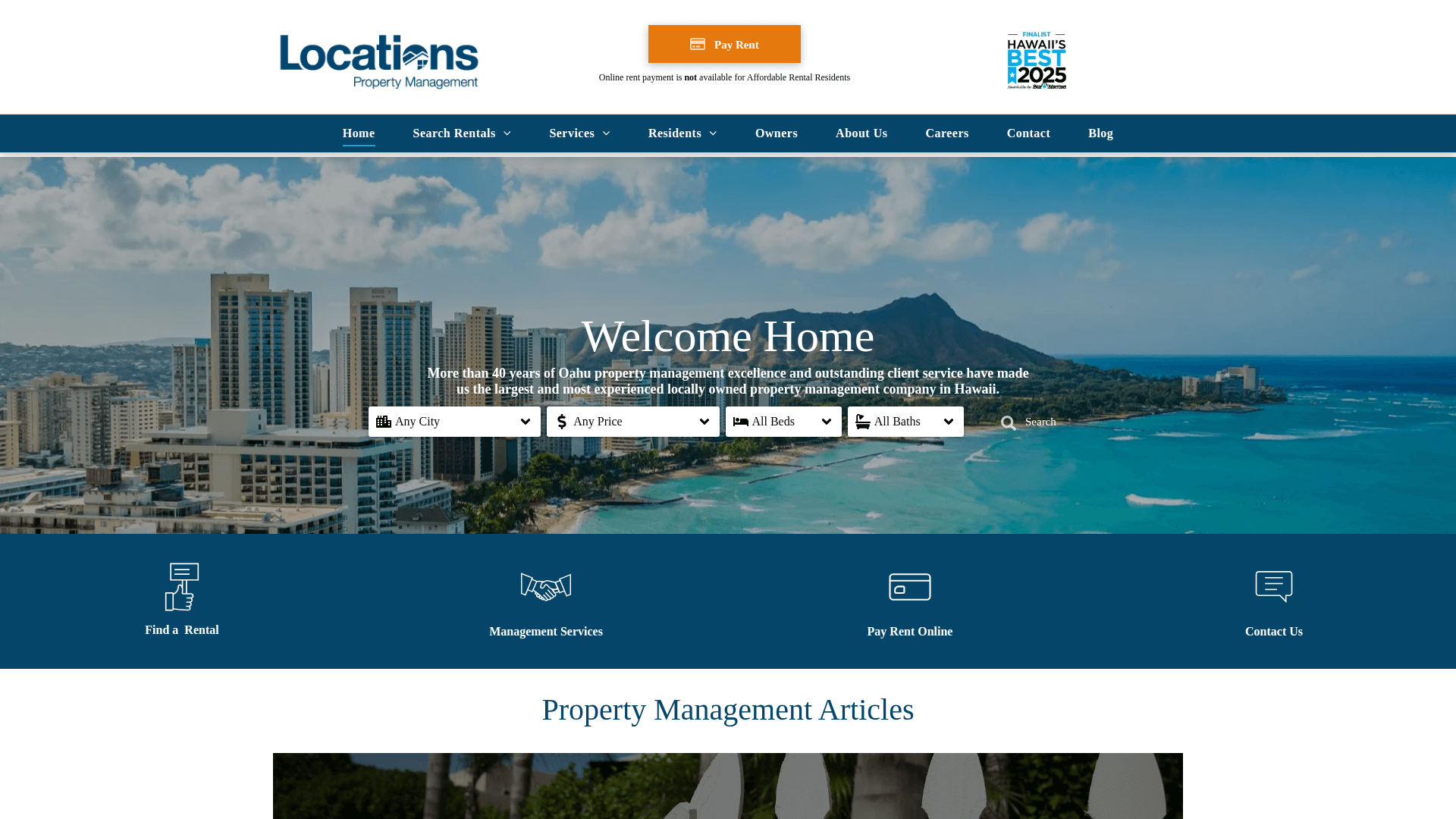
How to Scrape Locations Hawaii | Locations Hawaii Web Scraper
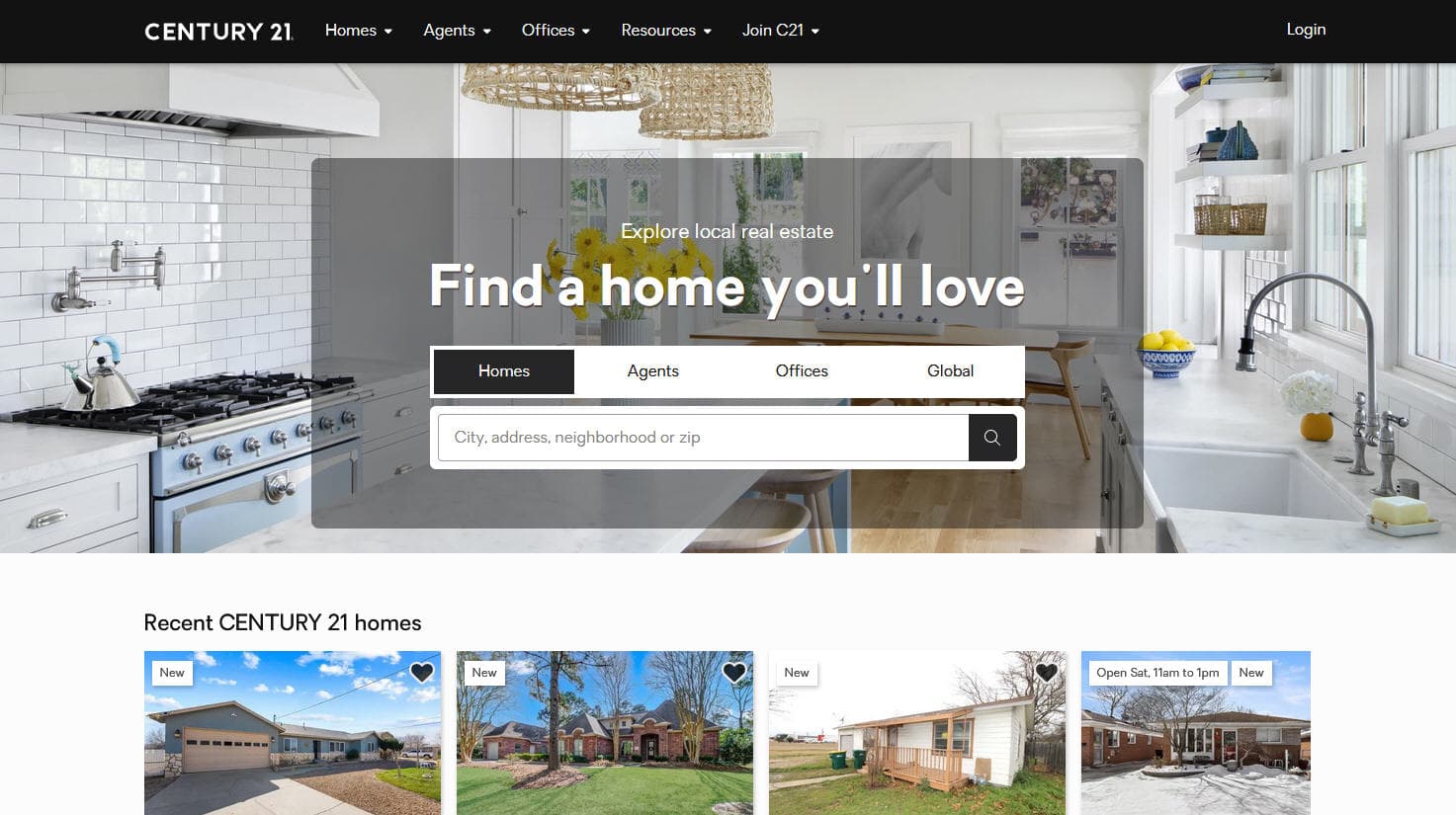
How to Scrape Century 21: A Technical Real Estate Guide
How to Scrape HotPads: A Complete Guide to Extracting Rental Data

How to Scrape Sacramento Delta Property Management
How to Scrape LivePiazza: Philadelphia Real Estate Scraper
How to Scrape RE/MAX (remax.com) Real Estate Listings
How to Scrape Homes.com: Real Estate Data Extraction Guide
SeLoger Bureaux & Commerces에 대한 자주 묻는 질문
SeLoger Bureaux & Commerces에 대한 일반적인 질문에 대한 답변 찾기