

How to Scrape SlideShare: Extract Presentations and Transcripts
Master SlideShare scraping to extract slide images, titles, and text transcripts. Overcome Cloudflare and JavaScript walls to gather professional insights.
Free to start: 1,000 credits, no card, nothing to install.
About SlideShare
Learn what SlideShare offers and what valuable data can be extracted from it.
The Professional Knowledge Hub
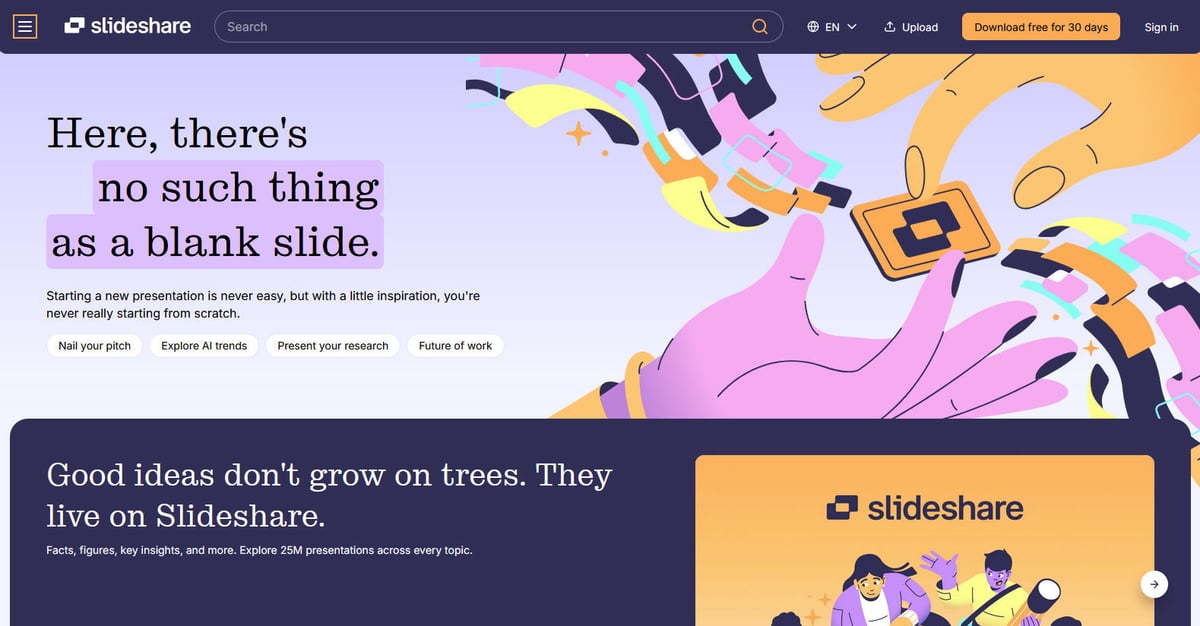
SlideShare, now part of the Scribd ecosystem, is the world's largest repository for professional content. It hosts over 25 million presentations, infographics, and documents uploaded by industry experts and major corporations. This makes it an unparalleled source of high-quality, curated information.
Data for Market Intelligence
The platform's content is structured into categories like Technology, Business, and Healthcare. For researchers, this means access to expert decks that aren't indexed as standard text elsewhere. Scraping this data allows for massive aggregation of industry trends and educational materials.
Why it Matters for Data Science
Unlike standard websites, SlideShare stores much of its value in visual formats. Scraping involves capturing the slide images and the associated SEO transcripts, providing a dual-layered dataset for both visual and text-based analysis, which is critical for modern competitive intelligence.
Why Scrape SlideShare?
Discover the business value and use cases for extracting data from SlideShare.
B2B Lead Generation
Identify and extract contact details of industry experts and decision-makers who upload high-quality presentations in specialized niches.
Market Trend Analysis
Aggregate transcripts from thousands of industry decks to perform keyword analysis and identify emerging trends before they hit mainstream reports.
Competitive Intelligence
Monitor the presentation strategies of competitors, including the specific topics they emphasize at conferences and their internal messaging.
Educational Content Aggregation
Collect and categorize high-value educational slides and documents for internal knowledge management or research databases.
NLP and AI Model Training
Utilize the vast library of professional-grade text transcripts to train and fine-tune language models on industry-specific terminology.
Historical Industry Archiving
Track the evolution of business strategies and technology standards by scraping historical presentation data across different years.
Scraping Challenges
Technical challenges you may encounter when scraping SlideShare.
Cloudflare Bot Management
SlideShare employs Cloudflare to detect and block non-human traffic, often resulting in 403 Forbidden errors for simple scripts.
Lazy Loading Slide Images
The presentation viewer only loads slide images as they enter the viewport, requiring automated scrolling or interaction to capture every slide.
JavaScript-Heavy Rendering
Key elements of the user interface and data visualization require a full browser environment to render properly before extraction.
Aggressive Rate Limiting
Making too many requests in a short period from the same IP address will trigger CAPTCHAs or temporary bans.
Scrape SlideShare with AI
No coding required. Extract data in minutes with AI-powered automation.
How It Works
Describe What You Need
Tell the AI what data you want to extract from SlideShare. Just type it in plain language — no coding or selectors needed.
AI Extracts the Data
Our artificial intelligence navigates SlideShare, handles dynamic content, and extracts exactly what you asked for.
Get Your Data
Receive clean, structured data ready to export as CSV, JSON, or send directly to your apps and workflows.
Why Use AI for Scraping
No-Code Web Scrapers for SlideShare
Point-and-click alternatives to AI-powered scraping
Several no-code tools like Browse.ai, Octoparse, Axiom, and ParseHub can help you scrape SlideShare. These tools use visual interfaces to select elements, but they come with trade-offs compared to AI-powered solutions.
Typical Workflow with No-Code Tools
Common Challenges
Learning curve
Understanding selectors and extraction logic takes time
Selectors break
Website changes can break your entire workflow
Dynamic content issues
JavaScript-heavy sites often require complex workarounds
CAPTCHA limitations
Most tools require manual intervention for CAPTCHAs
IP blocking
Aggressive scraping can get your IP banned
Code Examples
import requests
from bs4 import BeautifulSoup

# Set headers to mimic a real browser
headers = {
    'User-Agent': 'Mozilla/5.0 (Windows NT 10.0; Win64; x64) AppleWebKit/537.36 (KHTML, like Gecko) Chrome/91.0.4472.124 Safari/537.36'
}

def scrape_basic_meta(url):
    try:
        response = requests.get(url, headers=headers, timeout=10)
        response.raise_for_status()

        soup = BeautifulSoup(response.text, 'html.parser')

        # Extracting the transcript which is often hidden for SEO
        transcript_div = soup.find('div', id='transcription')
        transcript = transcript_div.get_text(strip=True) if transcript_div else "No transcript found"

        print(f"Title: {soup.title.string}")
        print(f"Snippet: {transcript[:200]}...")

    except Exception as e:
        print(f"An error occurred: {e}")

scrape_basic_meta('https://www.slideshare.net/example-presentation')
When to Use
Best for static HTML pages where content is loaded server-side. The fastest and simplest approach when JavaScript rendering isn't required.
Advantages
- ●Fastest execution (no browser overhead)
- ●Lowest resource consumption
- ●Easy to parallelize with asyncio
- ●Great for APIs and static pages
Limitations
- ●Cannot execute JavaScript
- ●Fails on SPAs and dynamic content
- ●May struggle with complex anti-bot systems
from playwright.sync_api import sync_playwright

def scrape_dynamic_slides(url):
    with sync_playwright() as p:
        # Launch a headless browser
        browser = p.chromium.launch(headless=True)
        context = browser.new_context(user_agent="Mozilla/5.0")
        page = context.new_page()

        # Navigate to SlideShare page
        page.goto(url, wait_until="networkidle")

        # Wait for the slide images to render
        page.wait_for_selector('.slide_image')

        # Extract all slide image URLs
        slides = page.query_selector_all('.slide_image')
        image_urls = [slide.get_attribute('src') for slide in slides]

        print(f"Found {len(image_urls)} slides")
        for url in image_urls:
            print(url)

        browser.close()

scrape_dynamic_slides('https://www.slideshare.net/example-presentation')
When to Use
Use when content loads dynamically via JavaScript, or when you need to interact with the page (clicks, scrolls, form fills). Handles modern anti-bot detection better.
Advantages
- ●Executes JavaScript like a real browser
- ●Handles SPAs and dynamic content
- ●Better anti-bot evasion with stealth plugins
- ●Can take screenshots and PDFs
Limitations
- ●Slower than HTTP requests
- ●Higher memory/CPU usage
- ●More complex to set up
import scrapy

class SlideshareSpider(scrapy.Spider):
    name = 'slideshare_spider'
    allowed_domains = ['slideshare.net']
    start_urls = ['https://www.slideshare.net/explore']

    def parse(self, response):
        # Extract presentation links from category pages
        links = response.css('a.presentation-link::attr(href)').getall()
        for link in links:
            yield response.follow(link, self.parse_presentation)

    def parse_presentation(self, response):
        yield {
            'title': response.css('h1.presentation-title::text').get(strip=True),
            'author': response.css('.author-name::text').get(strip=True),
            'views': response.css('.view-count::text').get(strip=True),
            'transcript': " ".join(response.css('.transcription p::text').getall())
        }
When to Use
Ideal for large-scale crawling projects that need to scrape thousands of pages. Built-in support for rate limiting, retries, and data pipelines.
Advantages
- ●Built for scale (millions of pages)
- ●Automatic request throttling
- ●Built-in data export pipelines
- ●Middleware system for proxies/headers
Limitations
- ●Steeper learning curve
- ●Overkill for small projects
- ●No native JavaScript rendering
const puppeteer = require('puppeteer');

(async () => {
  const browser = await puppeteer.launch();
  const page = await browser.newPage();

  // Mimic a human browser to bypass basic filters
  await page.setUserAgent('Mozilla/5.0 (Windows NT 10.0; Win64; x64) AppleWebKit/537.36');

  await page.goto('https://www.slideshare.net/example-presentation');

  // Wait for the dynamic content to load
  await page.waitForSelector('.presentation-title');

  const data = await page.evaluate(() => {
    const title = document.querySelector('.presentation-title').innerText;
    const slideCount = document.querySelectorAll('.slide_image').length;
    return { title, slideCount };
  });

  console.log(data);
  await browser.close();
})();
When to Use
Choose this if you're in a Node.js/JavaScript ecosystem or need tight integration with frontend tools. Similar capabilities to Playwright.
Advantages
- ●Native JavaScript/TypeScript support
- ●Chrome DevTools Protocol access
- ●Large ecosystem and community
- ●Good for JS-heavy projects
Limitations
- ●Chrome-only (vs Playwright's multi-browser)
- ●Similar overhead to Playwright
- ●Less mature stealth options
What You Can Do With SlideShare Data
Explore practical applications and insights from SlideShare data.
B2B Lead Generation
Identify high-value prospects by scraping authors of presentations in niche technical categories.
How to implement:
- 1Scrape authors from specific categories like 'Enterprise Software'.
- 2Extract author profile links and social media handles.
- 3Match author data with LinkedIn profiles for outreach.
Use Automatio to extract data from SlideShare and build these applications without writing code.
Competitive Content Analysis
Benchmark your content strategy by analyzing the presentation frequency and view counts of rivals.
How to implement:
- 1Crawl the profiles of top 10 competitors.
- 2Calculate average slide count and view engagement metrics.
- 3Identify the most popular tags and topics they cover.
Use Automatio to extract data from SlideShare and build these applications without writing code.
AI Training Data Extraction
Gather thousands of professional transcripts to train domain-specific language models.
How to implement:
- 1Iterate through the sitemap or category pages.
- 2Extract clean text transcripts from professional decks.
- 3Filter and clean the data for industry-specific terminology.
Use Automatio to extract data from SlideShare and build these applications without writing code.
Automated Market Newsletters
Curate the best presentations on a weekly basis for industry-focused newsletters.
How to implement:
- 1Monitor 'Latest' uploads in targeted categories.
- 2Sort by view count and upload date to find trending content.
- 3Export titles and thumbnails to a mailing list system.
Use Automatio to extract data from SlideShare and build these applications without writing code.
Supercharge your workflow with AI Automation
Automatio combines the power of AI agents, web automation, and smart integrations to help you accomplish more in less time.
What to get right first
Expert advice for successfully extracting data from SlideShare.
Prioritize the SEO Transcript
Instead of using OCR on images, scrape the 'transcription' div at the bottom of the page which contains the full text optimized for search engines.
Rotate Residential Proxies
Use residential proxies to mimic real user behavior and avoid getting flagged by SlideShare's IP-based rate limiting systems.
Mimic Human Navigation
Add random delays between actions and vary your scrolling speed to appear more like a professional researcher browsing the site.
Extract the Highest Resolution
Inspect the 'srcset' attribute of slide images to find the URL for the highest resolution version available on their CDN.
Monitor Specific Uploaders
To maintain a high-quality dataset, focus your scraping on uploader profile pages rather than broad and noisy search result pages.
Check Document Metadata
Don't ignore the sidebars; they often contain valuable tags, categories, and related presentation links that can expand your crawling reach.
Related Web Scraping
GitHub Scraper: Repos, Stars and Languages in a table
How to Scrape Pollen.com: Local Allergy Data Extraction Guide
How to Scrape Britannica: Educational Data Web Scraper
Worldometer Scraper: Population and Median Age in a table
Wikipedia Scraper: Titles, Sizes and Edit Dates in a table
How to Scrape Weather.com: A Guide to Weather Data Extraction
How to Scrape Poll-Maker: A Comprehensive Web Scraping Guide
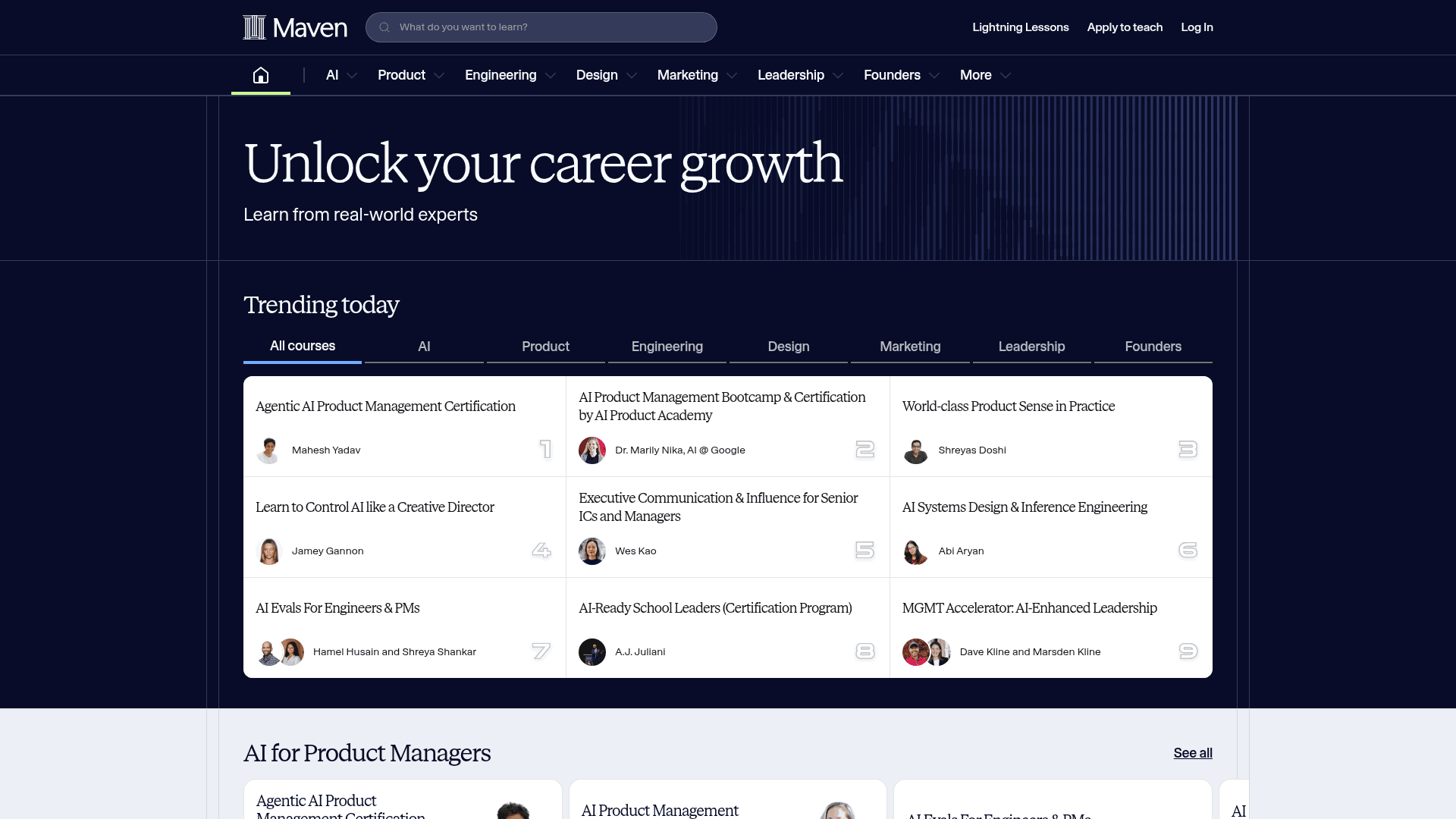
How to Scrape Maven.com for Course and Instructor Data
Frequently Asked Questions
Find answers to common questions about SlideShare
Is it legal to scrape SlideShare?
Scraping publicly available data on SlideShare is generally legal for research and personal use. However, you should never republish the content as your own or violate copyright, and it is essential to follow the guidelines set in their robots.txt file.
Does SlideShare have an official API?
SlideShare used to offer a public API, but it has been largely deprecated and restricted following its acquisition by Scribd. For modern data extraction needs, web scraping is the most effective and reliable alternative.
How can I avoid being blocked by Cloudflare on SlideShare?
To bypass Cloudflare, you should use a scraping tool that supports headless browser rendering and residential proxy rotation. Mimicking a real browser header and maintaining a reasonable request frequency are also critical strategies.
What data formats can I export SlideShare info into?
Using tools like Automatio, you can export SlideShare data into structured formats like CSV, JSON, or directly into a Google Sheet. This makes it easy to import the data into your CRM or analytical software.
Do I need to log in to scrape SlideShare?
Most data, including transcripts, titles, and slide images, is publicly accessible without an account. You only typically need to log in if you are trying to download original PPT files or access private documents.
How do I extract the text from the slides?
You don't need expensive OCR software. SlideShare provides a full text transcript in the HTML source code for every presentation to help with SEO indexing; simply target that specific element to get the text.
What is the best way to handle lazy-loaded images?
You must use a tool that can simulate scrolling down the page. As the browser scrolls, SlideShare triggers the loading of the next set of slide images, which your scraper can then capture.
Can I scrape the number of views and likes?
Yes, engagement metrics like view counts, likes, and comments are visible on the presentation page and can be easily extracted to measure the popularity of specific content.