
How to Scrape Behance: A Step-by-Step Guide for Creative Data Extraction
Scopri come estrarre dati da progetti Behance, portfolio creativi e talenti. Questa guida copre il bypass degli anti-bot, il rendering JavaScript e...
Protezione Anti-Bot Rilevata
- Cloudflare
- WAF e gestione bot di livello enterprise. Usa sfide JavaScript, CAPTCHA e analisi comportamentale. Richiede automazione del browser con impostazioni stealth.
- Rate Limiting
- Limita le richieste per IP/sessione nel tempo. Può essere aggirato con proxy rotanti, ritardi nelle richieste e scraping distribuito.
- Blocco IP
- Blocca IP di data center noti e indirizzi segnalati. Richiede proxy residenziali o mobili per aggirare efficacemente.
- User-Agent Filtering
- AI Bot Blocking
Informazioni Su Behance
Scopri cosa offre Behance e quali dati preziosi possono essere estratti.
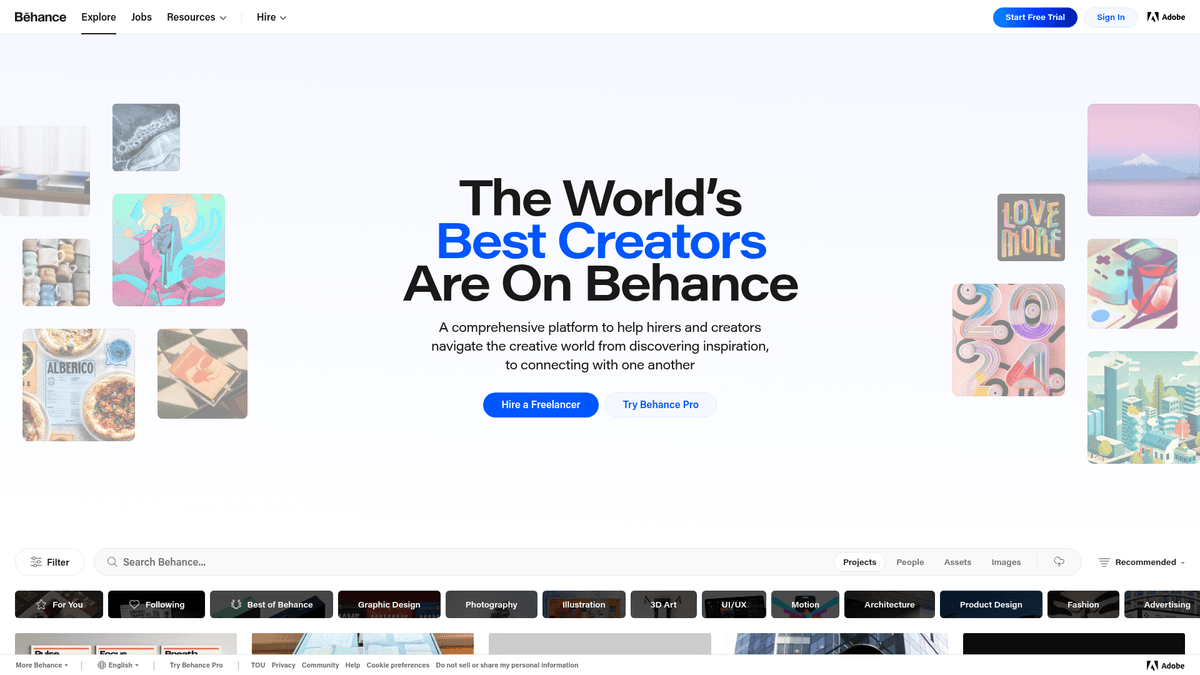
Behance is the world's largest creative network, owned by Adobe, serving as a premier social media platform and portfolio hosting service for creators. It allows professionals across graphic design, photography, illustration, and UI/UX to showcase their work through project-based galleries. The platform is deeply integrated with the Adobe Creative Cloud ecosystem, making it the primary hub for creative talent globally.
The platform contains a massive repository of structured data, including project categories, specific tools used (like Photoshop or Figma), and detailed professional metadata. Each project listing usually includes high-resolution images, descriptions, view counts, appreciations, and direct links to the creator's profile. This makes it an essential resource for companies looking to understand visual trends or source high-end creative talent.
Scraping Behance is particularly valuable for competitive intelligence, trend forecasting in the design industry, and identifying top-tier talent for high-end creative roles. Because the data is rich with technical attributes, such as software used and project tags, it provides insights into how the creative industry is evolving and which tools are dominating the professional landscape.
Perché Fare Scraping di Behance?
Scopri il valore commerciale e i casi d'uso per l'estrazione dati da Behance.
Ricerca di talenti creativi
Recruiter e agenzie creative possono costruire ampi database di designer, architetti e fotografi filtrando per competenze specifiche e metriche di engagement elevate.
Previsione dei trend di design
Analizzando le gallerie 'Curated' e 'Most Appreciated', le aziende possono identificare estetiche visive e palette di colori emergenti prima che diventino mainstream.
Lead Gen per tool di design
L'estrazione dei metadati 'Tools Used' consente alle aziende di software di identificare e targetizzare gli utenti di piattaforme specifiche come Figma, Cinema 4D o Adobe Creative Cloud.
Monitoraggio competitivo dei brand
Le agenzie possono monitorare i portfolio delle aziende concorrenti per vedere le loro ultime collaborazioni con i clienti e comprendere il loro stile di consegna dei progetti e le loro capacità tecniche.
Dati per il training di modelli AI
Behance fornisce una fonte di alta qualità di immagini professionalmente taggate e descrizioni dettagliate, ideali per il training o il fine-tuning di modelli di AI generativa.
Analisi del sentiment di mercato
Lo scraping delle sezioni commenti e dei rapporti tra apprezzamenti e visualizzazioni aiuta i brand a capire come specifiche direzioni creative vengano accolte da un pubblico professionale globale.
Sfide dello Scraping
Sfide tecniche che potresti incontrare durante lo scraping di Behance.
Protezione avanzata DataDome
Behance utilizza DataDome per identificare e bloccare il traffico automatizzato, richiedendo tecniche avanzate di browser fingerprinting e modalità stealth per il bypass.
Architettura ricca di JavaScript
Il sito è una Single Page Application (SPA) in cui il contenuto viene renderizzato dinamicamente, rendendo i tradizionali parser HTML statici quasi inutili.
Caricamento tramite scrolling infinito
Le gallerie caricano i progetti man mano che l'utente scorre verso il basso, il che richiede uno scraper capace di simulare l'interazione umana in tempo reale per raggiungere i risultati più profondi.
Protezione delle immagini tramite CDN
Le immagini sono servite tramite la CDN di Adobe con parametri di risoluzione specifici e lazy-loading, rendendo difficile catturare gli URL sorgente ad alta risoluzione senza interazione.
Scraping di Behance con l'IA
Nessun codice richiesto. Estrai dati in minuti con l'automazione basata sull'IA.
Come Funziona
Descrivi ciò di cui hai bisogno
Di' all'IA quali dati vuoi estrarre da Behance. Scrivi semplicemente in linguaggio naturale — nessun codice o selettore necessario.
L'IA estrae i dati
La nostra intelligenza artificiale naviga Behance, gestisce contenuti dinamici ed estrae esattamente ciò che hai richiesto.
Ottieni i tuoi dati
Ricevi dati puliti e strutturati pronti per l'esportazione in CSV, JSON o da inviare direttamente alle tue applicazioni.
Perché Usare l'IA per lo Scraping
L'IA rende facile lo scraping di Behance senza scrivere codice. La nostra piattaforma basata sull'intelligenza artificiale capisce quali dati vuoi — descrivili in linguaggio naturale e l'IA li estrae automaticamente.
How to scrape with AI:
- Descrivi ciò di cui hai bisogno: Di' all'IA quali dati vuoi estrarre da Behance. Scrivi semplicemente in linguaggio naturale — nessun codice o selettore necessario.
- L'IA estrae i dati: La nostra intelligenza artificiale naviga Behance, gestisce contenuti dinamici ed estrae esattamente ciò che hai richiesto.
- Ottieni i tuoi dati: Ricevi dati puliti e strutturati pronti per l'esportazione in CSV, JSON o da inviare direttamente alle tue applicazioni.
Why use AI for scraping:
- Tecnologia Stealth nativa: Automatio gestisce automaticamente i complessi sistemi di rilevamento bot come DataDome, garantendo che il tuo scraper rimanga invisibile durante la raccolta dei dati.
- Scrolling infinito No-Code: Configura facilmente un'azione di scorrimento fino in fondo per catturare migliaia di annunci di progetti dai risultati di ricerca senza scrivere una singola riga di codice.
- Mappatura visuale dei dati: Punta e clicca per selezionare punti dati complessi come il numero di apprezzamenti, la posizione dei creatori e i tag degli strumenti direttamente dall'interfaccia di Behance.
- Programmazione automatizzata in cloud: Imposta i tuoi scraper per Behance affinché vengano eseguiti settimanalmente o mensilmente per monitorare i nuovi trend creativi e gli aggiornamenti dei talenti senza interventi manuali.
- Integrazione dinamica dei dati: Sincronizza i tuoi dati creativi estratti direttamente con Google Sheets o il tuo CRM tramite Webhooks per attività immediate di recruitment o marketing.
Scraper Web No-Code per Behance
Alternative point-and-click allo scraping alimentato da IA
Diversi strumenti no-code come Browse.ai, Octoparse, Axiom e ParseHub possono aiutarti a fare scraping di Behance senza scrivere codice. Questi strumenti usano interfacce visive per selezionare i dati, anche se possono avere difficoltà con contenuti dinamici complessi o misure anti-bot.
Workflow Tipico con Strumenti No-Code
Sfide Comuni
Curva di apprendimento
Comprendere selettori e logica di estrazione richiede tempo
I selettori si rompono
Le modifiche al sito web possono rompere l'intero flusso di lavoro
Problemi con contenuti dinamici
I siti con molto JavaScript richiedono soluzioni complesse
Limitazioni CAPTCHA
La maggior parte degli strumenti richiede intervento manuale per i CAPTCHA
Blocco IP
Lo scraping aggressivo può portare al blocco del tuo IP
Scraper Web No-Code per Behance
Diversi strumenti no-code come Browse.ai, Octoparse, Axiom e ParseHub possono aiutarti a fare scraping di Behance senza scrivere codice. Questi strumenti usano interfacce visive per selezionare i dati, anche se possono avere difficoltà con contenuti dinamici complessi o misure anti-bot.
Workflow Tipico con Strumenti No-Code
- Installare l'estensione del browser o registrarsi sulla piattaforma
- Navigare verso il sito web target e aprire lo strumento
- Selezionare con point-and-click gli elementi dati da estrarre
- Configurare i selettori CSS per ogni campo dati
- Impostare le regole di paginazione per lo scraping di più pagine
- Gestire i CAPTCHA (spesso richiede risoluzione manuale)
- Configurare la pianificazione per le esecuzioni automatiche
- Esportare i dati in CSV, JSON o collegare tramite API
Sfide Comuni
- Curva di apprendimento: Comprendere selettori e logica di estrazione richiede tempo
- I selettori si rompono: Le modifiche al sito web possono rompere l'intero flusso di lavoro
- Problemi con contenuti dinamici: I siti con molto JavaScript richiedono soluzioni complesse
- Limitazioni CAPTCHA: La maggior parte degli strumenti richiede intervento manuale per i CAPTCHA
- Blocco IP: Lo scraping aggressivo può portare al blocco del tuo IP
Esempi di Codice
import requests
from bs4 import BeautifulSoup

# Note: This will likely trigger Cloudflare if run from a data center IP
url = "https://www.behance.net/search/projects?field=graphic+design"
headers = {
    "User-Agent": "Mozilla/5.0 (Windows NT 10.0; Win64; x64) AppleWebKit/537.36 (KHTML, like Gecko) Chrome/119.0.0.0 Safari/537.36"
}

try:
    response = requests.get(url, headers=headers, timeout=10)
    if response.status_code == 200:
        soup = BeautifulSoup(response.text, 'html.parser')
        # Behance renders content via JS; static scraping will find limited data
        projects = soup.find_all('div', class_='ProjectCover-root-167')
        for project in projects:
            title = project.find('a', class_='ProjectCover-title-3_1').text
            print(f"Found Project: {title}")
    else:
        print(f"Blocked or error: {response.status_code}")
except Exception as e:
    print(f"Request failed: {e}")
Quando Usare
Ideale per pagine HTML statiche con JavaScript minimo. Perfetto per blog, siti di notizie e pagine prodotto e-commerce semplici.
Vantaggi
- ●Esecuzione più veloce (senza overhead del browser)
- ●Consumo risorse minimo
- ●Facile da parallelizzare con asyncio
- ●Ottimo per API e pagine statiche
Limitazioni
- ●Non può eseguire JavaScript
- ●Fallisce su SPA e contenuti dinamici
- ●Può avere difficoltà con sistemi anti-bot complessi
Come Fare Scraping di Behance con Codice
Python + Requests
import requests
from bs4 import BeautifulSoup
# Note: This will likely trigger Cloudflare if run from a data center IP
url = "https://www.behance.net/search/projects?field=graphic+design"
headers = {
"User-Agent": "Mozilla/5.0 (Windows NT 10.0; Win64; x64) AppleWebKit/537.36 (KHTML, like Gecko) Chrome/119.0.0.0 Safari/537.36"
}
try:
response = requests.get(url, headers=headers, timeout=10)
if response.status_code == 200:
soup = BeautifulSoup(response.text, 'html.parser')
# Behance renders content via JS; static scraping will find limited data
projects = soup.find_all('div', class_='ProjectCover-root-167')
for project in projects:
title = project.find('a', class_='ProjectCover-title-3_1').text
print(f"Found Project: {title}")
else:
print(f"Blocked or error: {response.status_code}")
except Exception as e:
print(f"Request failed: {e}")Python + Playwright
from playwright.sync_api import sync_playwright

def scrape_behance():
    with sync_playwright() as p:
        browser = p.chromium.launch(headless=True)
        page = browser.new_page()
        page.goto("https://www.behance.net/search/projects?field=architecture")
        # Wait for dynamic content to load
        page.wait_for_selector(".ProjectCover-root-167")
        # Scroll down to trigger lazy loading
        page.mouse.wheel(0, 5000)
        page.wait_for_timeout(2000)
        projects = page.query_selector_all(".ProjectCover-root-167")
        data = []
        for p_elem in projects:
            title = p_elem.query_selector(".ProjectCover-title-3_1").inner_text()
            owner = p_elem.query_selector(".ProjectCover-username-28M").inner_text()
            data.append({"title": title, "owner": owner})
        print(data)
        browser.close()

scrape_behance()Python + Scrapy
import scrapy
from scrapy_playwright.page import PageMethod

class BehanceSpider(scrapy.Spider):
    name = "behance"
    start_urls = ["https://www.behance.net/search/projects?field=interaction"]

    def start_requests(self):
        for url in self.start_urls:
            yield scrapy.Request(
                url,
                meta={"playwright": True, "playwright_page_methods": [
                    PageMethod("wait_for_selector", ".ProjectCover-root-167"),
                ]},
            )

    def parse(self, response):
        for project in response.css(".ProjectCover-root-167"):
            yield {
                "title": project.css(".ProjectCover-title-3_1::text").get(),
                "url": project.css("a::attr(href)").get(),
}Node.js + Puppeteer
const puppeteer = require('puppeteer');

(async () => {
  const browser = await puppeteer.launch();
  const page = await browser.newPage();
  await page.goto('https://www.behance.net/search/projects?field=branding');
  // Ensure content is loaded
  await page.waitForSelector('.ProjectCover-content-3Z_');
  const projects = await page.evaluate(() => {
    return Array.from(document.querySelectorAll('.ProjectCover-root-167')).map(el => ({
      title: el.querySelector('.ProjectCover-title-3_1')?.innerText,
      owner: el.querySelector('.ProjectCover-username-28M')?.innerText
    }));
  });
  console.log(projects);
  await browser.close();
})();Cosa Puoi Fare Con I Dati di Behance
Esplora applicazioni pratiche e insight dai dati di Behance.
Creative Trend Analysis
Agencies can track which creative fields and design styles are gaining the most appreciations to forecast industry trends.
Come implementare:
- 1Scrape 5,000 top projects monthly based on specific creative fields.
- 2Group data by creative category and appreciation-to-view ratio.
- 3Visualize growth and engagement over time to identify emerging aesthetics.
Usa Automatio per estrarre dati da Behance e costruire queste applicazioni senza scrivere codice.
Cosa Puoi Fare Con I Dati di Behance
- Creative Trend Analysis
Agencies can track which creative fields and design styles are gaining the most appreciations to forecast industry trends.
- Scrape 5,000 top projects monthly based on specific creative fields.
- Group data by creative category and appreciation-to-view ratio.
- Visualize growth and engagement over time to identify emerging aesthetics.
- Lead Gen for Design Tools
Software companies can identify users of competing tools to target them for migration or specialized marketing campaigns.
- Scrape projects in creative categories like UI/UX or 3D Art.
- Extract the 'Tools Used' field from project metadata using deep project page scraping.
- Filter for specific competitor tool mentions and aggregate user profiles for outreach.
- Recruitment Sourcing at Scale
Tech companies can build a database of high-quality designers by scraping profiles with high appreciation counts in specific regions.
- Search for specific keywords (e.g., 'Product Design') and filter by location.
- Scrape profile links and total appreciation counts for each user.
- Export the list to a recruitment CRM for automated talent pipelining.
- Visual Competitor Benchmarking
Brands can monitor what types of visual assets competitors are publishing and how the community reacts to them.
- Identify the Behance profiles of competing agencies or brands.
- Scrape their latest project titles, descriptions, and engagement metrics.
- Compare their appreciation growth against your own creative output.
Potenzia il tuo workflow con l'automazione AI
Automatio combina la potenza degli agenti AI, dell'automazione web e delle integrazioni intelligenti per aiutarti a fare di piu in meno tempo.
Consigli Pro per lo Scraping di Behance
Consigli esperti per estrarre con successo i dati da Behance.
Intercettare l'API JSON interna
Monitora la scheda Network per le chiamate a 'api.behance.net'; questi endpoint spesso restituiscono JSON strutturati, molto più facili da sottoporre a scraping rispetto all'HTML.
Analizzare lo script be-state
Controlla il codice sorgente della pagina per il tag script 'be-state', che spesso contiene un oggetto JSON pre-renderizzato con i dati correnti della pagina.
Modificare i parametri URL della CDN
Spesso è possibile ottenere versioni delle immagini a risoluzione più elevata modificando manualmente i segmenti del percorso nell'URL dell'immagine (ad esempio, da /404/ a /max_1200/).
Utilizzare proxy con IP residenziali
I server di Adobe spesso bloccano i range di IP dei data center; l'uso di proxy residenziali imita il traffico reale degli utenti domestici e aumenta drasticamente le percentuali di successo.
Randomizzare il comportamento dello scrolling
Varia la velocità di scrolling e aggiungi pause casuali al tuo workflow di scraping per evitare di attivare i sistemi di rilevamento comportamentale.
Correlati Web Scraping
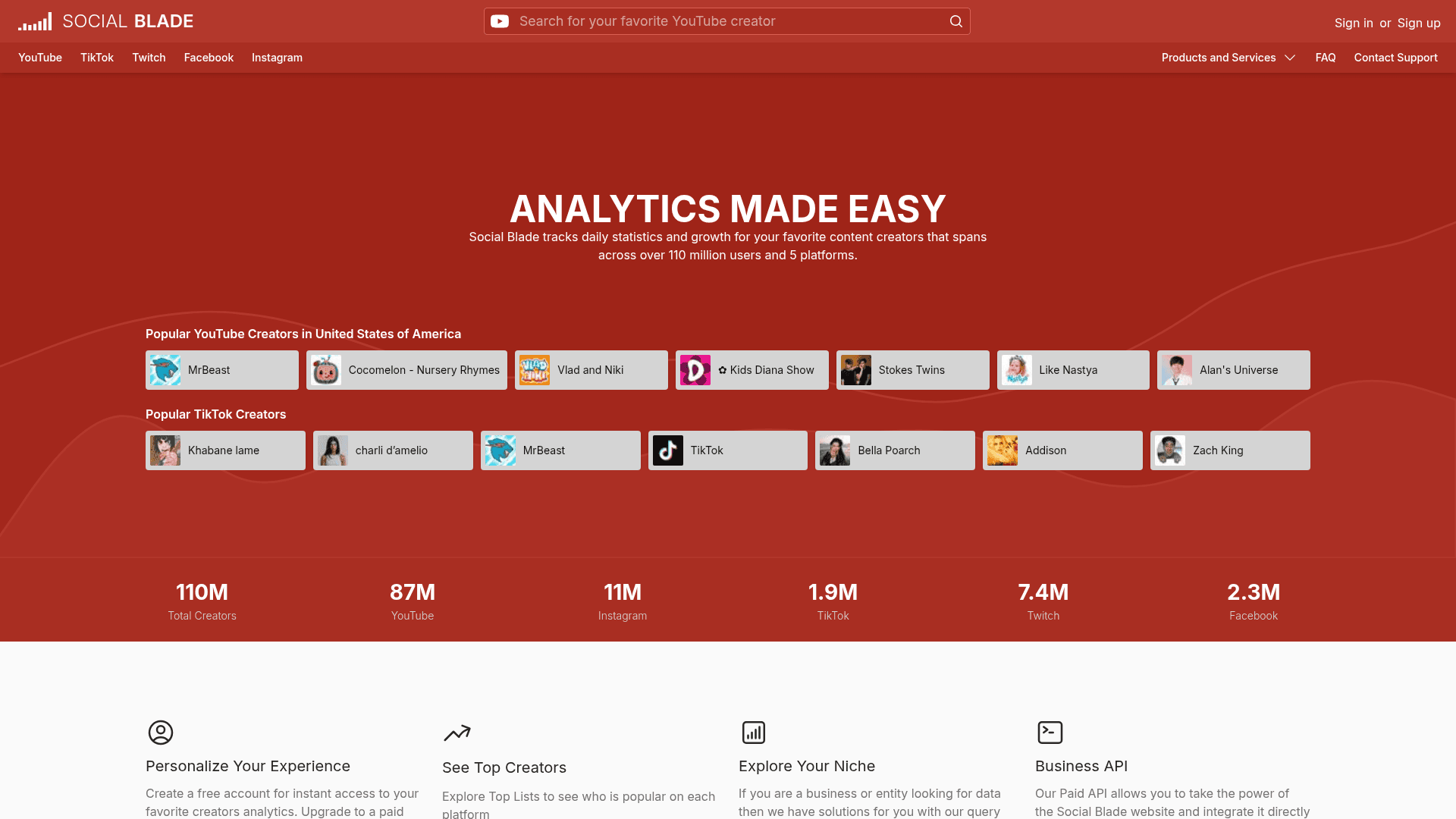
How to Scrape Social Blade: The Ultimate Analytics Guide
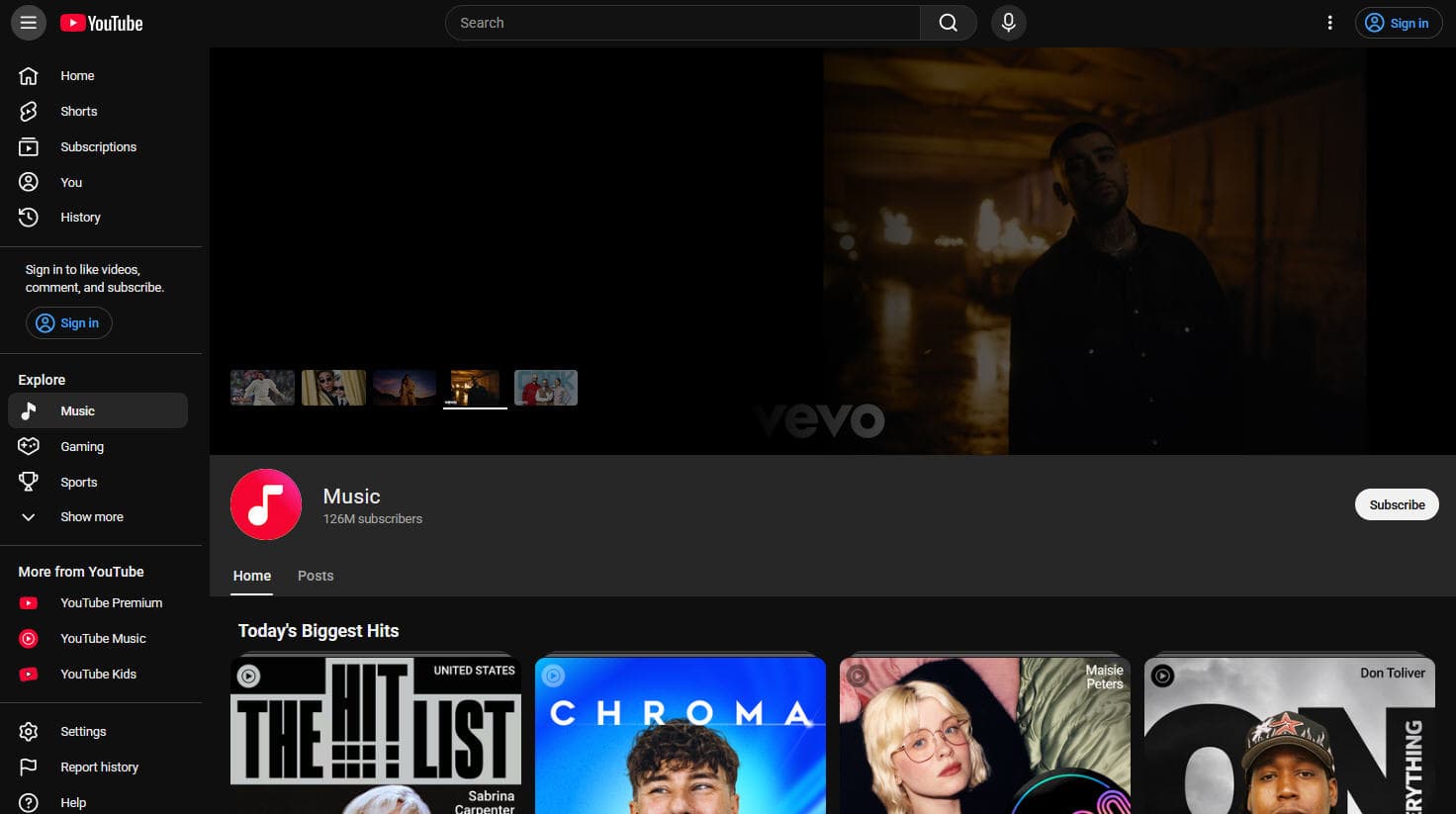
How to Scrape YouTube: Extract Video Data and Comments in 2025
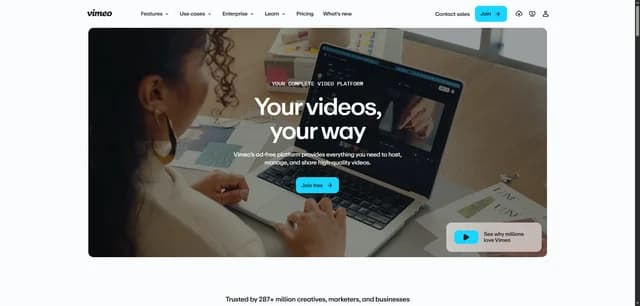
How to Scrape Vimeo: A Guide to Extracting Video Metadata
How to Scrape Bento.me | Bento.me Web Scraper
How to Scrape Imgur: A Comprehensive Guide to Image Data Extraction

How to Scrape Patreon Creator Data and Posts
How to Scrape Goodreads: The Ultimate Web Scraping Guide 2025

How to Scrape Bluesky (bsky.app): API and Web Methods
Domande frequenti su Behance
Trova risposte alle domande comuni su Behance