

Social accounts
Connect LinkedIn, Instagram, TikTok and other networks, and have the agent post and schedule for you.
Connect your social networks once, and then ask in any chat: "post this on LinkedIn tomorrow at 9", "plan a week of Instagram posts from these photos", "how did last week's posts do?".
Connecting a network
- Open Integrations in the sidebar, the Apps tab, and scroll to Social accounts.
- Press Connect on the network's card and sign in on the network's own page. For Bluesky, type your Handle and an App password instead.
- Pick the page, profile or location you want. Each one is an account of its own.
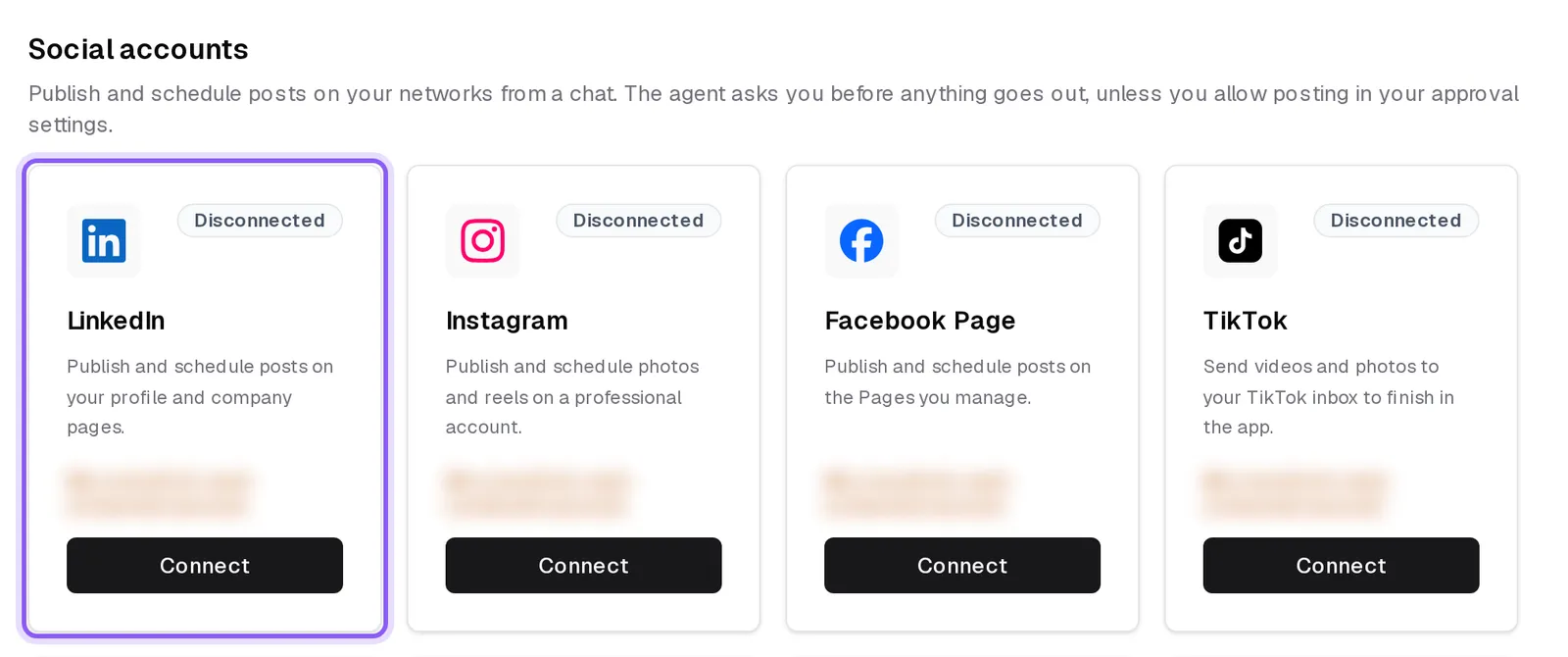
The networks are LinkedIn, Instagram, Facebook Pages, TikTok, YouTube, Threads, Pinterest, Bluesky and Google Business Profile.
A connected card has Manage, where you can Connect another account or Disconnect one, and Reconnect an account that needs it.
What it costs
Connecting needs a paid plan billed monthly. Each connected account costs $6 a month, and you can connect up to 20. The card says what connecting costs before you confirm.
What the agent can do
- Publish a post now, schedule it for later, or save it as a draft, with text, pictures or video. A TikTok post goes to your TikTok inbox as a draft, where you finish it in the app.
- Keep a weekly posting schedule and fill it for you.
- Show how your posts and accounts are doing: reach, followers and the best times to post.
- Try a failed post again, and, on the networks that allow it, edit the text of a live post or take it down. A post on a Facebook Page can be pinned.
It asks first
A post waits for your OK on a card, unless you allowed posting in your approval settings. Several posts in one request come as one card. A draft never asks; editing or taking down a live post always asks. An automation posts only if you allowed posting for every chat. See Approvals.